


Though many smartphone makers still include proprietary gallery apps on their devices, Google Photos has become the go-to option for many Android smartphones. Because of this familiarity, Google Photos is often cited as the best gallery app on Android as well.
Recently, though, I came across what could be the best gallery app for Android that doesn't compromise on privacy or features: Aves Gallery.
Why Google Photos keeps getting in my way
It loads its agenda before it loads your photos

If you have integrated the Google ecosystem into your life and don't care much about privacy, Google Photos may be a decent option! However, the moment you want freedom, you realize how restrictive everything is. For one, you cannot use Google Photos without a Google account. Moreover, the first thing you see when you open this app is a prompt to enable backup. In this way, it often feels like Google Photos loads its agenda before it loads your photos.
But even when you are okay with this agenda, you miss out on many features. For instance, it feels terrible to use Google Photos without an internet connection, even when you have local files on your device. You also soon realize that this photo gallery app offers limited support for many lesser-known photo/video formats. Google Photos can also be a hassle when you want advanced organization options.
Thus, a different question arises: are you willing to put up with all this just because Google Photos offers convenient backups? If not, you may feel what I felt about Aves Gallery.
Aves opens and shows you your photos
No sheet, no sign-in, no nudge


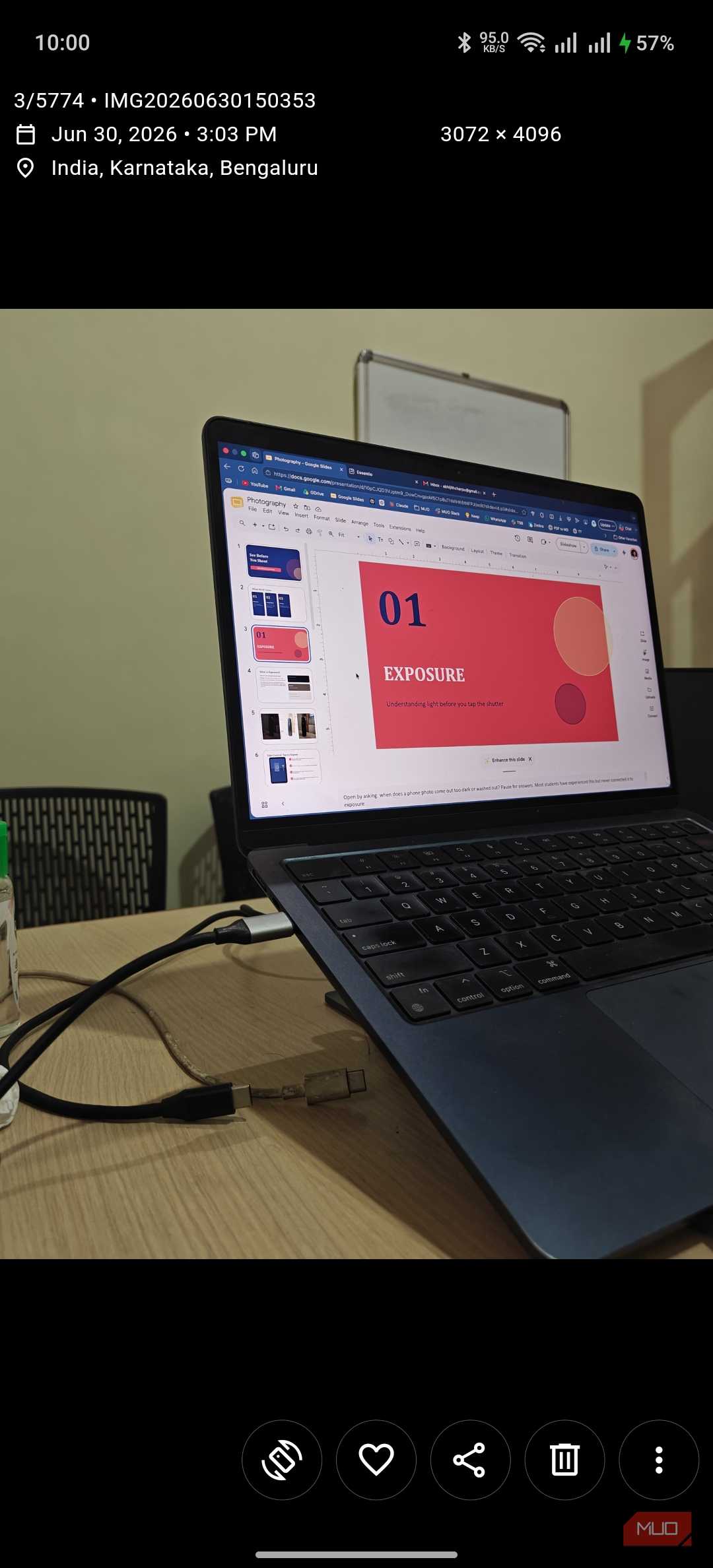

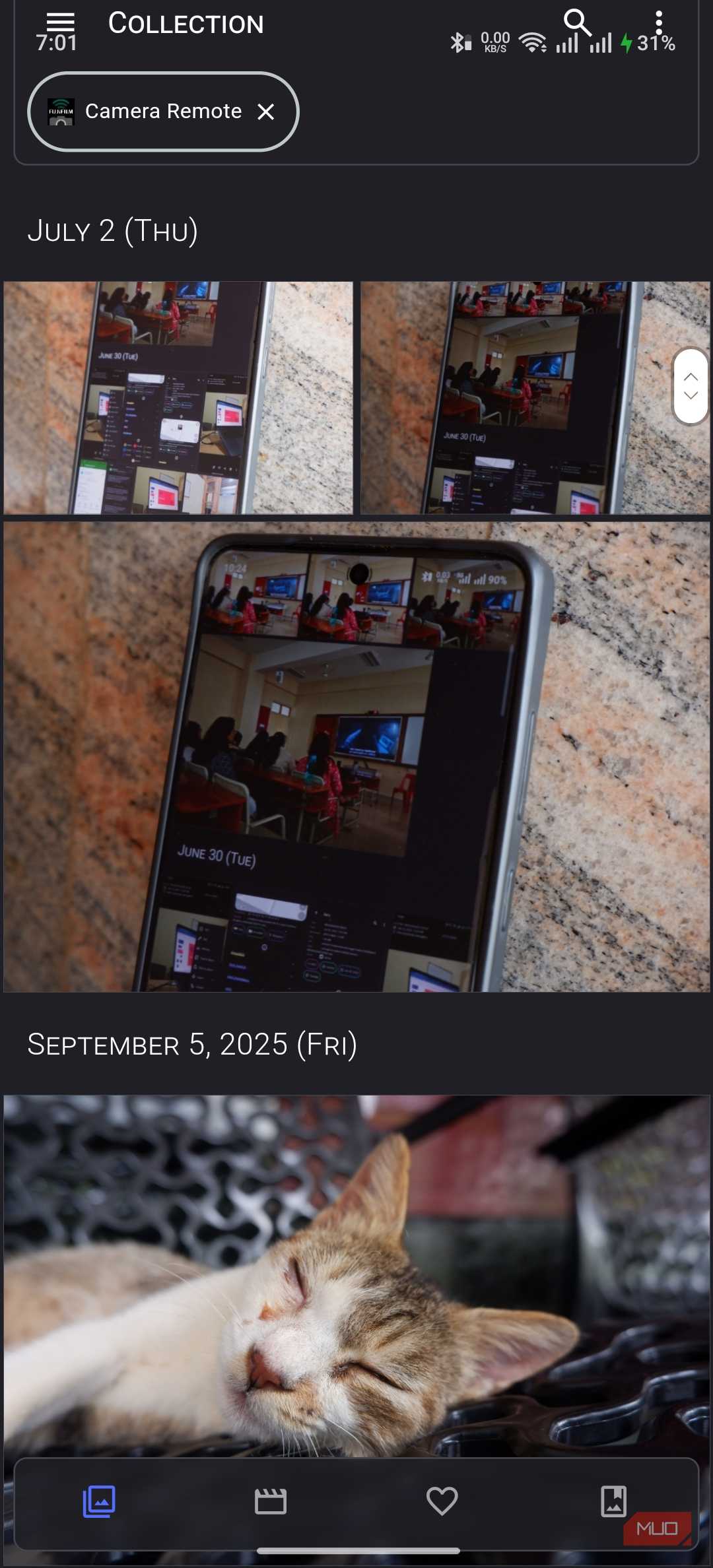
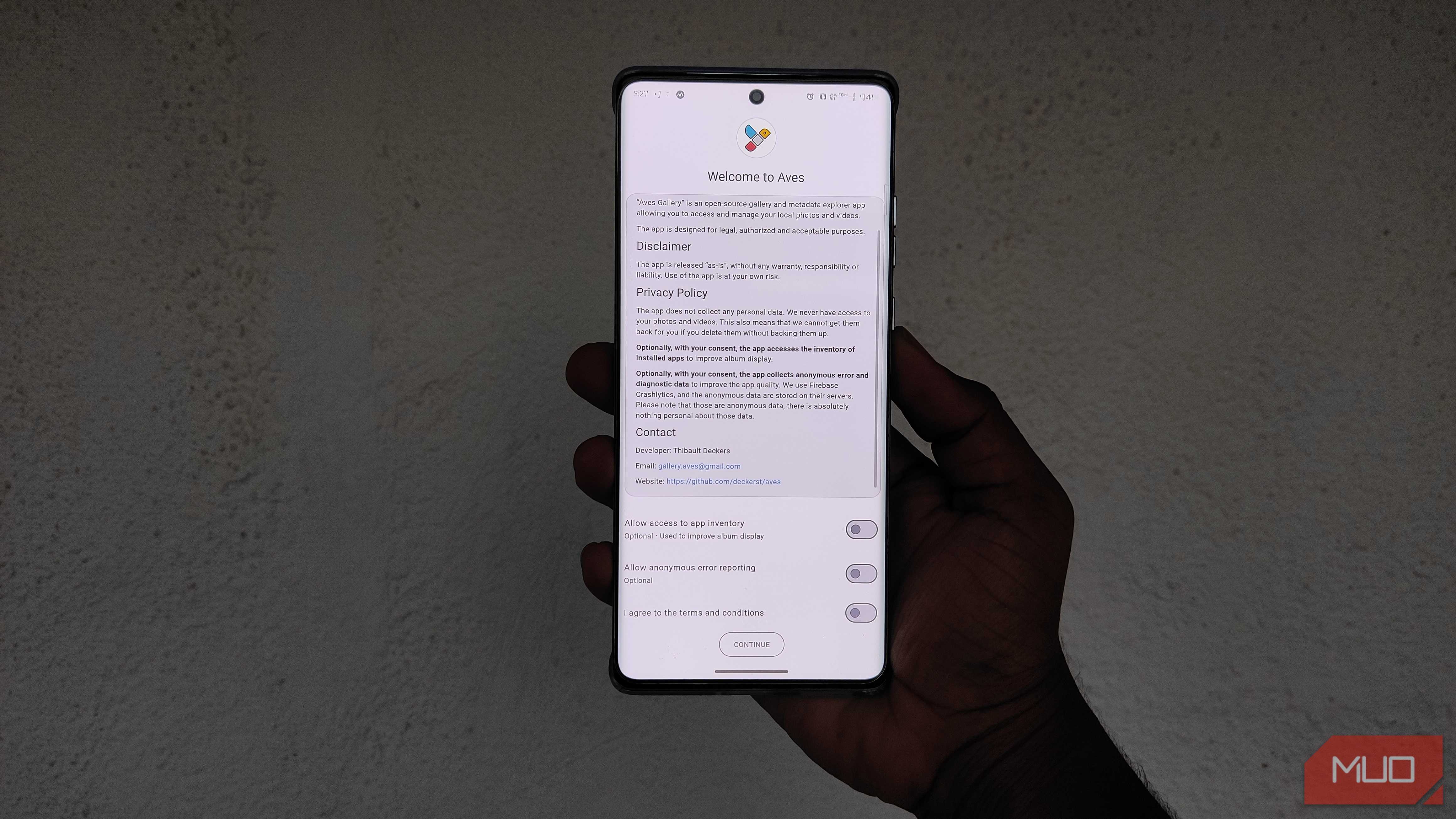
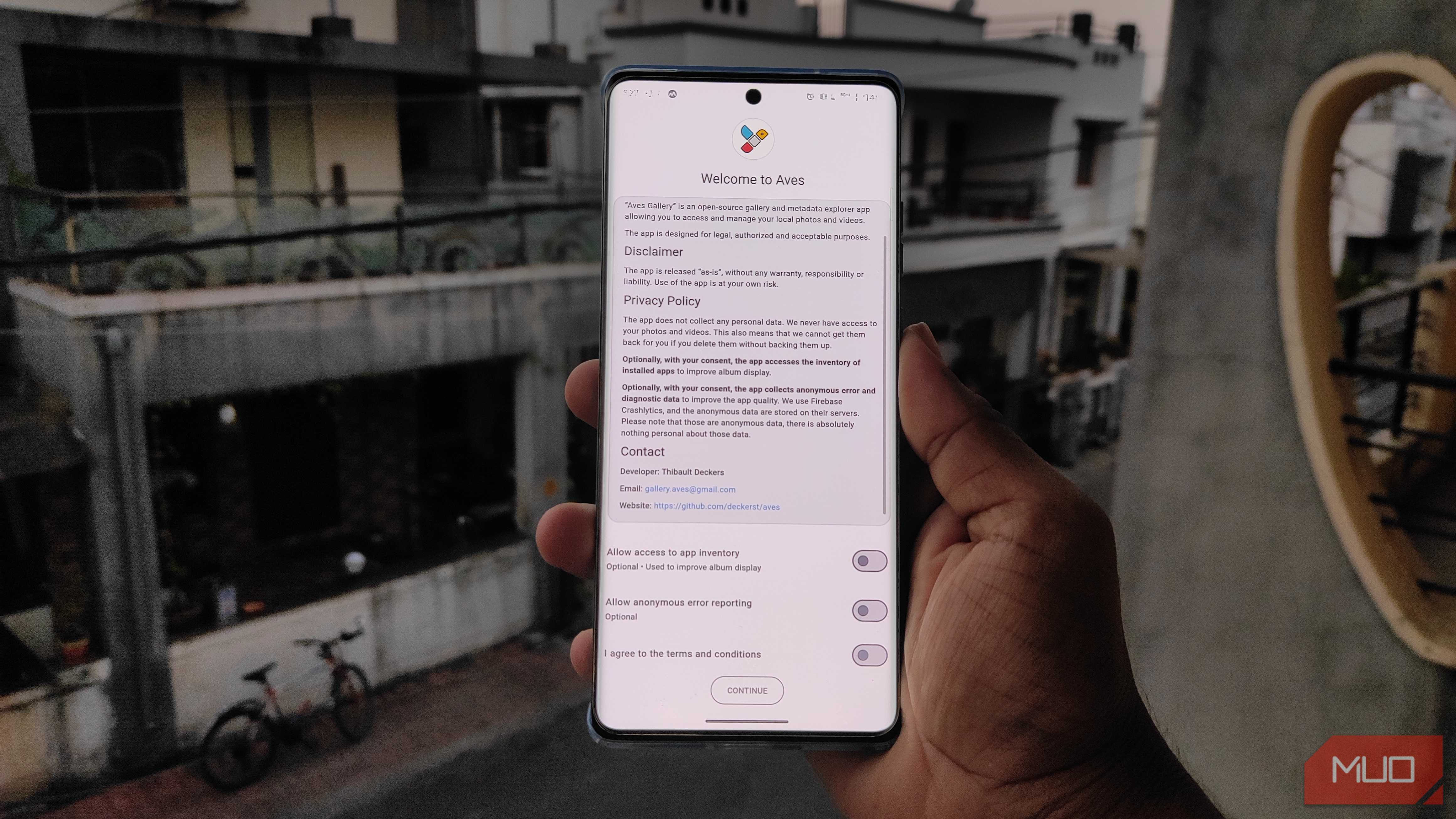
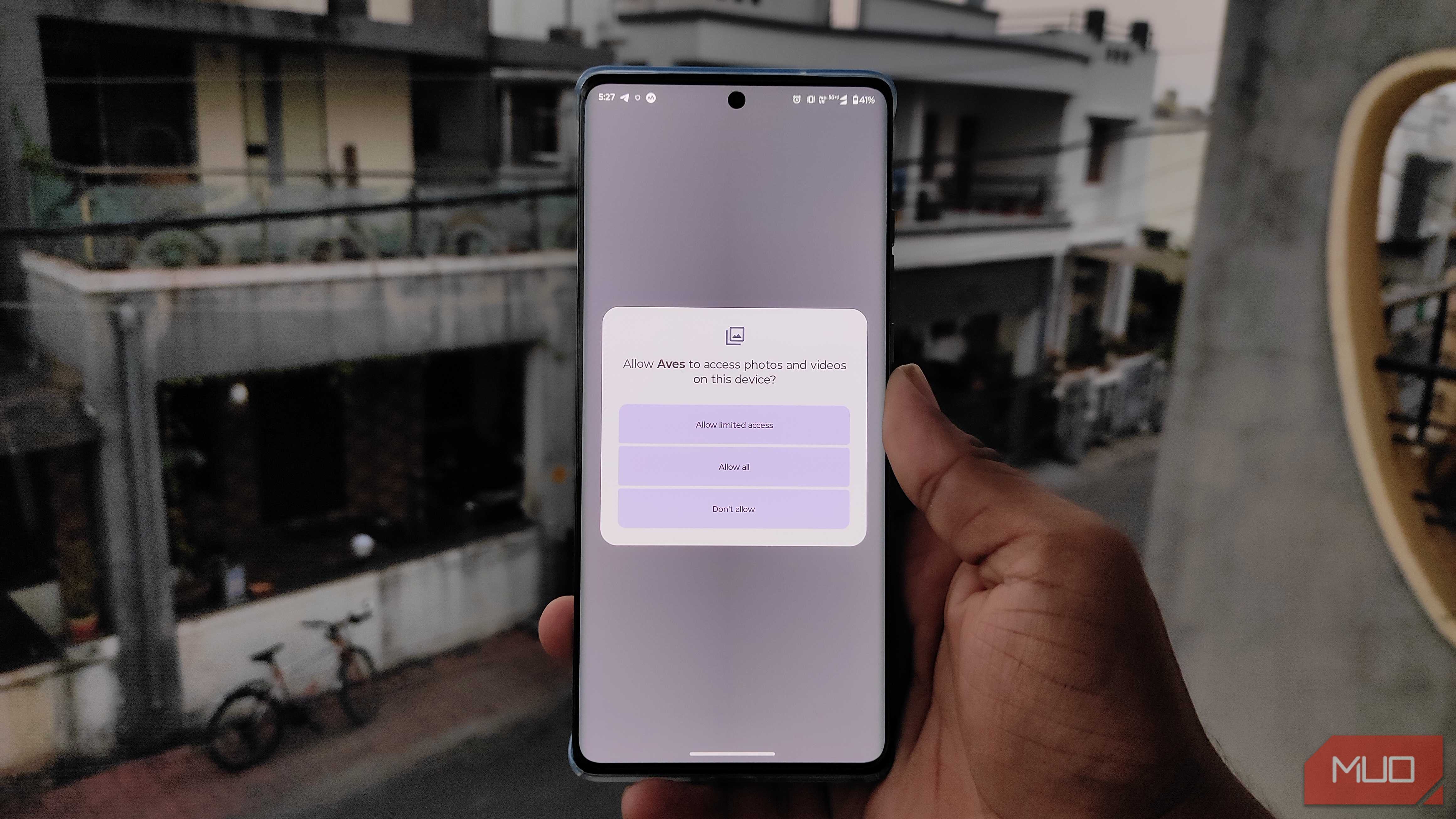
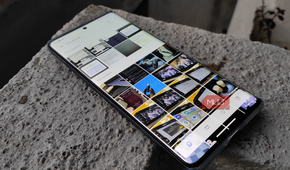
For starters, Aves Gallery is a completely free, open-source Android gallery app. This must be a new experience, because most gallery apps you come across on the Google Play Store are either clumsy or filled with annoying ads. On the other hand, you come across a super-clean setup experience when you get started with Aves Gallery. It may take a few minutes to scan your device for all possible photo galleries, but you'll see the camera roll soon enough.
Even more impressive is that you don't see any onboarding screens or additional permission requests beyond the basic options. You also don't have to set up an account to continue using Aves Gallery. It was also nice to have a gallery app that doesn't initiate any background activity without my consent. Overall, Aves Gallery is a better alternative to Google Photos because it's less intrusive on your device. Because of its minimalist approach, this open-source gallery app feels swift as well.
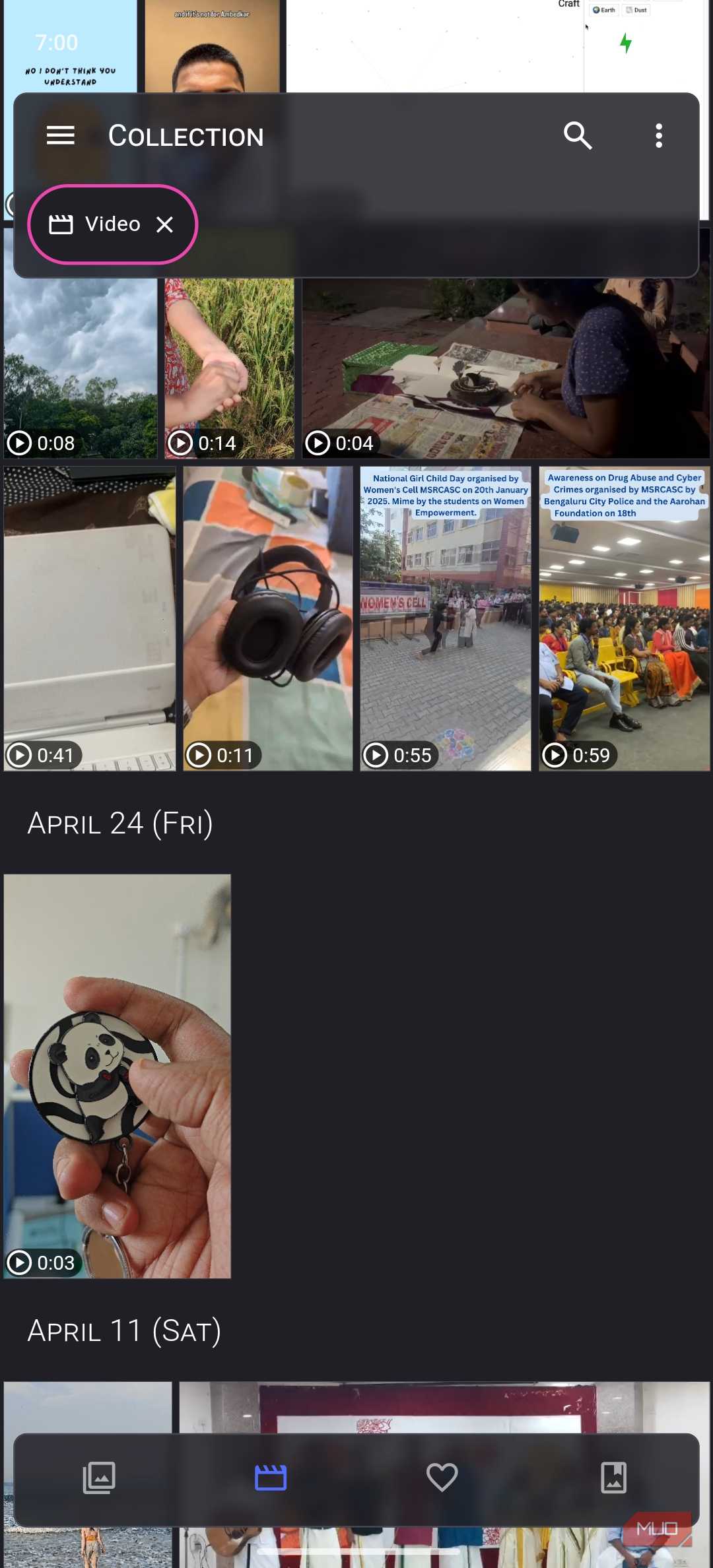
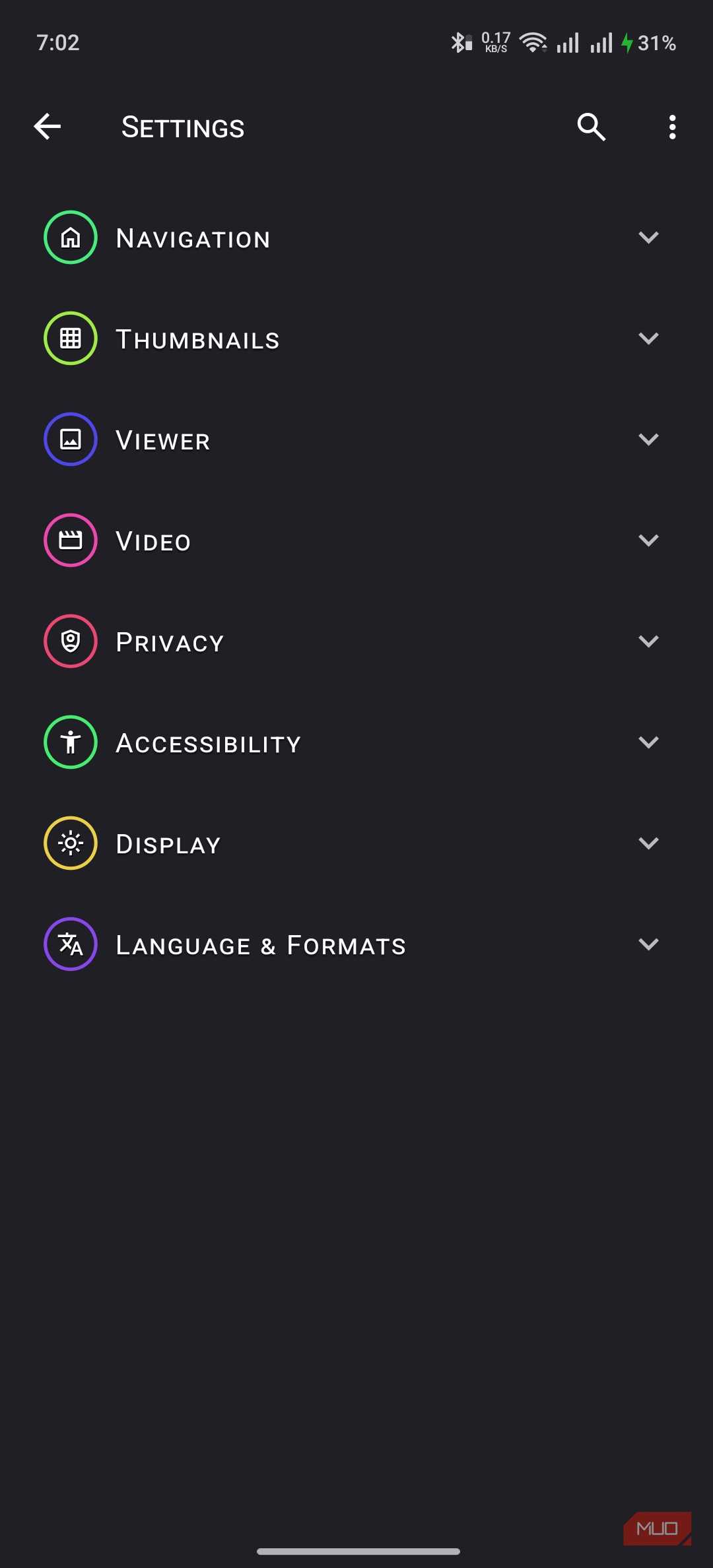
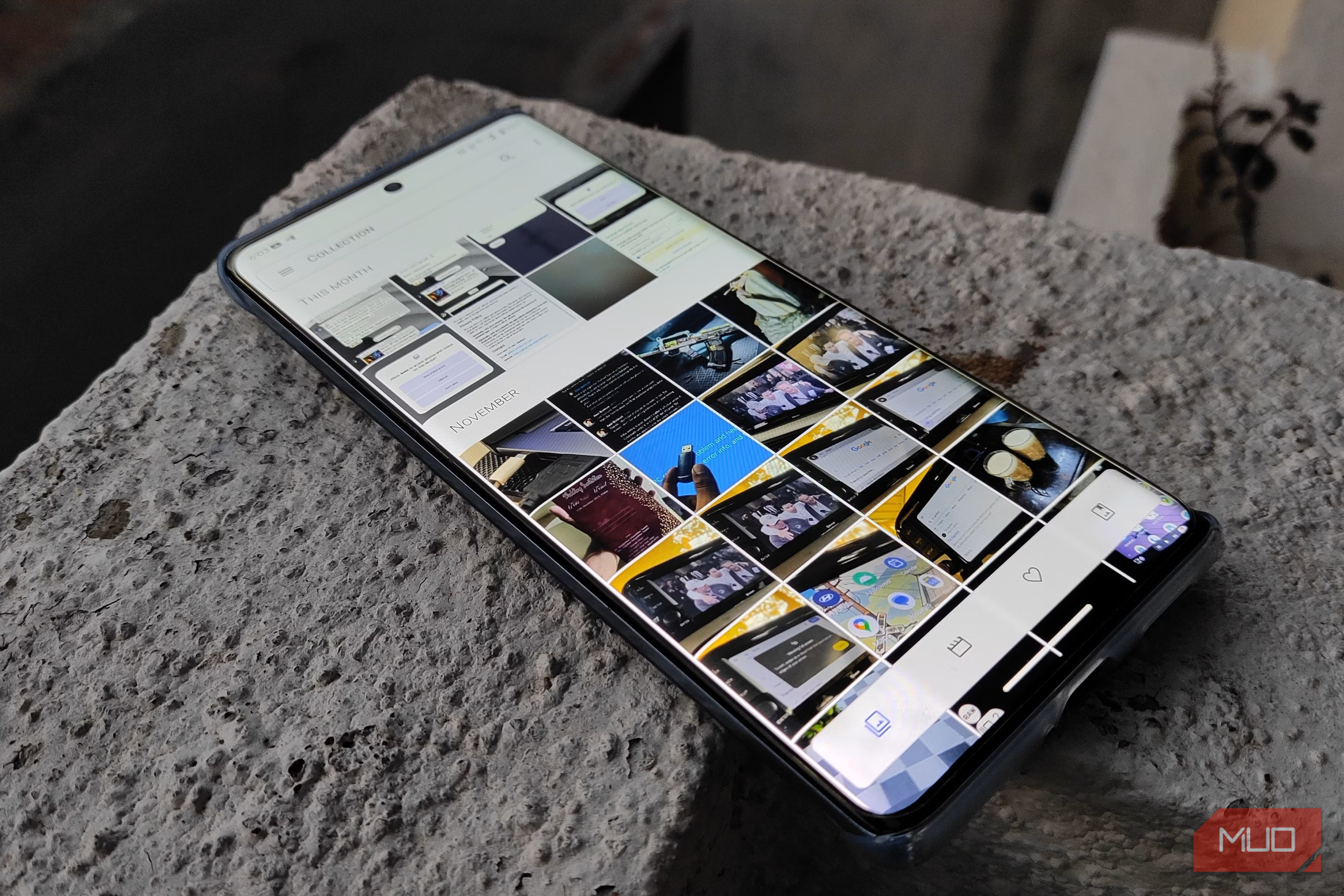
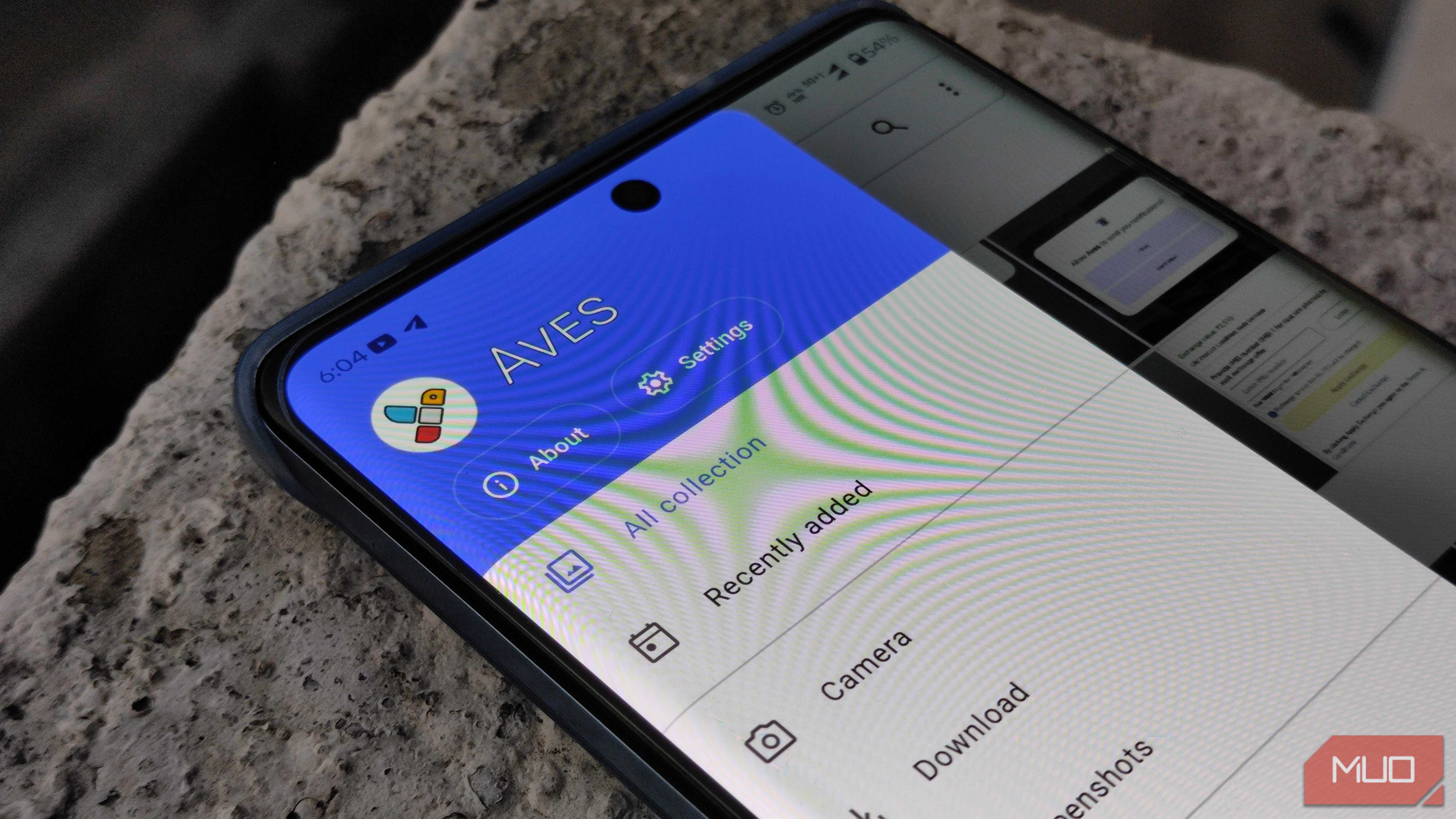
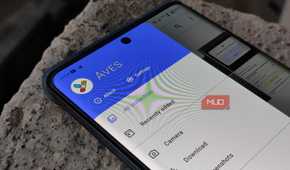
When you first open Aves, it shows the default view, which arranges photos by date. However, you can use the navigation bar at the bottom to switch between videos, favorites, and albums. You can use the sidebar to explore other sections and categories in more depth. Overall, I took only a few minutes to get used to Aves Gallery's way of organizing your media. I also love that Aves Gallery doesn't pretend to have a flat file hierarchy. Instead, you get to see the actual subfolders and subdirectories with ease.
What Aves tells you about each photo
Shutter speed, GPS pin, file path


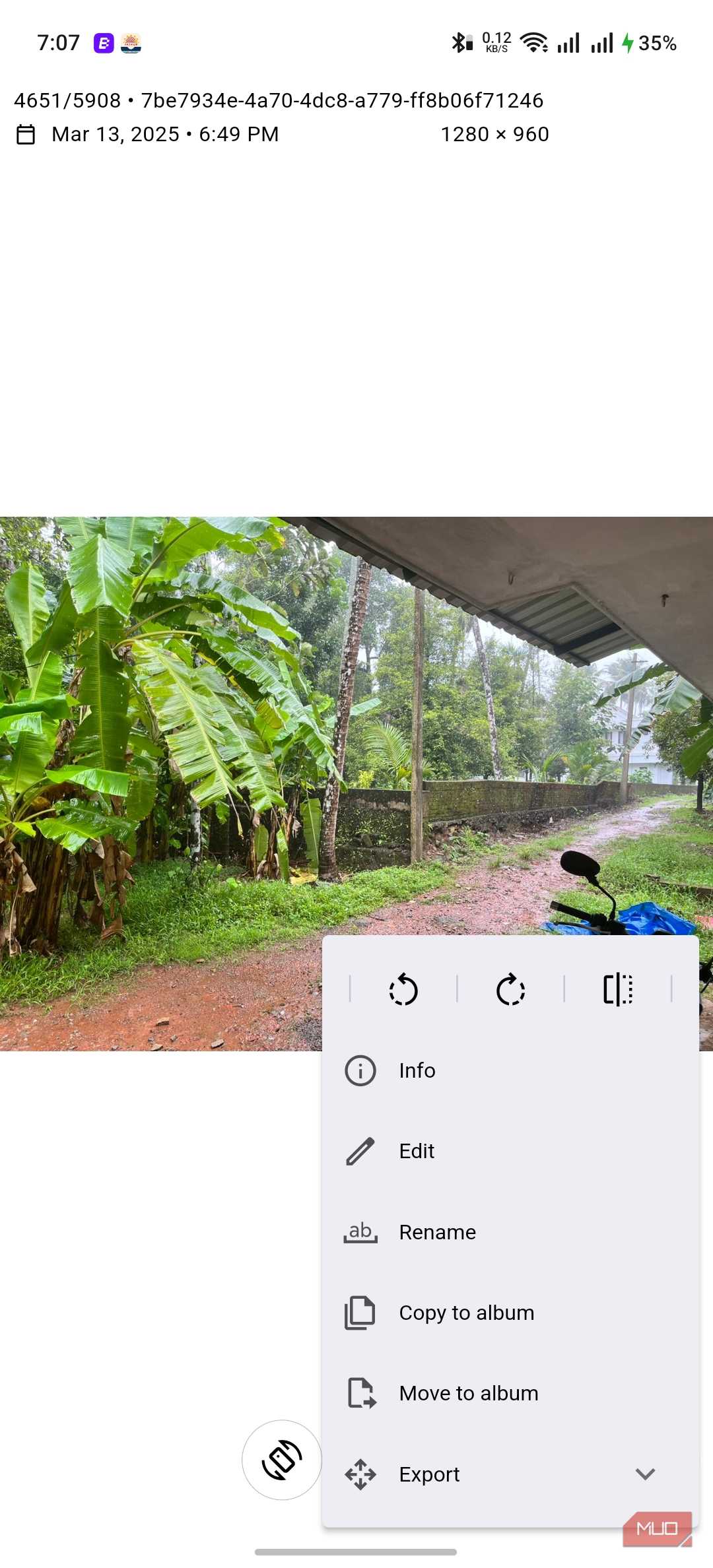
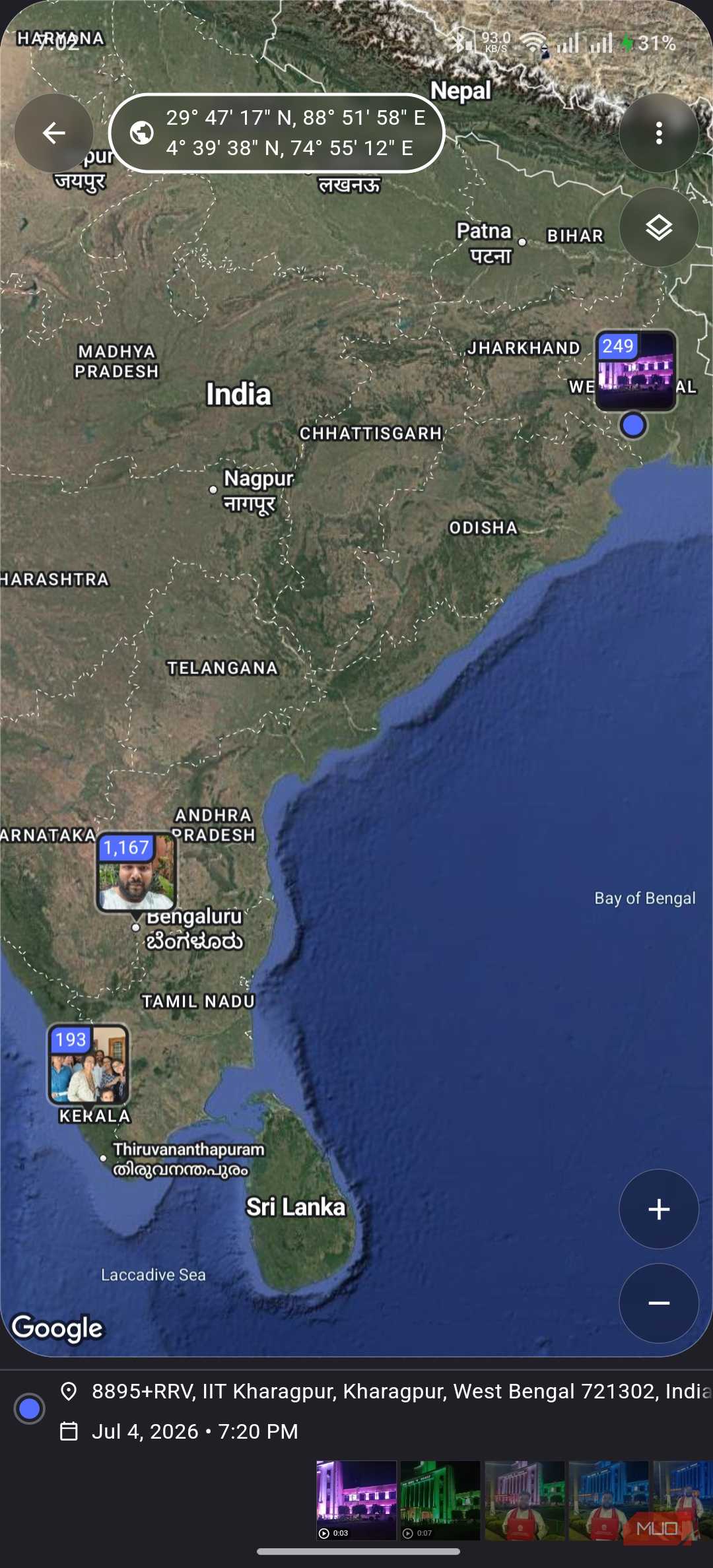
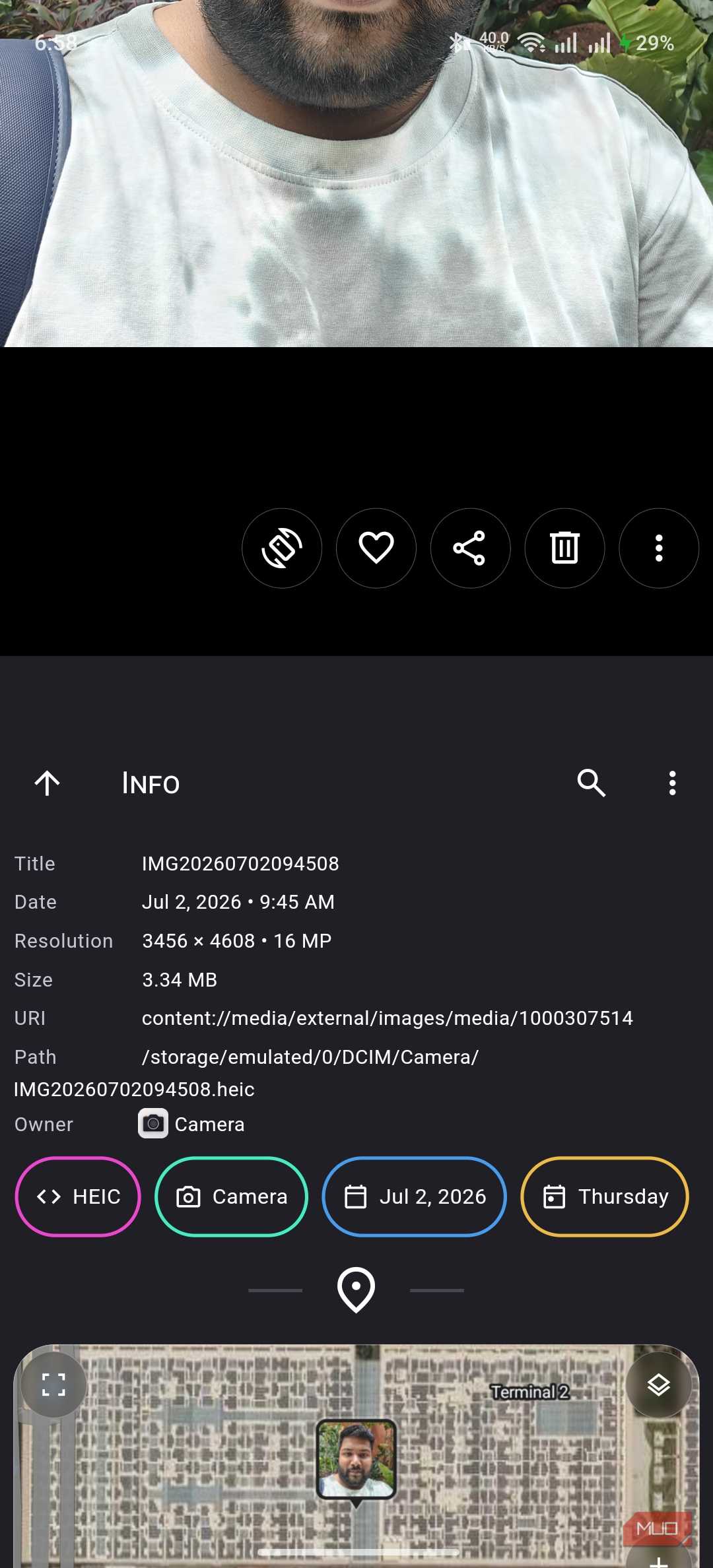
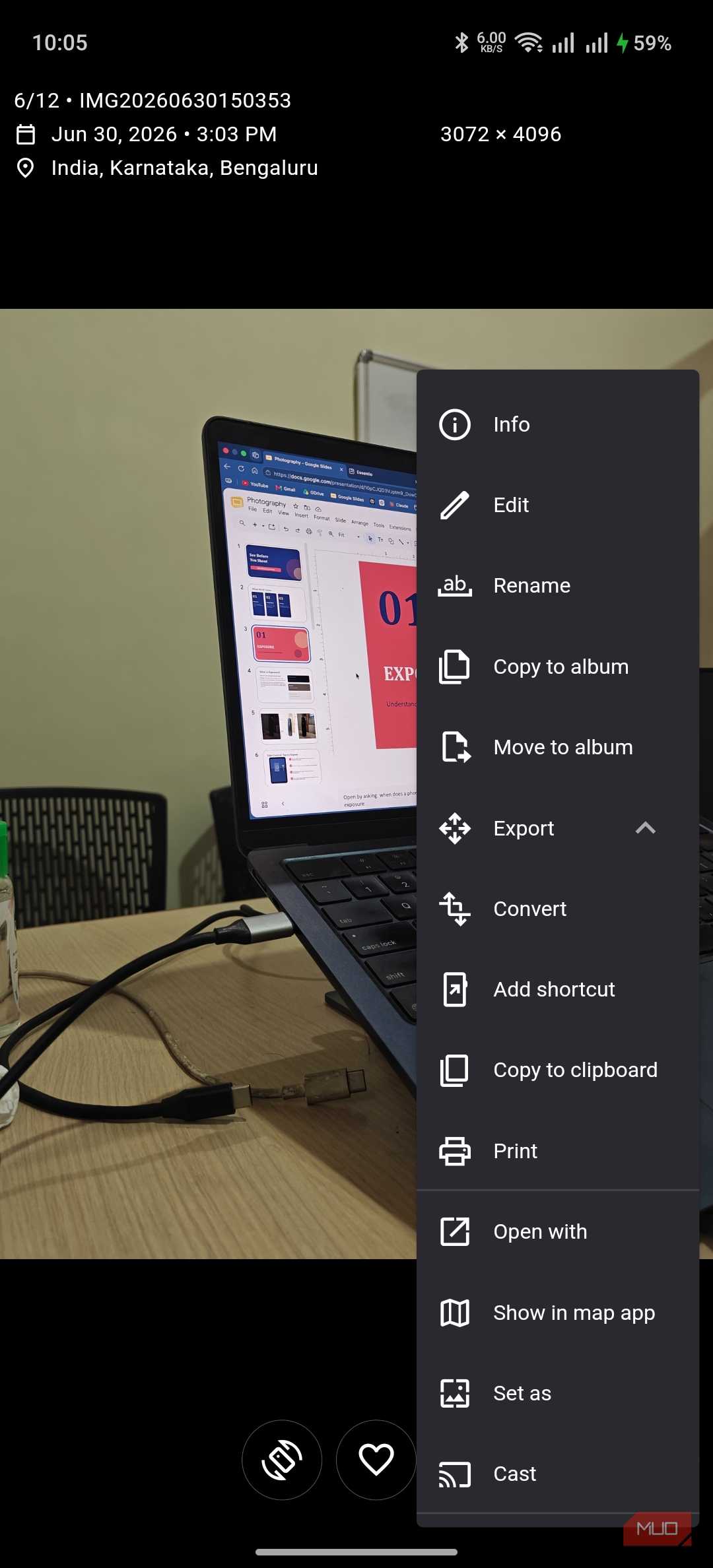
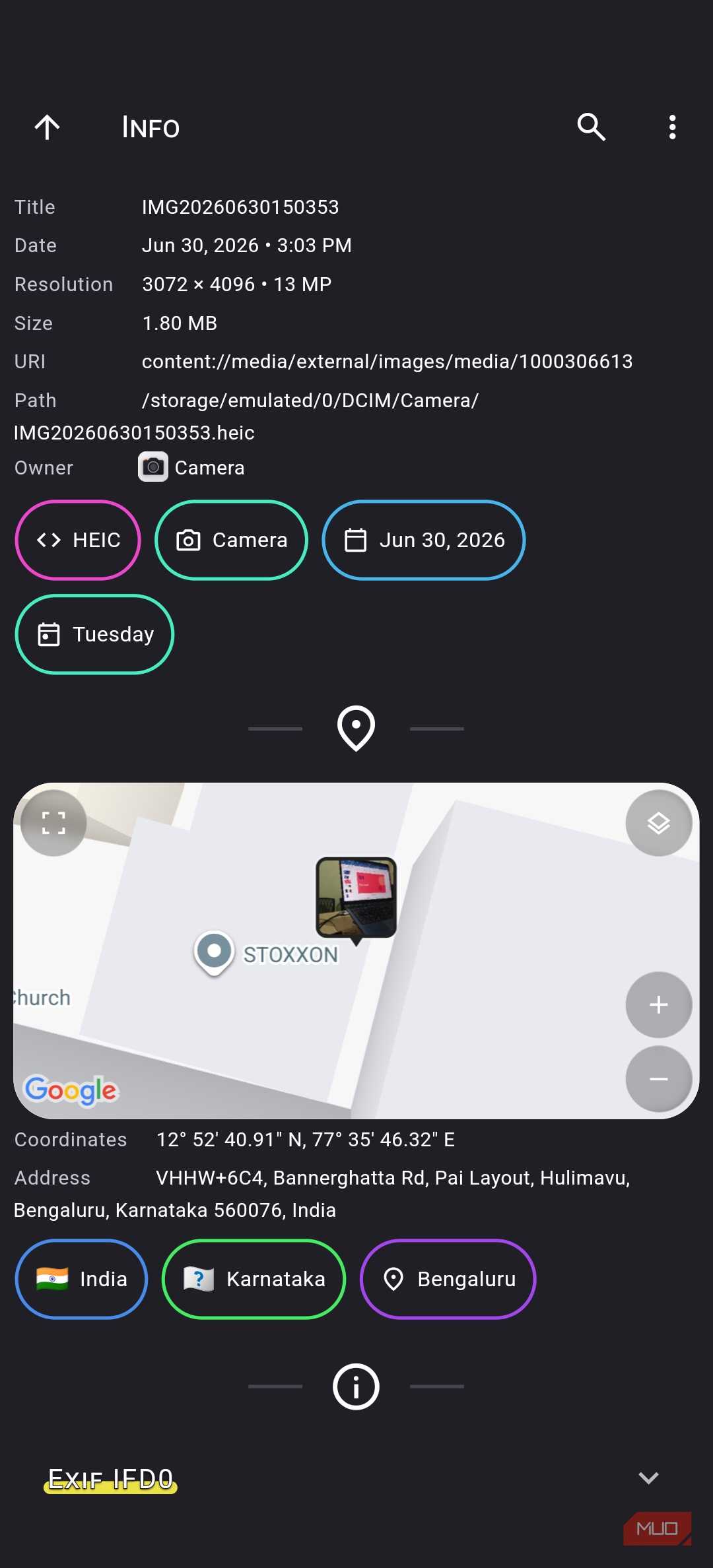
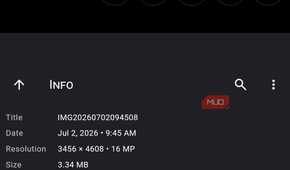
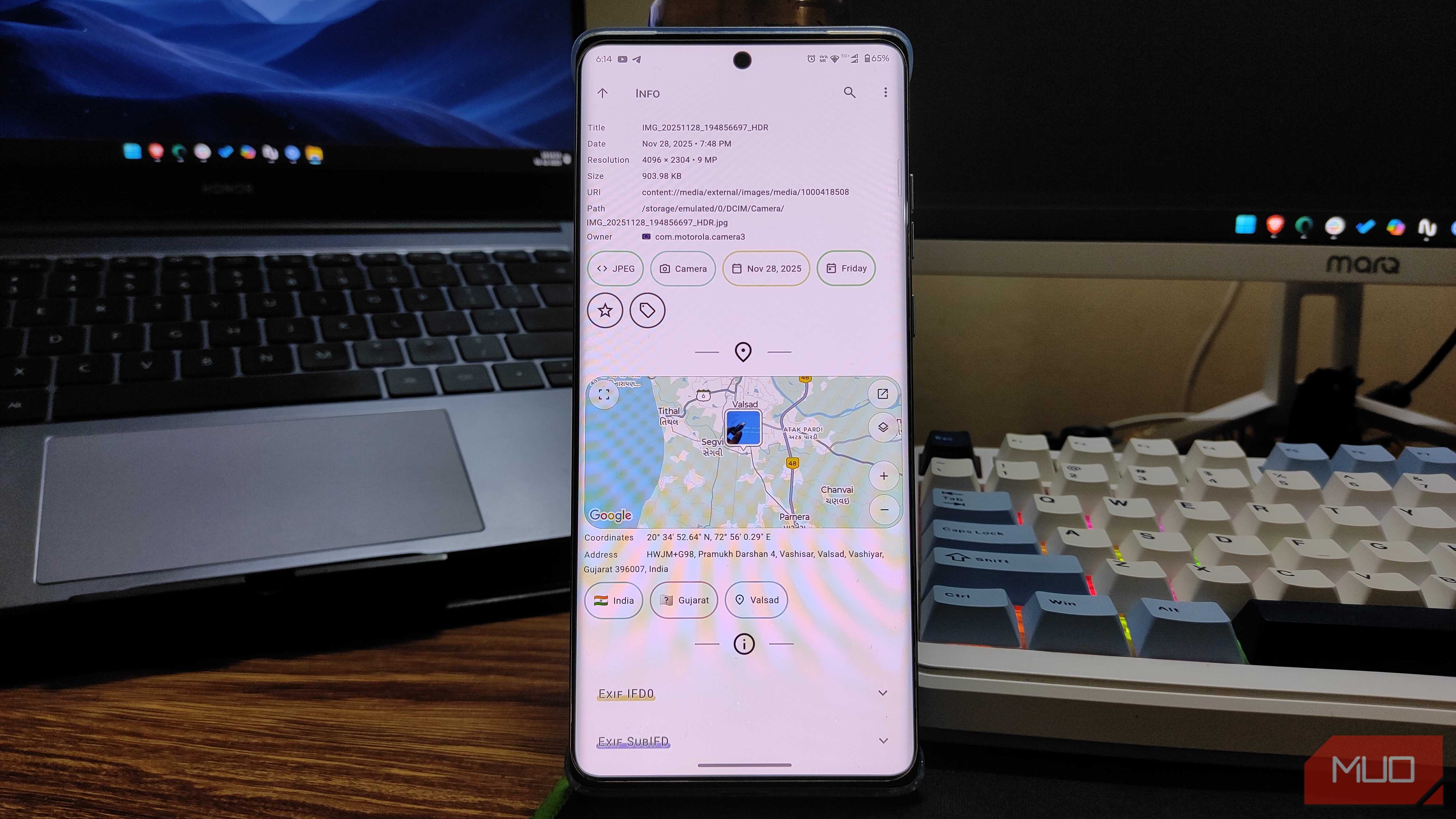
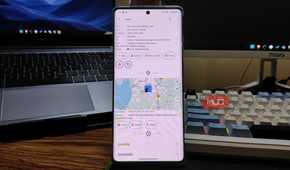
I also found differences in what Aves Gallery tells about each photo on your device. I managed to get a wider range of information from the photograph and file without downloading another professional tool. Compared to Google Photos, there's a goldmine of data, including EXIF and geolocation information. When I open a single image, Aves Gallery displays basic data such as the file name, capture date, resolution, and the location where the photo was taken. However, I can swipe up to learn more.
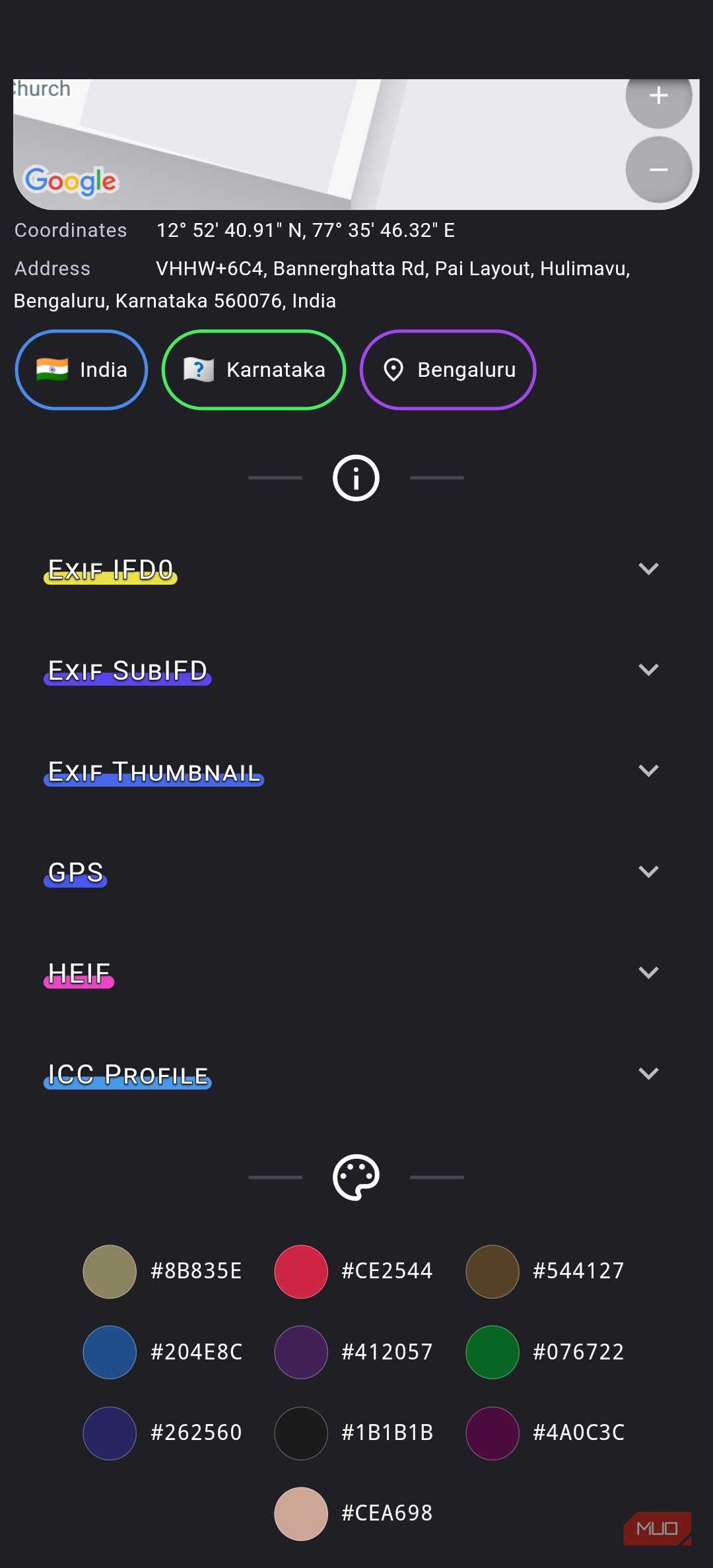
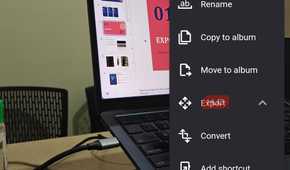
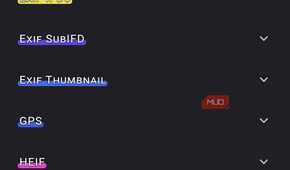
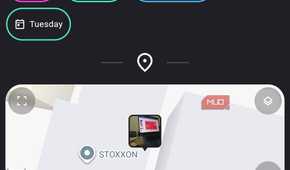
Here, I get a variety of information, including the image path, format, and captured data. More importantly, Aves Gallery displays a real-time map view showing the photo's coordinates and the address where it was taken. I can also expand advanced EXIF data, including features you wouldn't even expect from Google. Just to give you an idea, Aves Gallery shows you the ICC profile and a highly interactive dataset of the colors present in the photograph.
On a related note, Aves Gallery has made me realize what kind of sensitive data each photograph contains. It has been a reminder to clear EXIF data before sharing my photographs with others.
It opens files Google Photos just won't
RAW, HEIC, and video formats most gallery apps skip


The greatness of Aves Gallery doesn't end with its ability to show advanced metadata and customizable arrangement options. This gallery app also supports a wider variety of image and video apps. This is a feature you cannot really expect from Google Photos. Sure, you won't have trouble opening common formats like JPEG and PNG in Google Photos, and most features, like viewing and editing, work well. But the moment you deal with lesser-known formats, the Google app becomes restrictive.
On Aves Gallery, on the other hand, support for formats like SVG and ICO is limited, as is support for live photos. Similarly, you can't expect Google Photos to seamlessly handle video formats like MKV, AVI, or FLV, but Aves Gallery excels at them. I've also found better metadata support with Aves Gallery, making it an objectively better option for professional photographers who shoot in RAW. I also liked some advanced features, such as folder browsing, metadata filtering, tag support, and color histogram.
I've also appreciated the absence of the annoying loading screen, which is a problem when using Google Photos. It doesn't really matter whether I'm connected to Wi-Fi or in airplane mode; all my media is available. Since all categorizations are manual or directory-based, I don't have to depend on the cloud at any time.
Where Aves draws a hard line
While I appreciate everything Aves Gallery has to offer, it draws a hard line in one area: cloud backups. With Google Photos, you don't have to worry about this aspect since everything is automated. So, if you are so used to this feature, AI search, and auto-categorization, getting used to Aves may take a minute.
However, overcoming this inconvenience means embracing a better, privacy-centric way to organize and access your photos. Moreover, if you are into professional photography or work with a variety of media, you have more to gain by shifting to Aves Gallery. It might also motivate you to move your backups to a privacy-friendly option.

Aves Gallery
- OS
- Android
- Developer
- Thibault Deckers
- Operating System
- Android 14 +
- Pricing model
- Free
Aves Gallery is a free, open-source gallery app that works on Android without an internet connection.