


I've talked about PDF24 as a great free alternative to Adobe Acrobat, but it does have a limitation, as you can't use it to edit text or objects within the PDF file. However, I needed a PDF tool with a capable editor and also free of any subscriptions.
While there are many free alternatives, including Sejda and PDF-XChange, only PDFGear seems to offer a truly free app that works without any limitations. As expected, after installing PDFGear, I ended up canceling my Adobe Acrobat plan just after a weekend, and I don't think I am going back.
PDFGear can edit and save any PDF
The one feature most free PDF tools lock behind a paywall
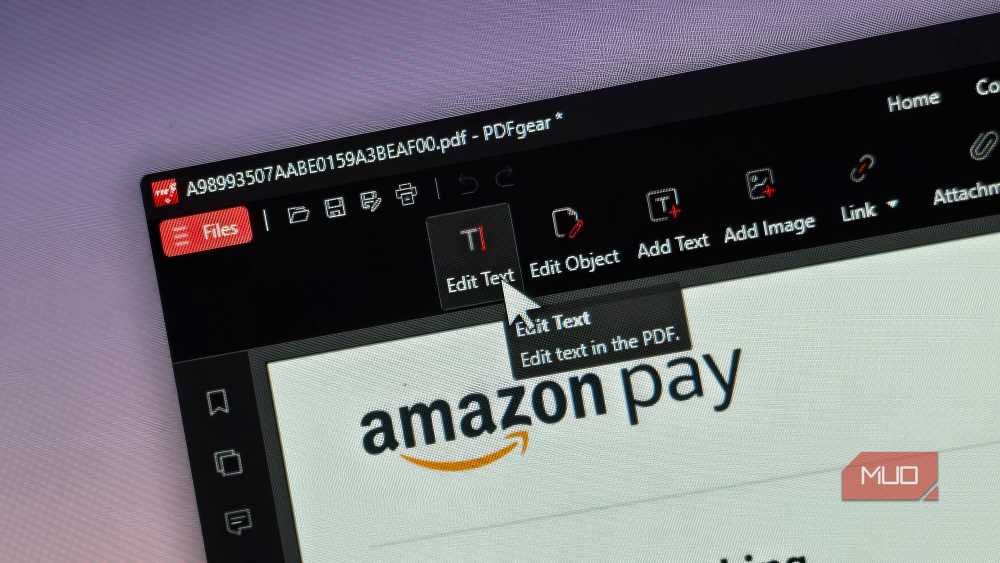
The biggest problem with free PDF editors is that they almost always hide their PDF editing feature behind a paywall. PDF-XChange, for example, slaps a watermark on your document the moment you save it on the free version. Sejda limits how many documents you can edit for free per day. You can use either for quick annotations, but the moment you need to make a multi-document edit, you're either paying up or living with the watermark.
PDFGear is a completely free option. You can open a PDF, edit the text, swap images, and save the file without a watermark, a usage cap, or even an account. There is not even a sign-up screen. You just install the app and start working.
To edit a document, open it in PDFGear and click the Edit tab at the top. Choose the Text tool, then click the area you want to modify. The app detects the existing font and matches it, so your changes blend in with the rest of the document. I rate PDF editors largely on how well they handle font retention, and I've praised Sejda for this in the past.
The only thing is, you need the PDFGear desktop app to make the edits. But the app does it by leaving no visible traces of the edit, or text layered on top of existing content, the way some free tools handle it.
The full editing feature is only available on the desktop app, which is available for Windows, macOS, Android, and iOS. The web version has more limited functionality. But for anyone who needs to regularly edit and save PDFs without spending money, this is the strongest free option I've found.
PDFGear can do a lot more
Editing is just the start of what it offers


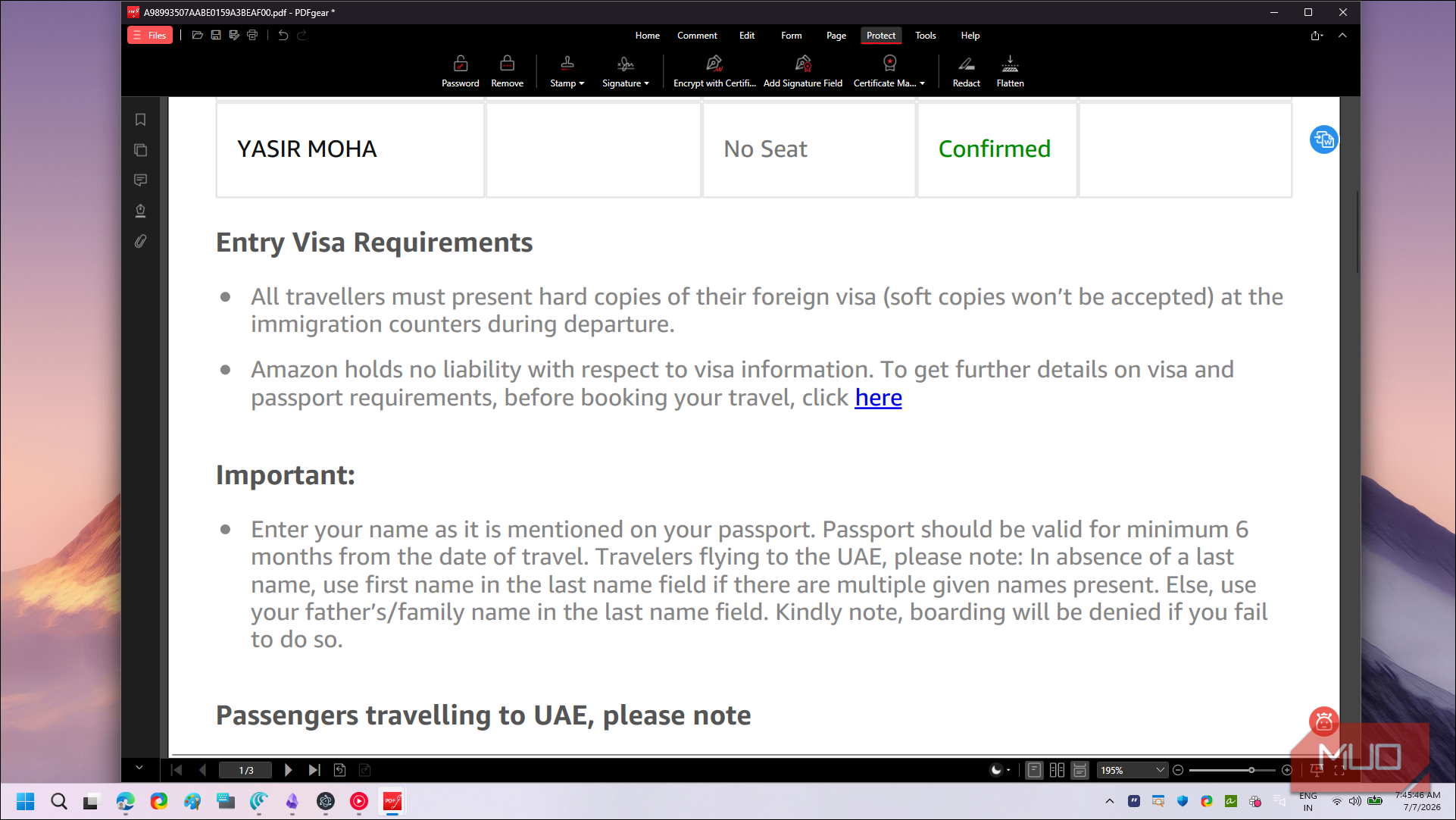
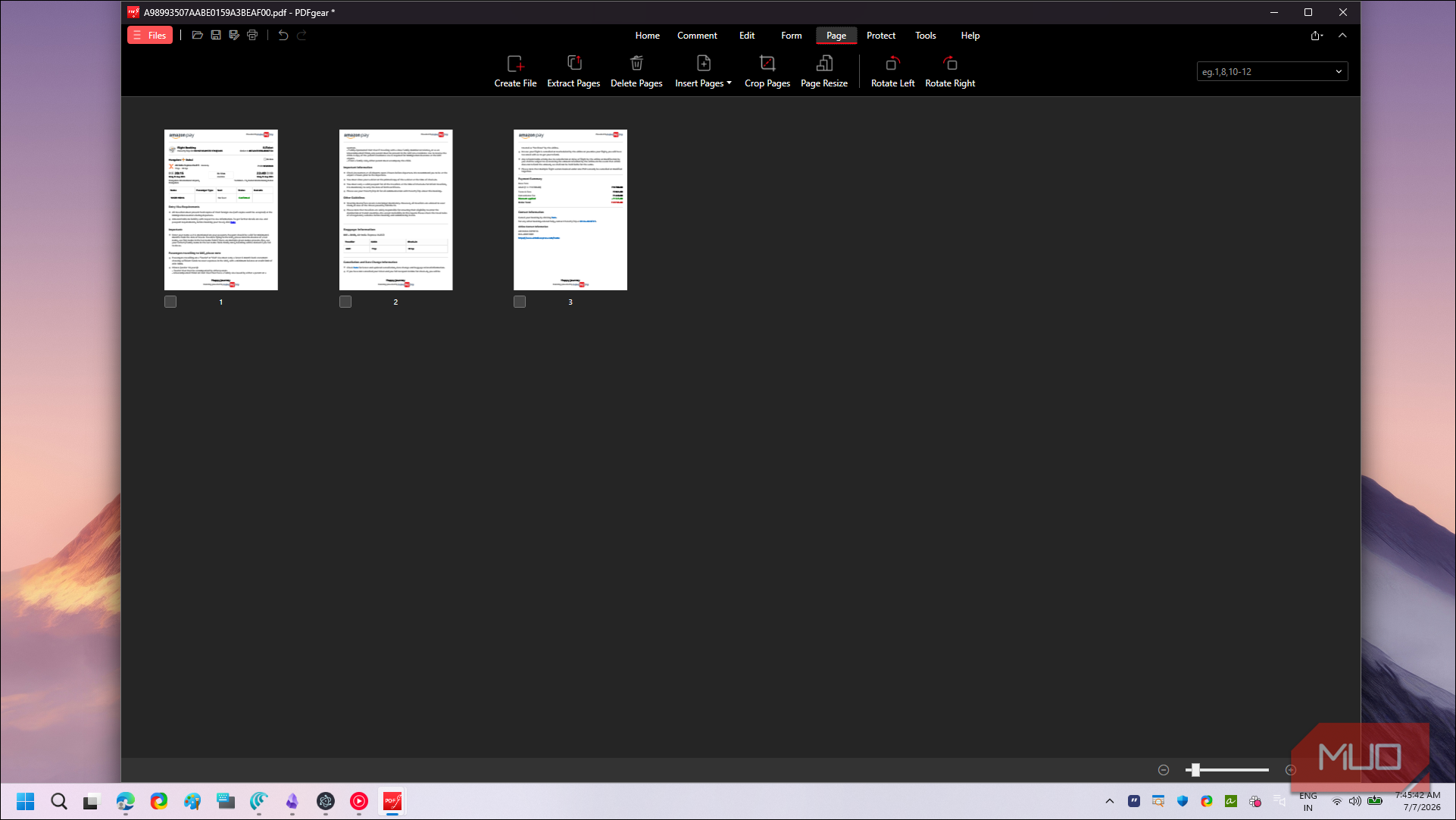
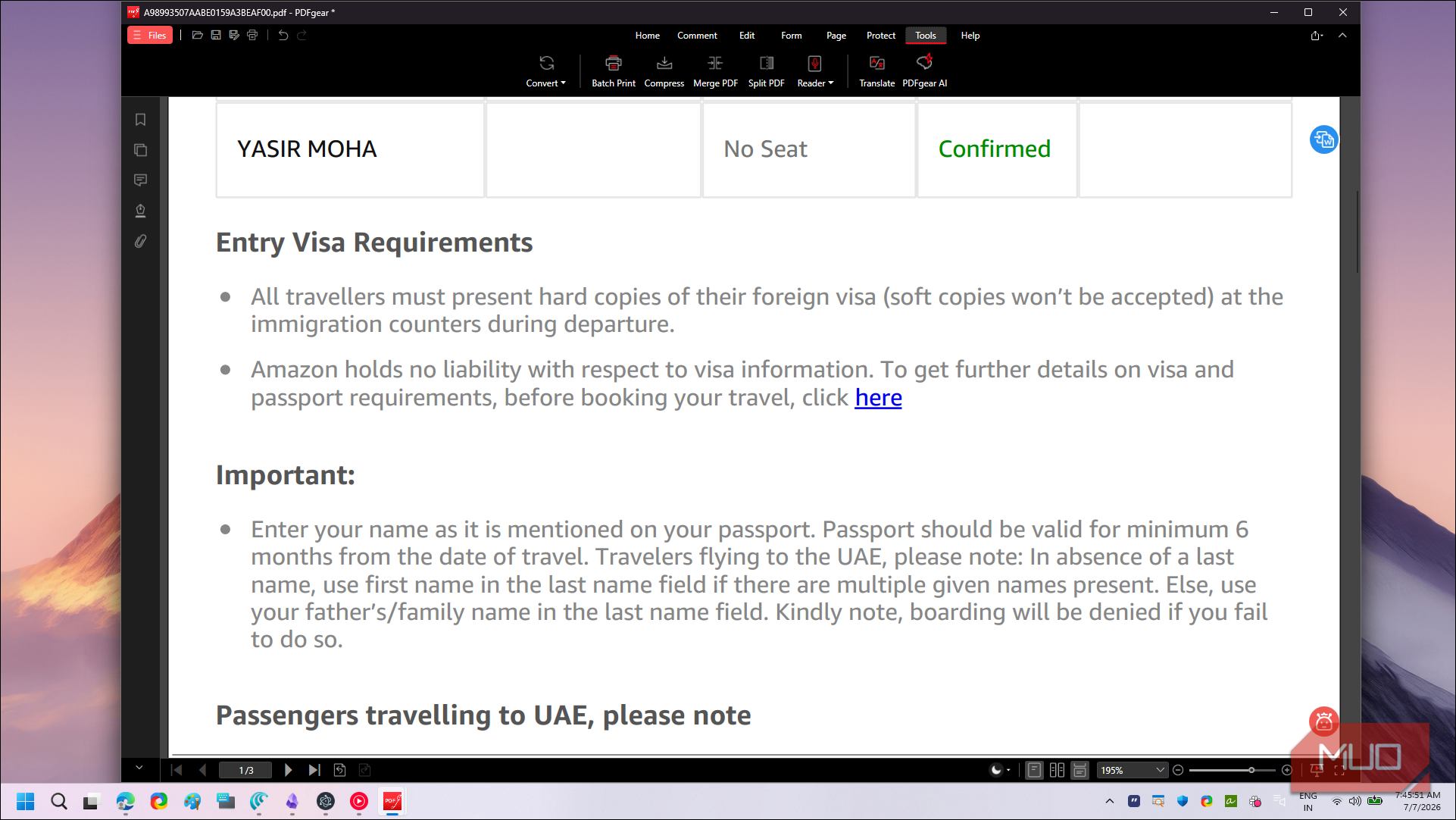
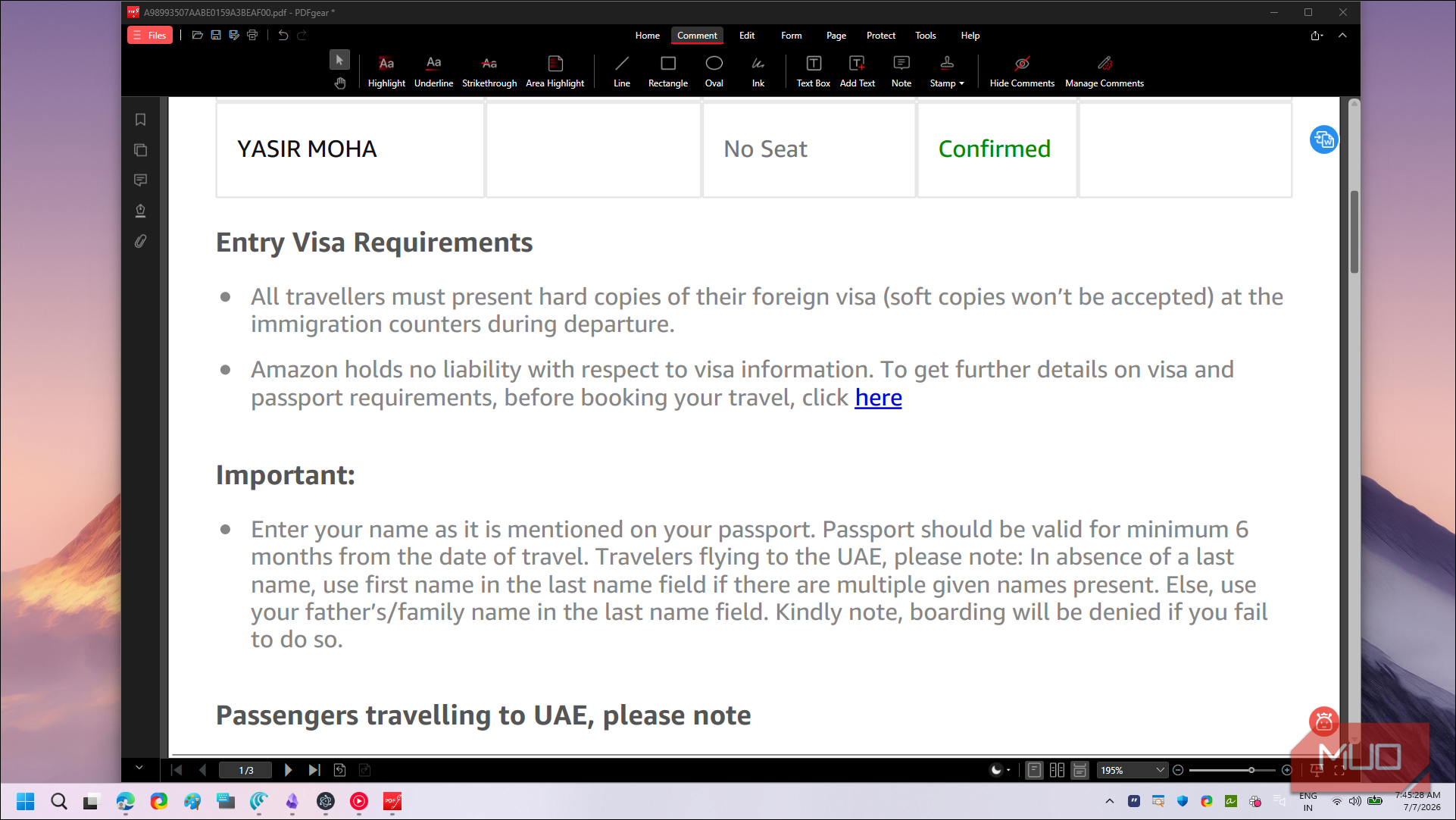
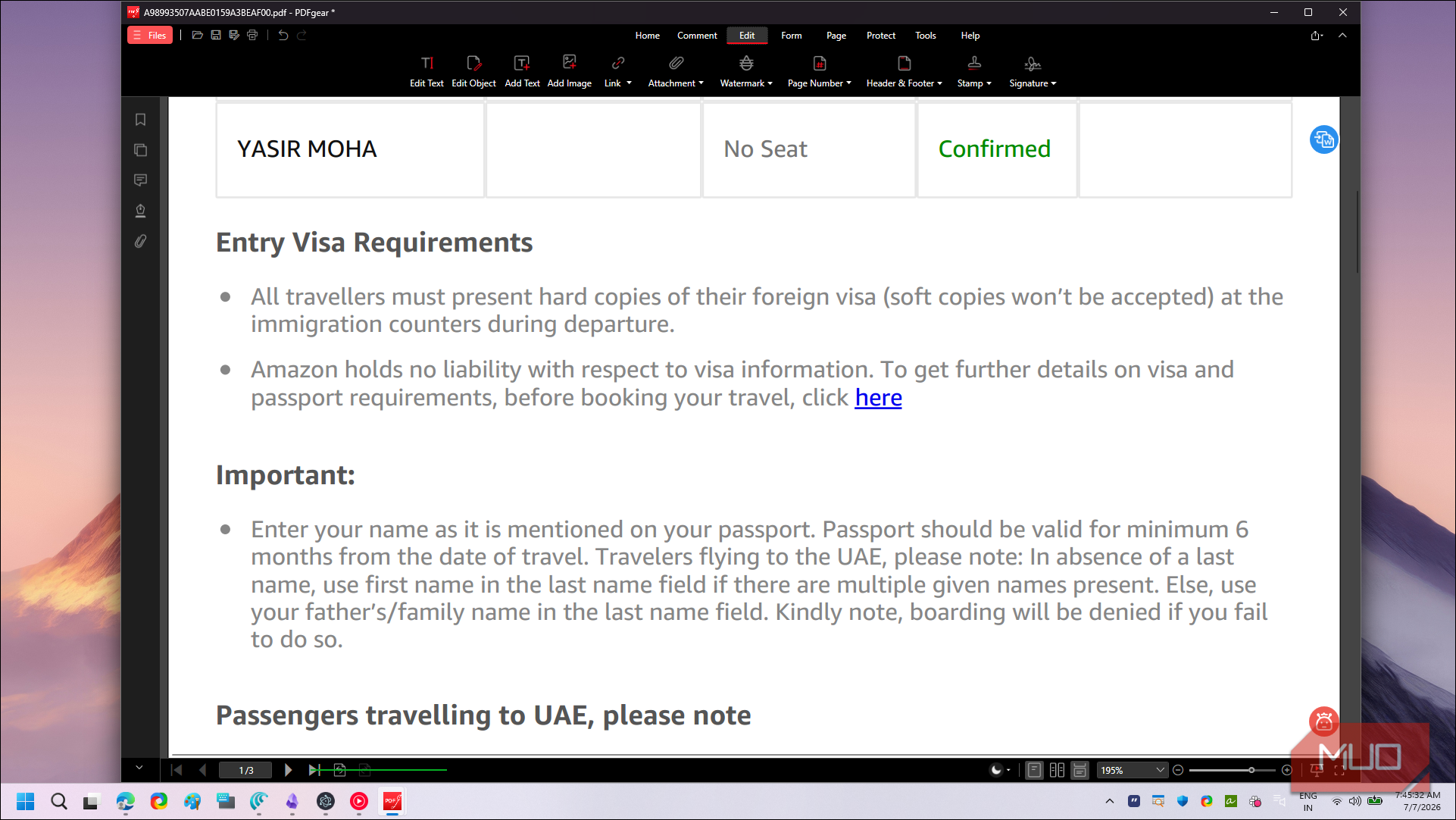
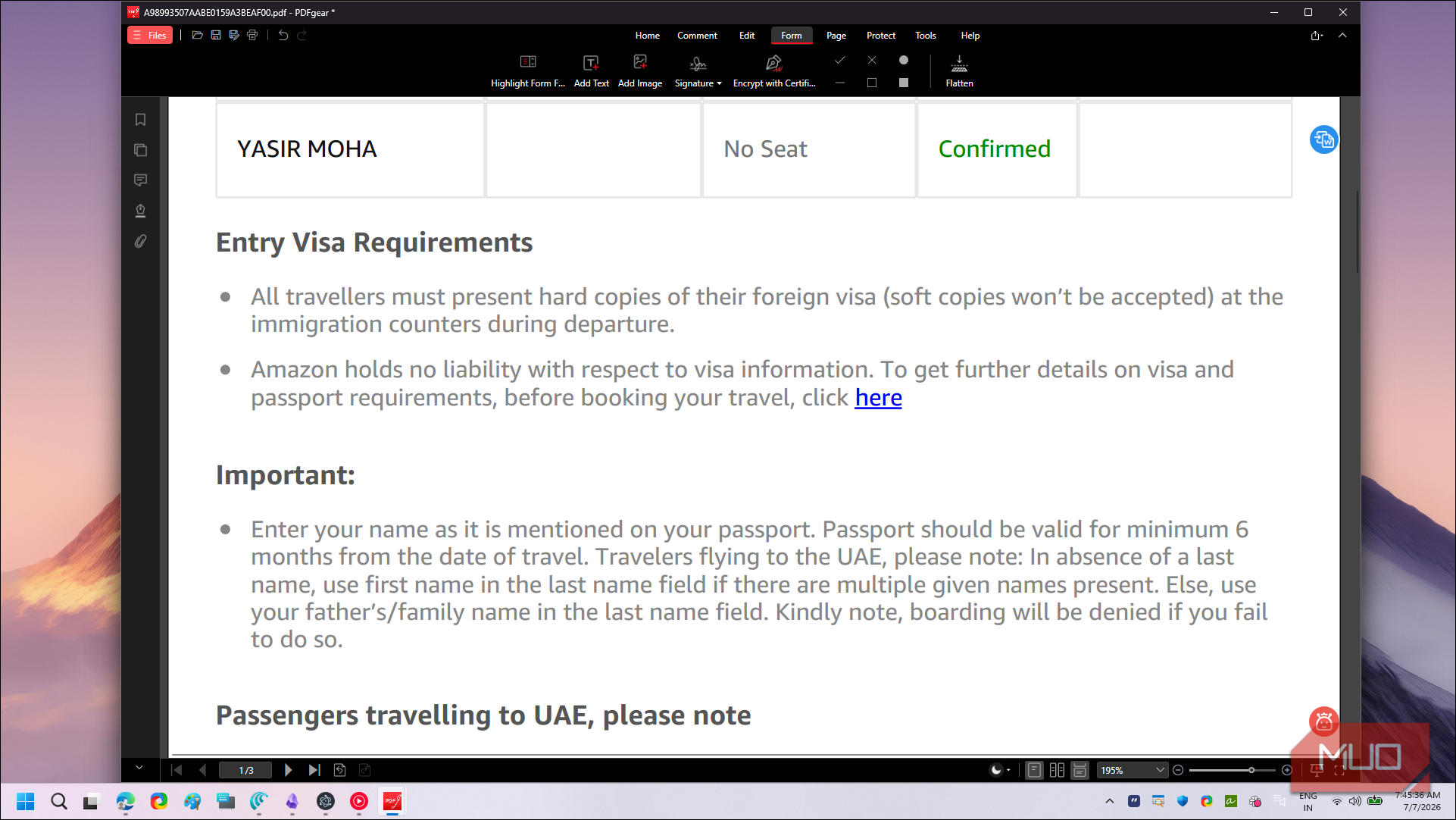
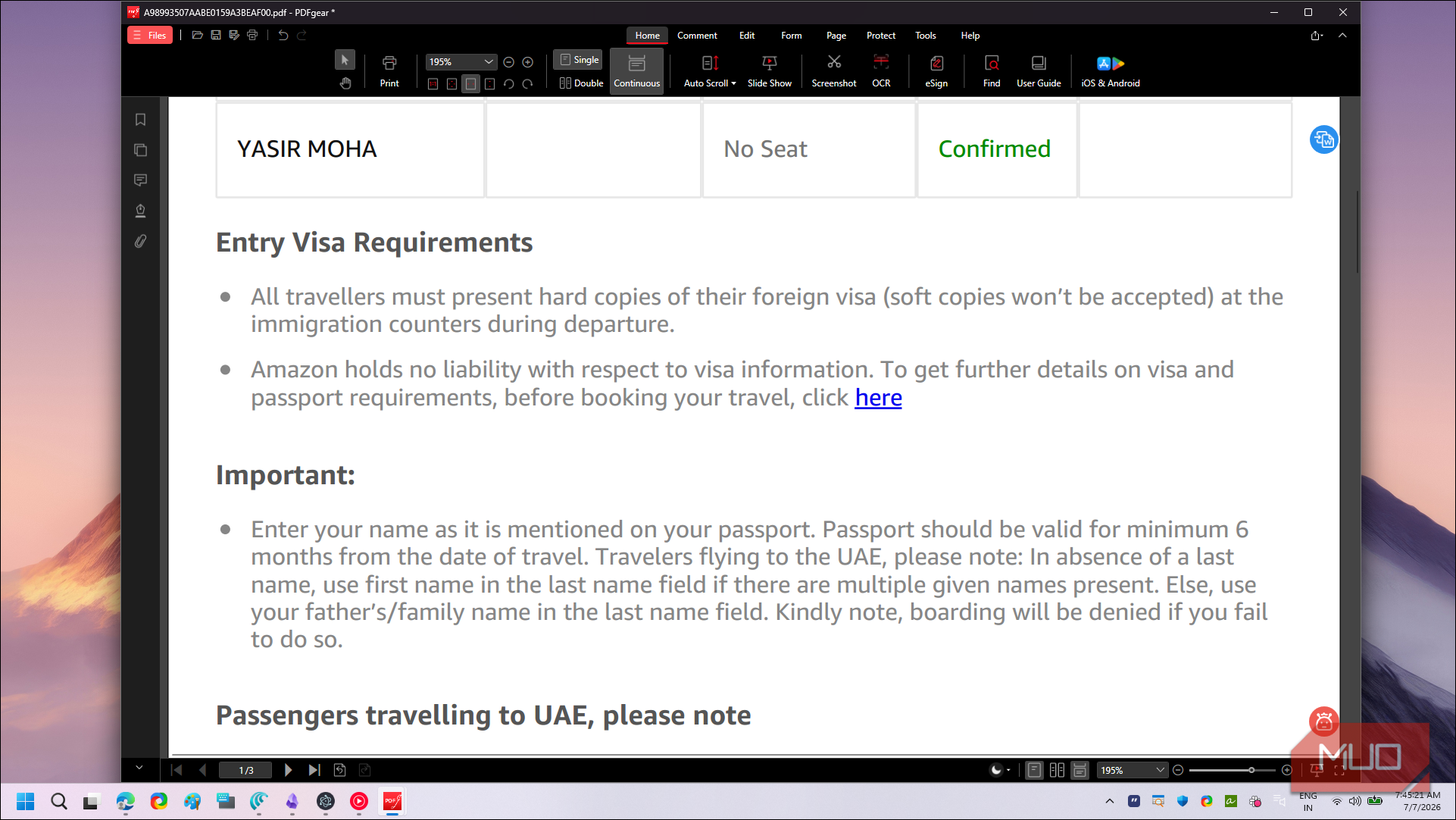
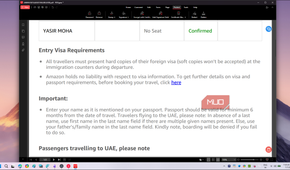
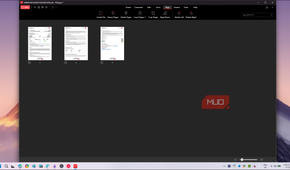
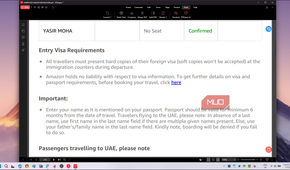
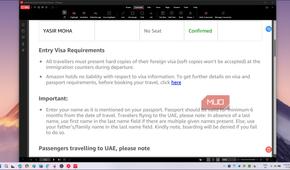
Now to the slightly less exciting parts, but still essential when you deal with PDFs regularly. PDFGear comes with a lot more than just text editing, and it's worth walking through the major tabs.
The Comment tab gives you all the annotation tools you'd expect, including highlights, underlines, strikethroughs, sticky notes, stamps, and freehand drawing. The Form tab lets you fill interactive fields, create new form elements, and add checkboxes or dropdowns to an existing document. Under Page, you can rearrange, rotate, delete, and extract pages, or merge multiple PDFs into one. Finally, Protect covers passwords, redaction, and document permissions.
Then there's the Tools tab where you'll find file conversion between PDF and formats like Word, Excel, PowerPoint, and images, along with a batch mode for processing multiple files at once. There's OCR for scanned documents, compression for shrinking file sizes, and a built-in eSign feature that lets you draw or upload your signature and drop it onto any document. For anyone who has been paying for features that free alternatives handle just fine, PDFGear checks almost every box.
It's a lot of features in one app, and the interface can feel crowded at first if you're used to a simpler tool. But everything is organized under clearly labeled tabs, so you won't spend long looking for what you need.
Why you may still need Adobe Acrobat
It's the better choice for teams and enterprise workflows

PDFGear covers most of what an individual user needs, but there are areas where Adobe Acrobat still has a clear edge, especially in professional and business environments.
The biggest gap is collaboration. Adobe Acrobat integrates with cloud storage, lets multiple people review and comment on the same document in real time, and tracks changes across versions. PDFGear doesn't have cloud sync or account-based features at all. If you work in a team where documents move between several reviewers before final approval, Adobe's workflow tools are hard to replace.
There's also the matter of compliance. Industries like legal, healthcare, and finance often require PDF/A archiving, certificate-based digital signatures, and granular access controls. Adobe handles these with features that even Microsoft Word now partly covers, but PDFGear's support in this area is thinner. If your organization relies on document audit trails or needs to meet specific regulatory standards, Acrobat Pro at $19.99 per month is likely still the safer bet.
That said, if you're an individual user, a freelancer, or someone who just needs to edit, sign, and share PDFs without a recurring bill, Adobe's pricing is hard to justify for what you get versus what PDFGear gives away for free.

PDFGear
- OS
- Windows, MacOS, iOS, Android
- Version
- 2 .14
PDFGear is a free alternative to Adobe Acrobat that does all the basic editing that you need which usually goes for a subscription price.
PDFGear is the ultimate free PDF tool
PDFGear can feel overwhelming at first, especially with all the features it packs in, and you might need to relearn a few workflows if you're coming from Adobe Acrobat Pro. Not every tab will be useful to you, and the sheer number of tools can make the app feel bloated when all you want to do is sign a document.
But this is often the trade-off with a free tool designed to cover as many use cases as possible. The trick is to focus on what you need rather than explore everything it has to offer. It does most of what Adobe Acrobat does, and for a personal workflow, that's more than enough to cancel the subscription and not look back.