


Google is retiring Google Assistant on Android smartphones and tablets by September 4 in favor of Gemini. After trying [different Android digital assistants] (https://www.makeuseof.com/found-best-android-digital-assistant/), I started to look for an open-source and free alternative that processes everything locally on the device and stumbled upon Dicio. A free and open-source voice assistant that runs entirely on your device.
A free and open-source voice assistant
What Dicio is and how it works

Dicio is a privacy-focused voice assistant for Android built by developer Fabio Giovanazzi. The core feature is local processing, where the voice commands are processed locally using a bundled speech-to-text engine called Vosk on your phone.
Instead of using a large language model, Dicio relies on a custom sentence-matching system to figure out what you're asking for. It matches your spoken words against a set of reference sentences, identifies the right "skill" (Dicio's term for individual features), and runs it. The app currently has 13 skills covering tasks like weather lookups, setting timers, calling contacts, media playback control, and on-device translation.
You can install Dicio from the Google Play Store, F-Droid, or grab the APK directly from GitHub. If privacy is the reason you're here, F-Droid is worth considering since it builds and signs the app independently.
Setting up Dicio
Three steps and you're done


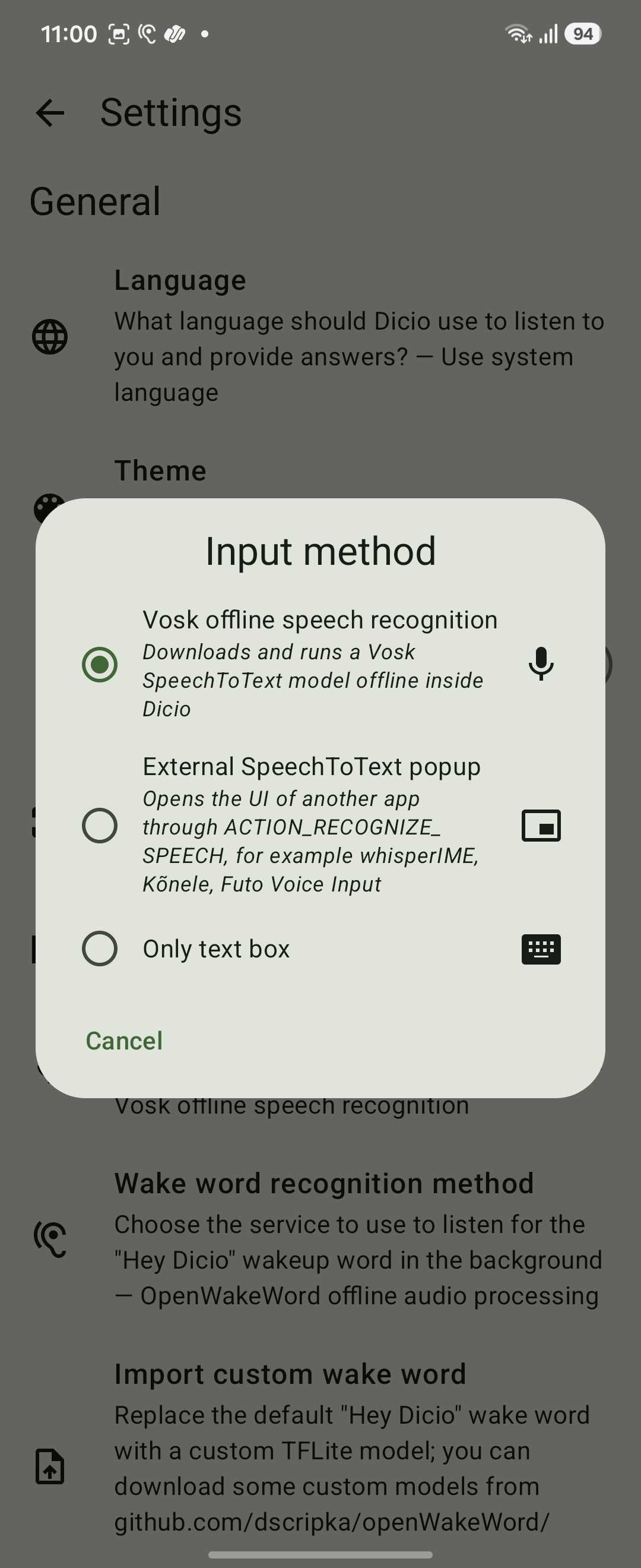
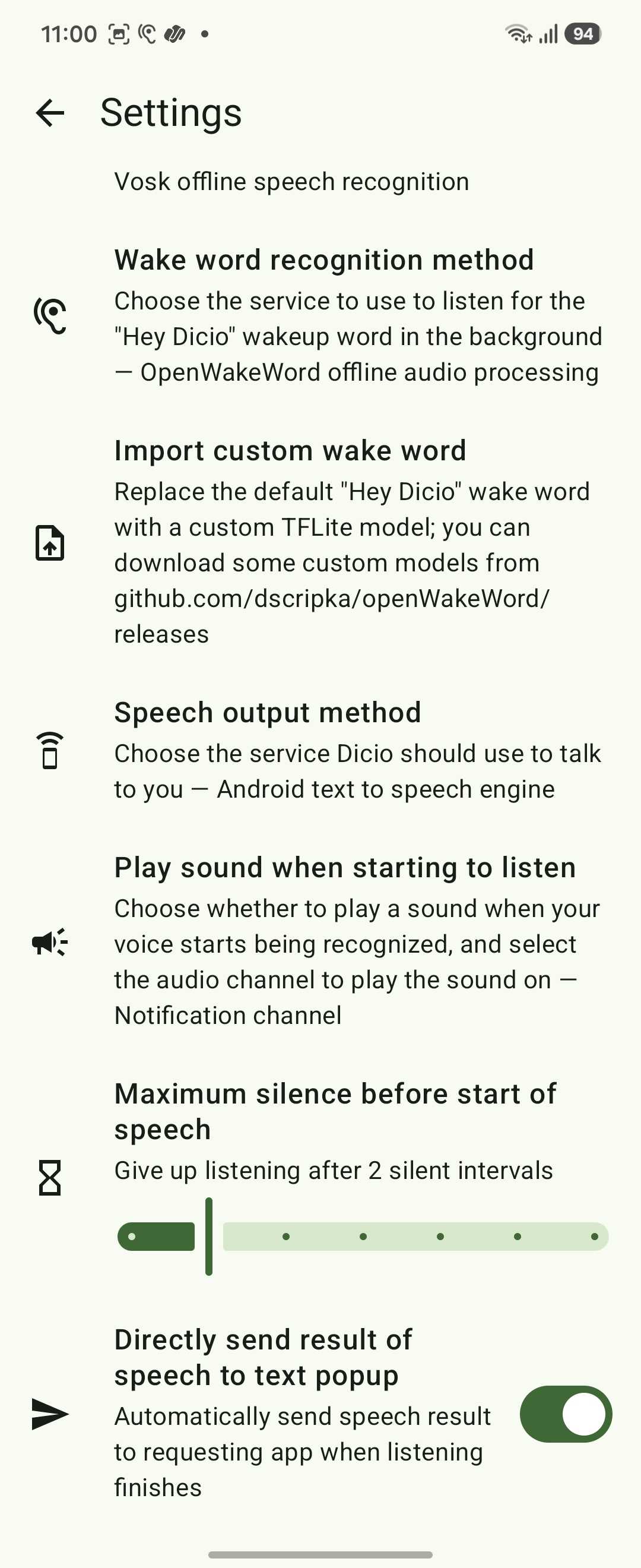
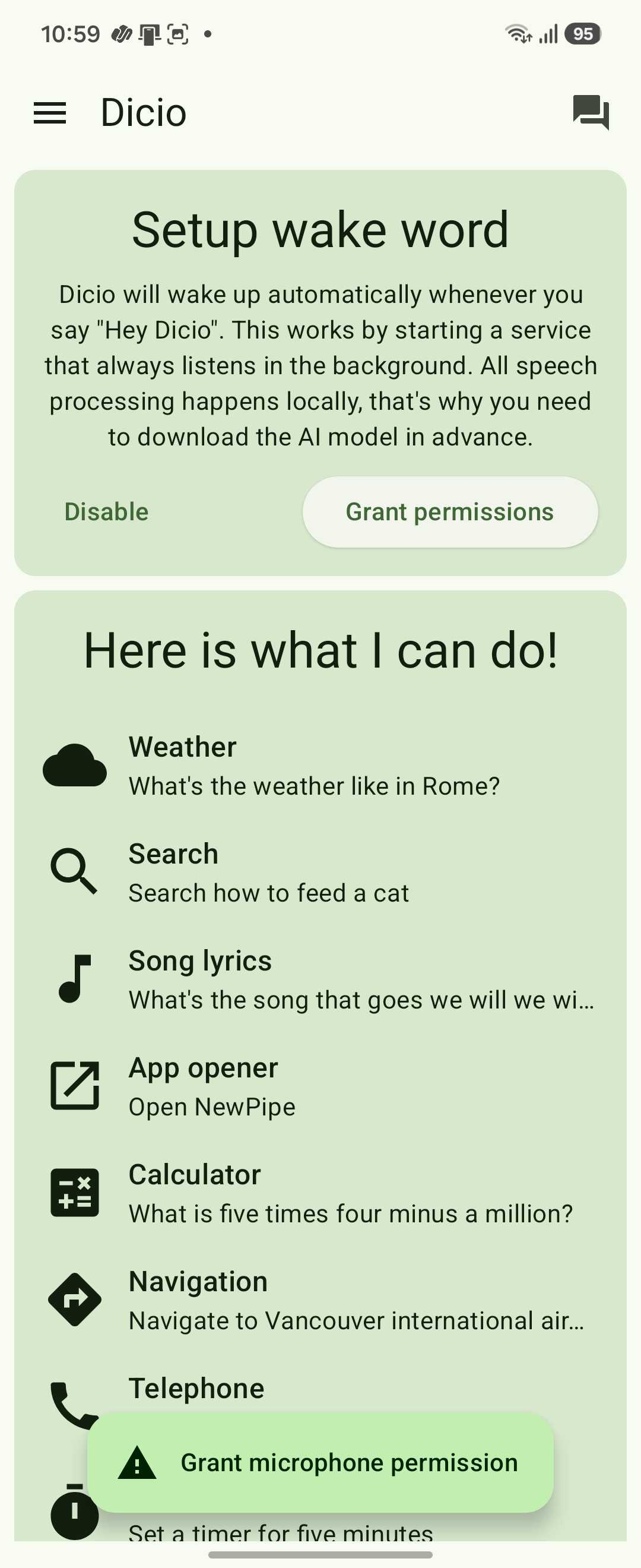
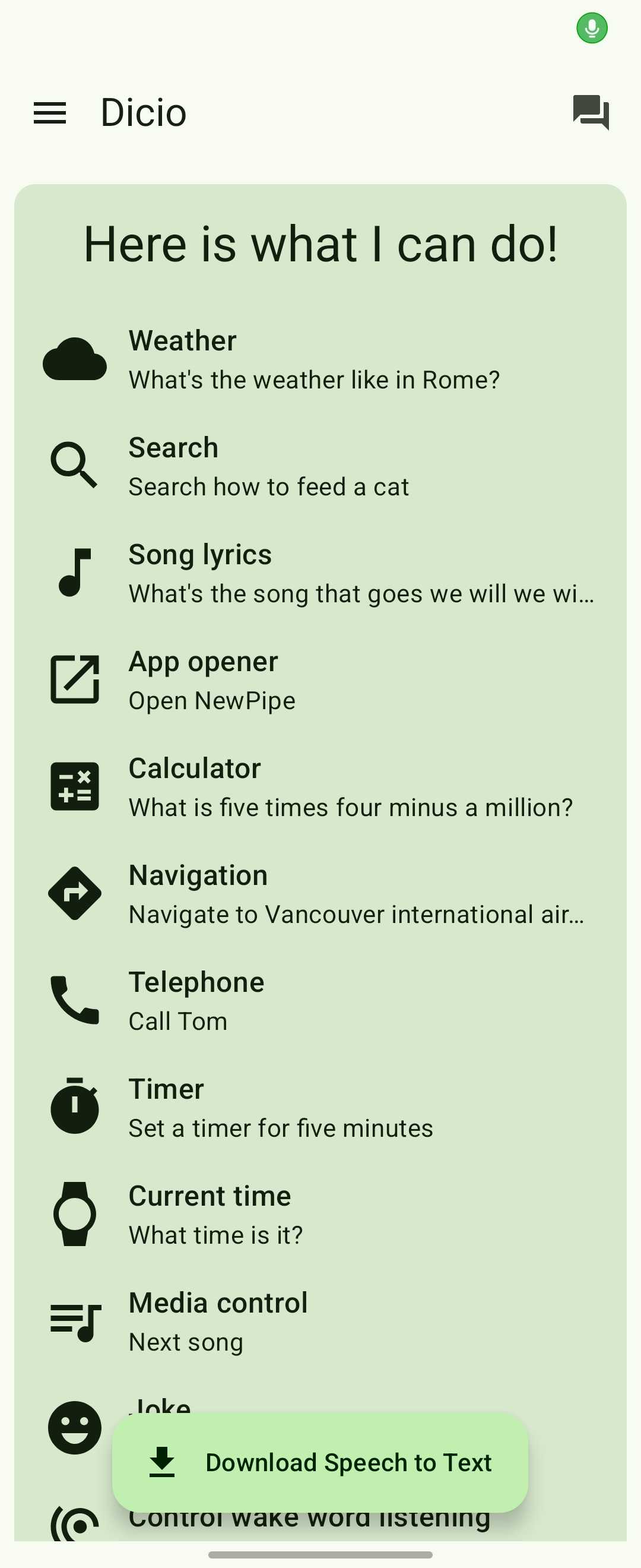
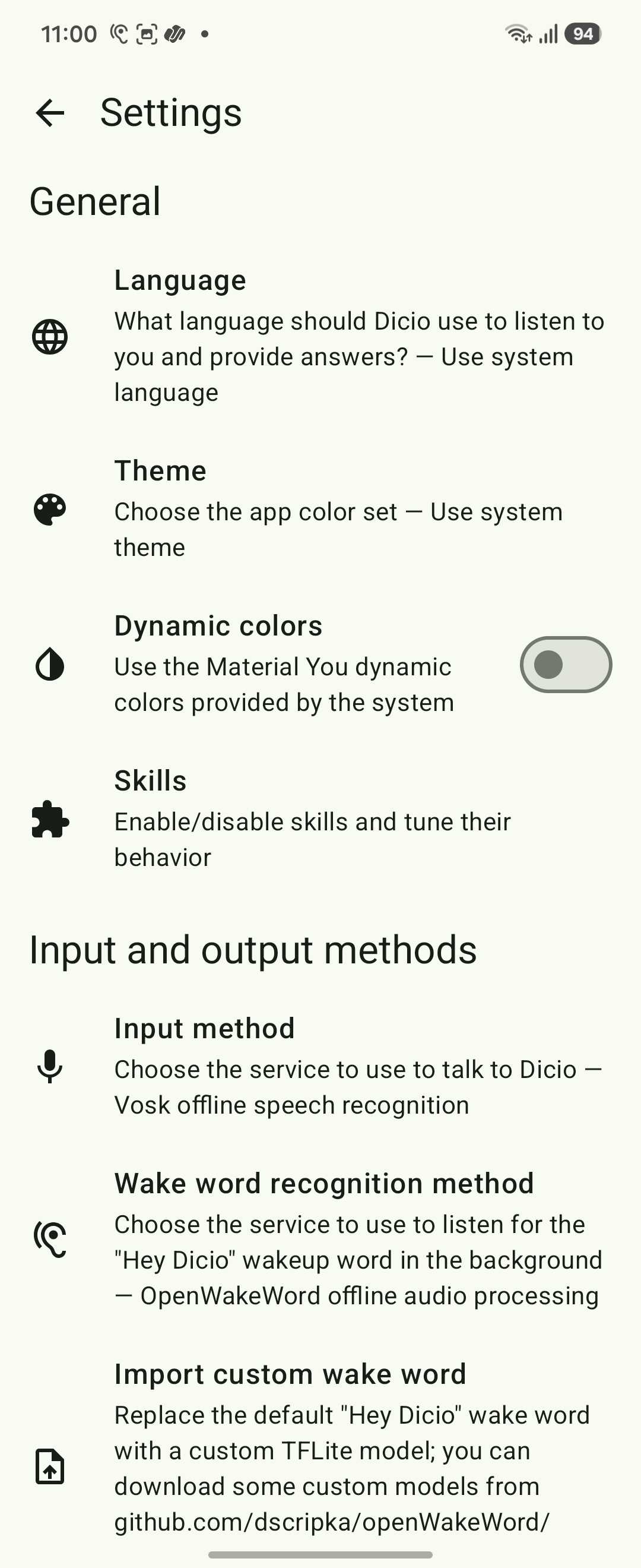
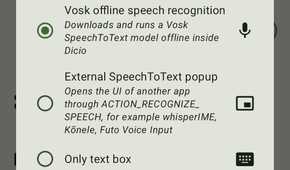
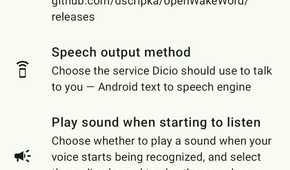
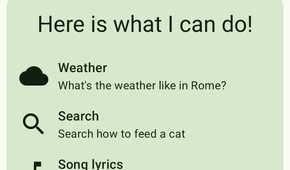

Install the app, open it, and you'll see three cards on the home screen that walk you through the permissions.
First, tap Grant microphone permission and select While using this app when Android asks. Second, tap Download speech to text to pull the Vosk speech recognition model for your language, which is roughly 50 MB. Third, tap Grant permission under the Set up wake word card and then hit Download to install the wake-word model.
Next, you need to set Dicio as your default assistant. Without this, saying "Hey Dicio" works inside the app, but your phone's home button or "Hey Google" shortcut still opens Gemini. To do this, go to Settings > Apps > Default apps > Digital assistant app and select Dicio. The exact path varies by phone manufacturer, but the setting is there on every Android device running 5.0 or newer.
Using Dicio
Where it works and where it doesn't

You can trigger Dicio using the "Hey Dicio" wake word (pronounced "diss-ee-oh," not how you'd naturally read it in English). However, the only pronunciation that has worked for me is "Hey De-shaw", so you might not need to try more than one time to get it right. Say the wake word, tell it what to do, and watch it do it just as any other voice assistant would do.
I ran it through the tasks I normally rely on a voice assistant for, and the results were mixed. Setting timers worked without issues. Hands-free phone calls went through reliably. Weather queries, reading notifications aloud, hands-free navigation with Google Maps, and controlling Spotify playback all worked as expected.
Opening apps, on the other hand, was hit-or-miss. Built-in Android apps launched fine, but some third-party apps didn't. Dicio would confirm "opening Spotify" without the app ever appearing on screen. The voice recognition caught the request correctly, but the action didn't follow through. Note-taking, composing emails or text messages, and calculations didn't work at all. The calculator issue is a known bug in Dicio's issue tracker, and the note-taking and messaging features simply aren't built yet. Development on the project is active, though, and these are on the roadmap.
The caveats
What you should know before switching

The biggest limitation is Android Auto. Dicio doesn't work with it because Google doesn't recognize Dicio as a valid assistant for that platform. For anyone who relies on a voice assistant while driving, this is a serious drawback.
Then there's the voice recognition itself. The Vosk speech-to-text engine is functional, but it's not as polished as what you get from Google's models. The wake word sometimes doesn't trigger at all; it also misunderstands commands, and you end up repeating yourself, and accents cause problems.
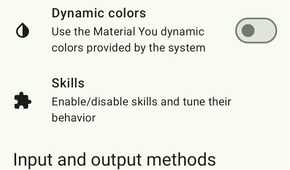
Some skills that sound like they should work offline don't fully work that way either. Weather lookups use OpenWeatherMap's API, song identification goes through Genius, and web searches route through DuckDuckGo. These features call external servers, which is worth knowing if fully on-device privacy is the main reason you're switching. You can disable individual skills in Dicio's settings if you'd rather keep things entirely offline.
A privacy-first assistant which isn't perfect
Dicio won't replace Gemini or Google Assistant for most people, not yet. The voice recognition needs work, several useful skills are either missing or inconsistent, and the Android Auto gap removes one of the most common reasons people use a voice assistant in the first place. If you need Gemini's deep integration with Google apps, Dicio isn't there.
However, I believe Dicio exists for a specific group of people who want a voice assistant that doesn't send their data to a cloud server. For setting timers, making calls, checking the weather, and controlling media playback, it handles the basics well enough. For a privacy-first voice assistant that you can install today and start using, Dicio is the best option on Android right now.