


Your ISP’s DNS is probably the weakest link in your connection right now, and there’s zero reason to stick with it. But even if you know that, the bigger question is what DNS you should switch to because every option seems to market itself as the fastest and most private.
The honest answer is that no one can tell you which DNS is best for your connection. The only way to actually know is to test them yourself. That’s exactly what I did, and the best DNS server wasn’t the one I had been using for months.
The best DNS isn’t the same for everyone
The fastest DNS for me might be the slowest for you



 Credit: Pankil Shah / MakeUseOf
 Credit: Alvin Wanjala / MakeUseOf



By default, your devices stick to your ISP’s DNS server for translating website names into IP addresses. But the thing is, ISP-provided DNS servers are rarely good. And this isn’t something you’ll usually notice. The bigger issue is that those DNS queries are essentially what you browse. That means your ISP can easily log your internet activities and monetize that data.
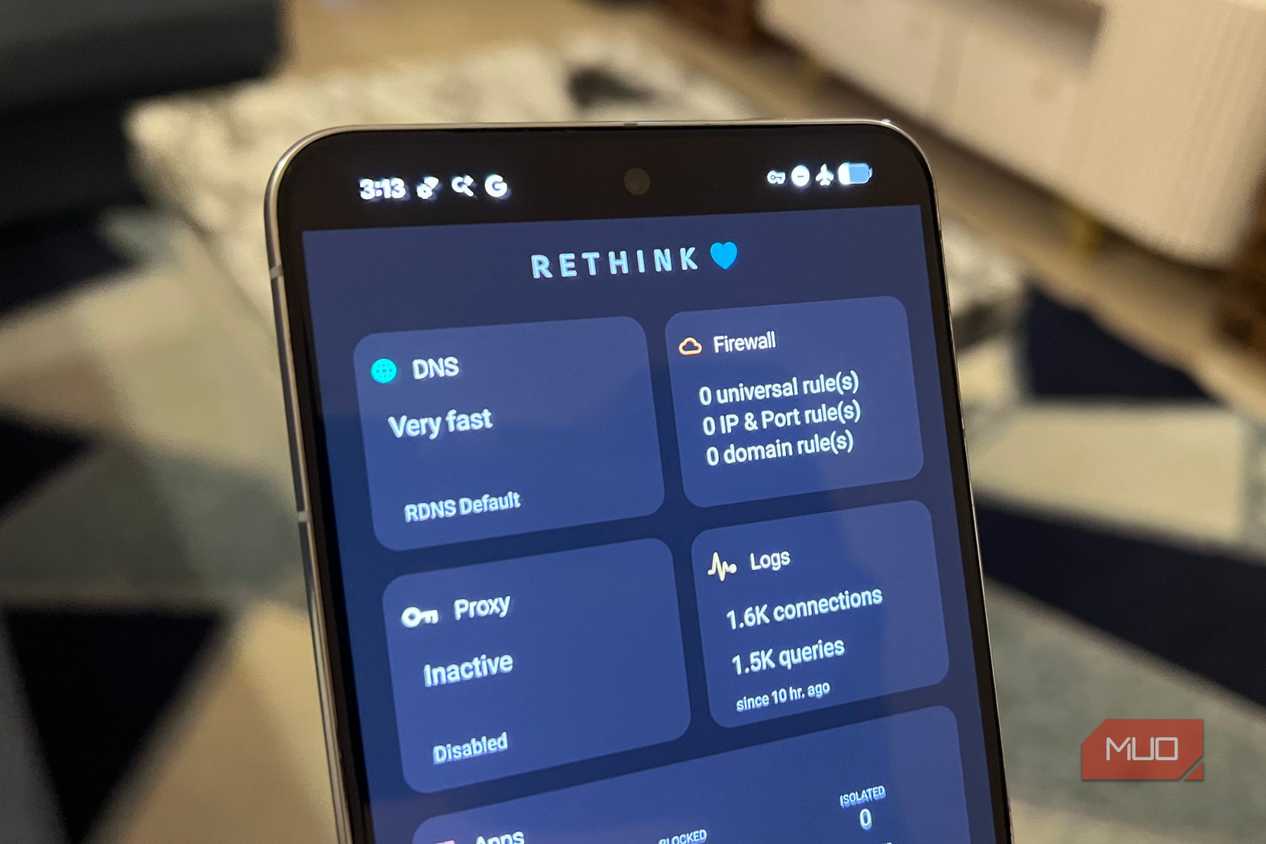
That’s why switching to a third-party DNS server is almost always better. There are plenty of good ones out there, like Google DNS, Cloudflare, Quad9, NextDNS, AdGuard, and ControlD. The catch is that there isn’t a single “best” DNS server for everyone. DNS performance depends on a lot of things, like physical proximity to servers, how well a provider’s network is peered with your ISP, and even time of day.
Cloudflare might be the fastest option for someone, while Google DNS or Quad9 might perform better for someone else. The reason is simple. A DNS with 50+ global nodes will behave differently depending on which node your traffic actually hits. So yes, the “best” DNS for me won’t apply to you, and vice versa. The only reliable way to pick a DNS is to test it on your own device and network.
DNS Speed Test found the best server for me in under 30 seconds
No need to install anything


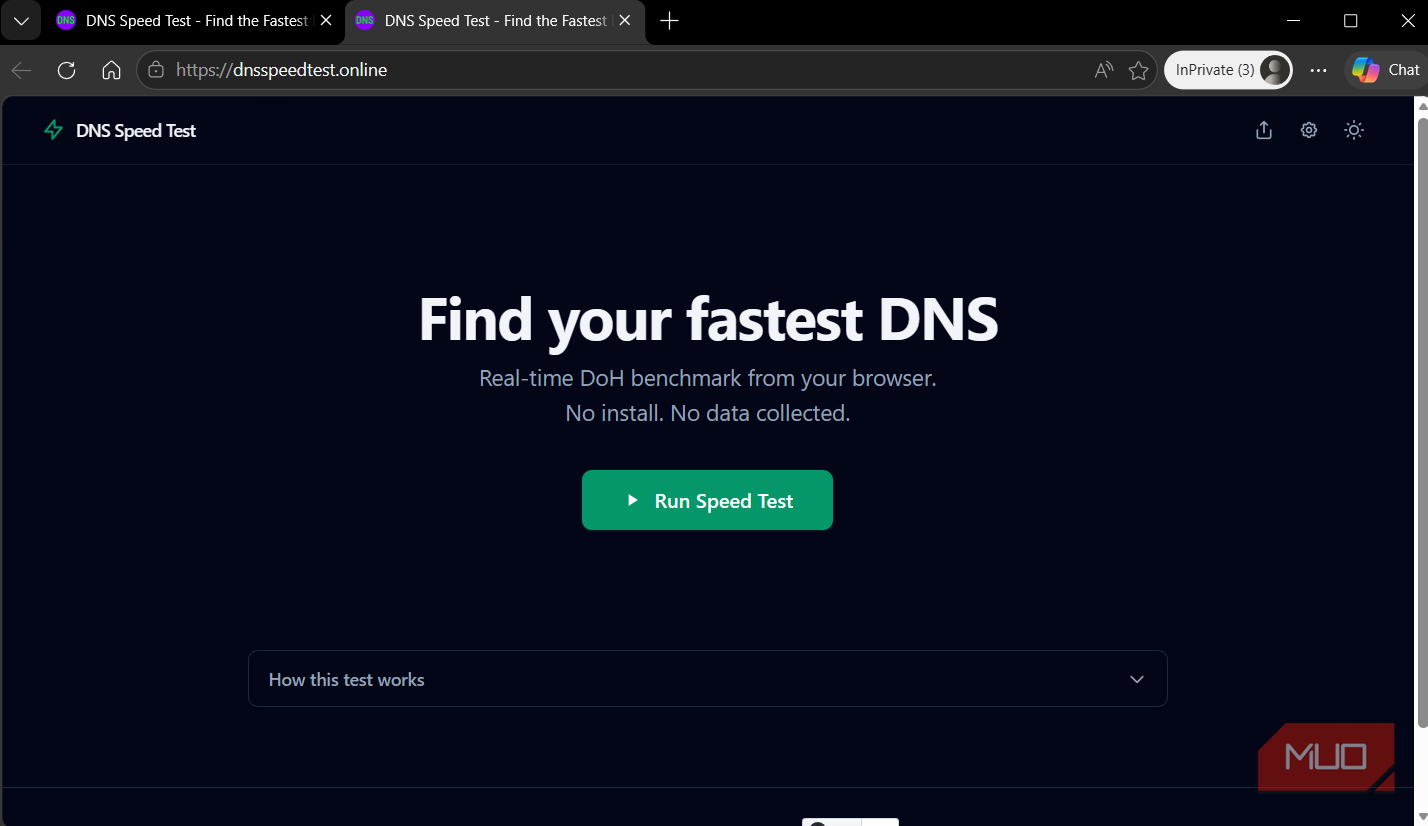
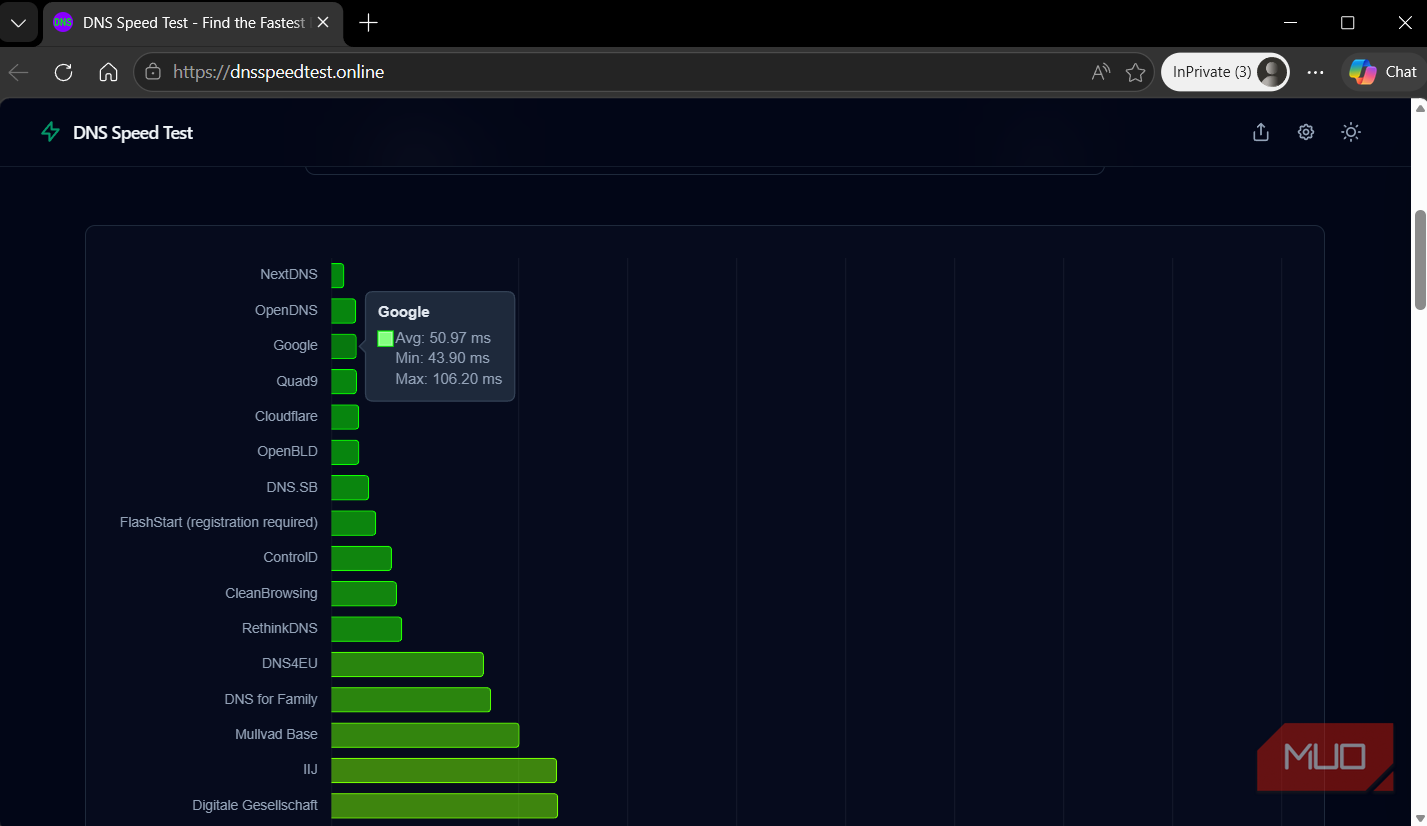
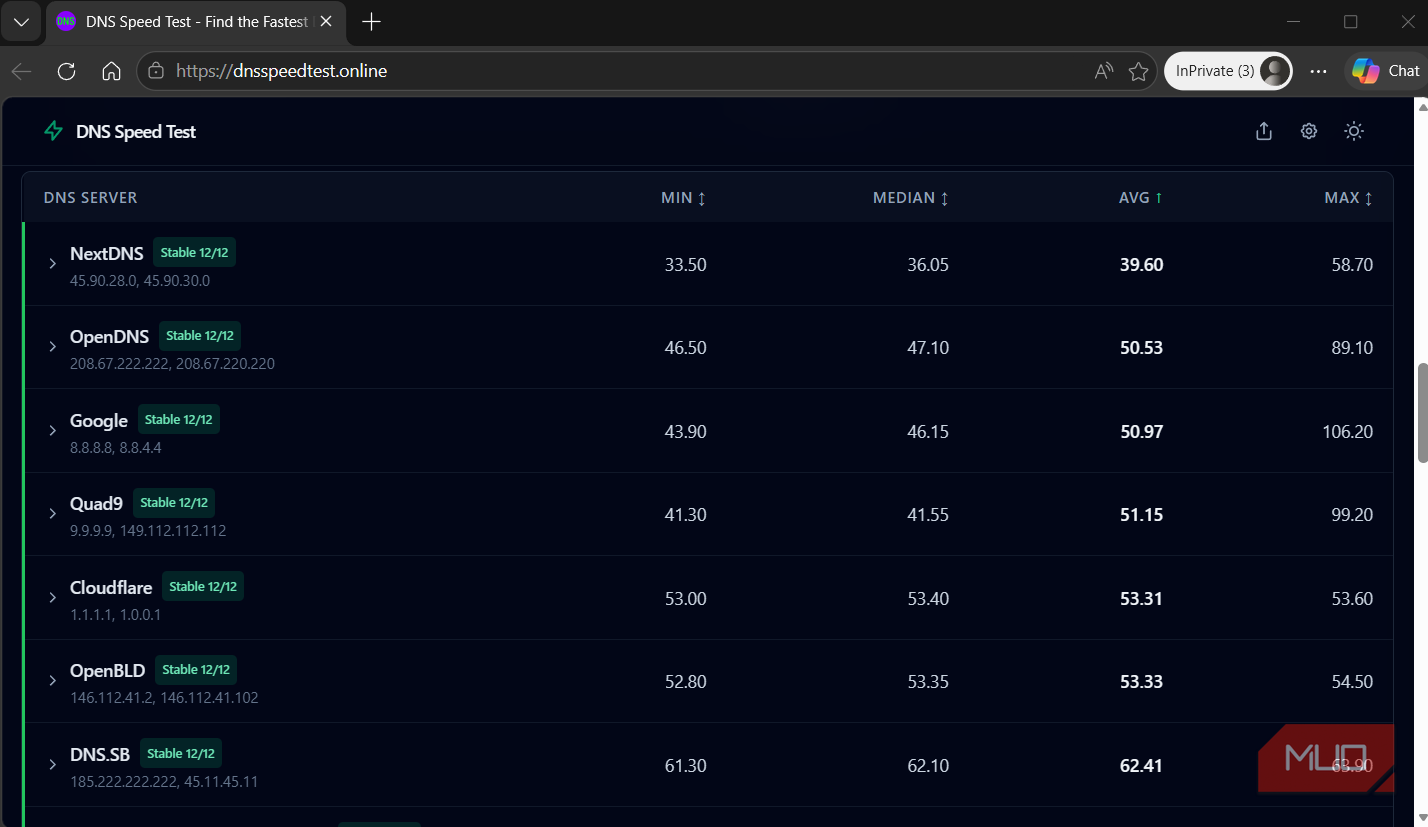
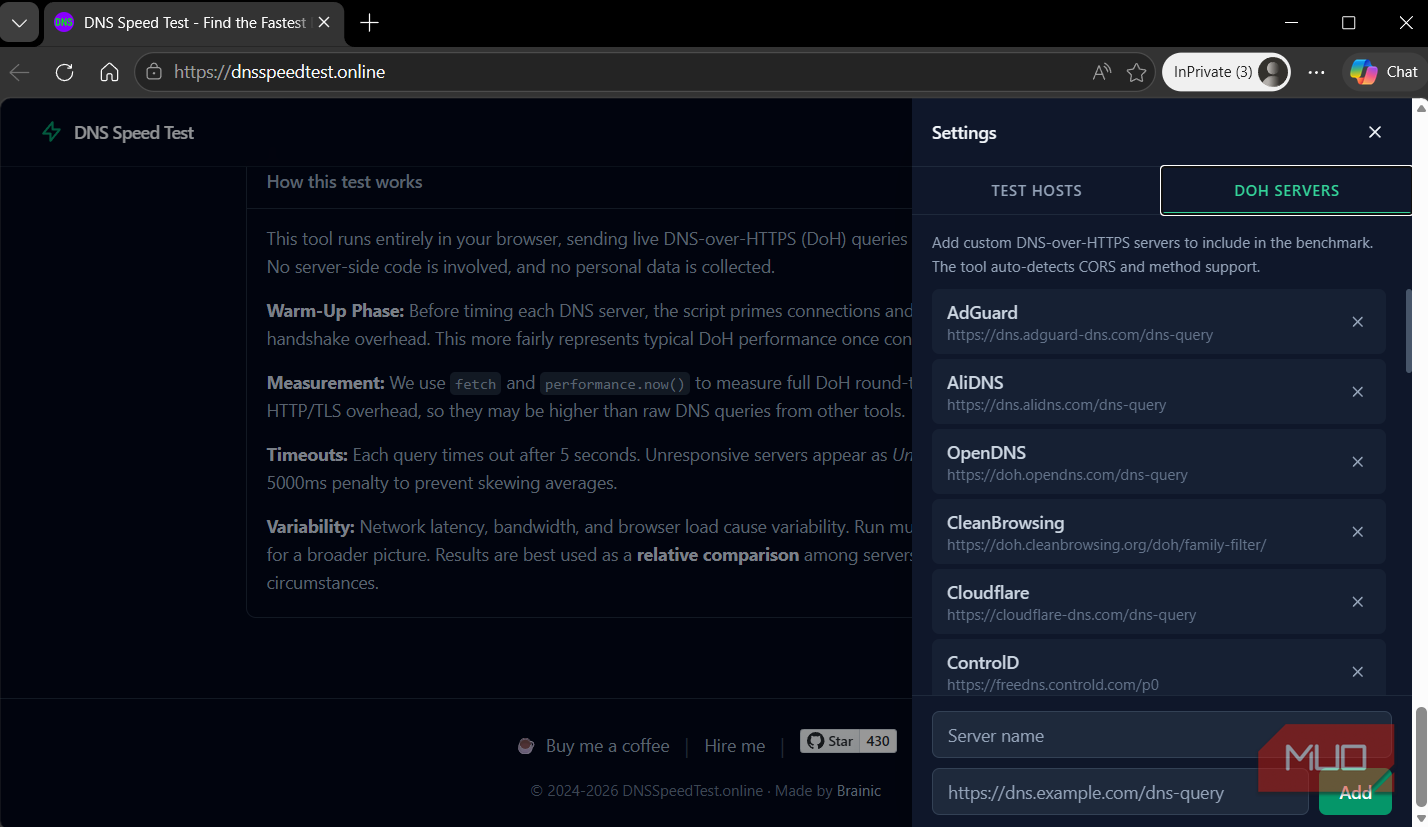
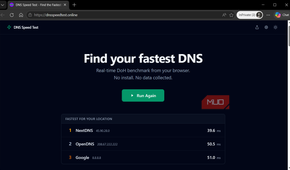
There’s no shortage of DNS benchmarking tools, but most of them either require an installation or spit out raw numbers that can confuse you even more. And that’s exactly why I like the DNS Speed Test tool. It’s a free browser-based tool that tests popular DNS servers from your current network.
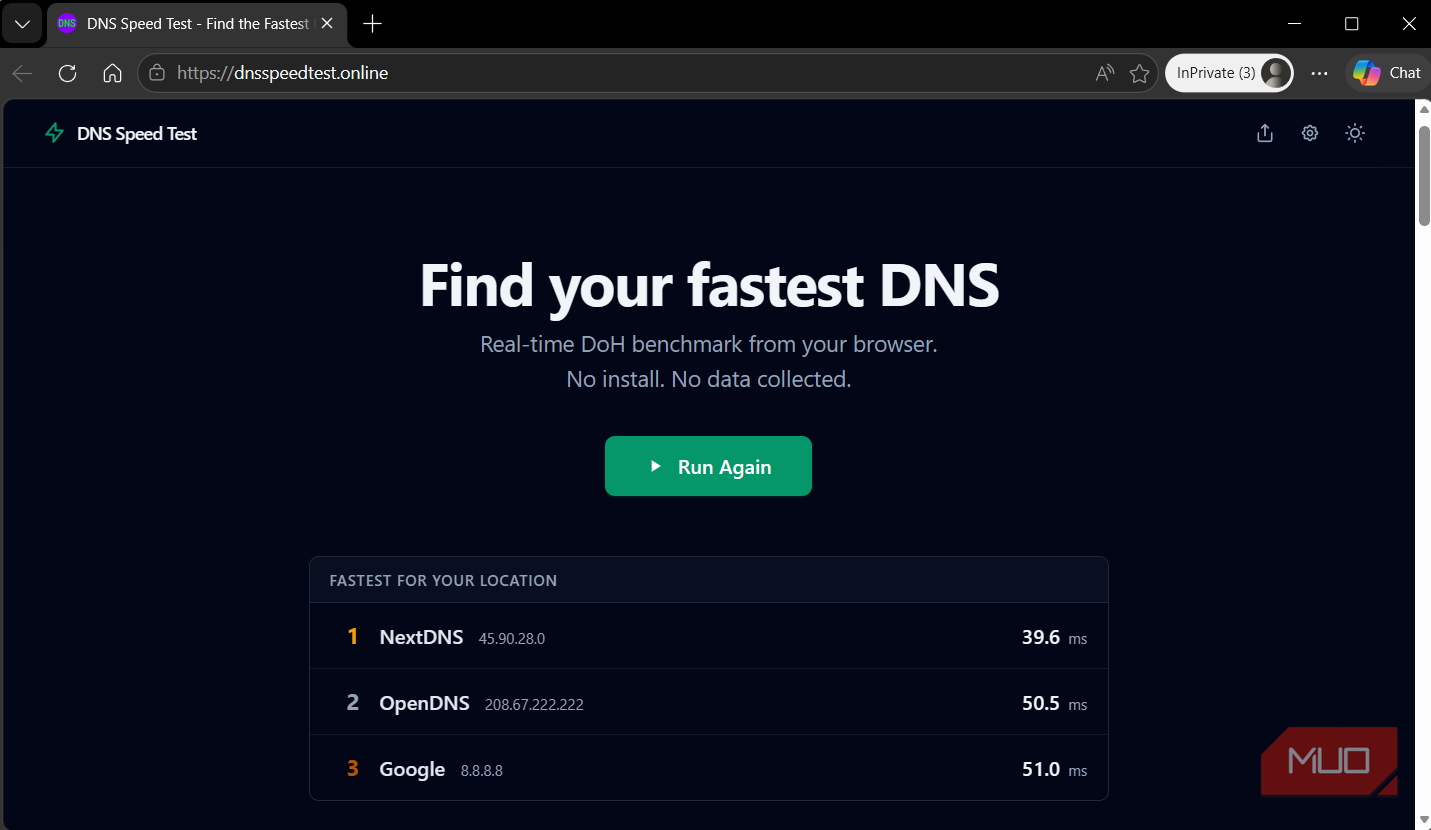
It fires several DNS queries to each server and measures how long they take to respond. It even runs a warm-up phase before timing each server, so the results reflect actual everyday performance. The whole thing takes around 30 seconds or less, and when it’s done, it shows you the top three DNS providers for your setup.
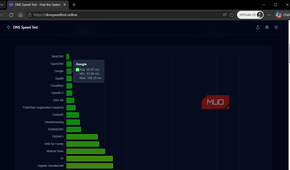
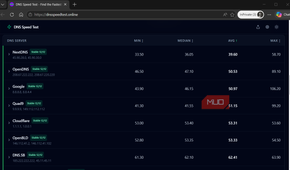
You can then scroll down and see how other DNS servers have performed. You’ll see the minimum, maximum, median, and average speeds of each DNS provider so you can pick the one that’s not just fast but consistent. The most important thing here is that you shouldn’t just run the test once and commit. As I said earlier, DNS performance can vary depending on the time of the day. So run this test at different times of the day to factor in network congestion.
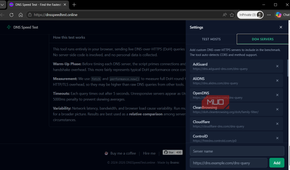
You can even customize this test. By default, DNS Speed Test queries popular sites like Google, YouTube, ChatGPT, and Reddit. These are sites that most DNS providers actively cache to make their numbers look better. If you want the most accurate picture, edit that list to include domains you actually visit on a daily basis.
Speed isn’t the only thing to look for when picking a DNS
Some DNS servers do a lot more than resolve requests

Speed is important when picking a DNS server, but it shouldn’t be the only one you look at. That’s because most third-party DNS servers do more than simply resolve requests.
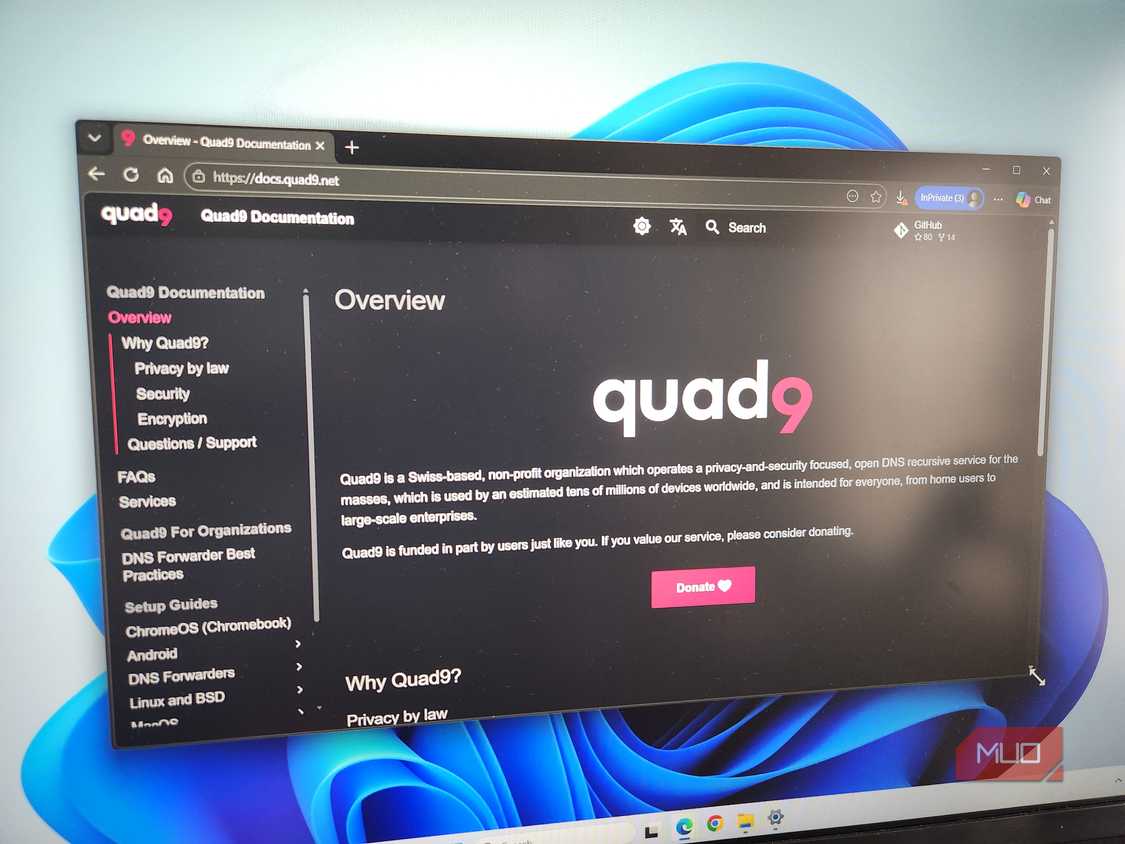
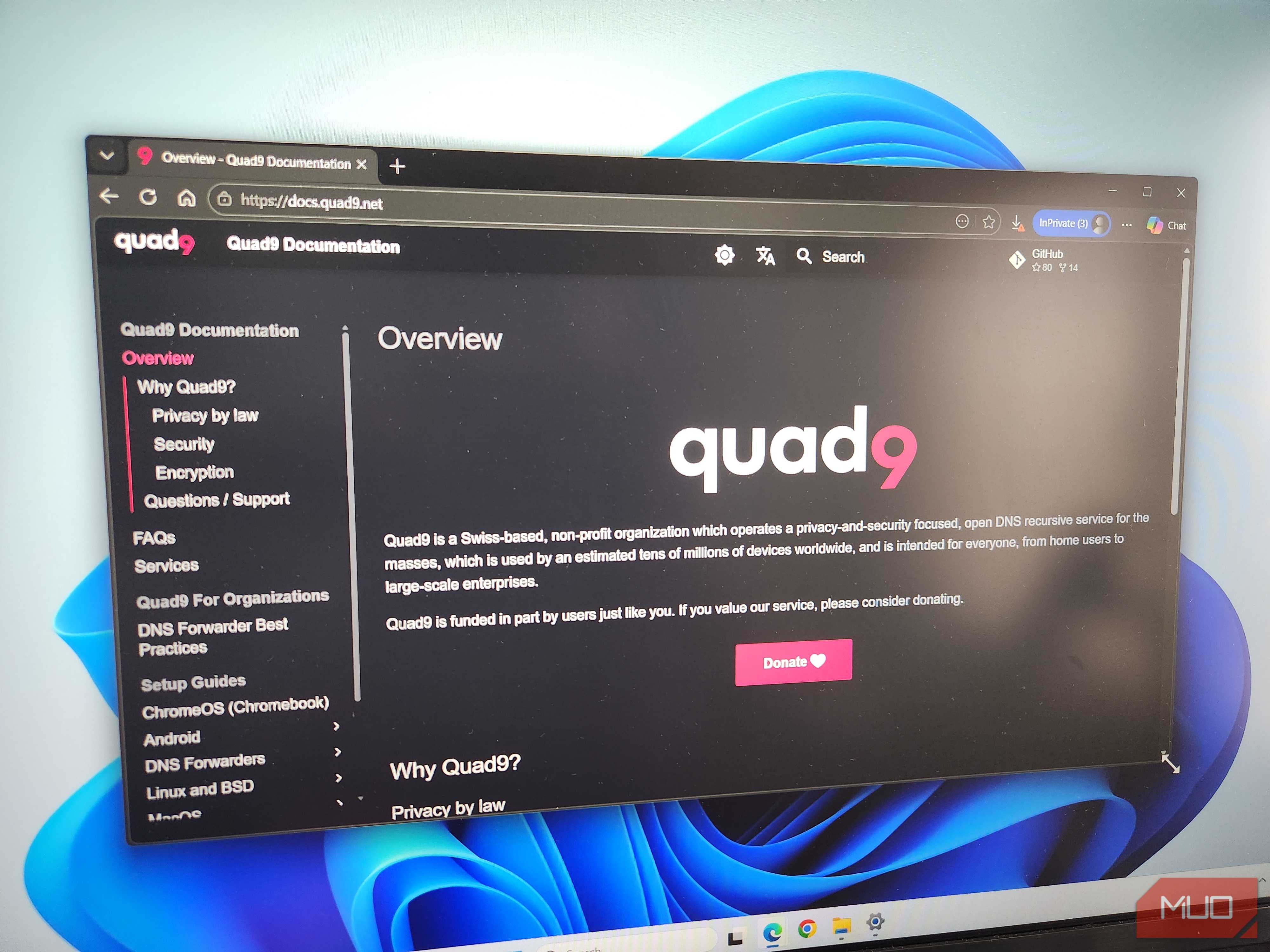
For instance, Quad9 is known for its security features. It checks every request, so if you accidentally click a phishing link, there’s a good chance Quad9 will block it. And it’s private too, so you don’t have to worry about misusing your data. Cloudflare is another DNS with a no-logs policy as its main pitch.
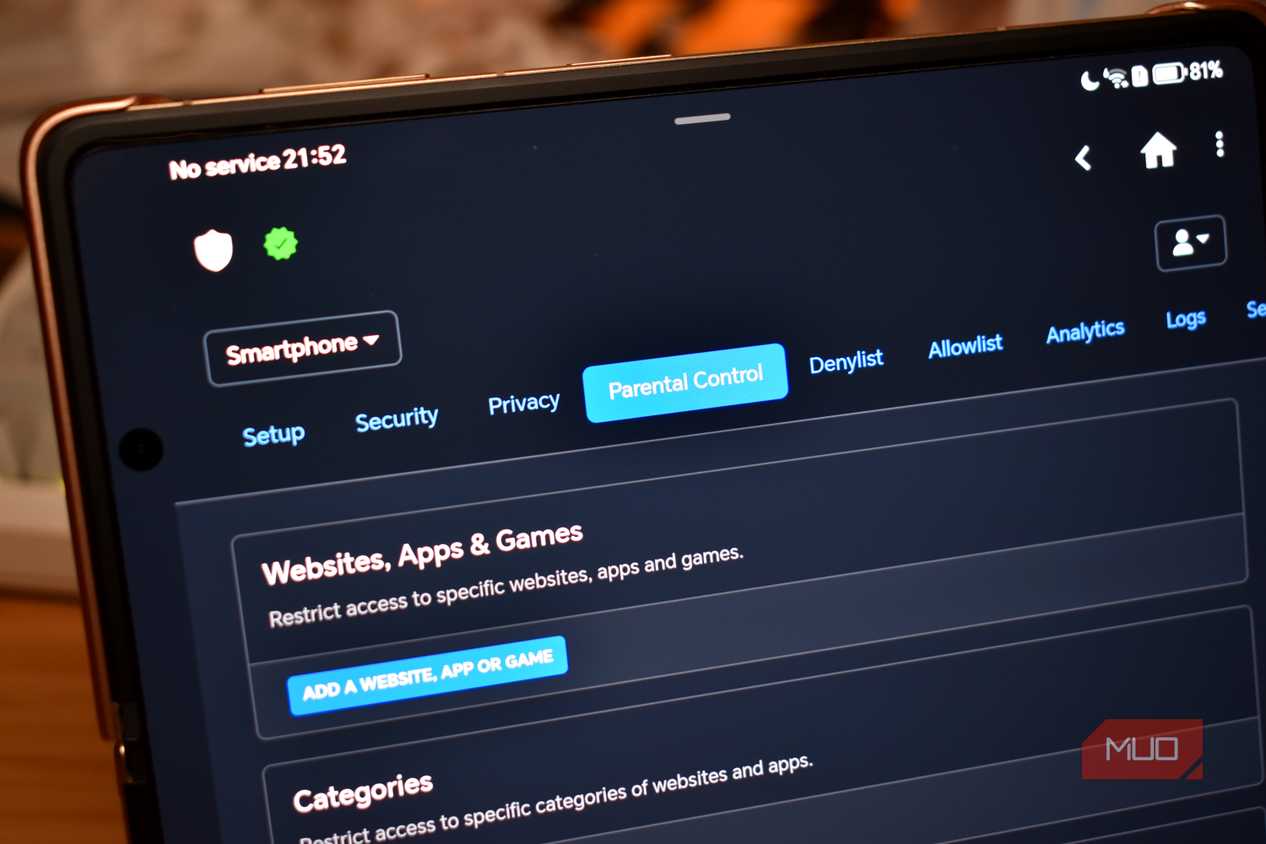
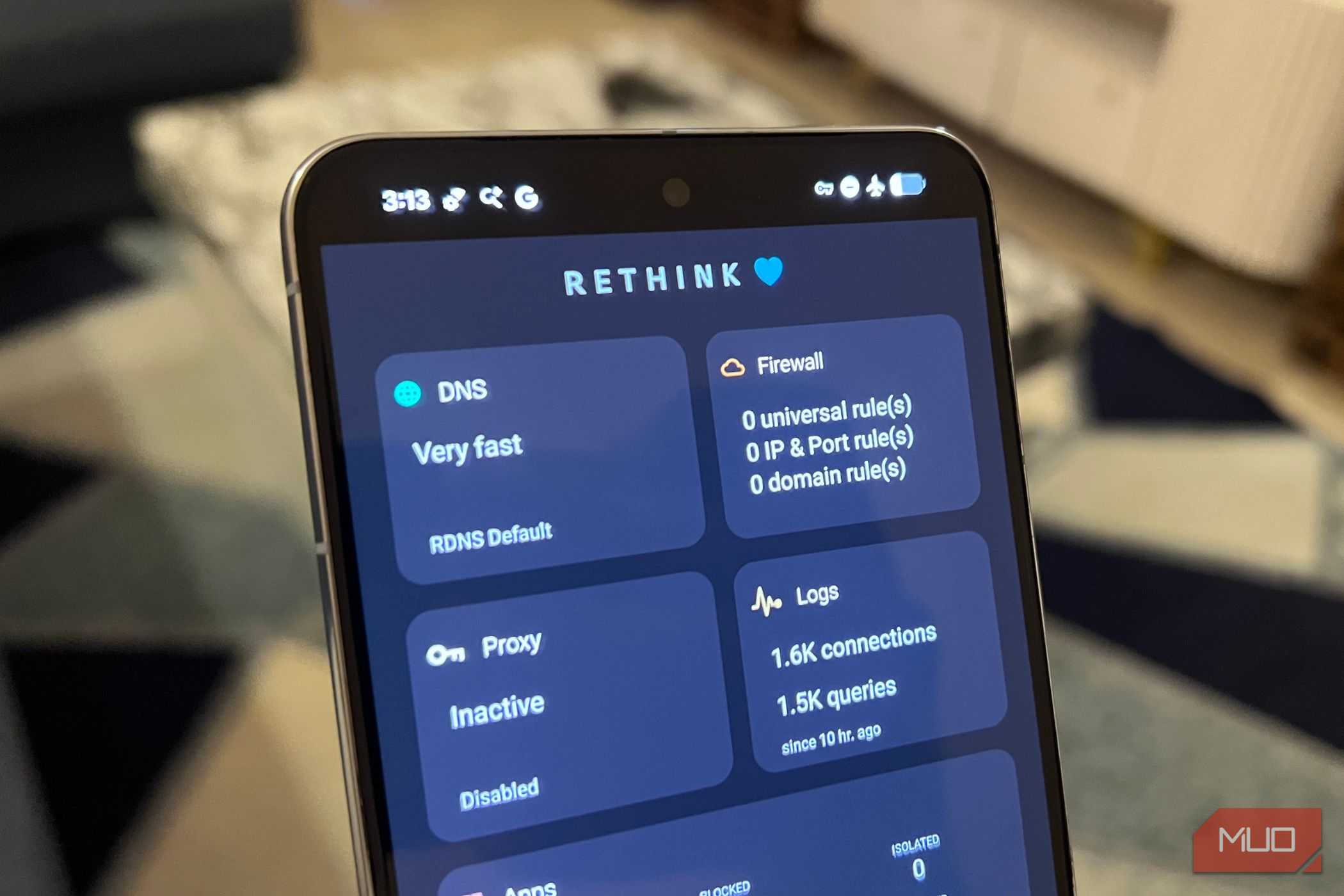
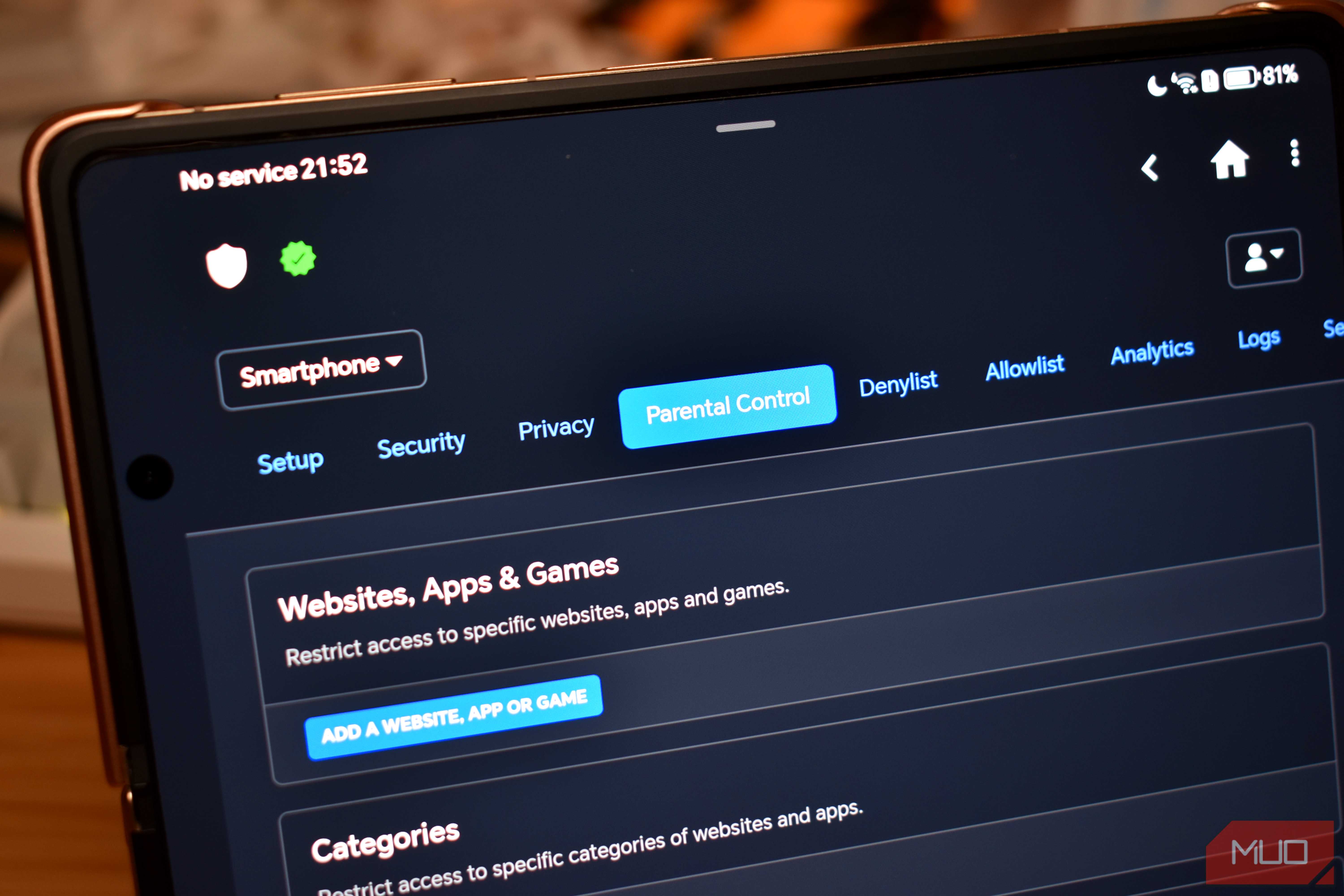
NextDNS promises a bit of both and also gives you a detailed dashboard that shows what’s getting blocked and what apps are trying to contact trackers. AdGuard DNS is popular because it comes with an ad and tracker blocker baked in, and it works quite well. CleanBrowsing is a great option for families because it blocks adult sites and forces Google and YouTube SafeSearch at the network level.
The point is, once you’ve narrowed down a few DNS providers that work well on your network, you should also look at what they offer. Also, not every DNS is free like Google DNS is. Some, like NextDNS, only offer a limited number of queries on the free plan and then stop working. So yes, it’s better to factor all of this before you actually go through the hassle of changing DNS providers on your devices or the router.