

Most Android users know when their storage is filling up. What you might not know is that the numbers your phone shows you are largely made up. The built-in storage manager groups everything into tidy categories that hide the underlying file system, and the default file manager won't show you certain files. Luckily, there is a tool made just for cleaning your Android phone.
Android has storage blind spots
The default view hides most of the mess

Android's built-in storage manager doesn't actually show you what's on your device. It sorts everything into broad categories like Apps, System, and Media, which tells you almost nothing about where the real bloat is hiding. Manufacturer file managers make this even worse by applying custom filters that hide core directories altogether.
So the heavy stuff sits buried in nested folders with no obvious way to find it. You're left guessing which apps are hoarding space, because the native tools never show you the full picture.
Underneath those tidy categories is a hidden layer of the file system where wasted space piles up. Android follows the same convention as Linux and macOS, where any folder or file whose name starts with a dot is invisible during normal browsing. That means directories like .cache/, .trash/, and .thumbnails/ can balloon to enormous sizes without ever showing up in a standard scan.
On top of that, apps can leave orphaned folders on storage when they're uninstalled, and Android doesn't clean those up on its own. Default file managers and hidden storage menus are designed to skip hidden items, so you don't have an obvious way to remove them.
This is why I started using FileTreeSize. This works around the filters that standard Android tools rely on. Instead of working with those categories, it uses read-only filesystem access and maps your entire storage as a visually nested tree.
As it scans, it counts hidden files and system directories and rolls their actual sizes into the parent folder totals. This way, nothing gets skipped, regardless of whether it's hidden or what it's called.
That visual map lets you catch massive cache folders and leftover app data that your default manager would never show you. Your storage gets laid out as a treemap or a sunburst chart, with the current directory at the center and subfolders radiating outward.
 Quiz
Quiz
Can you remember all the times Android failed?
From exploding phones to botched updates — how well do you remember Android's most notorious disasters?
Which Samsung smartphone was recalled worldwide in 2016 after reports of batteries catching fire and exploding?
Which version of Android was plagued by a notorious bug that caused devices to slow down dramatically after receiving a specific text message string in 2015?
What was the primary reason the HTC First, which launched Facebook Home, failed spectacularly in 2013?
Which Android manufacturer was caught in 2016 pre-installing software that secretly sent user data — including text messages and location — to servers in China?
What was the name of Google's failed attempt at a modular smartphone, which was cancelled in 2016 after years of development?
In 2018, a critical Android security flaw called 'RAMpage' exploited which hardware vulnerability to potentially access sensitive data?
Google's Nexus 6P, manufactured by Huawei, became notorious for which widespread hardware failure that plagued users?
Which early high-profile Android device was nicknamed 'the phone that almost killed Android' due to its buggy software and poor performance at launch in 2010?
Your Score
Thanks for playing!
Purge that deep-seated application cache
Target the parent folder, and you clear everything underneath it


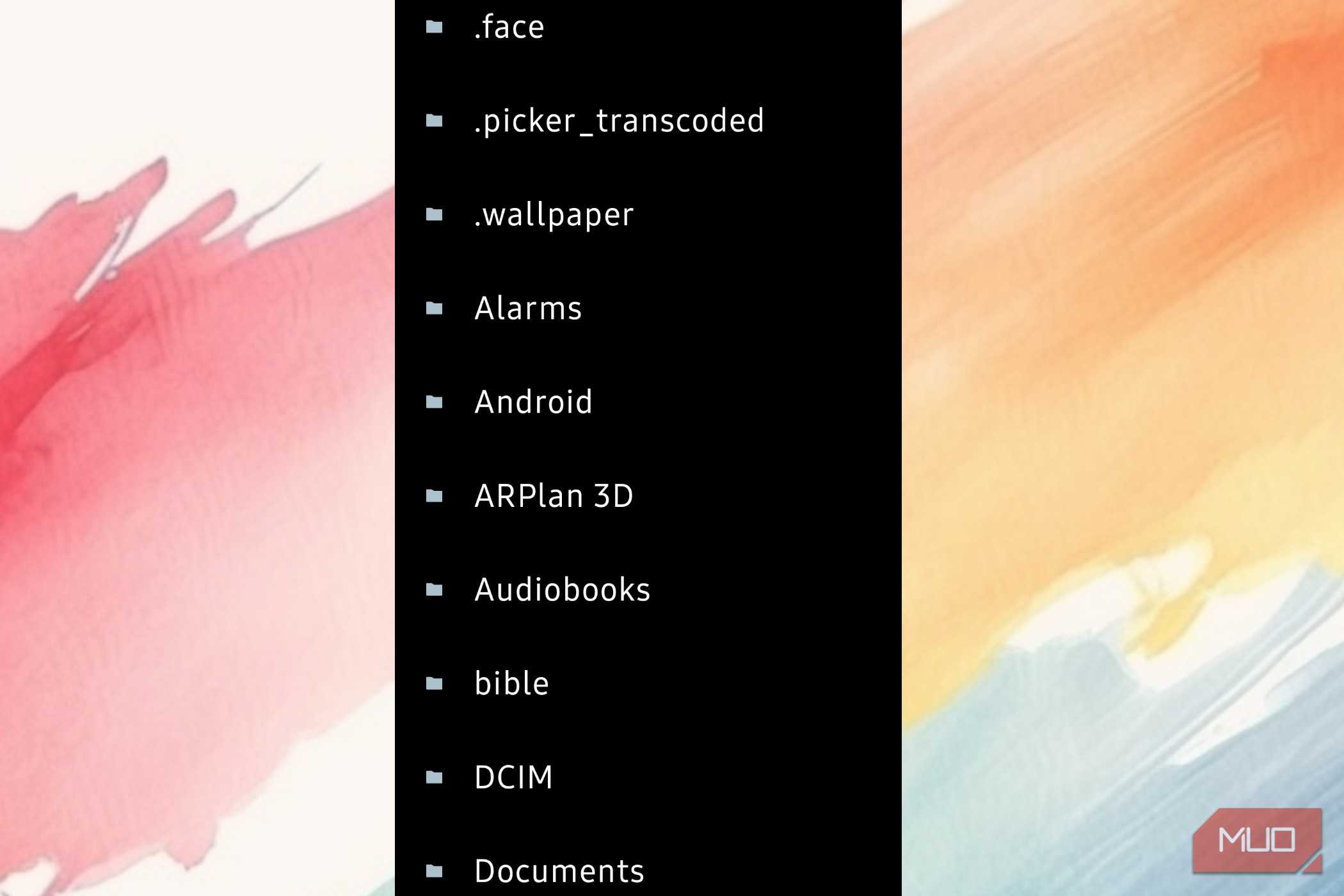
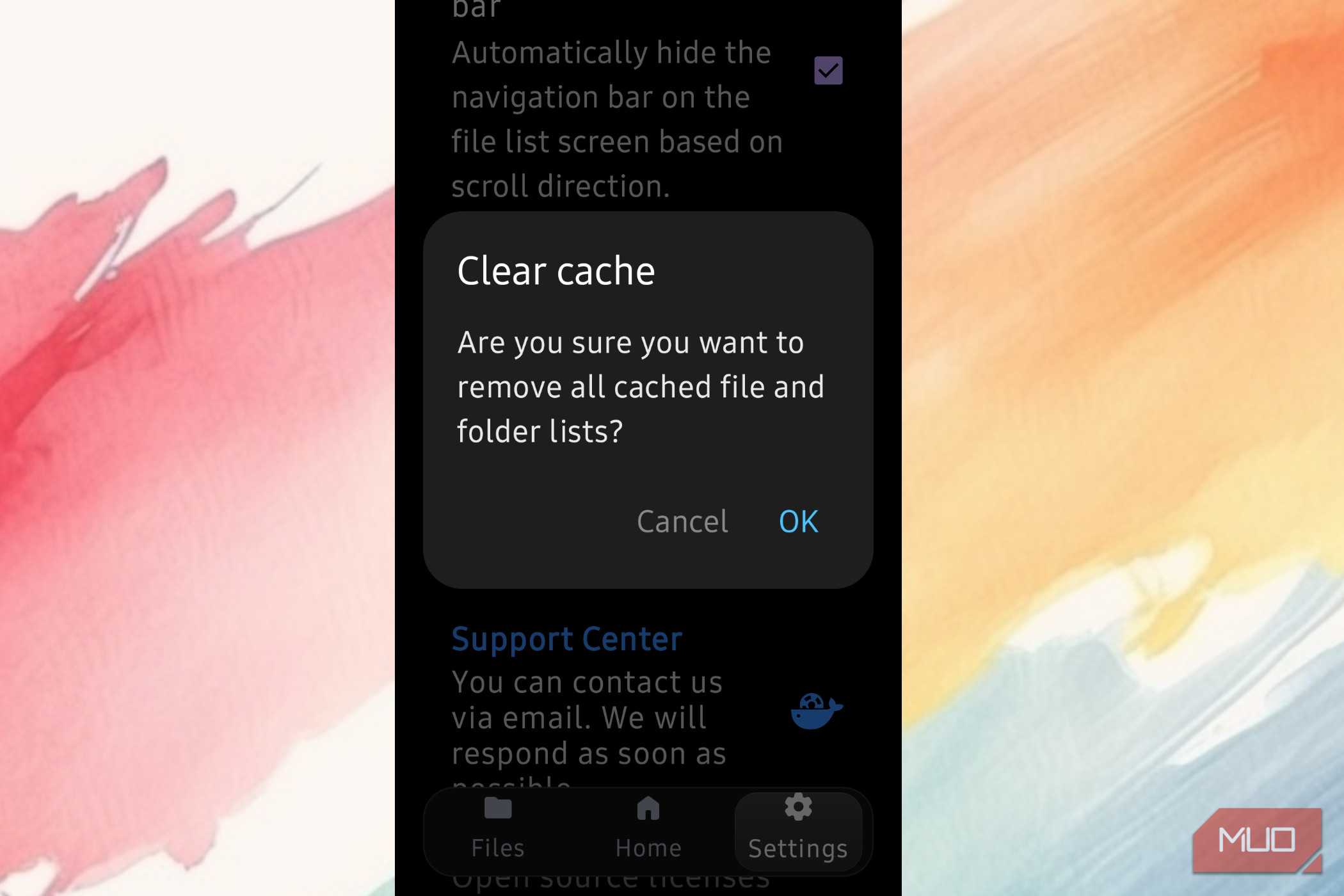
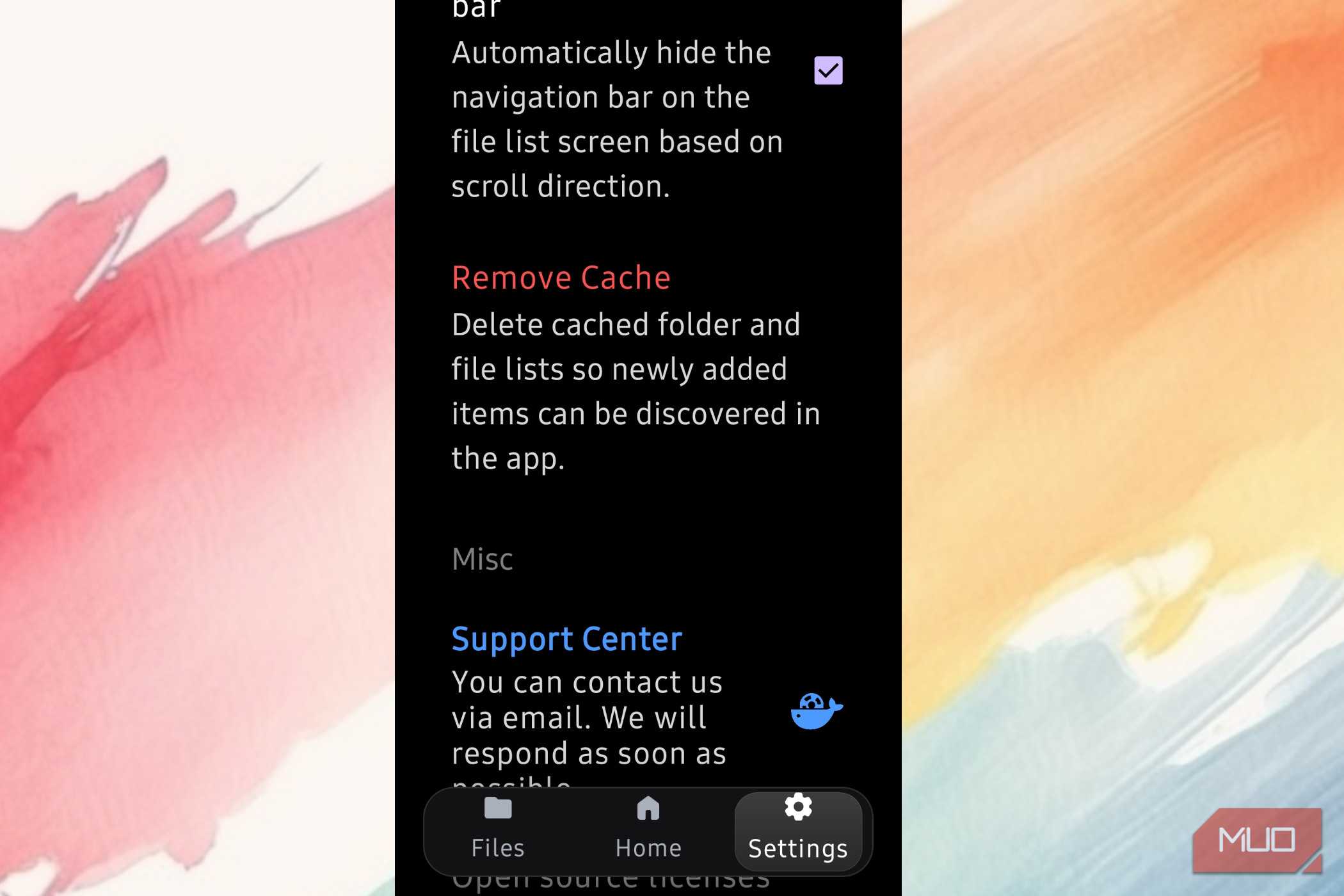
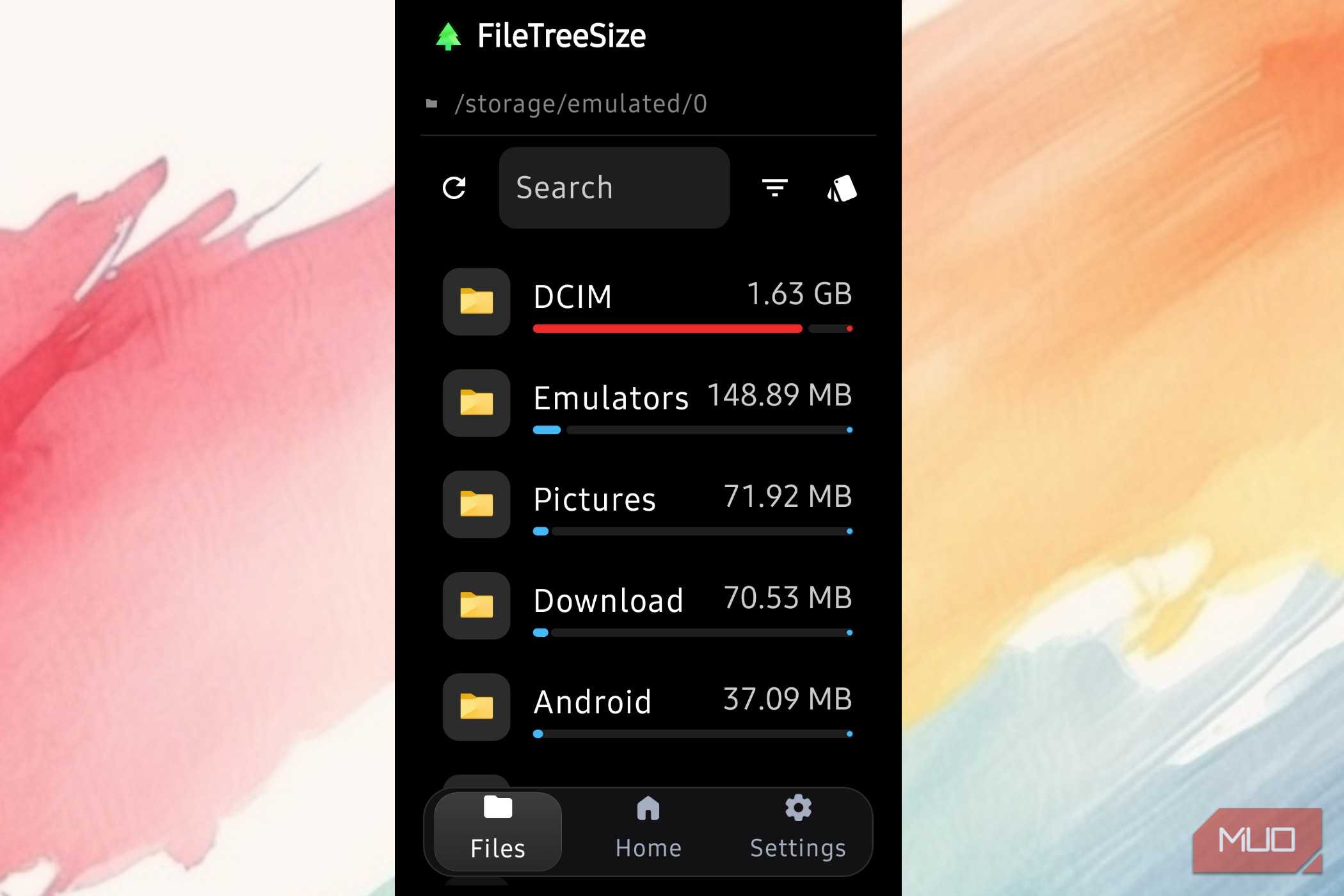
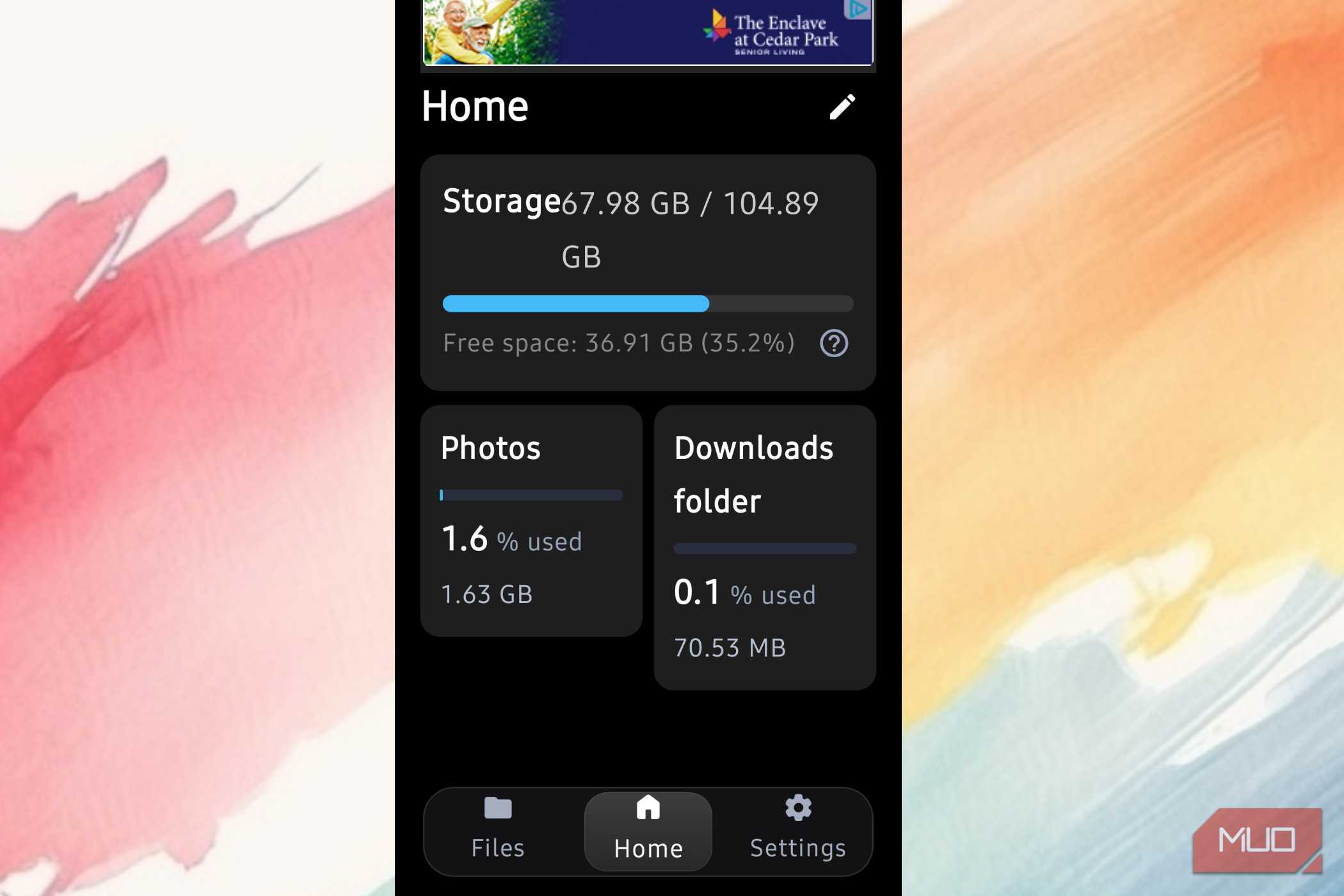

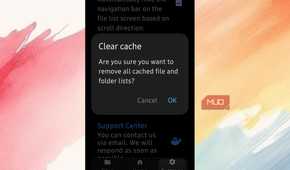
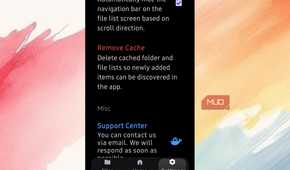
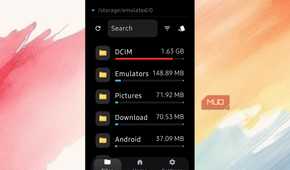
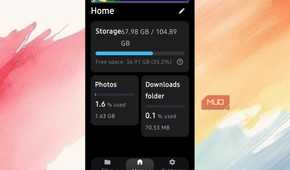
Once you can see your storage laid out, cleaning it up is pretty straightforward. I really liked not having to hunt through folders one by one. My full storage would make this a long wait in the beginning, and I don't have that kind of patience.
While full-blown cleaning apps can hog hundreds of megabytes of RAM running background scans, this app didn't even go past 40 MB. Instead of crawling everything, FileTreeSize pulls size information directly from the system, so you get a fast, read-only snapshot of what's eating your space. From there, you can delete an entire bloated folder instead of picking through thousands of scattered files.
Old game data and messaging app caches seem to be the worst culprits. Blame the high-resolution textures, offline databases, and leftover expansion packs that just sit in Android/obb/ long after you stop playing a game. WhatsApp alone can quietly build up gigabytes of received videos, voice notes, images, and status downloads over time.
Android also doesn't always clean up an app's custom folders when you uninstall it, so these orphaned directories can expand out of control without you ever noticing. A storage visualizer makes them impossible to miss, and once you've traced the path, you can wipe the whole parent folder in one go.
The one thing worth being careful about is deleting entire folders without checking what's inside first. You don't want to accidentally lose photos or files you actually care about. The visual map does a good job of giving you an idea of what is there, but for cleaning up gallery images, you should stick to your actual gallery app instead.
Let the app scan and follow through
The lag isn't a bug; it's what keeps you from deleting the wrong thing

The app scans your folder fresh every time you open it, which is why it can feel a little slow. The issue is that reading through a file system recursively is expensive. Storage operations have to pass through several layers of the OS, and the more files there are, the longer it takes.
Opening a folder triggers a full structural read, which can cause stuttering and lag in large directories. Using a pre-cached database would feel faster, but it would defeat the purpose, as these tools are designed to avoid exactly that kind of shortcut.
That live scan keeps the file sizes accurate right up until the moment you delete something, which is the whole point. Apps that rely on cached databases can fall out of sync with what's actually on your storage. That gap is more dangerous than it sounds.
If a background process recreates a file while an old deletion is still processing, the system can end up permanently removing something you never meant to touch. By reading live rather than querying a cache, the app stays up to date and tells you exactly how large the offending folder or file is.
That's also what makes manual cleanup safer than handing things off to an automated tool. Heavy-duty cleaner apps work from pre-compiled databases of what they think is safe to delete. So you're just going to get system caches flagged as junk, custom folders flagged as risky, and then they sweep in the background without you watching.
Since they're trying to automate the removal of orphaned files and caches, false positives are a real risk. That means you could lose documents, delete offline backups, or corrupt a database if the app runs at the wrong time.
It's always better to have full control than to nuke something.
This isn't the do-nothing solution
Lightweight directory tree analyzers aren't for people who want an app to handle cleanup automatically. If you're looking for a one-tap solution that scans and purges in the background, this app isn't for you. If you're willing to spend ten minutes navigating a tree map instead of tapping a button, you'll know exactly where your gigabytes went.

FileTreeSize
- OS
- Android
- Platform
- Android
FileTreeSize a disk space analyzer app that helps you find out which files and folders are hogging your device's storage.