


Most of us stop thinking about Google Maps the moment we arrive. Depending on your settings, the app keeps paying attention, logging where your phone sat all afternoon and saving every search you typed. A newer feature can even read place names off your screenshots. Nearly all of that history stays private between you and Google, but your reviews land on a profile anyone can scroll.
If you’ve ever tried blocking ads on a smart TV at the router, you know how chatty one device can be. Your map app earns that same suspicion, and reining it in takes a few minutes.
Timeline logs places you never searched for
A daily record that fills itself in


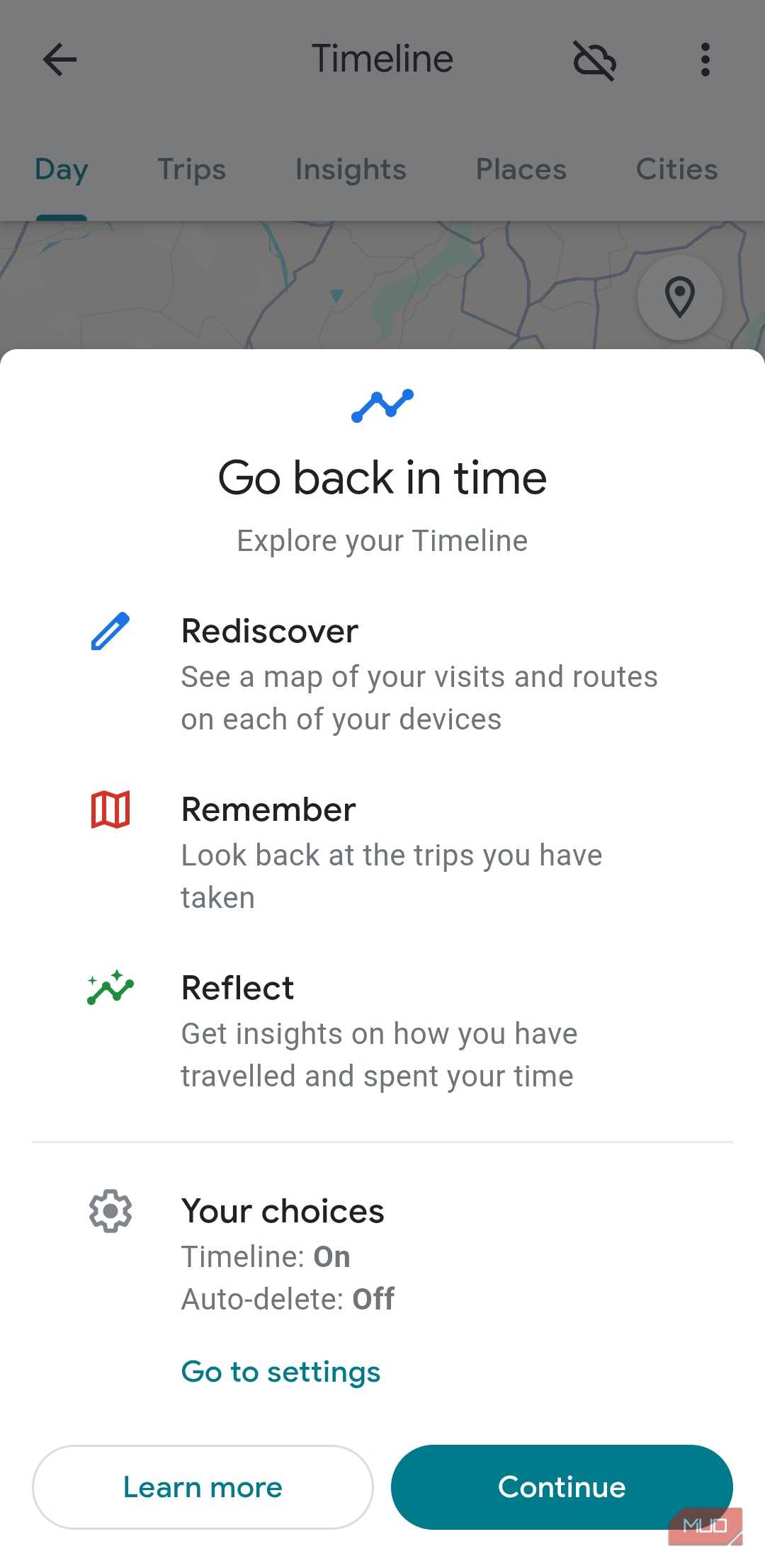
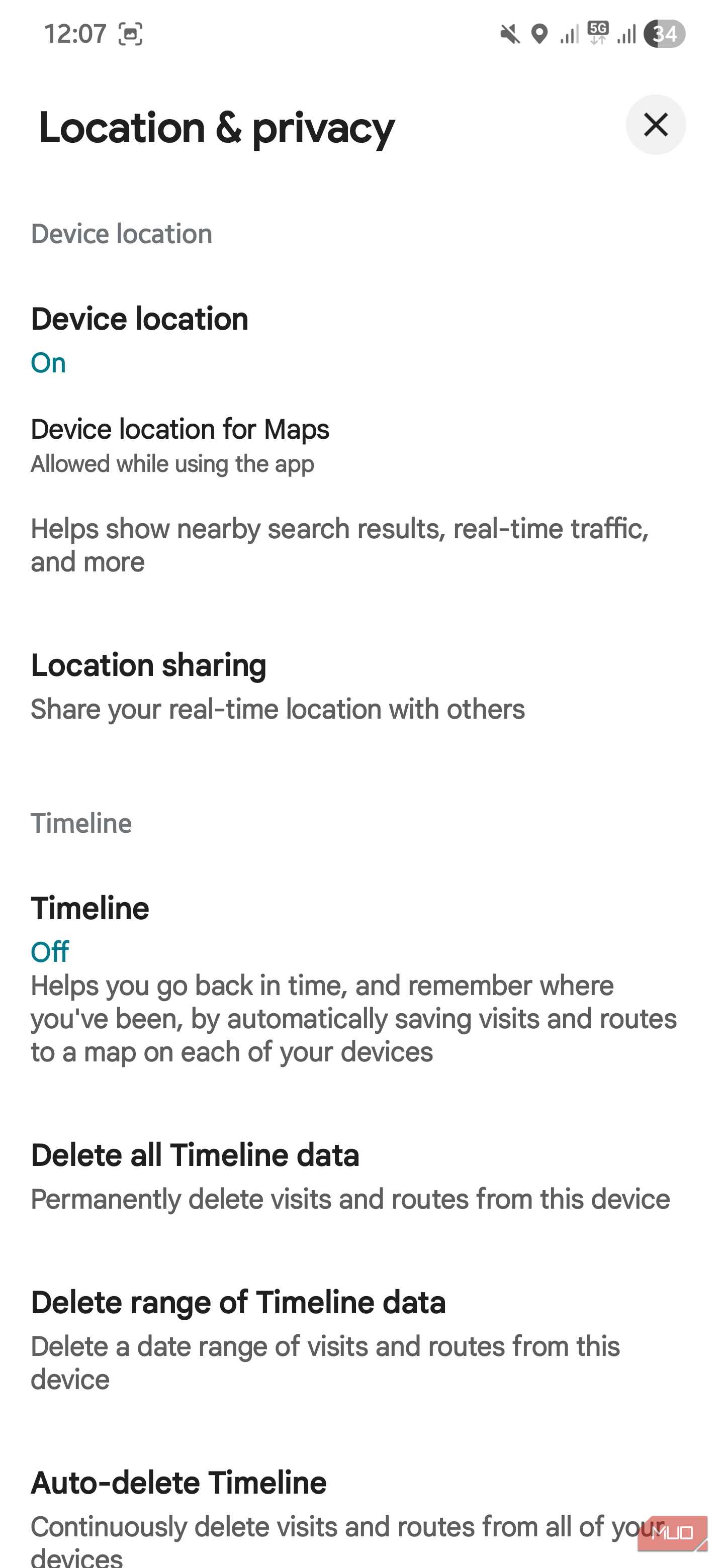
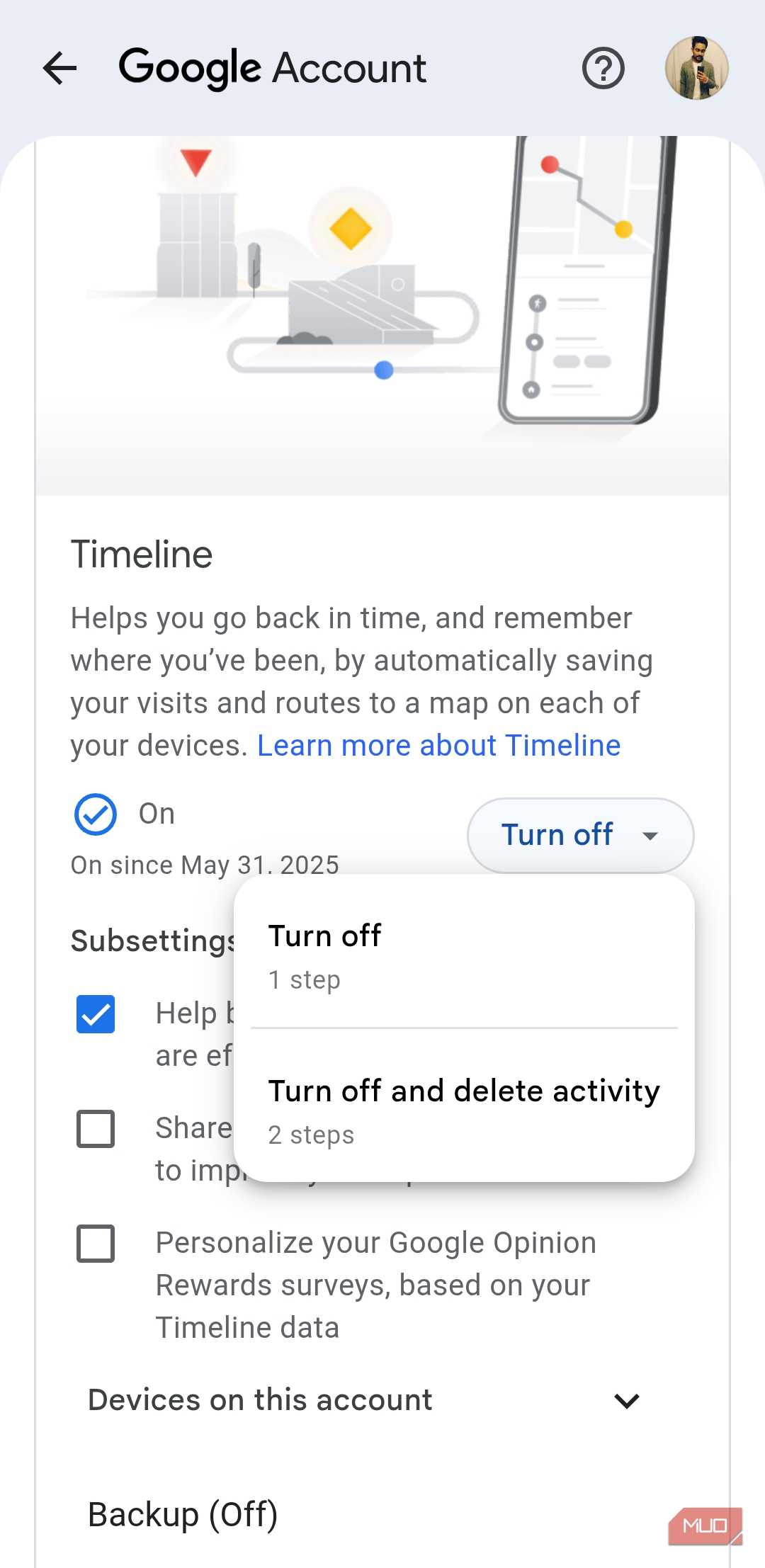
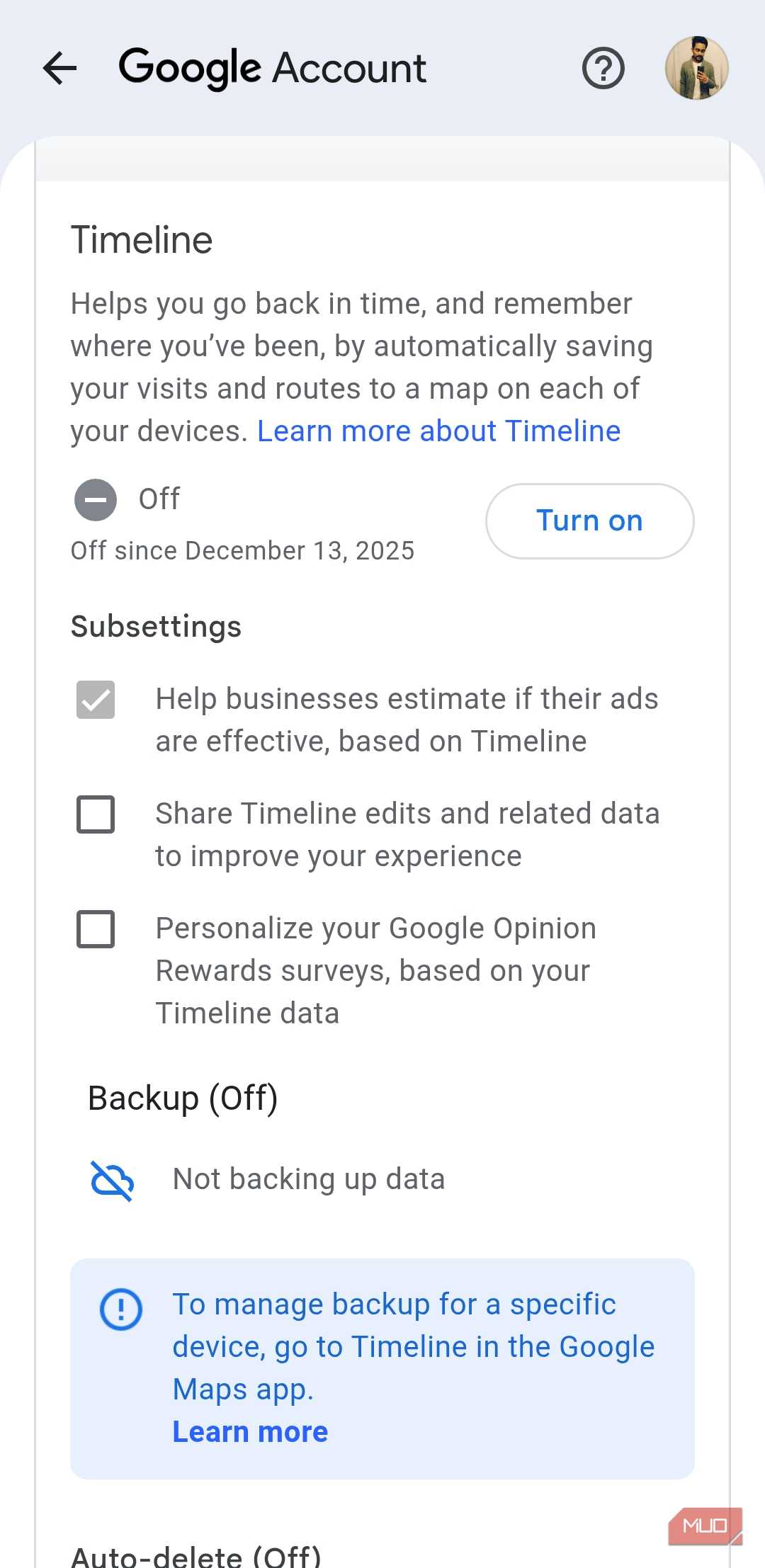
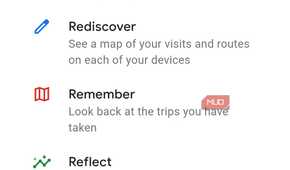
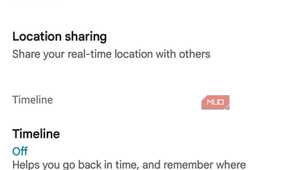
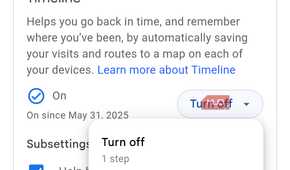
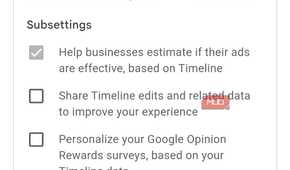
If you turned on Location History years ago, “Timeline” may still be running under its newer name. When it’s active, Google says your phone’s precise location is saved regularly, even while you don’t have the Google Maps app open. It leans on GPS, nearby Wi-Fi, and the other sensors packed inside your phone to piece together each day’s stops, how long you stayed, and whether you walked or drove between them.
Timeline data now stays on your phone instead of Google’s servers, and the encrypted cloud backup is opt-in. Your iPhone only adds to Timeline when a Google app has Always location access, and Background App Refresh is on. In Settings > Privacy & Security > Location Services, look for any Google app marked Always.
A tap on the blue location dot in Maps confirms whether Timeline is on. The cleanup tools sit under your profile picture: pick Your Timeline, then More > Settings. Options there include erasing a date range or the entire history, and Automatically delete Timeline data keeps just the last three, 18, or 36 months. If you value the history, keep the backup on. A technical issue in March 2025 erased some people’s Timelines, and anyone without a backup lost theirs for good.
Your searches and directions are saved separately
Pausing Timeline leaves this history alone

Turning off Timeline stops the location log, but your Maps activity can keep piling up in your Google account. That covers the places you search for, the routes you request, and the listings you open, along with a rough location drawn from your general area and IP address.
In mid-2026, Google began moving Maps, Search, and its other search services from Web & App Activity to a new setting called Search Services History. If you had Web & App Activity on, the new setting arrived switched on, along with an option that saves images and audio from your searches. Your old auto-delete choice carried over too, so an account set to keep everything still does.
To clean it up, tap your profile picture and open Your data in Maps. You can delete today’s activity, a custom range, or all of it, and set an auto-delete schedule. Google also lets you erase the searches, directions, and visits tied to a single place, handy for a jewelry store trip before an anniversary. To keep a drive off the record, tap Turn on Incognito mode in the same profile menu. Incognito also pauses Timeline across your whole phone.
Saved places and screenshots fill in the gaps
Labels, lists, and a Gemini scan of your camera roll

What you save says plenty on its own. Home and work labels, private nicknames like “Mom’s house,” starred restaurants, and your Want to go list stay hidden from other people unless you share them. Google can still fold them into the suggestions and search results you see.
Newer features reach further. Since 2025, Google Maps on iPhone can use Gemini to read place names in your screenshots and add them to a private Screenshots list in the You tab. The feature is off by default, and you approve each find before it’s saved.
Auto-scan, though, needs full access to your photo library so it can check new screenshots as they arrive. I’ve handed a pile of photos to AI before, when Claude Cowork renamed and organized 500 of mine, but that job had a clear finish line. Auto-scan keeps going for as long as it has access.
Ask Maps, the Gemini-powered chat Google launched in March 2026, also tailors its answers using places you’ve searched for and saved. To limit what Maps can see, go to Settings > Apps > Google Maps > Photos, choose Limited Access, and leave auto-scan off.
Your reviews and photos are public breadcrumbs
Anyone can scroll back through your contributor profile

Everything above stays private to your account. Your contributions don’t. Reviews, ratings, photos, and published lists appear on a profile tied to your name and picture, and Google states plainly that you can’t post a review privately.
One review rarely gives much away. Years of them can sketch a routine, from the coffee shop down the street to the gym you visit before work and the mechanic who handled your last brake job. Each post also shows roughly when it went up, so a quick shot of a restaurant patio hints at when you were there.
You don’t have to stop contributing to take some of that back. In your Google Maps profile settings, turn off Show your posts on your profile, or switch on Restricted profile so people need your approval before seeing your contributions. Individual reviews still appear on each business’s page, but strangers lose the one-stop view of your history. Then scroll through your own profile once. Old reviews of places near your house are easy to forget, and deleting a few takes less effort than writing one did.
Keep the convenience and let the diary expire
Deleting Google Maps would be overkill. Saved places and one-tap directions home survive the cleanup, and a trimmed Timeline still remembers last weekend’s road trip. I suggest you set Timeline and Maps activity to auto-delete after three months, use Incognito mode for searches you’d rather not log, and give your contributor profile a once-over.
Forgotten settings cause plenty of small mysteries on a smartphone, from a flashlight that switches on at random to a map app holding years of trips. After a quick cleanup, Maps still knows your favorite taco place. It just forgets each drive there after a few months.