


I don't pay for cloud storage if I can help it, so when I kept bumping into Google Drive's 15GB ceiling, TeraBox's offer of a free terabyte was hard to ignore. I'd already tried stretching Google Drive's free plan with a handful of tricks, but a clean terabyte sounded simpler. So I signed up, moved a batch of files over, and started poking around. By the next day, I'd deleted the account. The free terabyte is real, but the strings attached to it weren't worth the trouble.
One terabyte for free is a genuinely strong pitch
Why I signed up in the first place

On paper, TeraBox makes every other free plan look stingy. Google Drive gives you 15GB, OneDrive 5GB, and Dropbox a measly 2GB. TeraBox hands you a full 1,024GB without asking for a card, which is enough room for thousands of photos or a deep archive of documents. It's also a real product, not some sketchy download. It has apps for Android, iOS, Windows, and Mac, automatic photo and video backup, and shareable links, all where you'd expect them.
I went in wanting it to work. I'm already paying for too many subscriptions, and a free terabyte that could soak up my overflow files sounded like an easy win. The storage really is there once you sign in; the number isn't a marketing trick. The catch is everything around that number, and it shows up fast.

TeraBox
- OS
- Android, iOS, macOS, Windows, Linux
- Developer
- Flextech
- Mobile App
- Android, iOS
- Pricing model
- Free
The free tier fights you the moment you start using it
Ads, throttled speeds, and a 4GB ceiling on every file


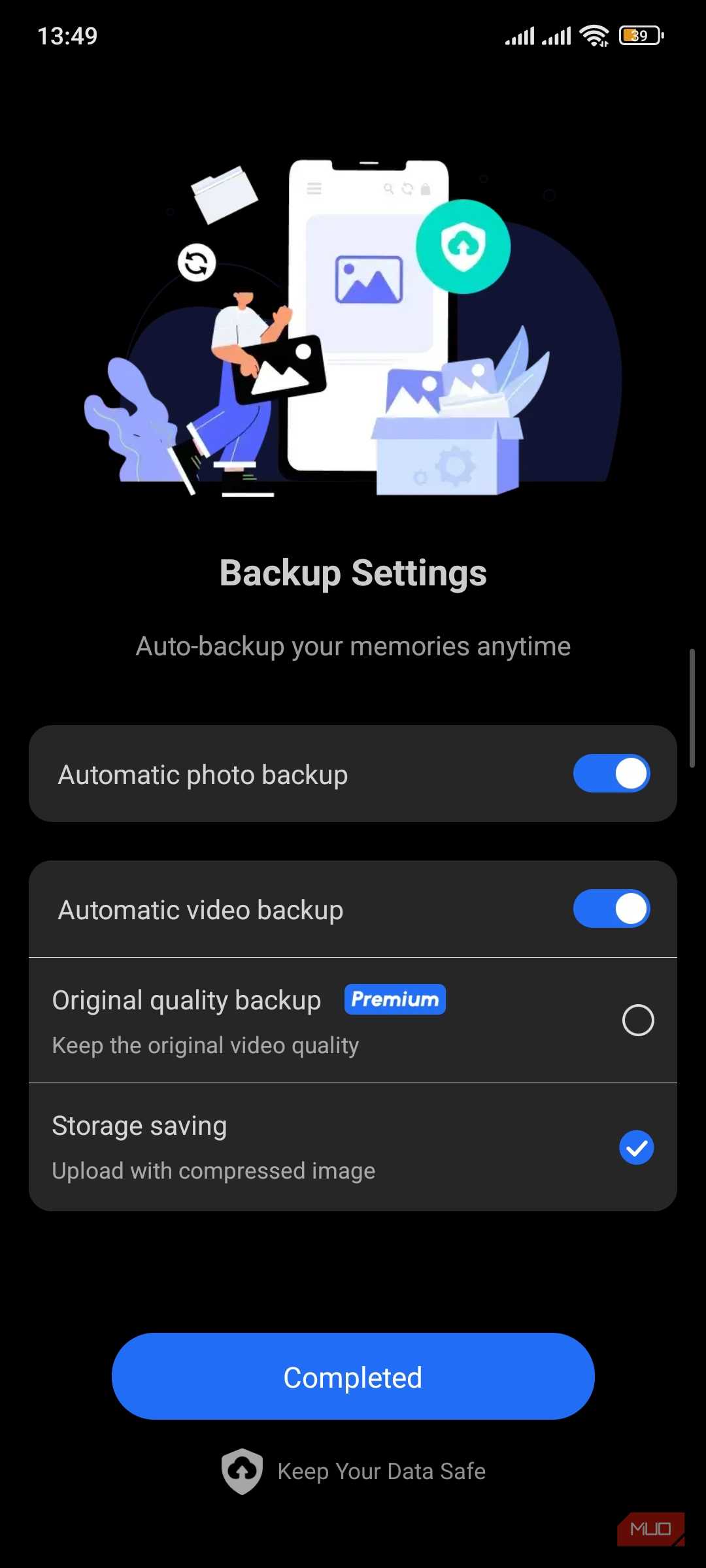
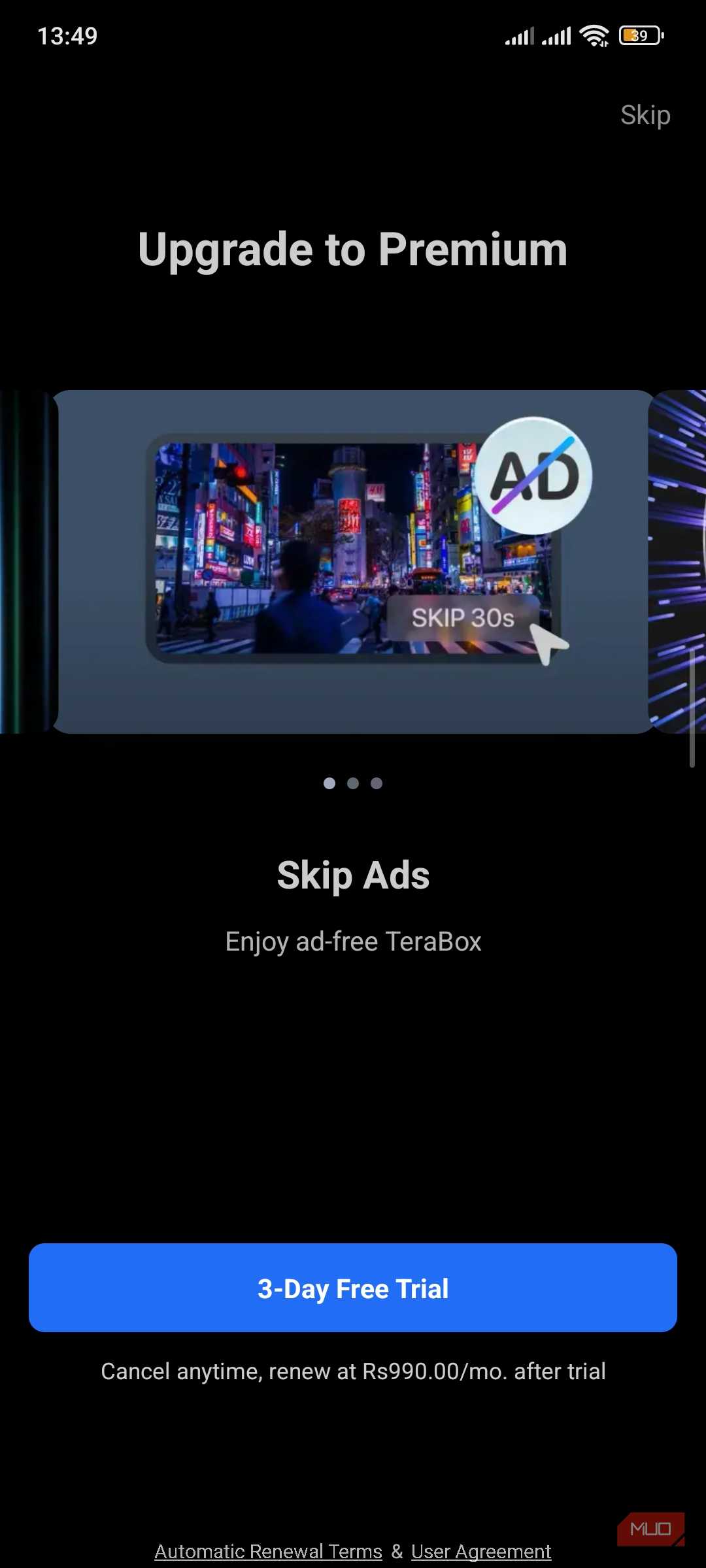
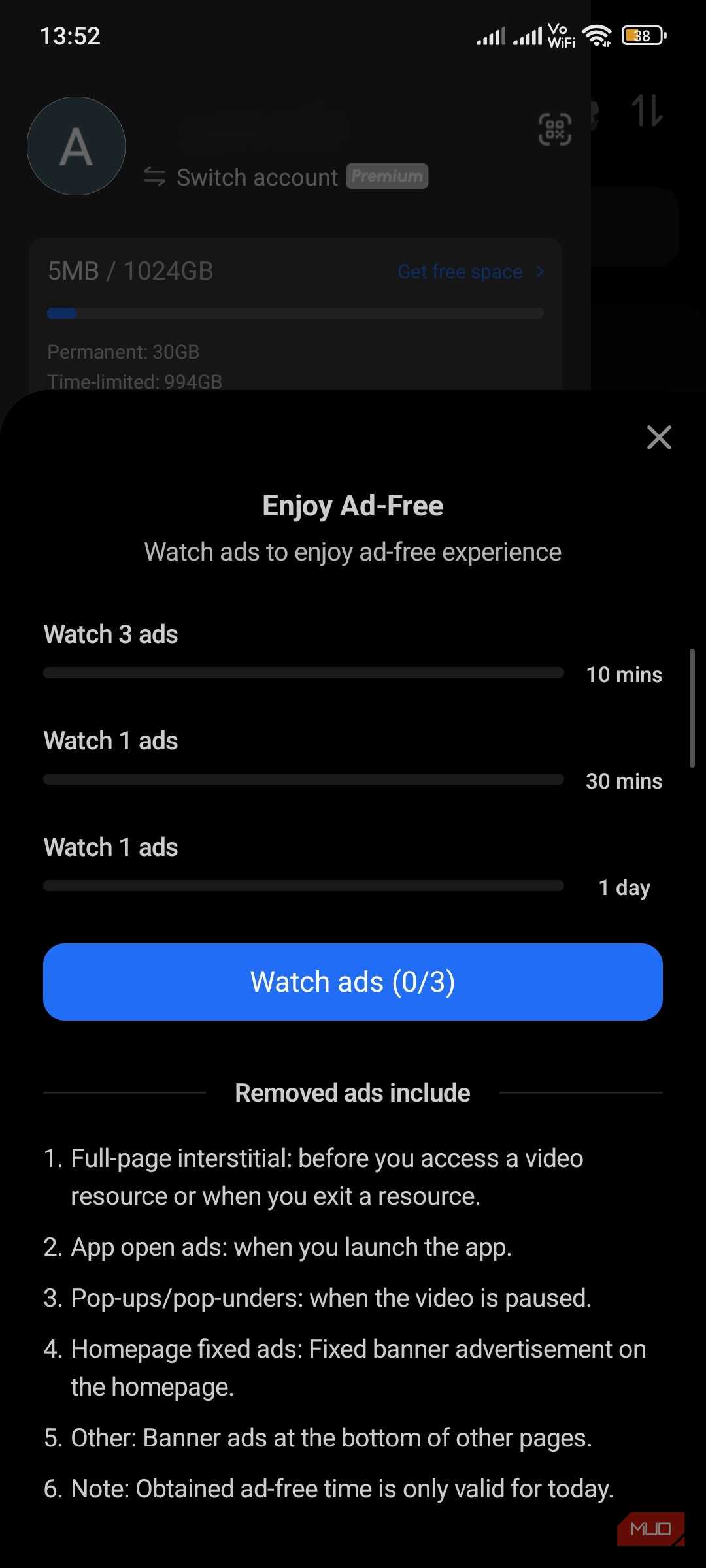
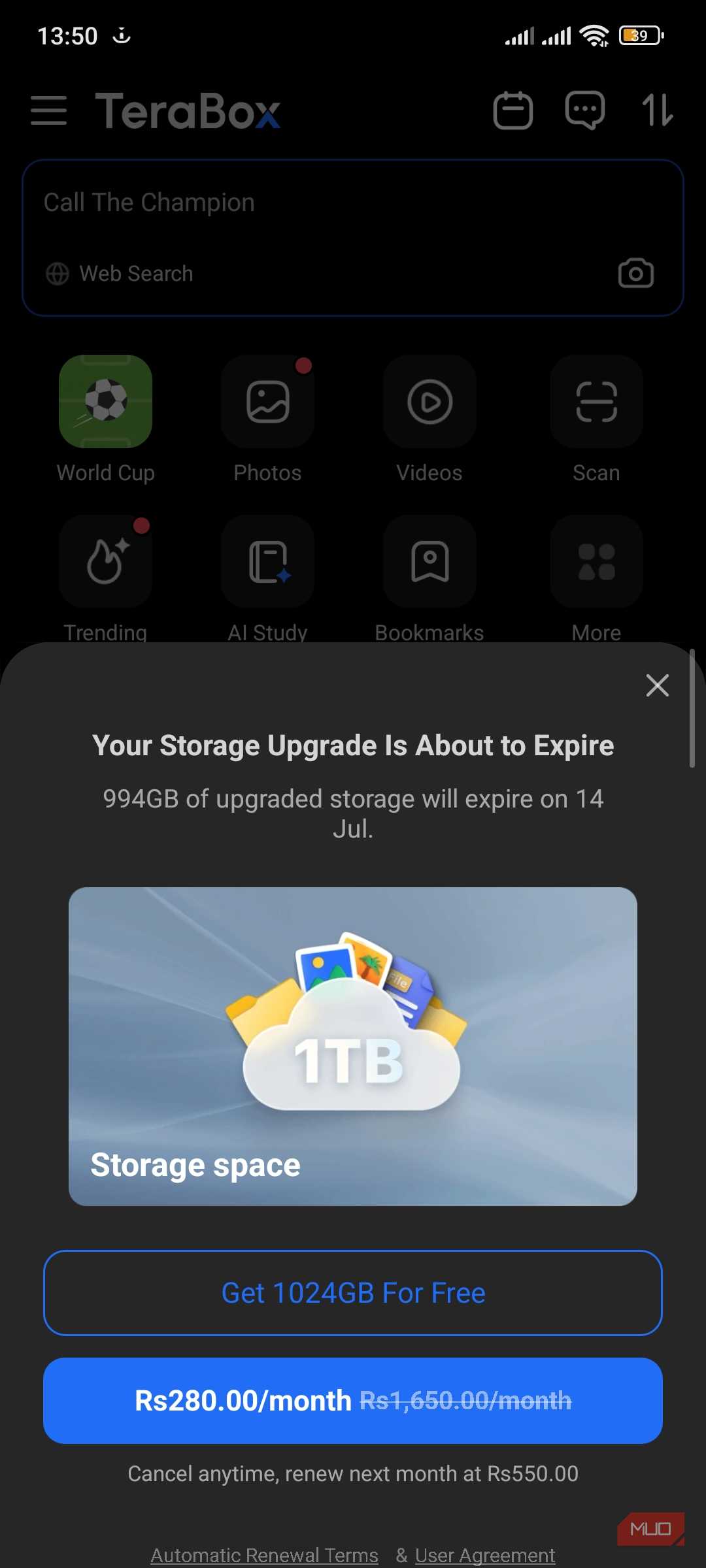
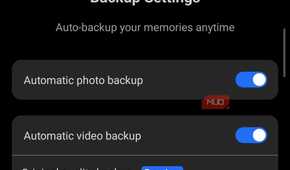


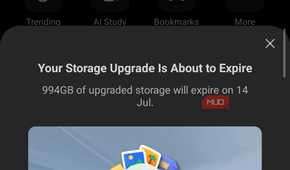
The friction starts before you even reach your files. When you open the mobile app, you're met with a full-screen ad that takes over the interface and stalls you for a few seconds every time. That's the cost of the free plan; I felt it within minutes.
Then I tried to upload a large video and hit a wall. The free plan caps every single file at 4GB. A 4K screen recording or a chunky backup archive simply won't go up.
Uploads are throttled, too, and are more limited on the free plan. Moreover, saved videos play back at a downgraded quality unless you pay for a subscription. None of these are dealbreakers on their own. Stacked together on the first afternoon, they made the free terabyte feel less like a gift and more like a demo built to push me toward a subscription.
I didn't love what the privacy policy implied
No zero-knowledge encryption, and a tangled backstory
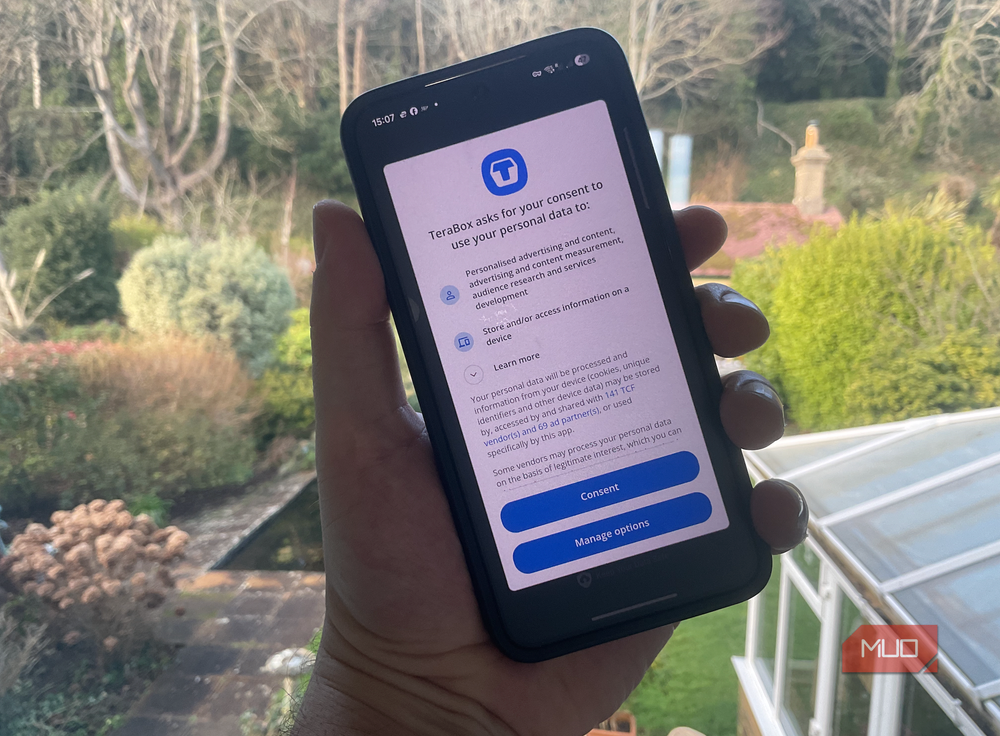
Storage limits I can live with. What I couldn't shake was where my files would actually sit. TeraBox doesn't offer zero-knowledge encryption, which means the company can technically reach the contents you upload. That's true of plenty of mainstream services, but it stings more here, where the entire appeal is dumping huge amounts of data into the cloud. If you want files only you can open, you're better off moving anything sensitive to a zero-access provider like Proton Drive.
The backstory didn't help. TeraBox started life as DuBox, a Baidu product, before being rebranded as Flextech, a company registered in Japan. Its policy also allows sharing certain information with third parties, including authorities, in specific situations.
I'm not claiming anything shady is going on. But I'm trusting this service with personal files, and "probably fine" is a low bar for that. Free plans can also shrink without warning, as when Yahoo Mail slashed its free storage in 2025.
What I'm using instead
By the evening, I added it up. The terabyte costs nothing in money, but it costs attention, patience, and a bit of trust I wasn't ready to hand over. For genuinely disposable files — random downloads, memes, stuff I'd shrug off losing — it's fine. For anything I'd be upset to lose or wouldn't want a stranger flipping through, the trade-offs don't hold.
So I deleted the account. If you need a lot of free space without the baggage, there are better routes. Mega gives you 20GB of free storage with proper zero-knowledge encryption, and you can pool several services if you spread your files around. I rounded up a few of these underrated free cloud storage apps that beat TeraBox on the things that actually matter to me.
Paying a few dollars a month for OneDrive or Google One is an easy option too, once you weigh your time against the savings.
Where I'm landing on free storage after this
I'd rather pay for less than babysit a free terabyte
TeraBox isn't a scam, and the storage is real. What this nudged me toward is a simpler rule for the next "free" offer. Figure out what I'm actually paying with before I sign up. Free always has a funding model, whether that's ads, throttling, data, or some mix of the three. Going forward, I'm splitting my files into two buckets. The stuff I'd hate to lose earns a paid, private home, while everything else can live on whatever free tier I can tolerate. The next thing I want to test is whether a small Mega plan covers both without the friction.