


Credential Manager is one of those Windows corners I only remember when something breaks. A shared folder refuses to connect, an app keeps asking for a password it already knows, or Windows insists on using the wrong account with impressive confidence.
This time, nothing was broken. I just opened it out of curiosity, expecting a boring list of saved sign-ins and maybe a few stale entries to remove. Instead, I found it was less dramatic than a security scare, but far more revealing about how much Windows remembers.
Credential Manager is where Windows keeps the awkward receipts
The locked drawer still has fingerprints on it


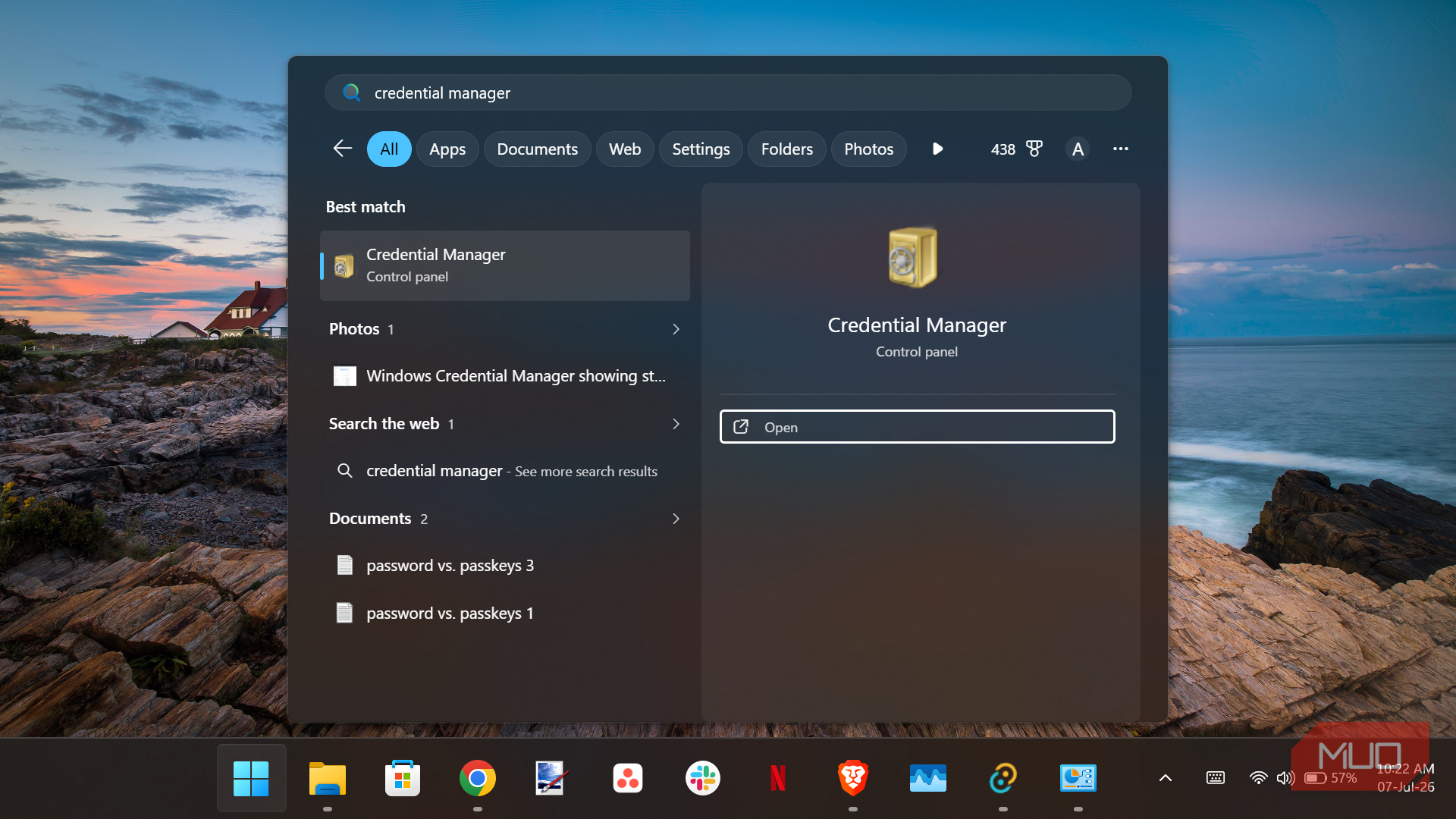
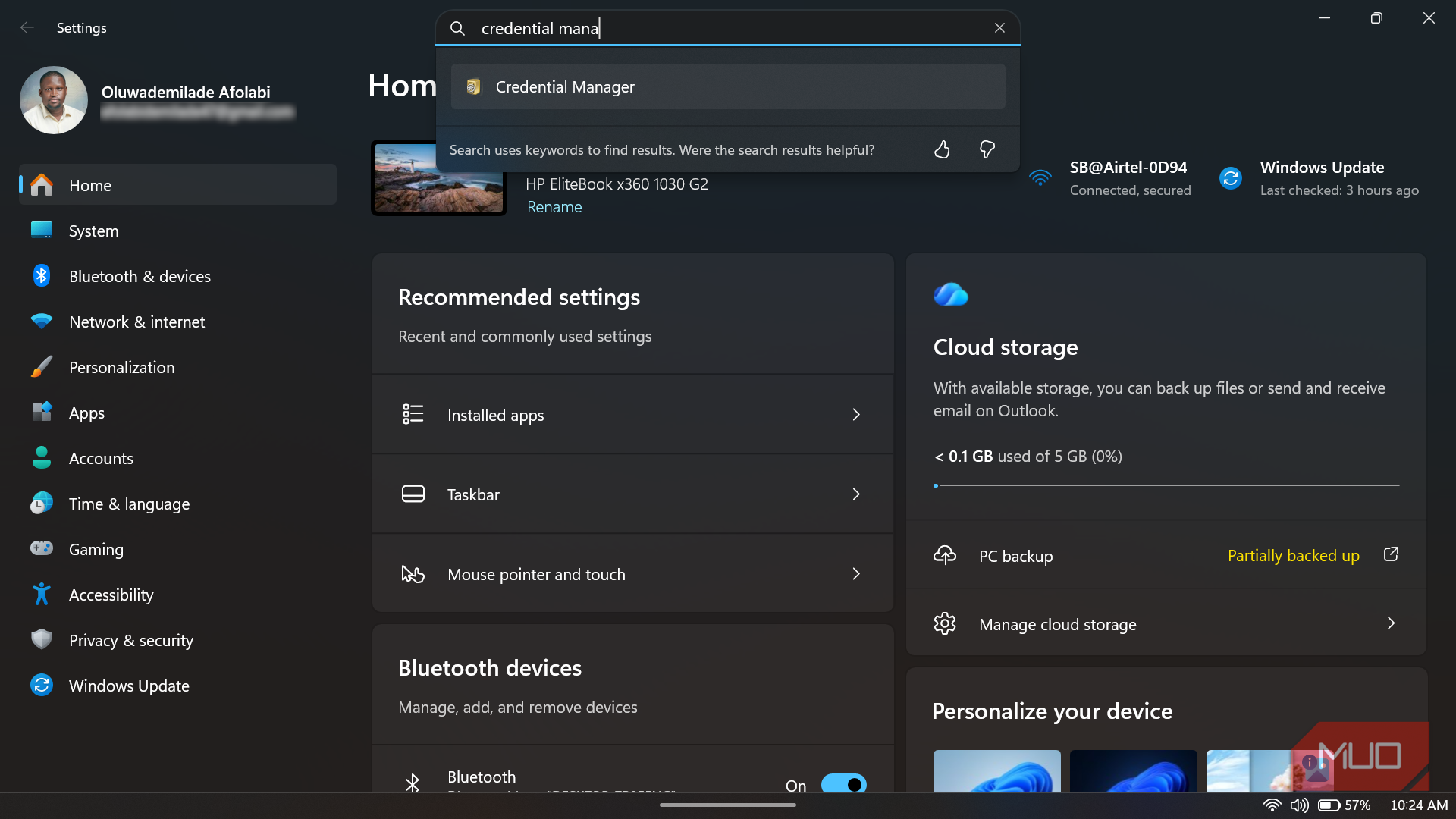
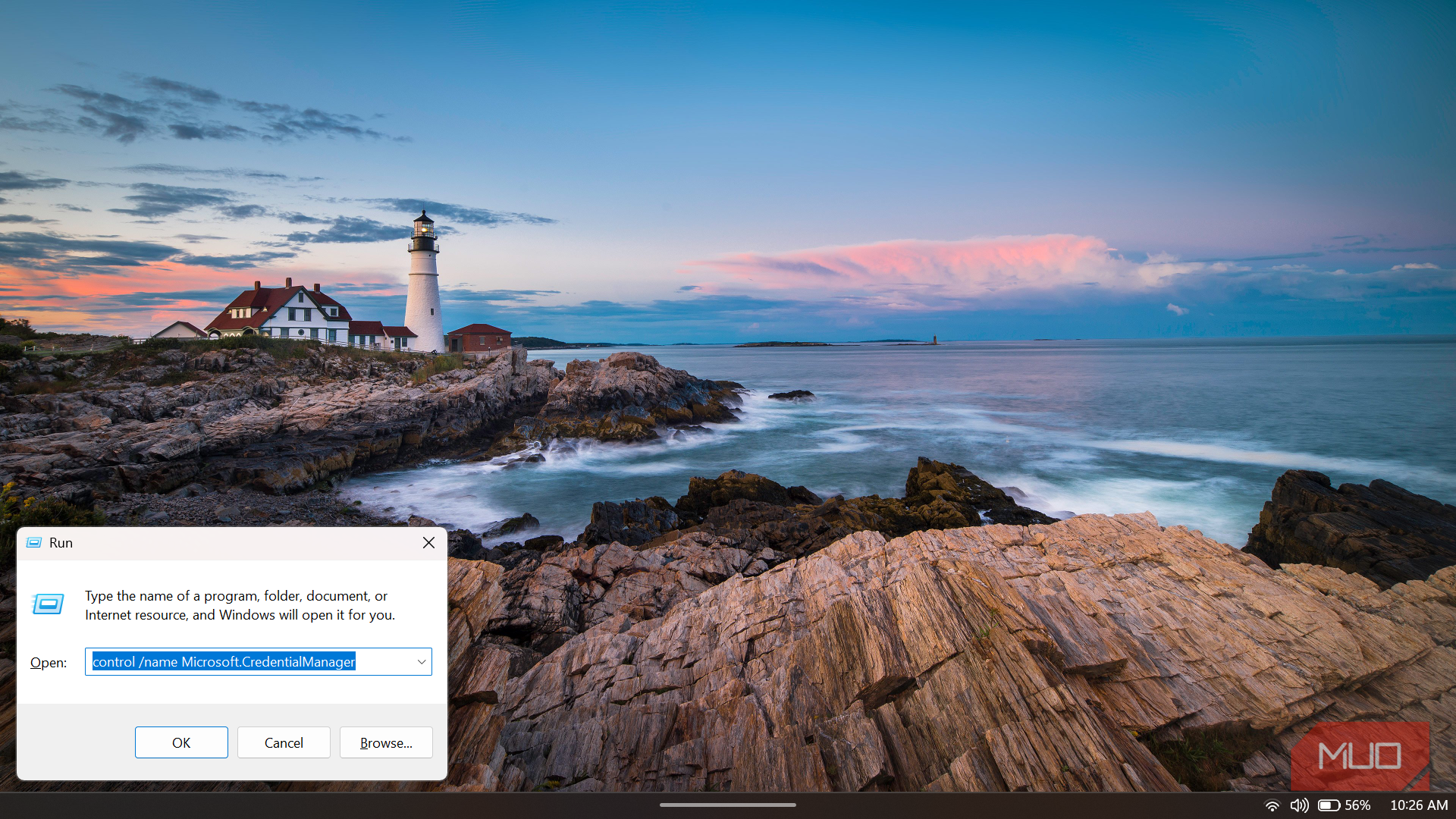
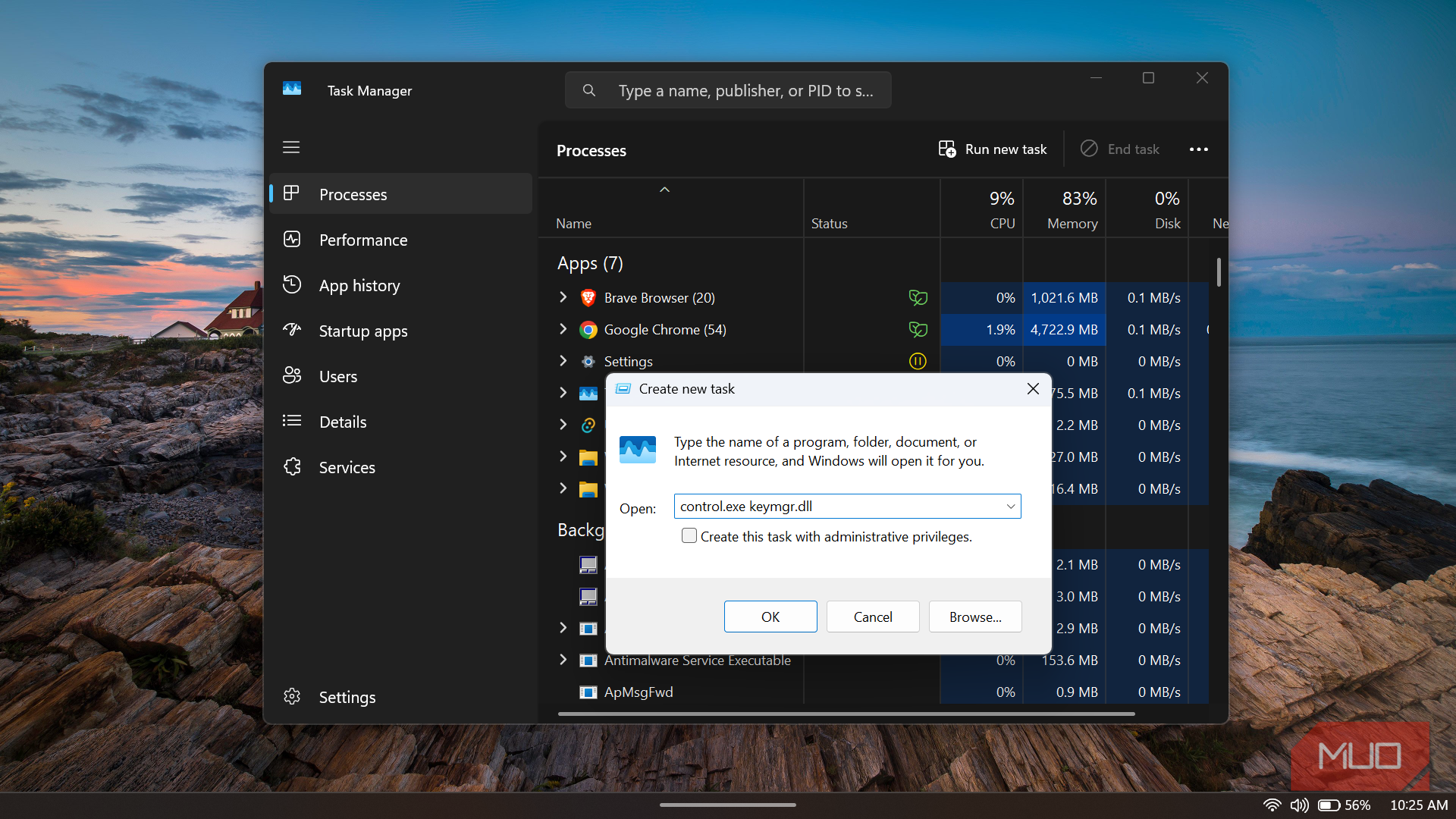
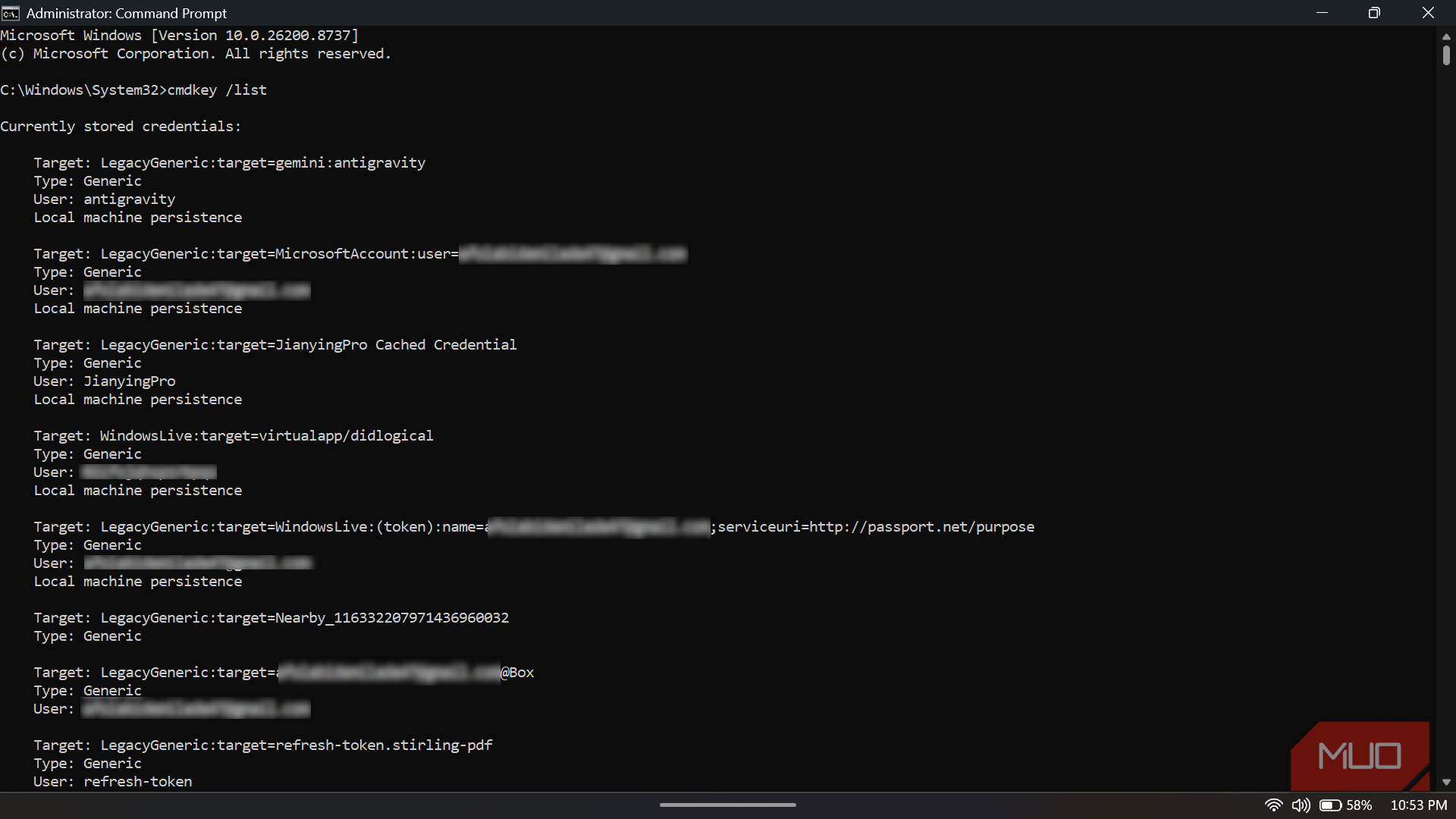
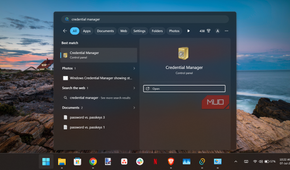
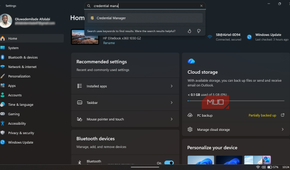
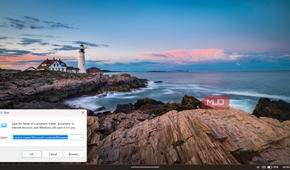
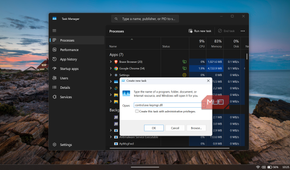
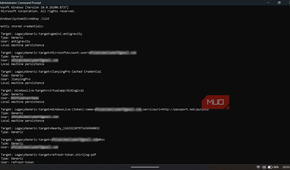
Credential Manager is still tucked inside the Control Panel. I opened it via Control Panel -> User Accounts -> Credential Manager, though there are several other ways to open it. Its job is to save your login credentials in Windows and to view and delete them for connected websites, apps, and networks. The cmdkey command can also create, list, and delete stored credentials, so cmdkey /list gives you the same audit in a terminal.
The interface splits into Web Credentials and Windows Credentials, but as a built-in feature, it isn't a replacement for your password manager. Chrome has Google Password Manager, Edge has Microsoft Password Manager, and Firefox keeps its own saved logins. Windows still matters because browsers and apps can leverage Windows security APIs, but Credential Manager is not where every browser password is automatically stored.
Windows Credentials is the juicier tab. It can hold Windows credentials, certificate-based credentials, and generic credentials. Generic credentials are the messy drawer because apps can define their own targets and store app-specific sign-in materials. That is why the list can look half-familiar and half-unreadable.
Here's exactly what was sitting in mine
One entry is old enough to remember Windows Live Messenger

That's the theory, though my own vault didn't follow it quite so neatly. Web Credentials wasn't full of forgotten websites, but it wasn't empty either. Two entries, SnapshotEncryptionIV and SnapshotEncryptionKey, sat there tied to a username reading MicrosoftStore-Installs and marked as roaming.
The most credible explanation I found is that the Microsoft Store generates these when installing or updating apps, encrypting a local snapshot of that data for backup or sync. However, Microsoft doesn't document it outright, and plenty of other people online seem equally stumped. A third entry, SAClientApp, I still can't place at all. Windows Credentials and Certificate-Based Credentials, meanwhile, were both empty: no RDP sessions, no domain logins, no smart cards.

The real clutter was under Generic Credentials. Near the top, I found two Box entries: one plain, and another tied to an old Gmail address I used to sign in to everything. Below that was DriveFS, Google Drive's desktop sync client (the credential you often need to clear if you ever have to fix Google Drive not syncing on Windows), along with a credential pointing to the GitHub API. A nearby entry shared an oddly specific 20-digit device ID with the DriveFS entry, which suggested both came from the same Google client running in the background.
Further down, I found a refresh token for Stirling PDF, a self-hosted PDF tool; a gemini:antigravity credential for Google's newer agentic coding platform; and a cached login for JianyingPro, a video editor I opened once and never used again. There was also a Microsoft account entry tied to that same old Gmail address.
At the very bottom was virtualapp/didlogical, which initially looked suspicious to me. After looking into it, I found that it is actually a harmless Windows leftover dating back to the Windows Live MSN Messenger and Mail era. It has been reappearing for well over a decade. Nobody asked it to stay, but Windows apparently never got around to showing it the door.
Cleaning house without locking myself out of anything
Deleting a password here doesn't delete it everywhere else

Before removing anything, let me tell you what deletion actually does. It doesn't touch the account or reset a password online; it just erases Windows' cached copy, so the next connection prompts a fresh login instead of silent access. That is why clearing a stale credential fixes repeated prompts on a network share, a NAS that stopped accepting logins after a password change, or leftover domain credentials after a migration, none of which applied to my own list.
Deleting the JianyingPro entry and the plain Box login was easy, since both belonged to software I don't use anymore. I left the Microsoft account and Antigravity entries alone, since removing those only forces a re-authentication rather than breaking anything, and left virtualapp/didlogical alone purely out of curiosity, since Windows regenerates it regardless.
Since the safest password is the one you never type, passkeys live elsewhere, under Accounts in Settings, protected by Windows Hello and the device's TPM. BitLocker recovery keys do not sit in this vault either, since those live in your Microsoft account or an organization's directory. Credential Manager has its own job, and anything stored inside it can generally be decrypted by software running under your own Windows login, including malware if it gets that far. Keeping the list tidy is not paranoia so much as basic housekeeping for a part of Windows most people never think to open.

KeePassXC
- OS
- Windows, macOS, Linux, Portable
- Price model
- Free
KeePassXC is an offline password manager that offers strong password encryption and does not require the cloud to store or handle your credentials. It is open source and community maintained.
Windows has a longer memory than I do
I did not end up deleting as much as I expected, which turned out to be the point. Most of what I found was not an active security disaster waiting to happen. It was a record of old apps, sync clients, one-off tools, and forgotten sign-ins that had each asked Windows to remember them, then settled into a drawer nobody checks.
I closed Credential Manager with a shorter list and an odd respect for virtualapp/didlogical, that stubborn scrap from the Windows Live era that somehow never got the memo to leave. Windows remembers far more of our computing lives than we do, and now and then, letting it jog your memory is worth the detour.