


If you own an Android device, you've probably explored efficient ways to transfer files at some point. This could be you wanting to get a new music album or movie from a friend, or just transferring files between your Android devices and a Windows PC.
Earlier, the only viable option was to physically connect your phone to a computer with a cable to transfer files. The other option was Bluetooth, which was pretty slow and made it hard to transfer larger files. All this changed with the introduction of modern wireless sharing platforms that combine Bluetooth and Wi-Fi.
For the unaware, Google and Samsung merged Google's Nearby Share and Samsung's Quick Share into a single file-sharing service under the Quick Share name. Almost all Android phones now come with Quick Share, which offers a built-in solution to share files. I use the feature regularly and wonder why more people don't.
Quick Share is a competent file-sharing solution
It uses both Bluetooth and Wi-Fi Direct


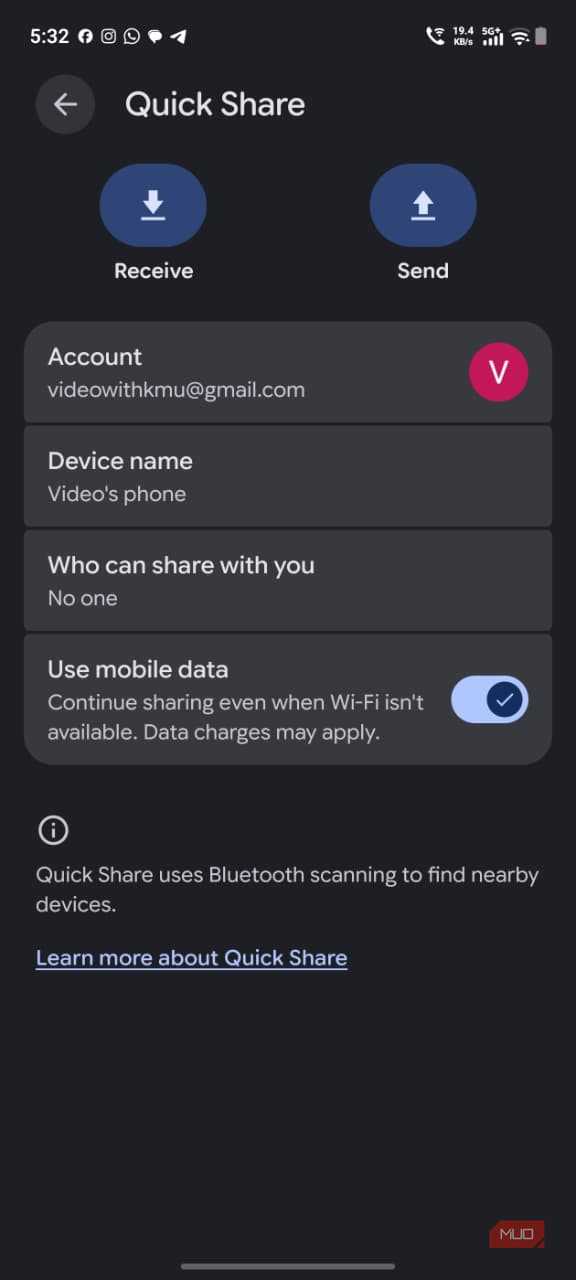
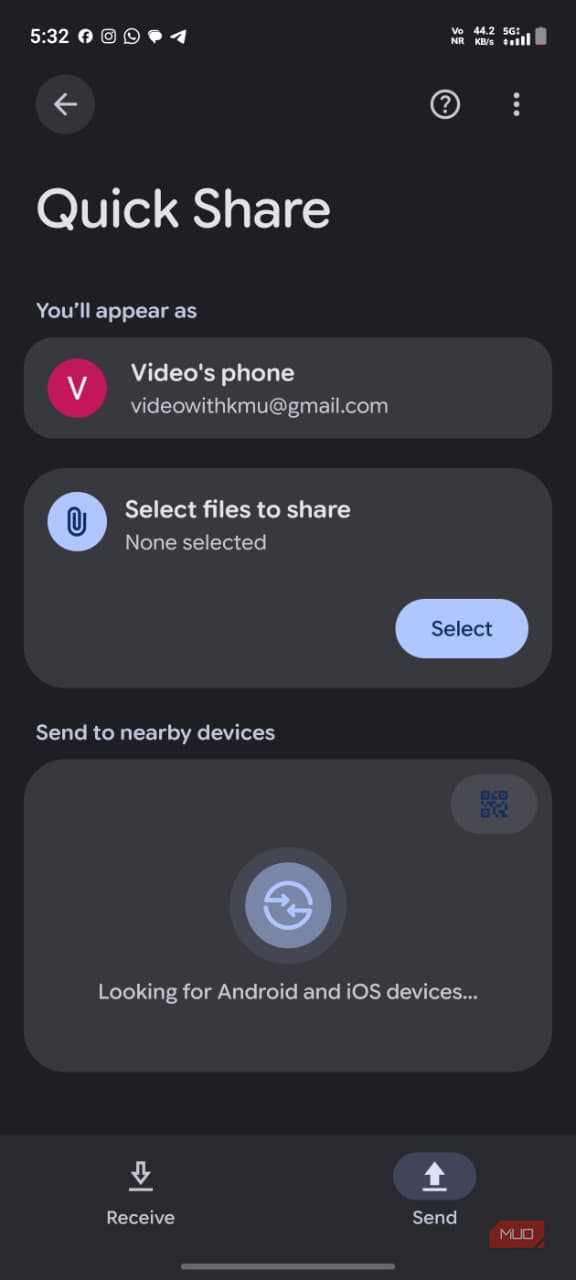
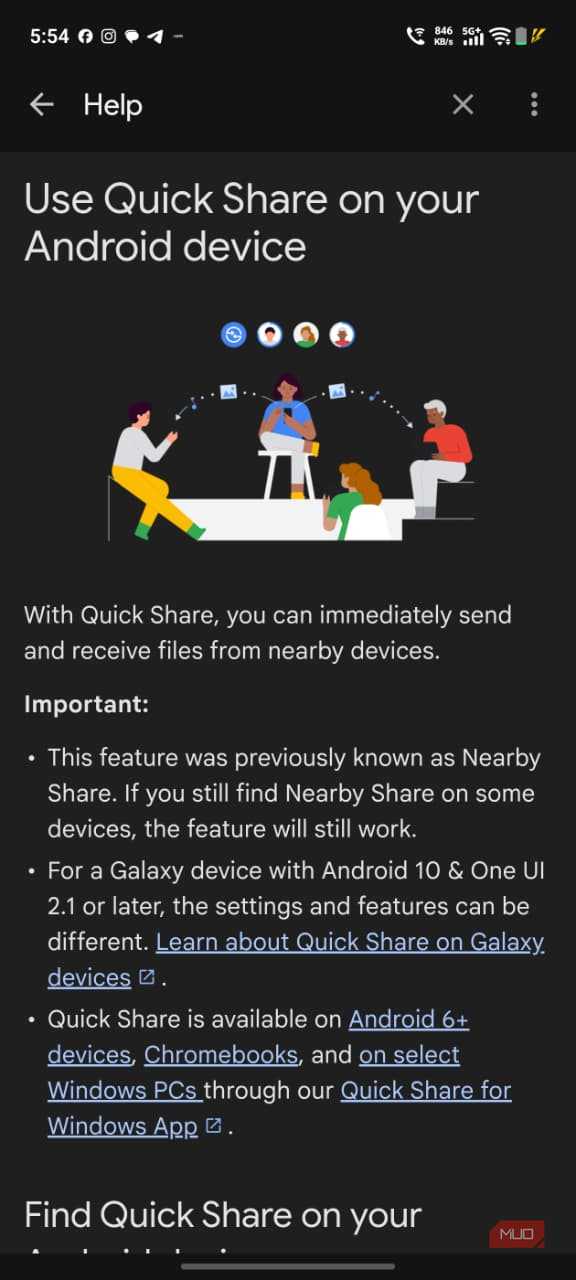
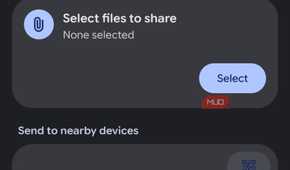
Quick Share is a wireless file-sharing service that allows you to transfer files between Android devices and other supported platforms. If you use an Android device, there is no need to download a third-party application or upload the files to the cloud.
Quick Share uses Bluetooth to locate nearby devices and forms a direct Wi-Fi connection (such as Wi-Fi Direct or Wi-Fi Aware) to send files.
The file transfer speeds are incredibly fast, and it's super convenient. You can essentially send large files worth GBs of data with ease. Quick Share is faster and more efficient for sharing files compared to other options such as email or Google Drive.
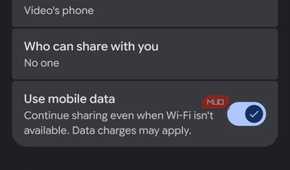
The best part: it doesn't require an active internet connection to function. Nonetheless, there is a mobile data feature that allows you to transfer files over your mobile data network if the direct device-to-device Wi-Fi connection drops.
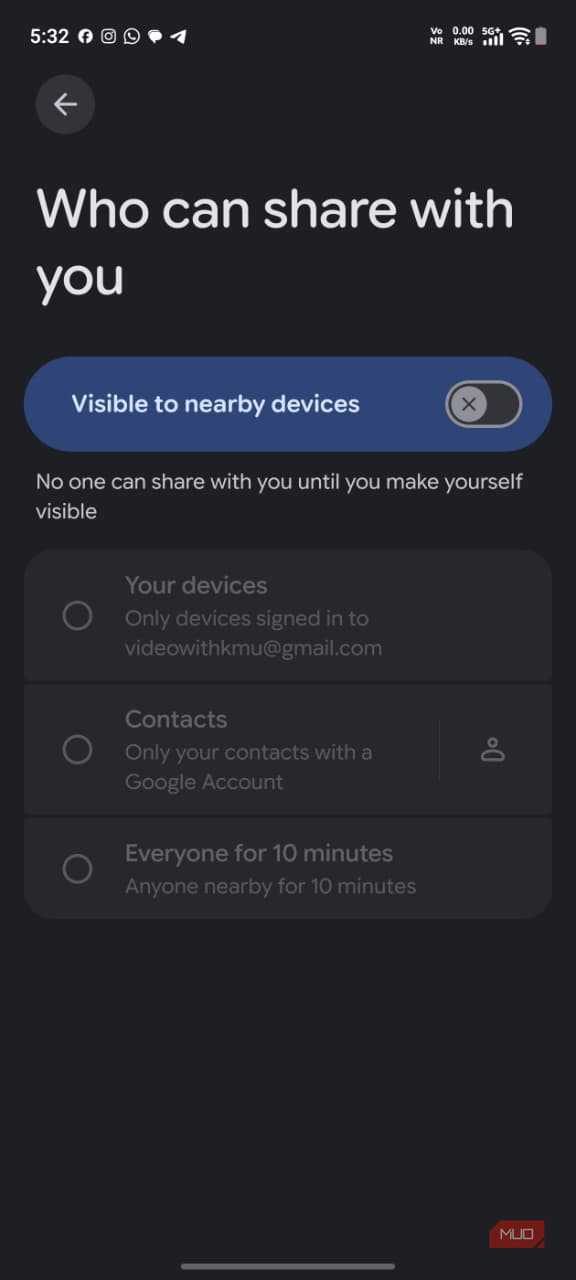
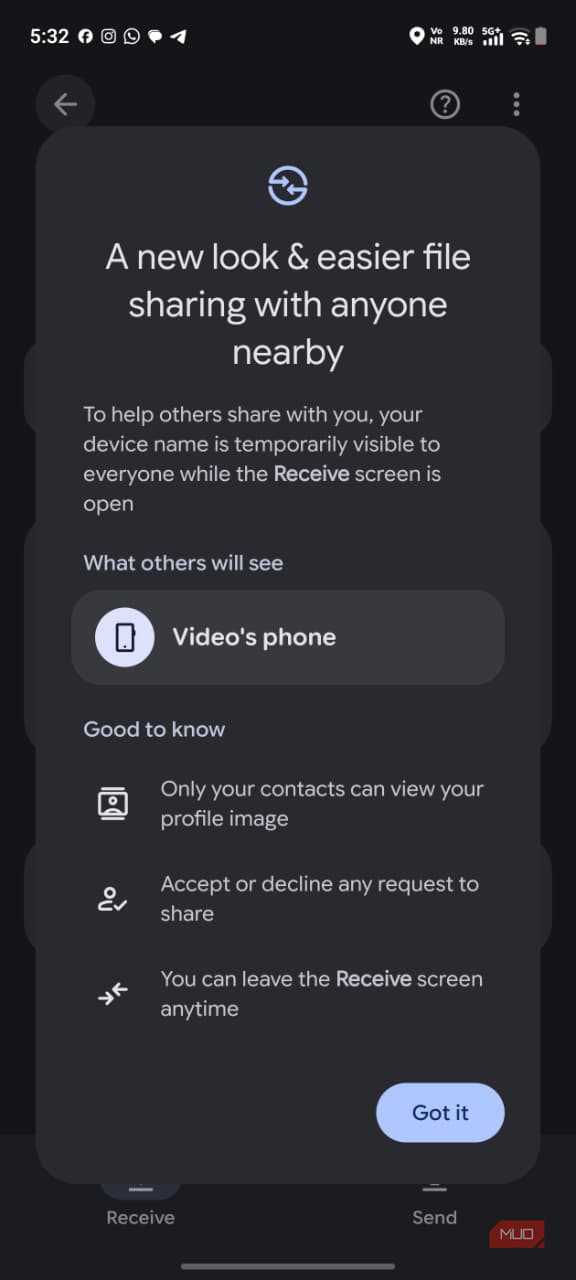
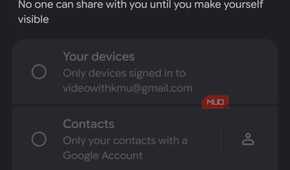
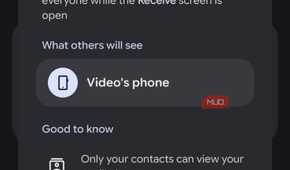
One feature I really appreciate is the ability to share files with users who are not in my contacts list. The receiver has to change the visibility settings to allow other users to view their device.
There are no compression issues or limitations on size. The service can now also be used on select Android phones to share files with AirDrop compatible devices such as iPhones and iPads. If you own a Windows PC, you will need to download the Quick Share app to share files.
The platform can also automatically accept file transfers between your devices when they're signed in to the same Google Account. This makes it even easier to move files between your own devices without having to manually approve each transfer.
Quick Share can be set up in a few simple steps
Make sure your device is visible

You can access Quick Share from your phone's Quick Settings panel or by visiting the Settings app. Sending and receiving files such as photos, videos, or any other file is a breeze. I recommend you use File Manager to select and share the file.
- Long-press the file you want to share.
- Tap the Share icon.
- Select Quick Share from the available options.
- Select the device to share the file.
- Ask the recipient to accept the request.
Alternatively, you can generate a QR code for the selected files, which the recipient can scan with their Android device to establish a connection and receive them through Quick Share.
Receiving files through Quick Share is just as simple. Make sure Bluetooth is enabled and your smartphone's screen is unlocked, so the sender can discover your device. Once the transfer request appears on your screen, accept it. In case the sender is unable to view your device, check your Quick Share visibility settings.
- Open the Settings app on your device.
- Locate Quick Share and tap on it.
- Configure the visibility settings after choosing who can view your device.
Why isn't everyone using it?
I think most people are more comfortable using WhatsApp and email to transfer files, even though their devices have a faster, more convenient alternative built in. For me personally, since I started using Quick Share, there has been no going back.
While messaging and cloud sharing services have their place, they don't always offer the most practical or fastest way to transfer large files. This is especially true for cases when the recipient is nearby.
Quick Share gets rid of the unnecessary steps, letting you share files directly between devices without worrying about compression or cloud storage limits. I genuinely wish more Android users would test the service that's already built into their phones.