


When you purchase a new phone, you set it up (basically linking everything to Google) and head over to the Google Play Store to get your favorite apps. But the fact is that it isn’t the only app store for Android phone users to get apps. There are so many third-party open-source apps that are so good that Google should’ve built them into Android. And let me tell you, the list of such apps is quite long.
But downloading them from anywhere on the web isn’t a wise move, as it's like an open invitation to malware and viruses. There are multiple third-party Google Play alternatives, but Aurora Store is the one I use for my open-source app needs. Here’s why.
The Play Store did not have much on offer
Apps are in millions, but useful ones are so few

The Google Play Store isn’t broken, nor does it have fewer apps and games. It is fast, reliable, and the only official way to get apps and games for Android devices. But the moment you understand that the Play Store is just a drop in the ocean, and there is a sea of open-source apps untouched by the Play Store that are actually helpful.
On top of this, apps on the Play Store ask for so many permissions that it feels like they want to take control of your smartphone just so you can set a wallpaper. That is just an absurd mode of a privacy breach.
Enter Aurora Store, which, in short, is the Play Store without a Google account. In the past, I covered a Play Store alternative called SafeHaven. It is a new third-party Play Store alternative, but Aurora Store has been in the business for longer than SafeHaven.
The best part about Aurora Store is that it is an open-source client that connects to the same app list you are familiar with, just without forcing you to sign in with a Google account. Think of it as a different front door to enter the same building.
Aurora Store is a Play Store without restrictions
You can stay anonymous and enjoy the Play Store apps


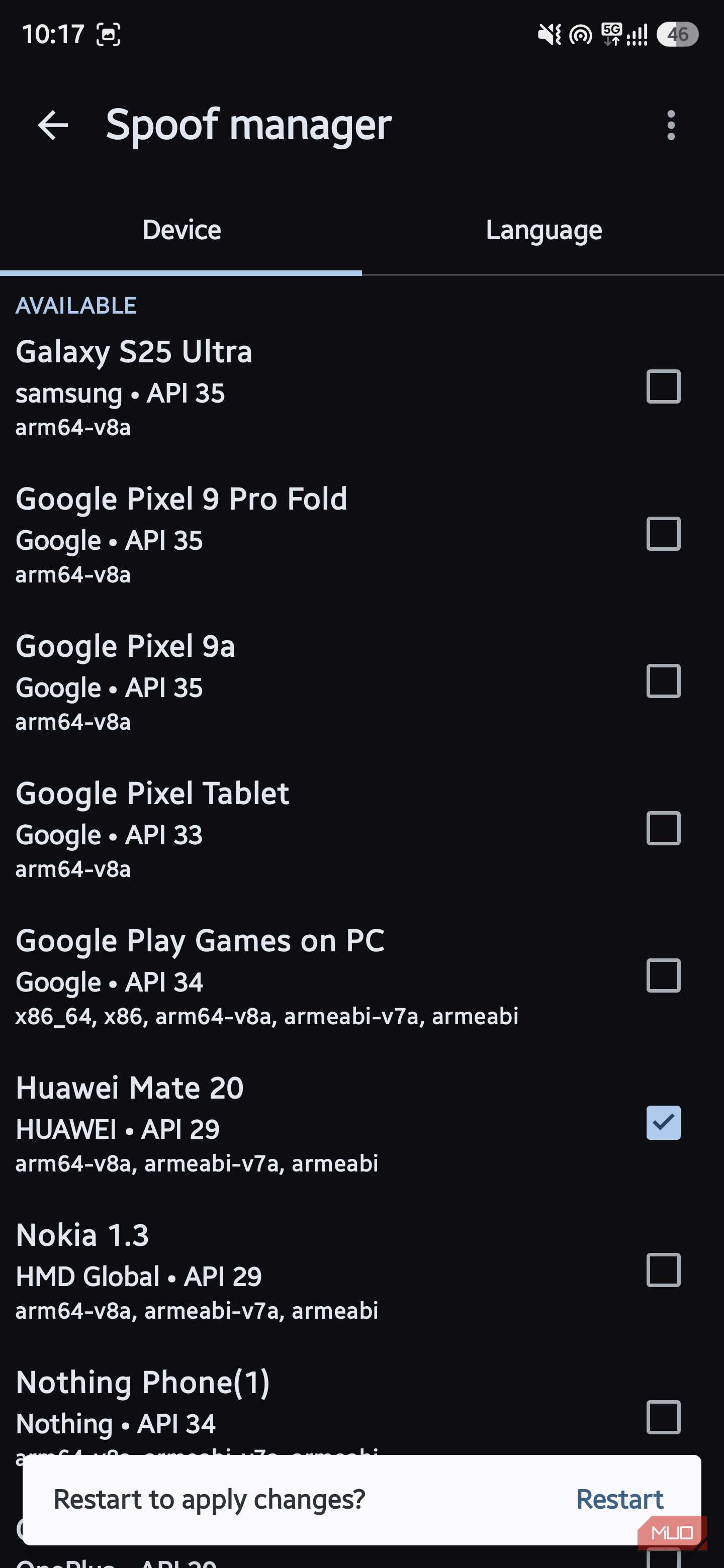
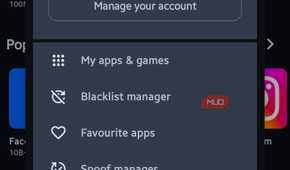
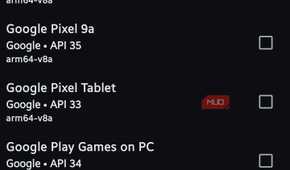
While not having to log in to your Google account to explore and download apps on your Android device is nice, there is something else I like about the Aurora Store. Notably, with the Aurora Store, you can spoof your device model and location to download apps unavailable in your region.
Unfortunately, the newer version of the Aurora Store app has lost this handy feature. Thankfully, there are still a few workarounds that you can apply. First, if you want to use the latest version of the Aurora Store app, then you have to log in to your Google account, connect to a VPN, and get the geo-restricted app.
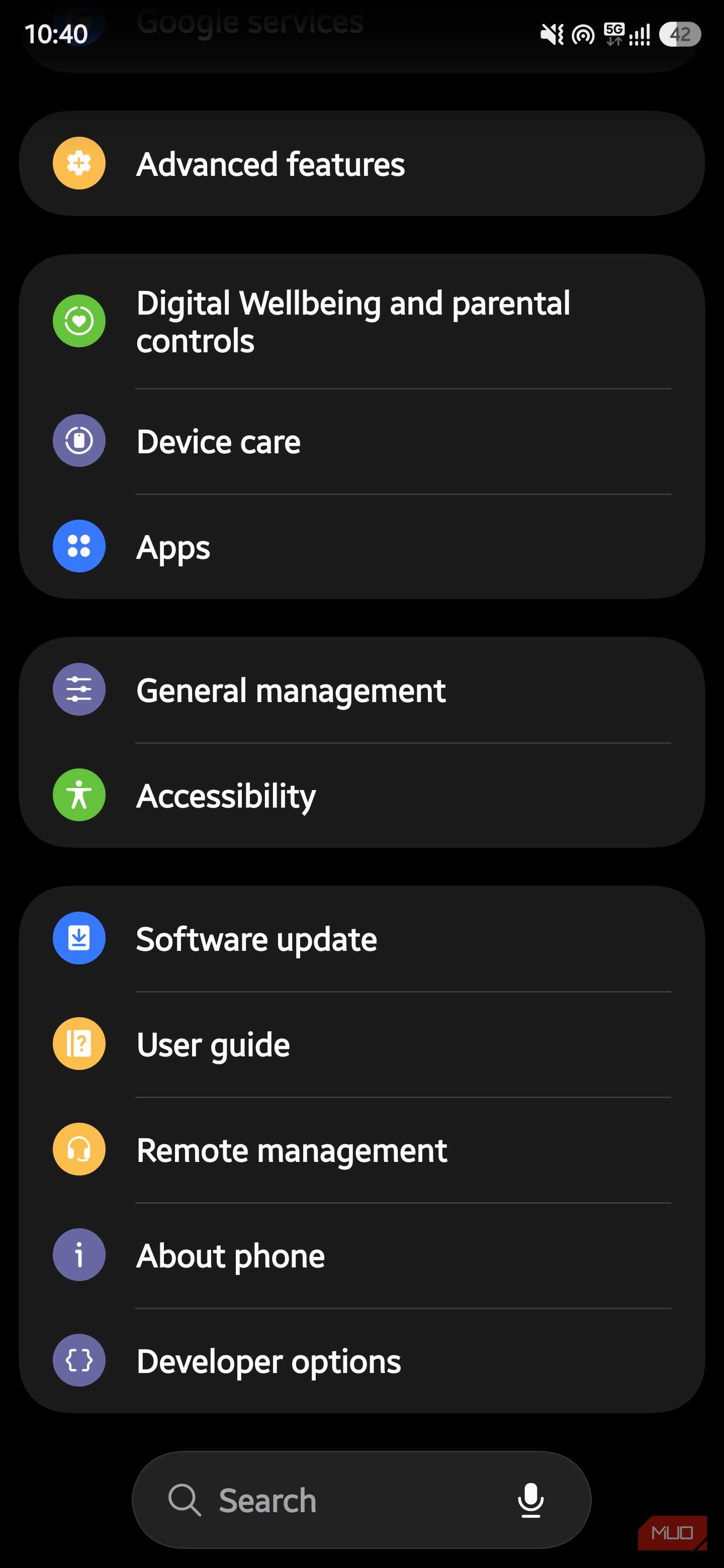
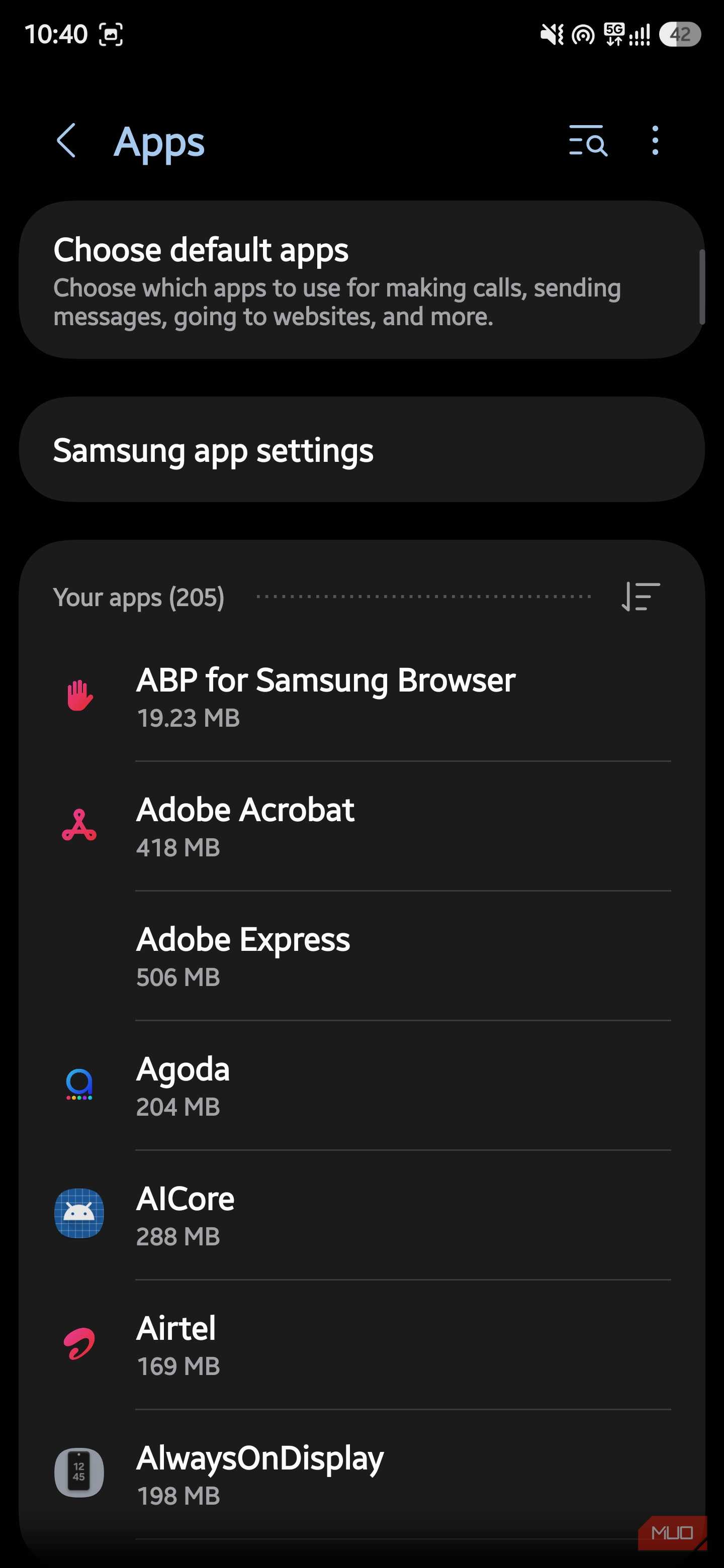
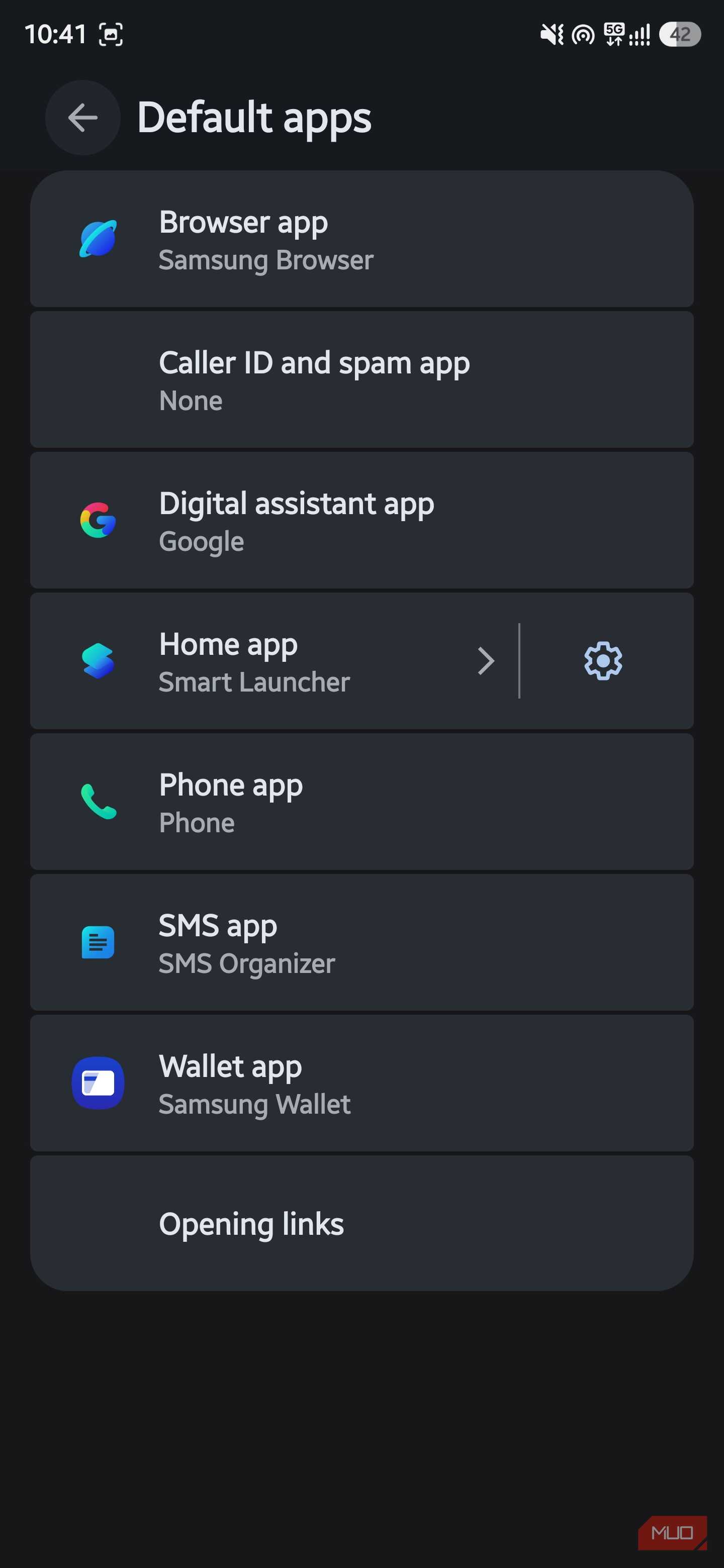
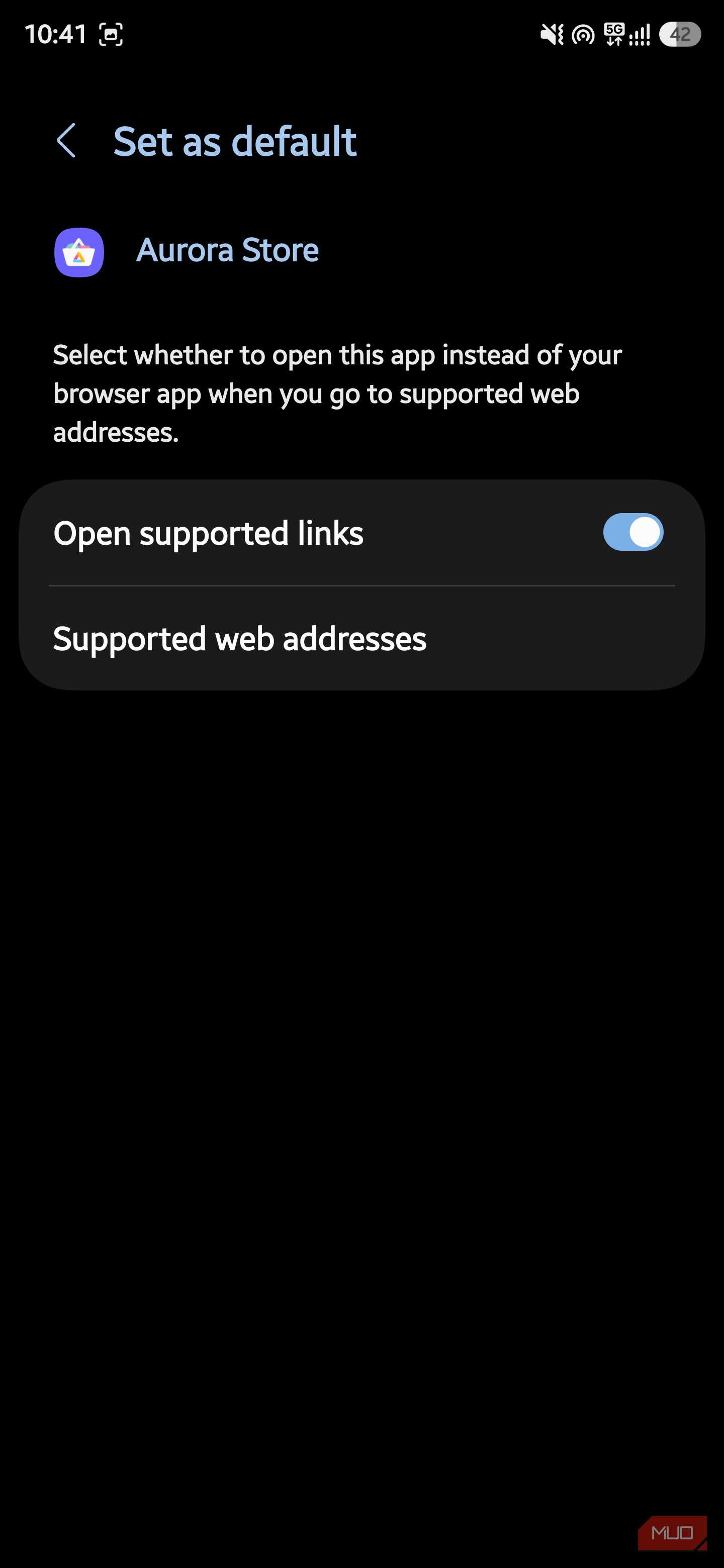
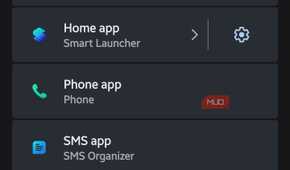
Second, which is what I use, is the browser hand-off solution, but you need to do some work. Download the Aurora Store app, and use the anonymous login option. Once the app opens, open Settings -> Apps -> Choose default apps -> Opening links -> Google Play Store, and toggle off Open supported links.
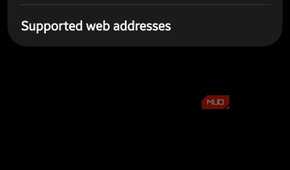
Locate the Aurora Store app and make sure the Open supported links option is toggled on. Tap on Supported web addresses, and toggle on play.google.com and market.android.com. Open the web browser, search for the geo-restricted app you wish to download, and Aurora Store will automatically fetch it for you to install on your phone.
This works wonders for a person like me. I travel a lot and shift between India and the U.K. quite frequently. When I am in London, I use apps like Airalo and TikTok, which are not available in India through the Aurora Store.
Additionally, you can choose the version of the app you wish to install instead of being forced to download the latest version. This comes in handy when an app update ruins the interface or introduces a bug into an app that was working fine with the previous version.
Getting Aurora is easier than you think
There are no technical hoops to jump through


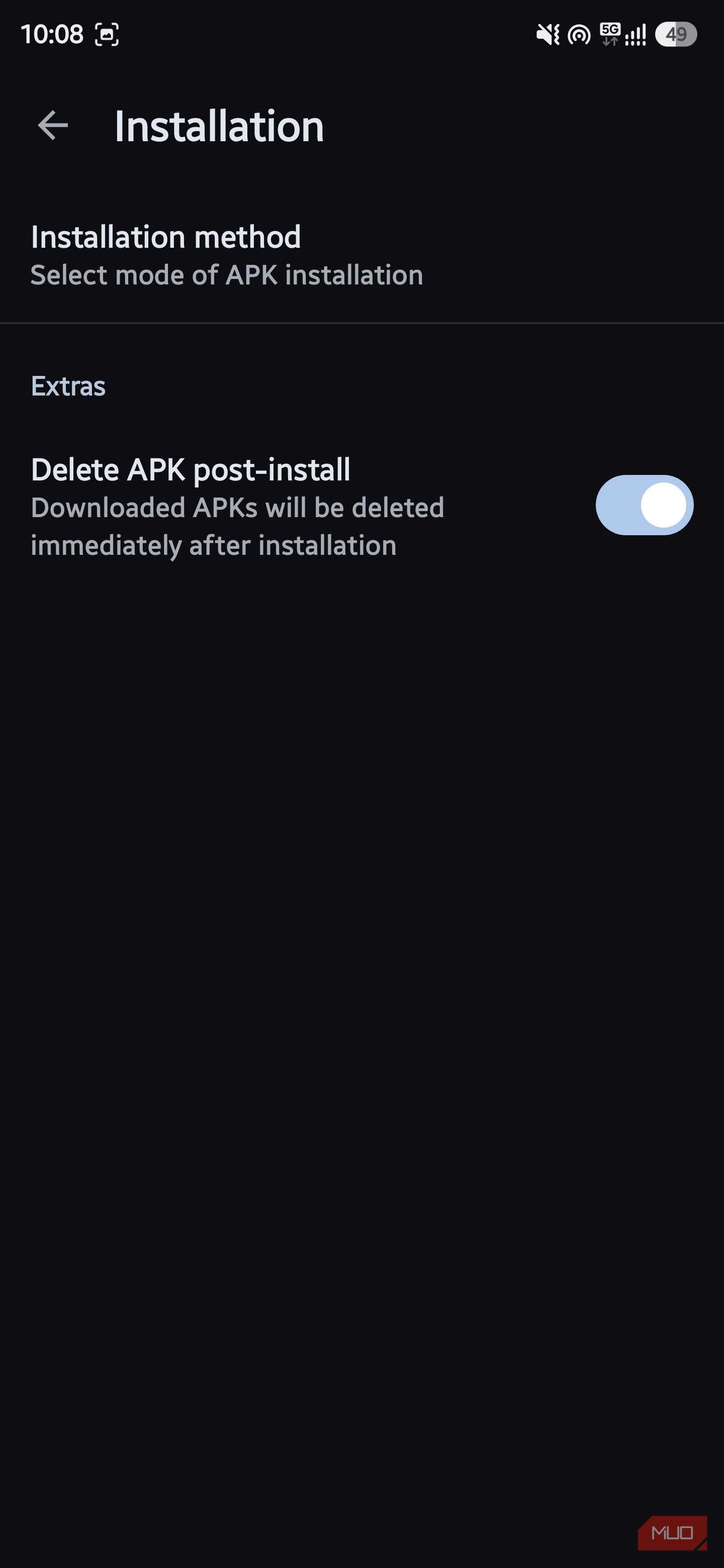

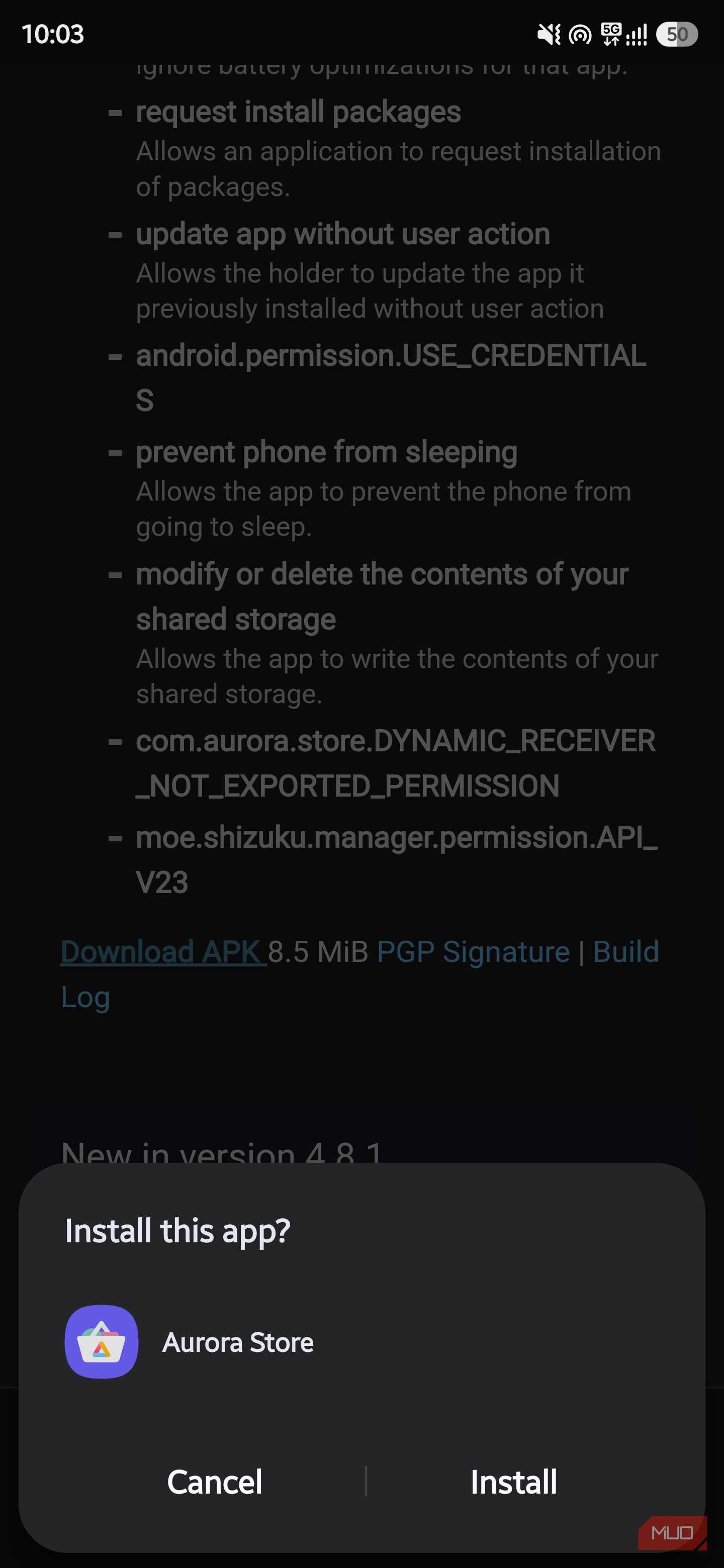
For obvious reasons, you can’t simply open the Google Play Store, search for Aurora Store, and download it on your phone. You will need to sideload it.
- Head over to the official website or download the file from F-Droid.
- Tap on the APK and install it on your phone.
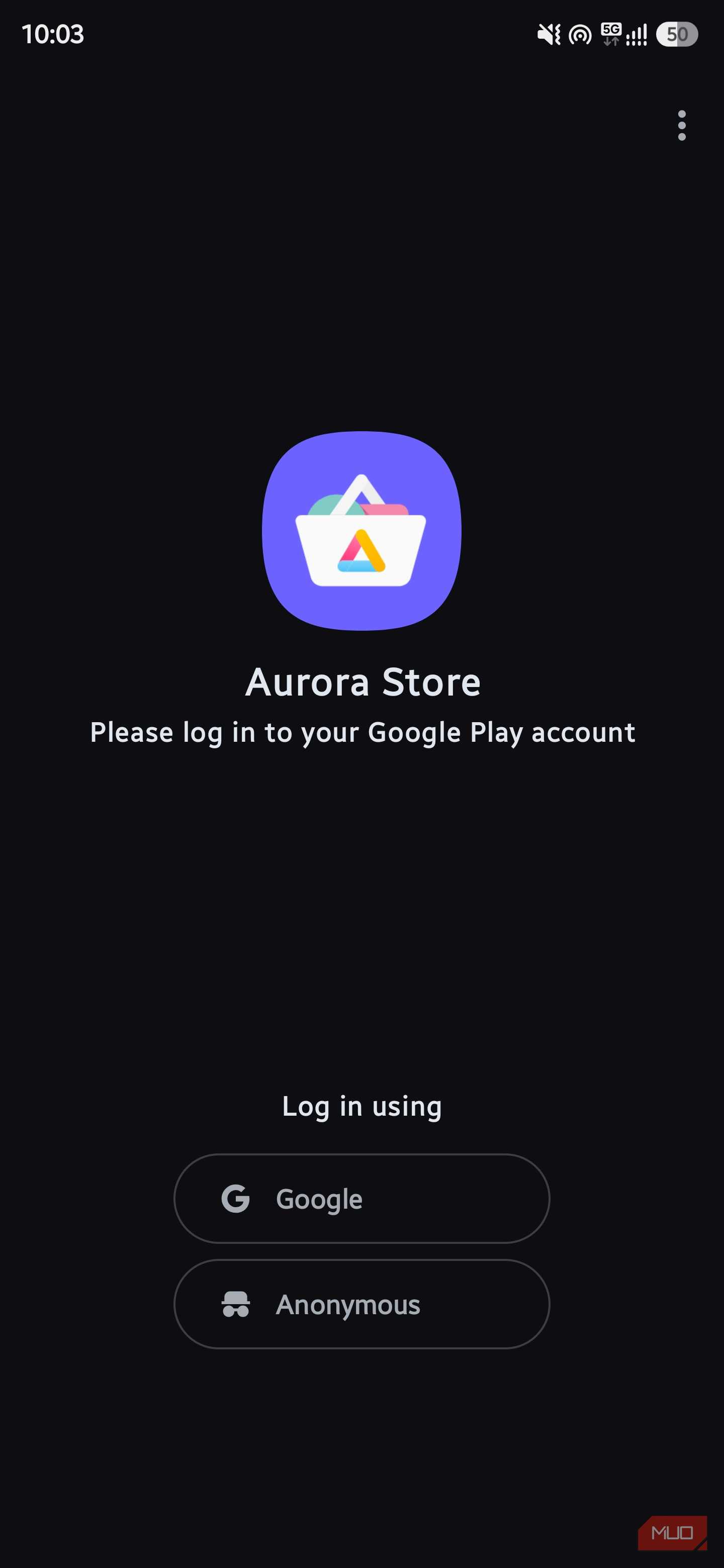
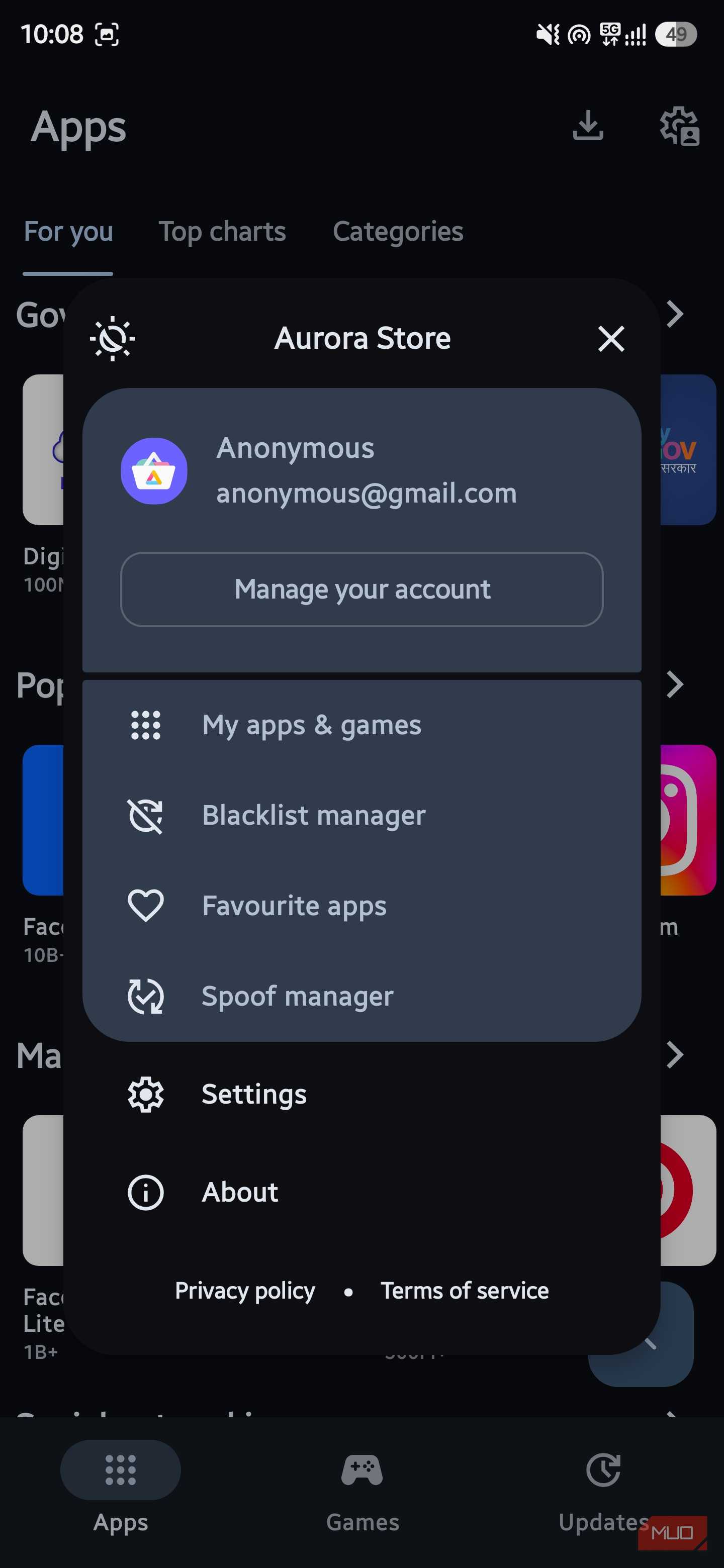
- Open the app, and in the Aurora Store’s login screen, you will see two login options. You can either use your real Google account or an anonymous, pre-built account provided by Aurora. I chose to stay anonymous, which is the whole point of switching to this app store in the first place.
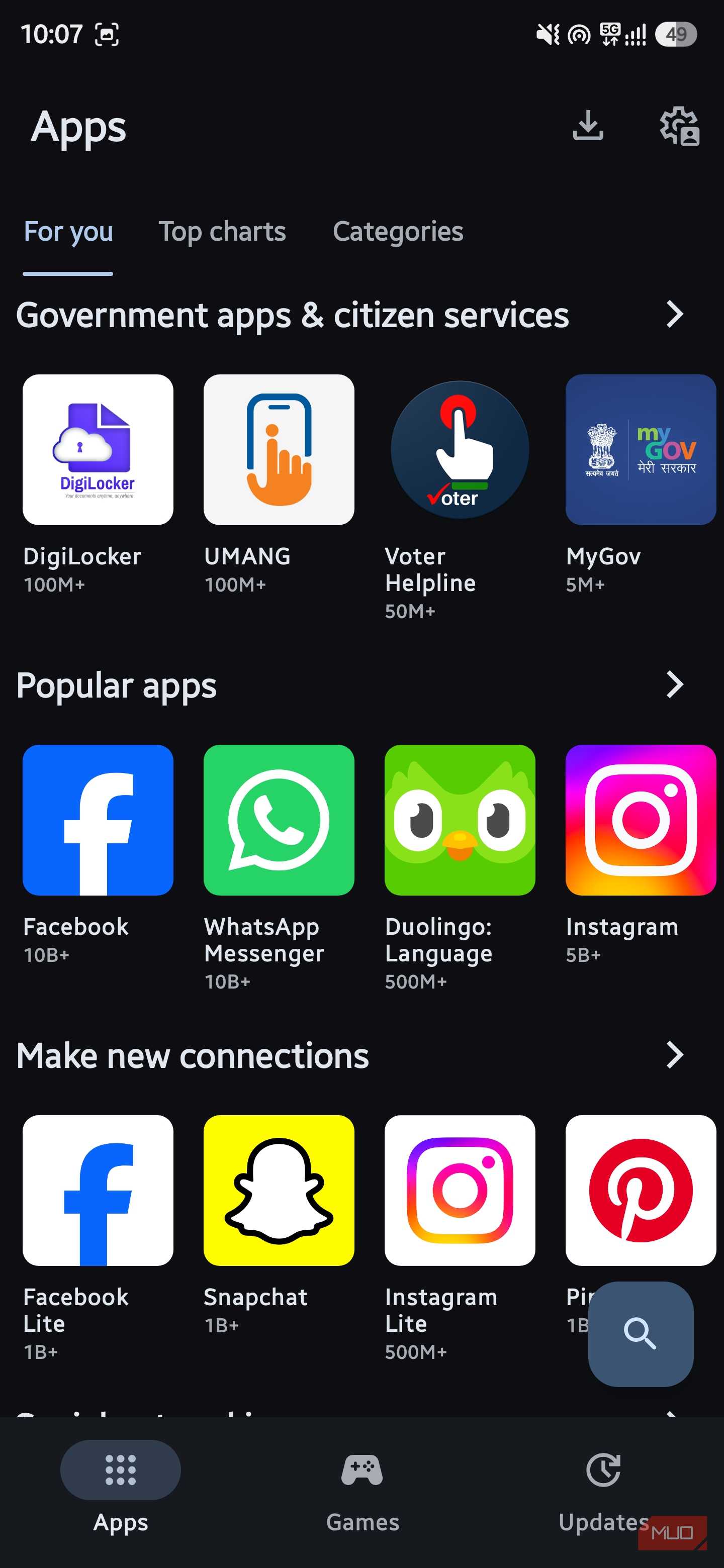
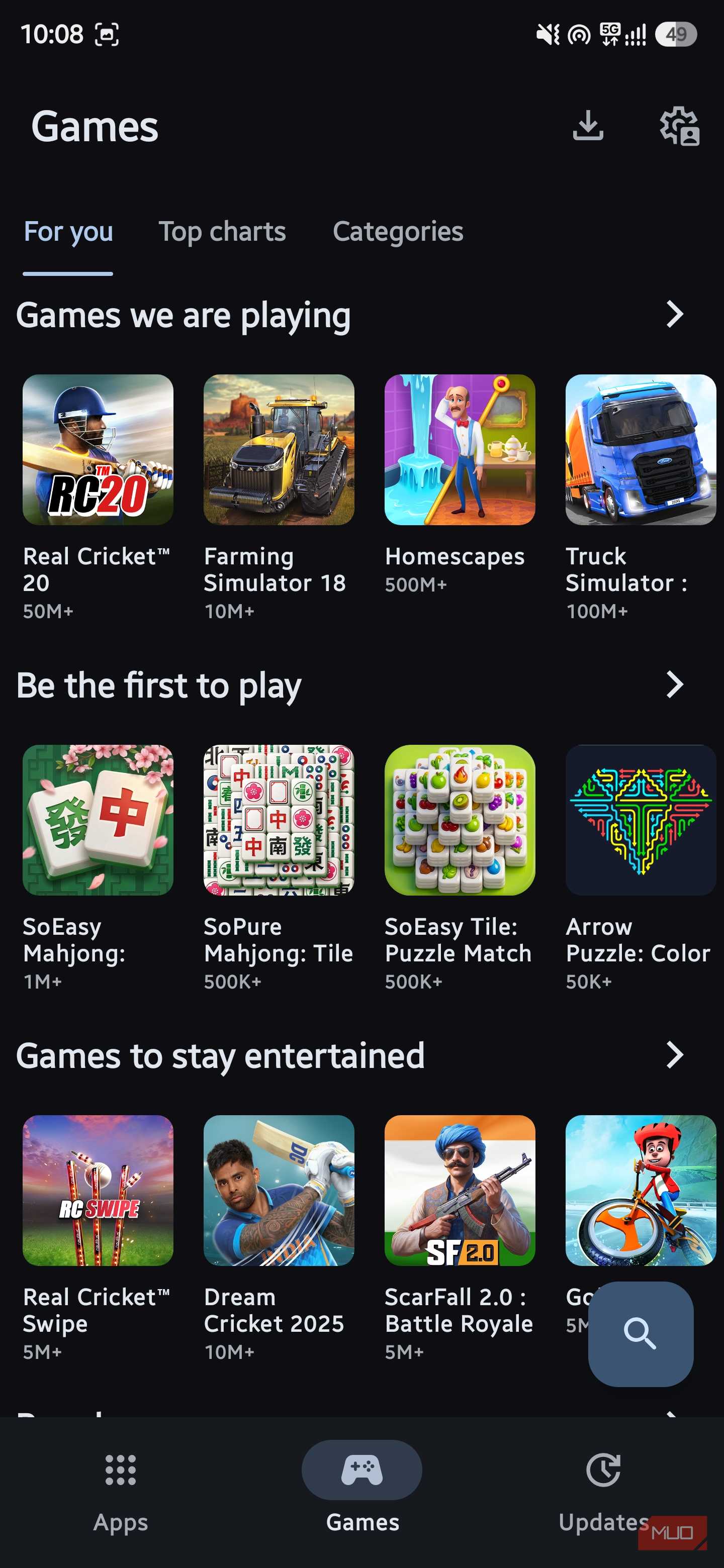
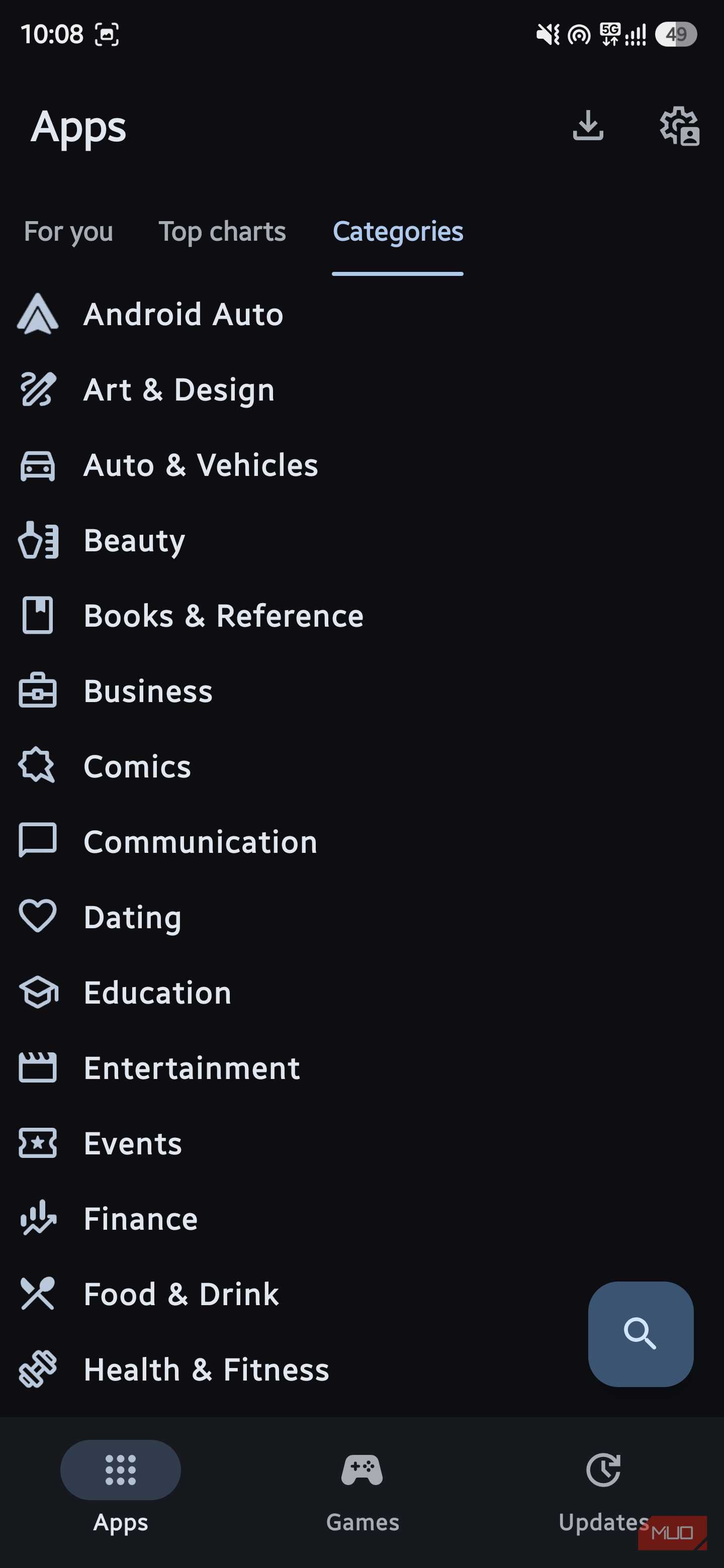
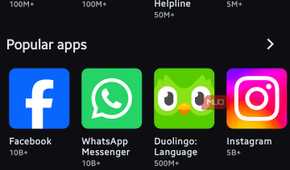
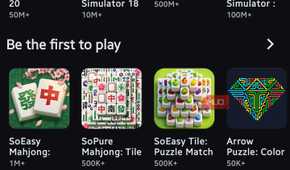
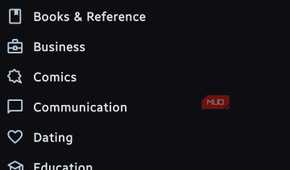
- Once you choose the login option, you are immediately shown the list of apps, sorted by categories for easy search.
Do note that once you choose to be anonymous, you will lose access to paid apps and your existing Play Store wishlist. But since I tend to look for free apps, the trade-off did not affect me much.
The downside that didn't bother me much, but could be a concern for those who rely on paid apps, is that in-app purchases don’t work well with the anonymous account. Moreover, if you want to keep your apps up to date, you can do so by simply pressing a single button. You could also get something like Obtainium, which tracks app updates for apps that live outside the official Play Store.
Aurora Store
- OS
- Android
- Price model
- Free
Aurora OSS develops open-source, privacy-focused Android apps that give users more control over their devices. Its tools, including Aurora Store, let you download and manage apps without relying on Google Play Services.
Is the switch worth it?
If you are tired of Google tracking everything in the Play Store, the Aurora Store offers a way out. The Aurora Store costs you nothing, takes minutes to set up, and can sit alongside your existing setup while you decide whether to keep it permanently. You can also pick certain apps that you never want to update. The real advantage is transparency. Before you install anything, Aurora Store tells you which trackers are baked into the app, so you can decide if it is worth installing. Google Play Store doesn’t give you this option.