


Paid review, brought to you by Linkind. Linkind paid MakeUseOf to evaluate the Linkind Smart Light Stick. MakeUseOf retained complete editorial control. Linkind did not see the article before publication and had no input on its content, conclusions, or rating.
I've used Philips Hue color bulbs for years, and their colors have never let me down. What they can't do is show more than one color at a time. The whole bulb glows purple, or it glows orange. So when Linkind sent me six of its Smart Light Sticks to test, the 50 color zones caught my attention first.
I've come around to smart switches over smart bulbs for most rooms, but these spent several days on my porch, garage, and patio doing things my Hue bulbs never could. Whether they could replace those Hue bulbs is a different question, and the answer depends heavily on your light fixtures.

Linkind Smart Light Stick

- Brand
- Linkind
The Linkind Smart Light Stick is a T19 smart bulb with 50 individually controlled color zones, 850 lumens of brightness, and tunable white from 1000K to 6500K. It offers more than 120 presets, including adjustable flame effects, and connects to Alexa, Apple Home, and Google Home through Matter.
- Integrations
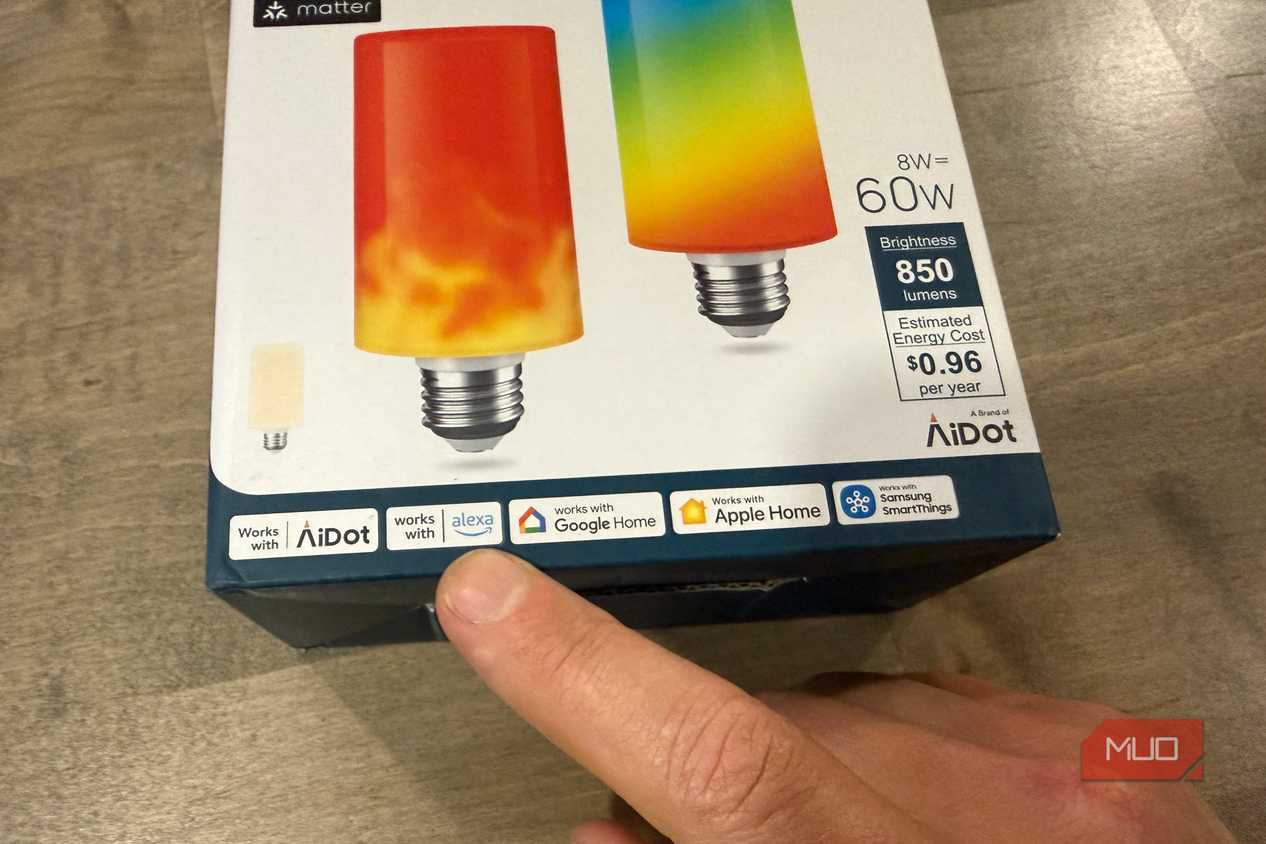
- Alexa, Apple Home, Google Home, SmartThings
- Protocol
- Bluetooth, Matter
- Hub Required
- No
- Multicolor Capable
- Yes
- Wattage
- 60 W
- Brightness
- 850 Lumens
- Multiple colors on one bulb
- Creative, seasonal presets
- Bright, vivid colors on par with Hue
- Easy setup with AiDot app or Matter
- Effects get lost in shaded or frosted fixtures
- Custom zone designs are fiddly in the app
- Flame effect isn't fully realistic
- 2.4GHz Wi-Fi only
This is the Linkind Smart Light Stick
A 50-zone bulb that fits a standard socket


 Credit: Jonathon Jachura / MUO
 Credit: Jonathon Jachura / MUO
 Credit: Jonathon Jachura / MUO
 Credit: Jonathon Jachura / MUO
 Credit: Jonathon Jachura / MUO
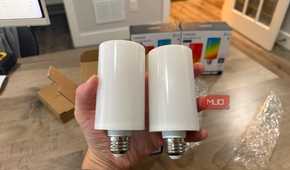
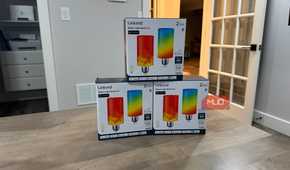
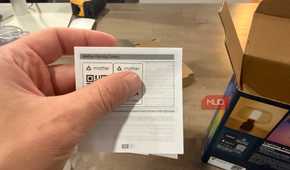
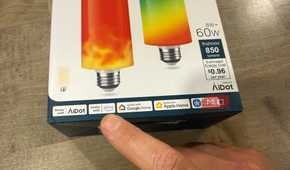
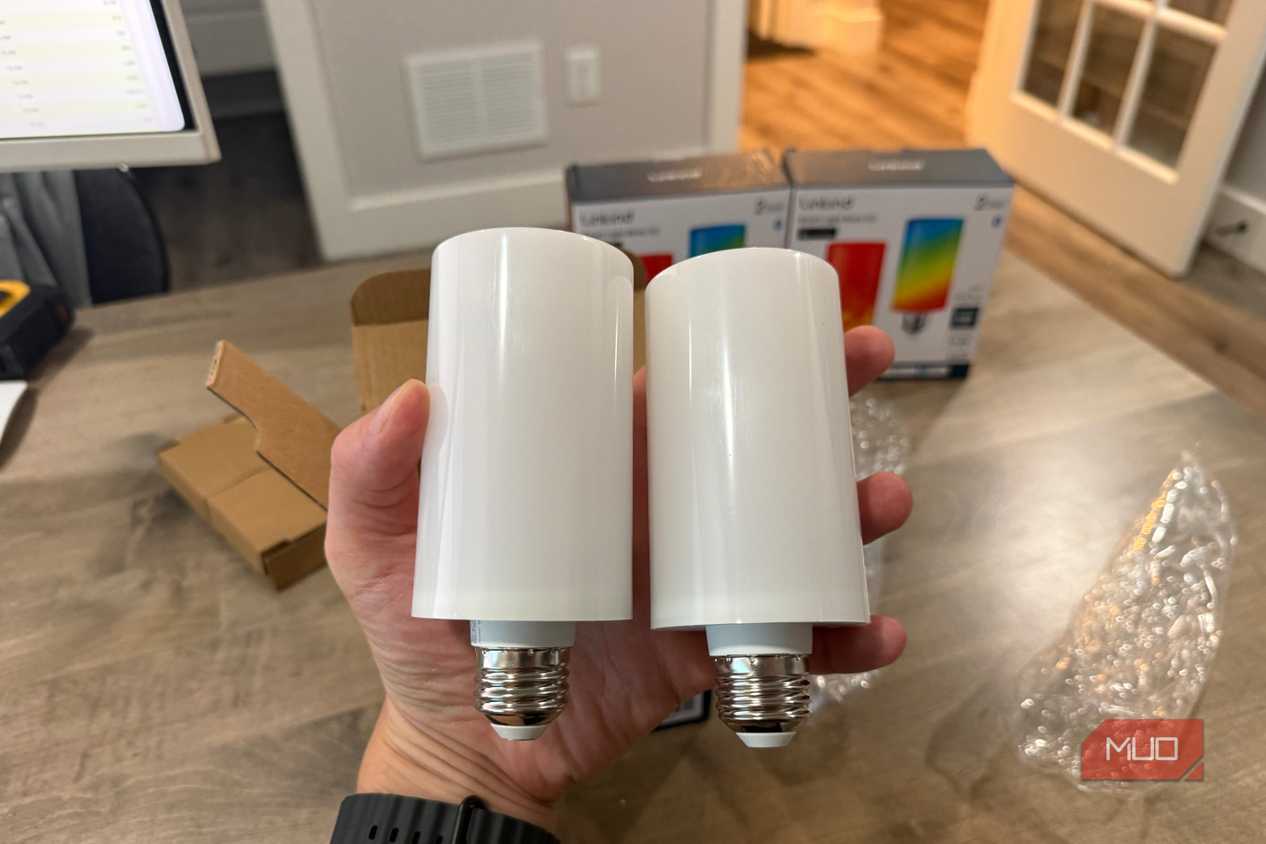
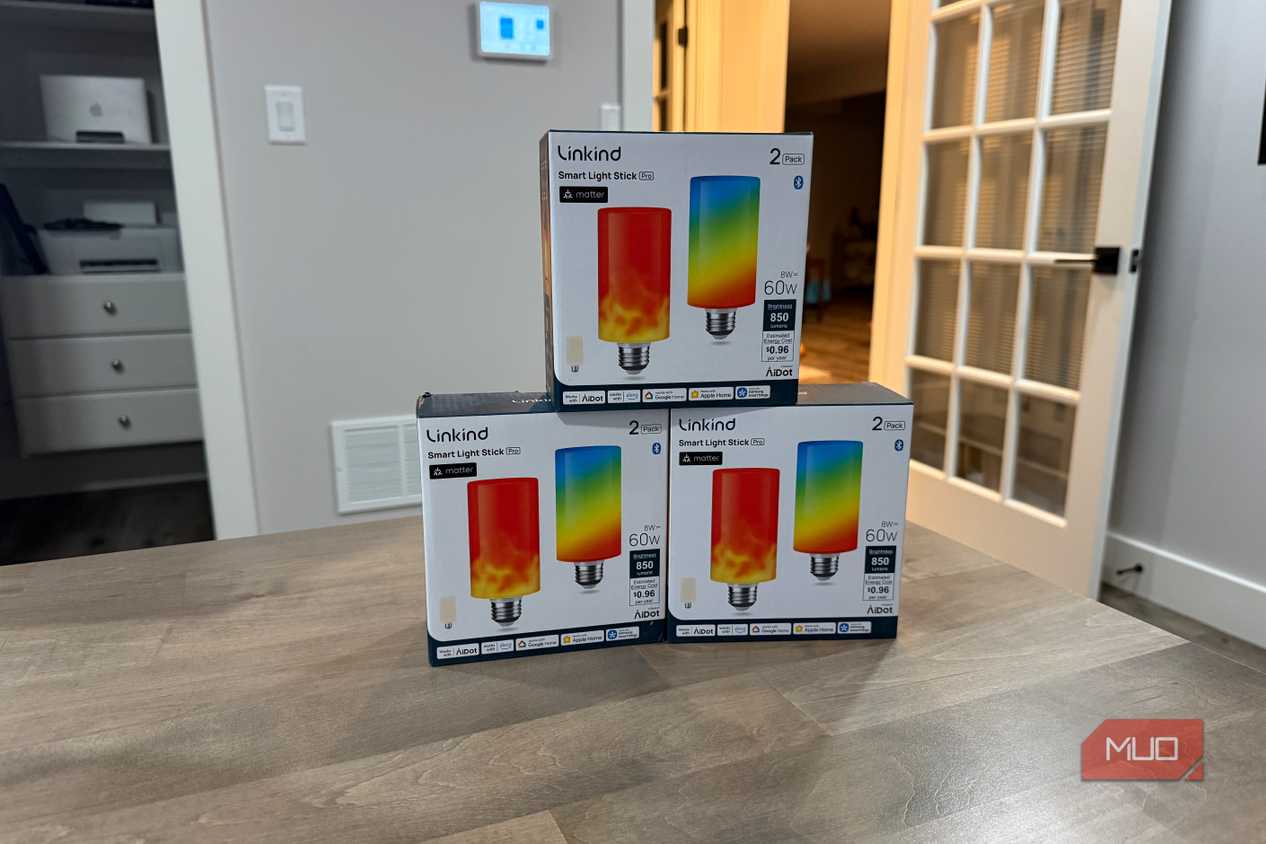
The Smart Light Stick is a tube-shaped T19 bulb with a standard E26 base, so it screws into ordinary fixtures. It puts out 850 lumens (about what a 60W incandescent bulb produces), with white temperatures from 1000K to 6500K and 16 million colors. Linkind's AiDot app runs the flame effects and zone controls, while Matter support connects the bulb to Alexa, Apple Home, Google Home, or SmartThings.
A single bulb costs $40 on Amazon, while a 4-pack runs $160.
Now, I'd suggest you check two things before buying. The bulbs connect only to 2.4GHz Wi-Fi (most routers support this), and Linkind warns that traditional dimmer switches can cause flickering or buzzing.
Setup took a few minutes per bulb
One needed a second try


 Credit: Jonathon Jachura / MUO
 Credit: Jonathon Jachura / MUO
 Credit: Jonathon Jachura / MUO
 Credit: Jonathon Jachura / MUO


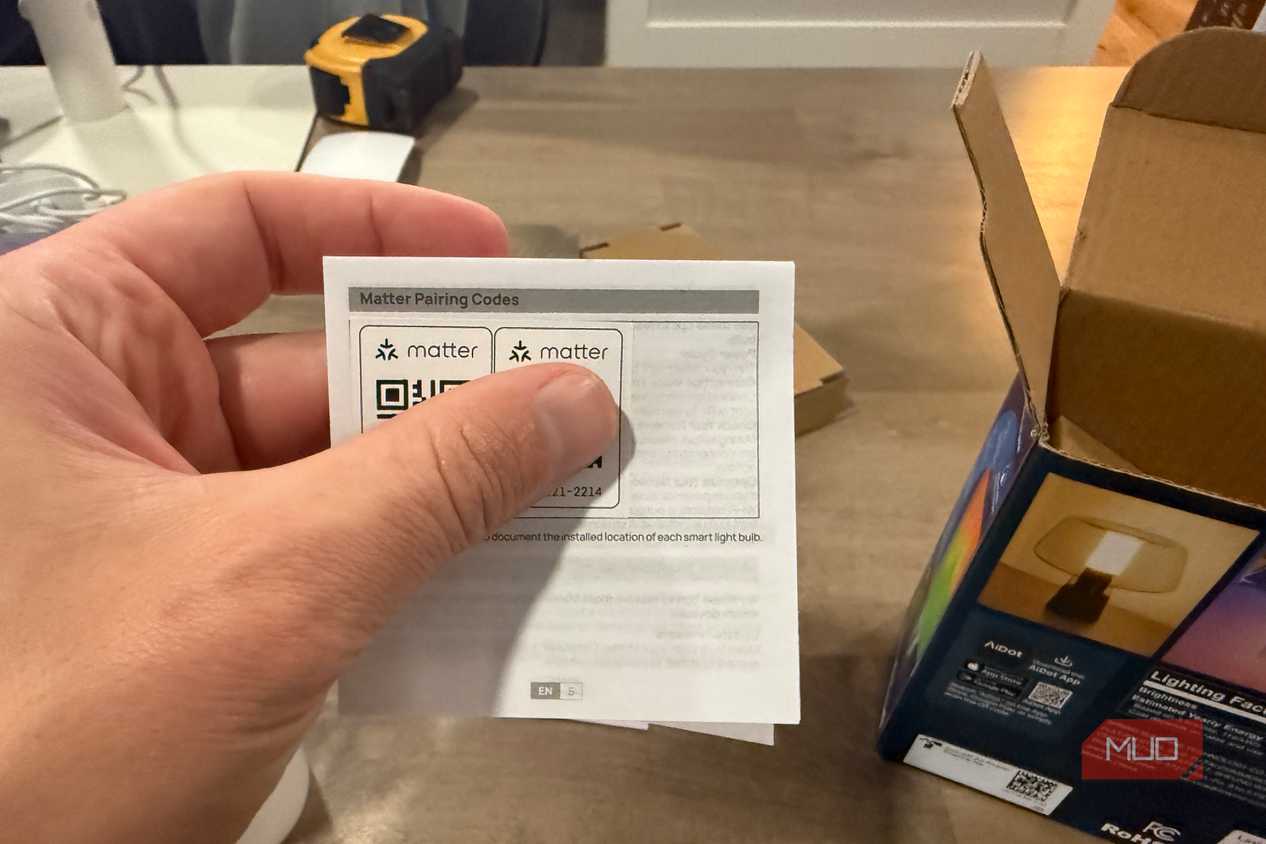
I paired all six through the AiDot app on my iPhone, and each bulb appeared almost immediately. One failed on its first attempt, which surprised me given my strong Wi-Fi coverage. However, it connected on the retry, and I haven't had a pairing problem since.
I also tested both routes into Alexa. The first four bulbs went through the AiDot Alexa skill, and I paired the two on my back patio over Matter using an Echo. Both worked without trouble. Alexa handles on/off, color, and brightness by voice, which covers most of my daily use, but the zone effects stay in AiDot. I kept schedules in Alexa with the rest of my lighting automations, making it easy to move and add the lights.
These bulbs are meant to be seen
So your fixtures matter more than usual

My first test was a mistake. I put two bulbs in the tall lamp in my office, and its translucent shade did its job too well. I found that with the shade, every multi-color scene melted into one soft glow, and the zones disappeared, basically negating the point of using the lights.
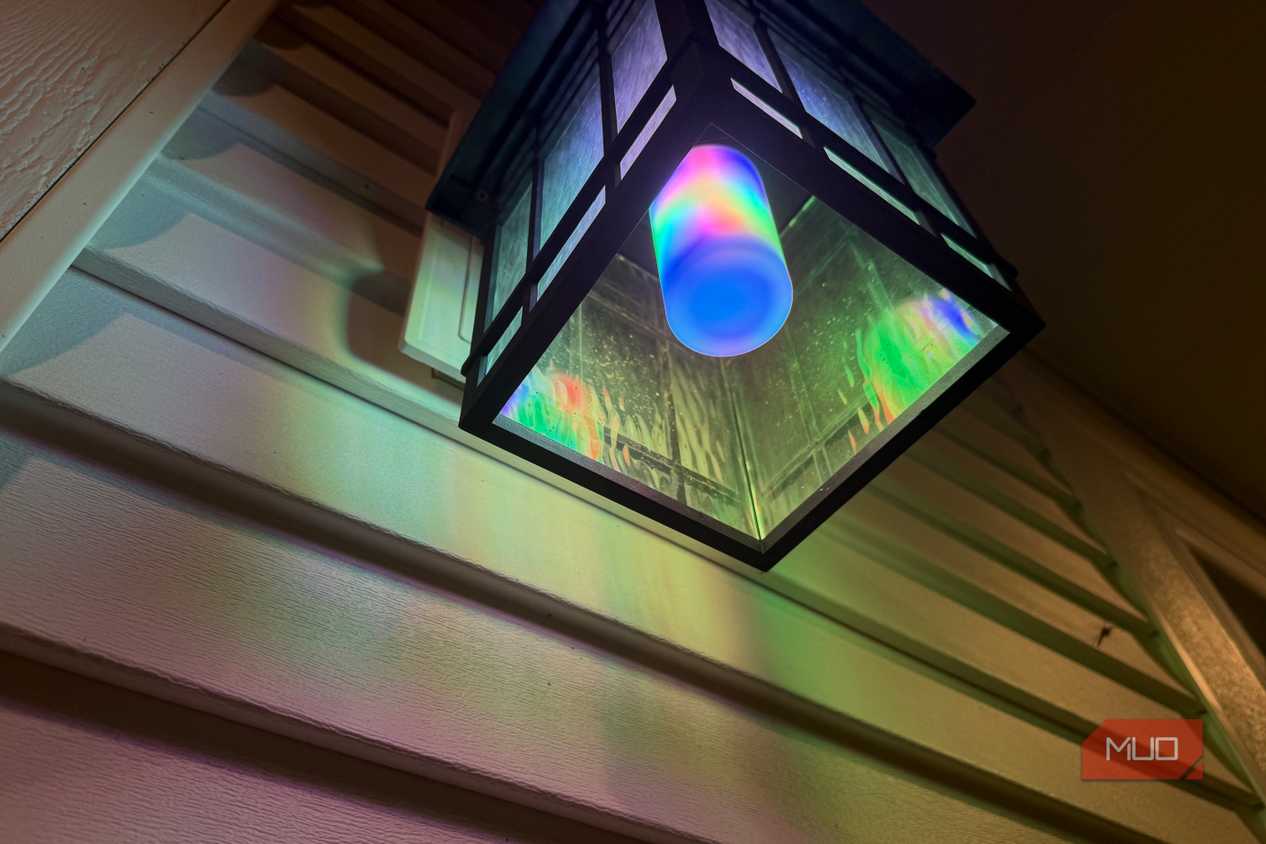
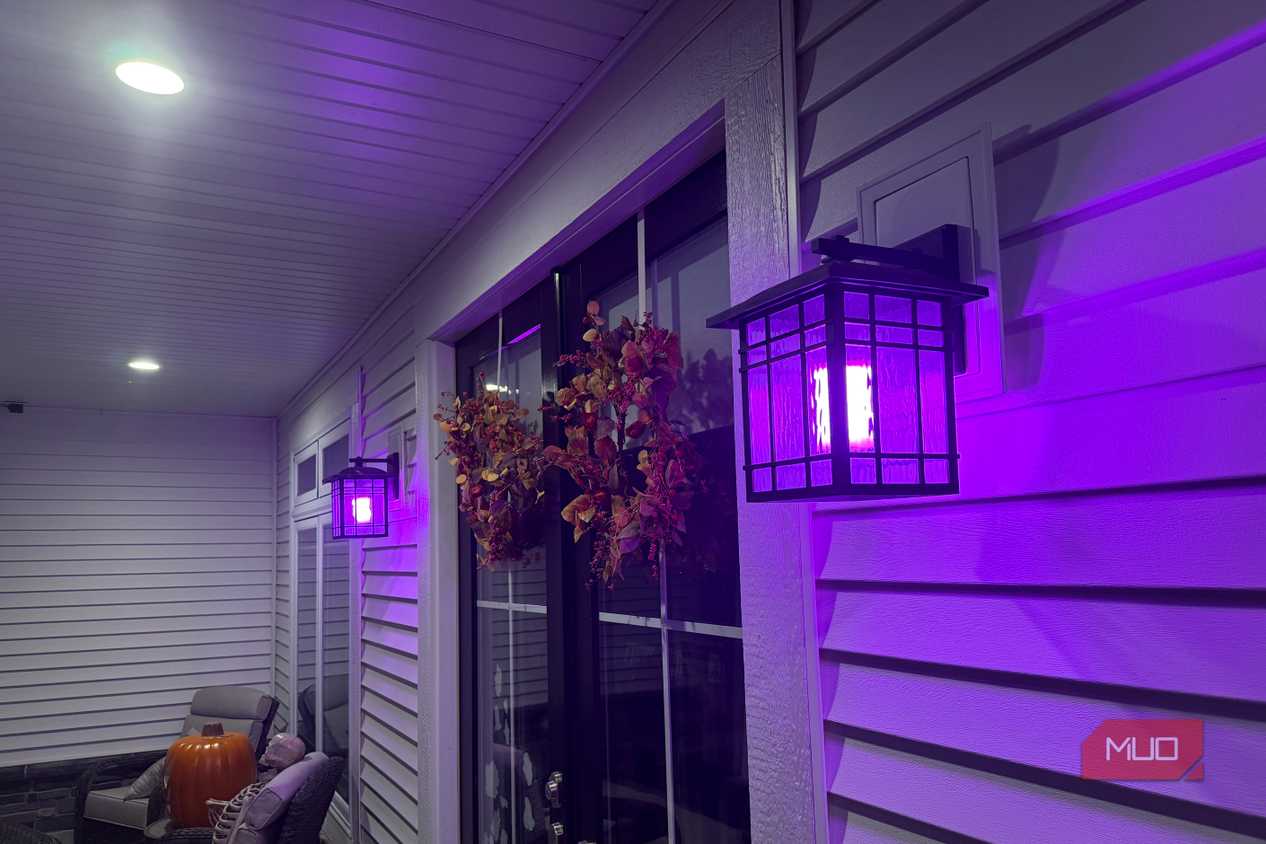
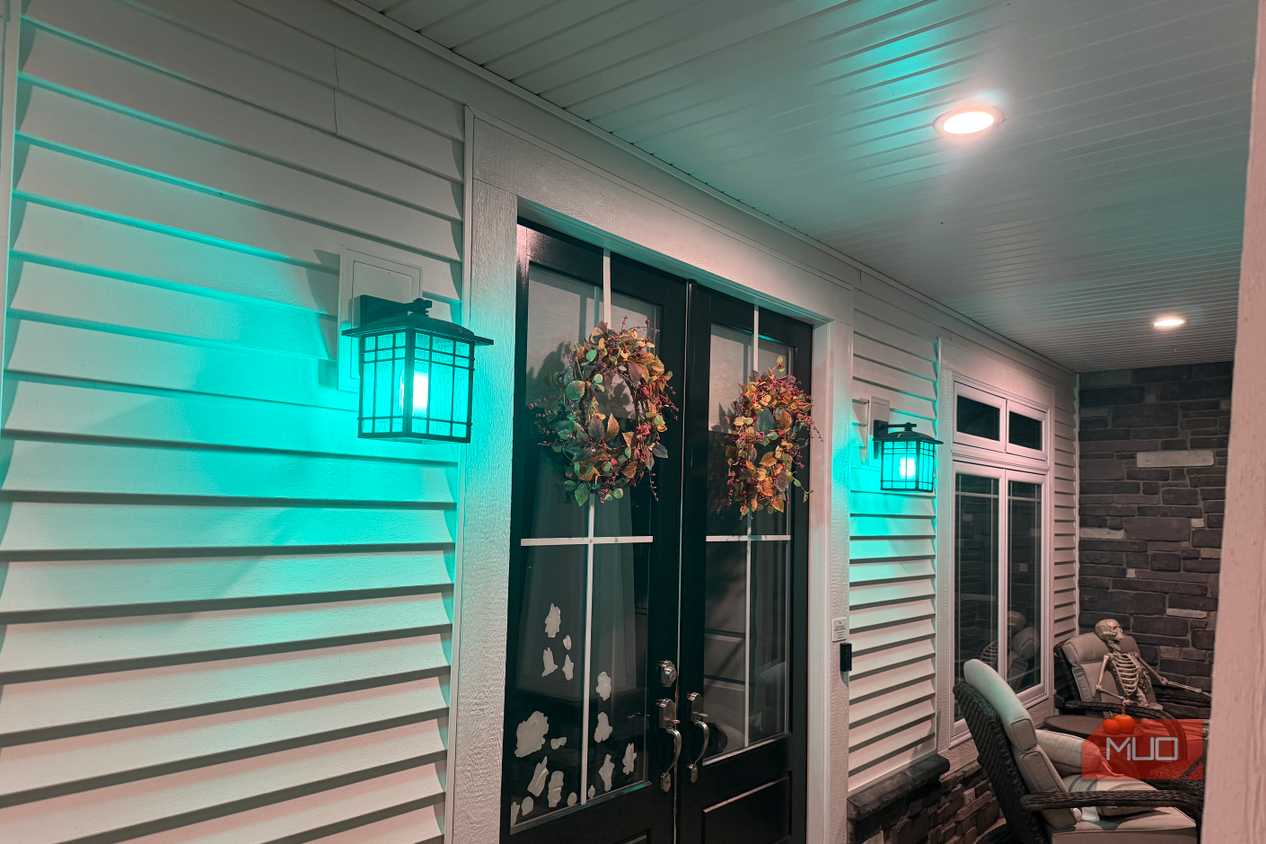
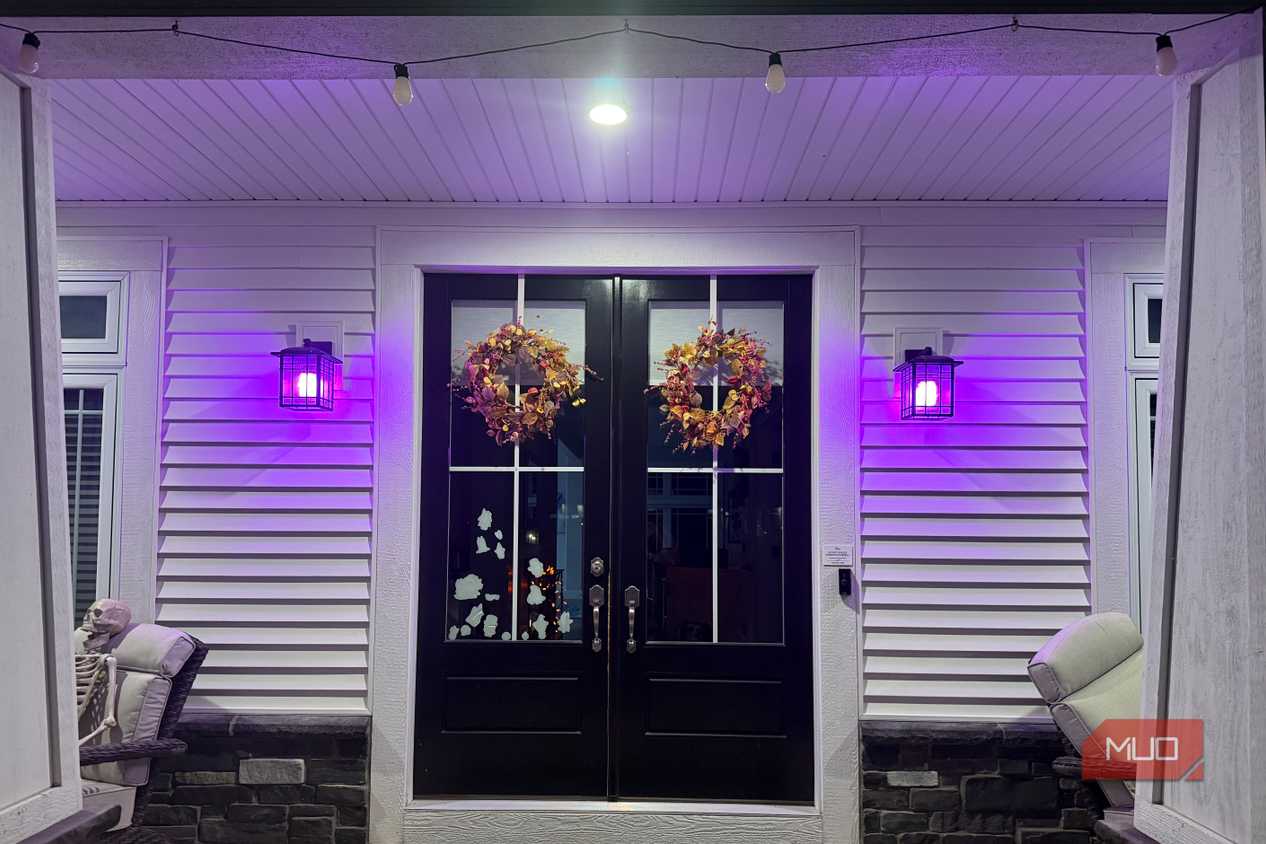
With these bulbs, the bulb itself is the decoration. So, instead, I moved them outdoors: two on the front porch, two by the garage, and two on the back patio. Those wall fixtures have clearer glass, and as I expected, the effects showed better.
The move outdoors also confirmed that the auto-orientation sensor works. In the office lamp, the bulb pointed up. In the outdoor fixtures, it hangs upside down, and the flame still rises the right way.
The colors hold up next to Hue
And several can share one bulb

The brightness and saturation of the Linkind Smart Light Stick's match the Hue color bulbs I'm used to. Reds stay deep, blues don't wash out, and the white range stretches from candle-warm to crisp daylight.
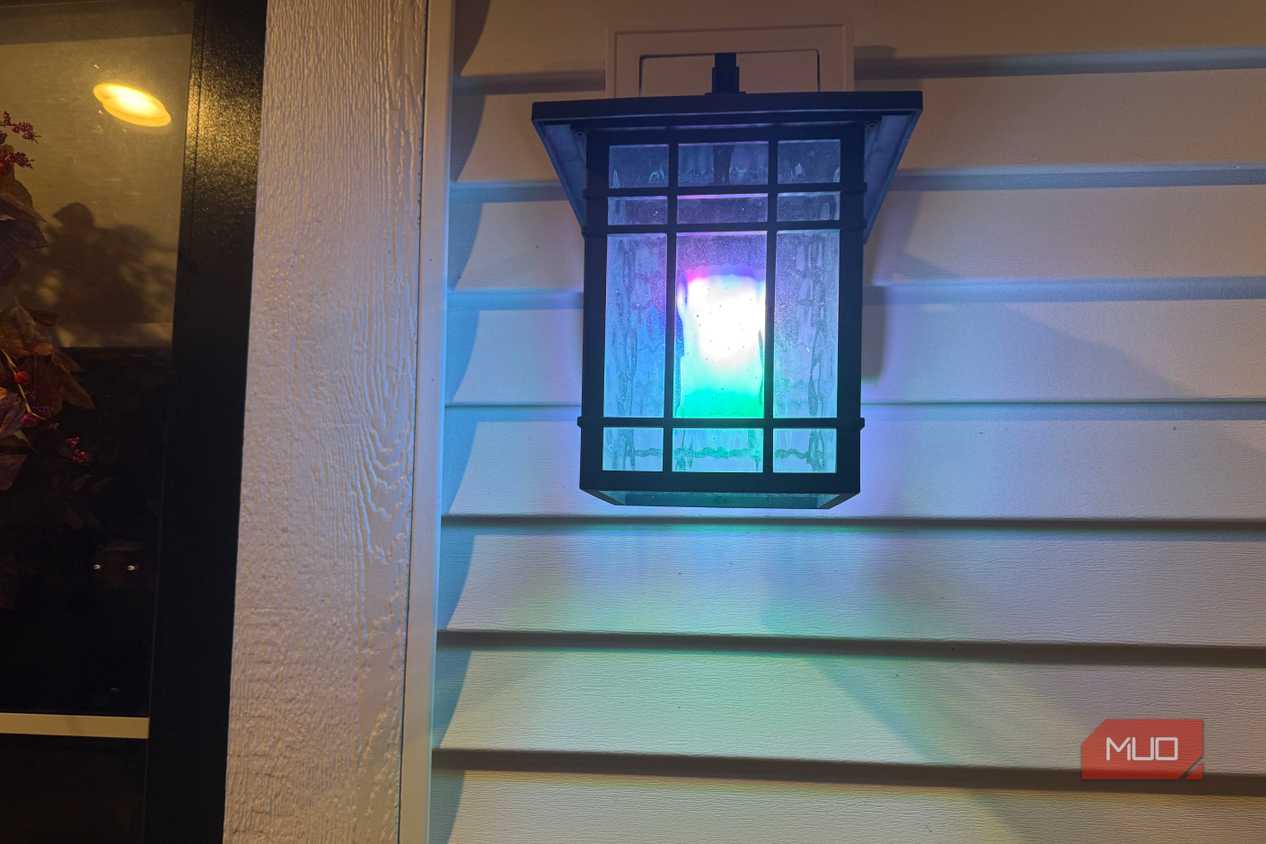
The difference is that Hue shows one color per bulb, while the Linkind can stack several along its length, like a blue base fading into purple. A good example are the Lumary downlights I installed that also separate color and white into two rings. What I like is that Linkind's bulbs take that idea further, and it really pays off.
That said, everyday adjustments are where Hue pulls ahead. Most nights I want a single color or a warm white, and the Hue app gets me there faster than AiDot. Designing my own zones in AiDot felt fiddly on a phone screen, too, and I gave up before building anything better than the presets.
The presets do the heavy lifting
Spiders, hearts, and a flame that's almost real


 Credit: Jonathon Jachura / MUO
 Credit: Jonathon Jachura / MUO
 Credit: Jonathon Jachura / MUO
 Credit: Jonathon Jachura / MUO
 Credit: Jonathon Jachura / MUO
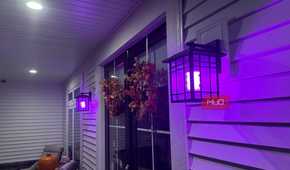
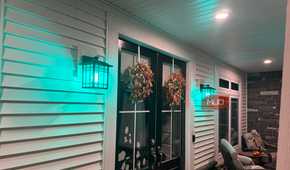
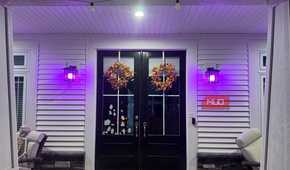
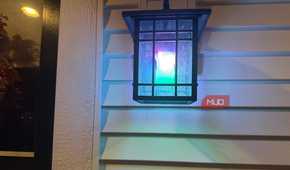
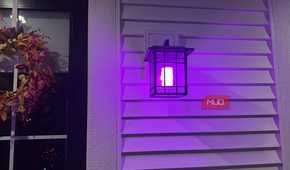
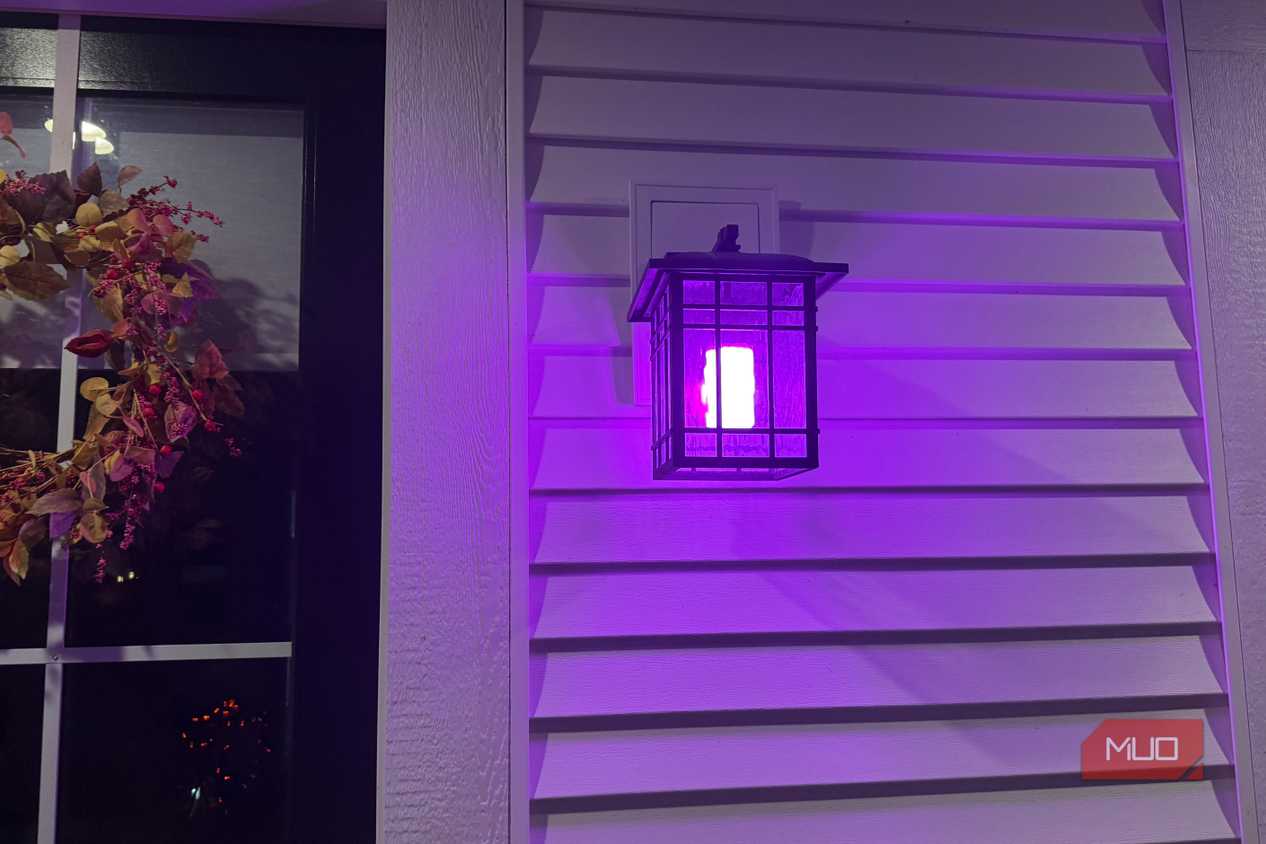
Thankfully, even though the zone design in the app feels fiddly, the AiDot app includes more than 120 presets, ranging from slow gradients to strobe effects. Heart sends a heart shape rotating around the bulb. Halloween- Spiral does the same with a spider, which fits right in with the pumpkins and skeletons on my porch this month.
The flame effect gets the most marketing attention, and I actually think it probably earns some of the plaudits. I grabbed a video illustrating one of the orange/yellow flame presets, but it has to be said that this effect looks way better in person, and this video doesn't fully do it justice. You can adjust height, speed, color, and brightness, and from the driveway it looks like a flickering lantern. Up close, it reads more like a polished animation than real fire, but it's still far better than the static flame bulbs sold in Halloween aisles.
Given the extensive range of presets, the fiddly app didn't hold back my experimenting with various lighting modes, which is a bonus. You're almost guaranteed to find something you like.
A couple of small hiccups
Both sorted themselves out

Beyond the first failed pairing, one bulb stopped responding while I changed scenes on all six through the app's group control. The other five switched, and that one froze. It caught up a few minutes later and has behaved since.
One of the biggest plus points of the Linkind Smart Light Stick's is that wall switches caused fewer problems than I expected. After I flip a switch off and back on, the bulbs reconnect to the app quickly, which helps in a house if guests don't know the lighting rules. The bulbs also feel solid and arrived well packed. I'm sure anyone with smart lights has experienced the pain of a guest accidentally breaking the entire lighting set up, and it's good to see these seem to cope well.
Better than Hue at effects, but not for my house
For lighting effects, the Linkind beats Hue easily. None of my Hue bulbs can spin a spider around the glass or split into three colors at once, and the presets are genuinely fun to use.
Even so, I'll switch back to my Hue bulbs within the next few months. These are great for the holiday season, but most fixtures in my house, indoors and out, diffuse or partly block the bulb, so the effects that make the Linkind special get washed out. My taste in lighting is also plain: one color or a warm white, set quickly in an app I already know. I'm deep in the Hue ecosystem, and adding another lighting app comes with its own cost.
On that, Linkind's hardware already competes with Hue, impressively so. But to beat it outright, Linkind needs an app that makes simple changes as fast as Hue's.
If you're starting from scratch and own clear lanterns, exposed-bulb pendants, or open outdoor fixtures, I'd highly recommend these. Put them where people can see the bulb, and they'll do things no Hue bulb can match.
Linkind Smart Light Stick
- Brand
- Linkind
- Integrations
- Alexa, Apple Home, Google Home, SmartThings
- Protocol
- Bluetooth, Matter
The Linkind Smart Light Stick is a T19 smart bulb with 50 individually controlled color zones, 850 lumens of brightness, and tunable white from 1000K to 6500K. It offers more than 120 presets, including adjustable flame effects, and connects to Alexa, Apple Home, and Google Home through Matter.