


Last spring, I walked into my daughter's room on a mild afternoon and found the window wide open while the central air ran full tilt, cooling the great outdoors. She'd cracked it that morning and forgotten. The AC had no clue, so it kept running against an open screen for who knows how long. Most of my windows already had sensor-triggered automations wired up for the alarm and the lights, and it occurred to me that the same hardware could fix this, too. A Ring contact sensor and one Alexa routine now pause my air conditioning if we leave a window open. Here's how it works, and which windows are actually worth the trouble.
My AC was quietly fighting an open window
The waste you never see on the thermostat


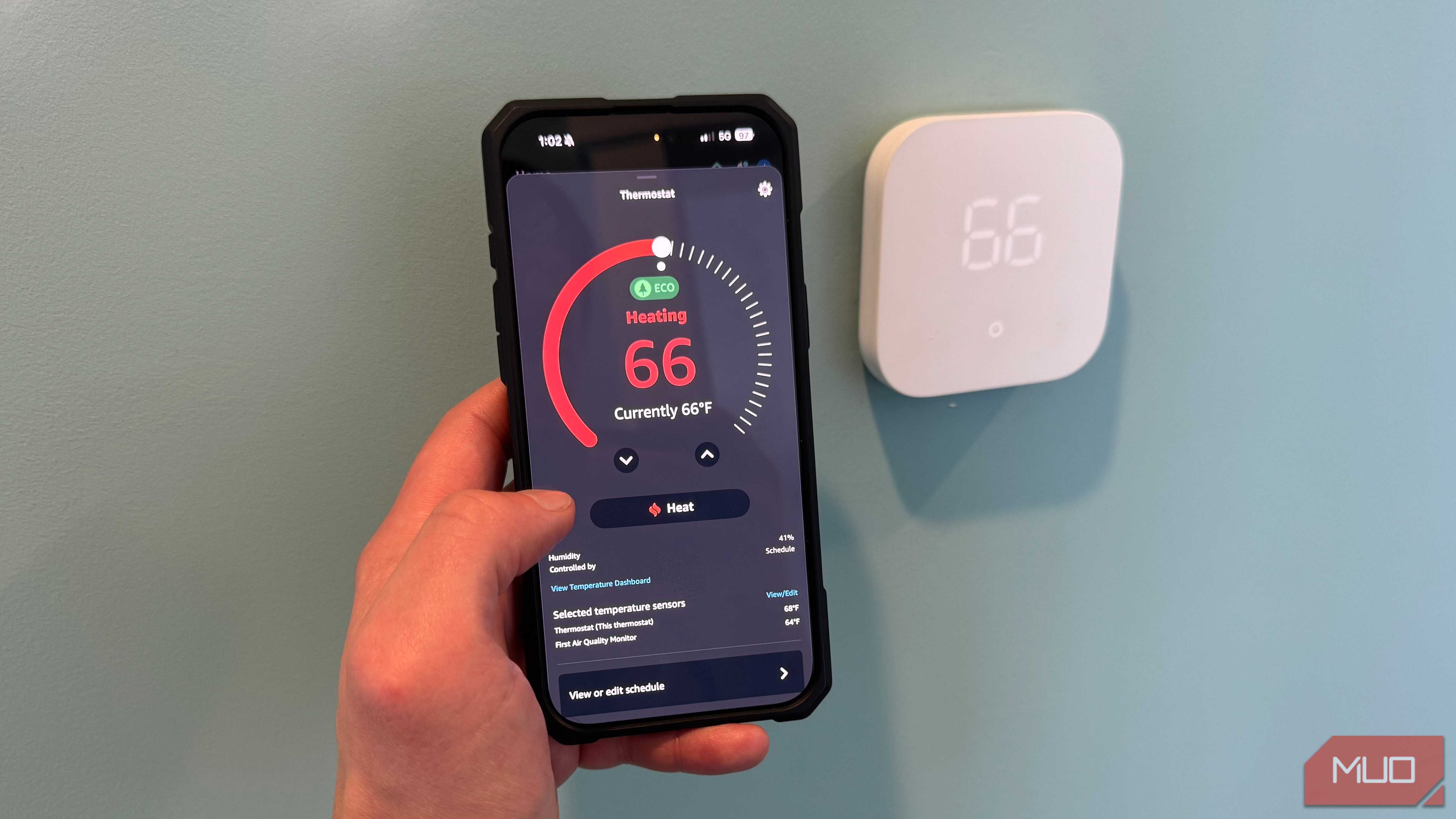
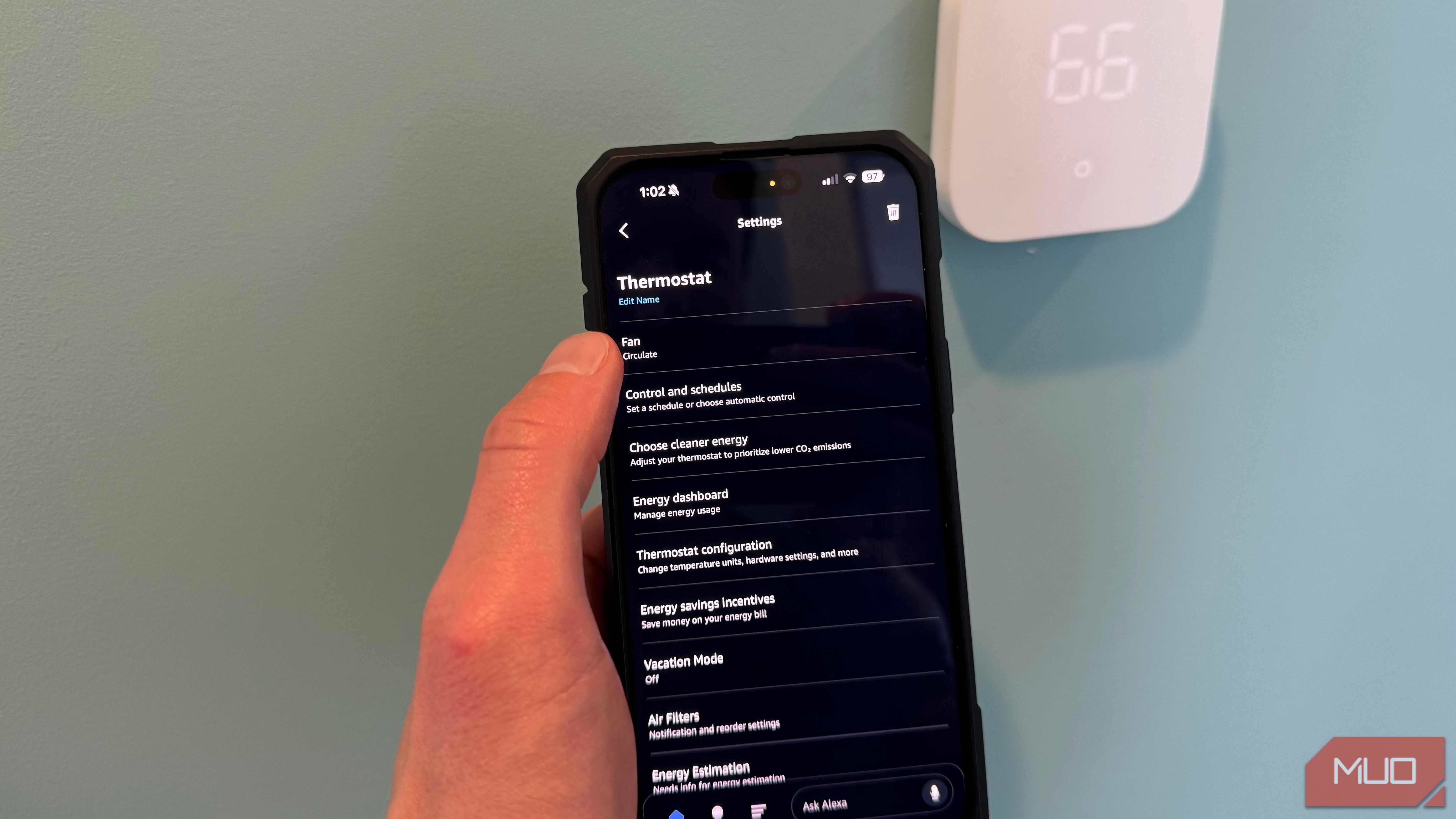
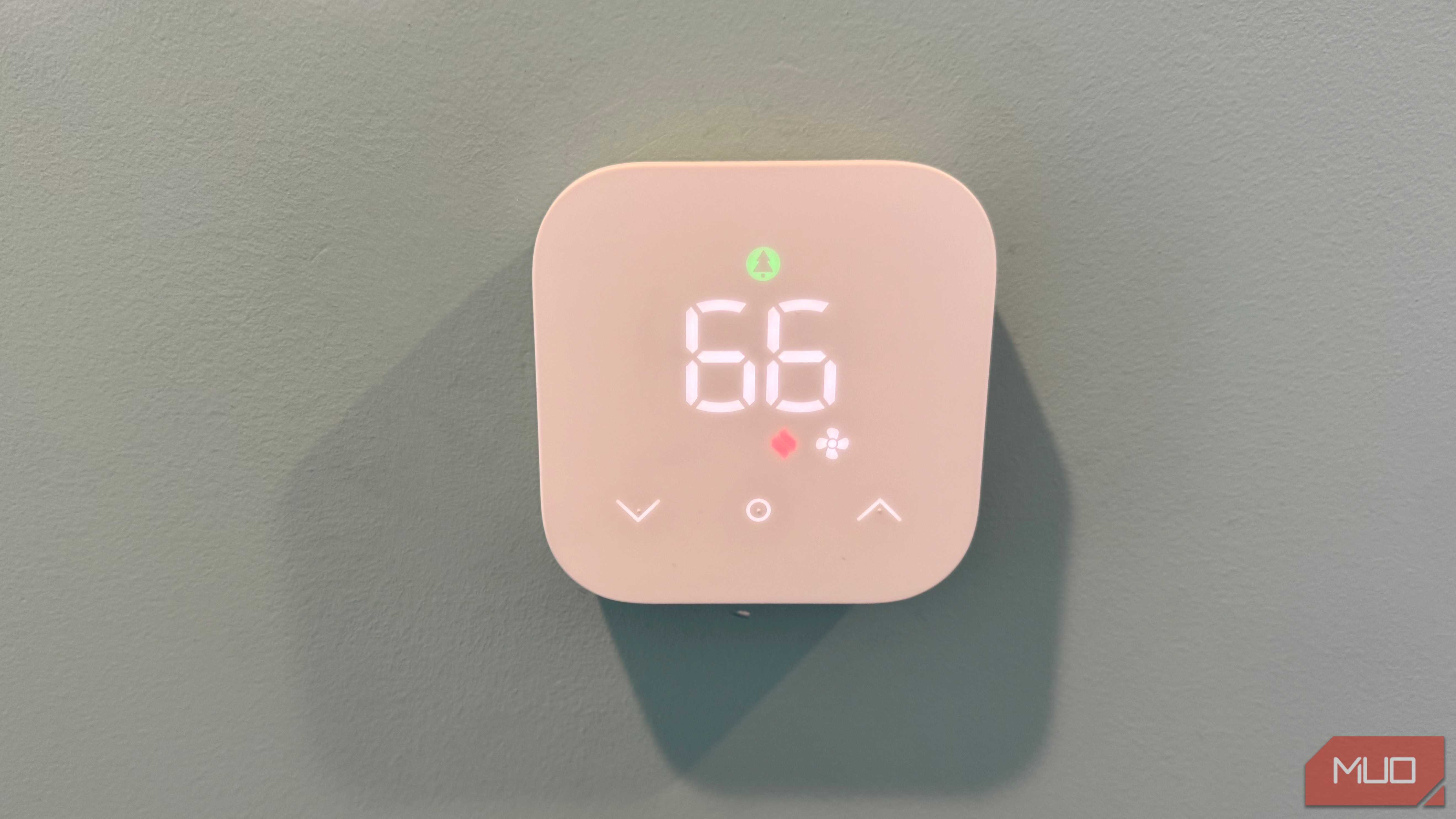
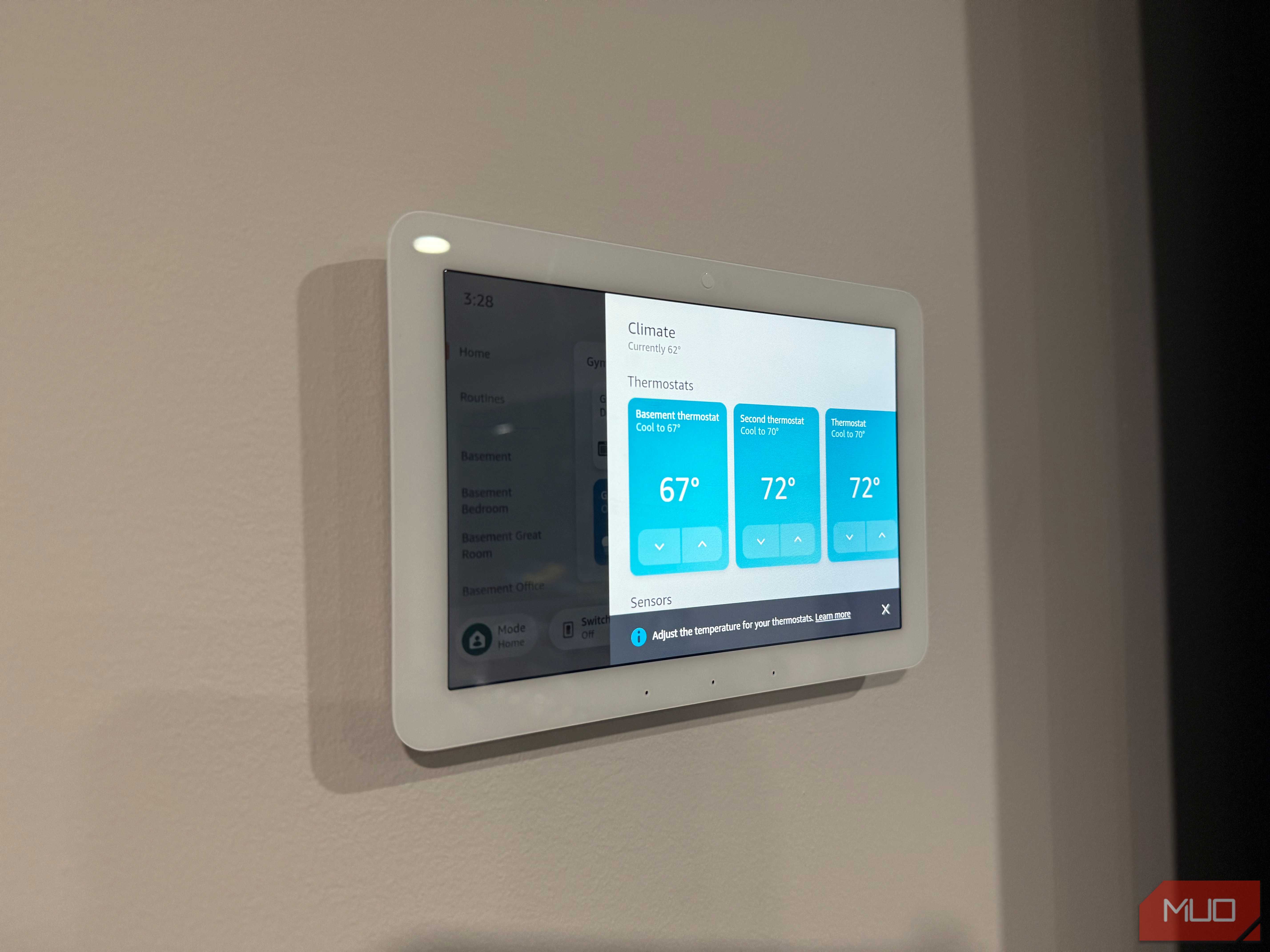
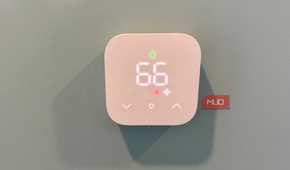
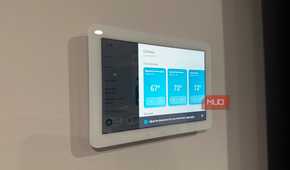
The biggest weakness of central air has nothing to do with the unit. It's that the system will happily cool a house, bleeding conditioned air out a window, with no warning that it's doing it. The thermostat reads a temperature, sees it sitting above your setpoint, and runs the compressor and blower longer to close the gap. As far as it knows, the room is just slow to cool. It can't tell a hot afternoon apart from an open window three feet away.
That blind spot costs you twice. You pay for electricity that walks straight out the screen, and the compressor racks up runtime it never needed. In my house, the problem multiplies, since I run three separate HVAC zones. One forgotten window upstairs keeps that zone's system grinding while the rest of the house sits perfectly comfortable. For months, the only way to catch it was to physically walk every room.
A contact sensor and one routine cut the cooling
Building the open and close routines
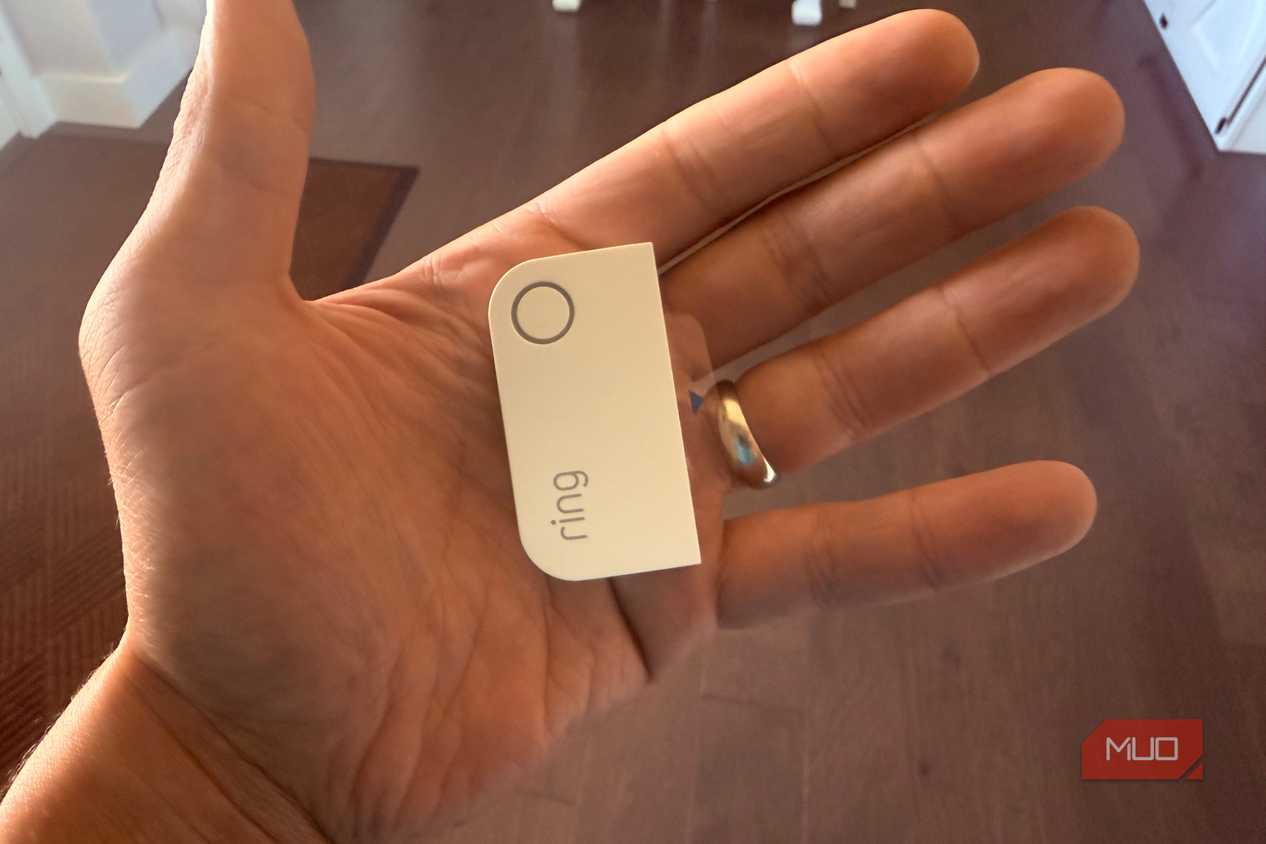
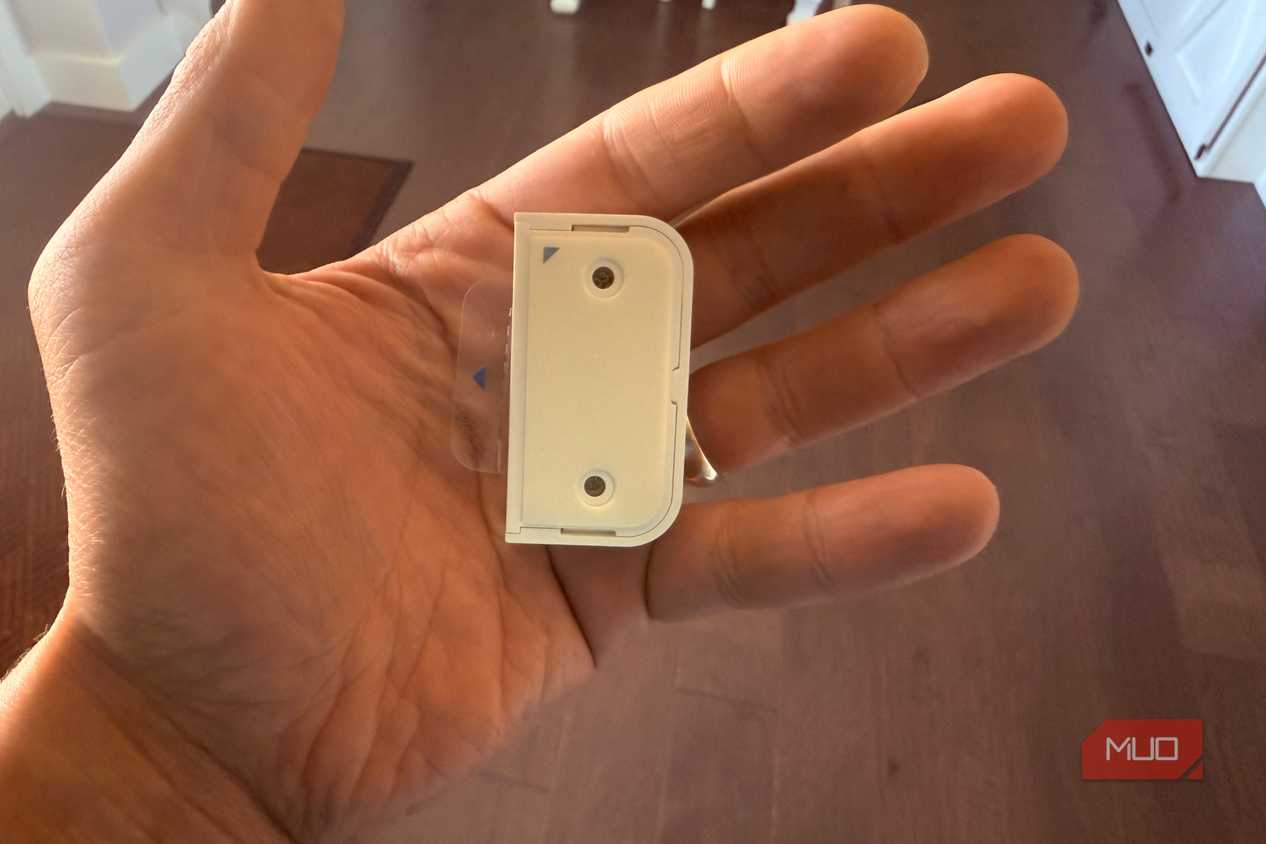



 Credit: Jonathon Jachura / MUO
 Credit: Jonathon Jachura / MUO
 Credit: Jonathon Jachura / MUO
 Credit: Jonathon Jachura / MUO
 Credit: Jonathon Jachura / MUO



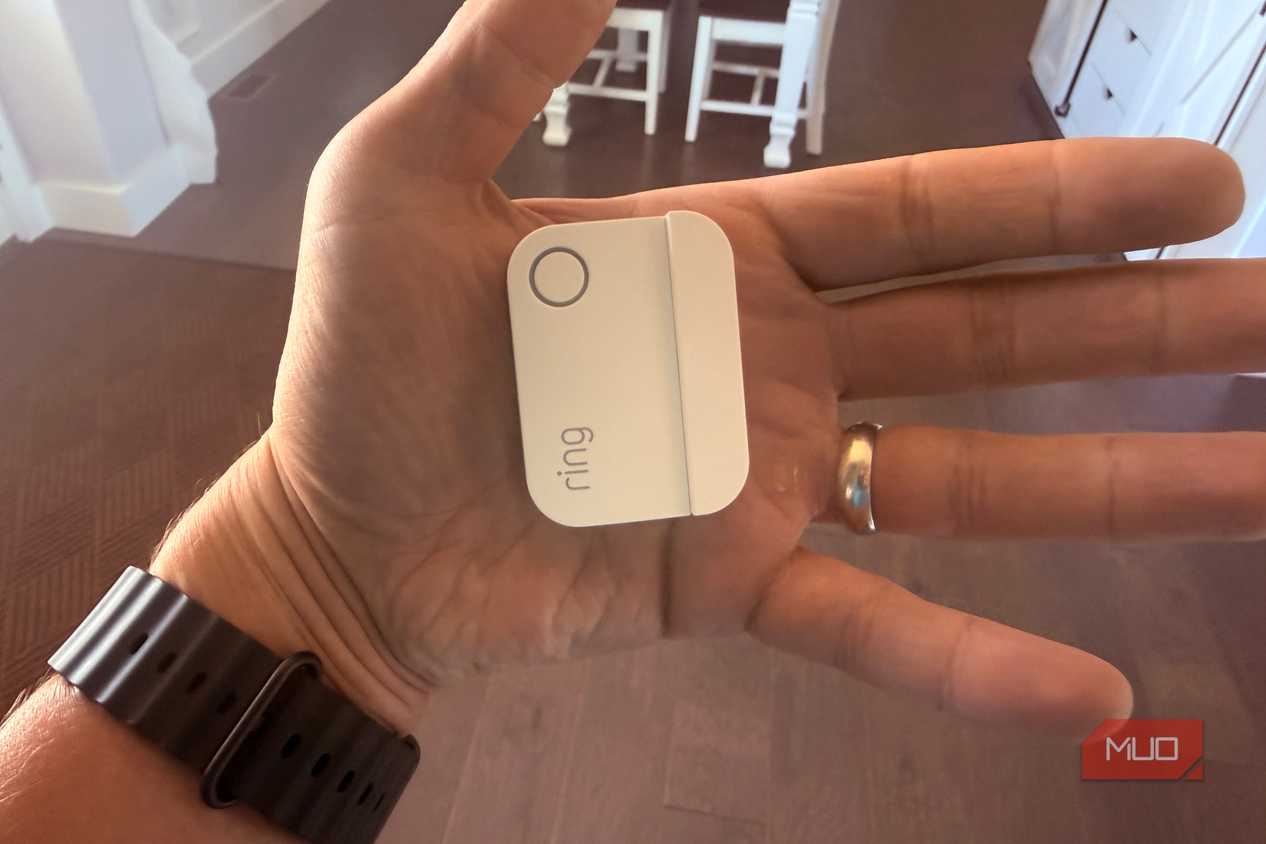
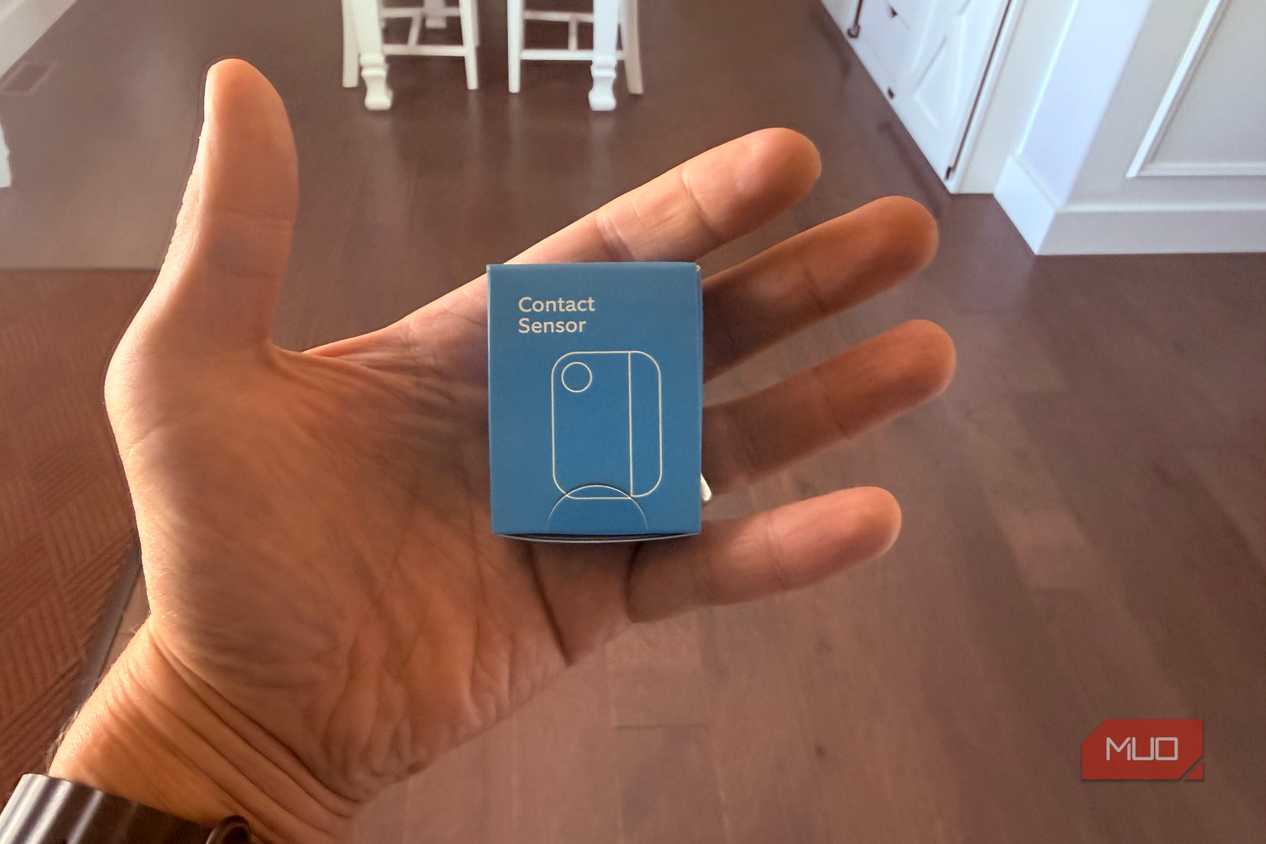
The fix runs on a Ring Alarm contact sensor, which costs around $10 and is the same sensor already mounted on most of my window frames for the alarm. It tracks whether the window is open or shut, nothing more, and Alexa runs a routine whenever that status flips.
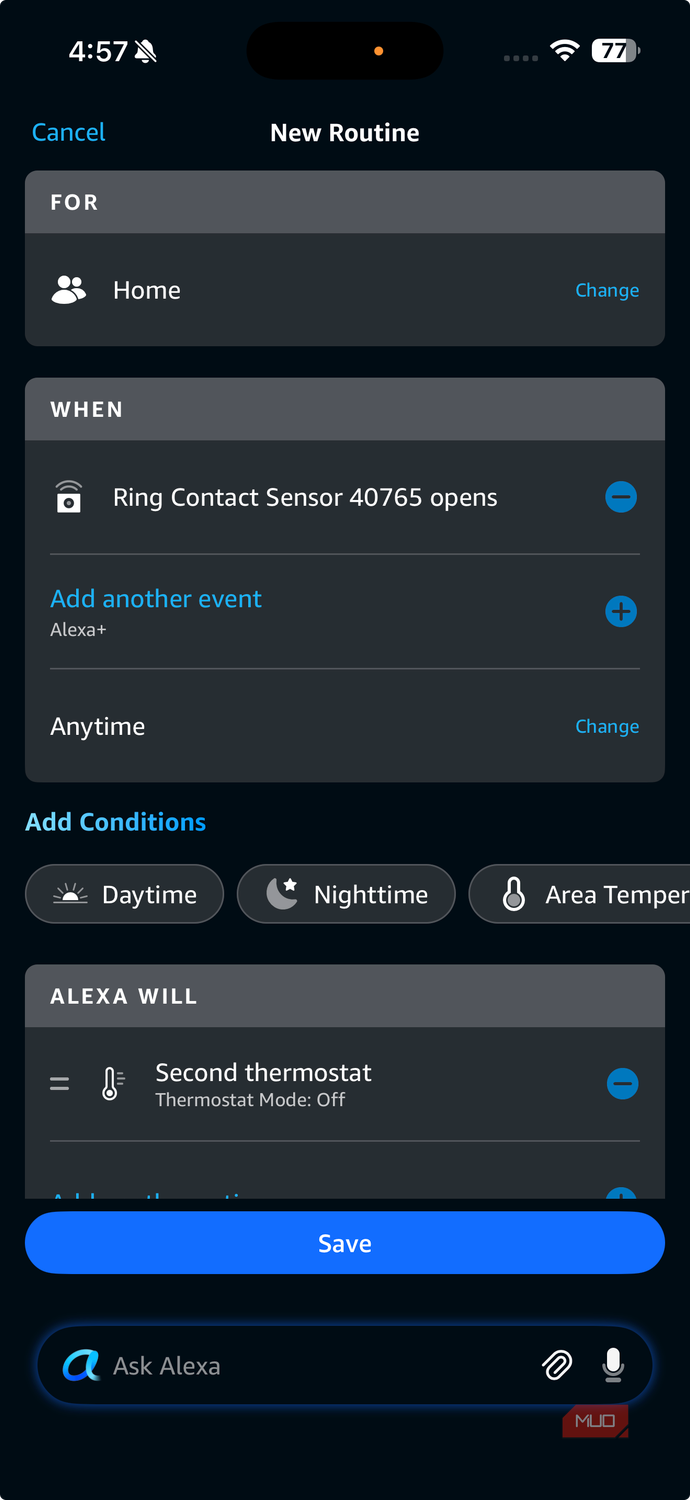
I built two routines in the Alexa app. The first watches a window sensor and triggers the moment it opens, waits 20 minutes, then sets my Amazon Smart Thermostat to Off, which stops the AC. The second does the opposite. When the window closes, it puts the thermostat back to Cool in the summer. Run your system in Auto so it handles heating and cooling together, and you'd restore it to that instead. Each one takes a couple of minutes to set up once the sensor and thermostat are linked to Alexa, and it leans on the same logic as my contact-sensor automations that make a smart plug respond to your home instead of a clock.
One thing to sort out first: routines for the Amazon thermostat run in the cloud, so the thermostat has to be in manual mode. Leave it on its own schedule, and that schedule can override the routine and switch cooling back on while the window's still open.
Tuning it so the AC doesn't short-cycle
The delay and the mode you restore to


 Credit: Jonathon Jachura / MUO
 Credit: Jonathon Jachura / MUO
 Credit: Jonathon Jachura / MUO
 Credit: Jonathon Jachura / MUO
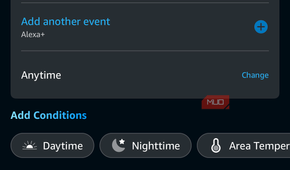


When I wired plugs and lights to door sensors, the whole trick was restricting them to a time window so they didn't fire around the clock. A thermostat works the other way. You want this active through every hour of the cooling season, so a schedule limit would defeat the point. Here, the tuning protects the equipment instead.Start with a short delay before the AC shuts off. Skip it, and cracking a window for ten seconds will toggle the entire system.
Mine waits twenty minutes, long enough to ignore a quick in-and-out and react only to a window that's genuinely staying open. The delay on the way back matters more. Close a window and reopen it a few minutes later, and the compressor can cycle on, off, and on again in a short span, which wears on it. The Amazon thermostat won't let you widen its temperature swing the way pricier models do, so a built-in pause in the routine is your only real safeguard. It's the same instinct behind the Ring sensors catching small problems before they turn expensive down in my basement, aimed at the AC instead of a leak.
Which windows are actually worth a sensor
Matching sensors to the zone they sit in


 Credit: Jonathon Jachura / MUO
 Credit: Jonathon Jachura / MUO
 Credit: Jonathon Jachura / MUO
 Credit: Jonathon Jachura / MUO
 Credit: Jonathon Jachura / MUO


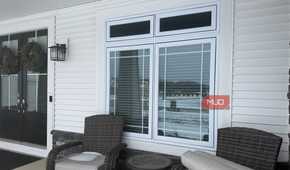

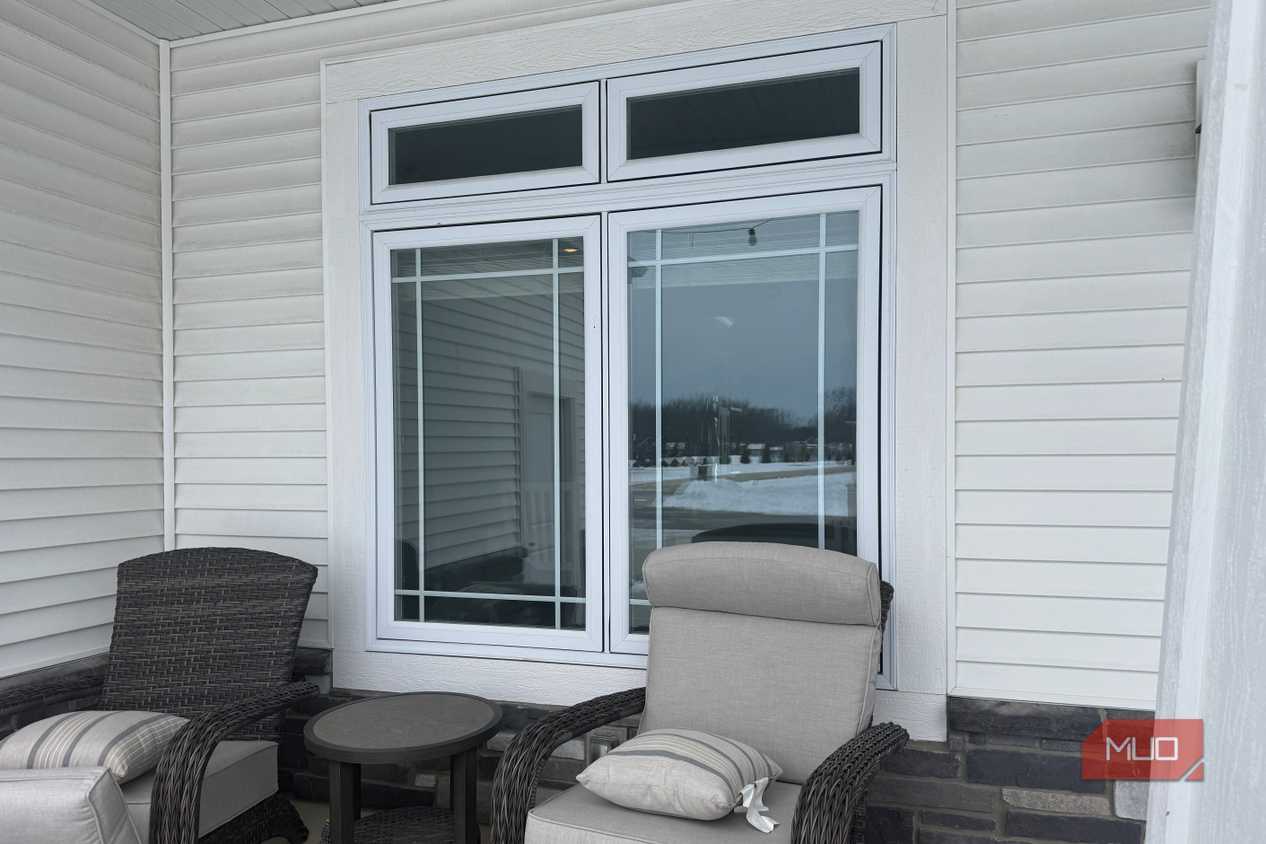
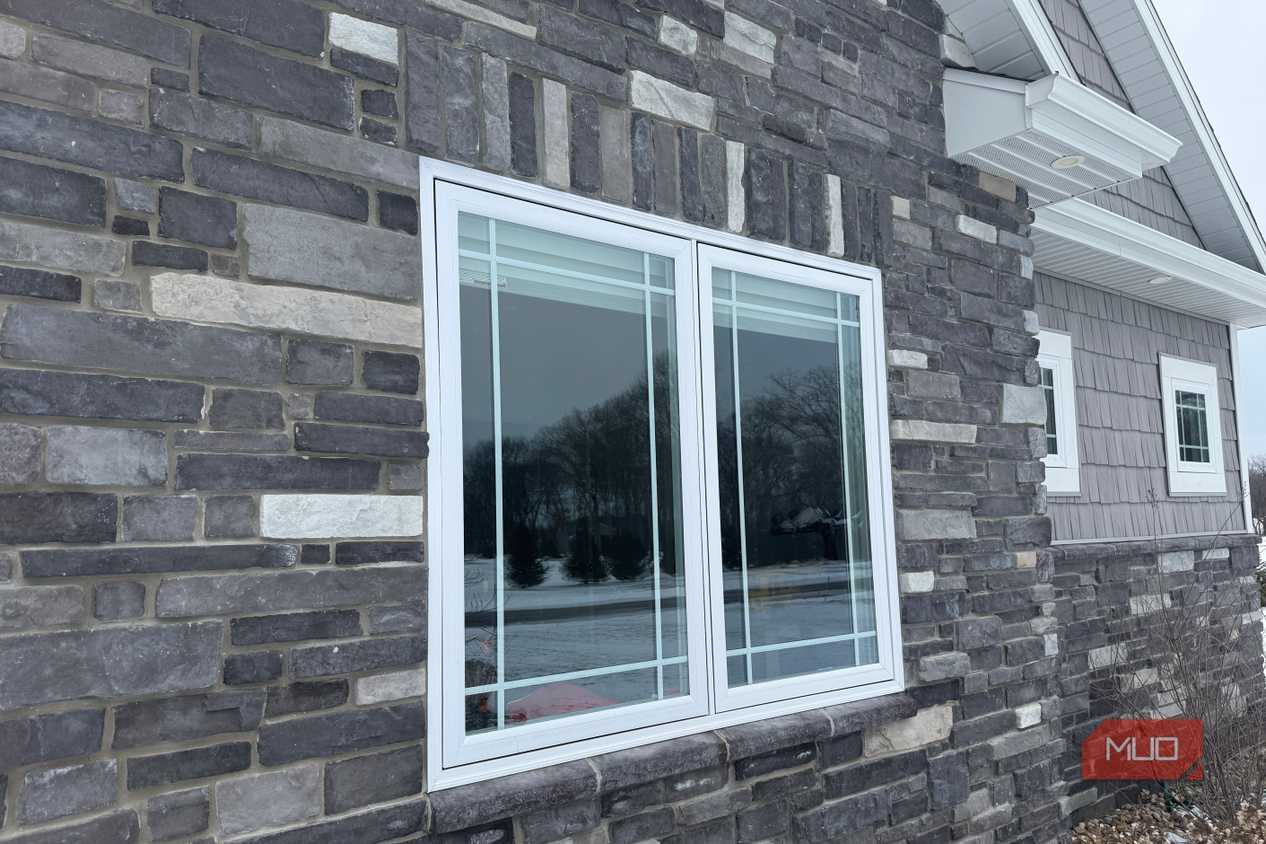
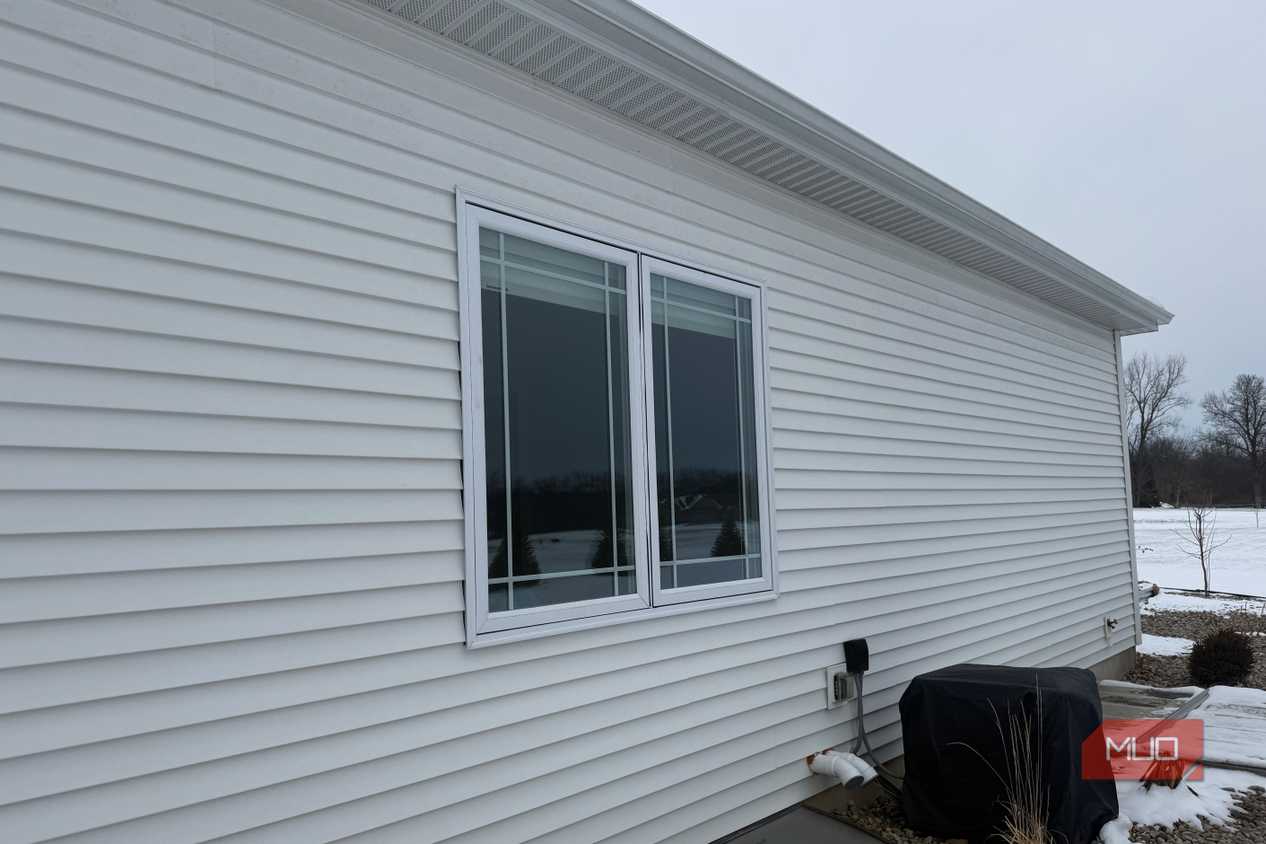
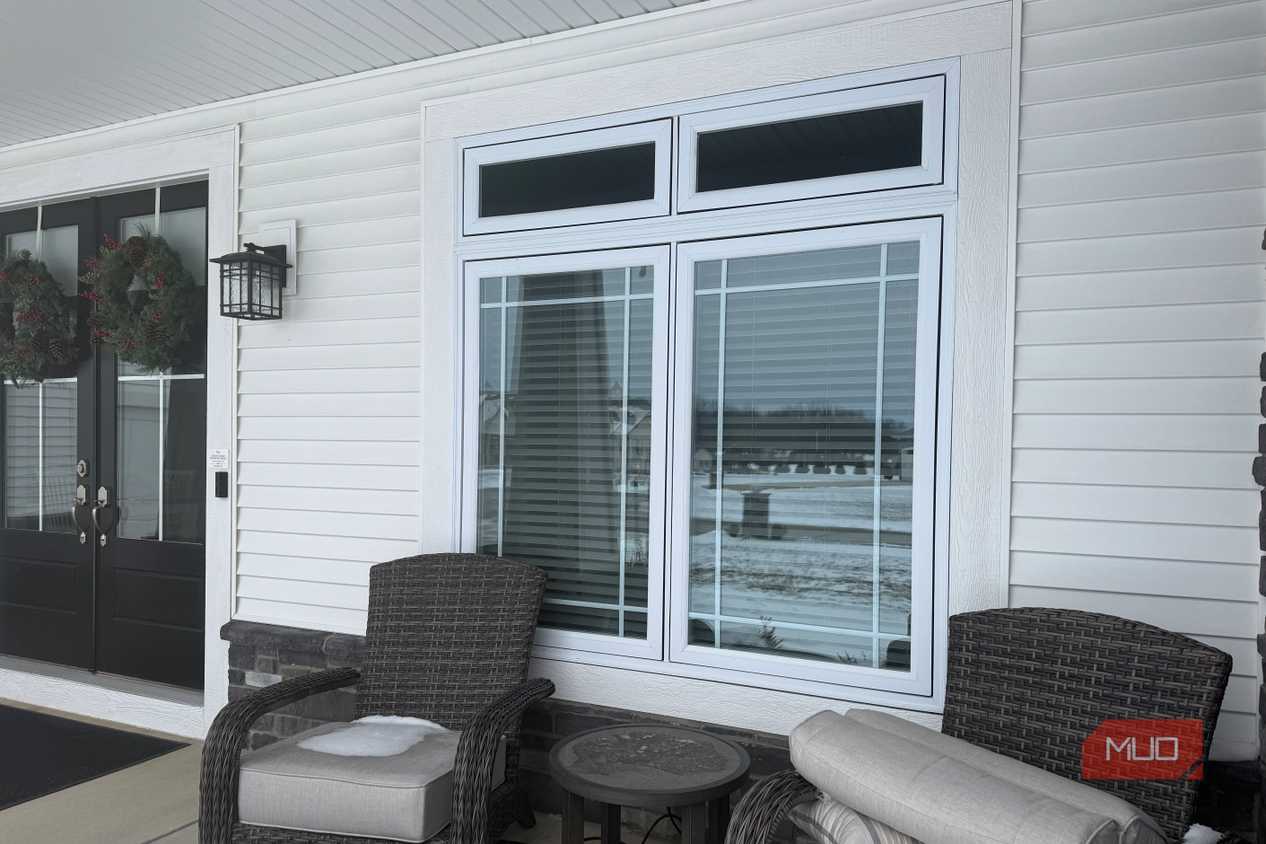
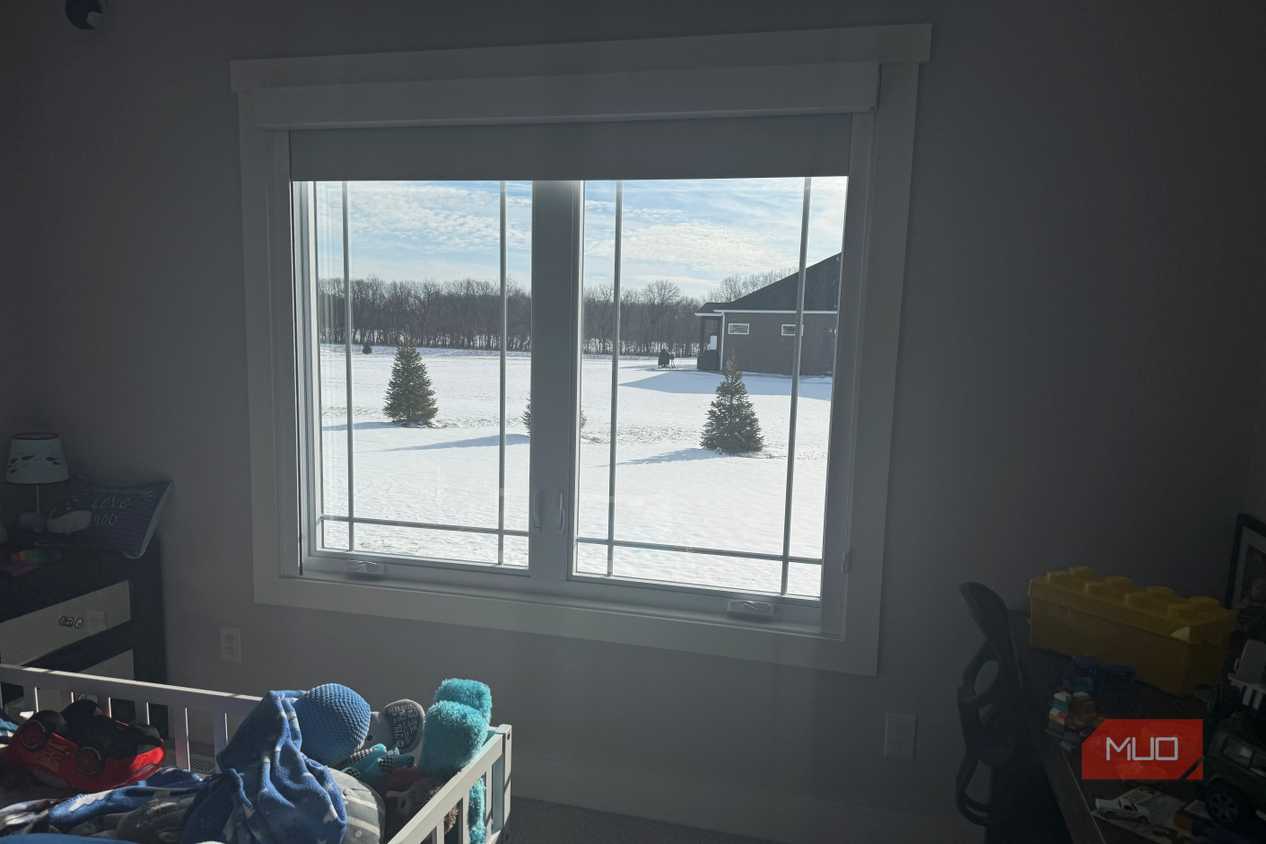
You don't need a sensor on every window, and trying to cover them all is how you end up with a project that never gets finished. The ones that pay off are the windows people in your home actually open, in a zone you can control. My kids’ bedrooms run on one thermostat, so the bedroom windows that get opened for fresh air are the ones that have a sensor. The other side of my ranch runs on another, so the living room and kitchen windows go with that unit.
The real payoff lands in spring and fall. Northern Indiana weather in those months can't make up its mind, and we bounce between open windows in the afternoon and the AC at night, sometimes on the same day. That's precisely when a window gets left open against a running system, and it's the stretch where this quietly earns its keep without anyone having to think about it.

The cheapest upgrade on my whole HVAC setup
I've put real money into my heating and cooling over the years, from the zoning down to the smart thermostats themselves. A $10 contact sensor turned out to be the piece that ended the most obvious waste. The AC no longer fights a window I forgot about, the compressor isn't running for nothing, and I've quit doing laps to check windows before switching on the air. If you want another small Ring sensor that pulls more than its weight, my mailbox notification setup runs on the very same idea.