


I'm old enough to have a fairly decent MP3 collection, back from when we were burning our CDs to our hard drives and collecting them on our iPods (or Zunes, I guess).
I wanted to play some of these in the car, without the extra hassle of making sure my iPod is charged and that I have some sort of adapter to allow it to play through my sound system.
Streaming is very convenient, of course, but it comes with a price. Subscriptions keep increasing in cost, and some old audio files I have aren't on Apple Music (my preferred platform). Some are recordings of my own, which definitely never got an official album release.
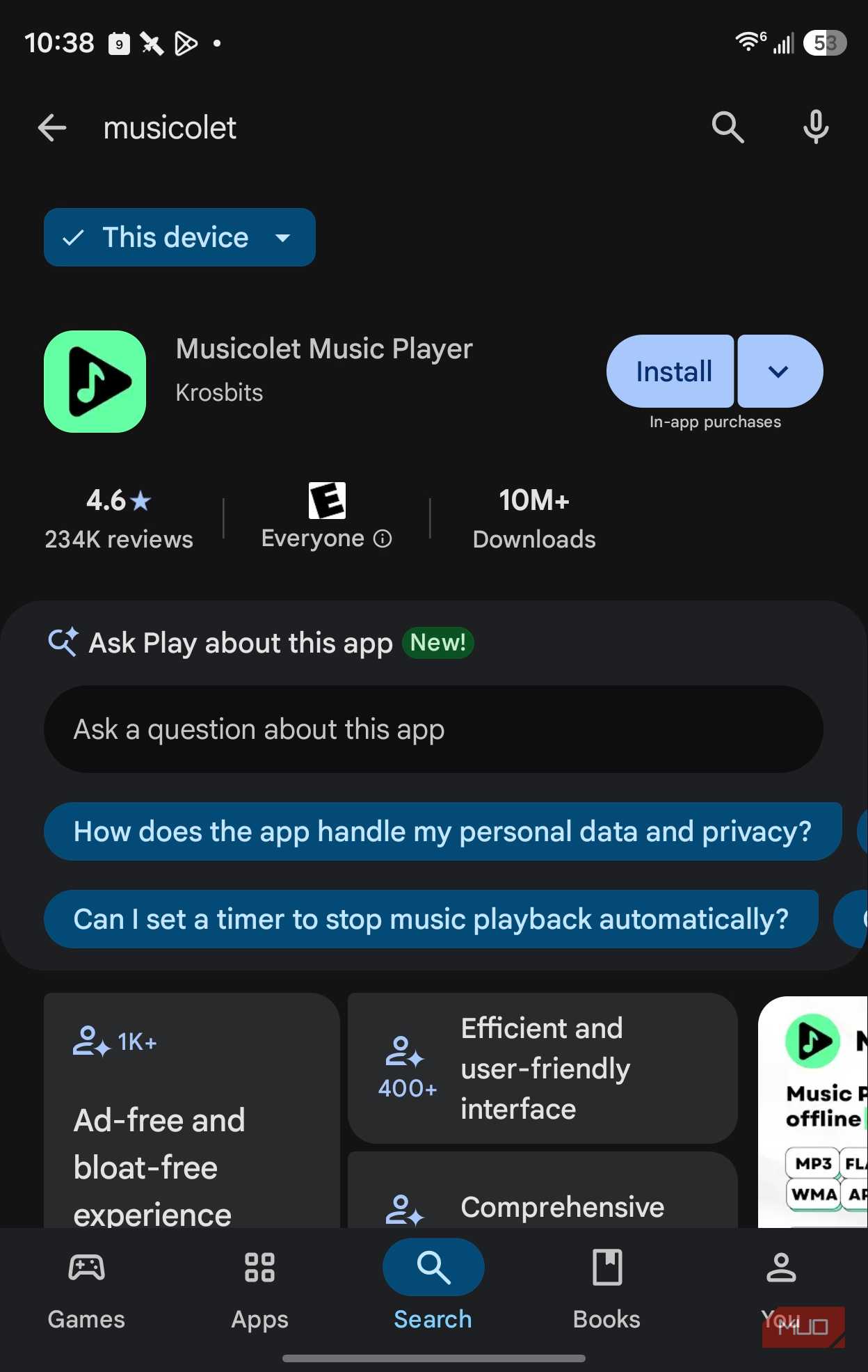
That's why I turned to Musicolet, a free MP3 player for Android that has no ads. It turned my folder of MP3s into something I can easily use whenever I hop into my Leaf with the Samsung Galaxy Z Fold 8.
MP3s are from a different era
Streaming isn't an option for all of them

Google killed Play Music, one way to play personal audio libraries, a while back. YouTube takes uploads, up to 100,000 songs, but you have to upload from your computer and then your files are essentially a cloud service, which defeats the whole point.
Streaming relies on a good network signal, so what happens when you're driving somewhere without one? It still happens occasionally.
Better yet, a personal audio library doesn't disappear when you stop paying for it, or the licensing changes.
I still use Streaming for most of my listening in the car and at home, since I'm not a huge fan of managing or storing endless stacks of MP3 files, but for a small collection that I can take with me on the same phone I'd have with me either way, Musicolet meets my needs.
My iPod, a 60G iPod Classic, has 54GB of audio on it. My Samsung Galaxy Z Fold 8 has 256GB of storage space, and is currently only 50% full. Adding that 54GB isn't a hardship (for now), so I get to carry around the entire MP3 collection with me.
Musicolet treats an old library like it's worth keeping
Folders beat broken tags


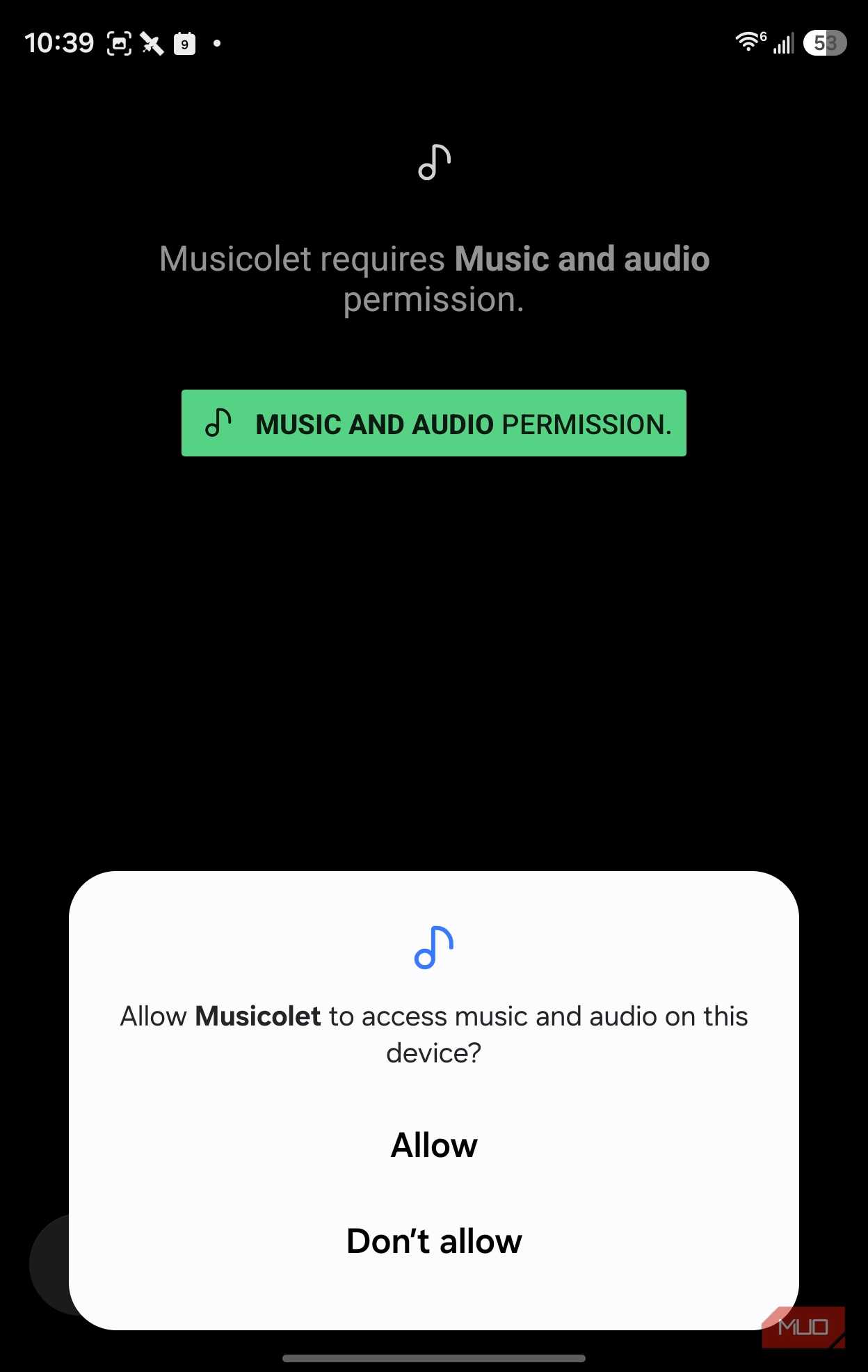
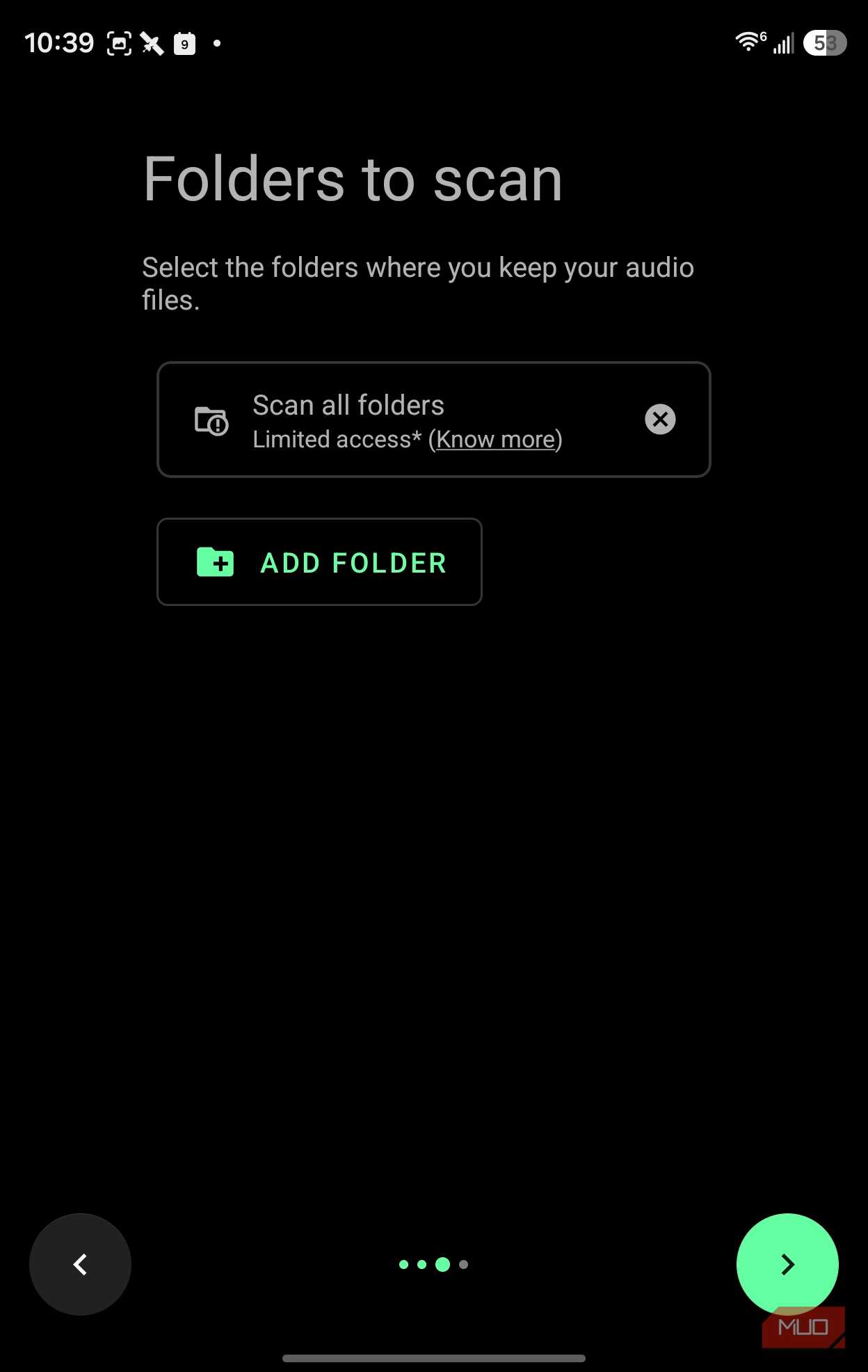
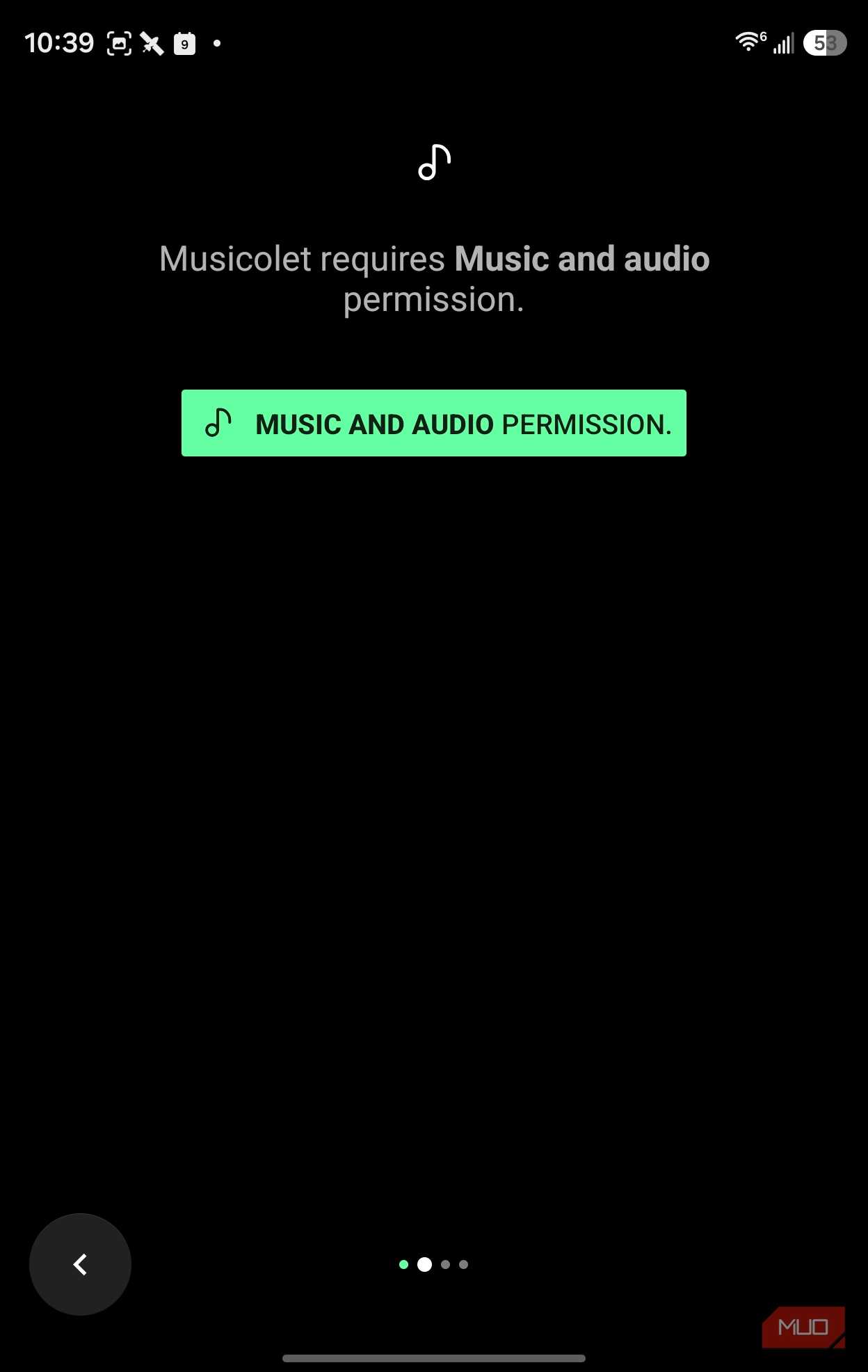
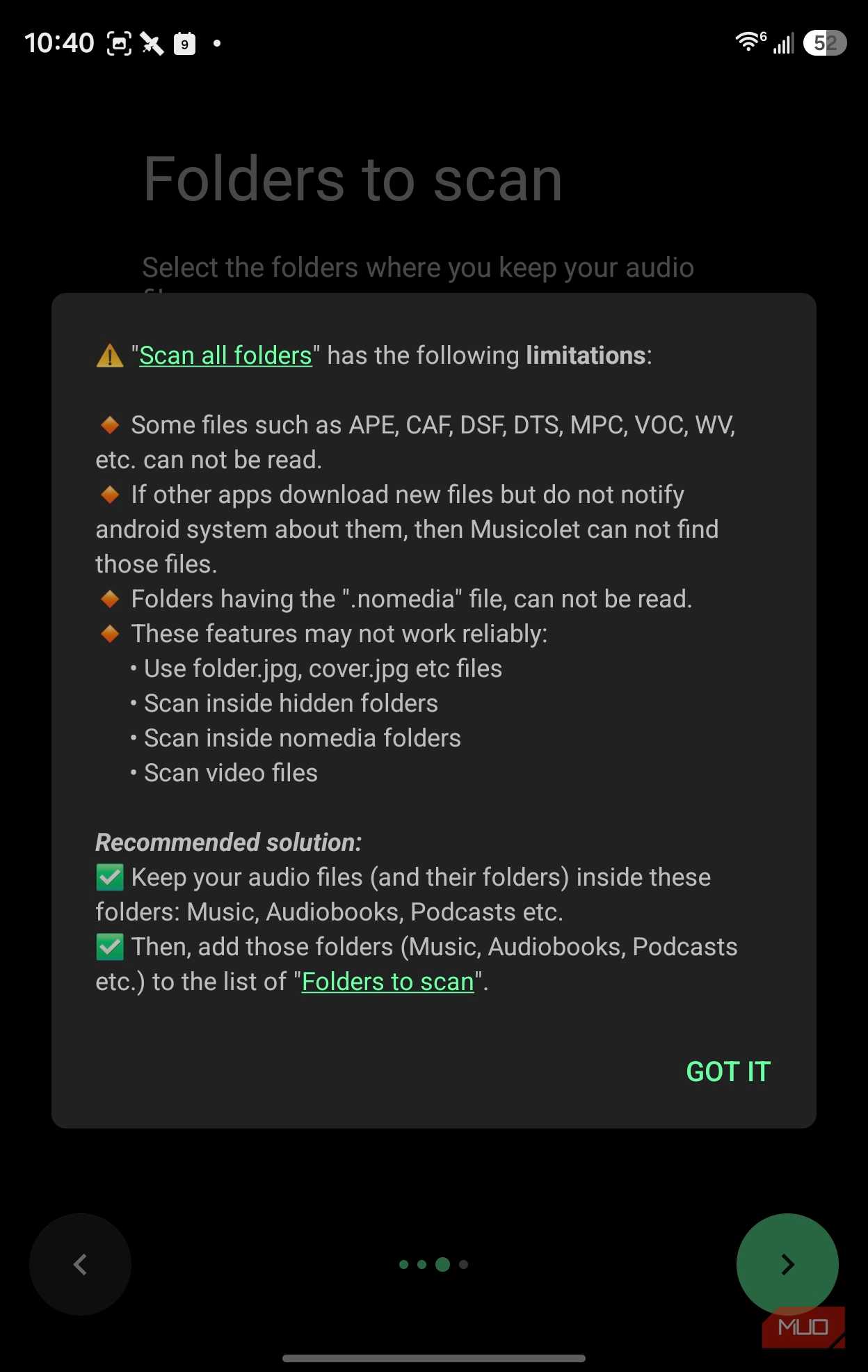
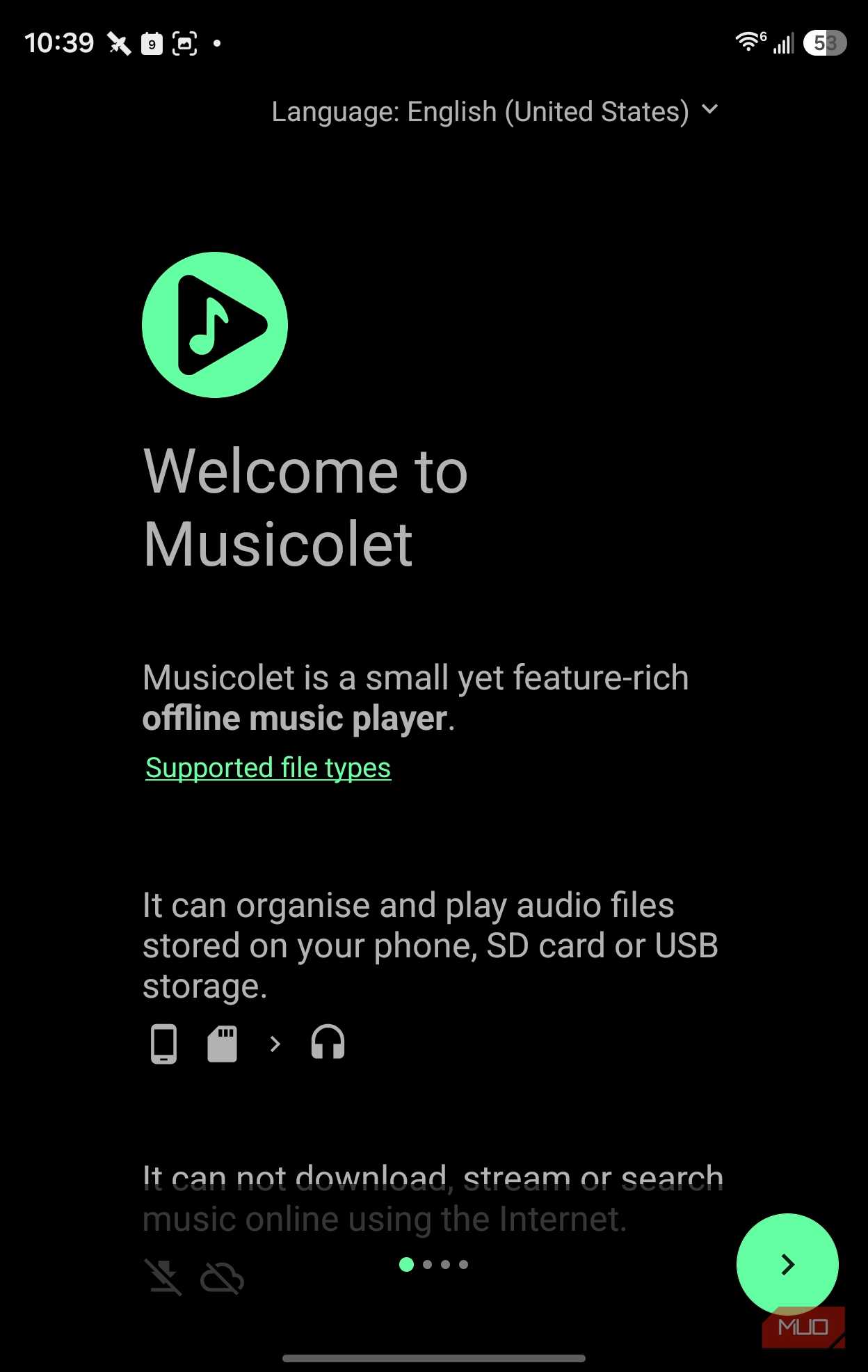
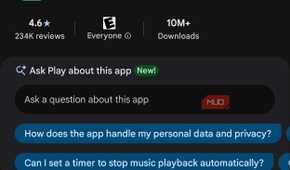

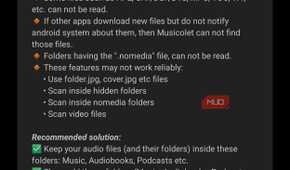
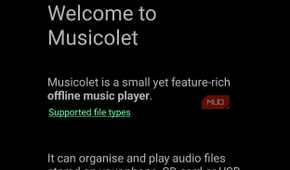
Musicolet only plays local files from internal storage (or an SD card) on your phone, and it won't stream, download, or search for music online. That's the whole point.
It reads all the formats my old collection has: MP3, M4A, WMA, FLAC, Opus, AAC, ALAC, APE, and DSF. You can browse your folders in one of two ways, too. There's a single flat list of every folder, or you can browse via nested folders. If the tags are a mess (and who's tags aren't at this point?), you can still find stuff in the directory structure you've set up.
Better yet, you can also edit the tags with Musicolet's tag editor, managing tags and album art on batches of files at once, and you can even move and copy songs within the app itself. Sure, you can fix this stuff on your computer first, but if you could have done that, you would have. Fixing them when you notice them in the app is more likely to happen.
Musicolet keeps a separate queue for each folder, album, artist, or playlist, and you can return to any queue where you left off. Going from a single album to a road-trip playlist and back without losing my place was kind of the light-bulb moment for me.
And finally, there are no ads here, no requests for internet permission. It's basically an iPod that rides along on my Android phone.
I used iMazing to get the MP3s off of my iPod to my Mac, then OpenMTP to move them from there to the Samsung phone.
Android Auto turned my Nissan Leaf into the car stereo I wanted
What shows up on the dashboard

Using the Musicolet Android Auto interface is pretty great, too. You can browse playlists, queues, folders, and your entire audio library. Being able to access local music when in the car is really fantastic; I haven't listened to these tracks in ages and it's been fun to tap into Musicolet on the car screen and play them.
It also works with my steering wheel controls. In fact, version 6.14 of the app added a feature that makes the Next and Previous buttons act as fast forward and rewind, too, which is great for eyes-free navigation while driving.
It was pretty easy setting up my files for use with Musicolet, and it will scan your phone for any formats it recognizes, so it's an easy task to get them onto the phone.
Plus, Musicolet supports automatic and manual backups to restore settings, playlists, and play counts on any device, making it easy to move phones but keep all your important metadata.
Musicolet has limits worth knowing
No streaming, no auto lyrics, and casting costs extra

The app doesn't connect to the internet. At all. So there's no way to fetch lyrics for your favorite songs like the streaming apps do. Still, you can paste in lyrics yourself, or drop in a lyrics (.lrc) file to make that happen.
If you need to cast from the app, you'll need a paid app (from the same developer) to do so: Cast Plug-in for Musicolet.
Finally, there's no Discovery component here; your library grows as you add to it, as Musicolet won't go find other songs you might like based on your library.
Other players if Musicolet doesn't click
Four alternatives worth a quick look

Poweramp is for people who care more about tuning their sound. It has Hi-Res output abilities, a 64-band parametric EQ, and Android Auto support. It's a paid app, but you get a free trial and it's a one-time purchase.
Symfonium is good for your studio library that lives on a NAS or servier, pulling from local storage as well as PLex, Jellyfin, Navidrone, SMG, and other cloud drives, and it also works with Android Auto.
Auxio is open source and has a minimal look and feel, but you'll need to install via F-Droid or Accrescent, which requires a whole set of toggles to get working on your phone or in your car.
And of course there's the grandparent of all these apps: VLC. This free player may already be on your phone; it's that ubiquitous. It has supported Android Auto for years, and it's great for offline files in the car.
I'm taking a ride with my old MP3s
The first album I played from my library of older audio files was Rickie Lee Jones' 1981 Pirates, an album I've only ever really had on MP3 (then copied to Mini-Disc, but that's a whole different story). It was super fun to hear it again, and in the car. I hadn't had to mess with getting my iPod charged and available when driving; it was just on my phone.
Streaming still wins for discovering new music and having just a ton of songs to choose from, but the music I already own deserves its time in the sunshine, too. Check out Musicolet on your own Android Auto system and see how it feels for you.