


Google Pixel phones have rarely sported the best hardware, but they've always come with incredible software. Specifically, Pixel phones — both new and old — have exclusive features that devices from other Android brands can't match. There are so many exclusives, in fact, that a few older ones get lost in the shuffle. Adaptive Sound is a Pixel-exclusive feature that debuted six years ago for the Pixel 5 and Pixel 4a 5G, and later expanded to all newer Pixel phones.
Adaptive Sound uses your Pixel phone's microphone to gauge the acoustics of your environment, adjusting the audio that plays out of your phone speaker accordingly using an automatic EQ. There's just one problem, and it's that Pixel phones ship with Adaptive Sound disabled by default.
Phone speakers, even those that use the earpiece speaker for stereo sound, are notoriously low-quality. I wouldn't want to listen to music or much of anything else on my phone speaker for long, but Adaptive Sound is making me think twice about that. It only takes a few seconds to turn on, and your ears will thank you for doing it.
Adaptive Sound adjusts audio for your environment
Account for ambient noise using Pixel's on-device automatic EQ


 Credit: Brady Snyder / MakeUseOf
 Credit: Brady Snyder / MakeUseOf
 Credit: Brady Snyder / MakeUseOf
 Credit: Brady Snyder / MakeUseOf
 Credit: Brady Snyder / MakeUseOf



Adaptive Sound is essentially an automatic equalizer (EQ) that adjusts the frequency response curve of your Pixel phone speaker on the fly. This concept isn't new, but it's typically reserved for specialty equipment. Home theater owners and audiophiles know all about Room EQ, which uses a measurement microphone to adjust the audio output of your AV equipment or speakers based on your environment. It's designed to compensate for the flaws of your listening space, your equipment, and anything else. In this context, it's pretty neat that Pixels can do something similar on a much smaller scale — and in real time.
Google's version of Room EQ for Pixels is actually better. Usually, audiophiles will adjust the Room EQ and apply the fixed preset once. The Adaptive Sound feature on Pixel phones is dynamic. It can adjust the automatic EQ profile in real time based on changes in your listening environment. This makes sense for smartphones, as they rarely stay in one place. Regardless of whether you're listening at home, outdoors, or in your car, your Pixel phone can adjust to the acoustics of your space using the Adaptive Sound feature.
It uses measurements from your microphone to make changes to your phone's speaker sound profile based on ambient noise. This can compensate for flaws, like challenging environments. For example, Adaptive Sound can figure out if you're listening to music near reflective surfaces or crowded spots with lots of background noise. The idea is that it can compensate for external factors that can hinder the quality of your Pixel phone speaker.
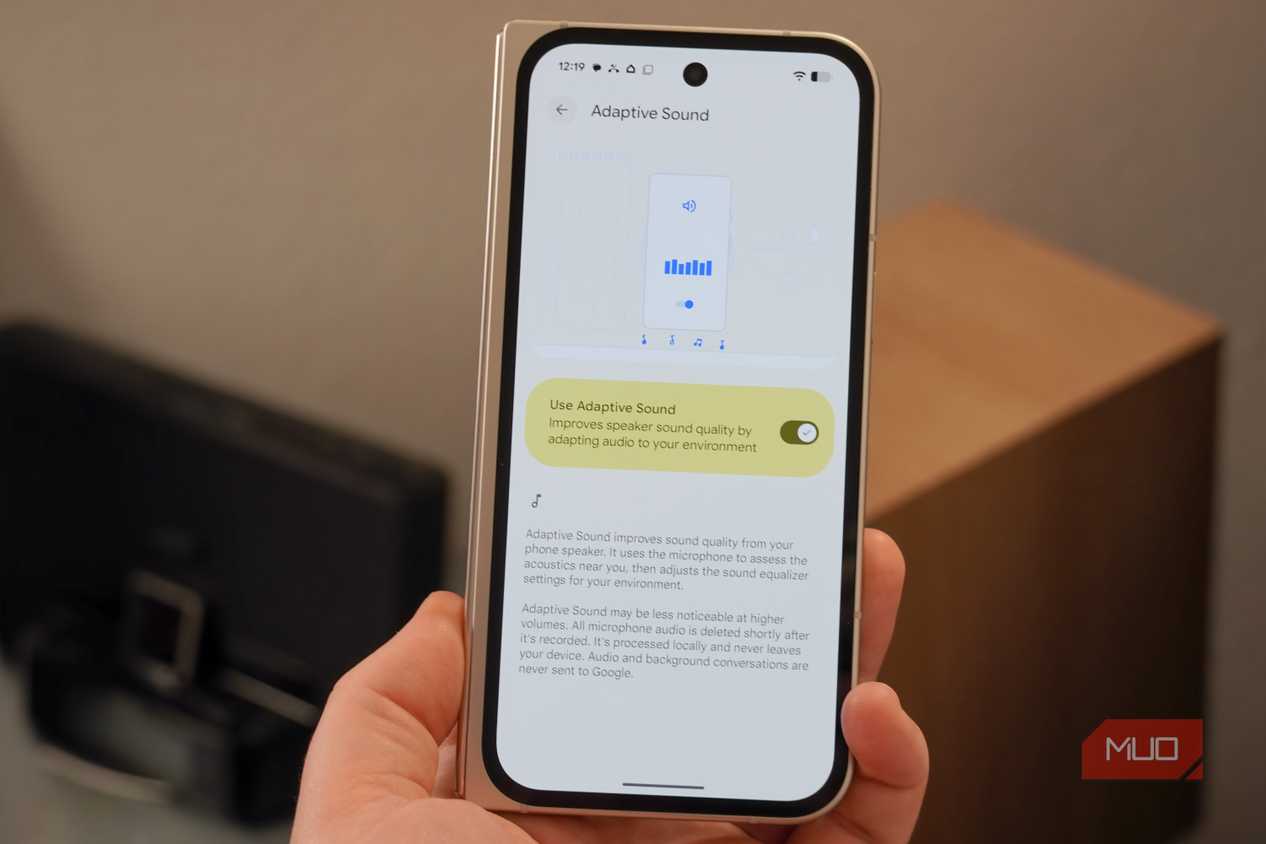
This sounds like a privacy risk, but it's not. Adaptive Sound runs completely on-device, audio recordings are deleted shortly after they are recorded, and the recordings never leave your phone. I love that it's an opt-in feature, considering audio recordings are involved, but it's a shame that so many Pixel users are missing out on their phone's best audio feature.
I don't know why Adaptive Sound is off out of the box
Luckily, it only takes a few taps to turn on this feature

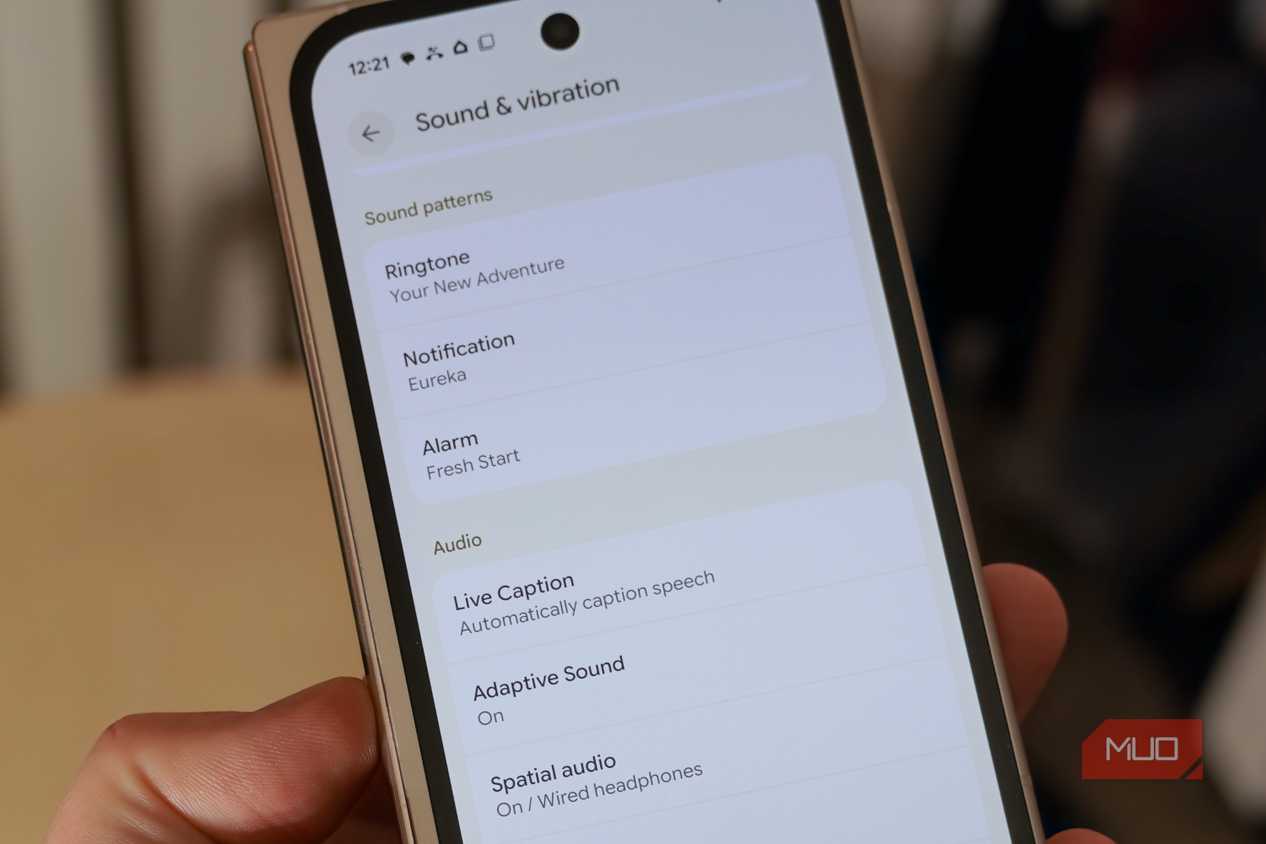
There are too many great Pixel exclusives to count, and some of the old ones get forgotten as a result. It doesn't help that a handful of these Pixel-exclusive features are buried within settings pages that most users never check. This is the case with Adaptive Sound — it's hidden behind the Sound & vibration page in the Settings app. When you know where to look, Adaptive Sound only takes seconds to enable.
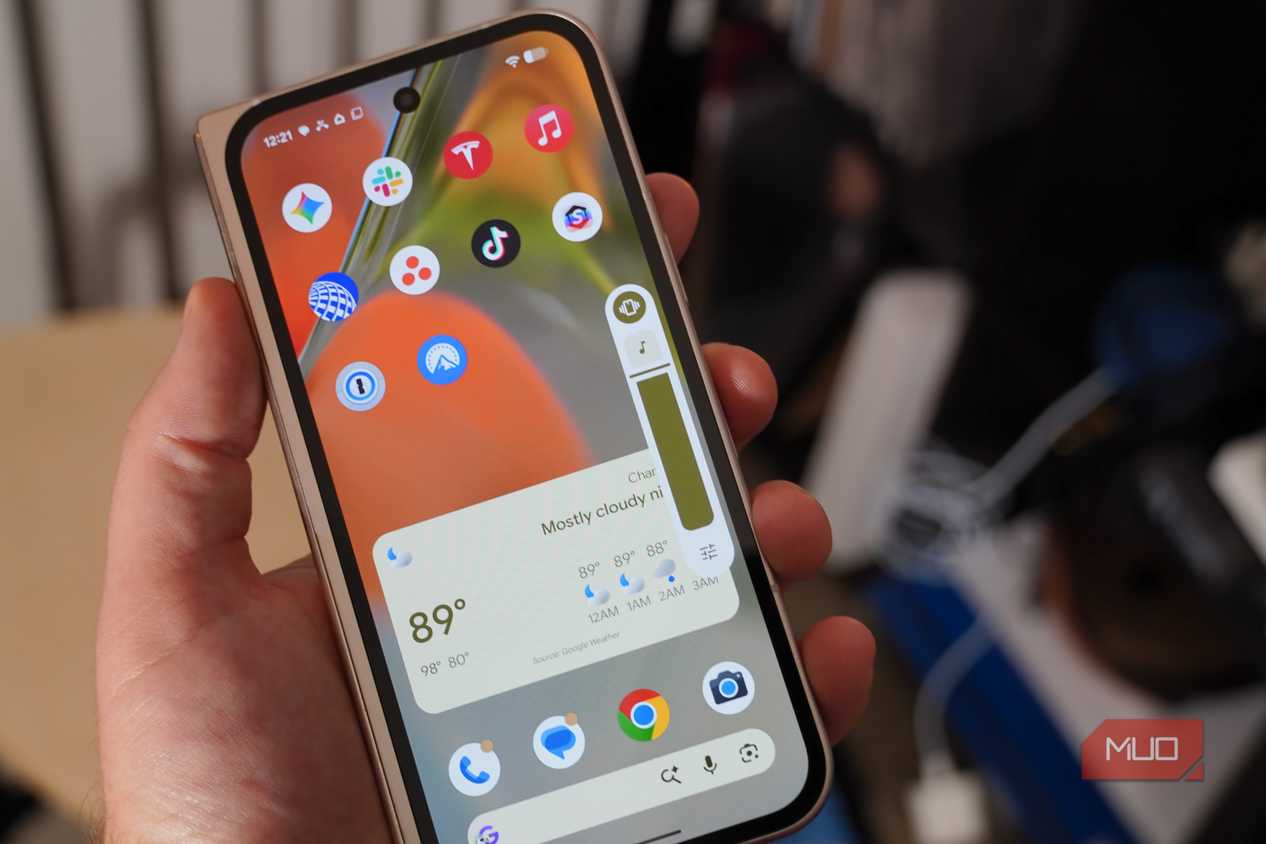
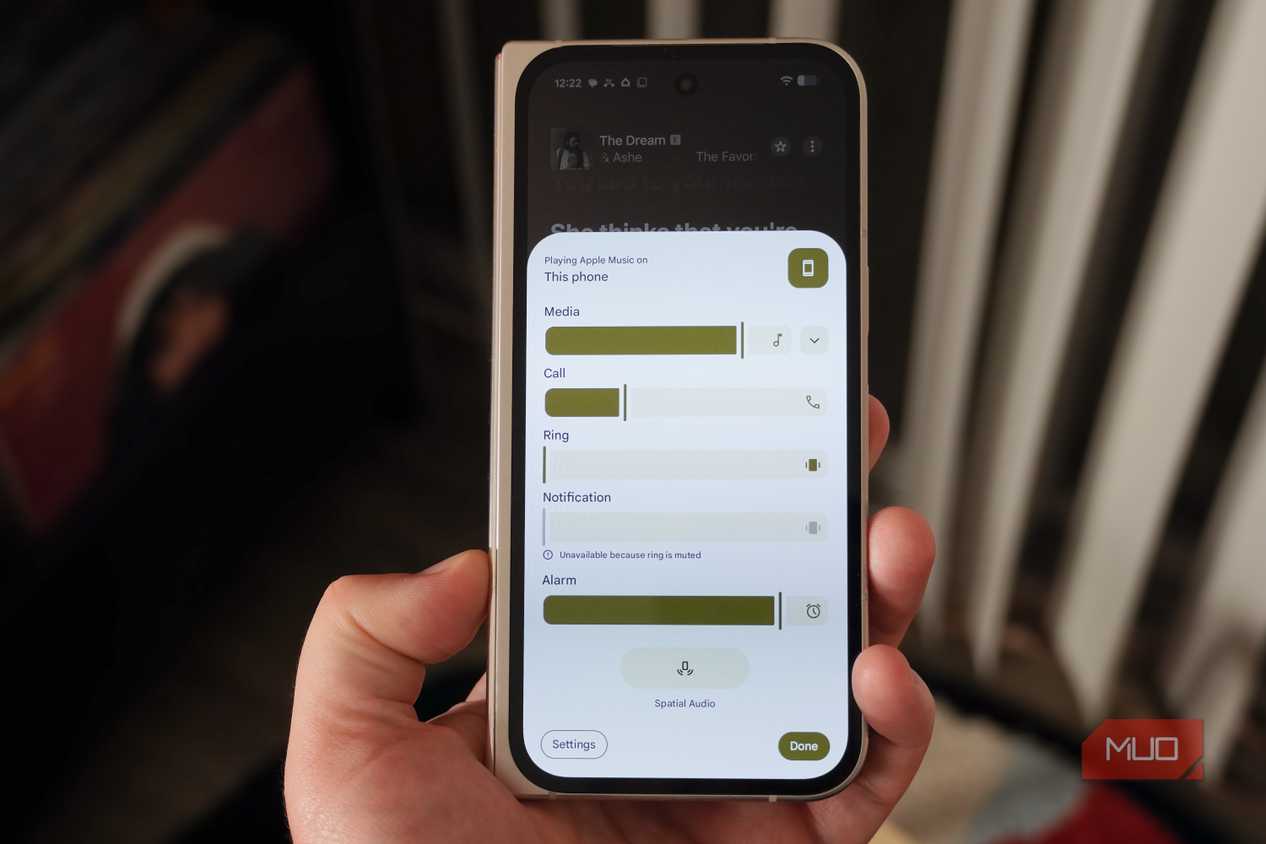
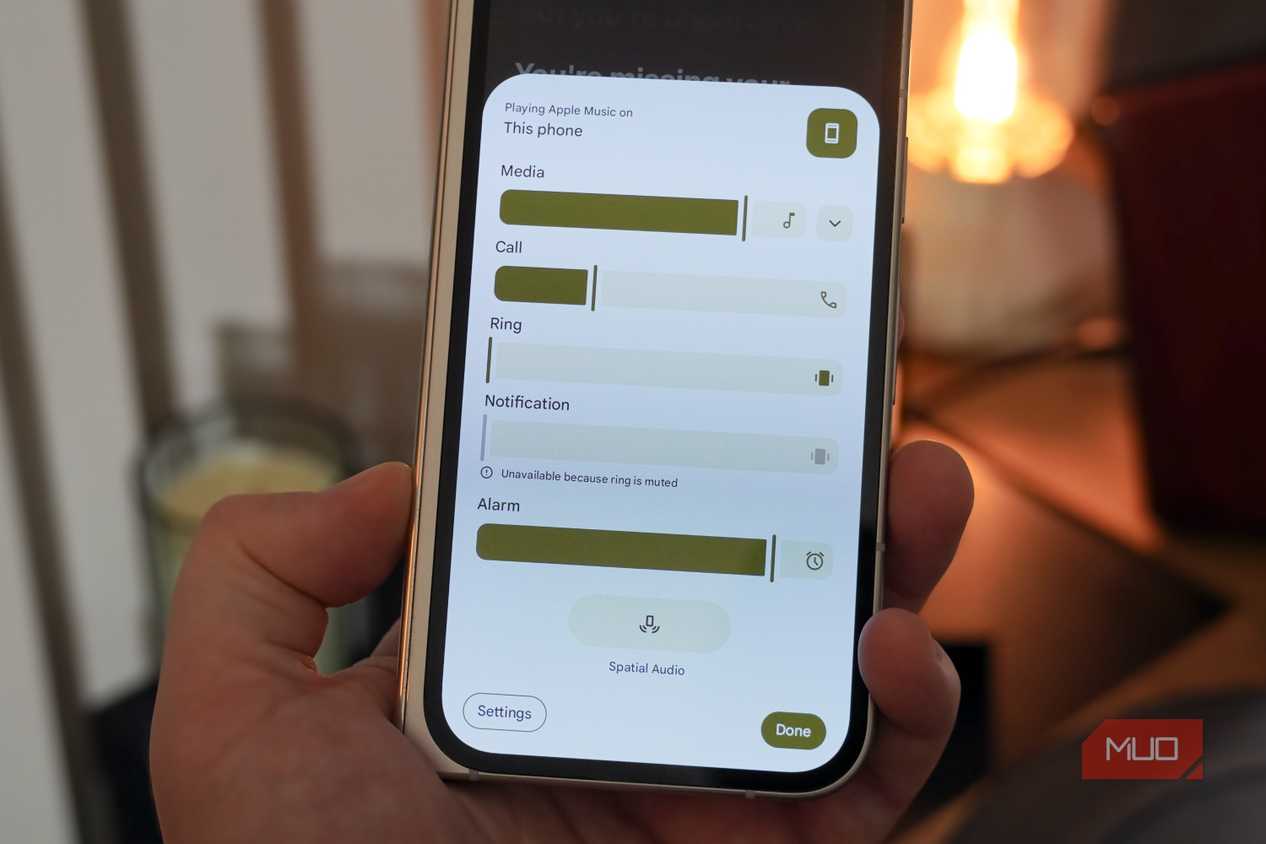
Open the Settings app on your Pixel and tap Sound and vibration. Then, scroll down past the sliders for media, call, ring, notification, alarm, and assistant volume. Under the Audio tab, you'll see Adaptive sound. Tap it, and flip the toggle beside Use Adaptive Sound to get started. From there on out, your Pixel phone will automatically adjust audio playback for your environment using periodic audio recordings.
Since this is a six-year-old feature that runs on devices as ancient as the Pixel 4a 5G, you shouldn't need to worry about whether your phone can handle the background processing. Any modern Pixel will be able to handle it with no noticeable impact on performance. What you will notice, however, is the superior sound quality. The real-time acoustic adjustments will make your Pixel phone speaker sound better than ever before.
Walk around with your Pixel, and enjoy better sound
The difference in sound quality is incredible and dynamic

The best way to test Adaptive Sound on your Pixel phone is to start playing music and move around. Listen to audio in different rooms with your Pixel phone speaker, and play it in environments with different ambient noise levels. You'll hear the difference. Another way to make sure Adaptive Sound is working is to play the same song with the feature enabled, then disabled. If the track sounds different with Adaptive Sound turned on, you know it's properly adjusting the automatic EQ of your Pixel phone speaker in real time.
We ask a lot of our phone speakers, which are made of tiny audio drivers that struggle to produce low-end frequencies and detailed sound. Usually, we end up disappointed, hearing a tinny sound with zero bass. Adaptive Sound can only do so much to compensate for small phone speakers, but your Pixel will sound better with it enabled.

Google Pixel 10 Pro
- Brand
- SoC
- Tensor G5
- Display
- 6.3" Super Actua display
- RAM
- 16 GB
- Storage
- 128 GB, 256 GB, 512 GB, 1 TB
The Pixel 10 Pro is Google's highest-end flagship smartphone. It features an improved rear camera system, the Tensor G5 chip, seven years of software updates, and a 6.3" Super Actua display. It gets all the latest Pixel exclusives, including Adaptive sound.
- Battery
- 4870 or