


I learned this the annoying way, with a laptop, a phone, and a confident 100W charger on my desk. One cable went into the laptop, another went into my phone, and I expected both devices to act as if each had its own fast charger. Instead, the laptop crawled upward, while the phone briefly dropped and came back.
The charger hadn't failed; it had simply done the math I had ignored, using the tiny allocation chart printed in text so small it needed a magnifying glass.
The number on the charger is the ceiling, not the room
Your ports are sharing lunch, not ordering separately

The most important number on a multi-port charger is usually the one most likely to be misunderstood. A 100W charger does not mean every port can deliver 100W at once. It usually means the charger can deliver up to 100W across all active ports, with limits depending on which port is used and what else is plugged in.
Real spec sheets make this obvious, especially on today's compact GaN chargers. Let's take Anker's 65W Nano II GaN charger as a real example, since its spec sheet in the screenshot above spells out the math directly. With one device connected, either USB-C port can deliver the full 65W, which is enough to charge many compact laptops at their fastest supported rate. If you add a second device to the other USB-C port, the lead port drops to 45W while the second device gets 20W. Then plug a third device into the USB-A port, and the first USB-C port settles at 40W, while the remaining USB-C and USB-A ports are each capped at 12W.
Don't see this as a defect. The charger isn't shortchanging you — it's doing real-time arithmetic based on total demand and its internal limits.
The second cable starts a negotiation you never see
Every plug-in is a tiny board meeting

Understanding how USB Power Delivery chargers work reveals that they don't just dump volts down a wire. The charger and device talk first. Your phone or laptop requests a specific voltage and current combination it can handle safely; the charger checks whether it can supply that alongside everything else already connected, and only then does power start flowing. That handshake is why volts and amps matter here: power is voltage multiplied by current, so a charger offering 20V at 5A is describing a 100W ceiling, while a phone asking for 9V at 3A only wants 27W.
If you plug in a second device, that conversation restarts. The charger has to recheck its budget and issue a new contract before power flows again. That is why a laptop, phone, or power bank may briefly pause and restart charging when a second cable is plugged in. It is not always a faulty cable or a dramatic hardware problem; that's the moment the charger is renegotiating the deal.
The results look different depending on what's plugged in. A laptop pulling a fast 90W contract might get renegotiated down to 45W or 65W once a second device joins, and you'll see that slowdown in your battery stats. A phone that only ever wanted 20W barely notices, because the new split still covers what it was asking for.
The other factors working against you
Cables, protocols, and other tiny betrayals


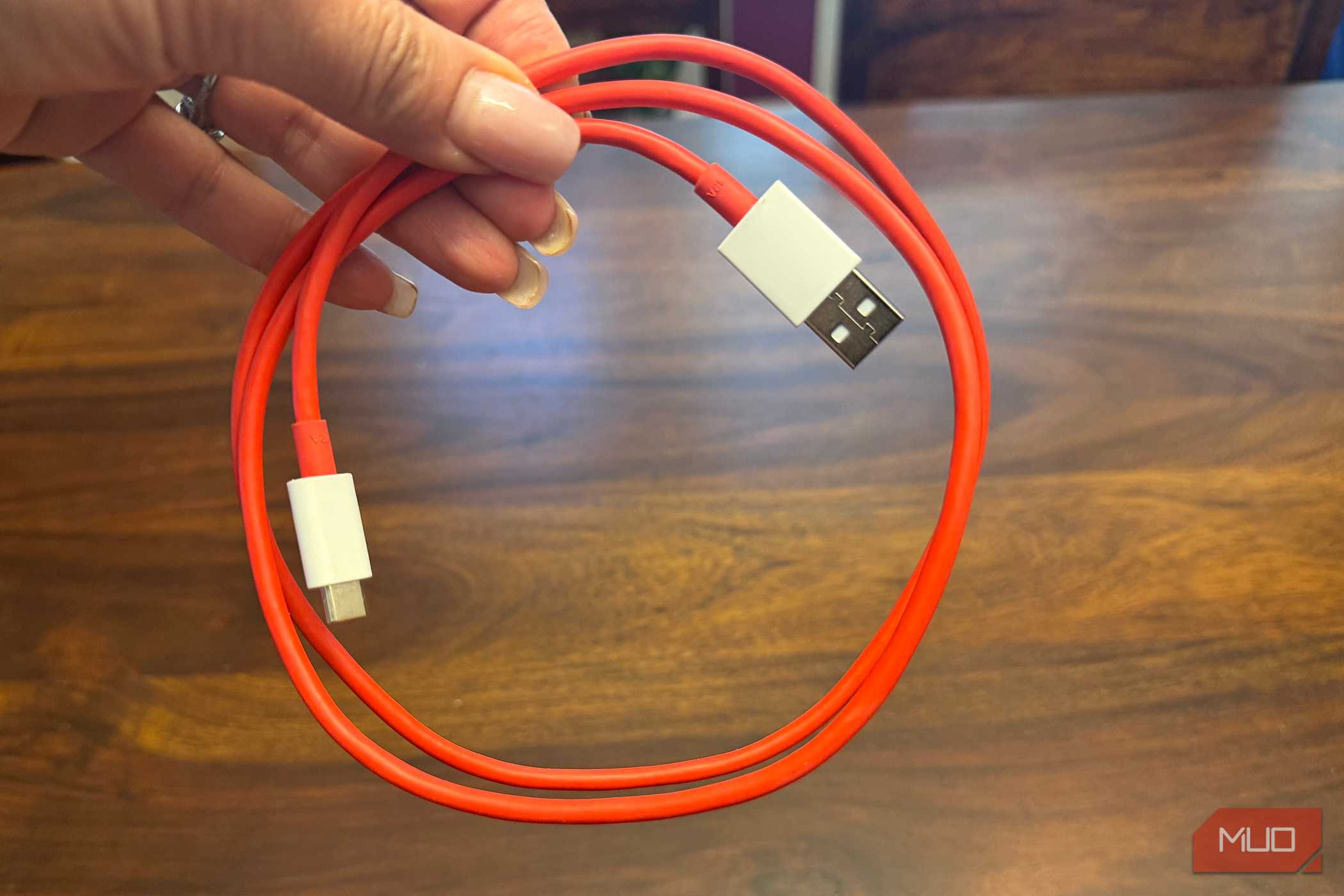

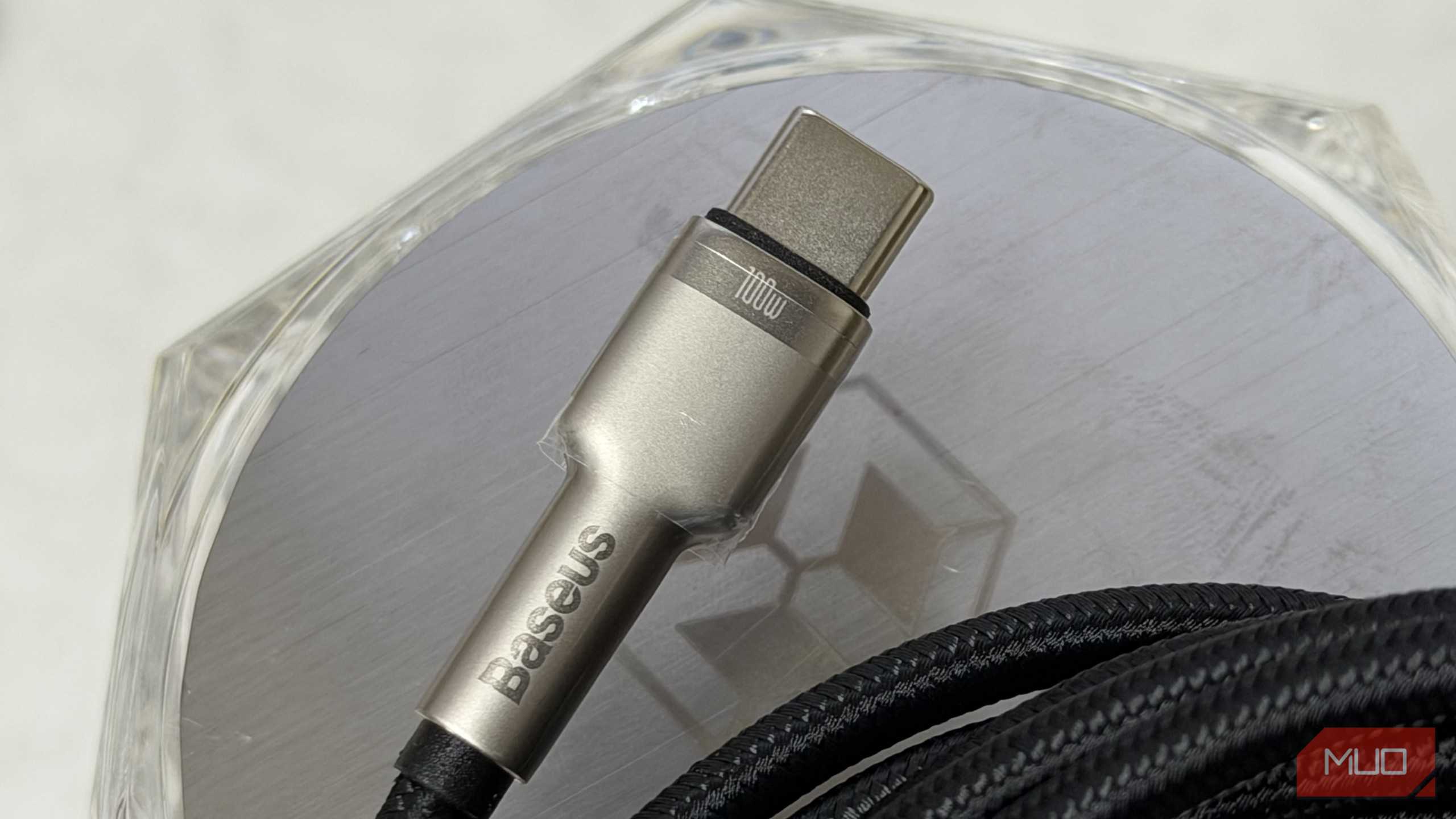
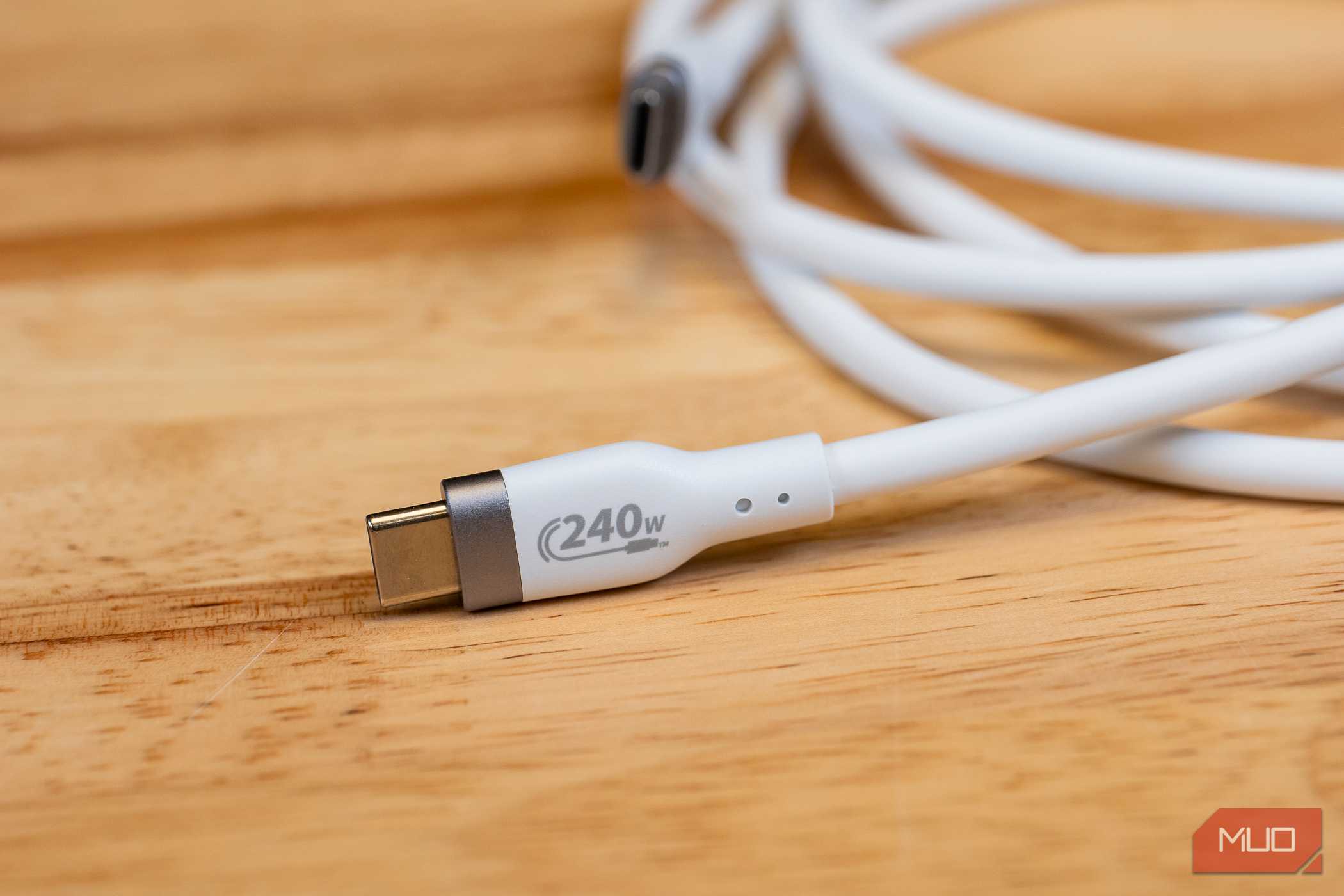
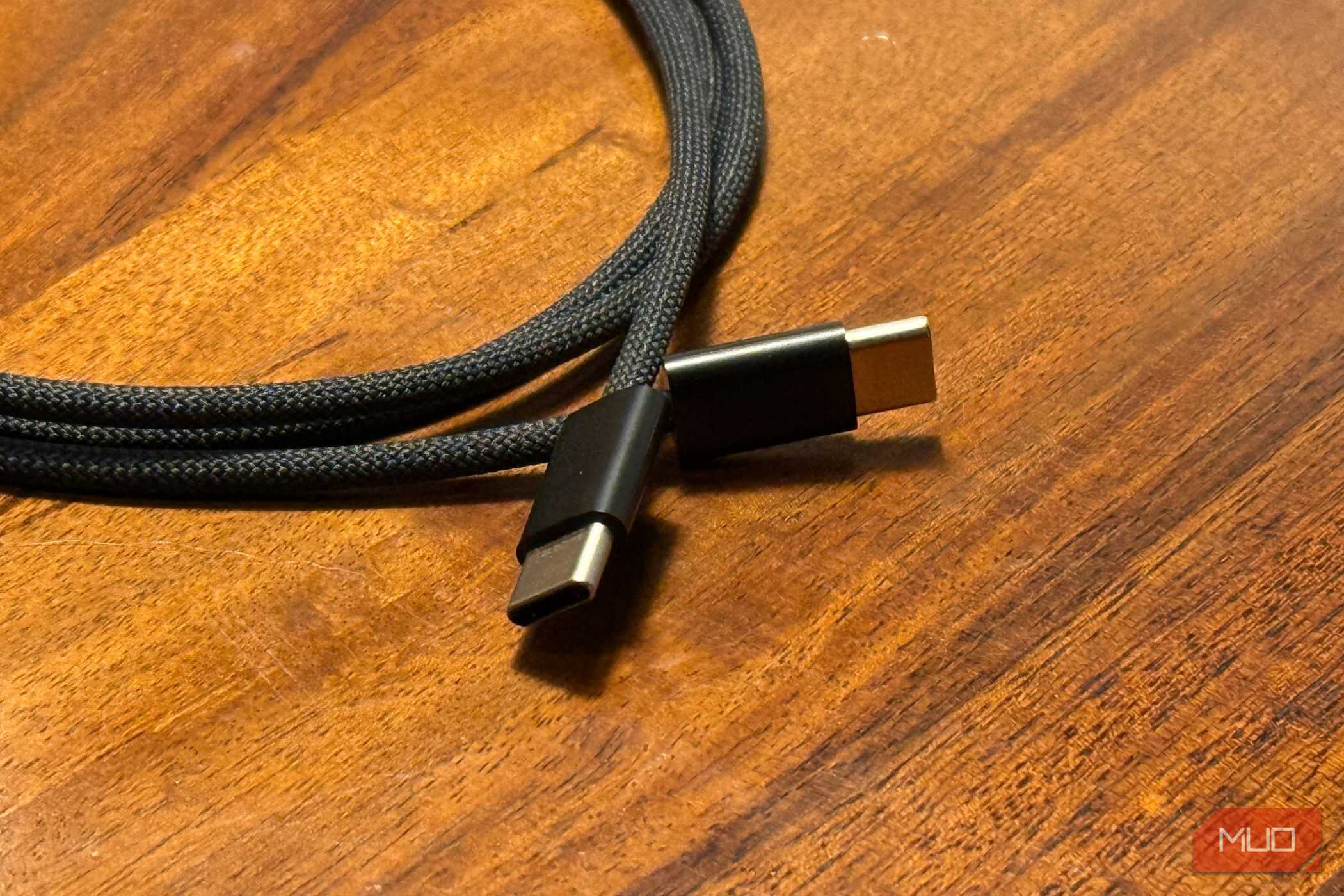
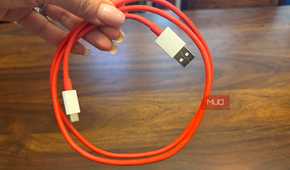
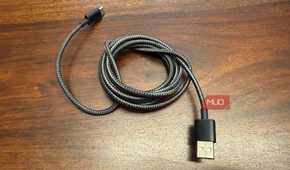
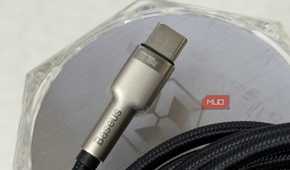
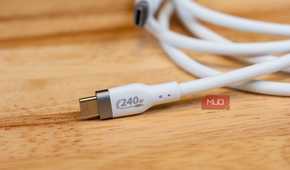
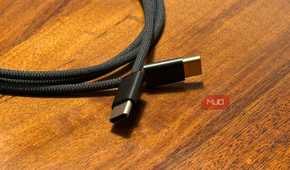
Even when the charger’s power split makes sense on paper, a few other factors can reduce the amount that actually reaches your device. The cable is the easiest one to miss. A standard USB-C cable can carry up to 3A, which works out to about 60W at 20V. To go beyond that, the cable needs an e-marker chip, a small identifier that tells the charger it can safely handle a higher current. That is why a 100W charger can be useless if your USB-C cable does not have the right spec. Most 100W-plus USB-C cables include one, but a cheap or unmarked cable can bottleneck an otherwise capable charger.
Cable standards are a mess, and USB-A ports add another complication because they do not negotiate power as flexibly as USB-C. Many chargers reserve a fixed slice of power for USB-A instead. Belkin’s 42W charger, for example, splits output into 30W for USB-C and 12W for USB-A when both ports are in use. Once that USB-A port is active, the USB-C side has less power available.
Then there is the protocol problem, which has nothing to do with the wattage number printed on the charger. Phones that rely on proprietary fast-charging systems such as SuperVOOC or HyperCharge may charge much slower on a regular USB Power Delivery charger, even if that charger is powerful, because the phone and charger are not negotiating in the same language. Some phones also require Programmable Power Supply (PPS) support to reach their peak speeds, and without PPS, they fall back to a slower fixed-voltage step.
Heat can reduce the result as well, which is why managing temperature is one of the best habits to help you charge your phone faster, since sustained output warms the charger and may cause it to slightly reduce power to stay within safe limits.
How to check before you trust one brick with everything
The side of the charger knows the truth

You can check all of this before trusting one charger to power your whole desk. Look for the small output table that most brands include on the product page. It usually lists the single-port output first, then shows separate rows for port combinations such as USB-C1 + USB-C2 or USB-C + USB-A. That combination row is the number that actually matters, not the headline wattage printed at the top of the listing.
You can also flip the charger over. Many brands print the same allocation chart directly on the housing, so you may not even need to check online.
If your setup includes a laptop, phone, tablet, and earbuds all sharing one brick, pay close attention to how the charger behaves with three or four ports active. The two-port split rarely tells the full story.

Anker's 65W Nano II GaN Charger
- Brand
- Anker
- Cable included
- No
- Output
- 65W
- Type
- USB-A, USB-C
Coated in a soft matte finish, the Anker USB C Charger allows you to connect up to three devices, delivering a maximum of 65W to a single device. Using GaN II technology, Anker has managed to make this charging plug discreet, though it tends to stick out more from power outlets than standard-sized chargers.
Your charger was never lying, just budgeting
Multi-port USB-C chargers are still great. I would rather carry one good brick than pack a pouch full of adapters. I just treat the big wattage number as a best-case figure now. Before I trust one charger with my laptop, phone, earbuds, and power bank, I remember that mAh is a poor way to compare power banks for the same basic reason: the largest printed number isn't always the one that reflects real-world charging. I check the side, read the allocation chart, and do the tiny bit of math the marketing photo skips.