


Once you’ve decided to ditch your ISP’s DNS, the big question is which DNS to pick. There are plenty of good choices beyond the obvious Google DNS, like Cloudflare, Quad9, NextDNS, OpenDNS, and AdGuard.
But once you’ve settled on a DNS provider, especially a paid one, switching isn’t something you do often. I did, though. After using NextDNS for almost a year, I finally ditched it for Control D because the reasons were just too compelling.
NextDNS is good, but Control D is faster
What pushed me

I’ve always liked using NextDNS and even recommended it to everyone for the longest time. It’s easy to setup, has a free tier, the dashboard is handy, and there are plenty of customization options to make it work your way.
Recently, though, one of my colleagues at MUO benchmarked NextDNS against Control D and the results were in Control D’s favor. Even based on DNSPerf testing, NextDNS has global average query speeds of 30.75ms while Control D is much faster at 18.67ms. To be fair, these speed differences are barely noticeable in real-world use, but you can’t simply ignore them either.
That’s what initially pushed me to try Control D, and while the switch was initially overwhelming, it was worth it.
Control D gives me more ways to customize DNS
More knobs to turn

Let’s start with my favorite Control D feature, which is traffic redirection. Instead of simply blocking or allowing a domain, it can reroute the traffic for specific services through different destinations. This obviously opens up a few use cases.
For instance, if a streaming service only unlocks certain content in a specific region, instead of running a full VPN, traffic redirection can point that one app through a server in the right location while everything else on the network continues on as normal. You can also route services like Reddit or YouTube through regions where they don’t show any ads. These are just a couple of examples, of course, but you can do a lot more.
Traffic redirection also means you don’t need to use a VPN just to unlock more content. A VPN tunnels all traffic through a specific server, which means slower speeds across the board and no way to treat apps differently without constant toggling. Traffic redirection skips that trade-off entirely.
Control D also has category-based filtering. You can block entire categories of sites like crypto, government, adult content, dating sites, social media, and more. What’s different is that Control D supports over 400 different services while NextDNS only supports 43. This is a big deal for anyone who loves granular control.
Control D has features I wish NextDNS had
The features that sealed it


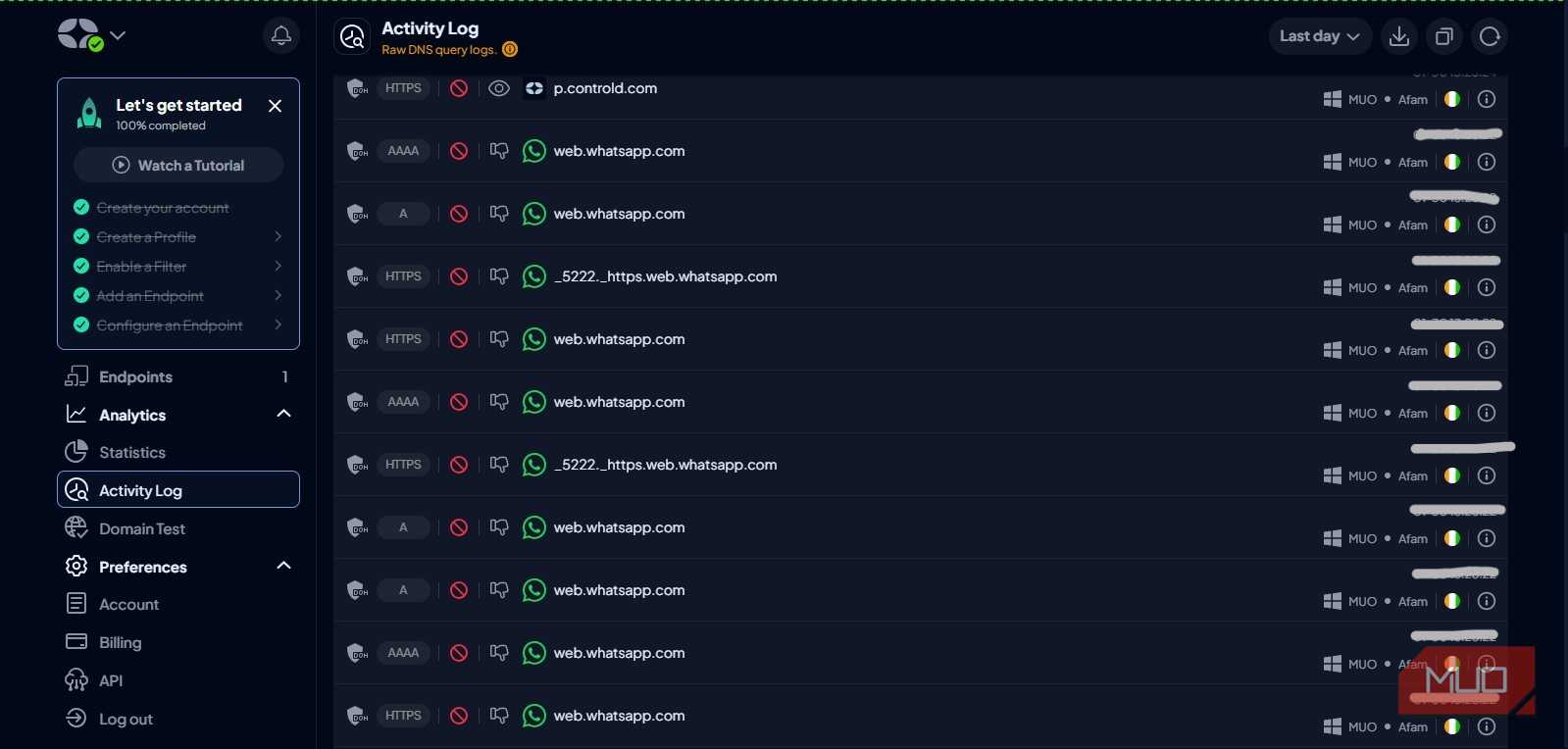
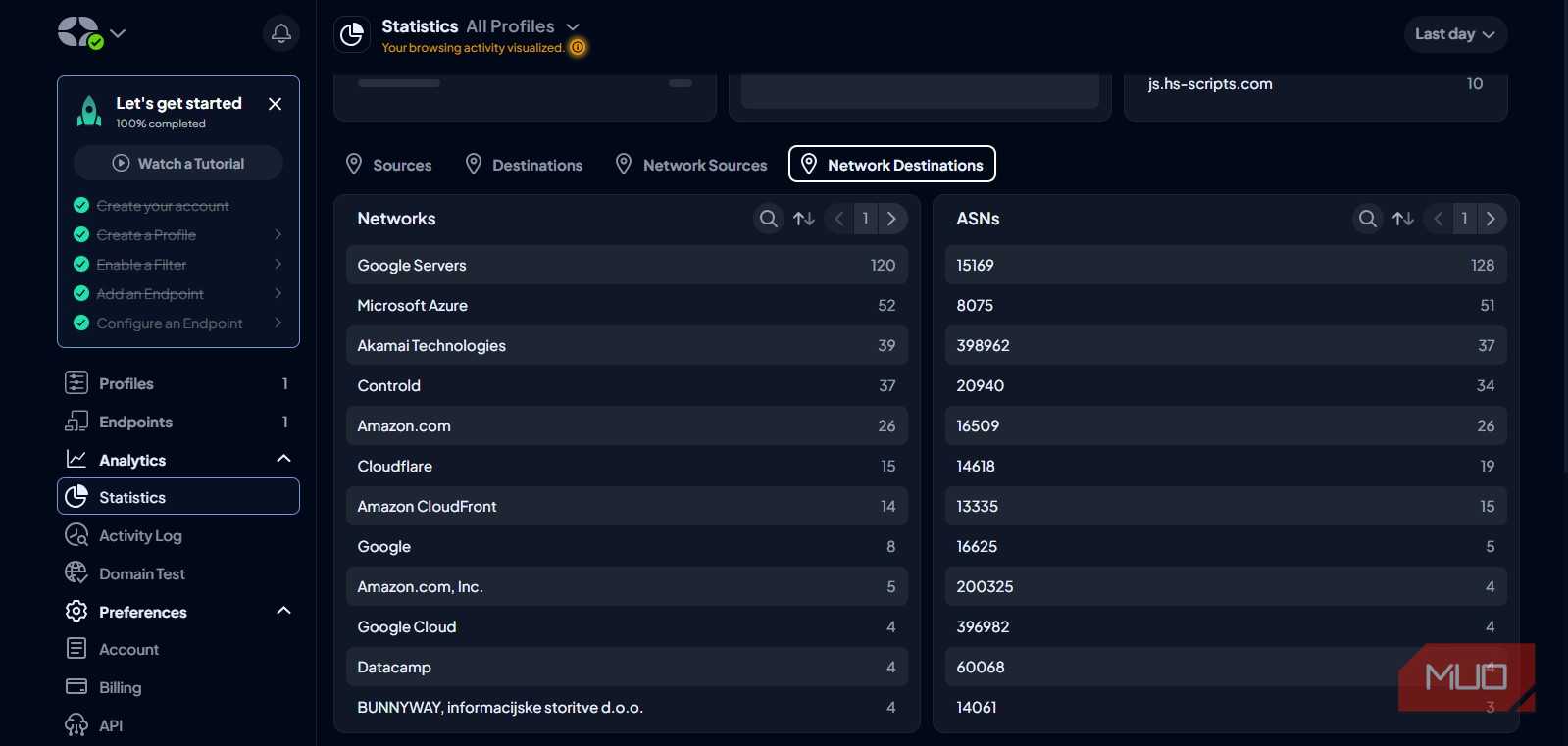
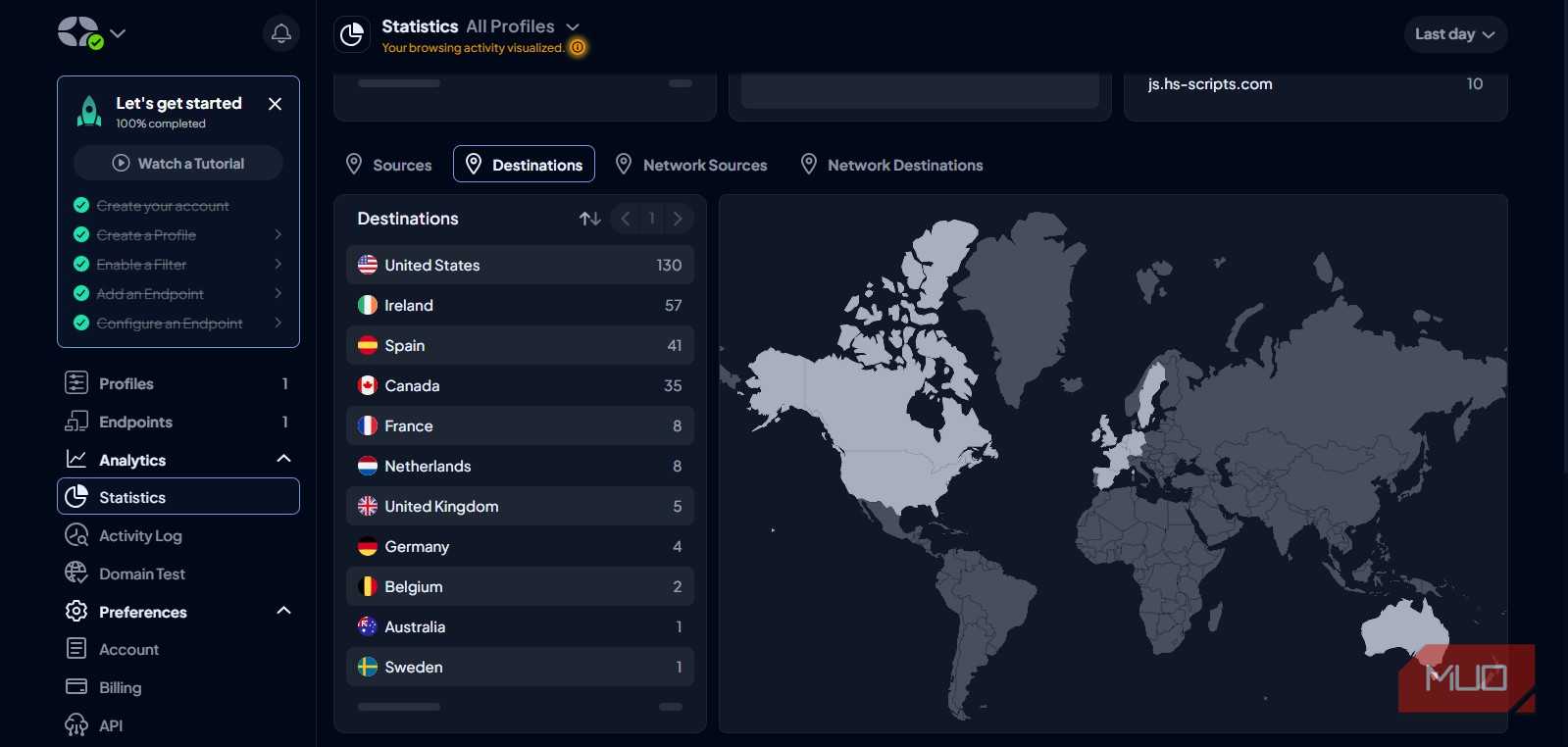
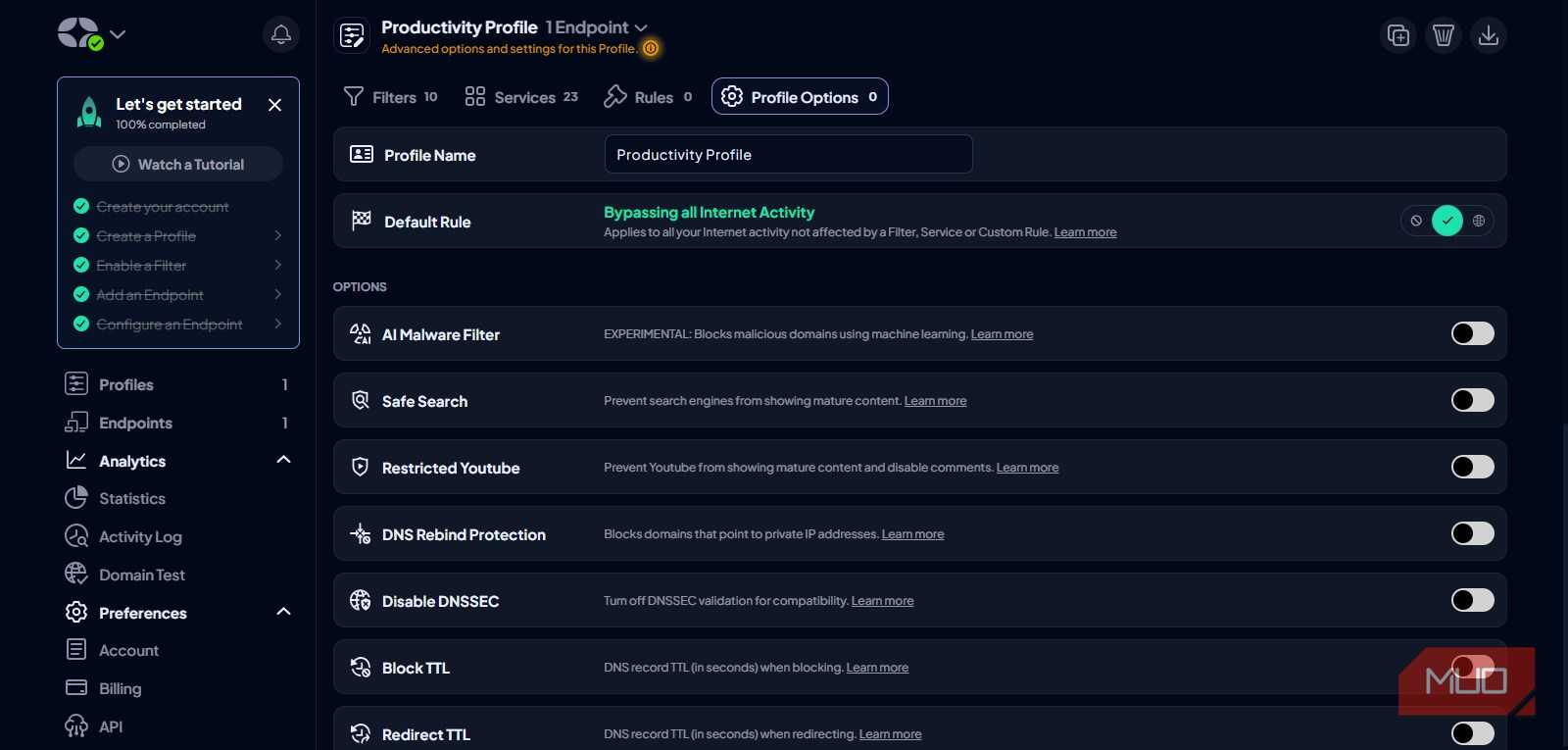

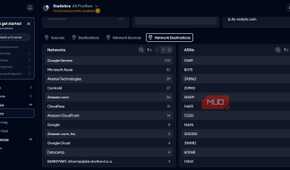


Control D’s rule builder takes things up a notch. It lets you control how specific domains and services should behave. While NextDNS also has allowlist, blocklist, and rewrites, I’ve found Control D’s set up far more intuitive for creating custom rules. Heck, it even lets you search for rules and share them across profiles.
And speaking of profiles, NextDNS lets you tie a single profile to a specific device, which works, but Control D does it better. It doesn’t lock profiles with devices, which means you can try different profiles on the same device without much effort. And the best part is that you can even schedule automatic profile swaps based on the time of the day.
Geo custom rules let you apply the same filtering based on location. A rule might redirect traffic only when connecting from a specific country or apply different filtering depending on whether a device is on the home network or traveling abroad. That kind of conditional logic is something that NextDNS lacks.
There’s just one catch with Control D
There’s still one area NextDNS wins, and that also explains its popularity to some extent. Its paid tier costs $1.99 a month, while Control D’s cheapest option costs $3 a month. And even then, you don’t get the traffic redirection feature I talked about. That’s part of Control D’s premium plan, which goes for $6 a month.
That’s a meaningful price gap over the full year, especially for anyone who wants DNS filtering with controls and analytics. So yes, I like Control D better, but I can’t recommend it for everyone, especially to those who don’t need those fine controls that Control D offers.
Pricing is one area where NextDNS clearly pulls ahead, and it also has a free trial that lets you try most of its features before you actually go for the paid tier. The free tier only offers 300,000 queries per month, which is enough to get a real feel for the service but not something that'll last for more than a day or two.