
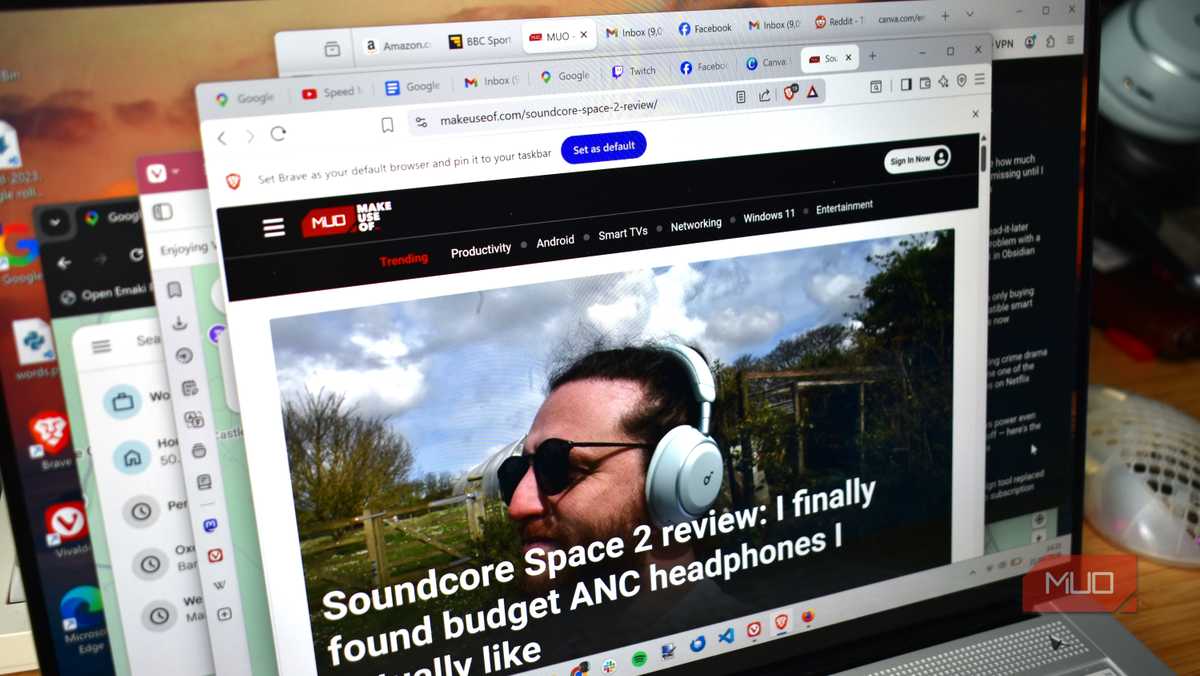

It's mainly been out of habit that I've stuck with Chrome for as long as I have. It's a great convenience pick, but from privacy concerns and high RAM demands to my laptop's fan sounding like a jet engine, I'd had just about as much as I could take. So, over the span of a few months, I tried Firefox, Brave, Vivaldi, Arc, and Opera. Each one came with a fix Chrome badly needed. Let's talk about what stuck and what didn't.
My Chrome tabs were eating more RAM than they should
Site isolation is the trade-off nobody explains

With only 12 Chrome tabs open, my fans sounded like they were rendering a 4K video. But the sound was less alarming than the fact that Task Manager was showing over 30 separate Chrome processes.
This is because Chrome defaults to a multi-process architecture that renders separate processes for tabs, extensions, GPU, audio, storage, and other sandboxed components. It also uses Site Isolation, which renders separate processes for individual websites. This is important for blocking malicious pages from reaching another site's memory to steal sessions or passwords. While this design offers security advantages, it comes with significant trade-offs in RAM consumption.
Recently, with deeper Gemini integration, Chrome has become more resource-hungry. This integration adds an extra layer of complexity and additional processes to an already large stack.
When I moved my daily browsing to Firefox, with an equivalent workload, idle memory usage fell from 3.8GB to 2.3GB. This can be really significant if you have only 8GB of RAM on your computer.
However, before switching for the sake of RAM, consider enabling Memory Saver in Chrome. This feature automatically discards inactive tabs, which, in most cases, is what you need.

- OS
- Windows, macOS, Linux, Android, iOS/iPadOS, ChromeOS
- Developer
- Google LLC
- Price model
- Free
Google Chrome is a cross-platform web browser developed by Google LLC, built for speed, security, and integration with Google services. It uses the Blink rendering engine (formerly WebKit) and supports extensions, tab sandboxing, synchronization across devices, and frequent updates.
Brave solves the problems Chrome extensions try to solve
Manifest V3 explains why that gap just got wider

I had three separate extensions running on Chrome: uBlock Origin, a script blocker, and a cookie-consent auto-clicker. While these are essential on Chrome, they're built-in features in Brave, simply part of the browser's architecture.
The way uBlock Origin works in Chrome requires it to hook into Chrome's webRequest API to evaluate and intercept network requests. Brave's Shields serves the same purpose but operates at the browser engine level, before the page even renders. Rather than seeking permission, it's part of the design.
|
Chrome + extension |
Brave built-in |
|
|---|---|---|
|
Network filtering |
Capped, rule-limited |
Full engine-level |
|
Survives Manifest V3 |
Barely (Lite version only) |
Yes, unaffected |
|
Needs manual updates |
Yes, filter lists |
No |
In June 2026, Chrome 150 ended support for the full version of uBlock Origin by removing the last flag that allowed it to function. While you may still use uBlock Origin Lite, there's a cap on the number of rules it can apply, and it lacks dynamic filtering that lets uBlock Origin adapt to new ad patterns. At best, you're running a downgraded version of uBlock Origin on Chrome.
Brave's Shields isn't flawless. I had to whitelist a banking site to prevent my submissions from failing. Still, it's a privacy fix that Chrome no longer truly gives.

- OS
- Windows, macOS, Linux, Android, iOS
- Developer(s)
- Brave
- Price model
- Free
- Android compatible
- Yes
- iOS compatible
- Yes
- Desktop compatible
- Yes
Brave is an open-source web browser focused on privacy, speed, and user control. Its standout features include Shields, which block ads, trackers, cookies, fingerprinting, and more by default, giving users granular privacy protection without the need for extensions.
My open tabs needed a home Chrome couldn't build
Arc looked like the answer; Vivaldi's stacks made it stick

I like Chrome's tab groups. These colored labels ensure my tabs don't blur together. However, the tabs keep fighting for space in the tab bar. With 40 open tabs, I still had a lot of confusion getting to what I wanted. The browser still doesn't offer tab stacks or workspaces.
The sidebar in Arc is the right fix for this problem. It gives you vertically stacked tabs grouped by project, with pinned tabs out of the way. But the fairy tale ended quickly when I realized The Browser Company, the developer of Arc, entered maintenance mode in mid-2025, was sold to Atlassian, and its original developers now focus more on a new AI-first browser called Dia. It would be unwise to build a workflow around a tool that's stalled.
Vivaldi's tab organization is quite robust. Like Chrome, it has tab groups. It also nests ten tabs under a single tab to give a cleaner look. On top of that, its workspaces can swap entire tab sets to suit what you're doing. However, the one trade-off is that the extremely robust layout can feel heavier than stock Chrome.
Chrome kept sending me to the extension store for basics
Opera builds them in — just not as fully as you'd expect


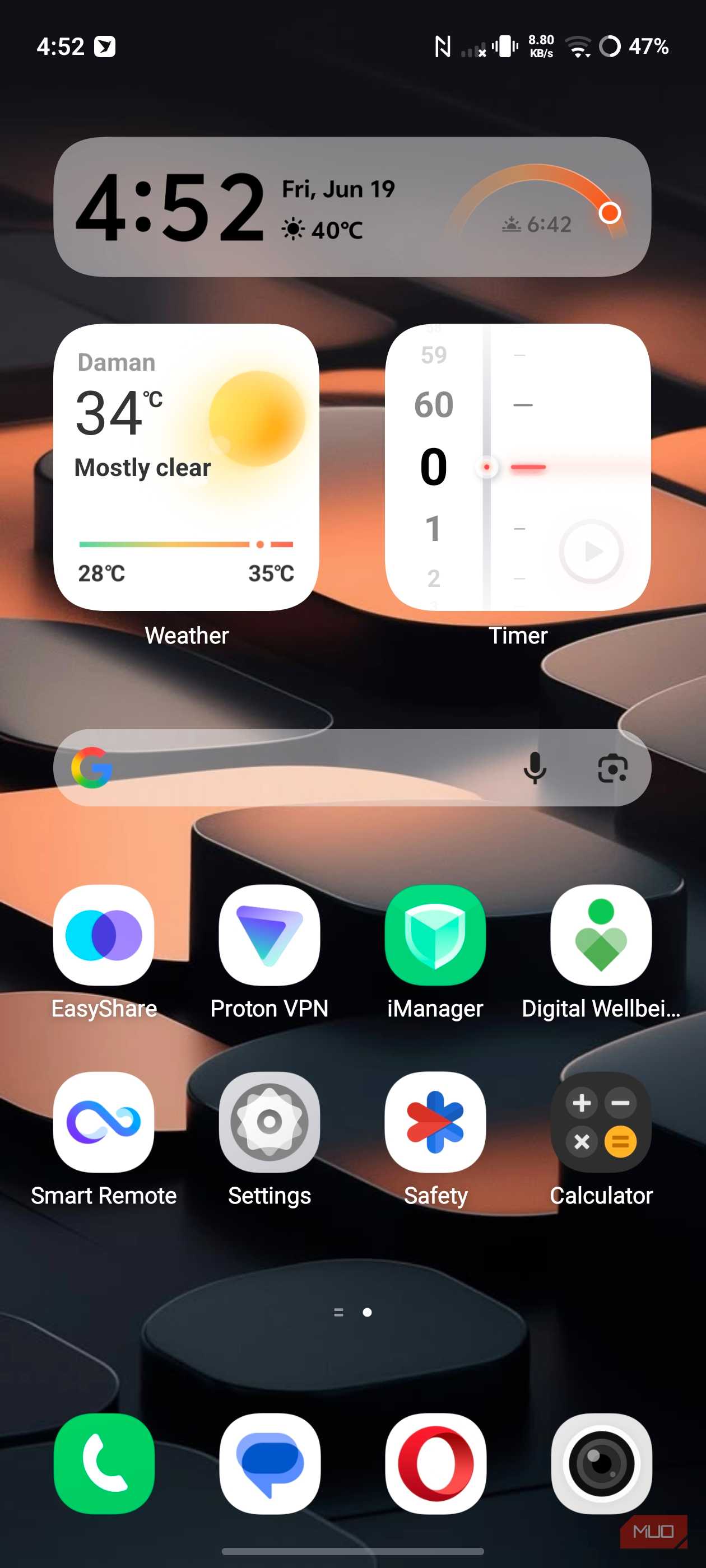
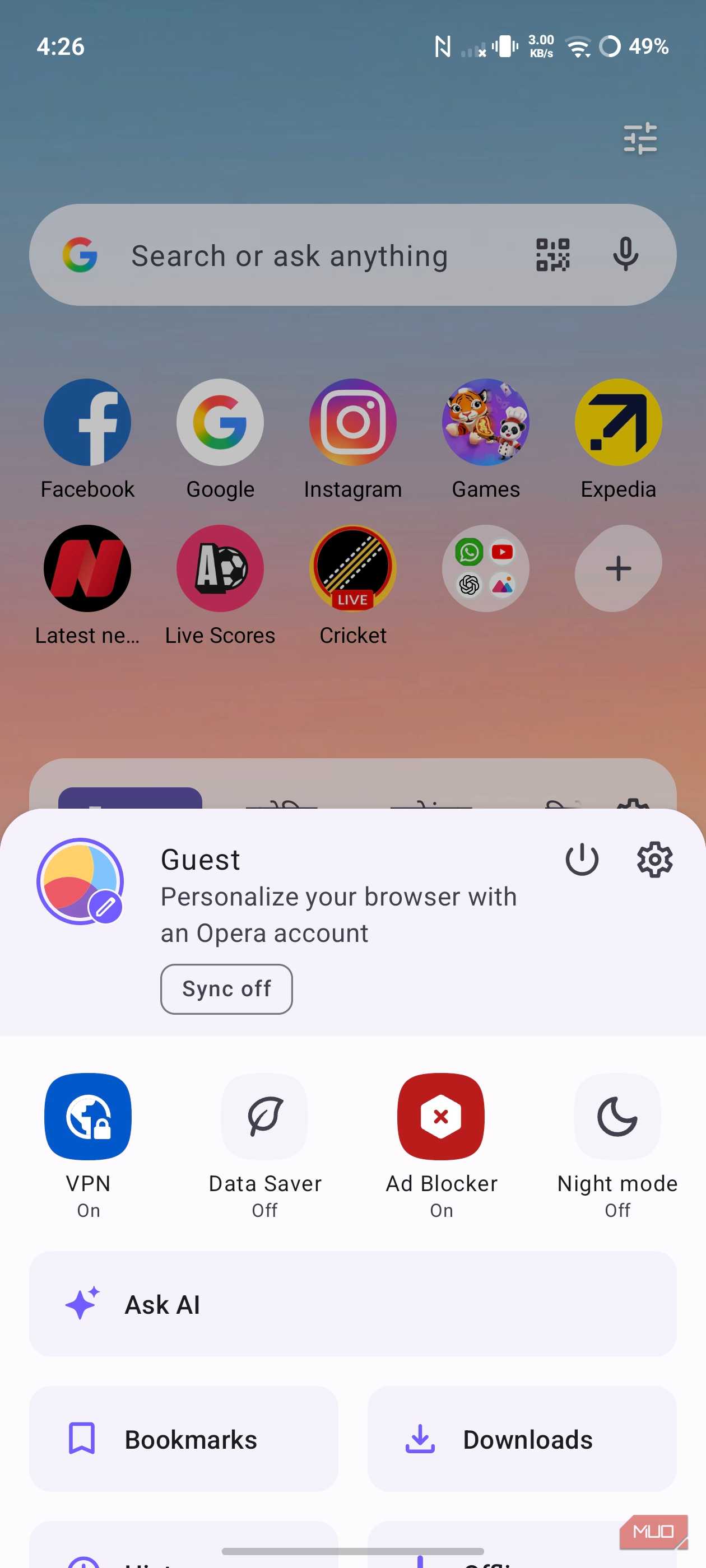
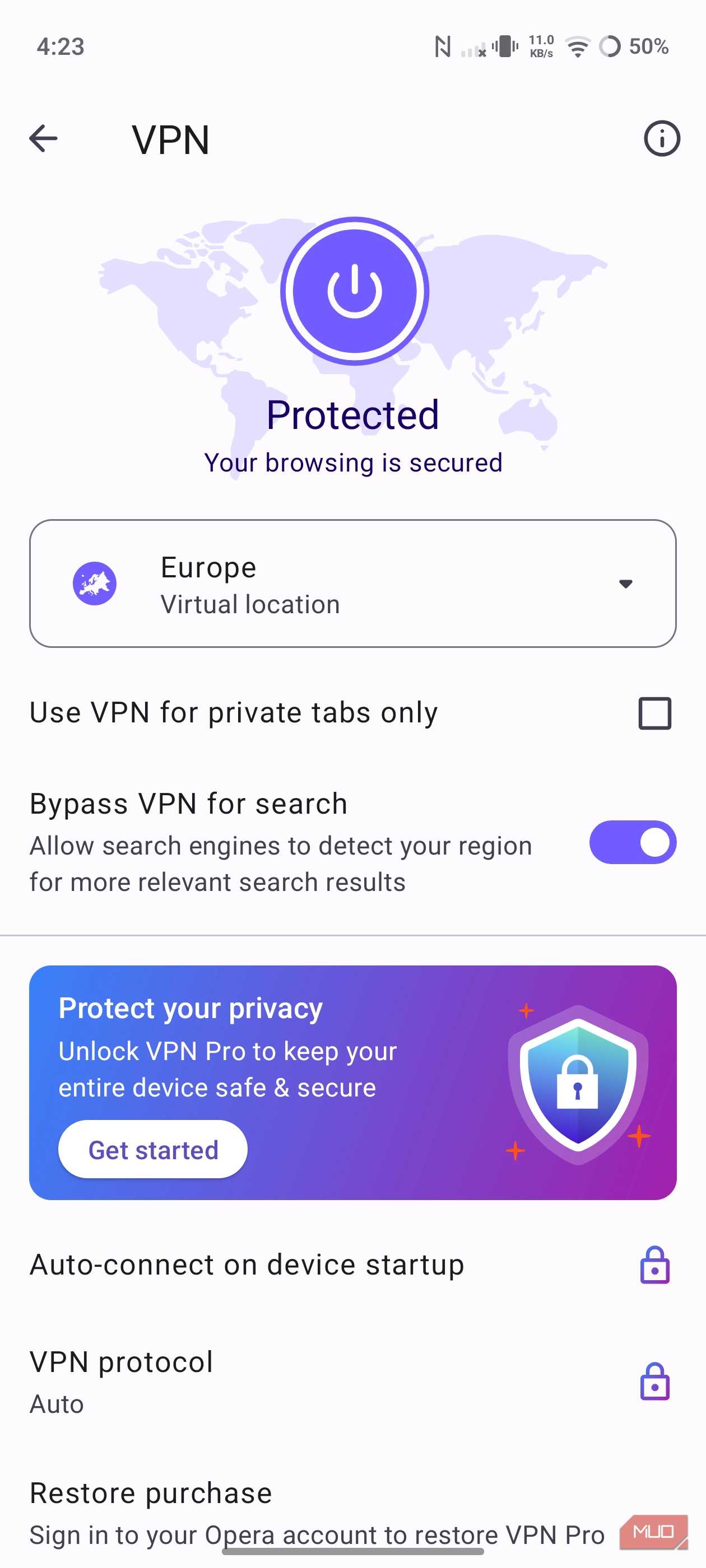
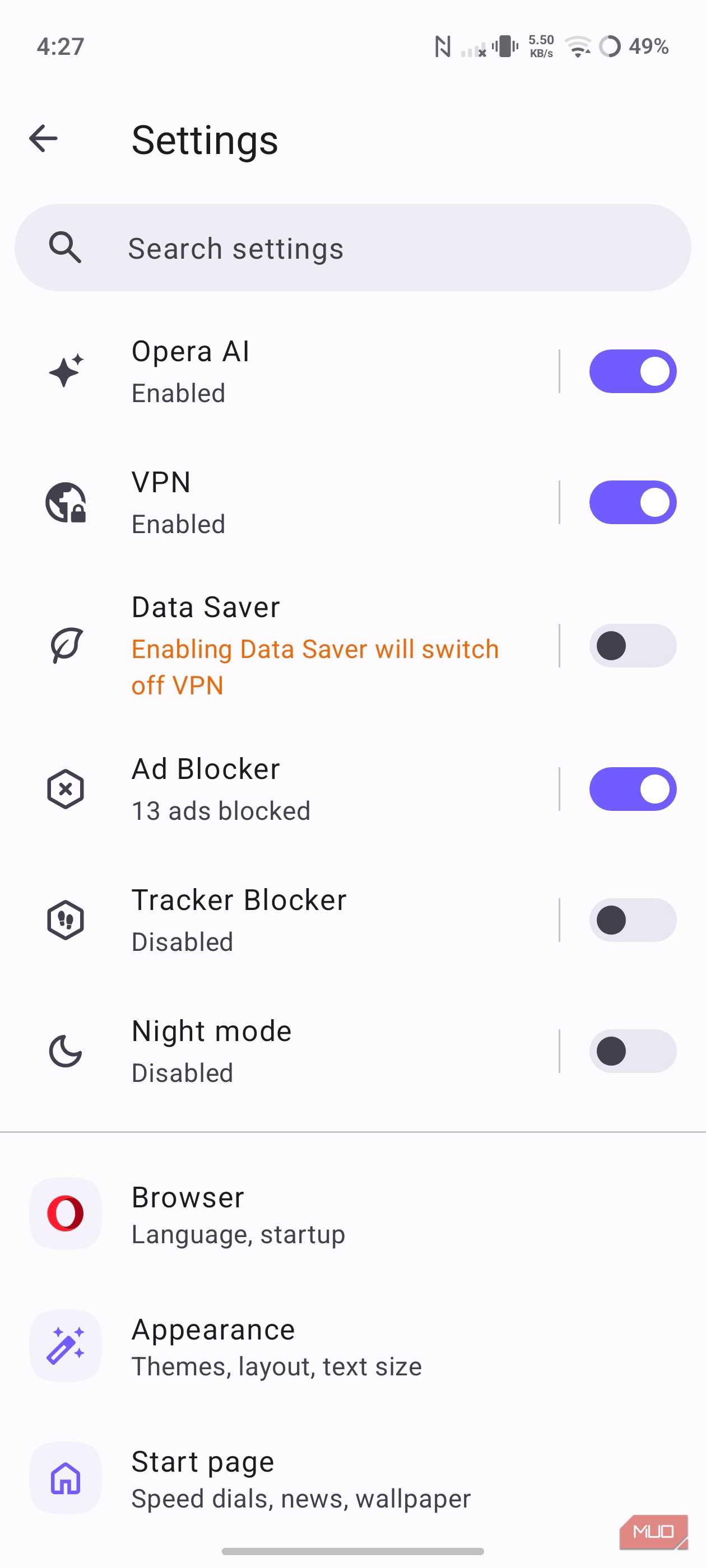

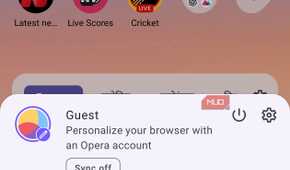
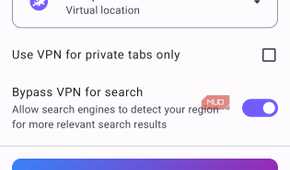
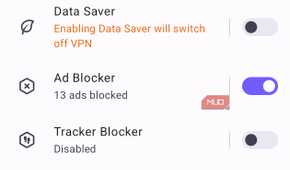

Of all the times I replaced Chrome, switching to Opera was the least rewarding. The lure was its built-in VPN. I believed it meant I no longer had to pay for a VPN app, but I was wrong. Opera's free VPN only encrypts browser traffic — other apps and system connections still use your real IP.
|
Opera's free VPN |
A real VPN |
|
|---|---|---|
|
Covers |
Opera browser only |
Every app on your device |
|
Encryption |
HTTPS-level, in-browser |
Full tunnel |
|
Cost |
Free |
Paid, including Opera's own Pro tier |
You only get device-wide coverage if you use Opera's paid VPN Pro. It's reasonable to charge for this service, but it undercuts the lure of a free VPN built right into the browser. Still, even though my time with Opera was short-lived, I benefited from one service Chrome wasn't offering.
There may be a sixth replacement
After replacing Chrome several times, some reality sets in. Because Chrome is so central to the web, people often look for alternatives when its flaws become disruptive. It serves you well, but the little it does wrong matters a lot, and yet no single browser perfectly takes its place.
It's worth having for casual browsing, but also when you need deep, seamless integration with certain tools, especially those linked to Google's ecosystem. Brave has remained my main browser simply because I value privacy more than most other metrics. Since Opera's VPN wasn't all I'd hoped for, I still have a VPN running on my devices, regardless of the browser I use.