


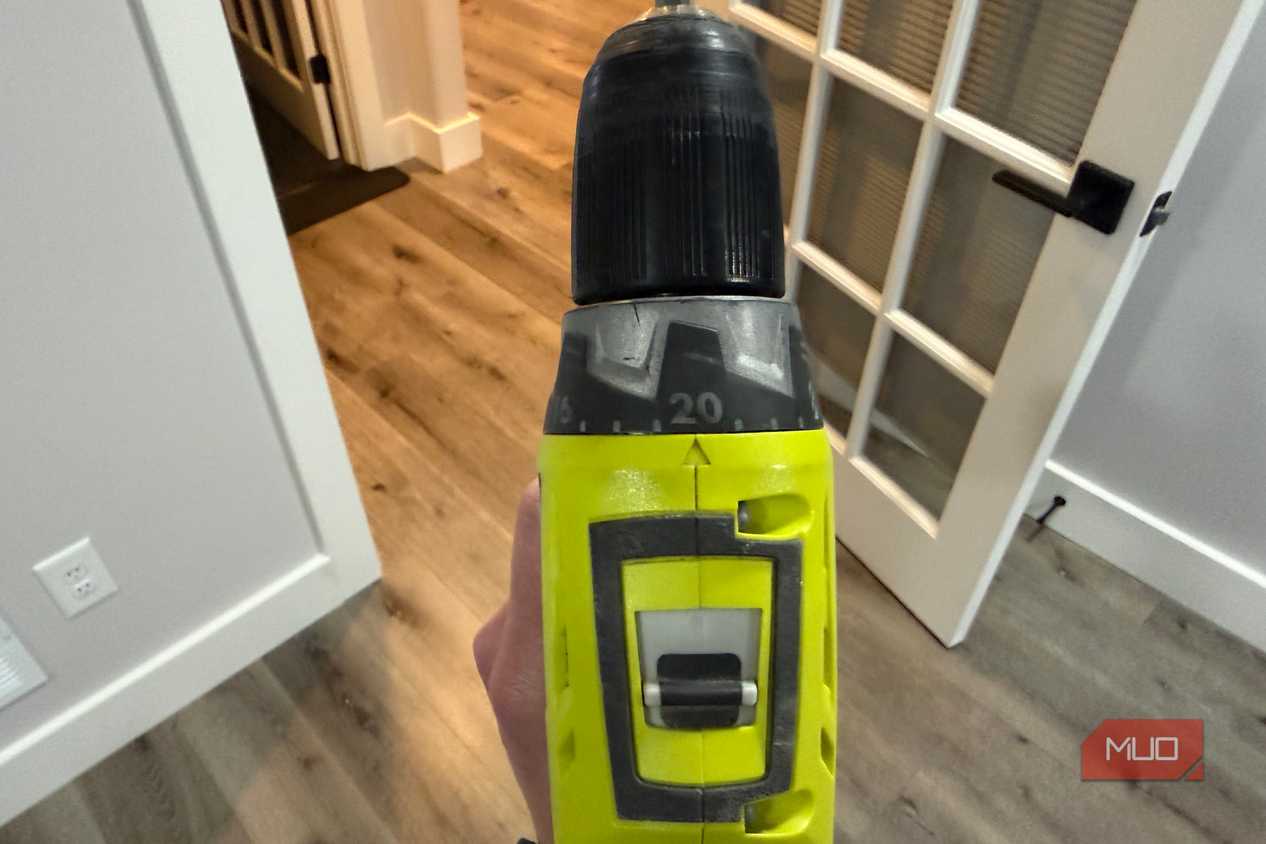
The little slide switch on top of my Ryobi drill sat on 2 for years. I never gave it a second look. I assumed it only controlled speed, and faster seemed better for everything from hanging shelves to boring through studs. That switch is actually a two-speed gearbox, and position 1 is where the drill keeps most of its twisting force. A couple of hole saw jobs finally taught me the difference, and they were not gentle lessons.
The numbered clutch ring gets most of the attention, and I've written about what my drill's clutch numbers actually mean. The gear switch changed more about how the tool behaves in my hands. Two or three years later, I flip it before nearly every job.
Gear 1 and gear 2 run through the same motor
The switch picks a gear ratio, like low range on a truck
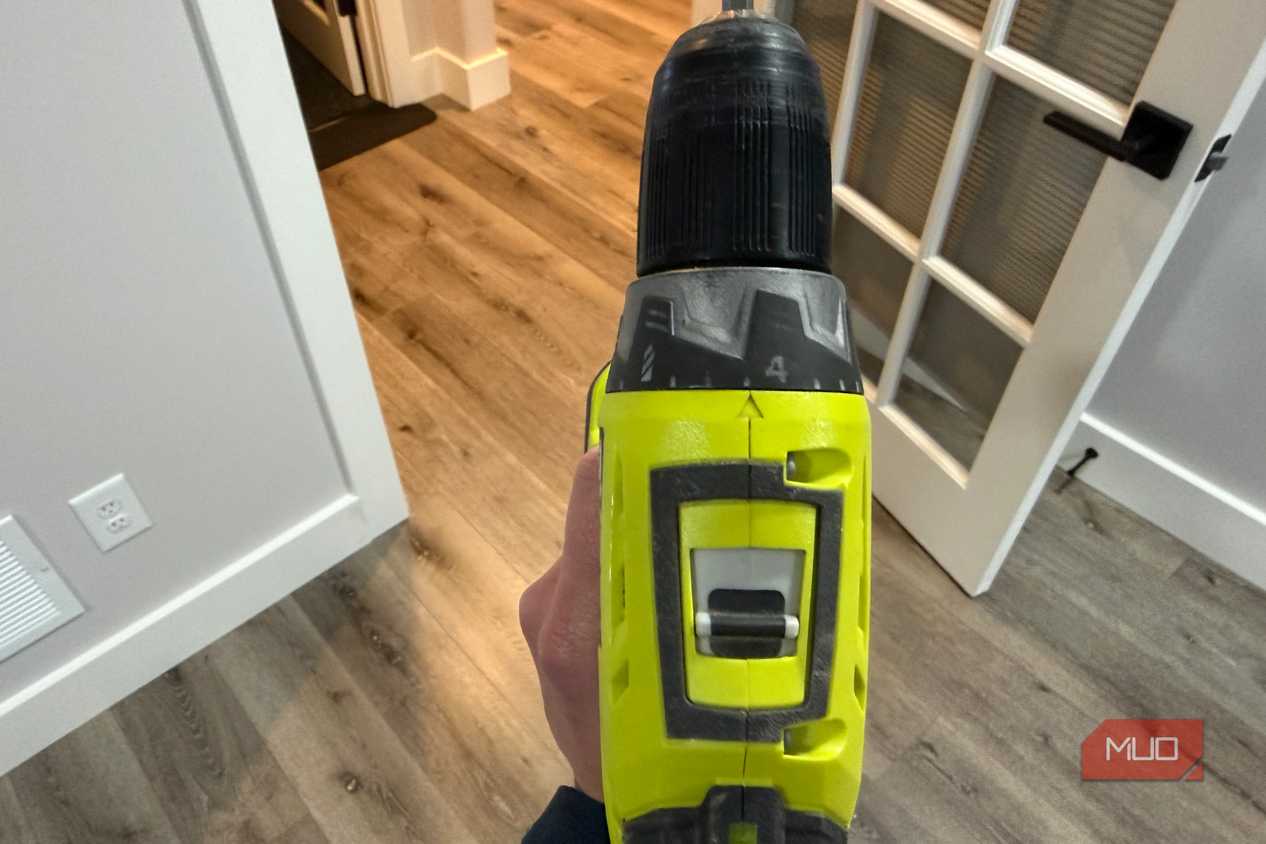
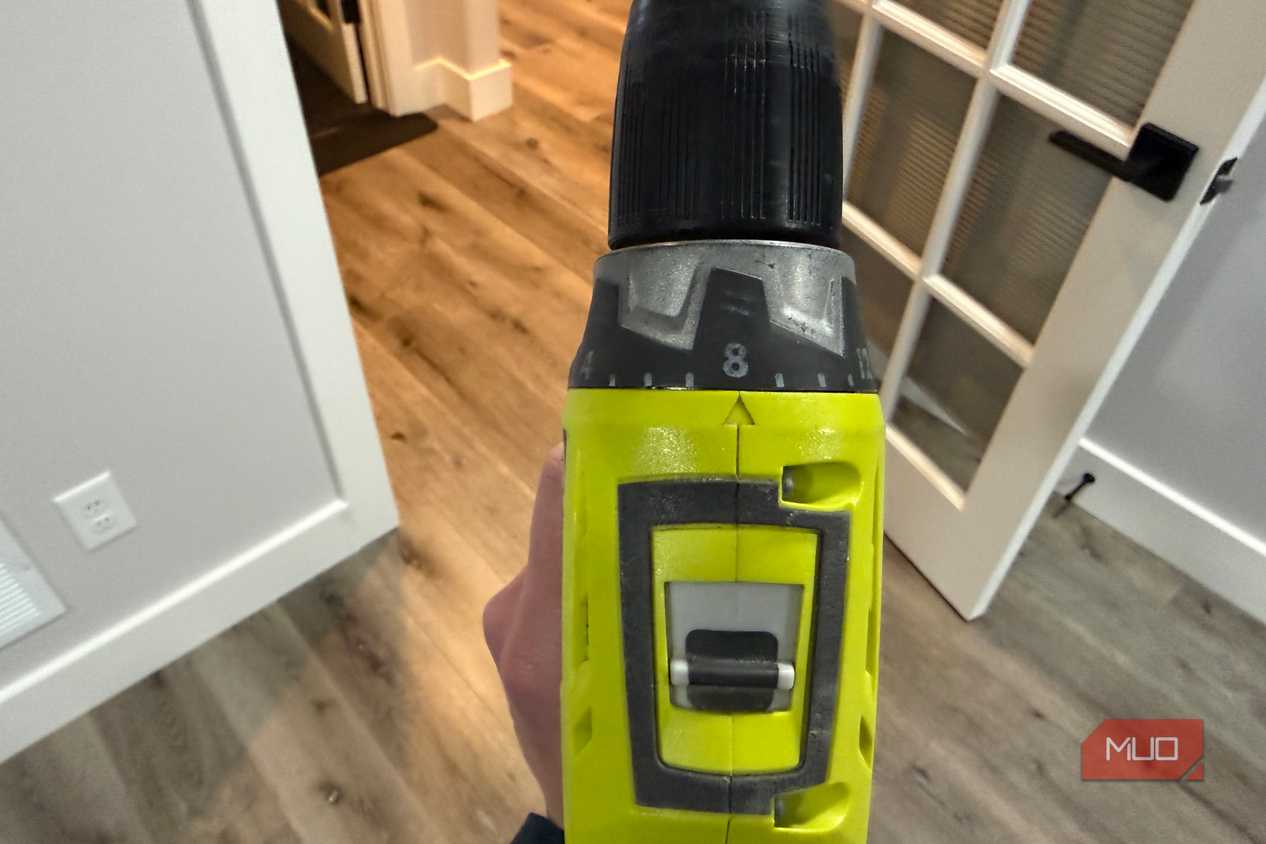
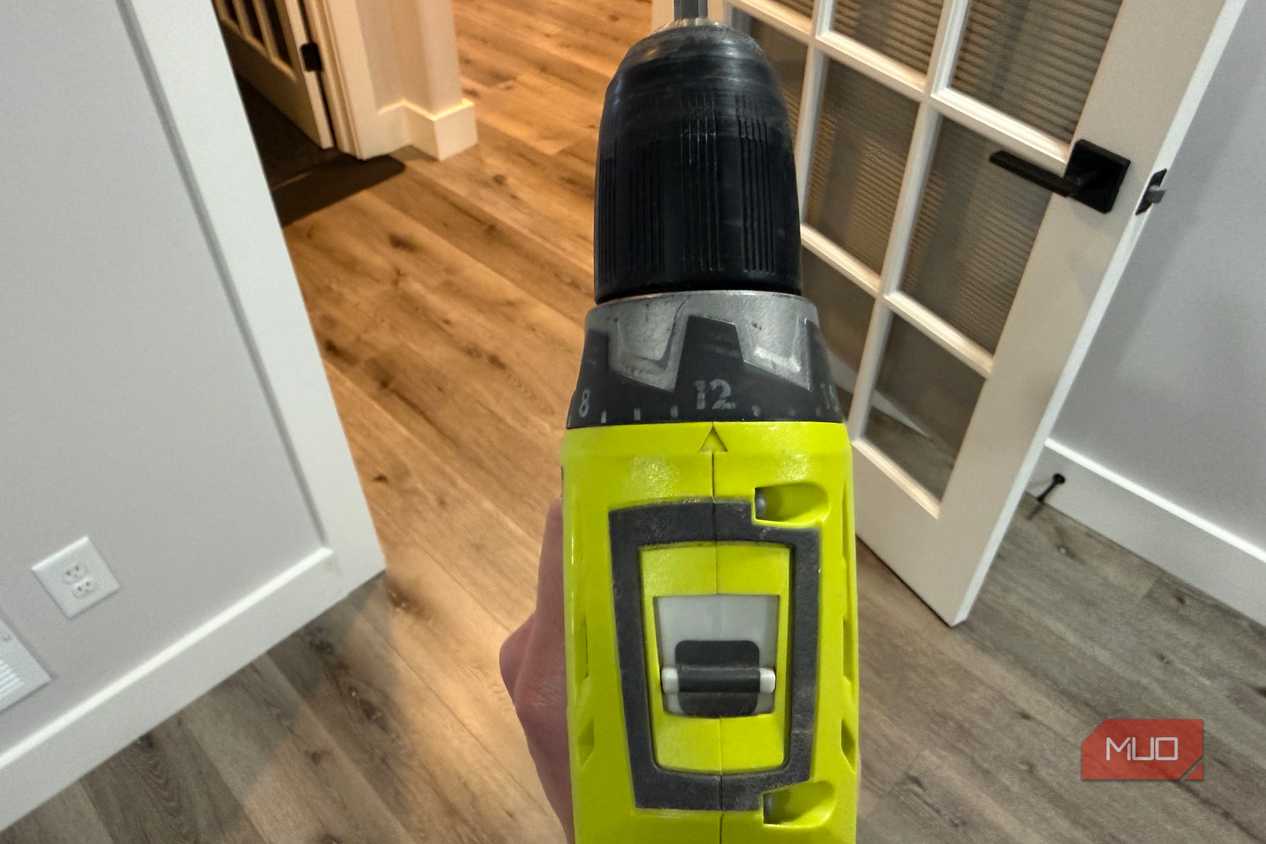
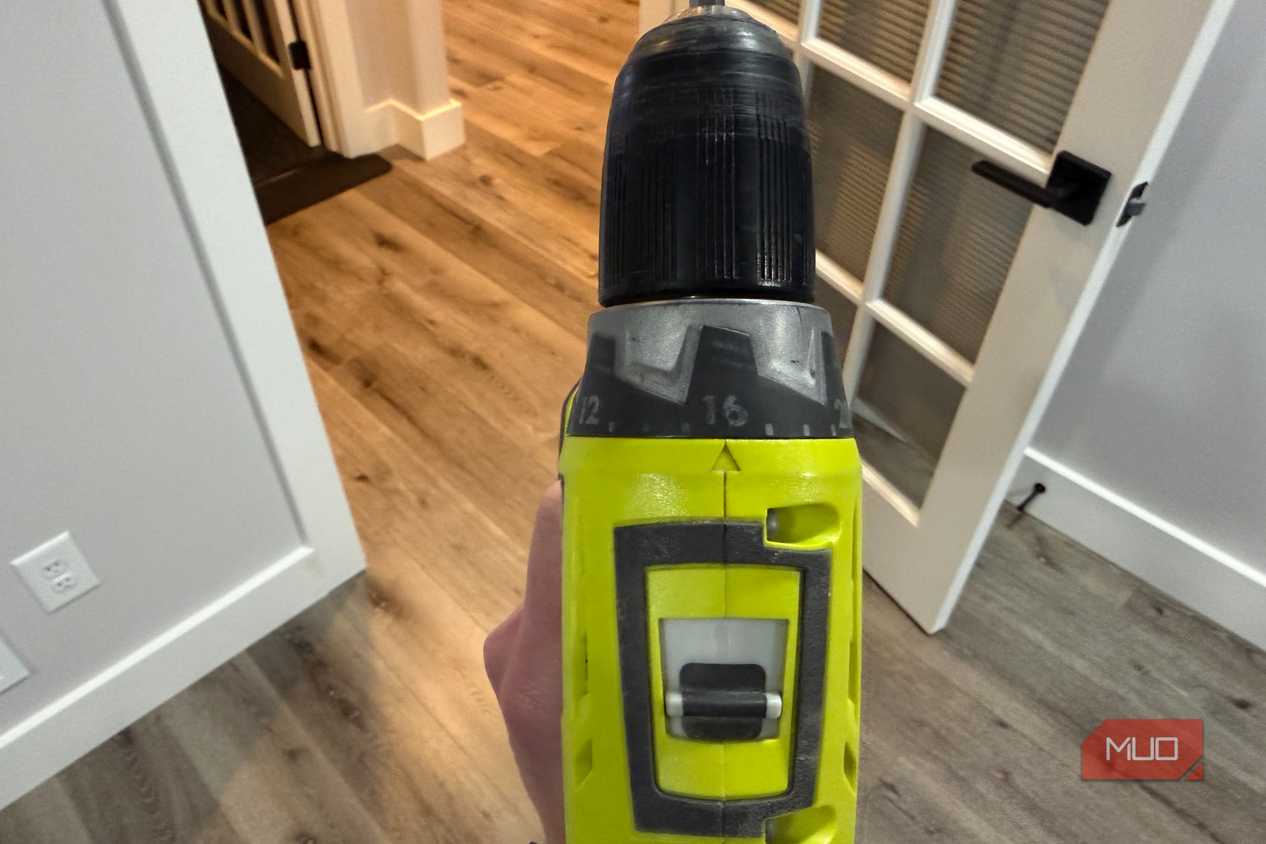


 Credit: Jonathon Jachura / MUO
 Credit: Jonathon Jachura / MUO
 Credit: Jonathon Jachura / MUO
 Credit: Jonathon Jachura / MUO
 Credit: Jonathon Jachura / MUO
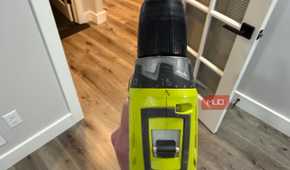
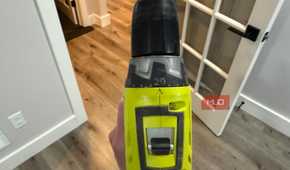
My drill is the Ryobi ONE+ 18V 1/2 in. Drill/Driver (PCL206). Ryobi lists it at 0–450 RPM in gear 1 and 0–1,750 RPM in gear 2, with up to 515 in-lbs of torque. The motor stays exactly the same between those two positions. What changes is the set of gears sitting between the motor and the chuck.
Gear 1 turns the chuck roughly four times slower, and that reduction multiplies the force reaching the bit by close to the same factor, minus some friction. Anyone who has shifted a truck into low range or crawled up a hill in a bike's easiest gear already understands the trade. You give up speed and get grunt.
That's also why power tool specs don't always mean what you think. The headline torque number assumes low gear. Leave the switch on 2 and you're working with a fraction of what the box promised.
Hole saws exposed the problem
Big-diameter bits need torque, not speed

The first job that made me pay attention was cutting holes for desk grommets through a solid wood desktop. I chucked a hole saw, left the drill on 2, and pulled the trigger. The teeth grabbed, the motor bogged, and the handle tried to twist out of my grip every few seconds. Easing off the trigger didn't help much, because feathering it in high gear slows the bit without adding any force.
The ductwork came next. I was cutting holes for new duct runs in my basement with a larger bimetal hole saw, and the same fight started over again. Metal punishes the wrong setting even harder. Heat builds fast at the rim of a wide saw, and hot teeth dull quickly.
Flipping to gear 1 fixed both jobs. The saw bit in and chewed through at a steady pace, with no stalling and no wrist-wrenching kicks. Swapping in a bigger battery isn't the upgrade you'd expect here, either. A stalled bit is a gearing problem, and no pack changes the gearing.
Screws belong in gear 1 too
Ryobi's own manual says so

The PCL206 manual spells the whole thing out in two lines. Low speed is for driving screws and drilling metal. High speed is for fast drilling in wood or masonry.
Screws surprised me most. At 1,750 RPM, a screw goes from snug to overdriven in a fraction of a second, faster than your finger can let off. Gear 1 stretches that moment out. The clutch gets a chance to slip before the head sinks too deep, and the bit stays seated in the screw instead of spinning out and tearing up the recess.
It won't turn a drill into an impact driver, and long structural screws still go to that tool in my garage. For cabinet hardware, wall anchors, and anything going into soft or thin material, gear 1 plus a low clutch setting keeps me out of trouble.
How I pick a gear now
The bit and the material decide it

My routine takes about three seconds. I look at what's in the chuck and what I'm about to cut into, then set the switch before I touch the trigger.
Gear 2 gets small twist bits in wood, pilot holes, and quick jobs in drywall where speed keeps the hole clean. Gear 1 gets screws, anything in metal, hole saws, spade bits, and large-diameter bits of any kind. When I can't decide, I start in 1. A bit that feels sluggish in low gear costs me a few seconds, while the wrong choice in high gear can cost a workpiece.
Two habits keep the gearbox happy. I let the chuck come to a full stop before sliding the switch. And when the switch won't click fully into place, I turn the chuck slightly by hand until the gears line up and it drops in. Forcing it puts stress on parts I'd rather not replace.

Two positions, and I spent years using one
Learning what that switch does didn't cost me a thing, and it changed nearly every job I use my drill for. Hole saws cut instead of fighting. Screws stop where I want them. The motor runs cooler, and my wrists appreciate the difference.
If your drill has been parked in the same gear since you unboxed it, give gear 1 a try on your next tough job. Pair it with the right clutch setting, and a basic drill/driver handles far more than its price tag suggests. The number on that little switch deserves as much attention as the ring around the chuck.