


Open enough tabs for research and the browser stops being useful. Every page you need is sitting right next to a dozen others you probably don't, and there's nothing to tell you which one led to which. You know you need a page, but finding it means you have to dig through several rows of similar-looking tabs.
I found a way to keep my research connected instead of just keeping the tabs open. Firefox has extensions that can change how you use the browser, but one changed how I organize my work.
Tabs that remember where they came from
Sidebery lets me follow research without losing its trail


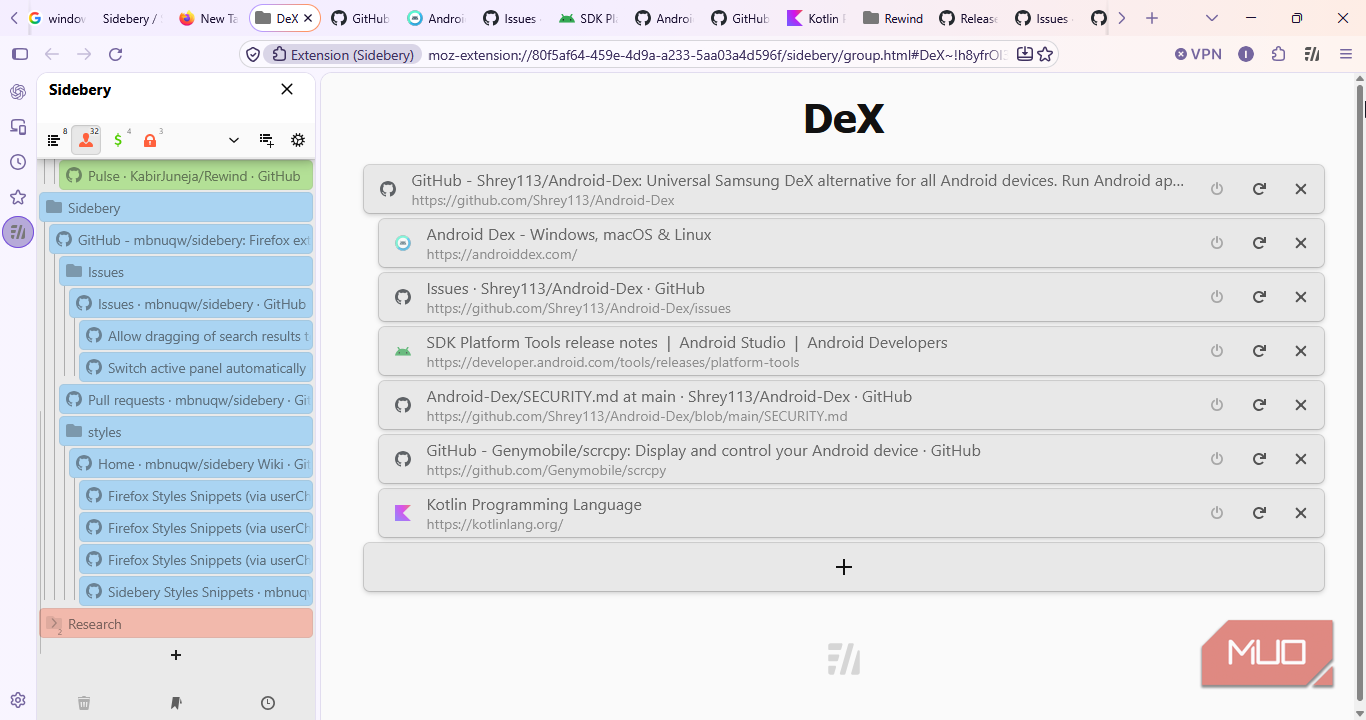
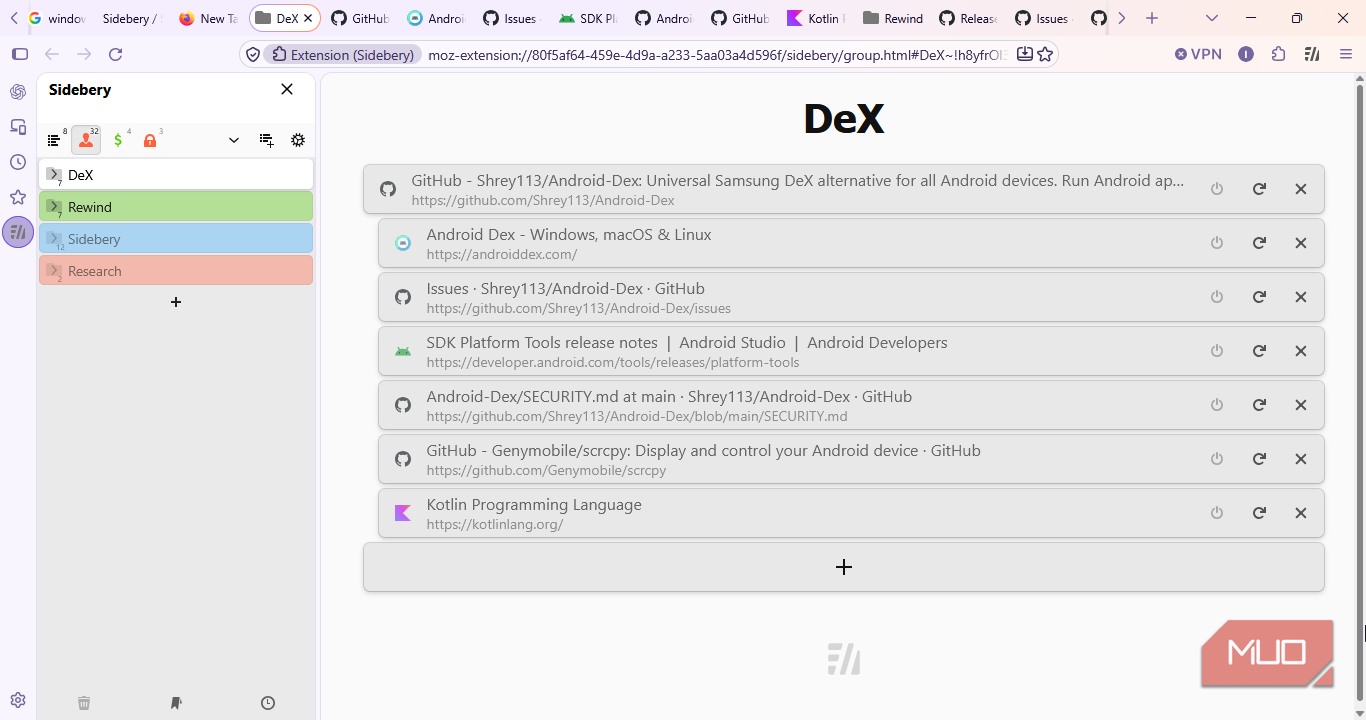
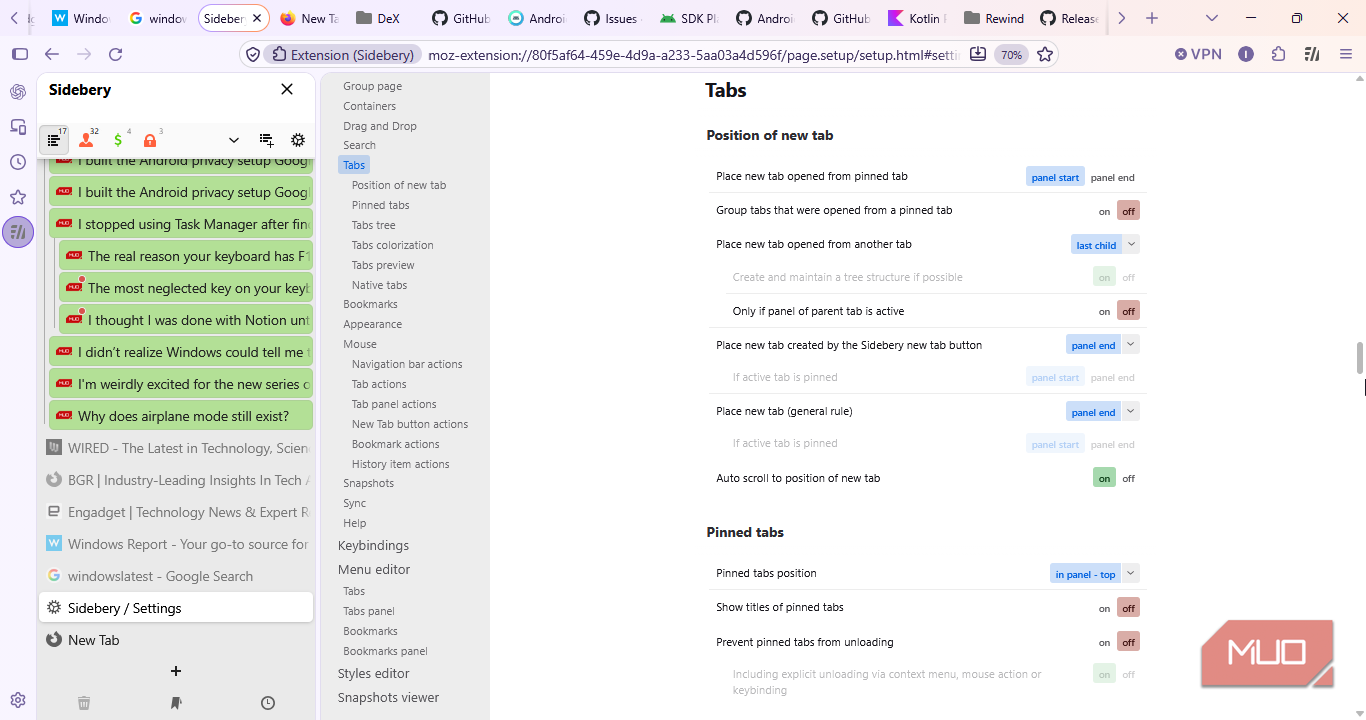
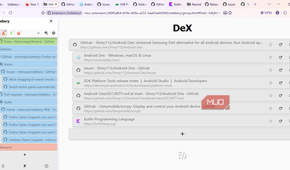
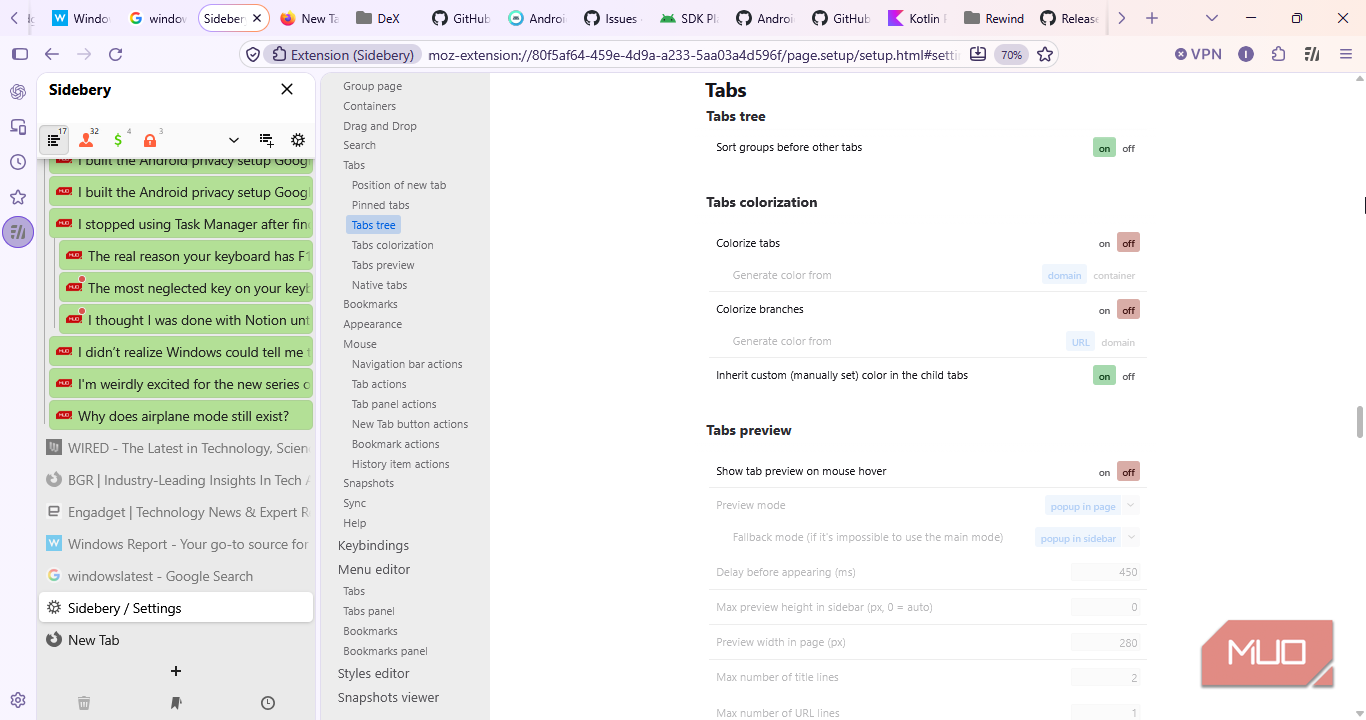
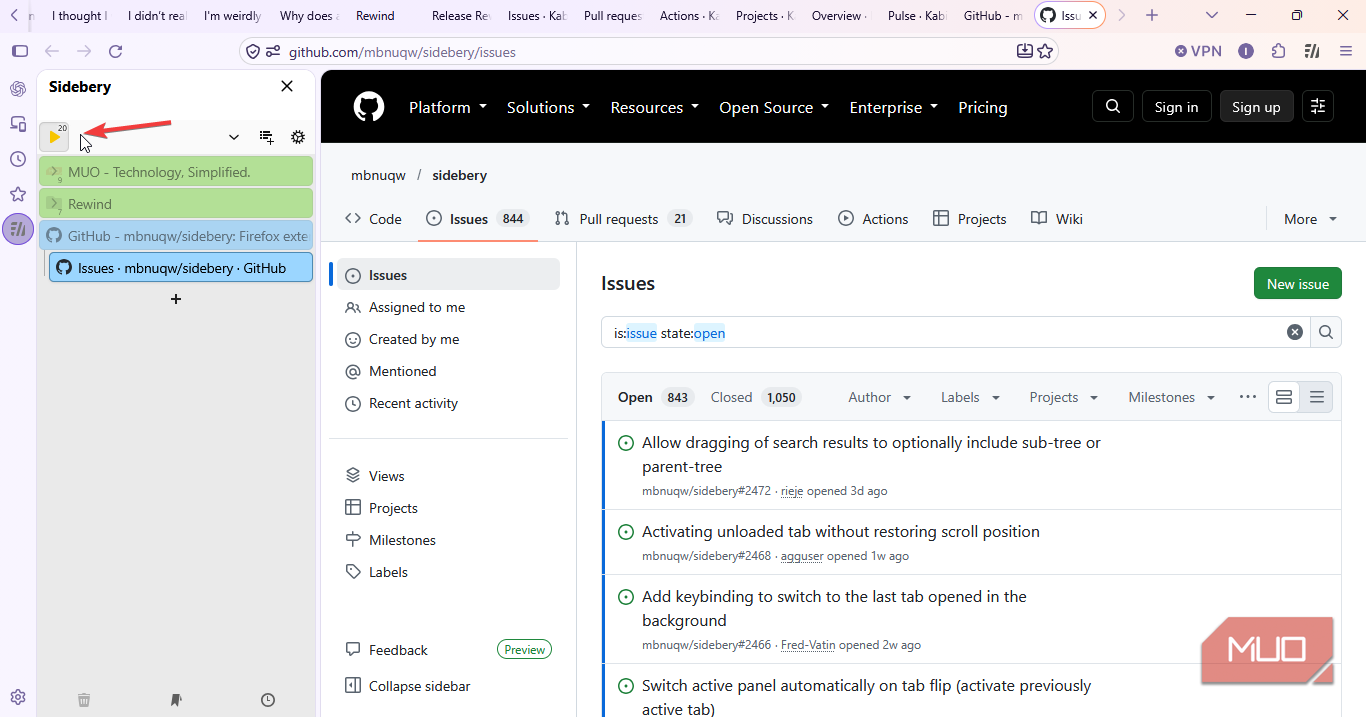
Sidebery adds a vertical tab panel to Firefox, but the tree structure is what makes it useful to me. I set new tabs opened from another tab to appear as its children, and the tree just keeps building as I go. For instance, click onto a page, open something from there, open something from that, and the whole chain stays visible, nesting under the page that started it.
I use this especially when researching. A repository can have its Issues page, individual issues under it, and related documentation, all nested beneath it. I can collapse or expand the group or a branch based on what I need.
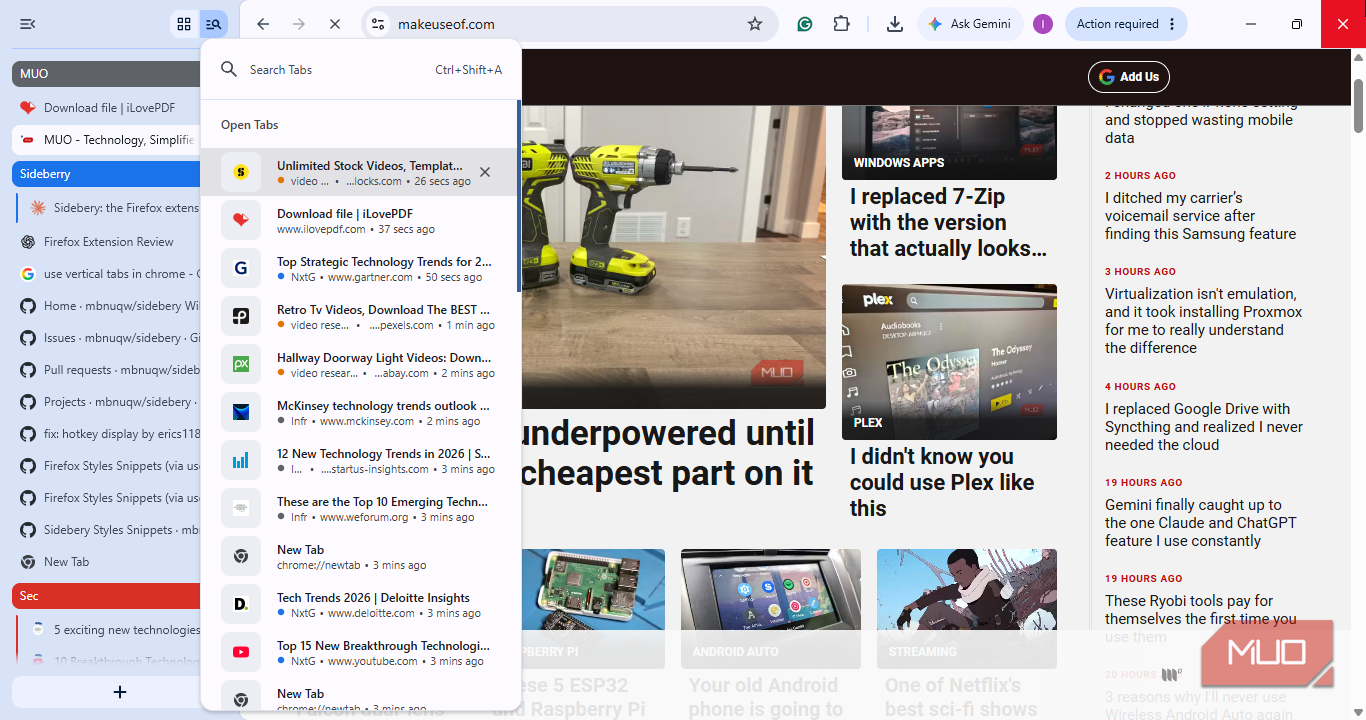
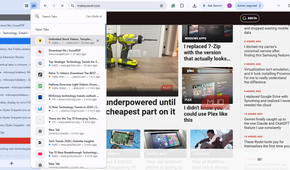
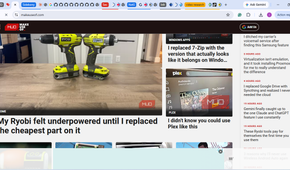
Sure, with Chrome or Brave. I could group tabs under a heading, but the pages sat in a flat row within that group. I couldn't get the same parent-child trail or hierarchy between tabs. The group only showed me all the tabs in there, but I couldn't see what led me to each one.
This matters a lot, especially when your research grows over multiple sessions and into tens of tabs. Instead of trying to remember what I opened first or searching through pages just to make sense of the process, I can just follow the tree.
One panel per project
Unrelated work doesn't have to share the same space

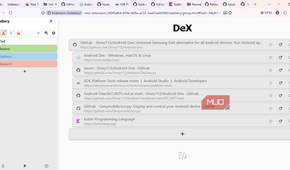
Sidebery lets me create panels for different sets of tabs. I use the main panel for work research, another for GitHub projects, sports, social media, and a couple of minor others. Each panel keeps its own tabs, so I can switch projects without mixing their tabs together.
Inside my GitHub panel, I have groups for Android DeX, Rewind, Sidebery, other projects I'm trying, and general research. Each group is assigned a name and color, and its child tabs get the color too. While initial manual setup might be stressful, it makes the panel so much easier to scan.
Firefox’s interface used to feel like a reason to skip it. Next to Chrome, it looked a step behind. The Nova redesign has changed that with the modern interface. Now, the sidebar feels like a natural part of it. Sidebery also fits into that sidebar, and not like something just bolted on.
Settings worth the time
The best part is making the browser behave the way I want


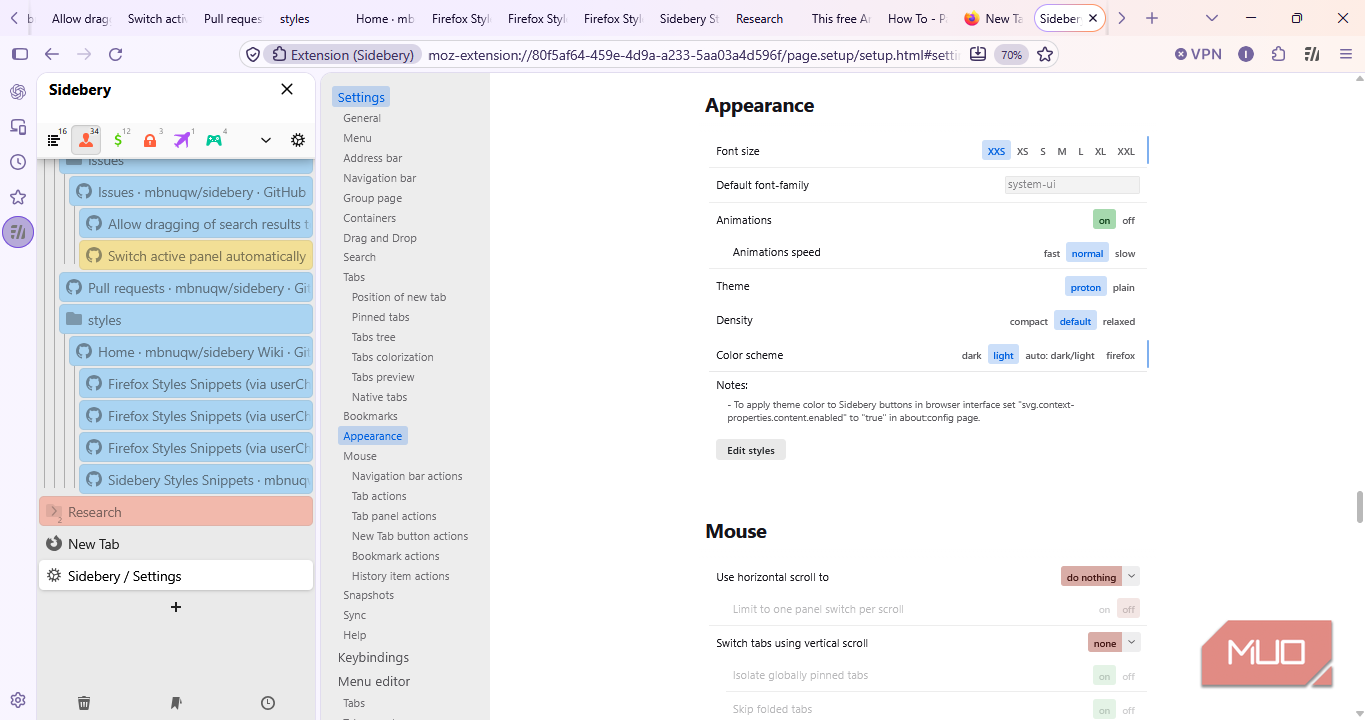
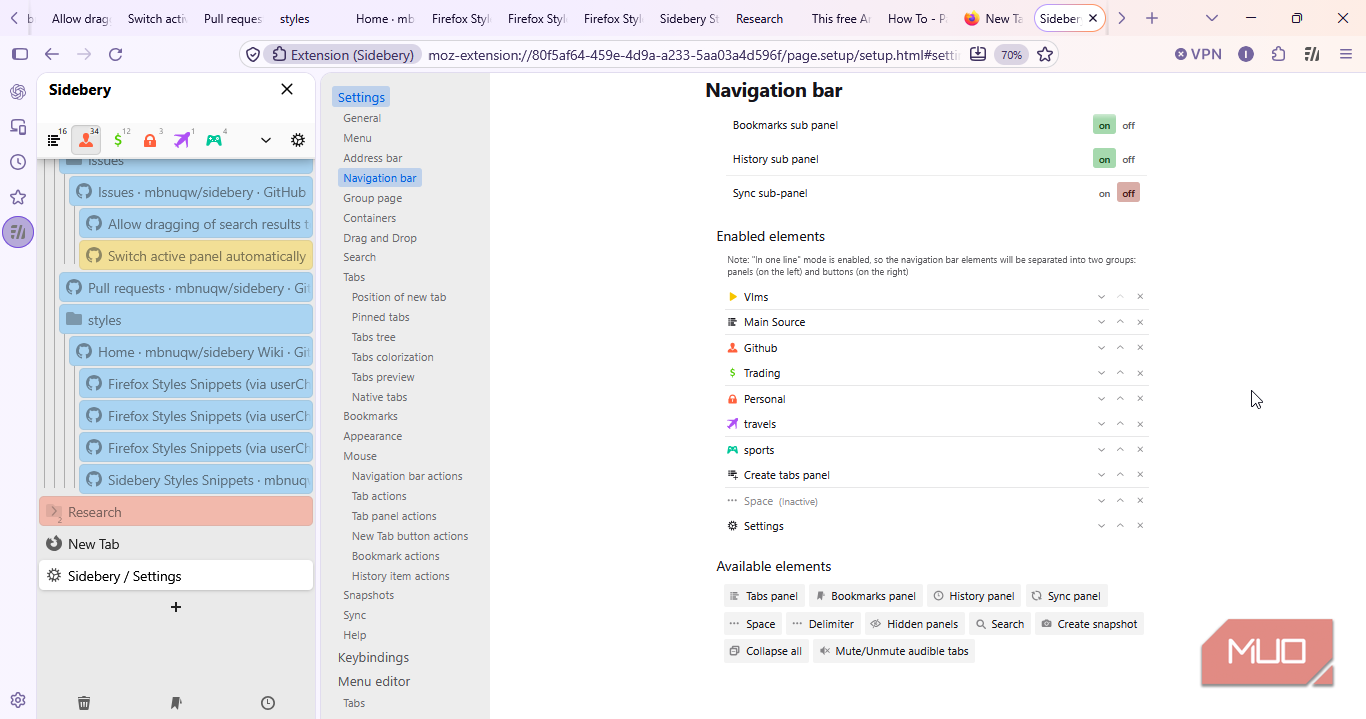
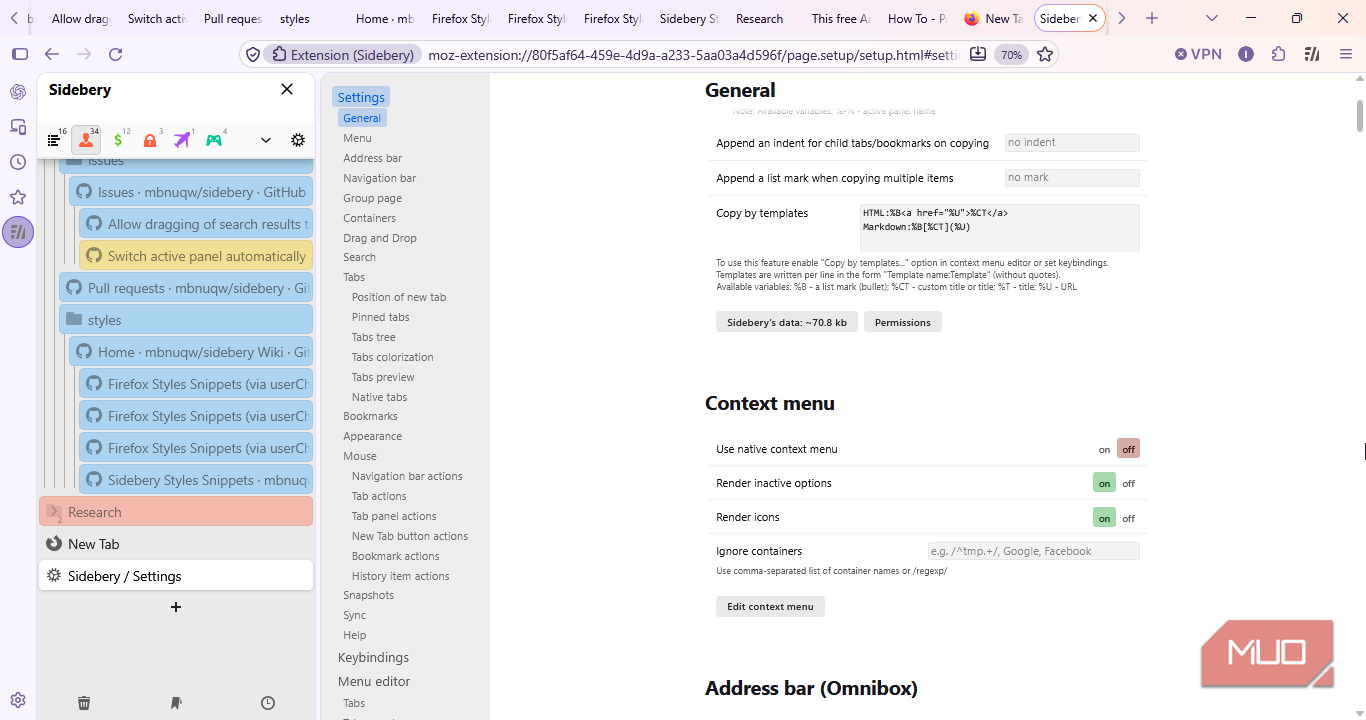
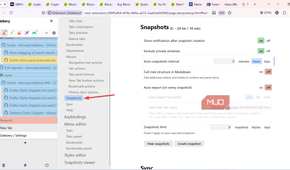
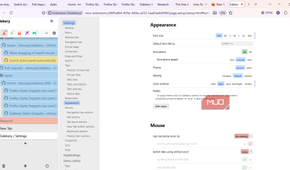
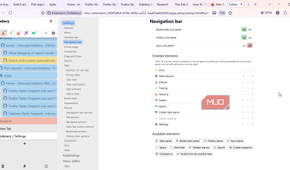
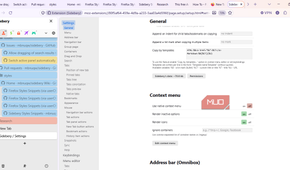
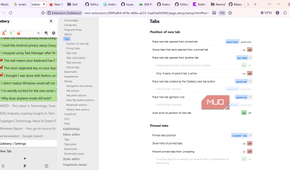
Sidebery has enough settings to take some time to configure, but I only needed a few to make it fit my workflow.
I enabled automatic tree maintenance, set tabs opened from another tab to appear as the last child, and turned on auto-scroll so new tabs are brought into view.
I also reduced the font size to make more tabs fit in the panel and turned on tab previews. Group sorting and inherited colors help me tell projects apart without clutter. But the biggest benefit from using Sidebery is how it organizes the tabs themselves.
You can go beyond these and customize the context menus, keyboard shortcuts, and even styles.
Another solid option I use is the bookmarks and history. Sidebery can show you your bookmarks and history right inside the panel if you enable them. This also simplifies my work because I don't have to leave my workspace to get what I need.
Restoring a workspace
Snapshots save me from rebuilding my work


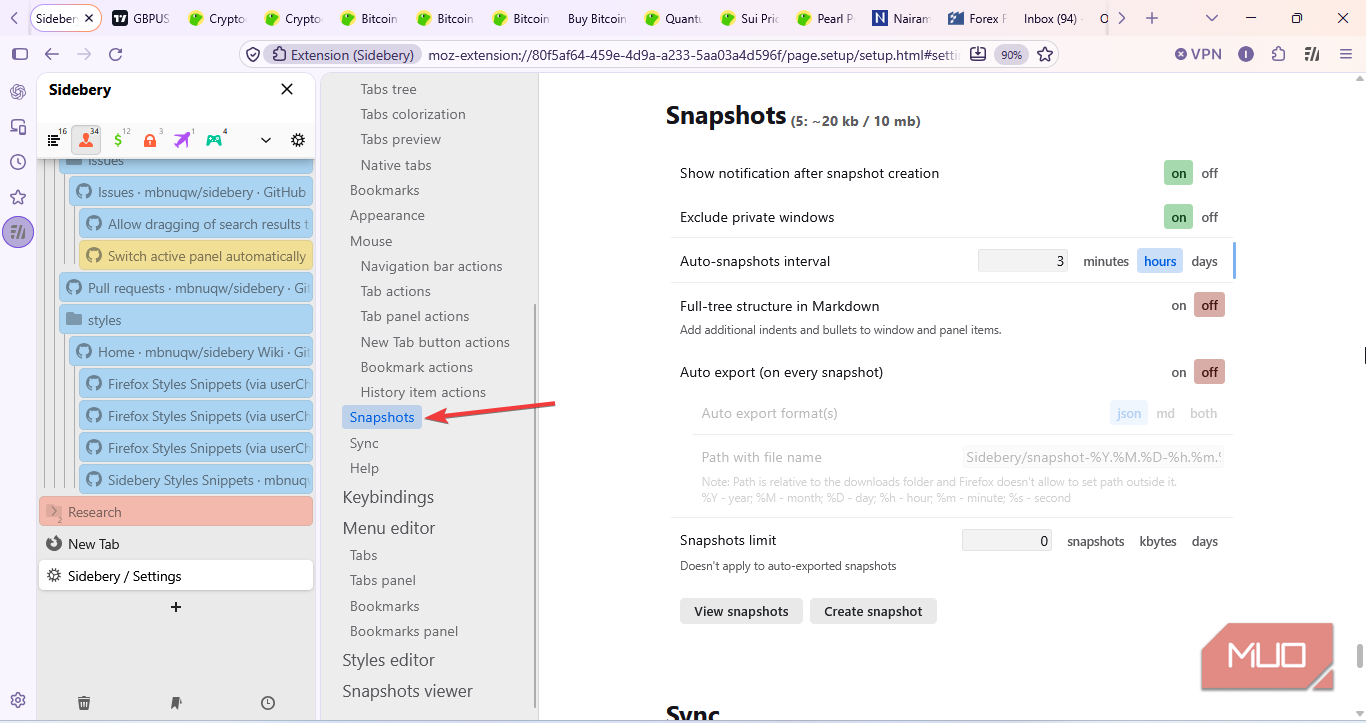
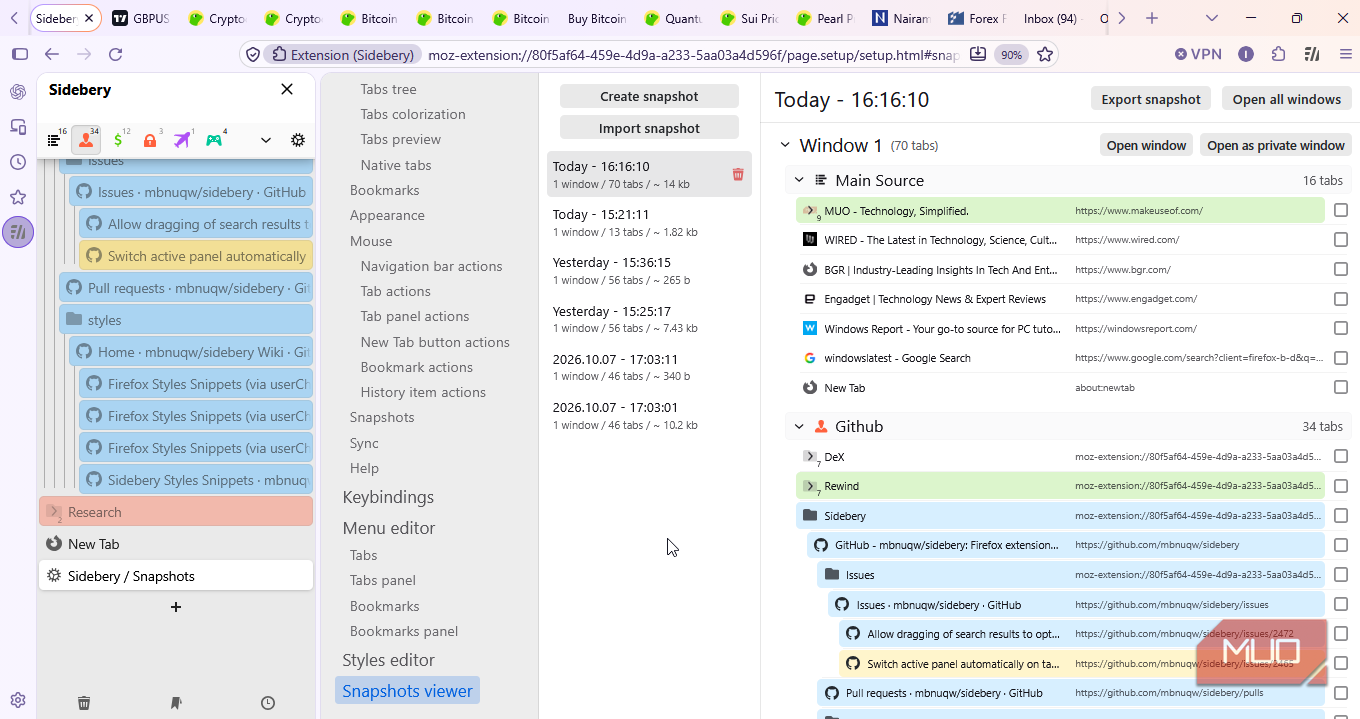
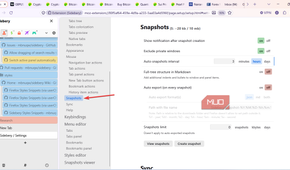
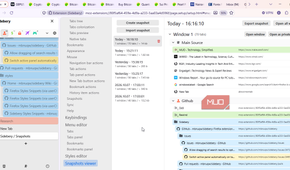
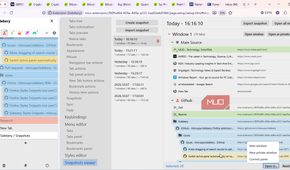
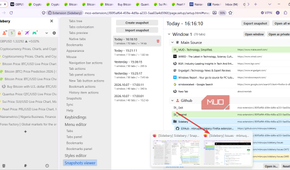
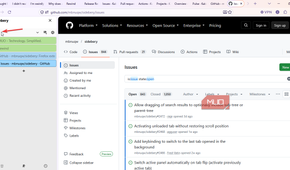
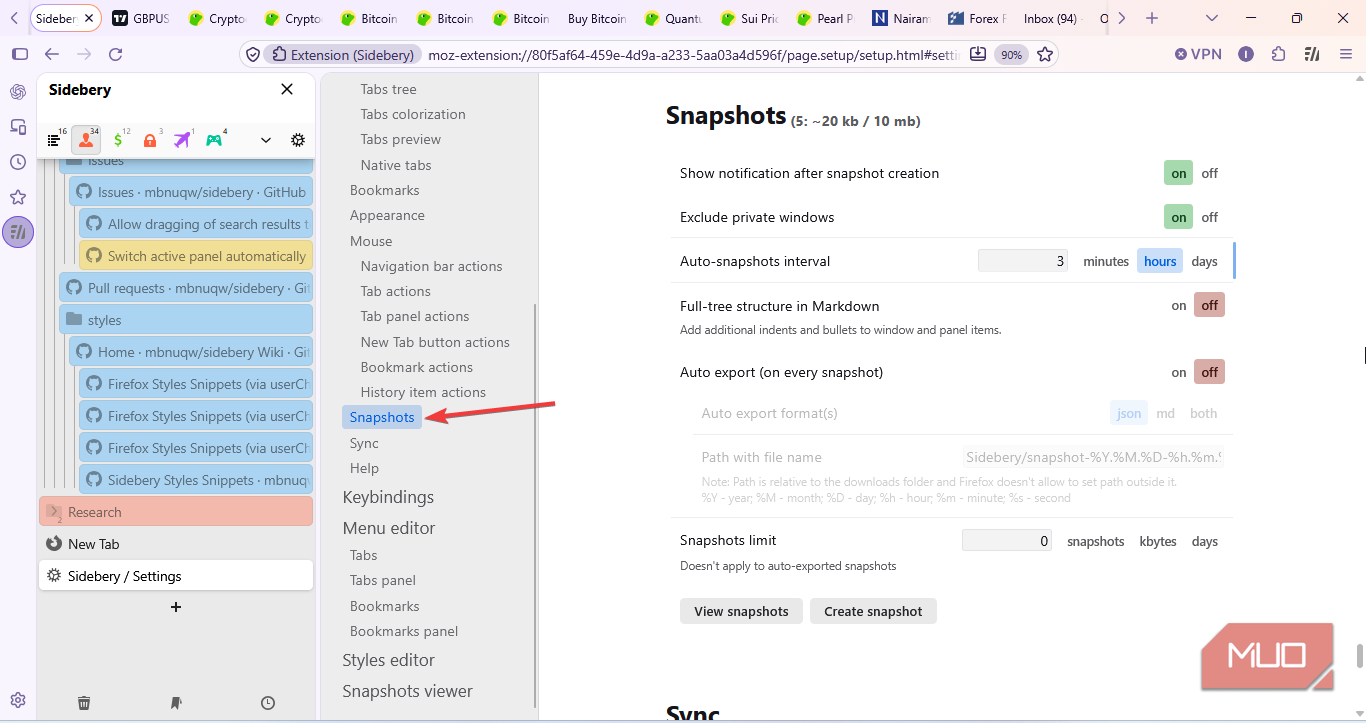
If you have it set, Sidebery can take snapshots of open windows, panels, groups, and tabs. That's another extension less to download.
I set mine to create one automatically every three hours, so I don't have to remember to save my workspace manually. When I want to return to an earlier session, I can choose what to restore rather than opening everything again.
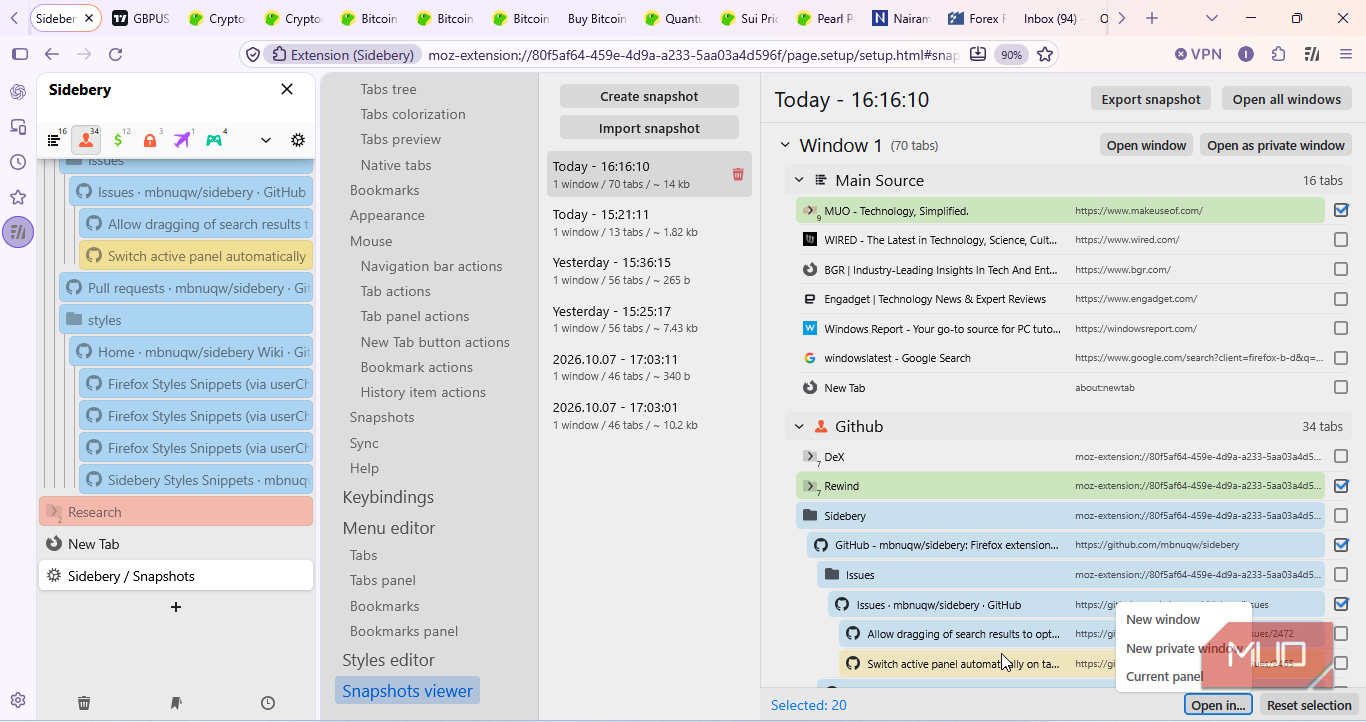
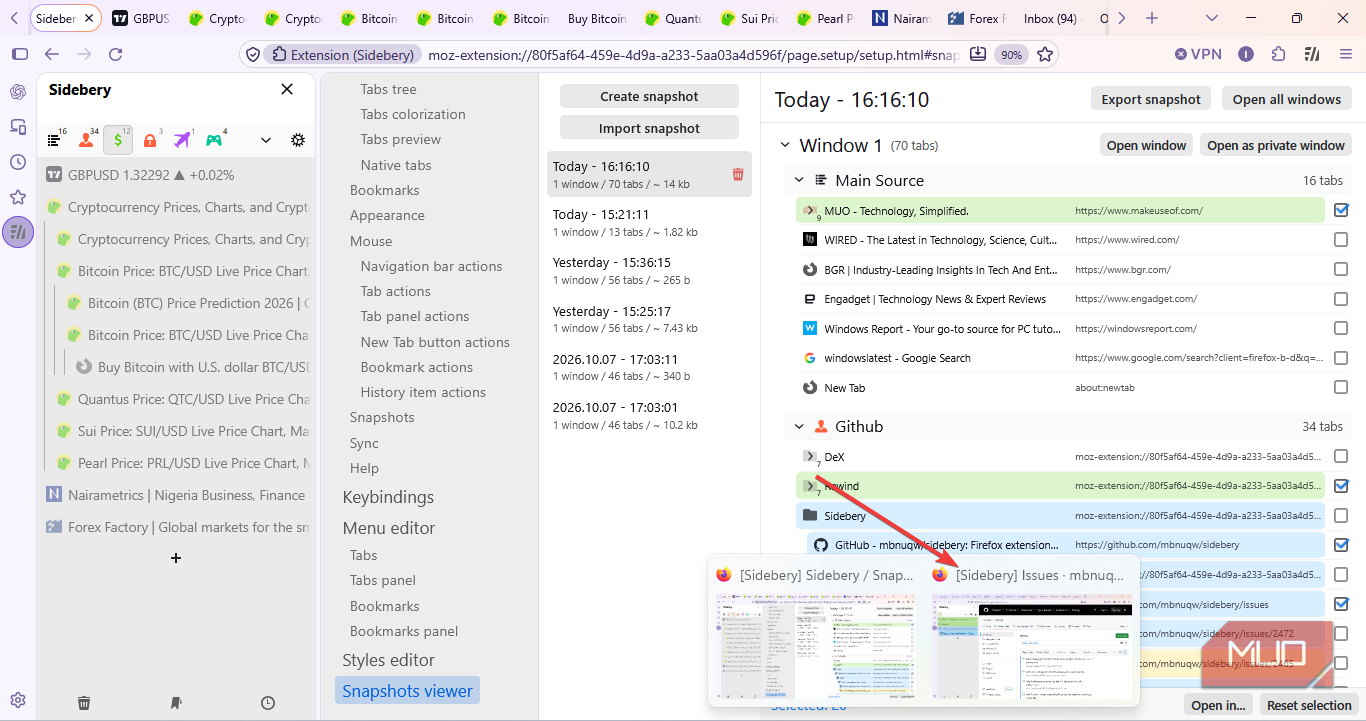
I tried it with one of my research groups. I restored the parent tab and its six child tabs into a new window, and Sidebery preserved their tree structure. Because I restored to a new window, the panel opened a different panel rather than returning to their original panel layout.
Restoring sessions is not limited to just a group; I can also select tabs across different groups and panels and bring just those into one new window.
Why I keep coming back to Firefox
Brave and Chrome both have tab-management tools too. Both browsers now offer vertical tabs, which helps with that space problem.
What that doesn't fix is finding anything. A long vertical list is still a list. Even if you have the tabs grouped, you still need to scan through names to find your process. It doesn't tell me which tab led me to another.
That trail hierarchy is what makes the difference when working. I can see how I reach a page and retrace my steps when I need to; neither Chrome nor Brave gives me that, grouped or not.
Sidebery takes some setting up, but its tree and automatic snapshots save me from rebuilding every time I return to my work. That's why I keep using Firefox as my main workspace.