


It can be overwhelming trying to keep up with all that you need to know about a smart home. There are tons of devices on the market ready to make your home more efficient and better prepared for modern times. You should be able to close your garage door from your phone if you happen to leave it open. There should be an alert that lets you know when someone rings your doorbell.
There are many routes that you can go when you're setting up your smart home in terms of the ecosystem and technology you want to support. You can choose to rely solely on one manufacturer's products, such as Google, Samsung, or Amazon. You can also use devices that work within those frameworks as well, which are many. But many of those work best on Wi-Fi, which can clog up your network. Options like Z-Wave, Zigbee, and Thread can circumvent your Wi-Fi and create their own network, freeing up the bandwidth. There are certain devices that work best under these circumstances.
Window and door sensors run on batteries
They can drain quickly on Wi-Fi

A common smart home addition for security purposes is a door or window sensor. These come with two pieces: one that attaches to the door or window and the other that attaches to the frame. As they pass by each other when the door or window is opened, a signal is sent alerting you that this has happened. The same thing occurs when it is closed.
You can buy all kinds of door and window sensors and many of them work fine enough with Wi-Fi and can fit into any smart home ecosystem, meaning they can connect with Samsung SmartThings, Apple HomeKit, and so on. But these usually run on CR or AAA batteries and connect to the internet when they are powered up.
Because they are battery-powered, the batteries can drain more quickly when they are connected to Wi-Fi. When it comes to using ones that are compatible with Zigbee or Thread technology, they don't require Wi-Fi. They create their own network, a low frequency one, that lets them connect to other devices in your smart home.
This minimizes the power drain on them and makes them more readily available to be useful if your power ever goes out. These aren't reliant on your home network's connection to still work. The same goes for Matter devices as well.
Your smart lock needs to stay on
Never lose access to your home


 Credit: Chris Hachey / MakeUseOf
 Credit: Chris Hachey / MakeUseOf
 Credit: Chris Hachey / MakeUseOf
 Credit: Aqara
 Credit: eufy
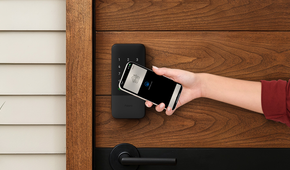
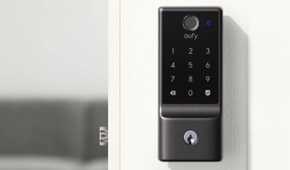
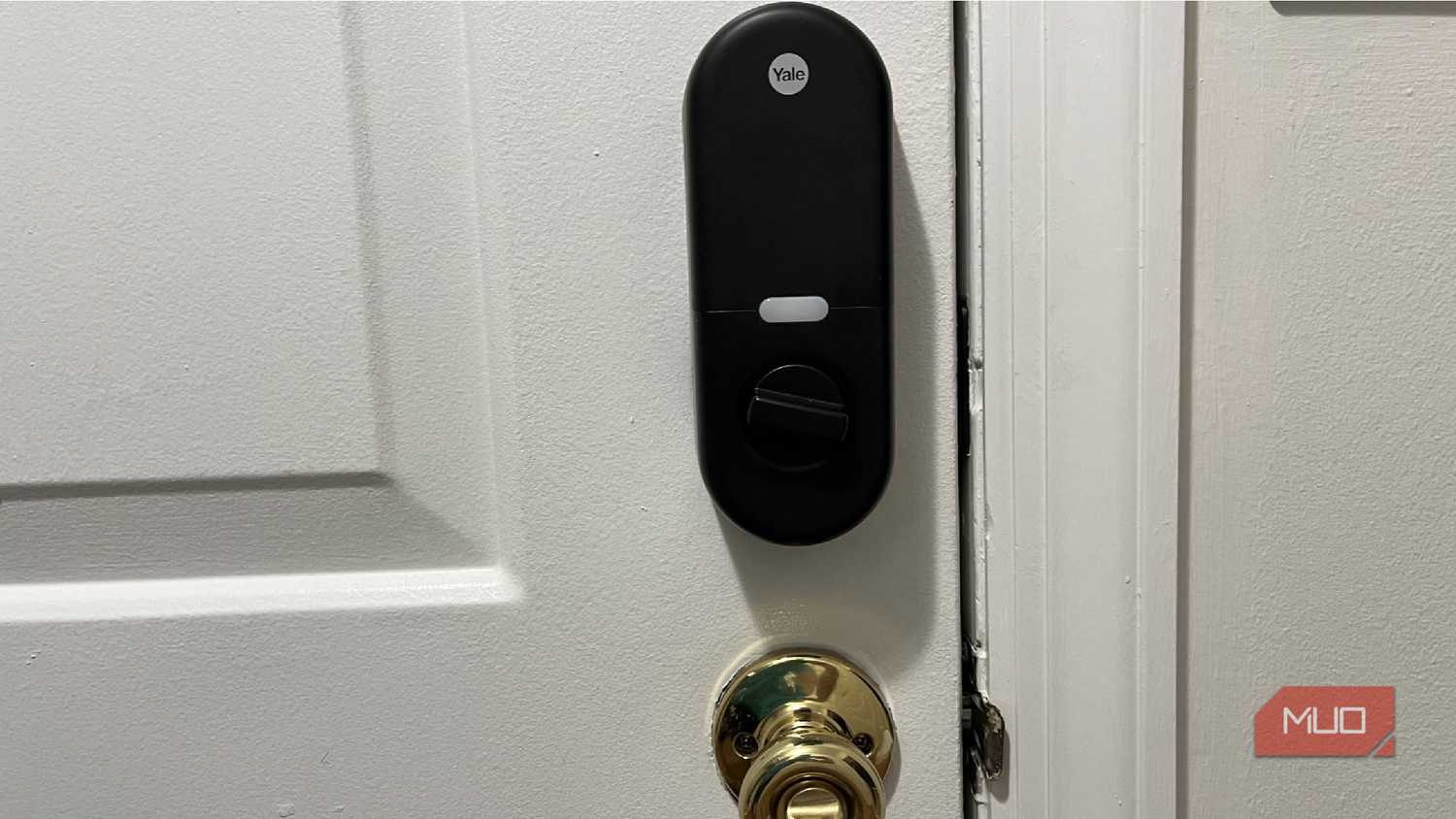
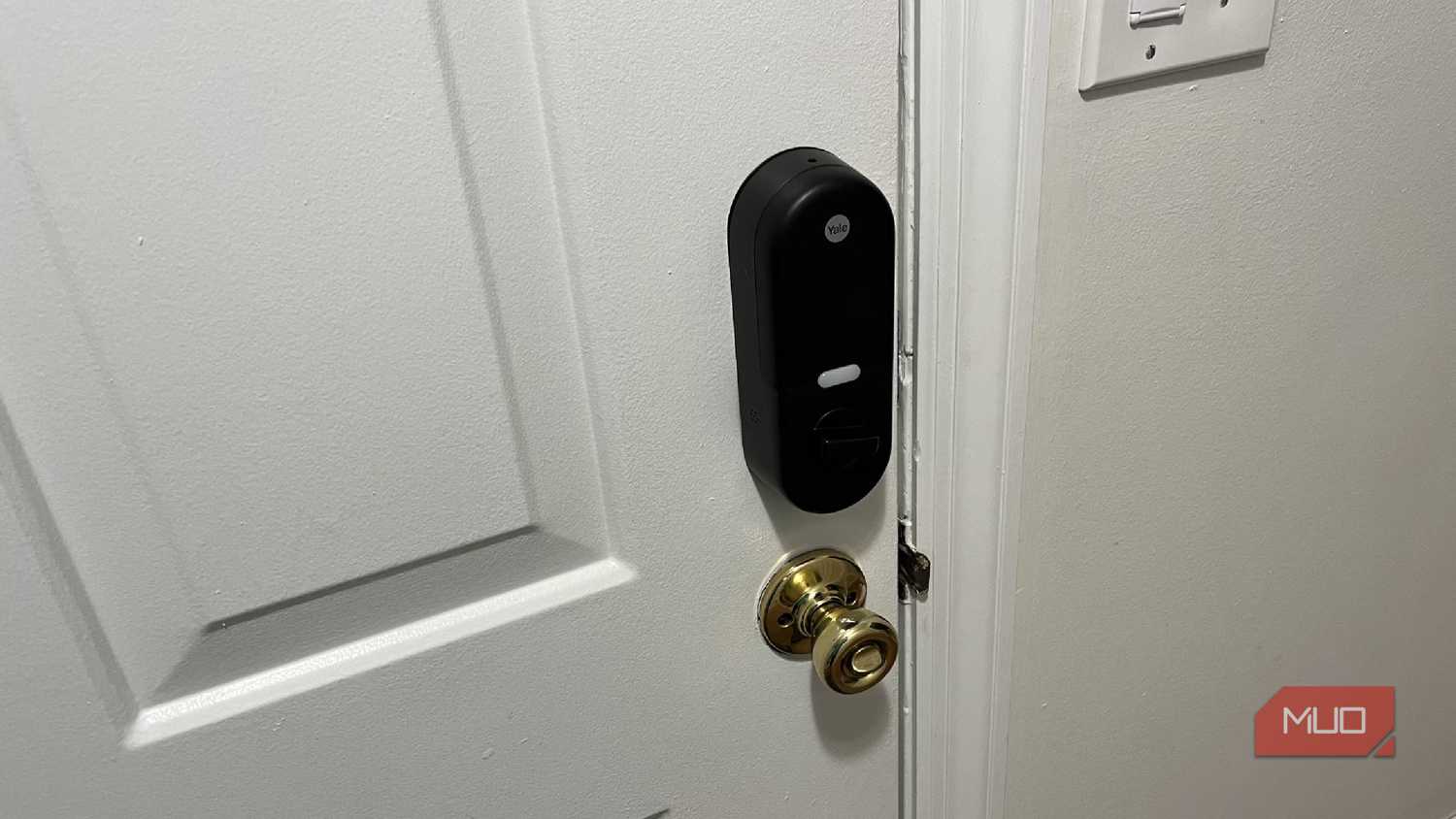
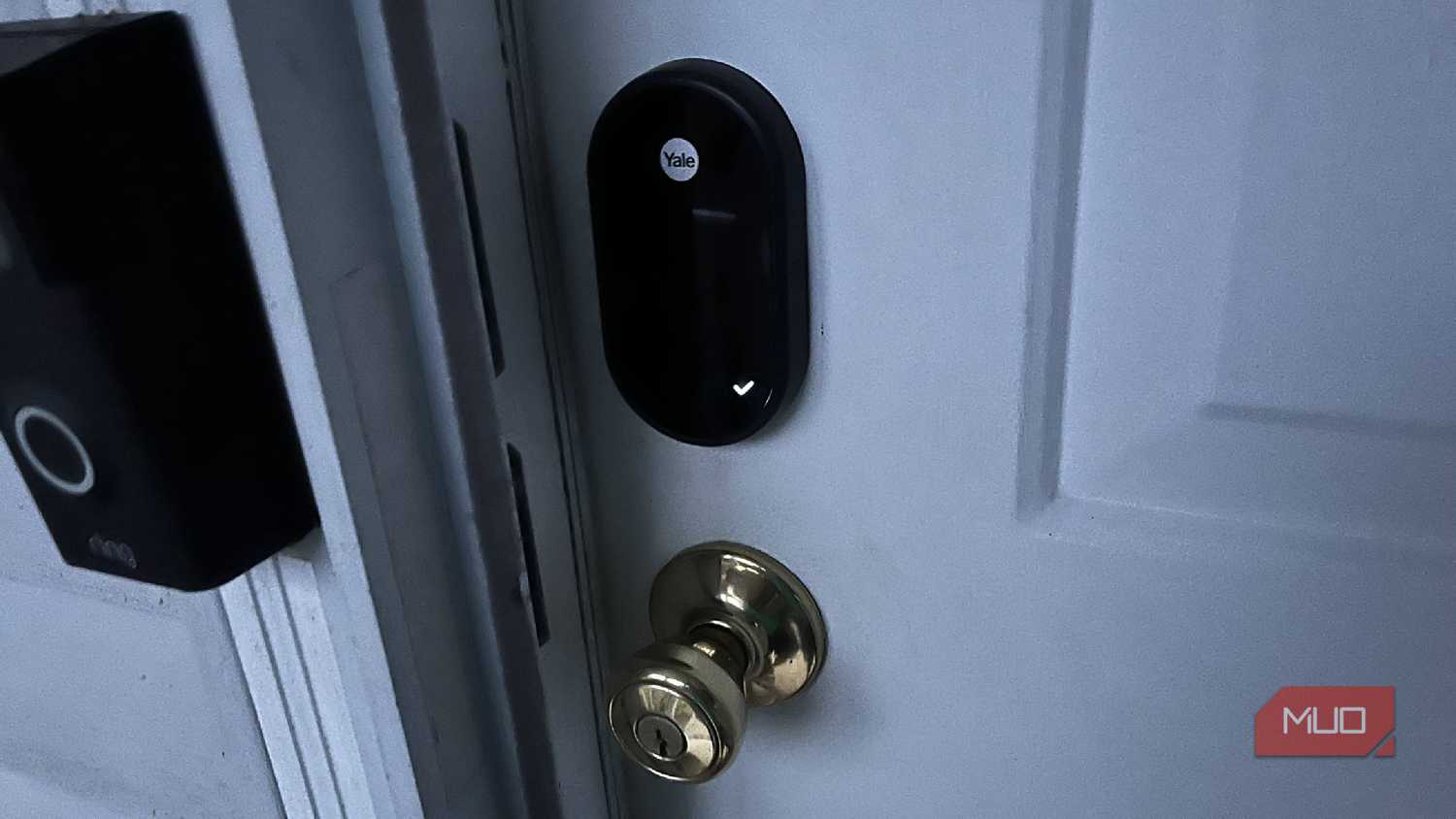
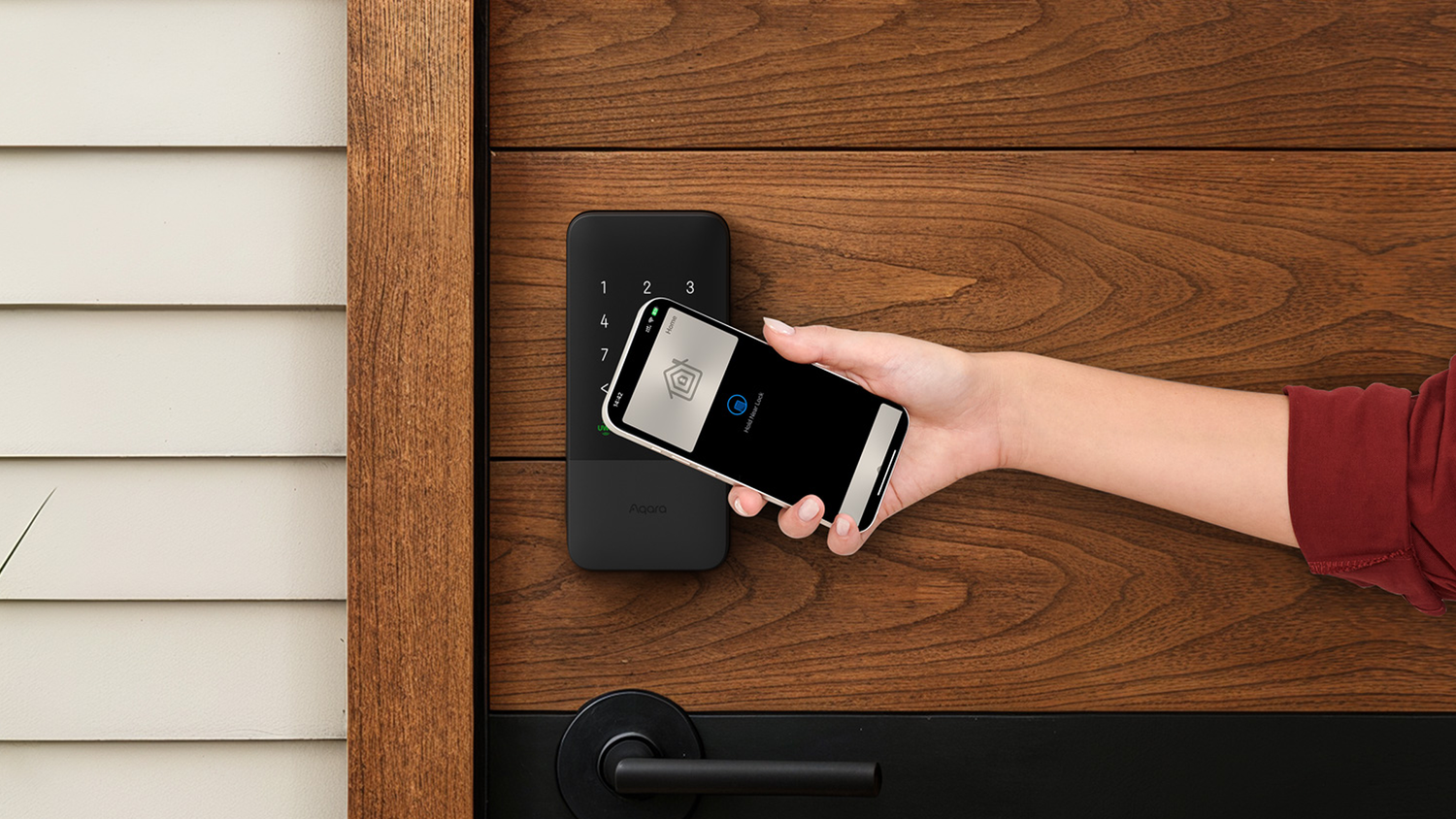
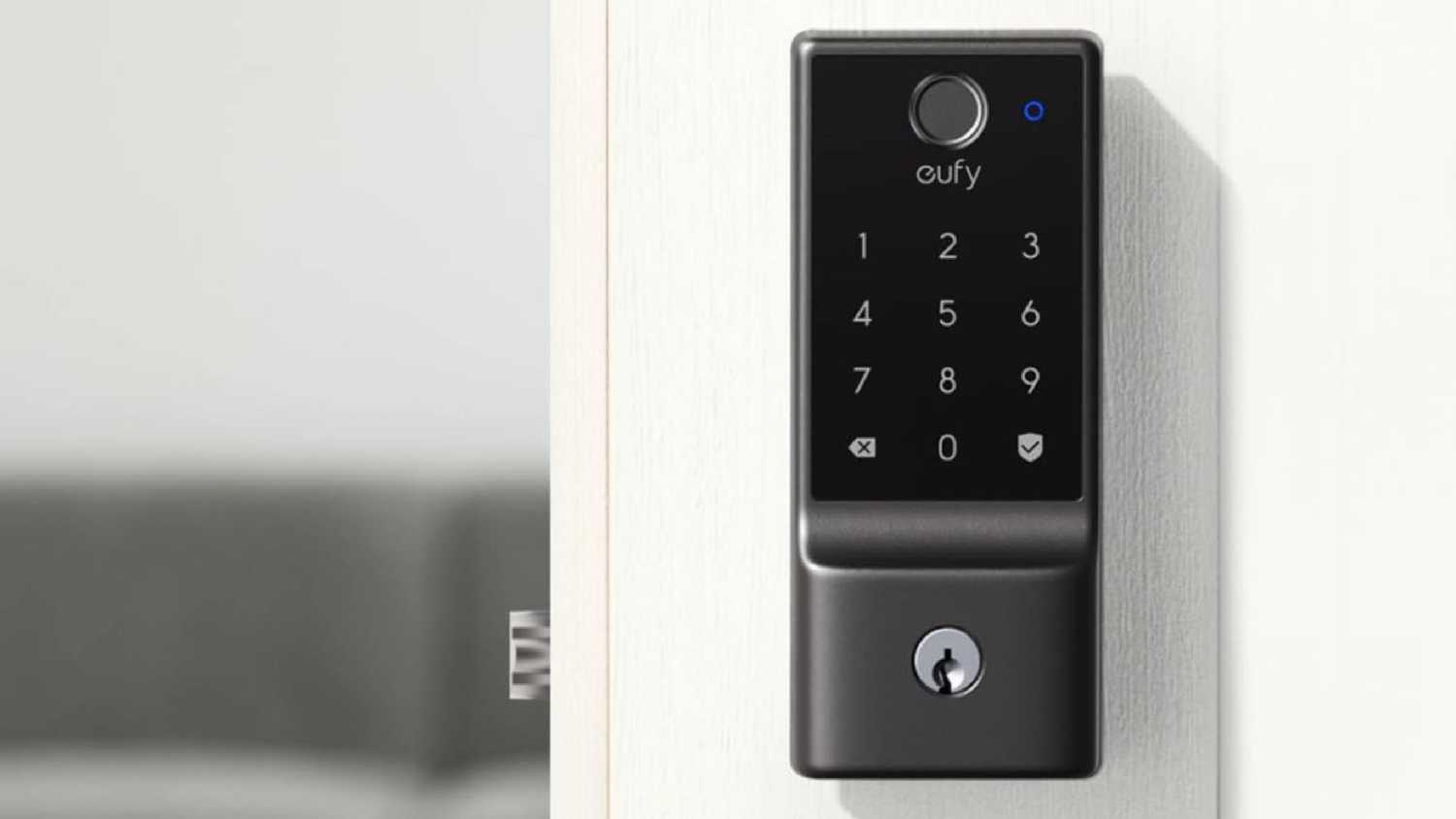
For those who trust their homes for security in their entryways, smart locks are some of the most useful smart home devices. That's because, at a base level, smart locks allow you to remotely check the status of your door. You can lock them from your device while many of them allow you to create passcodes to let different individuals gain access.
This saves a lot of time and money in creating multiple sets of keys. You don't have to worry about losing them either. Smart locks provide advanced security for homeowners because of how simple they are to use and control.
However, if your home loses power, your smart lock may not work. But if it's a Zigbee or Thread device, it doesn't need to use Wi-Fi to work.
Of course, if there's a smart lock that does have a keyed portion to it, this will eliminate your need to rely on Wi-Fi as well in this scenario. But with a smart lock with one of these standards and protocols, you wouldn't even need to keep a key on you.
Many Wi-Fi locks are also battery-powered, meaning that Wi-Fi will drain those batteries as well. Your Wi-Fi router also needs to be close enough to your smart lock for it to have a strong enough connection to work consistently. If the signal isn't powerful enough, you might constantly find yourself frustrated by a non-working smart lock.
Your smart bulbs can stay on
This is something I'm familiar with
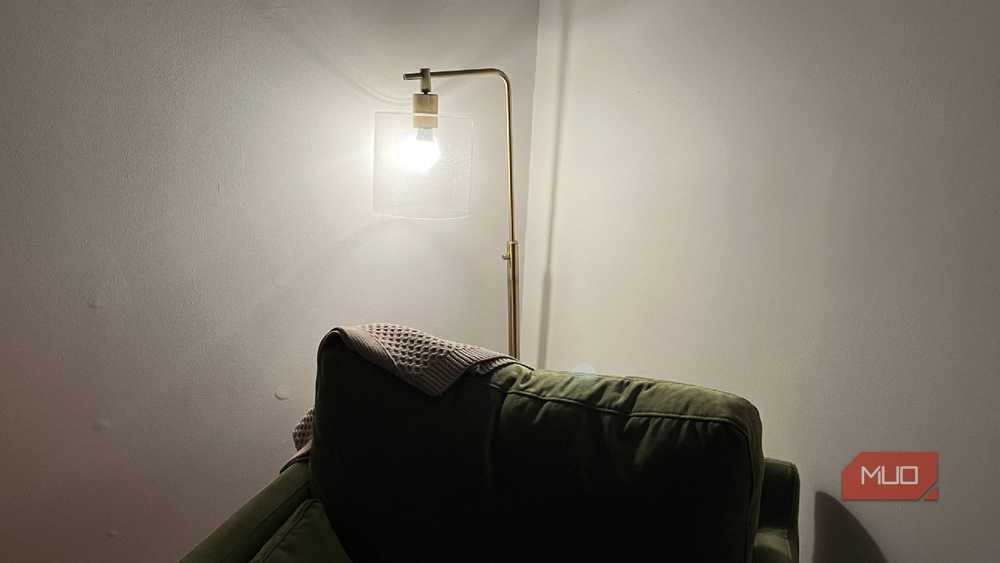
I have a few smart bulbs in my bedroom, which is the room farthest away from the Wi-Fi router. I've had issues with the signal reaching the room, making connecting devices such as smart lights difficult.
I've had to go back and set up some smart bulbs multiple times because the signal isn't working well and my voice commands or app usage aren't working with the light. It gets incredibly frustrating when you are avoiding just flicking the light on yourself and doing so feels like a chore and you're forced to because the light won't work.
With Zigbee or Thread smart bulbs, they'll create a mesh network which basically extends the network throughout the house. This makes sure that there are no dead spots and that my devices work as well as they can.
I've switched to some smart light bulbs with this technology because of this. It has made sure that my lights are always interacting with my commands and go on when I need them to. I have flicked the switch on the lamp in months because of this. There also isn't a lag when I'm giving it a command, which did occur with voice commands for Wi-Fi smart bulbs.
Motion sensors can pick up the small movements
Don't delay in looking these up
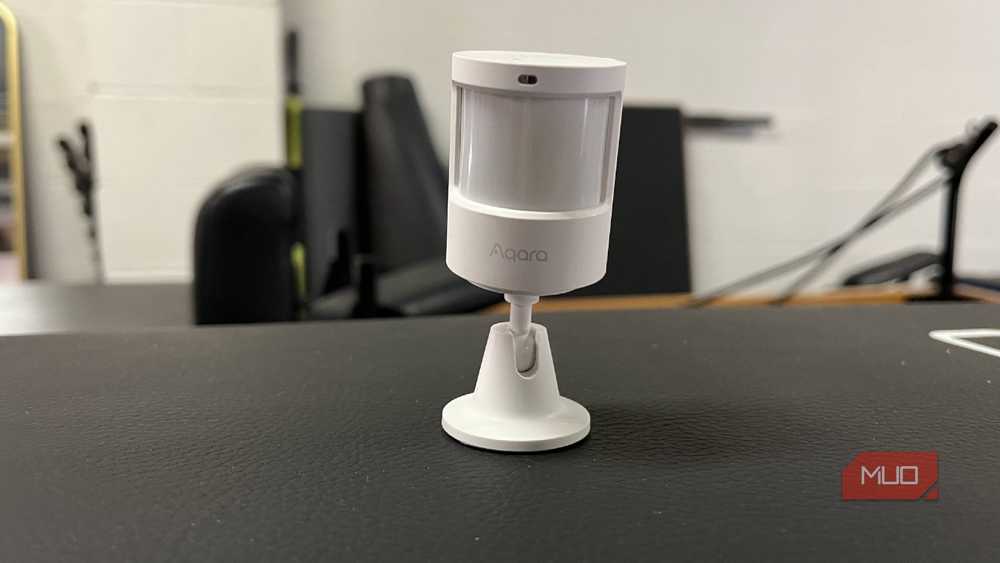
Small devices tend to be better with Zigbee or Thread and motion sensors are no exception. These are perfect for smart homes because they don't require a ton of bandwidth to work well.
Unfortunately, if your network is overloaded and lagging, the response time of these devices can be behind. This makes their usefulness plummet, as you want to be alerted as soon as possible when motion is picked up. It's never going to be the case that you don't want to know something passed by the motion sensor right away.
Motion sensors are often used as triggers for automations in your smart home. You can use a notification from a smart motion sensor to turn on another smart home device, such as a light turning on when motion is detected.
If these devices are on Wi-Fi, there's a definite possibility that the network isn't running as efficiently as it could be and the response of the sensor is delayed, meaning the light doesn't turn on right away. Using Thread or Zigbee motion sensors can help eliminate this problem and ensure that the device reacts immediately.
Thread and Zigbee are all about having devices that communicate well with one another. Having spotty Wi-Fi will harm that.
Make sure to check the box of your smart home devices for Thread or Zigbee
Relying on Wi-Fi for your smart home feels like an antiquated way of setting it up. You can make sure that your devices are always working, even if the power is down, by choosing the right devices. Thread devices tend to be more expensive than Zigbee ones and there are more Zigbee options on the market. But you'll be able to mix and match as you see fit rather than only rely on one of them. This gives you the opportunity to outfit your home more efficiently with better devices.
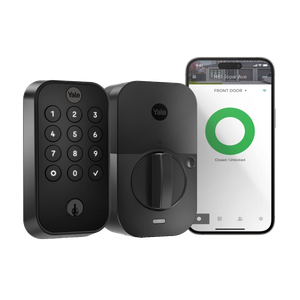
Yale Assure 2
The Yale Assure 2 offers flexible access options, making it ideal for Airbnb hosts. It features a keypad for easy guest entry and built-in Wi-Fi for remote management and unlocking. Voice commands and auto-unlock via smartphones or smartwatches provide hands-free access, while the auto-lock function ensures security.