


Some websites have a remarkable amount of confidence when asking for your email address. You might be downloading one file, checking a coupon, joining public Wi-Fi, or trying a tool you'll forget exists by tomorrow, yet somehow your permanent inbox has become the admission price.
I used to hand over the same address almost everywhere and deal with the resulting newsletters, promotions, and mystery mailing lists later. Now I treat my real email more like my phone number and decide how permanent an address should be before giving it away. A website I need for ten minutes gets treated very differently from an account I may still be logging into three years from now.
10 Minute Mail handles the sites I'll probably never visit again
Ten minutes, one job, zero commitment

10 Minute Mail makes sense when a website needs to send you one message and you expect the relationship to end immediately afterward. Open the site and you get a private inbox without creating an account or handing over any personal information. The address lasts for 10 minutes, and you can add another 10 minutes if the verification email decides to take the scenic route.

That short lifespan is also the reason to be selective about where you use it. A throwaway inbox works well for one-off downloads, forum access, or other low-stakes interactions where you'll never need the address again. If there's any realistic chance you'll forget the password six months from now, use an address you can still access six months from now.
Losing the mailbox means losing future recovery emails with it, which can turn a trivial signup shortcut into an irritating account-recovery problem.
Temp-Mail gives you a burner address without the stopwatch
Keep it around for the slightly longer errands

Temp-Mail is easier to live with when you need disposable email but don't know whether the message will arrive in two minutes or two hours. It generates an address immediately without registration, and there's no 10-minute countdown hovering over the whole interaction.
The address remains valid until you delete it or the service changes its available domains. You can receive messages through it, though sending mail is disabled. Android and iOS apps also make it handy when a mobile app insists on getting an email address before letting you continue.

You should still treat the mailbox as expendable. The lack of a timer gives you breathing room, not permanent ownership, so accounts with purchases, important documents, or anything you'd hate to lose deserve something more durable.
DuckDuckGo Email Protection works better for accounts you'll revisit
Your junk address can sign a longer lease
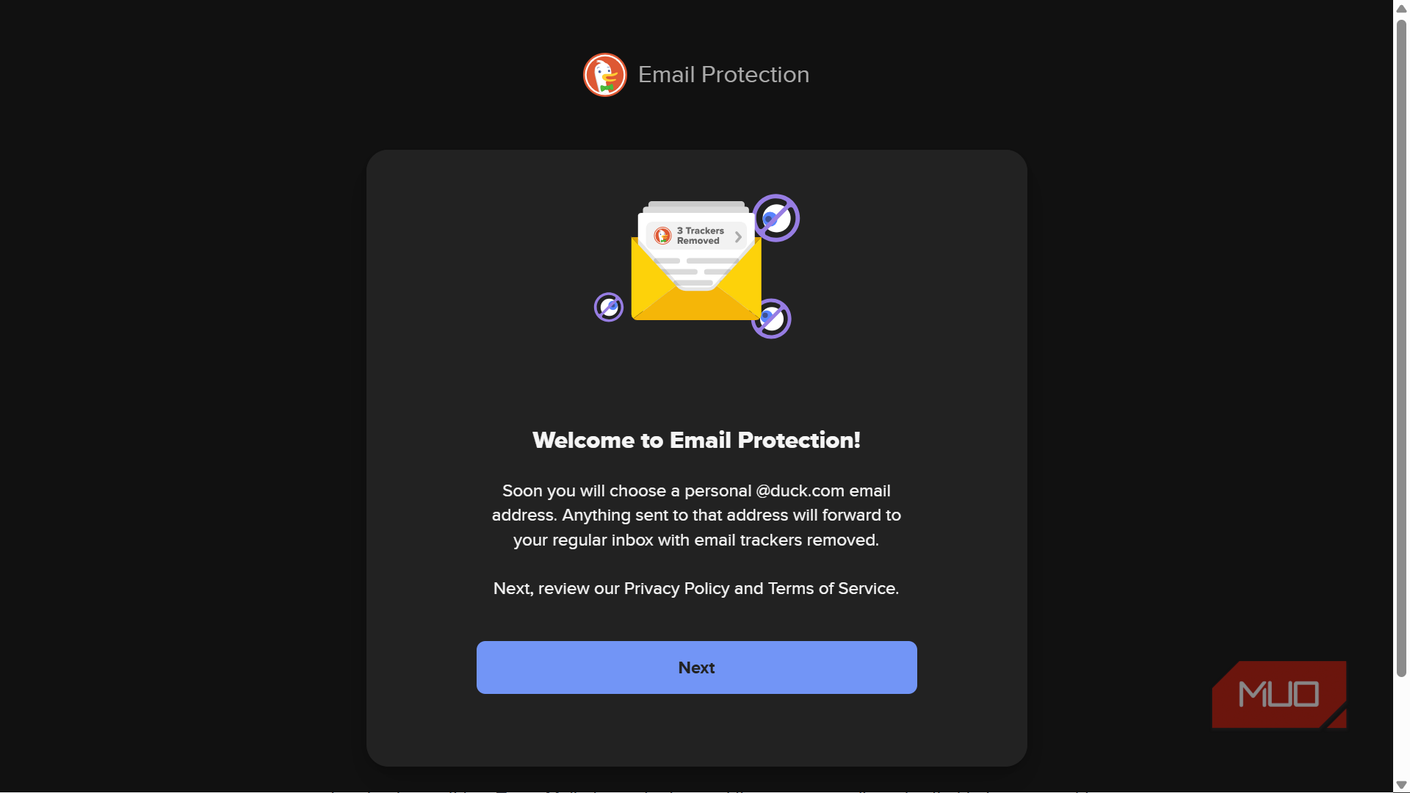
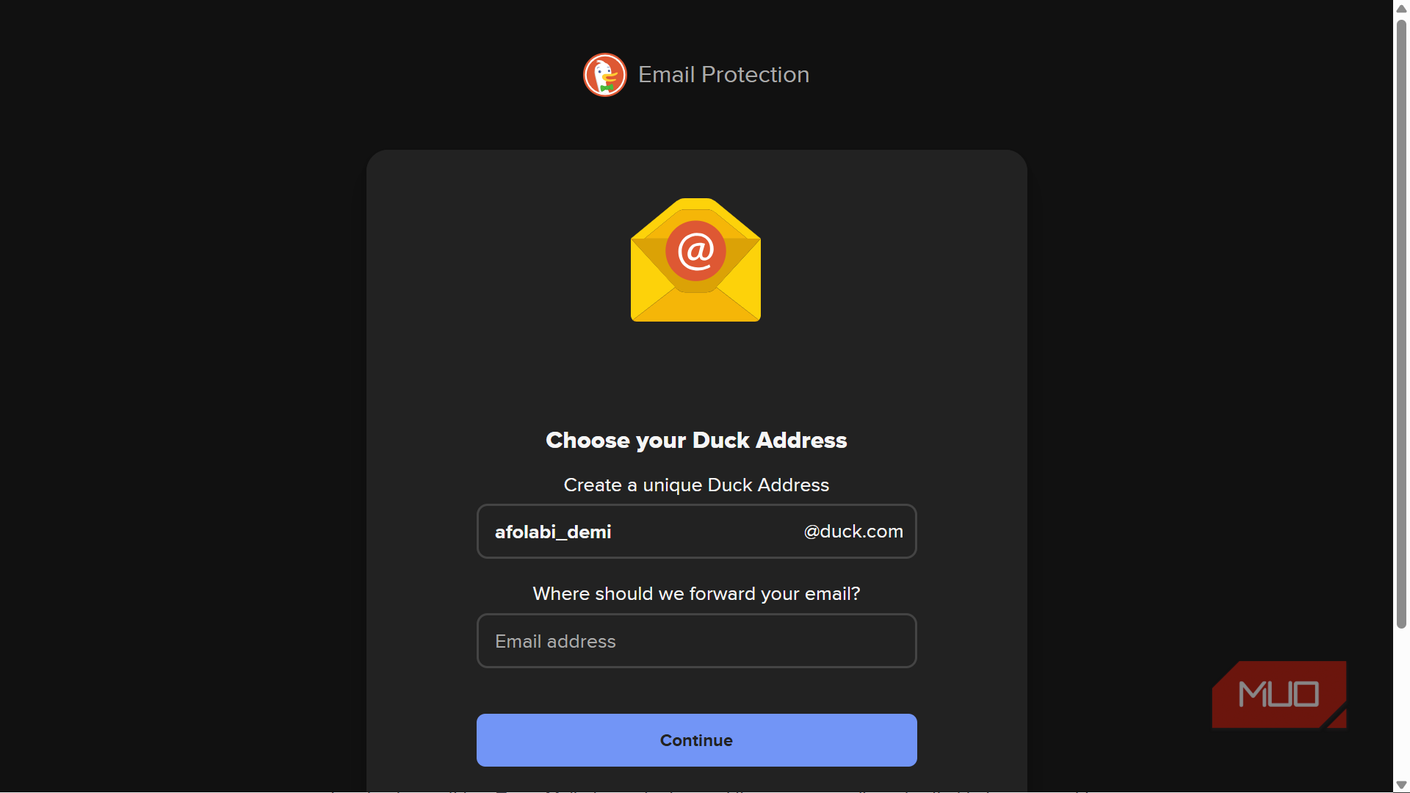
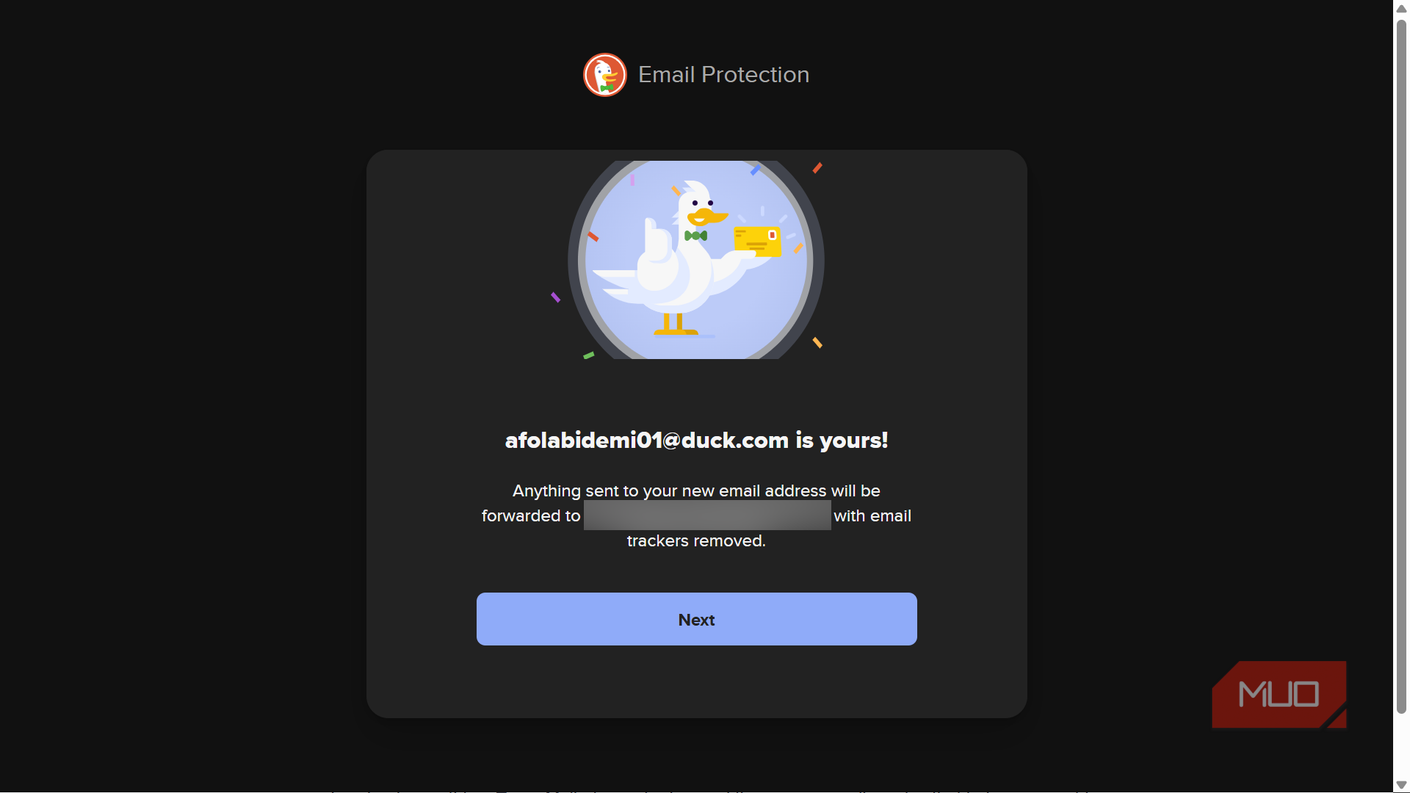
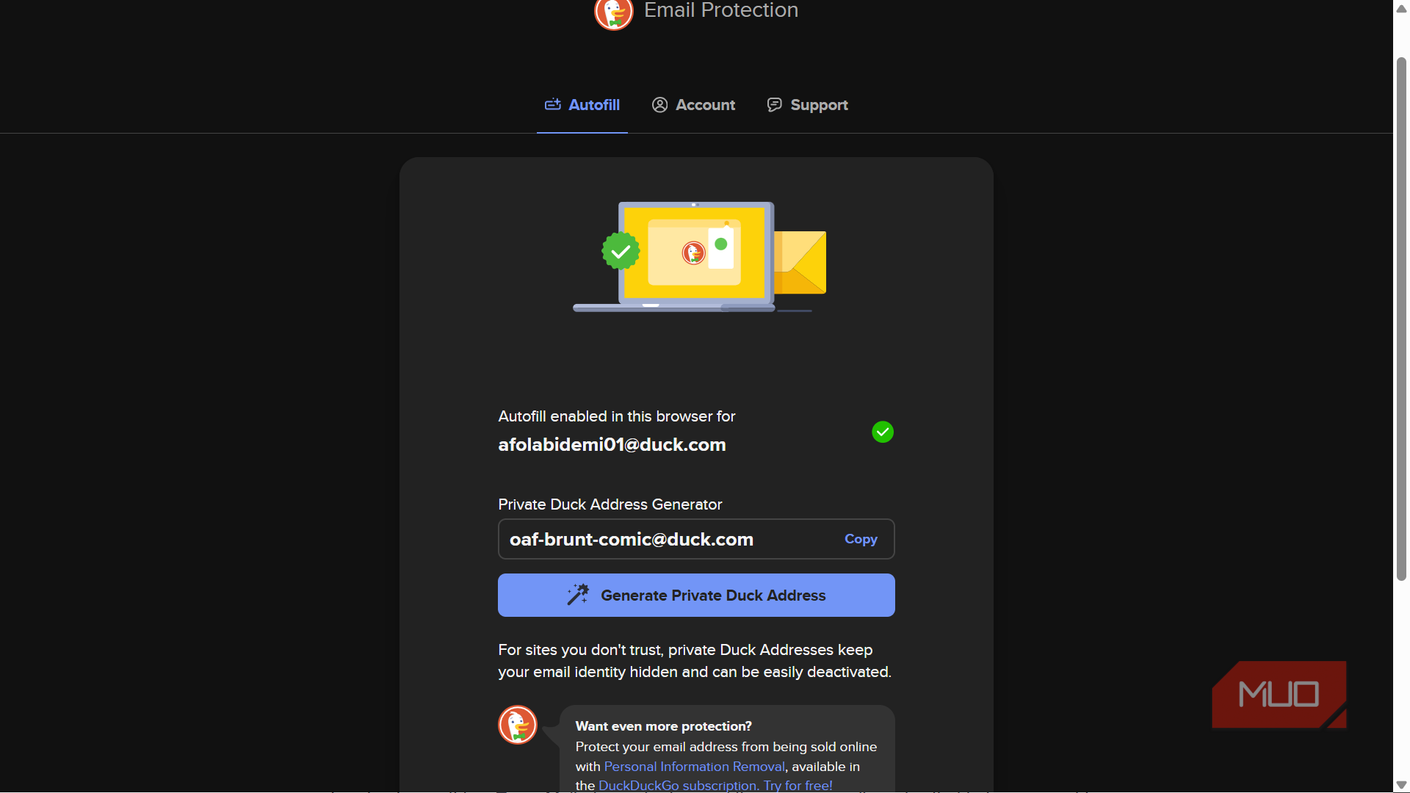
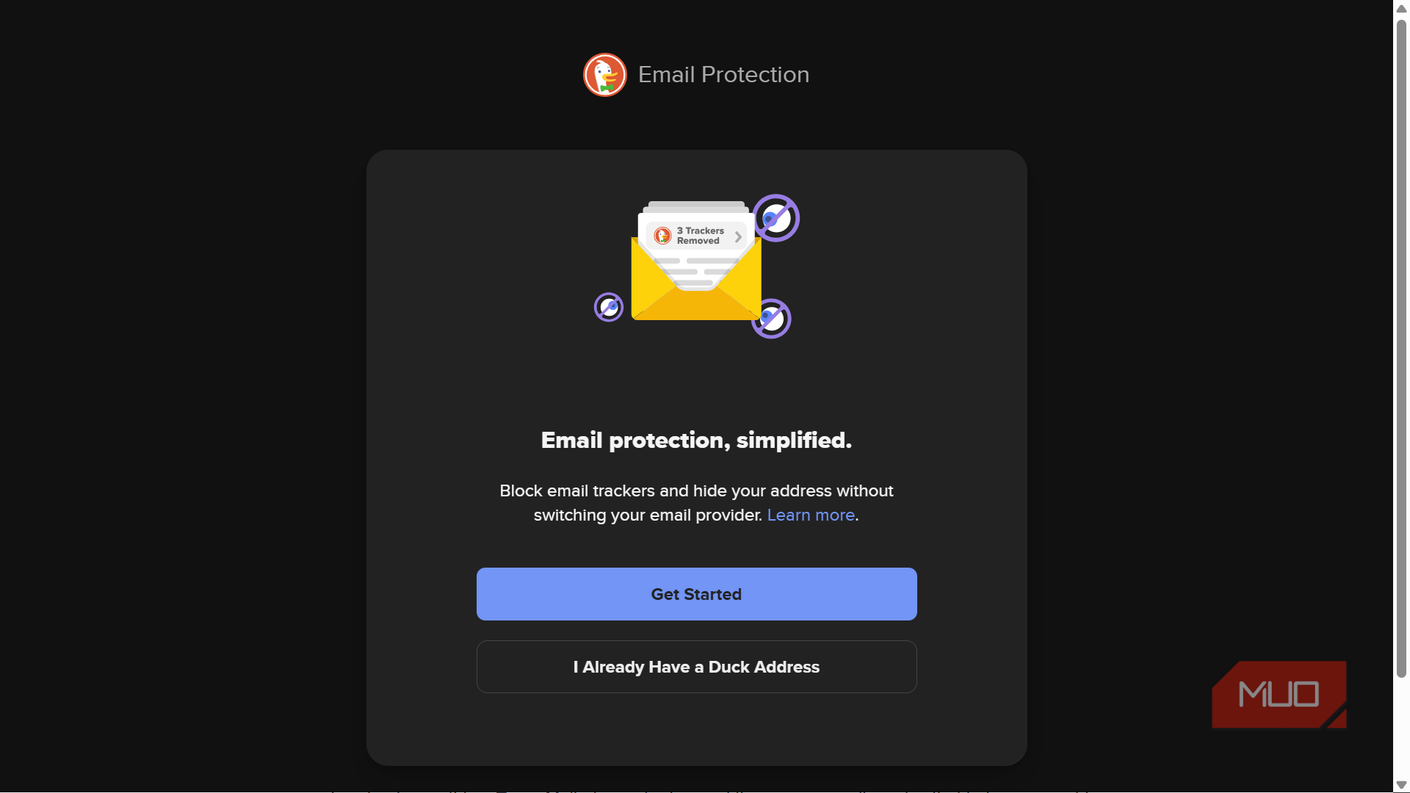


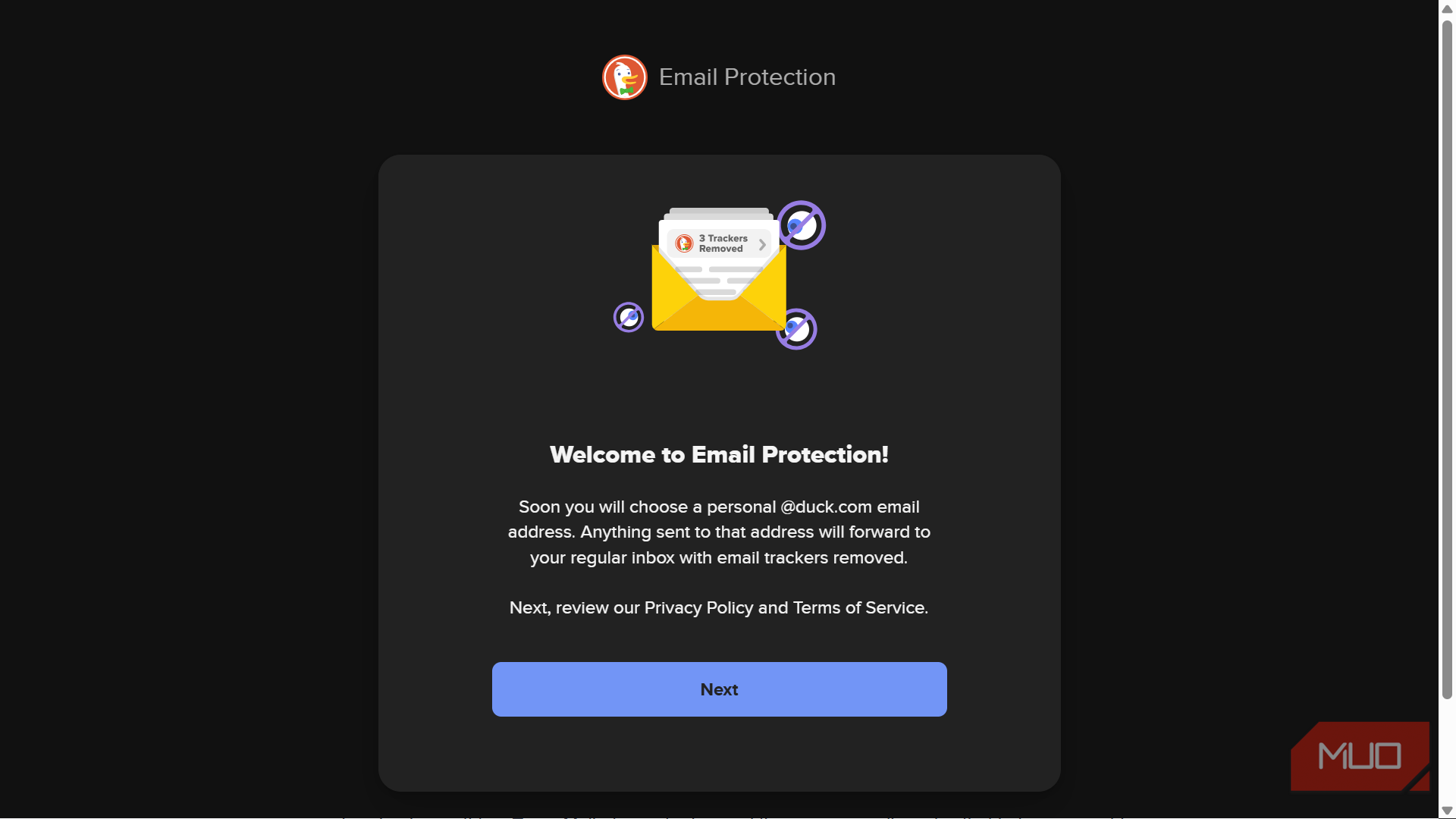
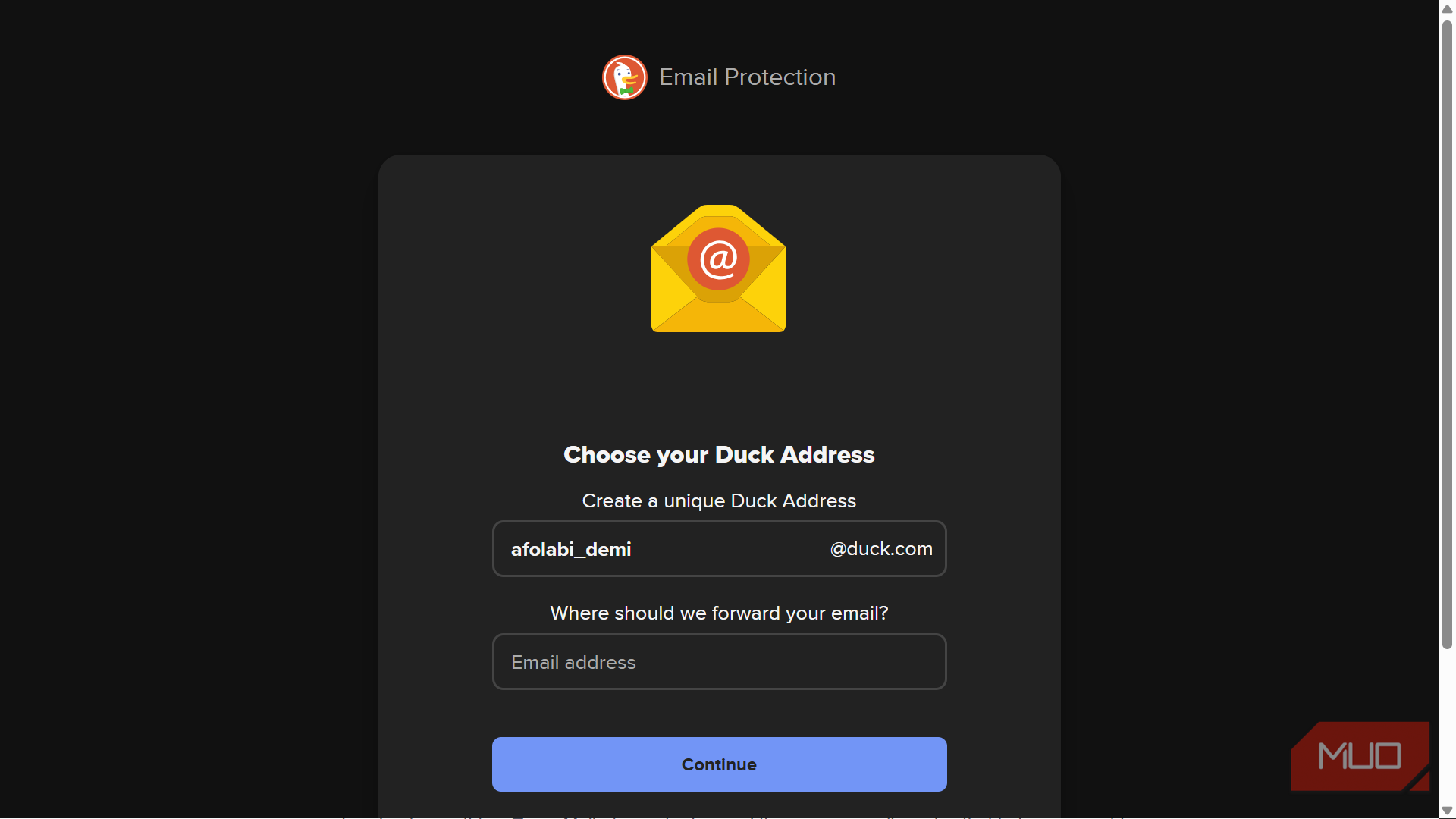
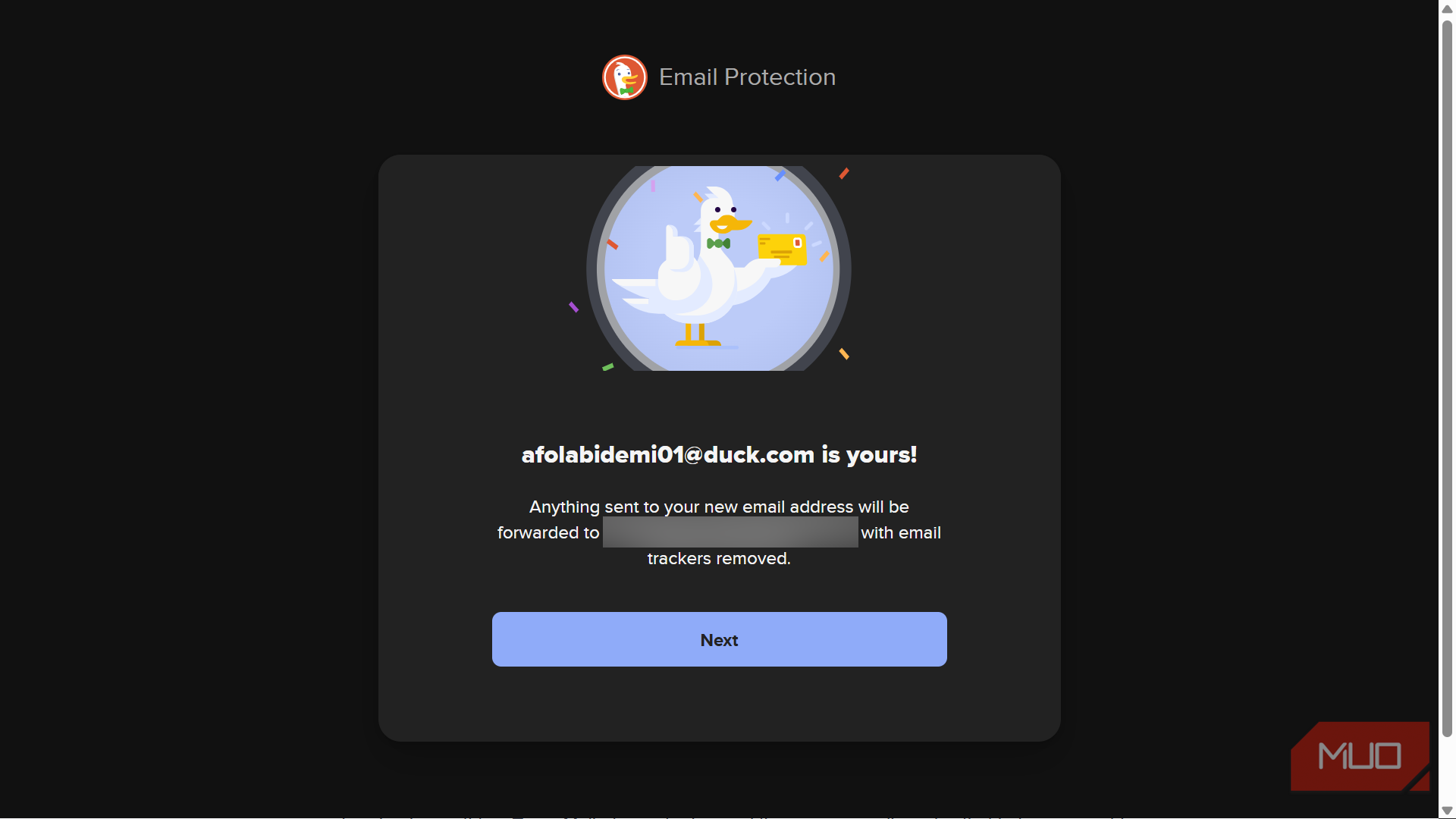
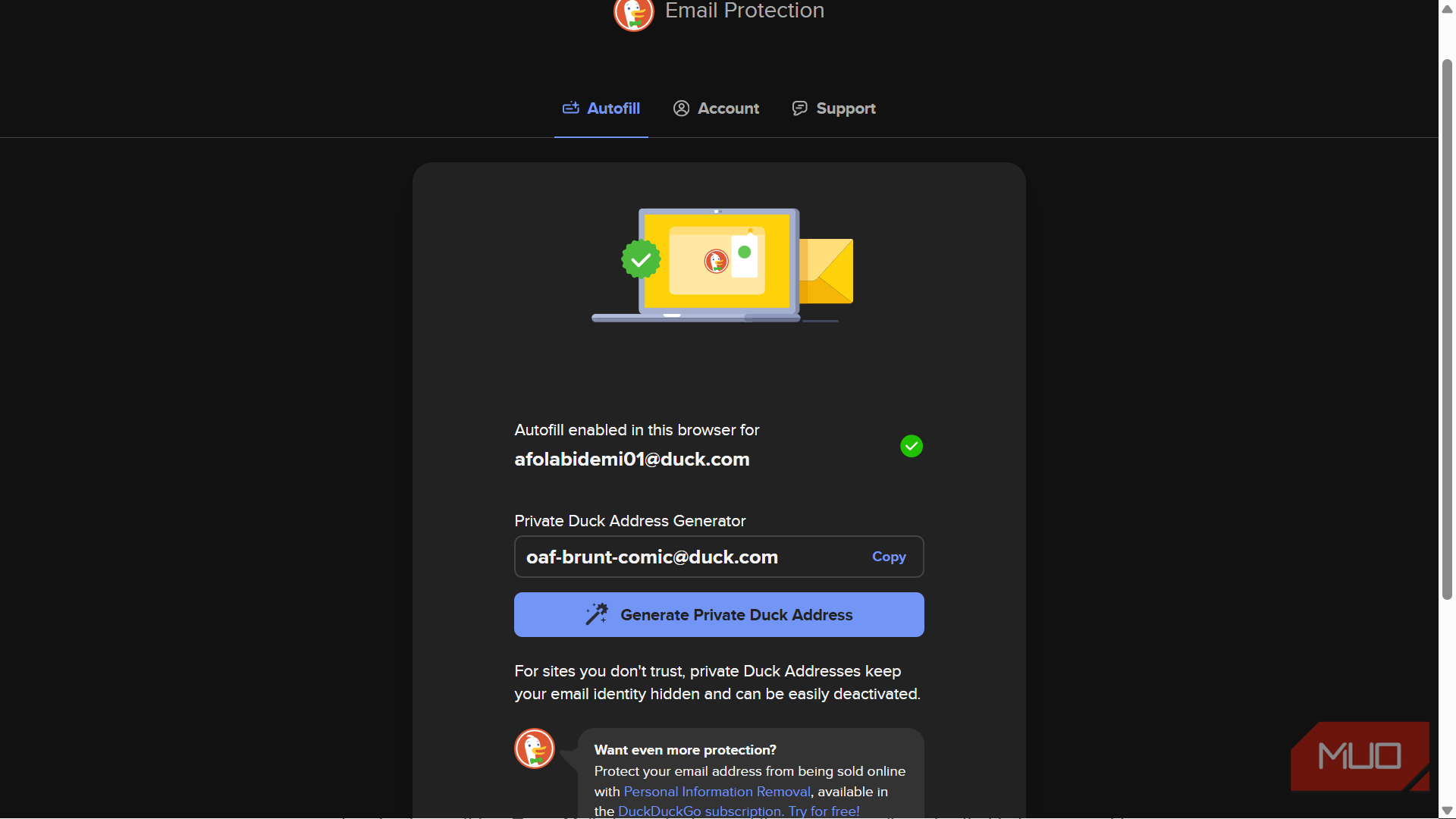
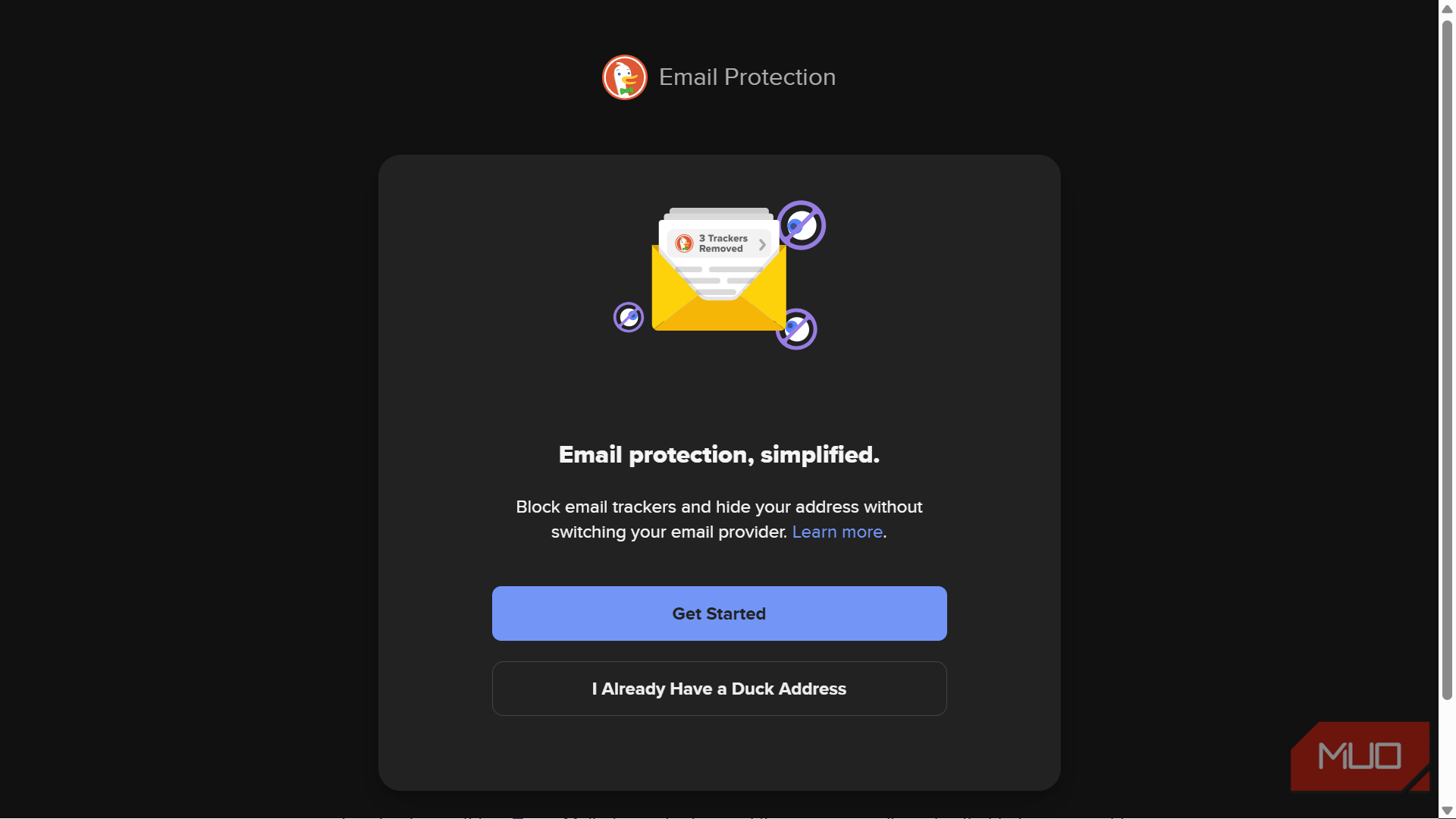
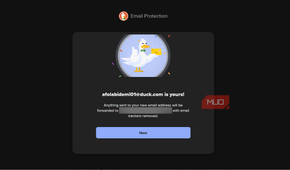
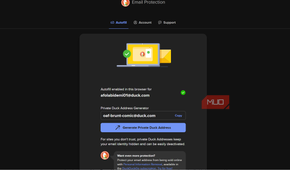
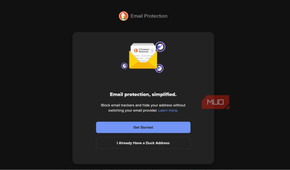
Disposable inboxes start becoming inconvenient when you're creating accounts you actually expect to use again. DuckDuckGo Email Protection takes a different route by generating private @duck.com addresses that forward messages to the inbox you already use.
The website never needs to know the forwarding address underneath. DuckDuckGo also removes supported hidden email trackers before forwarding messages, which is helpful because emails can start tracking you as soon as you open them.
Private Duck Addresses don't expire while your Email Protection account remains active and the individual address hasn't been deactivated. If a store begins treating your inbox like rented billboard space, you can deactivate the address without disrupting every other account you've created.
Replies can also be routed through your Duck Address, so responding doesn't automatically reveal the inbox sitting behind it. That makes this much more practical for shopping accounts, newsletters, and other websites you may still be dealing with next year.
SimpleLogin makes aliases useful for accounts that actually matter
Disposable doesn't have to mean temporary

SimpleLogin gives you the same basic forwarding idea with considerably more control. Its free plan allows up to 10 aliases with unlimited bandwidth, and you can reply through an alias while keeping the underlying mailbox out of sight. Browser extensions and mobile apps make creating another address much easier than repeatedly visiting a dashboard.
Giving every important account its own address also contains the fallout if one company gets breached. Instead of exposing the same email address you've used across dozens of services, the leaked address may be an alias you can disable without touching your other accounts. It's the same compartmentalization logic that becomes useful when protecting your accounts after a data breach.
The paid tier removes the 10-alias limit and adds features such as custom domains, while SimpleLogin itself is open source and can be self-hosted.
For banking, government portals, and other accounts where losing access would create a bureaucratic nightmare, I'd still keep the setup conservative. An alias provider adds another service to the delivery chain, so permanence and account recovery deserve more weight than keeping your main address secret.
addy.io makes one-address-per-site surprisingly practical
Give every company its own mailbox-shaped name tag
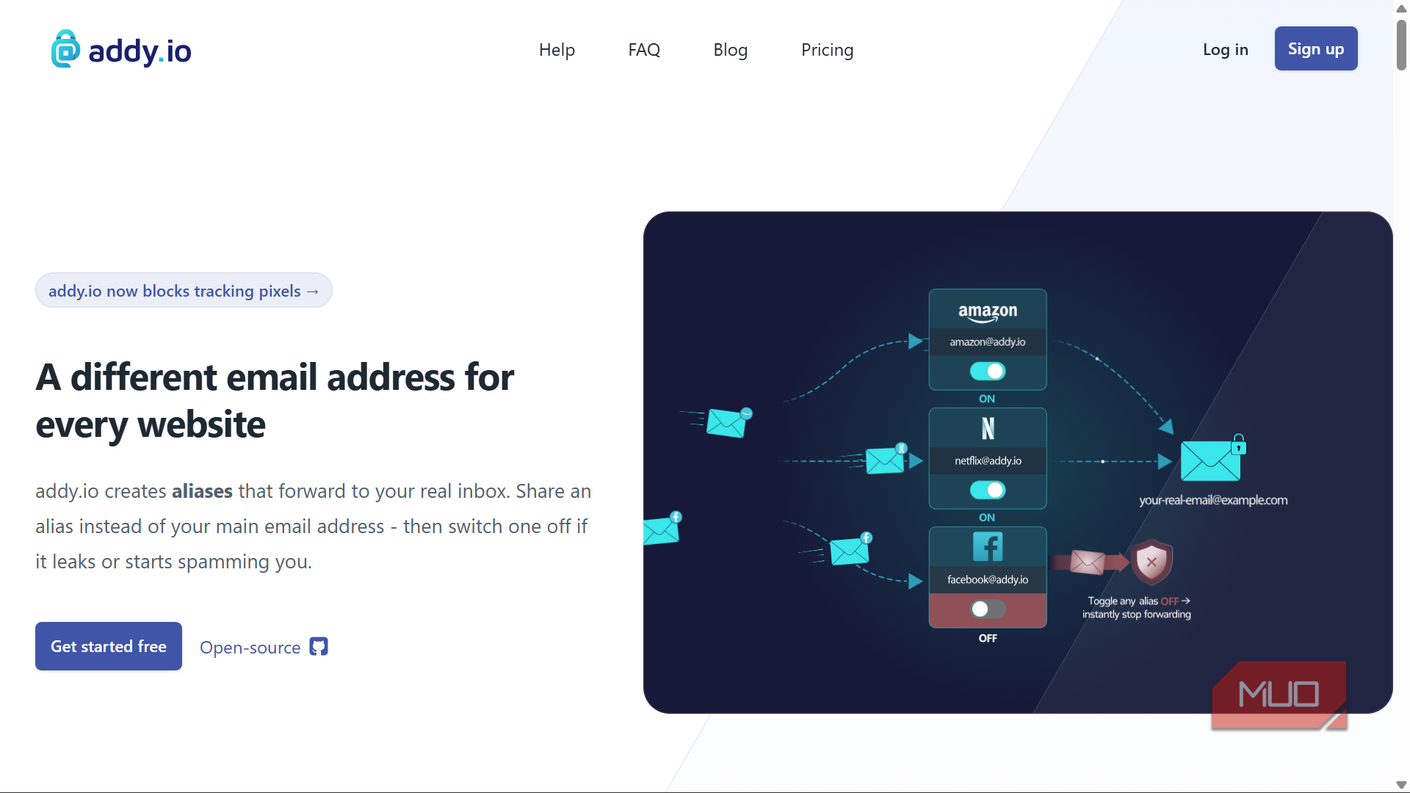
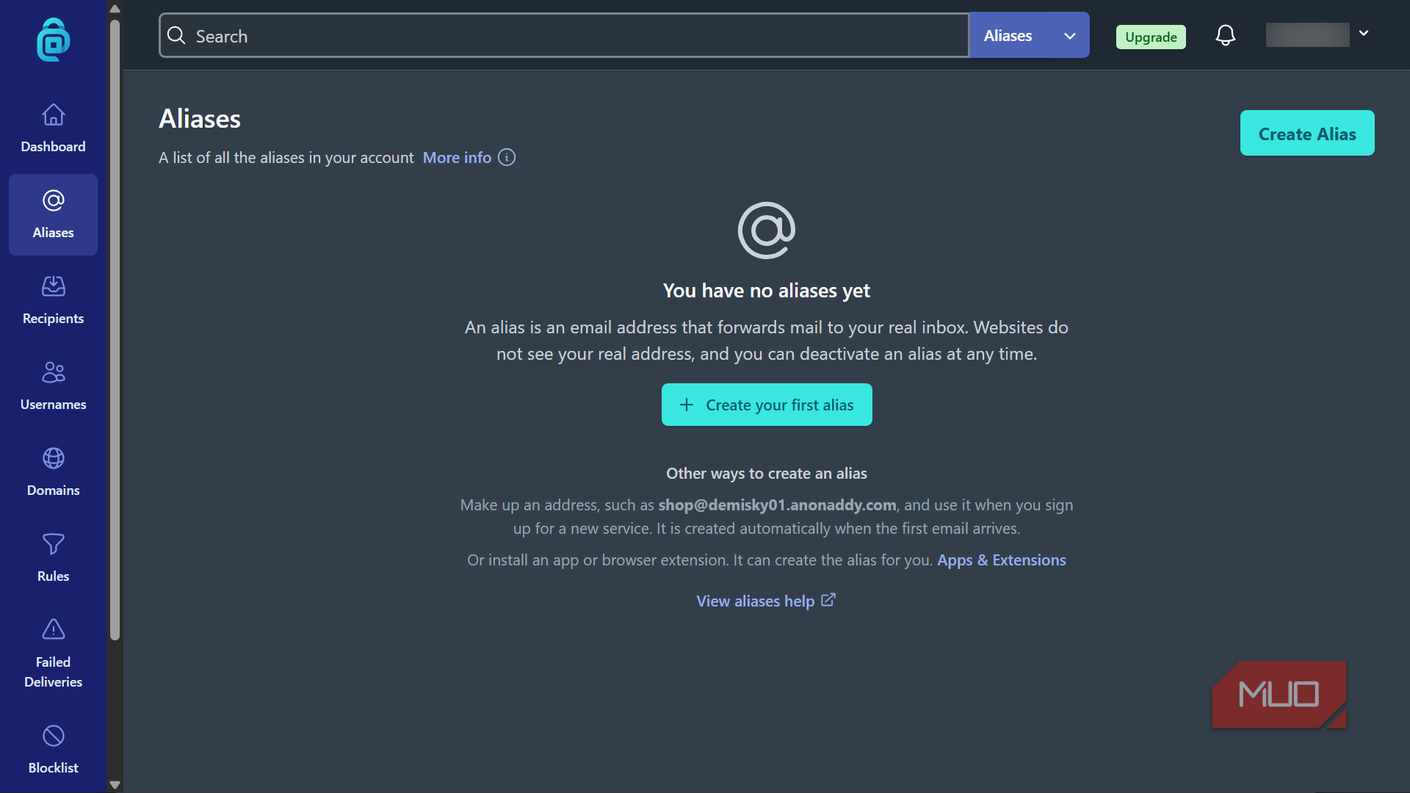
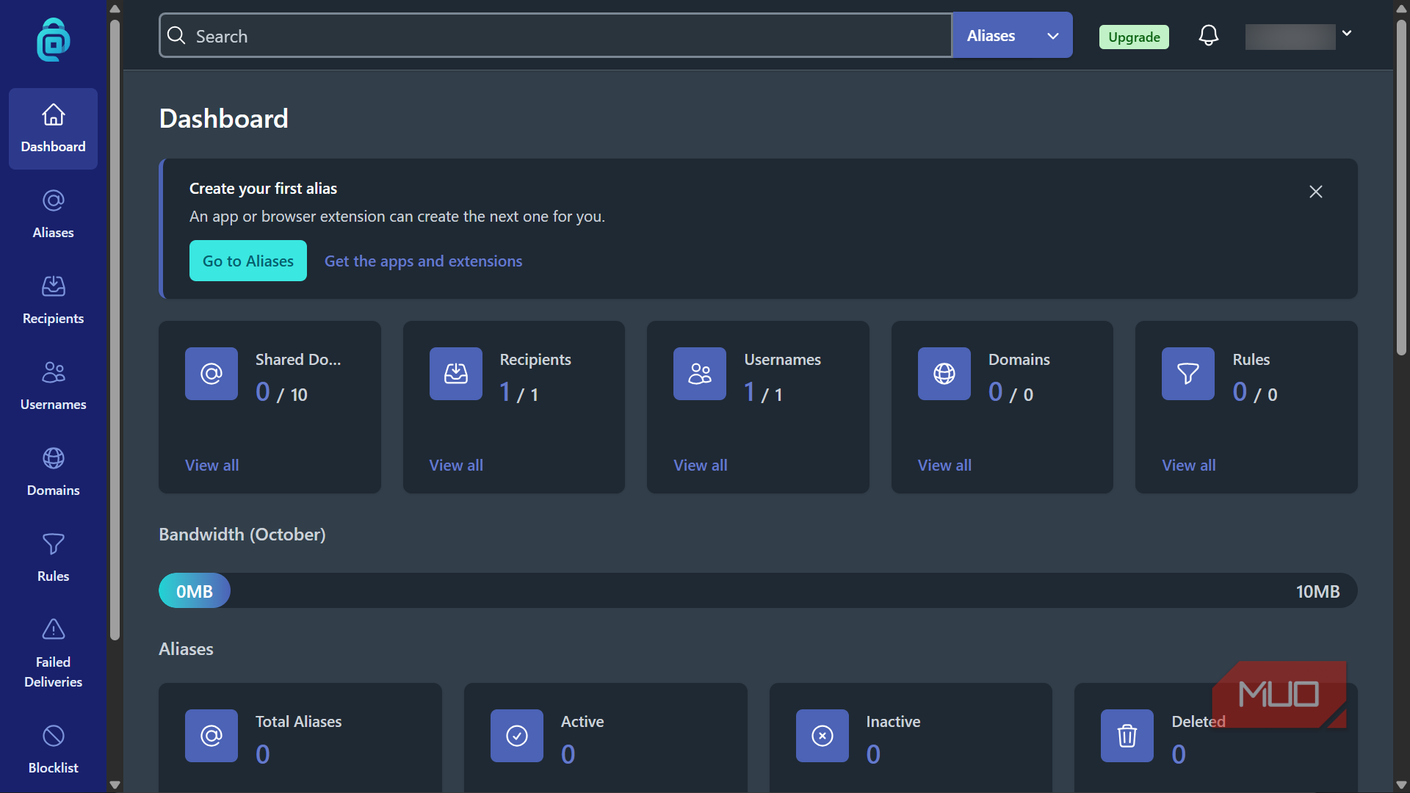
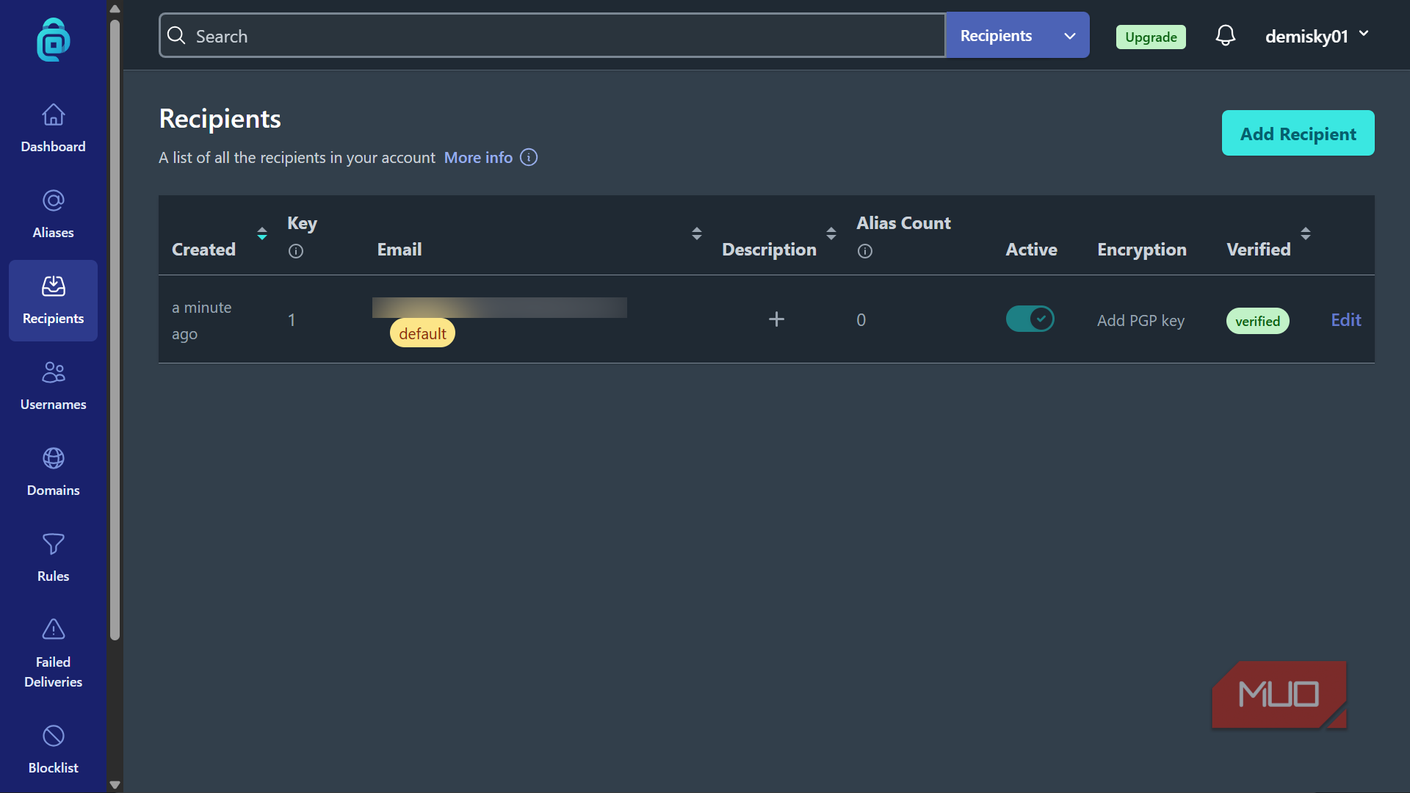


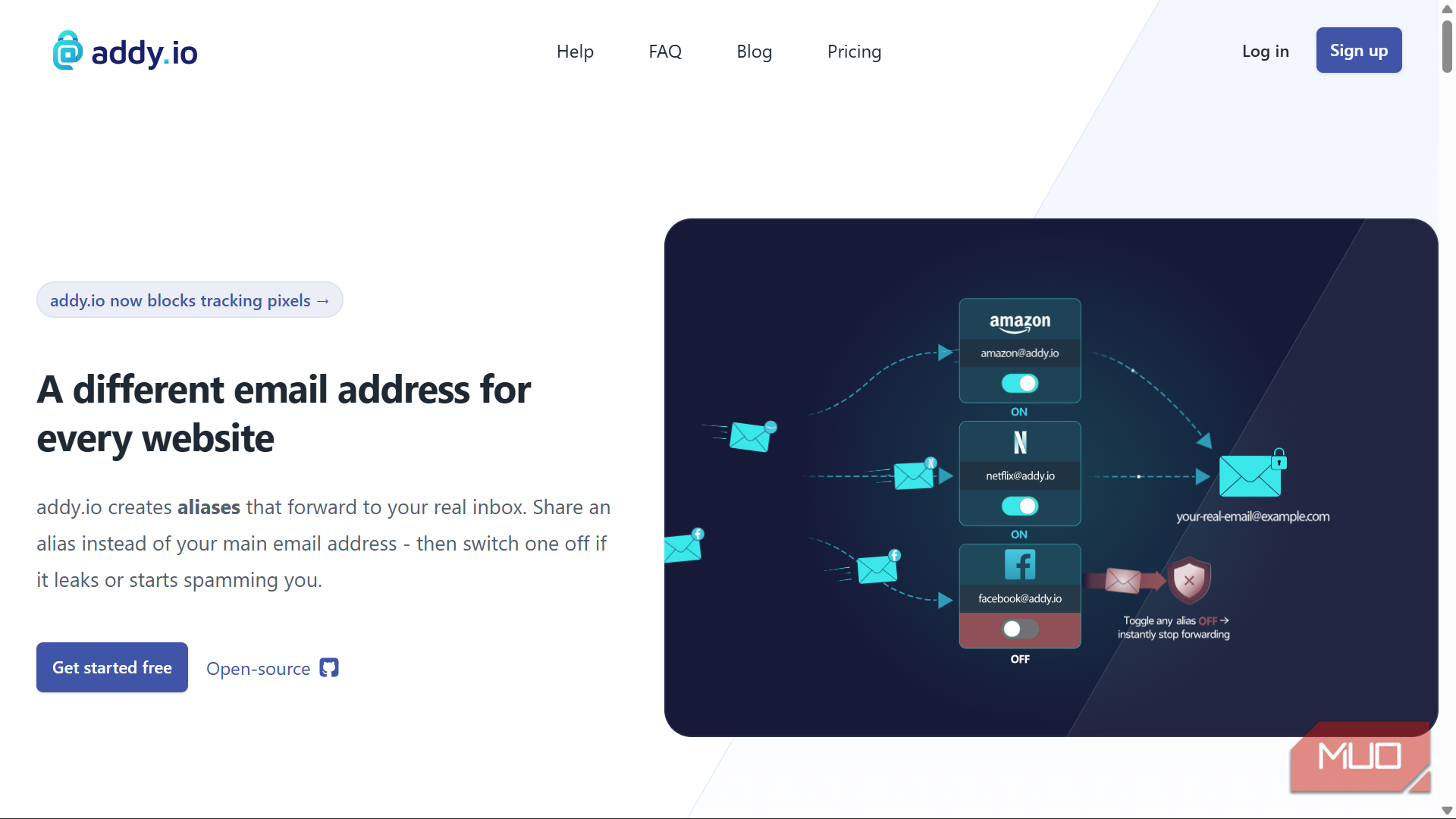
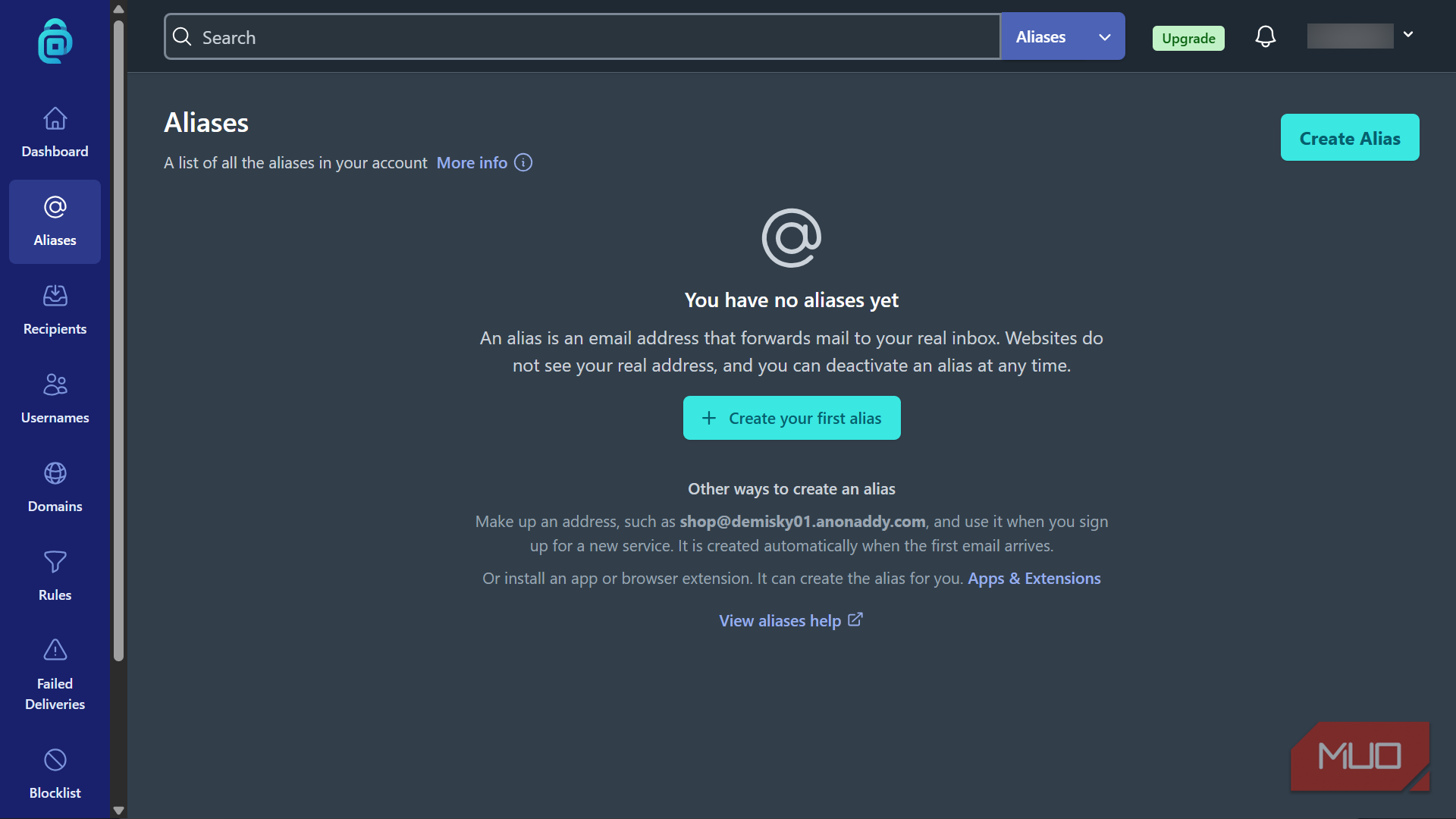
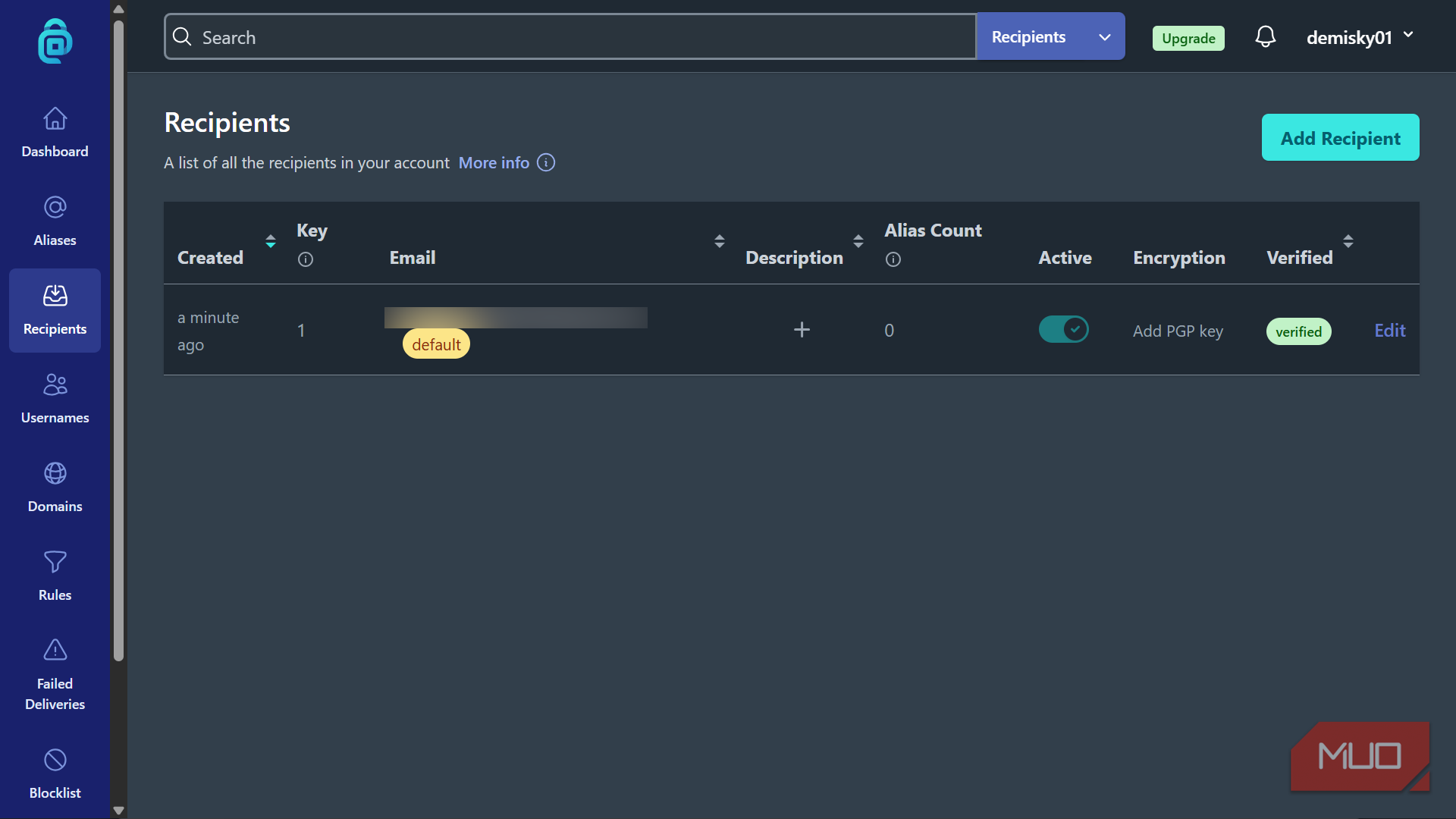
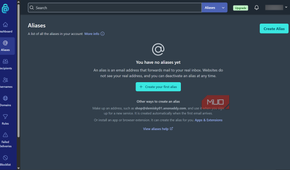
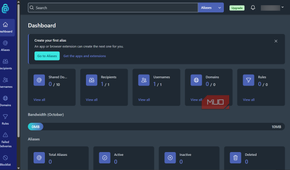
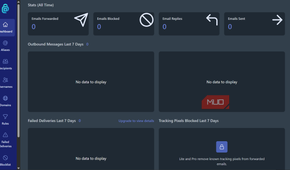
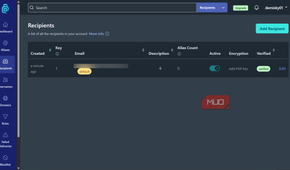
addy.io gets especially interesting when you decide that creating aliases shouldn't be an occasional privacy trick. With catch-all enabled, standard aliases can be created simply by making up an address on your personal username subdomain. If your username were johndoe, you could hand a store [email protected], and the alias would be created when the first message arrived.
If the address you gave to a single retailer eventually starts receiving unrelated junk, you have a strong clue about which company may have leaked, sold, or shared it. You can then disable that alias instead of fighting the incoming mail sender by sender. That's a much more targeted approach than cleaning up after the fact, although Gmail still has plenty of tools for getting an existing spam problem under control.
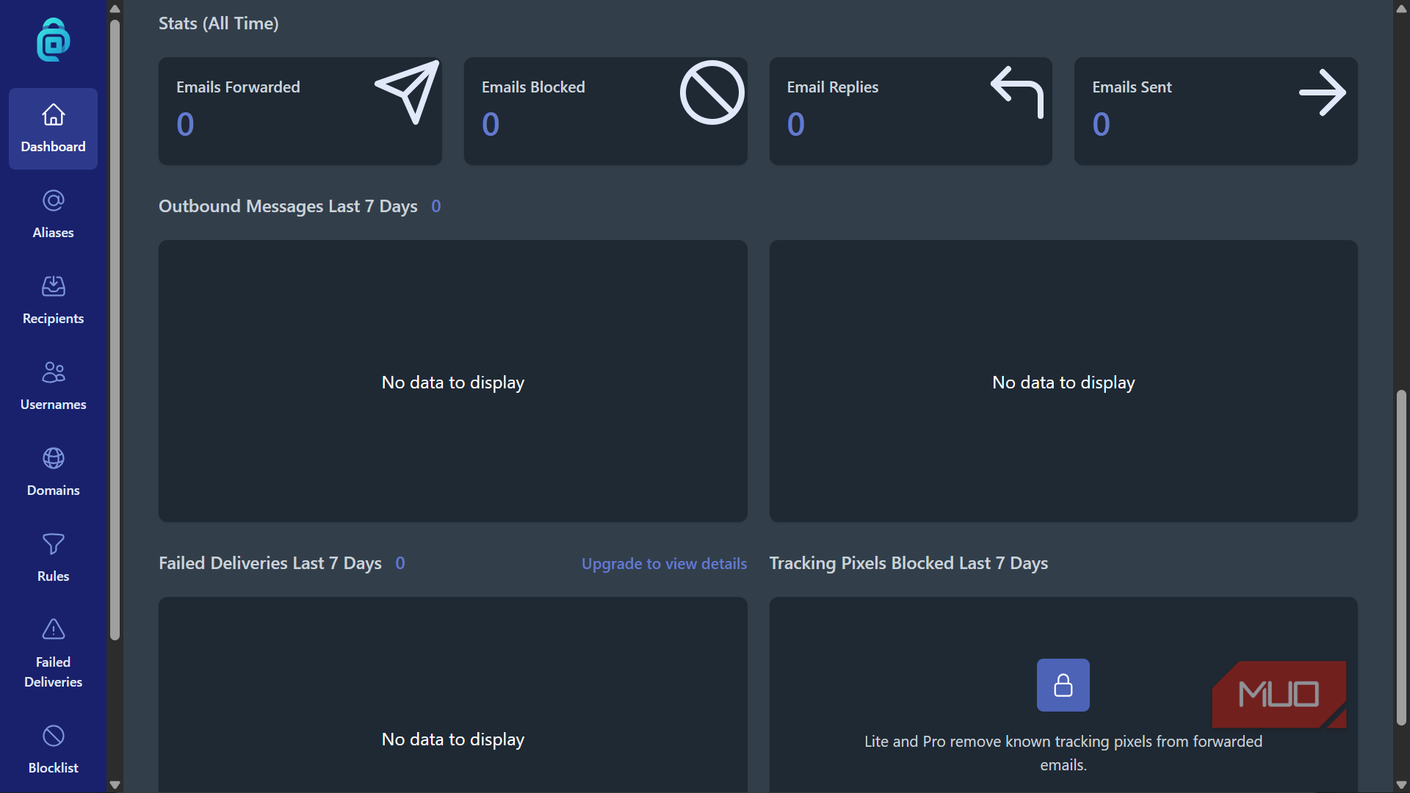
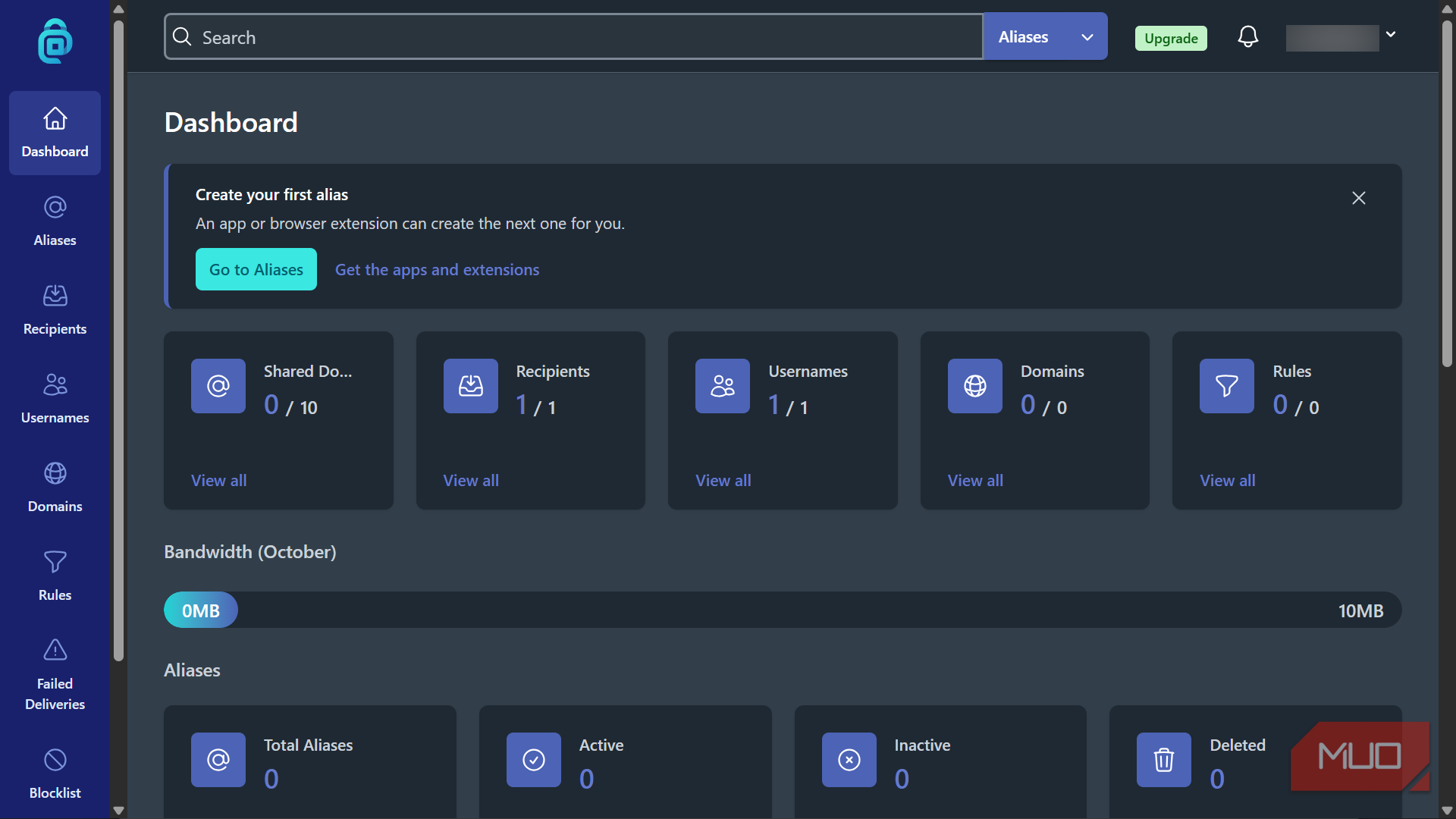
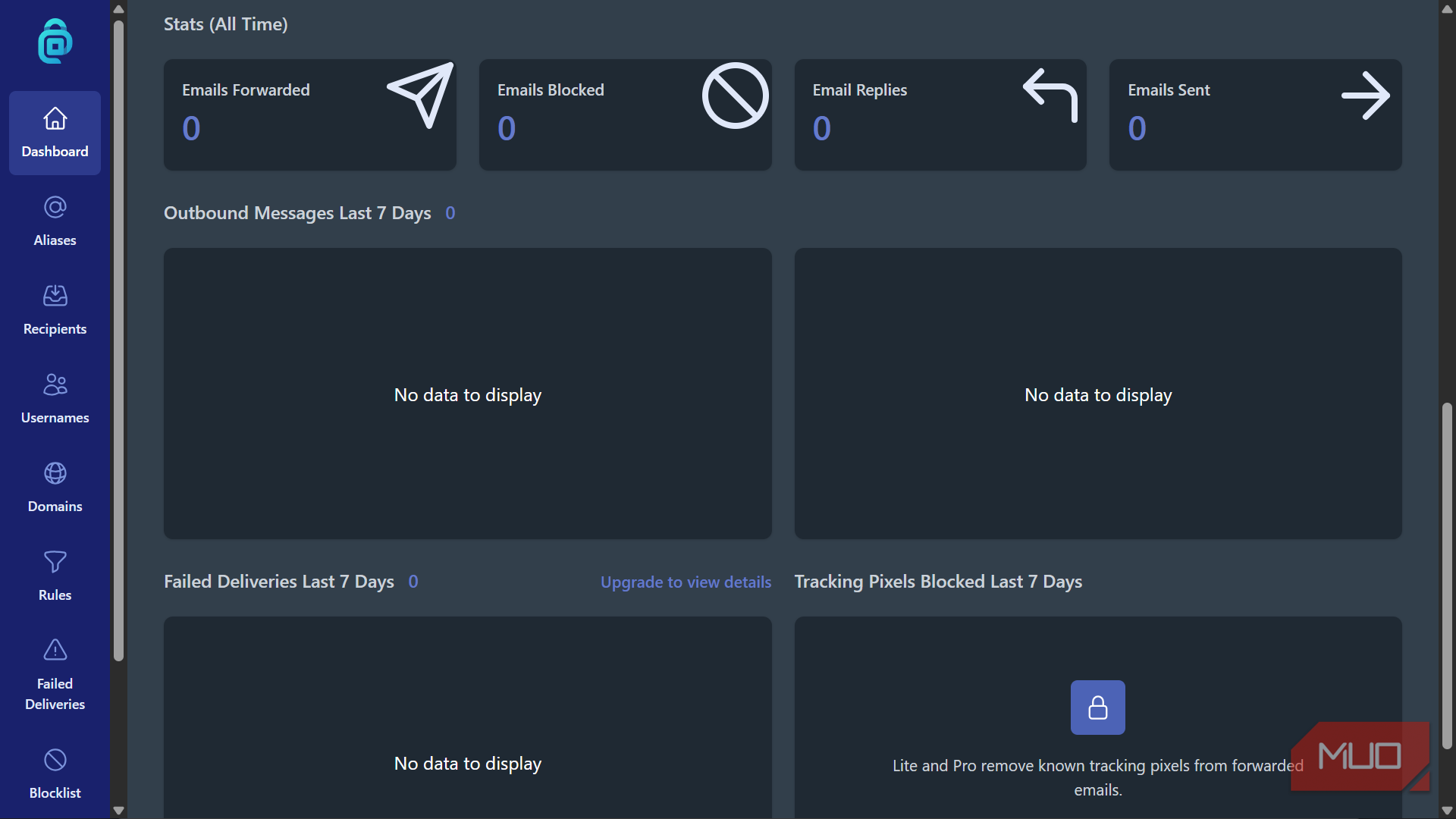
The free plan includes unlimited standard aliases, 10 active shared-domain aliases, and 10MB of forwarding bandwidth each month. Browser extensions and mobile apps help once your alias collection starts looking like a small phone book. Anonymous replies and outgoing mail require a paid plan, with the Lite tier starting at $1 per month when billed yearly.
One caveat applies to all of these alias services. A masked address hides your main inbox from the website receiving it, but it doesn't make you anonymous online. The site can still know whatever you reveal through your account, payments, IP address, browser, and other identifying information.
|
Service |
Type |
Registration |
Best for |
|---|---|---|---|
|
10 Minute Mail |
Temporary inbox |
No |
One-off verification and downloads |
|
Temp-Mail |
Temporary inbox |
No |
Disposable mail without a short countdown |
|
DuckDuckGo Email Protection |
Forwarding alias |
Yes |
Shopping, newsletters, and everyday accounts |
|
SimpleLogin |
Forwarding alias |
Yes |
Accounts you expect to keep |
|
addy.io |
Forwarding alias |
Yes |
Giving lots of services their own address |
My real email address has a much shorter guest list now
Temporary mail and aliases don't make spam, tracking, or phishing disappear, and some websites reject addresses from known disposable-email providers. You also don't want an expiring mailbox attached to an account that may eventually ask you to recover a password.
The goal is simply to stop handing one permanent identifier to every website that asks. That won't protect you from every sketchy message, so knowing how to recognize the scam emails that keep turning up in inboxes still matters.
My main address now goes to people and services that have a good reason to keep it. Everyone else gets an address proportional to how long I expect our relationship to last.