


While I was once part of the "paperbacks over digital reading" clan, the lack of shelves and the overwhelming amount of books I had accumulated (plus the ones in my to-be-read pile) meant something had to give, and it wasn't going to be the books. So, I gave in and begged my parents to get me a Kindle since all my favorite YouTubers would praise it as the eReader.
Since then, I've not only fallen in love with reading digitally and can't really imagine going back to paperbacks, I've also tried a bunch of eReaders. I've come to realize that the ecosystem you're buying into is the whole decision, which is why I've spent my sweet time with Kindle, Kobo, and Boox before deciding which one gets to keep my library.
Boox is the ecosystem I'd recommend again and again
An Android tablet that reads


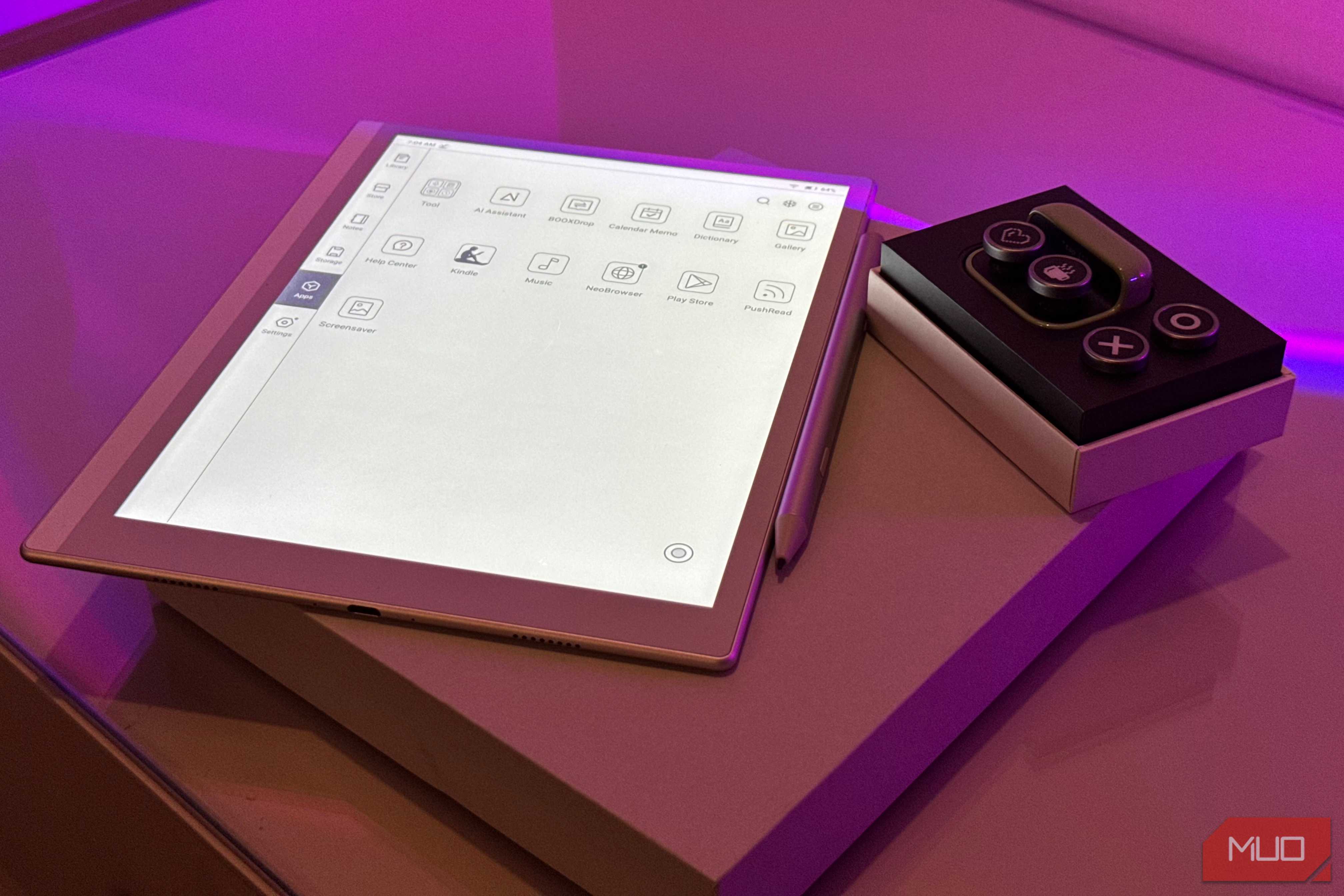
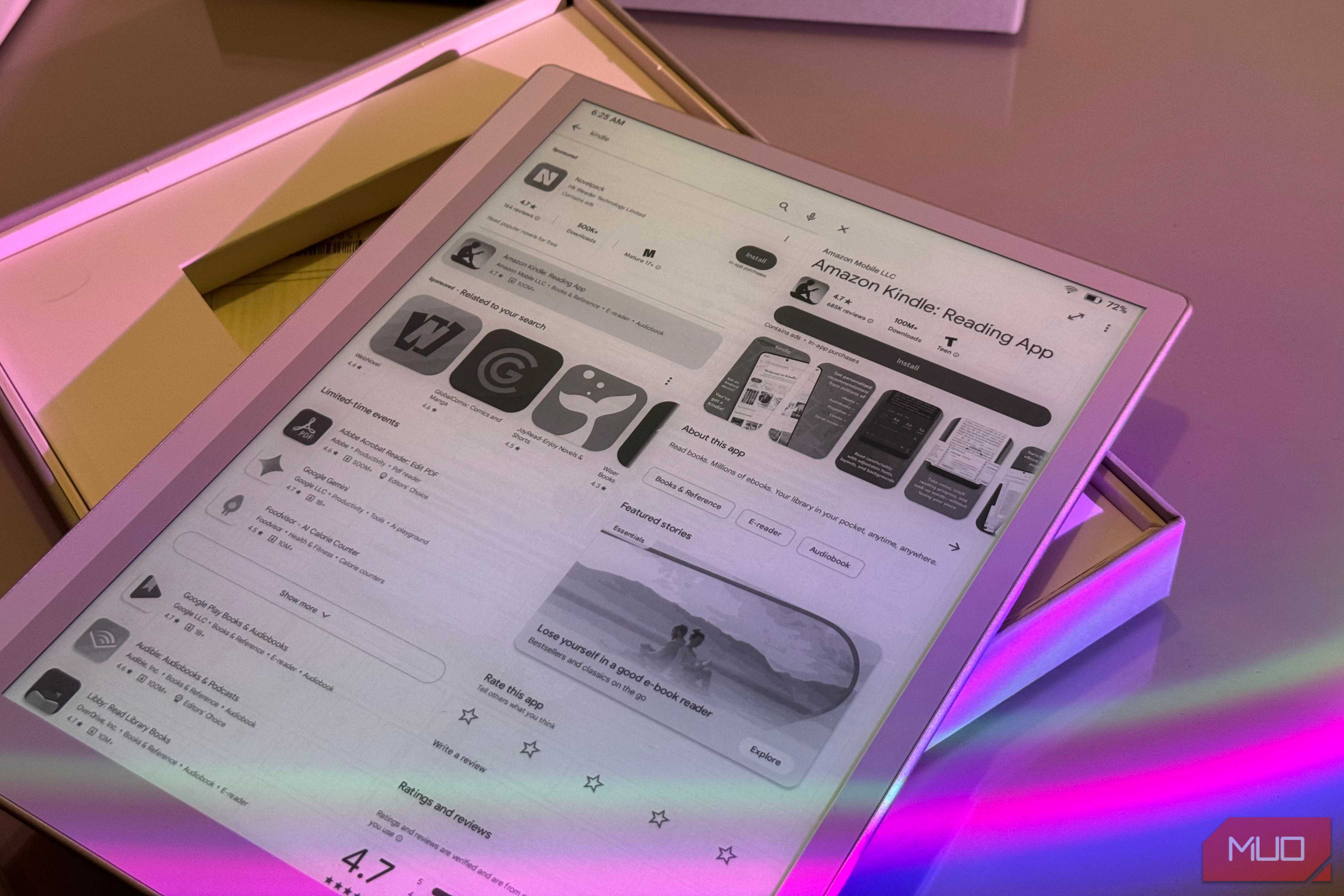
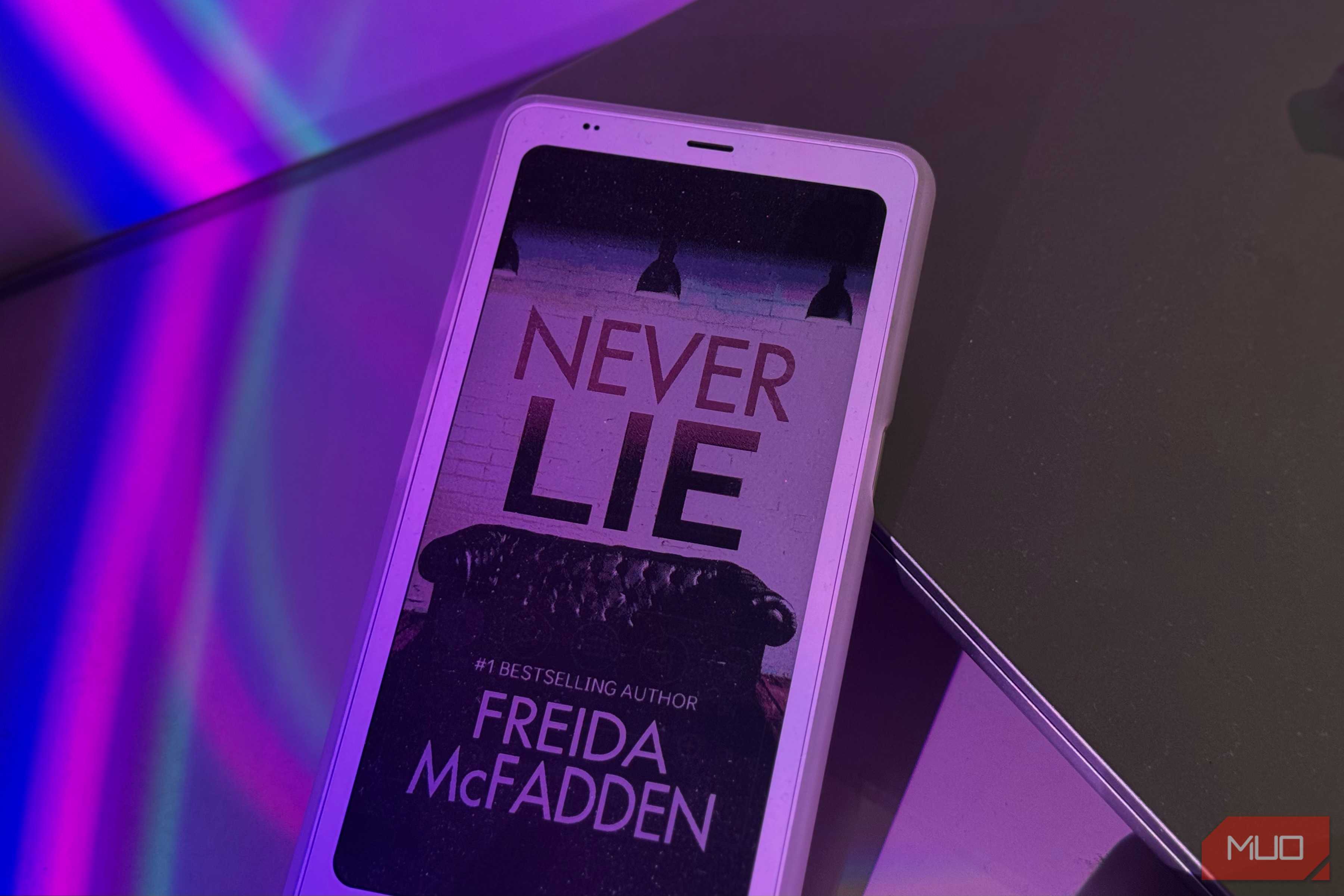
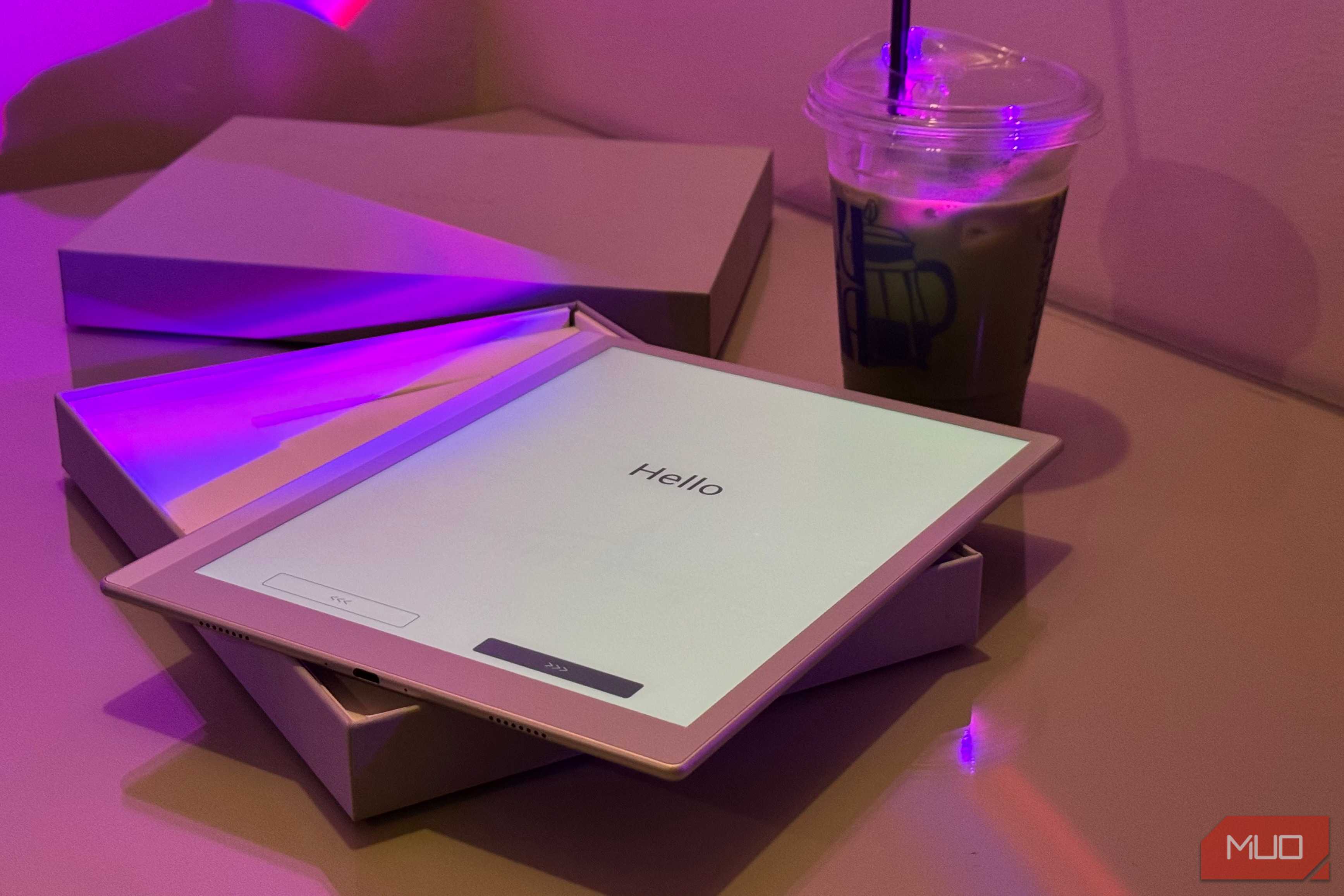
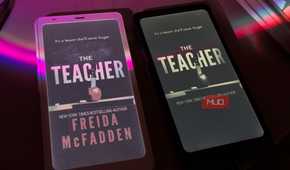
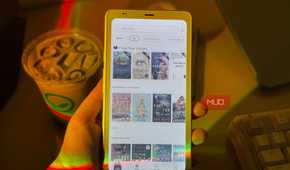

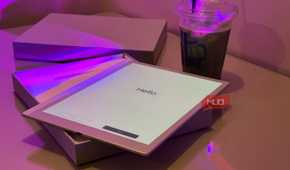
I was introduced to the Boox world long after I tried my first Kindle, and despite how much I loved my very first Kindle, a few days with a Boox tablet was enough to convince me I'd been missing out the whole time. If you're in the market for an eReader that does its job exceptionally well while also doing a lot more than the job description asks for, Boox is the only ecosystem I can point to.
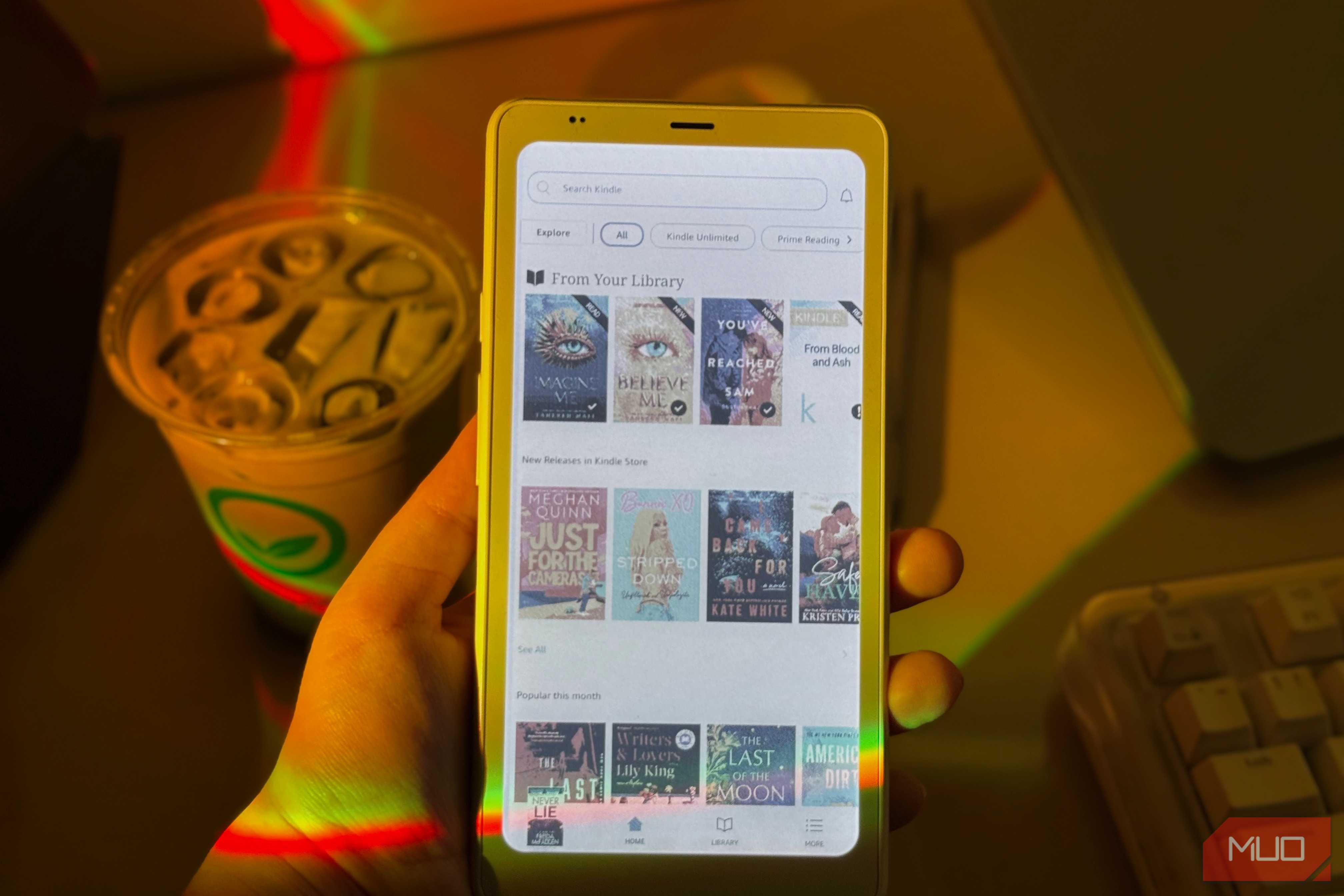
Unlike a Kindle (or a Kobo, which I'll cover below) that is largely a reading device with a store attached, Boox devices are Android tablets that happen to have e-ink displays. All Boox devices run Android and come pre-installed with the Google Play Store, which means the device doesn't care where your books come from. You can install the Kindle app and read the library you've already paid for, sign into Kobo, borrow through Libby, or open a PDF in whatever reader you actually like. The device stays out of it, and is simply a medium for you to get the classic e-ink reading experience.
The Boox ecosystem is also a lot more capable than Kindle's or Kobo's. If you have more than one Boox device, Onyx's cloud sync keeps your notes and library in step across them, and BooxDrop lets you push files onto any of them from a browser without cables. Of course, since it runs Android, you can use it like any other Android tablet and use your preferred sync setup instead of Onyx's if you'd rather not hand your notes to a company's cloud.
The lineup is the other thing nobody else matches. Boox devices come in just about every size you'd want to read on, from the pocket-sized Palma to compact 6- and 7-inch readers, right up to the 10.3-inch slates like the Go 10.3 (Gen II) and the Note Air 5C. My Palma is 6.13 inches and 170 grams, which means it lives in my pocket and comes with me to grocery runs and doctor's appointments. In fact, I'm sitting at an airport right now, and I'm sure you can guess which eReader I chose to bring with me!
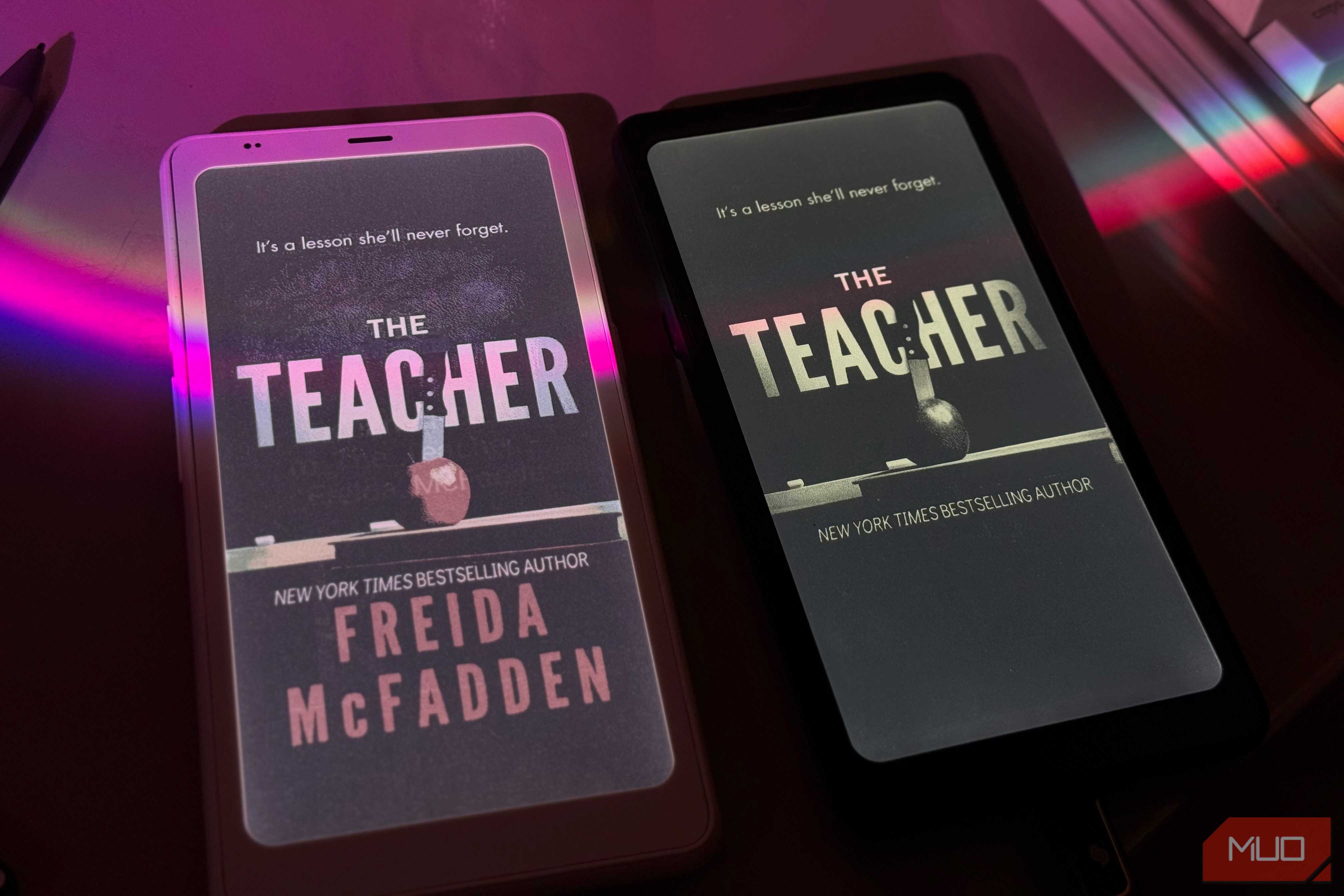
And where a Kindle takes a workaround to change the lock screen, a Boox lets you change nearly everything. The default reading app alone has settings for line spacing, font weight, text alignment, color temperature, contrast, and page turn animations, to the point where it's genuinely overwhelming at first. I've seen people complain about that, and I understand why! However, I'd rather be overwhelmed by choices than have barely any.

Boox Go 10.3 (Gen II)
- Brand
- Onyx
- Screen
- 10.3" HD ePaper glass screen with flat cover-lens
- Resolution
- 2480x1860 (300 ppi)
- Storage
- 64GB
- OS
- Android 15
- Battery
- 3,700mAh Li-ion Polymer
The BOOX Go 10.3 (Gen II) Lumi is a sleek, 4.8mm-thin e-ink tablet designed for readers and note-takers who want more than a single-purpose device. Its 10.3-inch, 300 PPI E Ink Carta 1200 display delivers crisp, paper-like text, while the adjustable dual-tone front light makes it usable day or night. Running Android 15 with full Google Play access, it handles reading apps, PDFs, and productivity tools without compromise. The bundled InkSense Plus stylus offers 4,096 pressure levels and 25ms latency for natural handwriting.
The Kindle is the safest eReader you can buy
And the last one I'd buy again


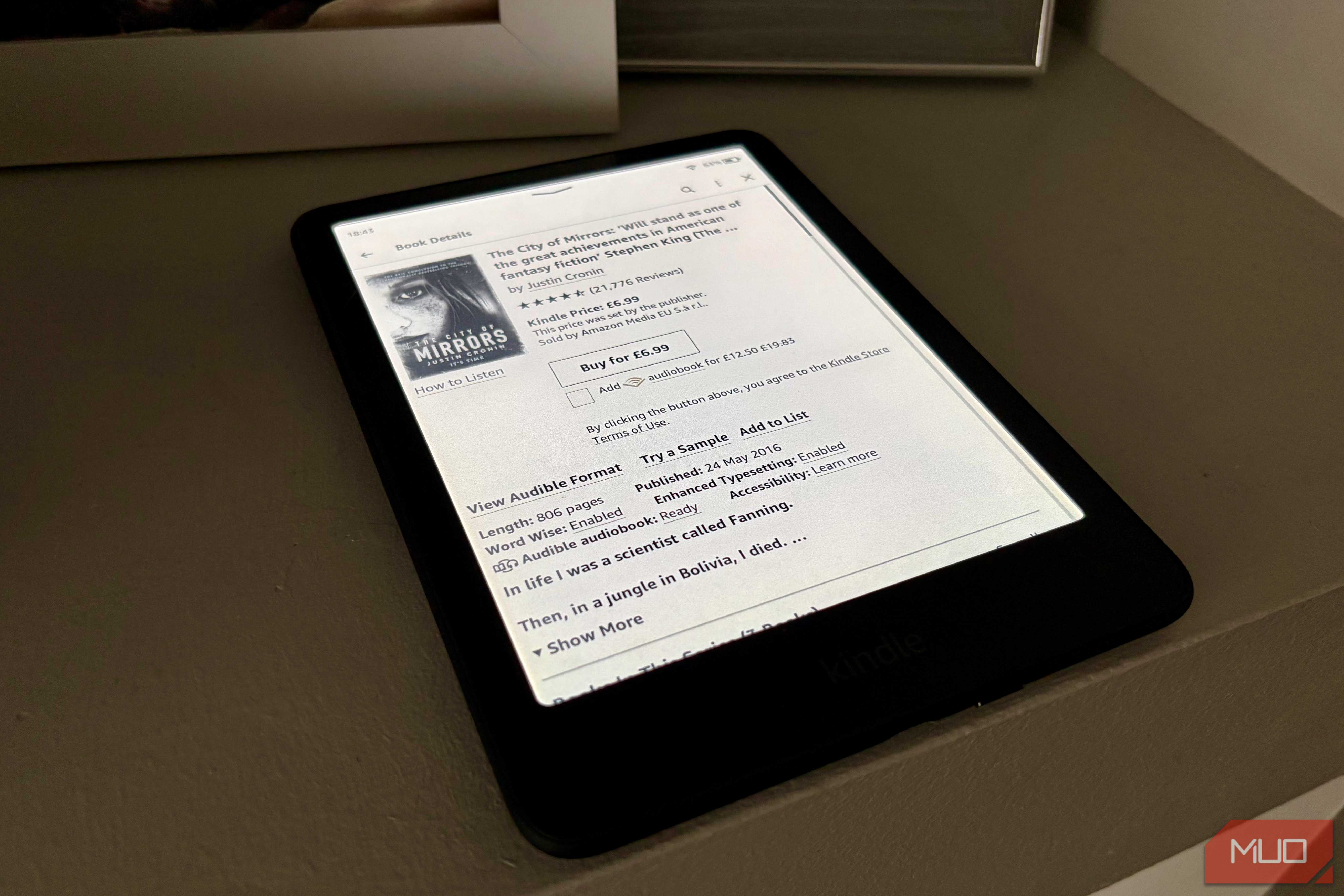
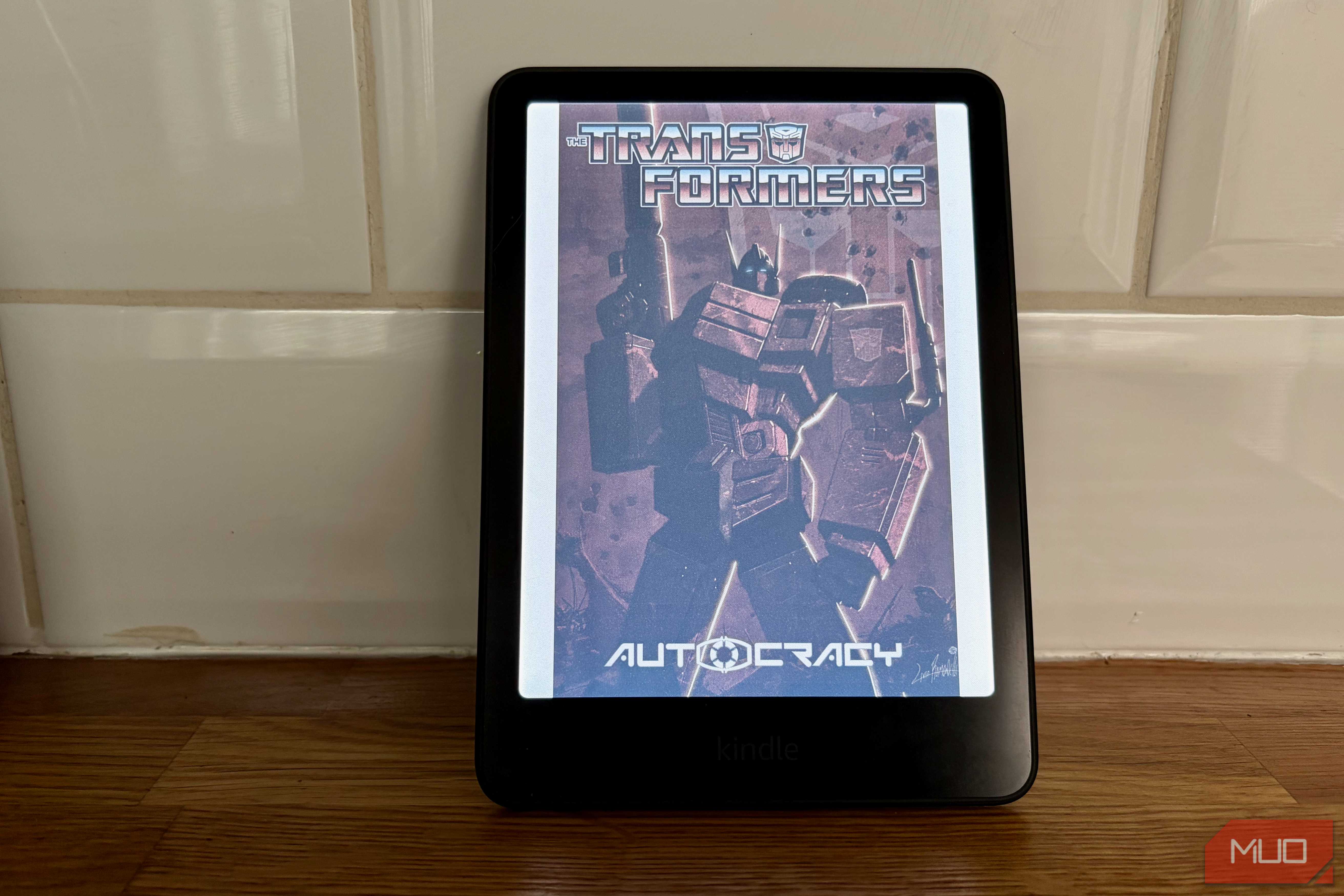
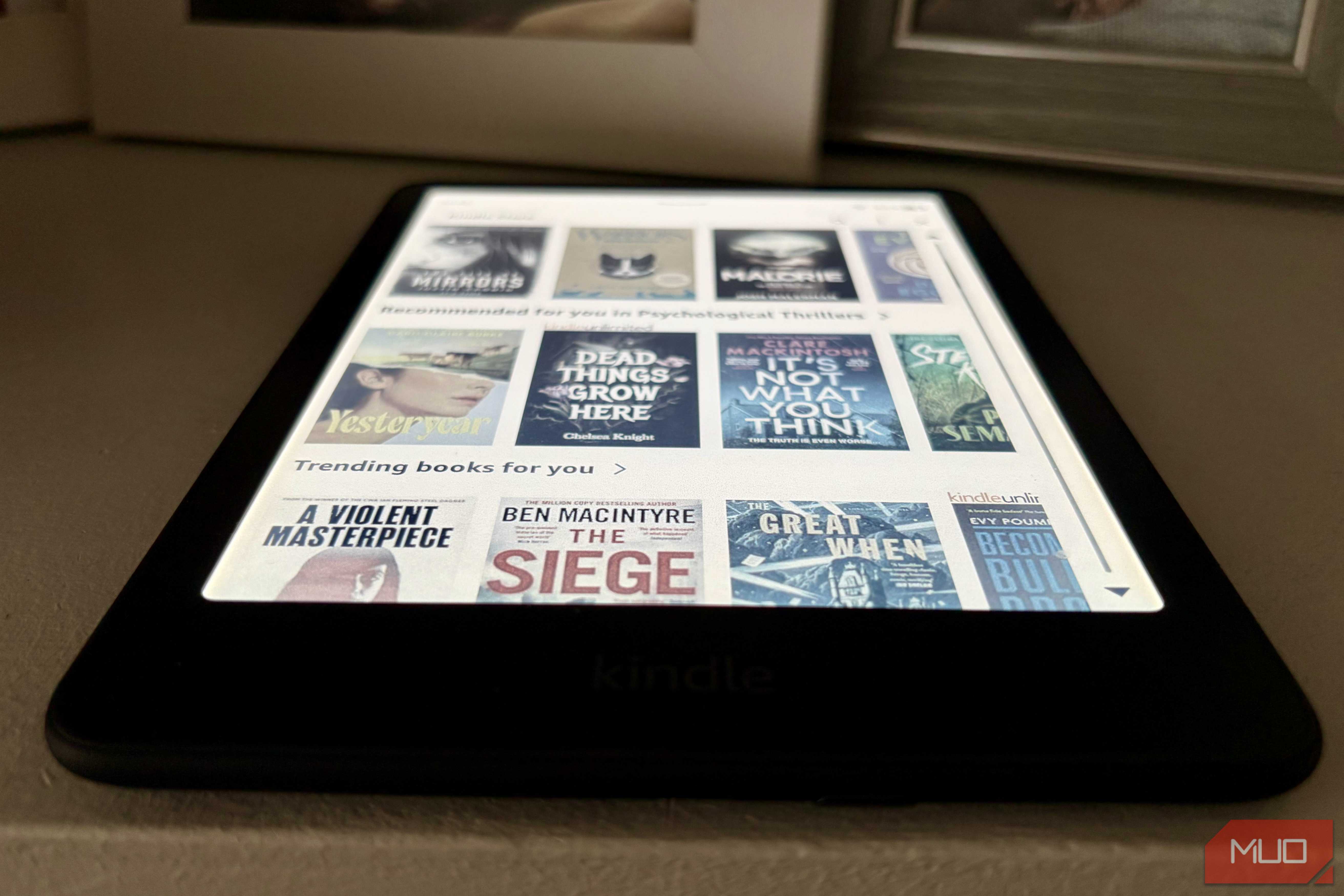
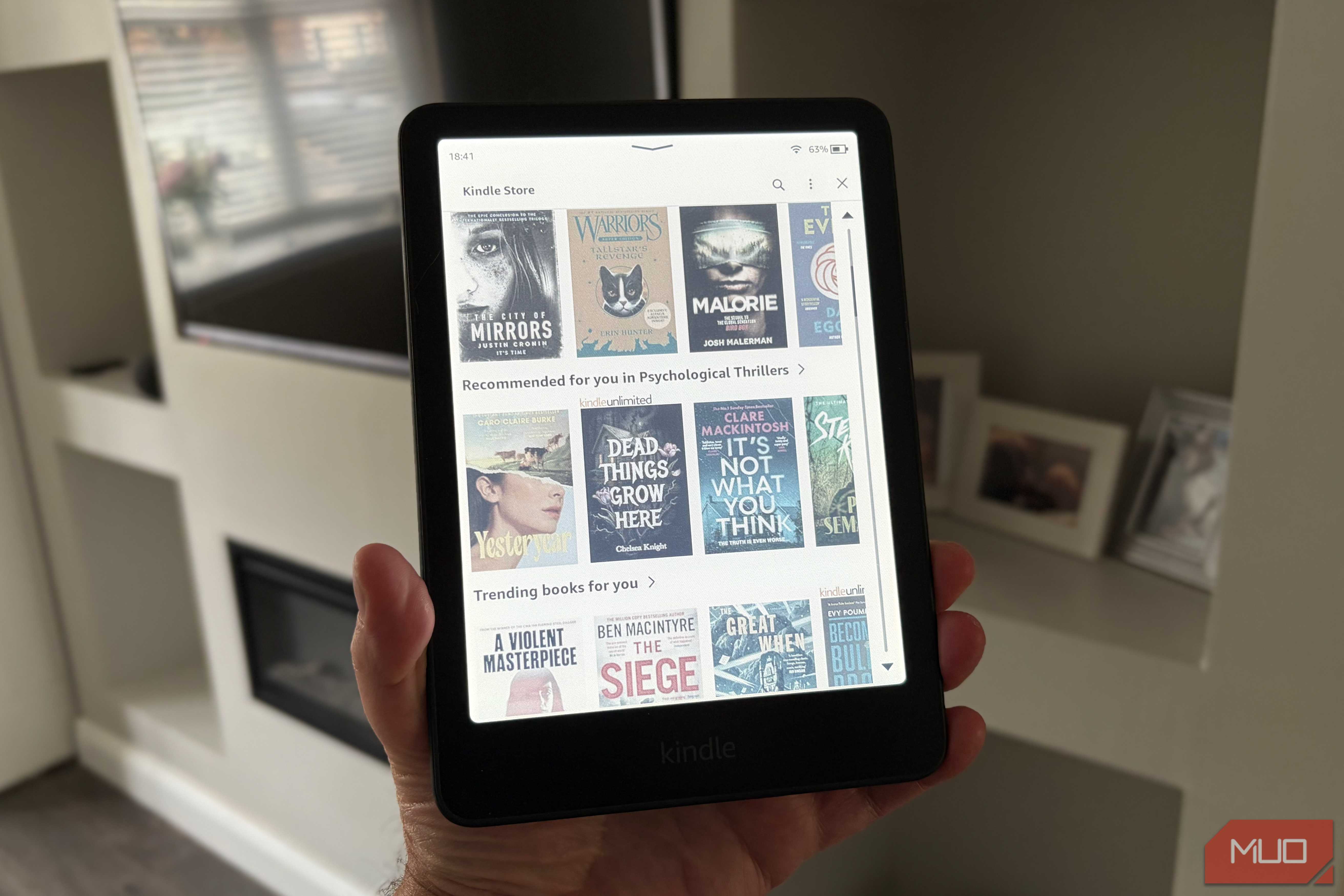
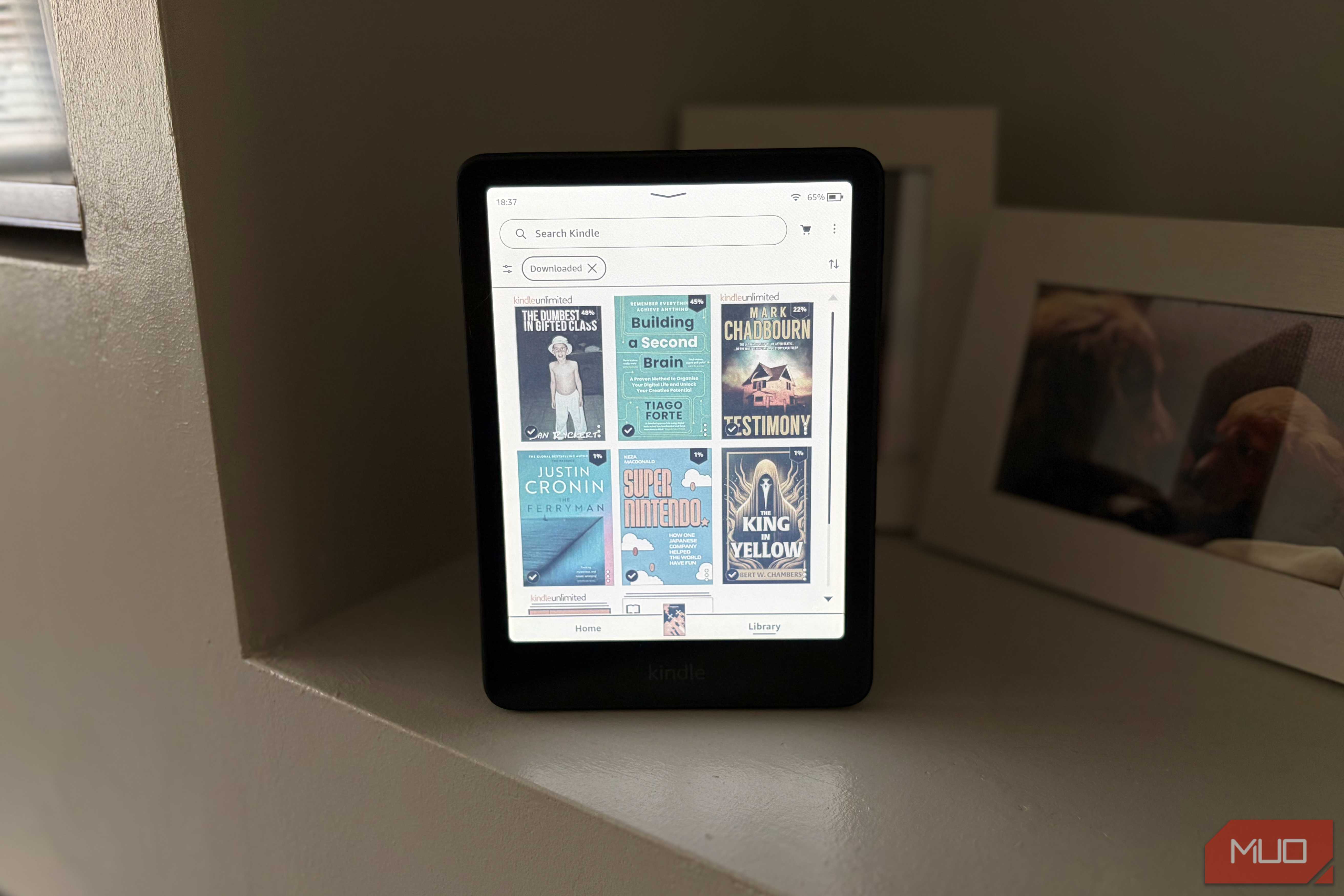
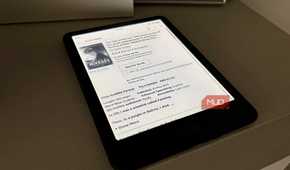
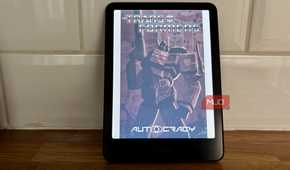
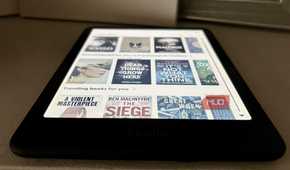
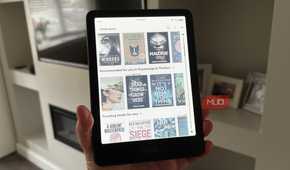
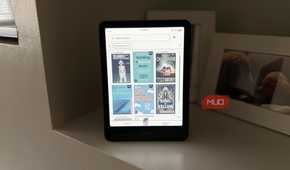
Given the terms eReader and Kindle are practically interchangeable, it's no surprise that most people, including me, defaulted to one. After spending years with it and also having used other ecosystems along the way, I unfortunately don't think it's the one I'd pick up again. While pricing and quality are something Amazon won't let you down with, everything past that is on their terms.
With a Kindle, you're locked within Amazon's ecosystem (unless you go for shady routes which I'd rather not talk about here). You read in Amazon's apps, with Amazon's fonts, in Amazon's formats, and the books stay wherever Amazon says they stay. This means you get absolutely no freedom. You can't sideload the reading app you actually like, can't switch bookstores when a book's cheaper elsewhere, and can't move your library out when you're done.
To Amazon's credit, the company did give a little this year and let users download DRM-free titles as EPUB or PDF. This means you can finally move those books to another device, or manage them in something like Calibre, without a workaround. The catch is that most of the books people actually buy aren't DRM-free, so the door only opens for the shelf you were least worried about. The ecosystem itself also doesn't offer all that much. Your Kindle syncs your page number across the Kindle app and that's about the extent of it. If you have multiple Kindle devices, they'll keep your place in a book and not much else. Amazon's Kindles are also unfortunately not for anyone who likes to customize every aspect of their device. Fonts, margins, themes — you get what you're given. Even setting something as trivial as a custom lock screen on your Kindle takes a workaround!
Beyond Amazon's walled garden, the eReaders themselves are hard to fault. Sharp screens, weeks of battery, and a store with everything in it. It's the least fussy way to read digitally, and if you've never wanted to do anything the Kindle doesn't already do, you'll probably never notice the walls.
Kobo is the middle ground
The best of both, mostly


 Credit: Hannah Stryker / MakeUseOf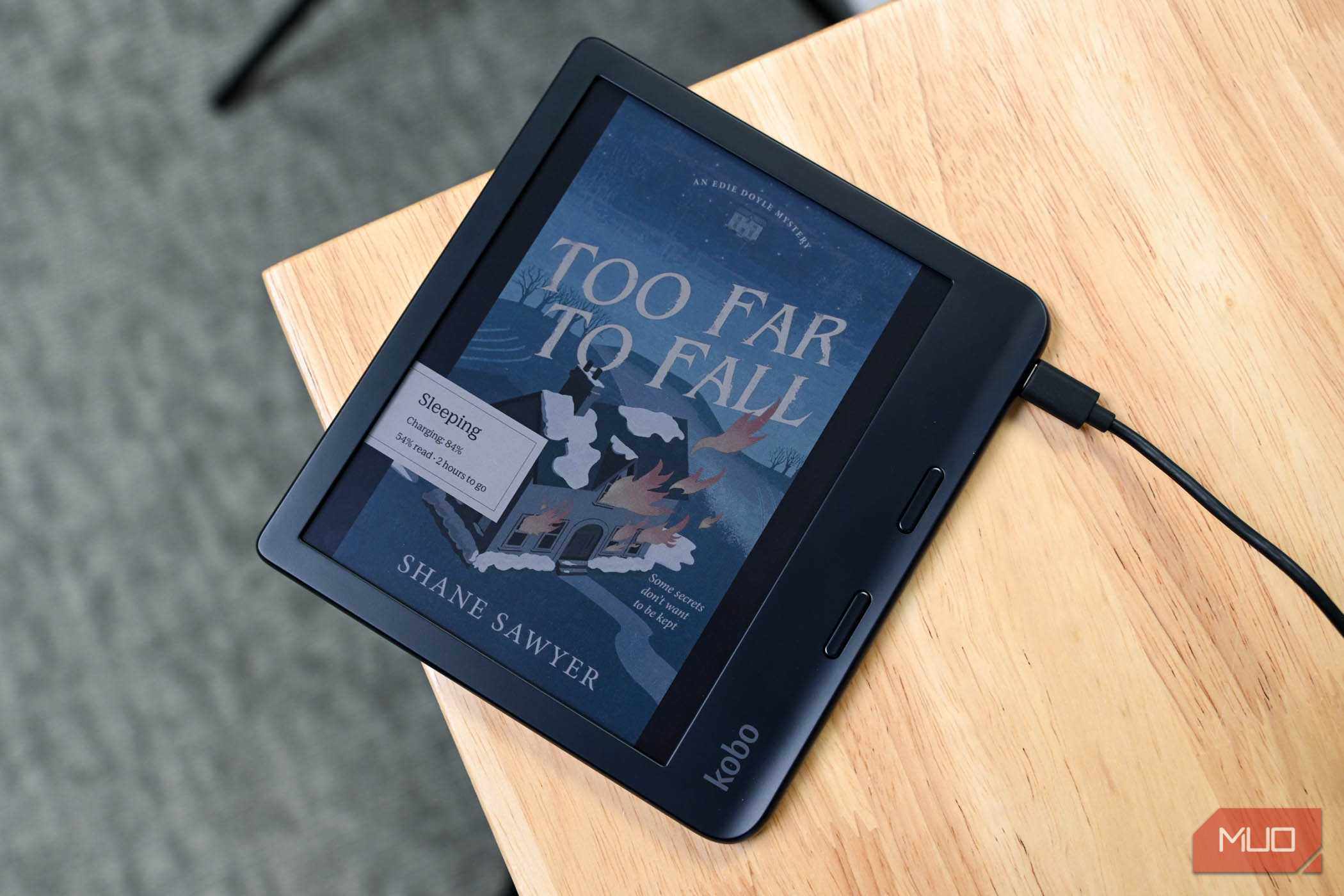
 Credit: Hannah Stryker / MakeUseOf
 Credit: Hannah Stryker / MakeUseOf
 Credit: Hannah Stryker / MakeUseOf
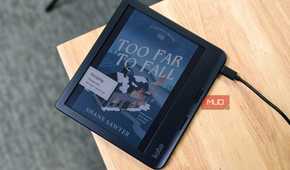
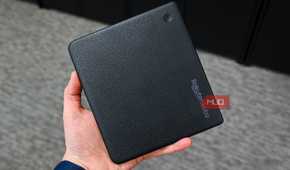
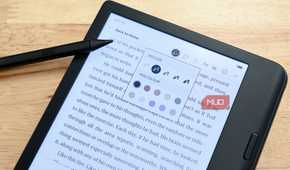
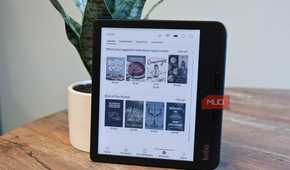
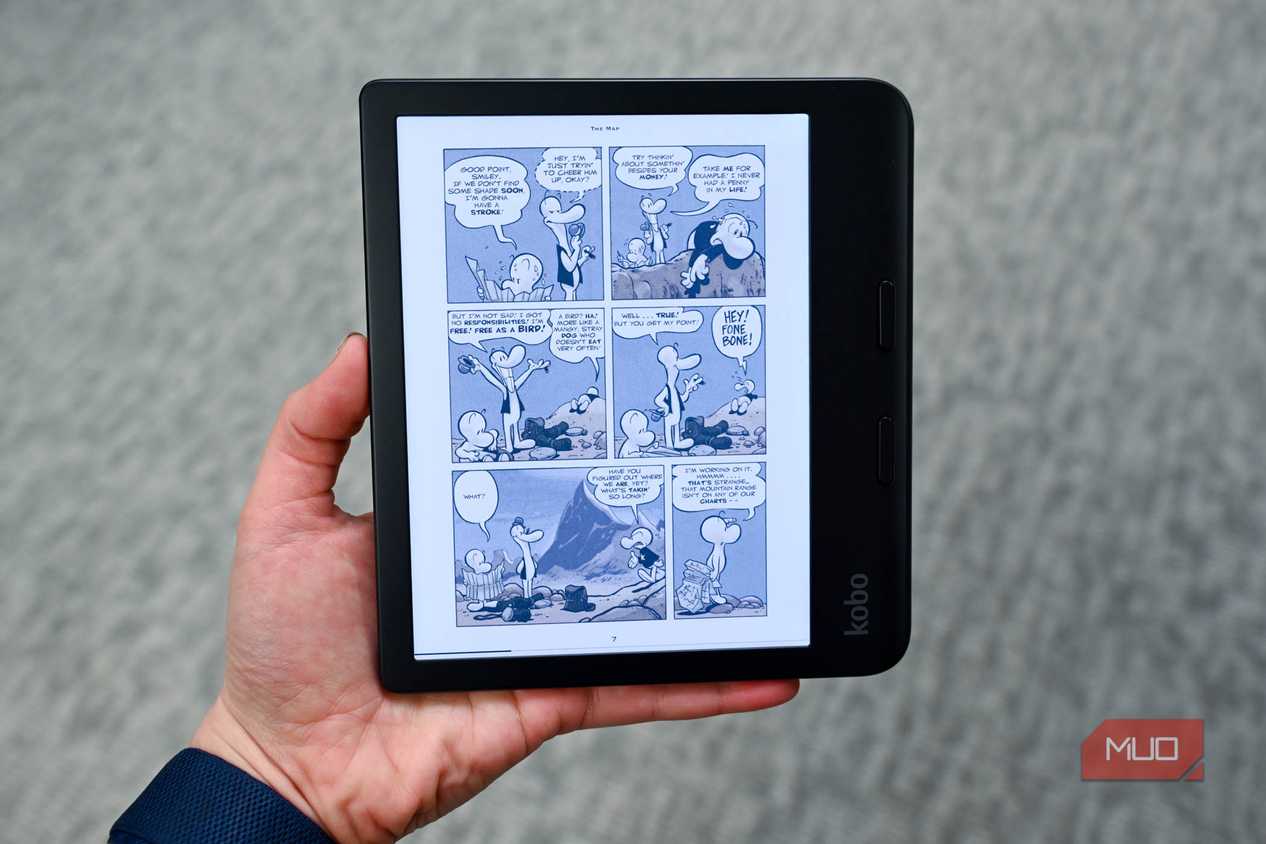
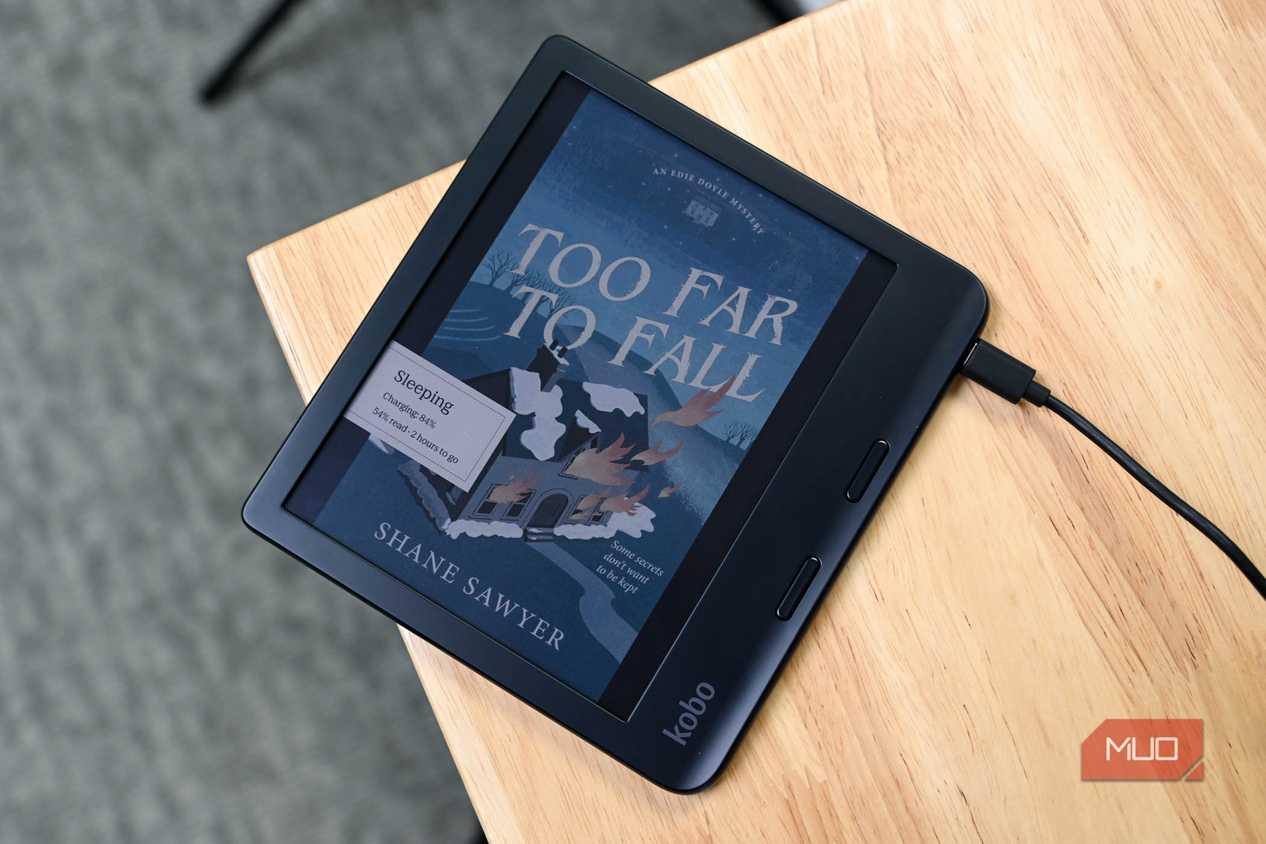
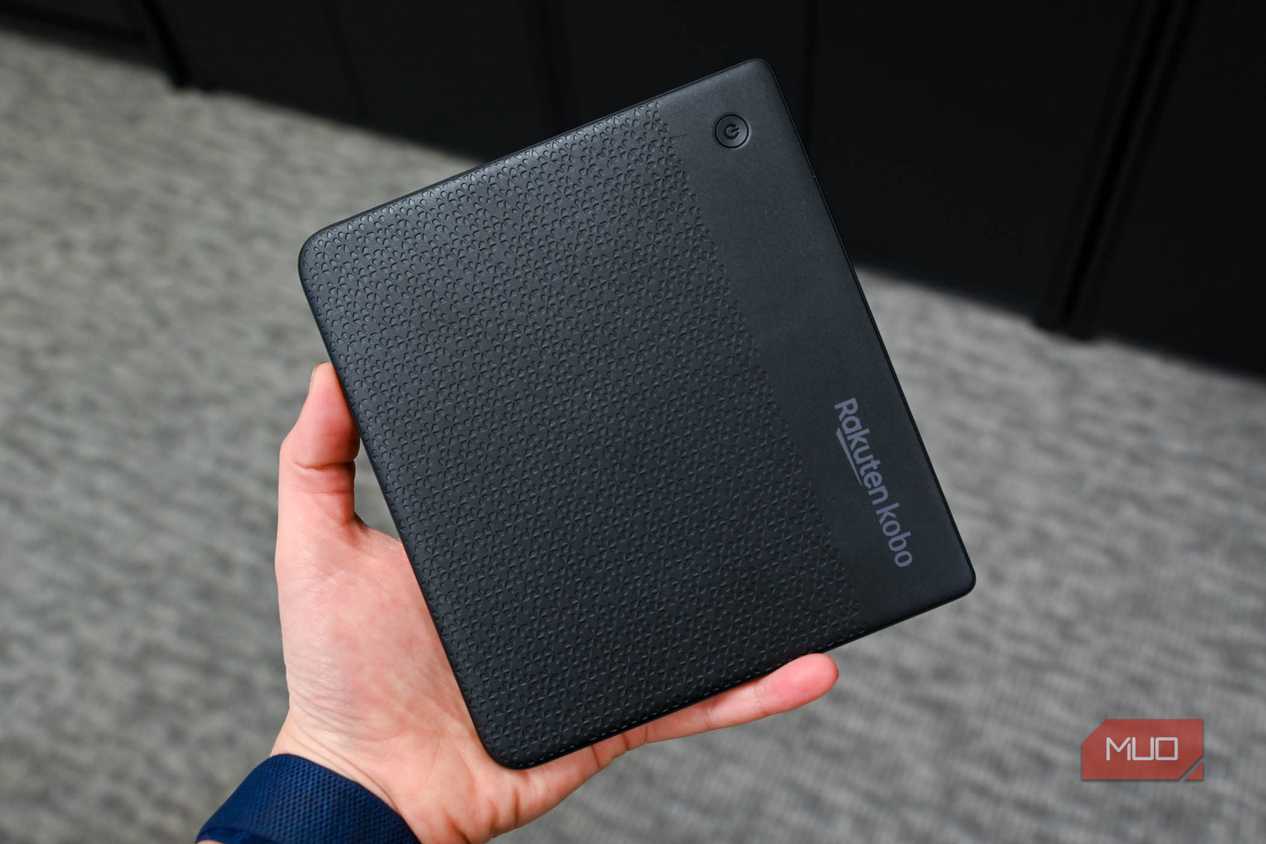
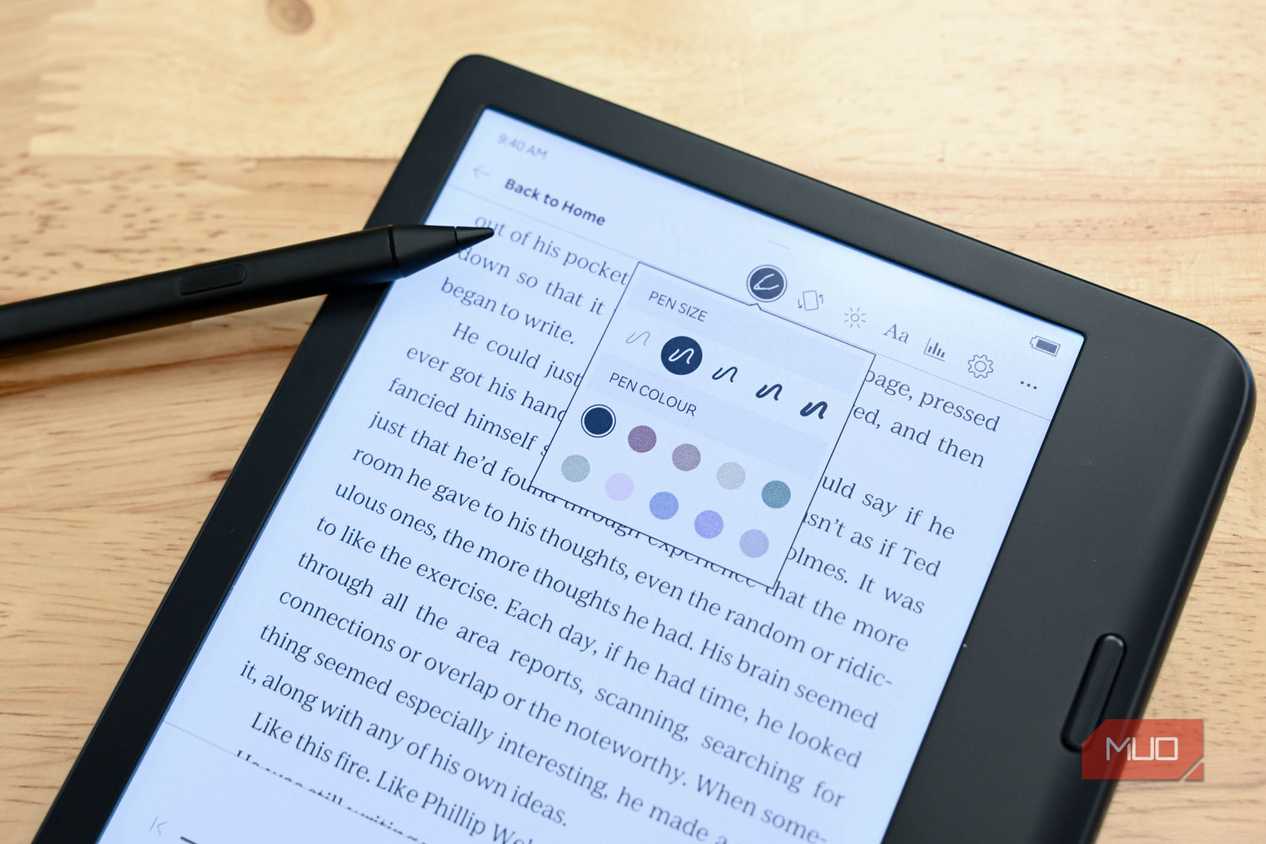
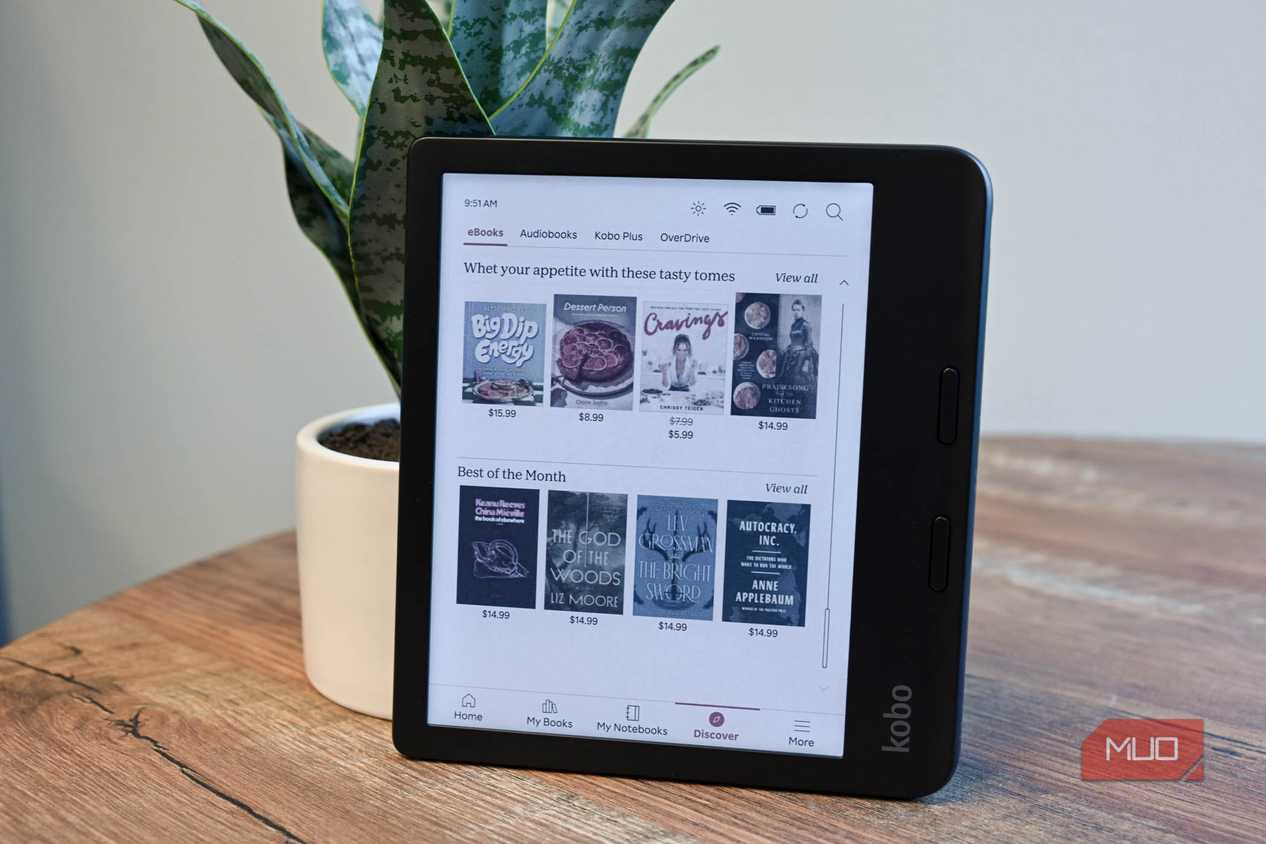
While I'll always recommend Boox devices without a second thought, I do understand that they aren't for everyone. Not every user wants a full-fledged Android tablet that they can use everything else in their life too. Sometimes the whole point is that it only reads. And while a Kindle is exactly that, I'd recommend getting a Kobo device if you want a reader that stays a reader without the shackles of Amazon.
My favorite part about Kobo is the fact that OneDrive is built directly into the device. You can sign in with your library card once, and from there on, browsing your library's catalog works exactly like browsing Kobo's own store. You tap a book, borrow it, read it, and that's it! If you'd like to do the same on a Kindle, you'll need to pick up your phone or open your computer, borrow through Libby there, and send it over. It works, but it's a few more steps than it needs to be.
Something that's always frustrated me about Kindles (including the Kindle app) is that getting a book onto one is never as simple as it should be. While Kindle once only supported its own propietary formats, Amazon announced EPUB support in late 2022. As with practically every Amazon feature, this one comes with a catch too.
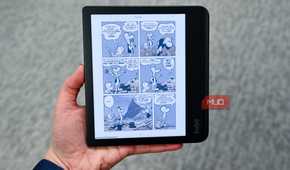
Rather than Kindles getting native EPUB support, Amazon just converts your file on the way in. Send it through Send to Kindle and it arrives as an Amazon format. You can't plug the device into a computer and drag and EPUB across the way. With Kobo devices, you plug it in, drag the file across, and read it. It also handles CBZ and CBR, which makes it the better pick if you're into manga or graphic novels. Despite Amazon's storefront having more options than Kobo's, the EPUB support means you're never really limited to Kobo's store anyway. If Kobo doesn't have a book, somewhere else probably does, and you can simply buy it there and drag it over. That said, do keep in mind that Kobo doesn't back up sideloaded books to the cloud the way Amazon does, so anything you put on manually lives on that device and nowhere else.
Finally, Kobo is the first and only eReader with native StoryGraph syncing. If you aren't familiar with StoryGraph, it's a book-tracking website and app that works similarly to Goodreads (which Amazon owns). StoryGraph is positioned as an independent, community-driven alternative to Goodreads, and it works more or less the same way. You log what you're reading, mark your progress, rate books when you finish, and it keeps a record of your reading over time.
With it built right into Kobo devices, the best part is that the tracking no longer feels like a chore and becomes completely automatic. One linked, you simply go on and read. Books land on your Currently Reading shelf by themselves once you begin reading them, progress percentages sync both ways, and the status flips to Read the moment you turn to the last page Audiobooks are covered too! Kindle has the same agreement with Goodreads, except you do every step manually. You need to tap the screen, then the three dots, then Share > Goodreads, and only then can you rate it in a pop-up at the end.
Kobo's hardware isn't a compromise either, and the devices cost roughly what the equivalent does! So, if you're in the market for a device strictly for reading purposes and don't want to deal with restriction after restriction, a Kobo is the one I'd point you to!
Only you can decide which eReader is right for you
All in all, I can't tell you which eReader is best for you since that depends entirely on how you read. If you want something that opens a book and does nothing else, a Kobo is the easy answer. If your library already lives in Amazon's store, and you're not leaving, Amazon Kindles are great too. And f you want the thing to bend to you rather than the other way around, get a Boox!