


For years, I've run Docker on my home server, and it basically just worked. It was also a subtle convenience not having to type sudo. The real upgrade became obvious when I moved the whole stack to rootless Podman; the improvement wasn't that Podman was new but that the always-on root control was removed. This single change redefined what a compromised container can potentially do to the host. That boundary is a significant part of the security picture if you have containers running at home.
My container stack had a root-level master key
I never needed sudo—that convenience was the whole problem

By default, Dockerd runs as root, and the Docker socket is a live control interface into that root process. Honestly, for a very long time, I felt the fact that I was running Docker commands without sudo was some quality-of-life victory. However, membership in the docker group, which effectively grants you root-level privileges, is one of the risks that Docker's own documentation flags.
Even though this layered architecture goes deeper than the simple pictures often painted, the Docker socket still gives a container access to that root process, so the practical results don't change. As long as a process can talk to the socket, it can potentially exercise the privileges of that root daemon. It can create privileged containers, mount host paths, or perform operations through the daemon with root-level authority. This control sat idly on my home server, which runs media tools, document sync, reverse proxies, and a few databases.
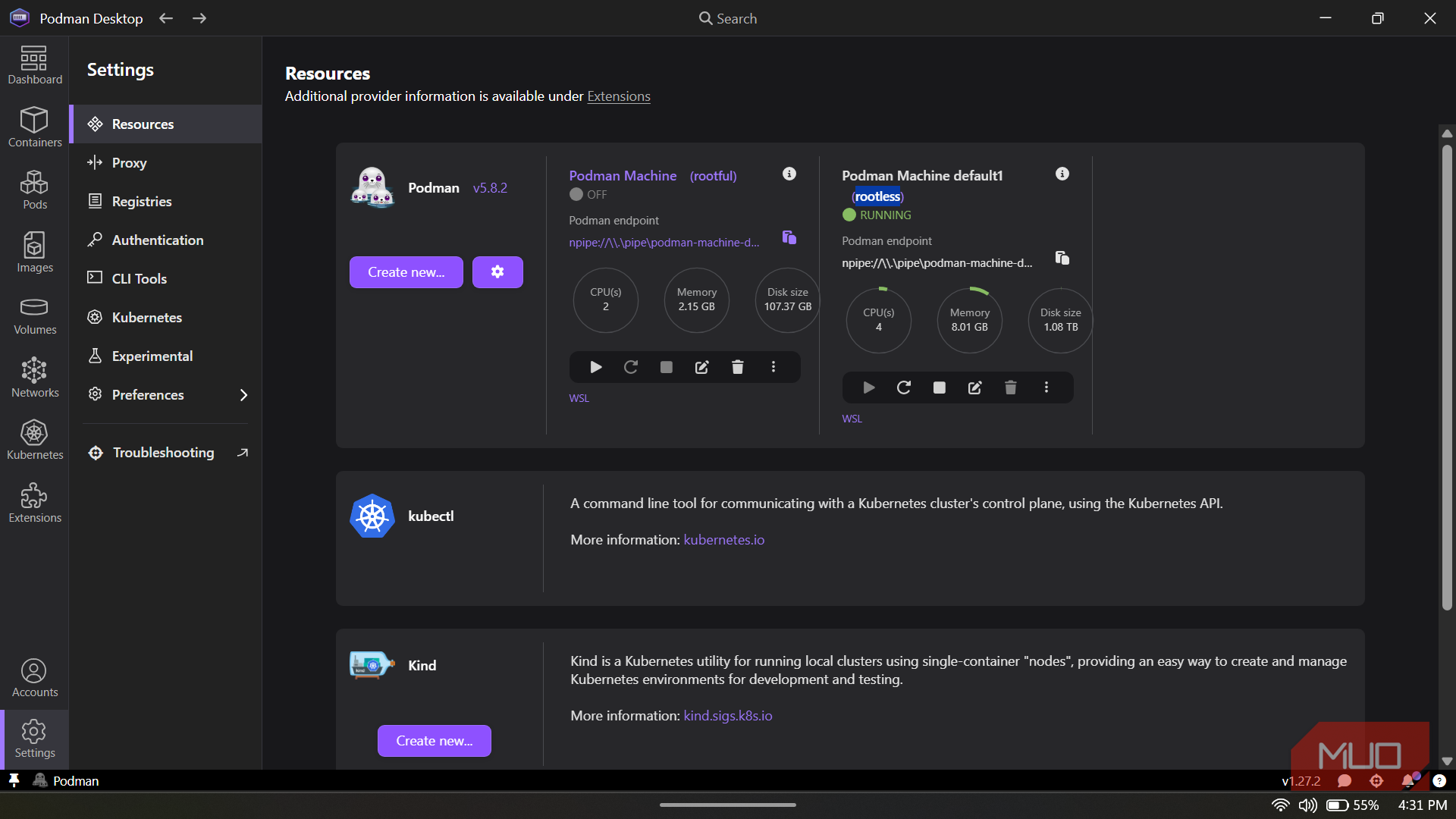
However, my decision wasn't about swapping one container engine for another simply because one was magically safer. Rather, I aimed to cut off the always-on root-privileged control surface that had become part of my workflow. Podman has a daemonless architecture, so no central root daemon sits between my commands and the containers.
Root inside the container wasn't root on my server
What '"d" showed about what the process actually couldn't do

A process can still operate as root (UID 0) within a rootless container. However, this power doesn't go past the container boundary. The container's UID 0 is mapped to an unprivileged UID range on the host, with /etc/subuid and /etc/subgid providing the subordinate ID ranges used for that mapping. The Linux kernel enforces the separation. Running id inside the container and viewing that same process from the host surfaces a mismatch that explains this boundary. Inside the container, you get root while the UID is yours on the host.
This means any compromised process that believes it's root starts from a weaker position the moment it leaves the container. It was never UID 0 on the host, which limits what a compromised process can do if it gets outside the container. I ran into a few setup headaches, and they proved there are real security limits. Some networking behavior I was used to in rootful containers didn't work without those privileges. For rootless networking, Podman can use tools such as Pasta to provide networking without giving the container engine root privileges. Rootless mode lacks the privileges that simplify traditional networking models.
I could still hand that authority right back
One careless bind mount undoes the whole boundary


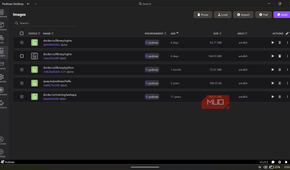
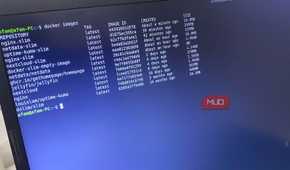
Running rootless isn't automatic protection for all host directories that you mount. Folders you share with a container will follow your normal user account's permission limits. The container can potentially read or write to host files that the user account can already access.
Mounting an entire directory differs from mounting a single, dedicated app-data folder. A dedicated app-data folder narrows what the container can reach, while mounting a much larger directory gives it access to everything that your user account can access within that mount.
A shared kernel, however, is the harder ceiling. User-namespace mapping doesn't stop a kernel exploit or a successful namespace escape. Rootless caps the extent of a compromise after it happens and may not prevent it in the first place.
Rootless, not Podman, was the real update
For several years, Docker has shipped a rootless mode that runs the daemon and containers inside a user namespace. This design tries to reduce core privileges without needing to switch the engine. This is a real architectural difference, but it's also narrower than you may think because it still runs a per-user daemon. On the other hand, Podman doesn't run any. Quadlet lets Linux manage containers as native background services, and it's Podman's biggest perk for daily home server setups. Quadlet lets systemd manage the containers as services, so they can start, restart, and produce logs through the same service-management tools I already use on Linux.
|
Rootful Docker |
Rootless Docker |
Rootless Podman |
|
|---|---|---|---|
|
Rootful central daemon |
Yes |
No |
No |
|
Rootless containers |
No |
Yes |
Yes |
|
Daemon required |
Yes |
Yes, per user |
No |
|
Main architectural change |
— |
Removes root daemon privileges |
Removes root daemon privileges and daemon |
Moving from rootful to rootless was meaningful. The change reduces the blast radius on my continuously running machines that hold a lot of personal data, and Podman was the vehicle for this change.

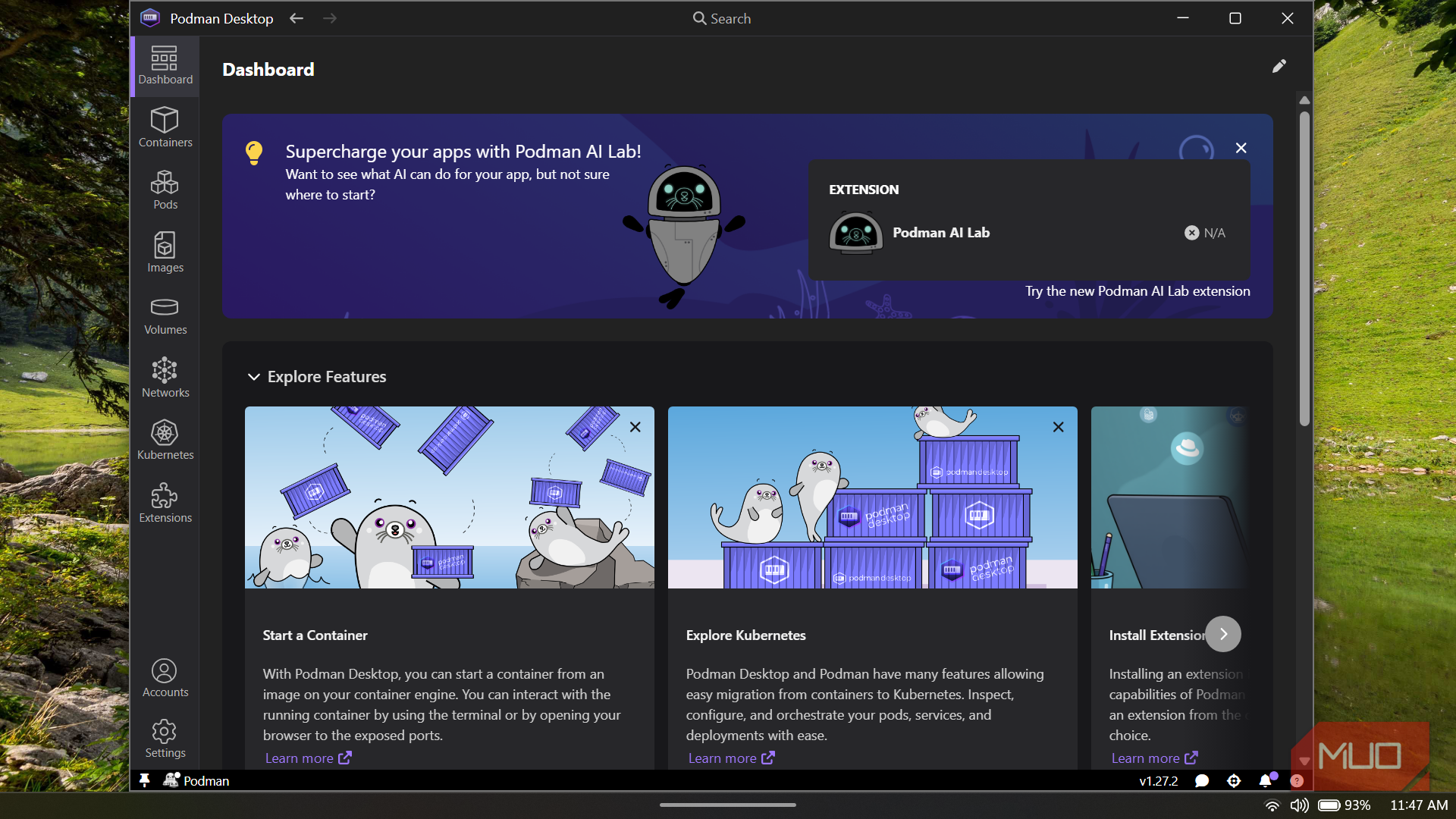
Podman Desktop
- OS
- Windows, macOS, Linux
- Developer
- Red Hat
- Price model
- Free and open-source
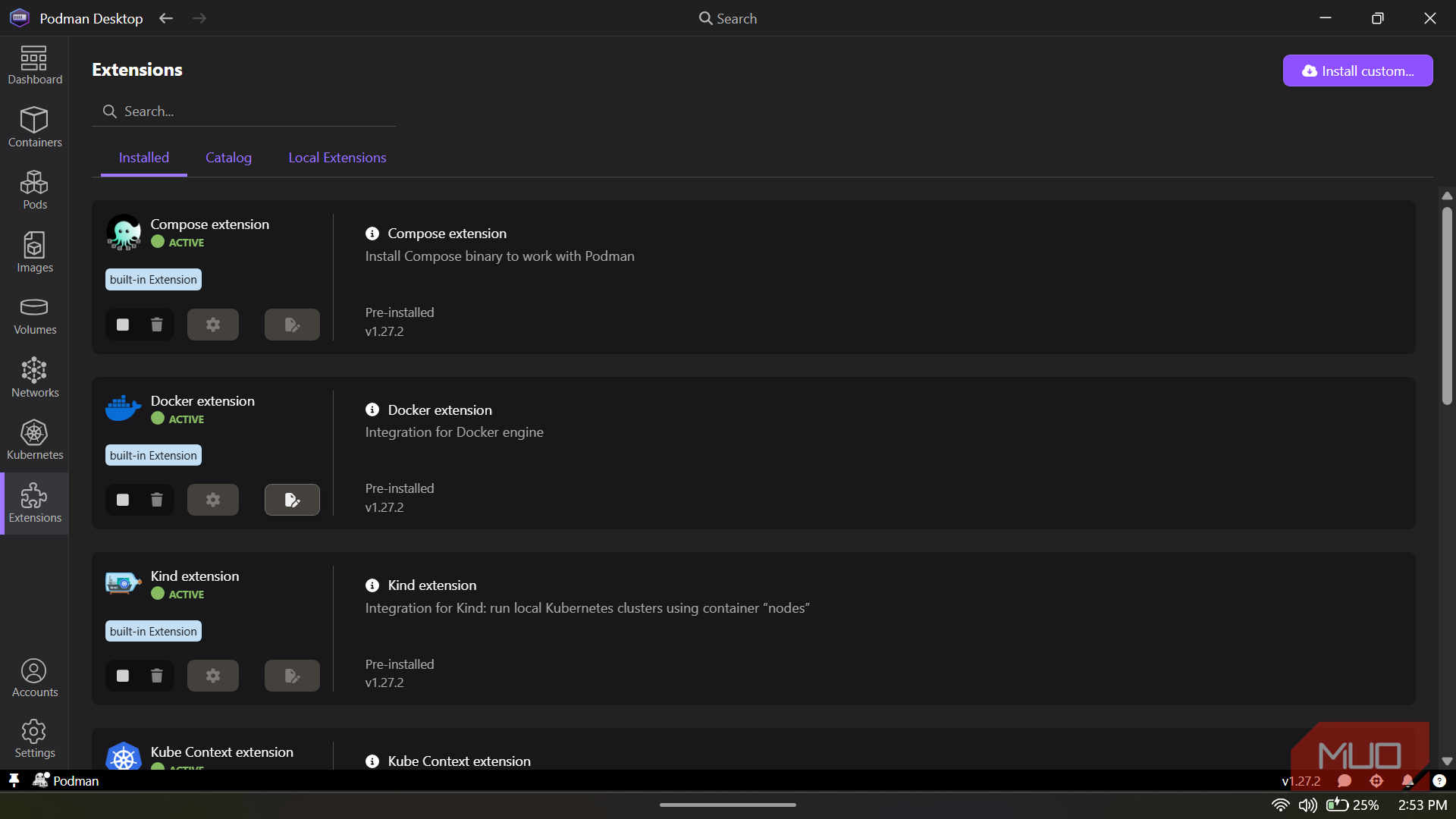
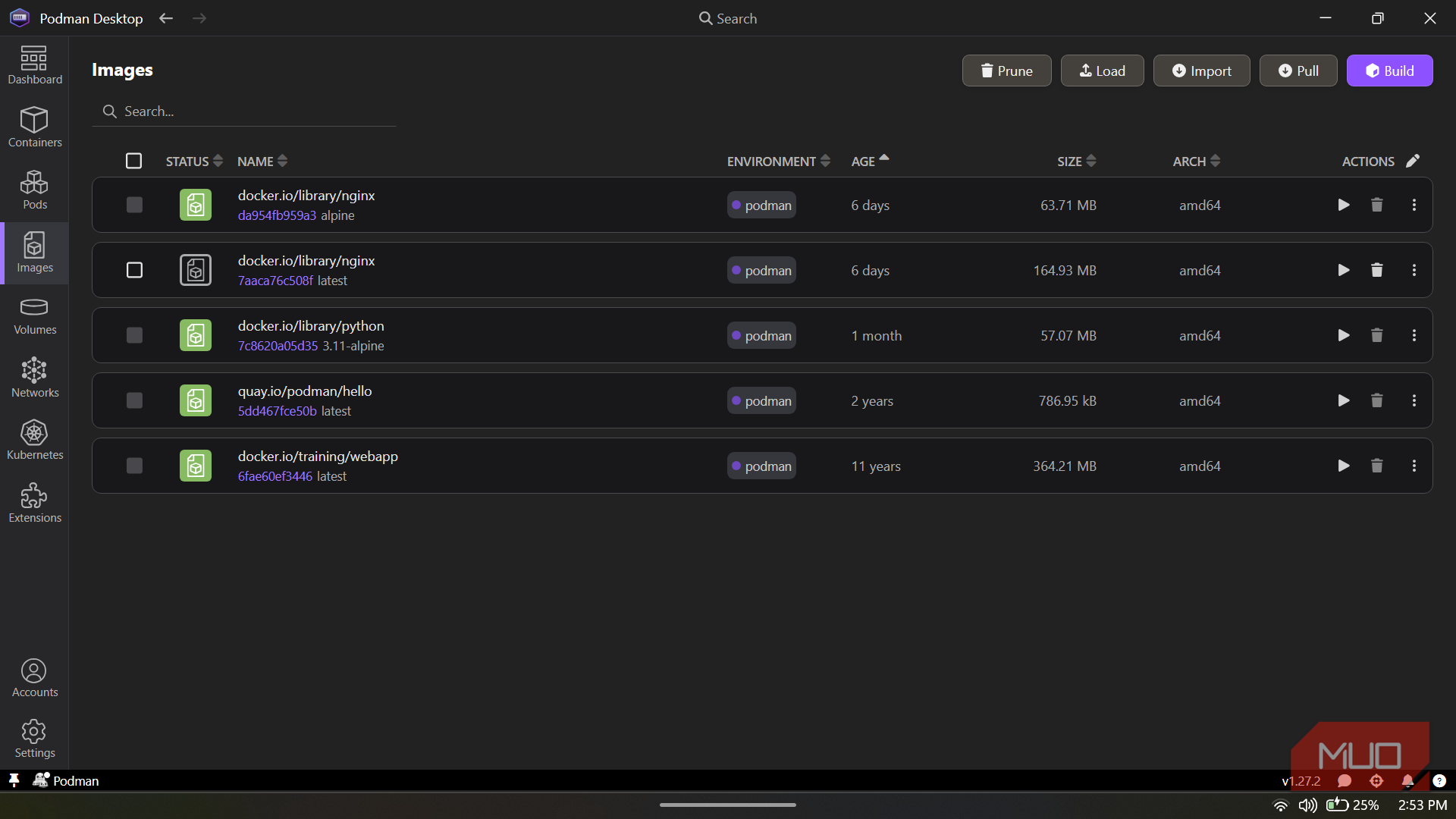
Podman Desktop is a powerful container management tool that gives developers an intuitive GUI for building, running, and debugging containers locally. It simplifies working with Podman and Kubernetes while offering a clean alternative to heavier container desktop platforms.