


A typical Galaxy phone ships with more than 50 different apps, and not all of them are useful. In fact, one of the first things I like to do when setting up a new Samsung phone is audit all pre-installed apps and get rid of anything I know I’ll never use.
I can’t say that for every pre-installed app, though. Galaxy phones also include a few Samsung apps that are so good, you might actually prefer using them over Google’s alternatives.
Samsung Notes
It’s hard to beat

Even if you already have a favorite note-taking app that you’ve been loyal to for years, Samsung Notes is still worth trying. Since it’s from Samsung itself, it’s deeply woven into One UI. If you have an S26 Ultra, for instance, you can jot down notes without unlocking your phone. On other Galaxy phones, it’s still easy to access Samsung Notes on any screen via the Edge Panel.
Where Samsung Notes really stands out is its AI features. You can use Galaxy AI to format your messy notes, summarize long passages, and catch spelling and grammar errors in your text. Samsung Notes can also double as a PDF viewer. It lets you highlight text, annotate pages, add comments, and sign documents. And yes, most of the Galaxy AI features available in notes also work with PDFs.
The only limitation of Samsung Notes is that it’s largely locked to Galaxy devices, which makes it a tougher sell for anyone who frequently likes to switch between Android brands. That said, there's a Windows version of Samsung Notes, so you can access your notes on a laptop.
Samsung Health
It’s not just for those who have a fitness tracker

Smartwatches and fitness trackers may be more popular than ever, but not everyone wants to wear one. I fall into that camp myself, but that doesn’t make the Samsung Health app entirely useless.
The app can still use the sensors on your Galaxy phone to count your daily steps, estimate the total distance you’ve traveled, and the calories burned throughout the day. You can even log workouts manually. The best part is that you don’t need to do anything extra. Simply set up the app once and it’ll do the tracking. It’s a great way to set activity goals and track trends over time.
Of course, the data monitored through the phone alone isn’t as accurate as data from a smartwatch or a fitness tracker. Your phone isn’t always in your pocket, and it can’t monitor metrics like heart rate or sleep. Still, for anyone who wants to simply track their steps and active hours, Samsung Health is more than handy.
Samsung Wallet
It can replace your physical wallet

Samsung Wallet is where you can store your credit cards, debit cards, gift cards, boarding passes, digital IDs and even passports. You can also use it to make payments and store your car’s digital key. As the name suggests, the app tries to replace your physical wallet with your phone. One of its biggest conveniences is that you can access it from both the lock screen and the home screen by simply swiping up from the bottom of the screen.
But even if you have no interest in any of that, there’s still another reason to keep Samsung Wallet around. Samsung Pass, which is the default password manager on Galaxy phones, is built directly into the Samsung Wallet app. You can use it to save your login credentials and addresses. And it’s quite convenient, as it lets you sign into websites and apps with nothing more than your fingerprint or face unlock.
Samsung Internet
The browser that every Android user should try


 Credit: Sanuj Bhatia / MakeUseOf
 Credit: Sanuj Bhatia / MakeUseOf
 Credit: Sanuj Bhatia / MakeUseOf
 Credit: Sanuj Bhatia / MakeUseOf
 Credit: Sanuj Bhatia / MakeUseOf


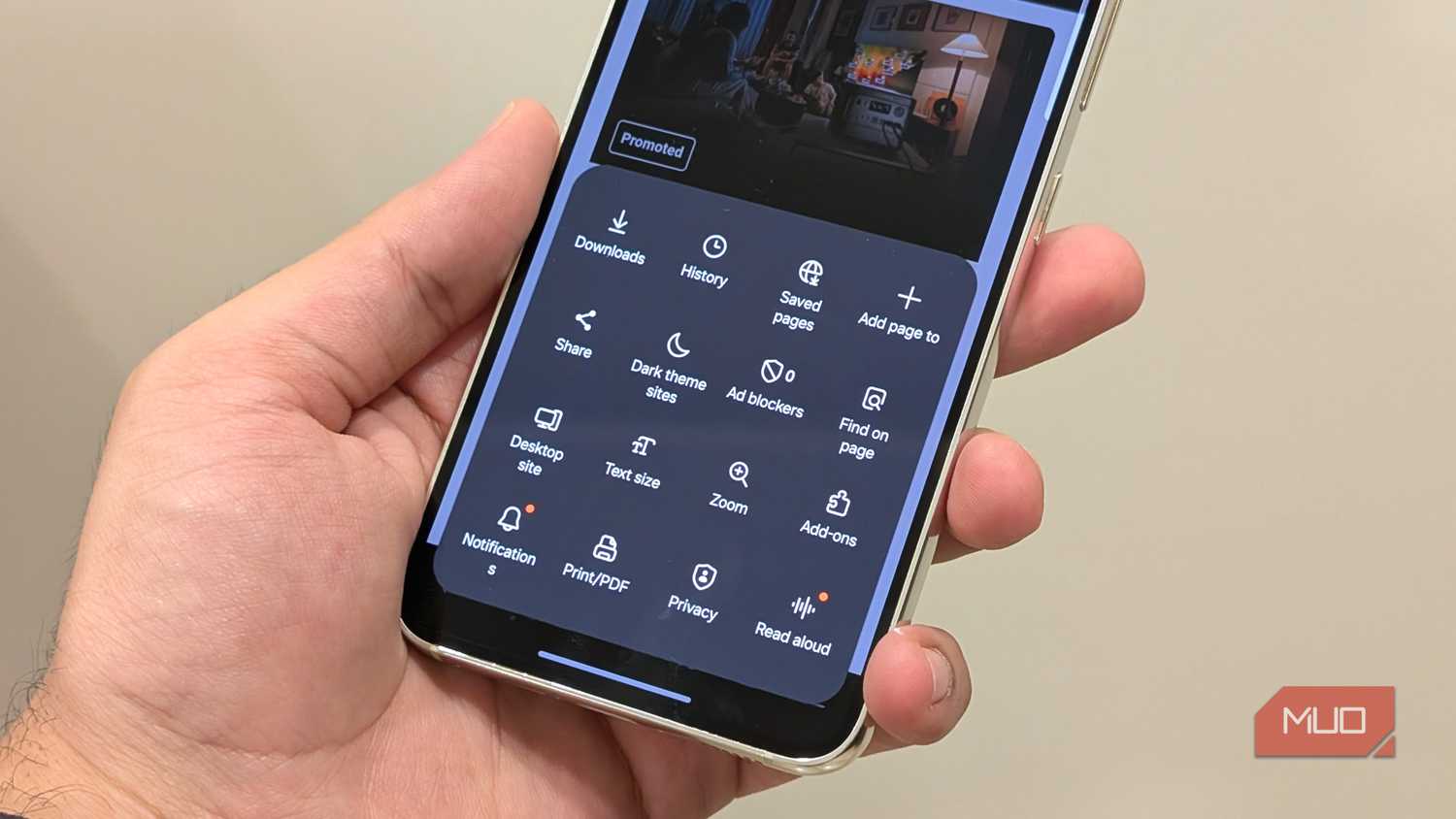
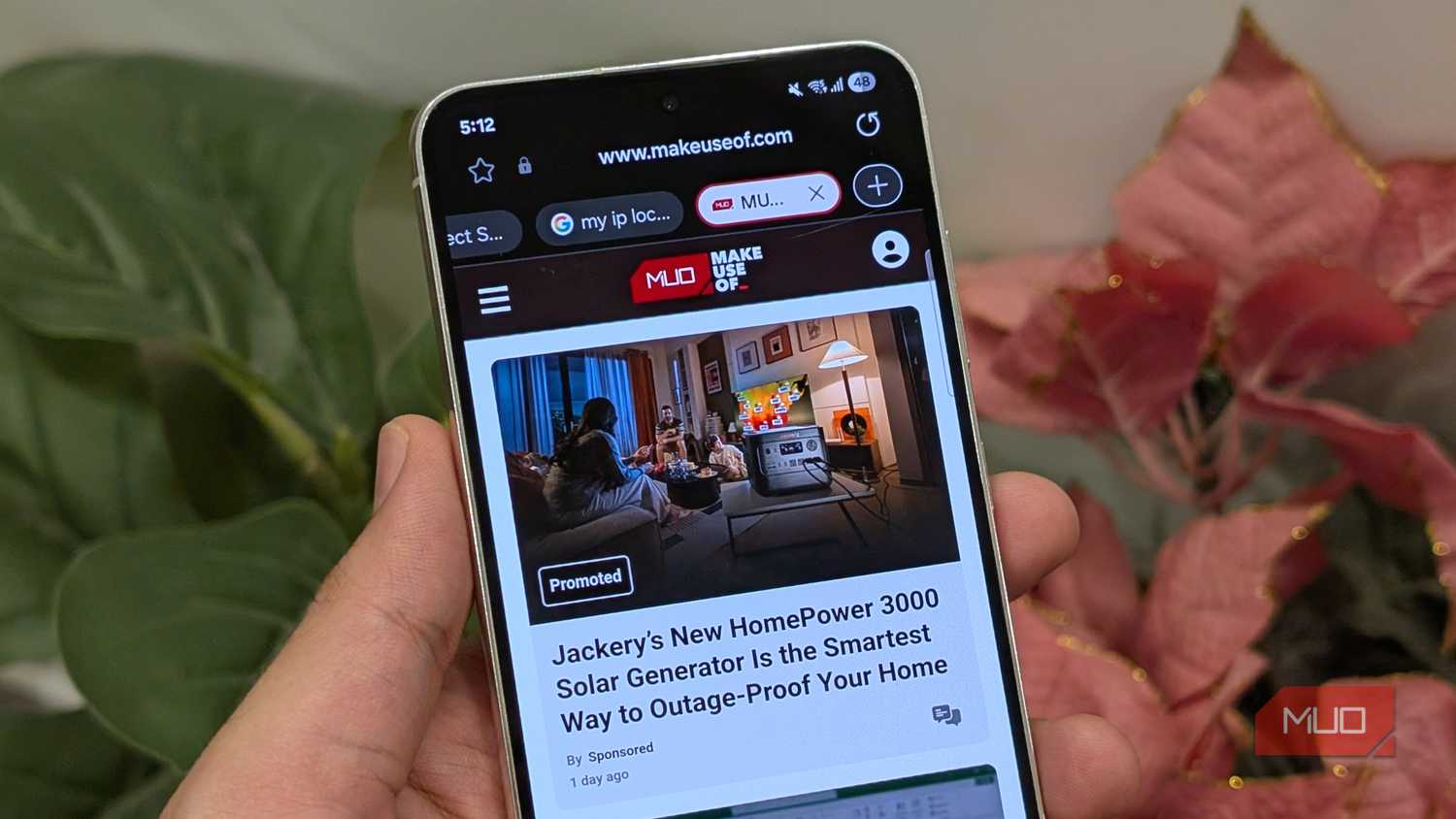
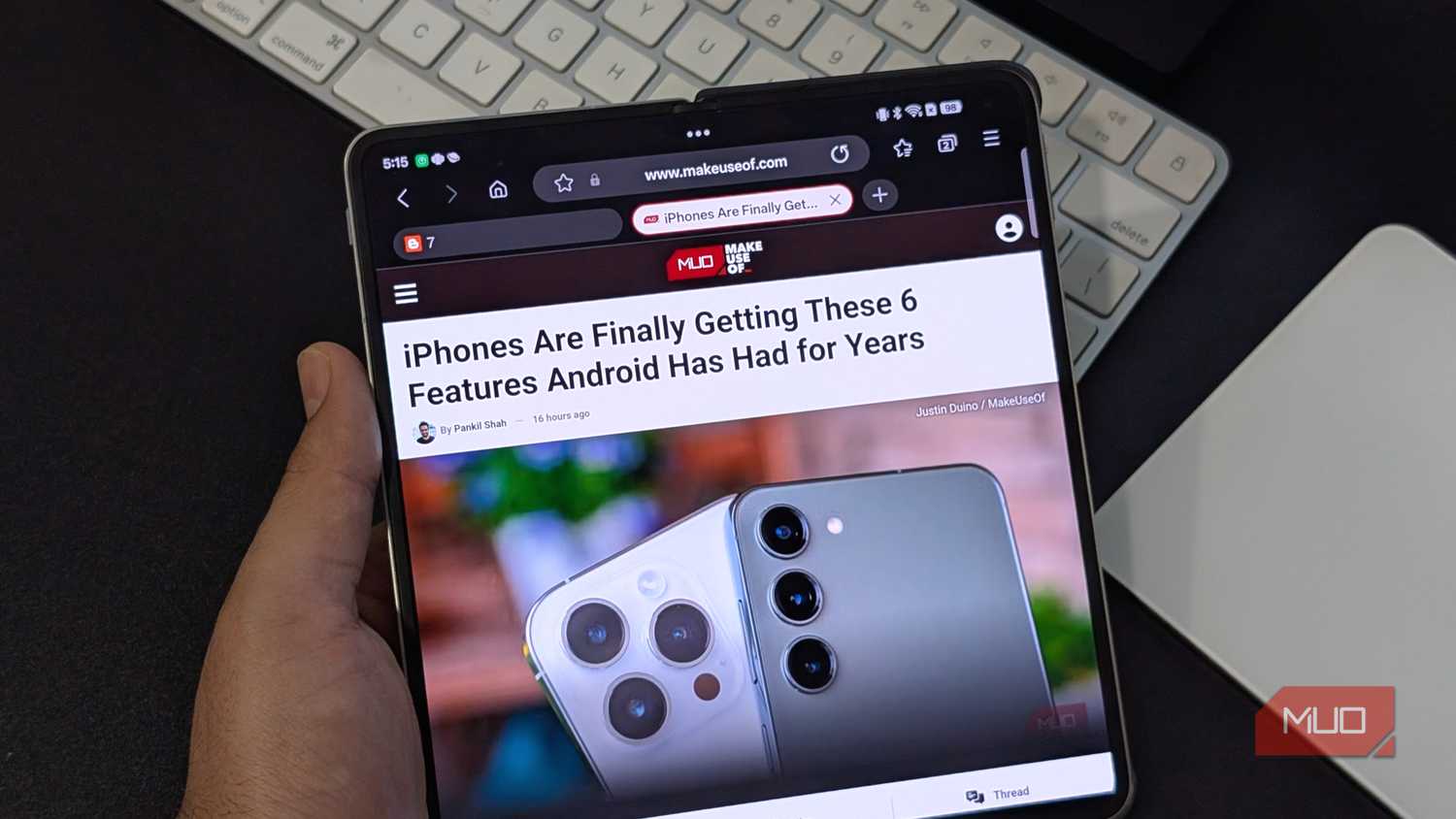
Samsung Internet is one of the few Samsung apps that’s not locked to Galaxy phones. You can use it on any Android phone and even your Windows PC. More importantly, it packs enough features that make it more attractive than Chrome.
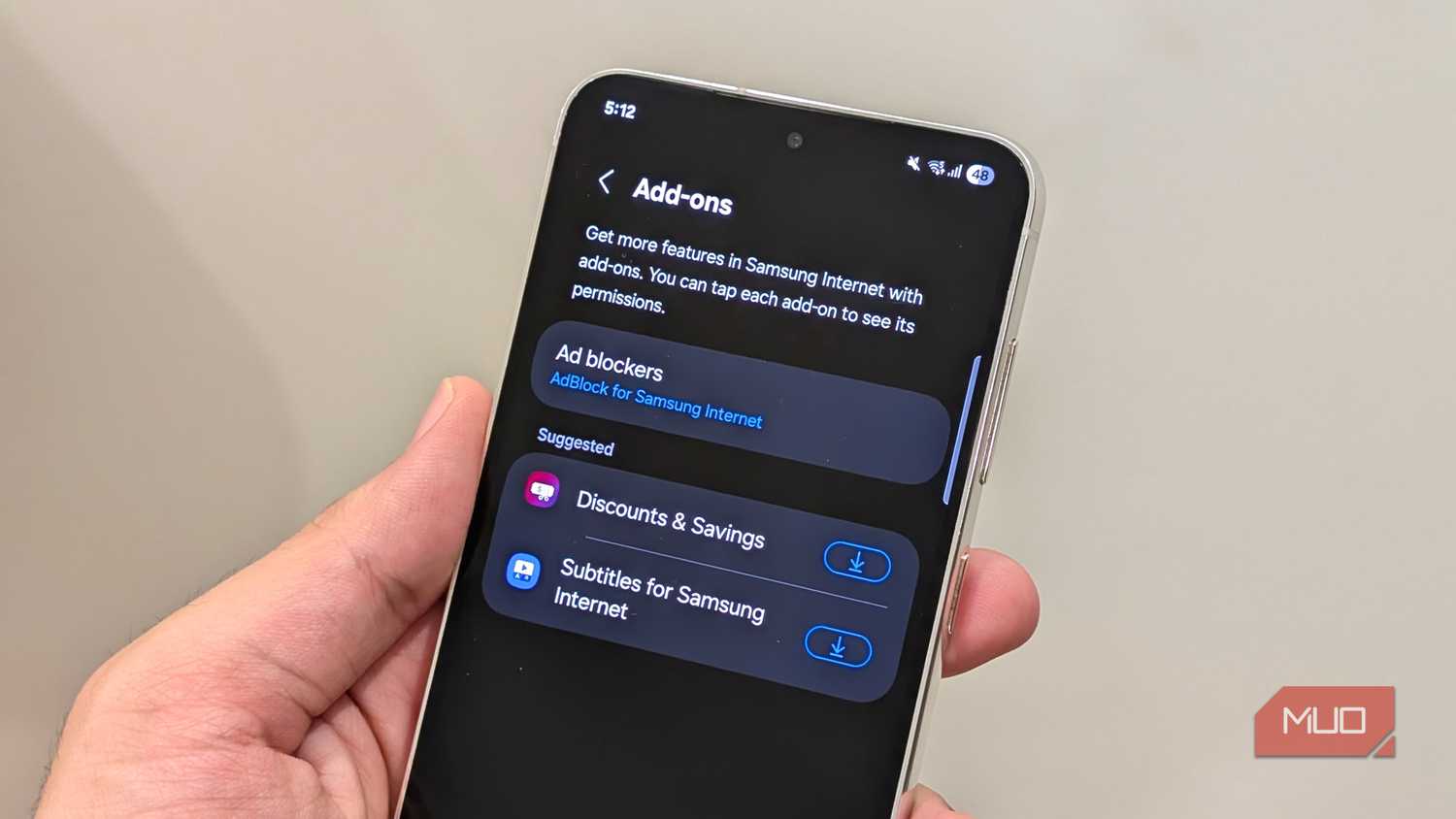
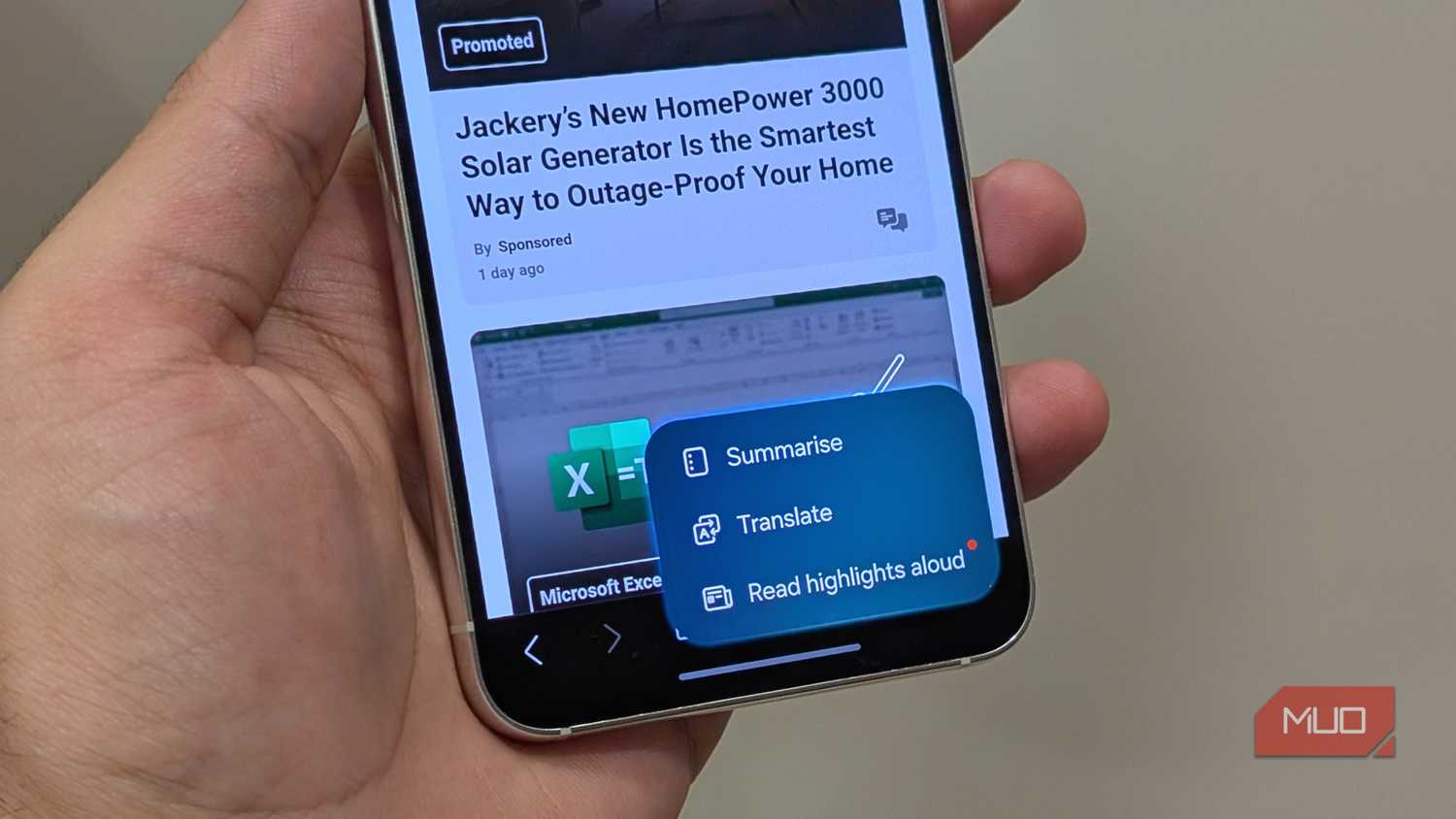
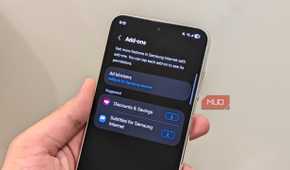
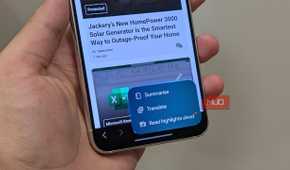
One of its biggest advantages is support for third-party add-ons. You can use them to block ads, customize dark mode behavior, and even add subtitles to online videos. And like most Samsung apps, there’s also Galaxy AI for summarizing and translating web pages.
Samsung Internet is also great at blocking trackers, pop-ups, redirects, and those sneaky auto-downloads. It offers a Privacy Dashboard that shows how many trackers it blocked across sites. Then there are little things that make Samsung Internet a joy to use. For instance, you can quickly switch search engines directly from the address bar, force dark mode on websites that don’t support it, and keep online videos playing while you use other apps.

Samsung Galaxy S26 Ultra

- SoC
- Snapdragon 8 Elite Gen 5
- Display
- 6.9-inch Dynamic Super AMOLED 2X
- RAM
- 12 or 16 GB
- Storage
- 256GB, 512GB, or 1TB
These aren’t the only Samsung apps worth checking out. Samsung also makes plenty of useful apps that don’t come pre-installed. Good Lock is a great example, but there are plenty of others, like Samsung Email, Galaxy Enhance-X, Expert RAW, and Samsung Flow.