


Setting up a smart home in today's day and age shouldn't be difficult. There is no shortage of devices that you can choose from to furnish your smart home. Plus, they don't even have to be from the same manufacturer to run your smart home.
WIth so many ways of connecting devices, you should be able to set up your home how you want it. If you want to rely on one smart home ecosystem, so be it. If you want to rely on Wi-Fi to connect all your devices or you want to go the Bluetooth route, you can. But before you settle on either of those, you should probably take a look at the devices you already have. Chances are you could set up your home with Thread and not have to buy something new.
What is Thread?
It's an easy way for your devices to connect

Thread is a standard that is open and IP-based. It creates a low-power mesh network that devices connect to in order to communicate with one another. It doesn't rely on Wi-Fi, so your Thread devices are joined by this mesh network.
The more Thread devices that you have in your home, the stronger your network becomes. Because it's a mesh network, you can expand it more and more and not affect the other gadgets in your home that might be running on Wi-Fi.
Thread devices aren't only able to connect via the network, as they can connect via Bluetooth or Wi-Fi as well. However, if it is relying on Thread, it is something that would be unaffected if the Wi-Fi goes down. Thread devices can still work with one another even without Wi-Fi.
It doesn't require any specific hub to work. You don't have to go out and buy a specific smart home hub just to have it work. There are many devices that support Thread and they can all work together.
If one of them goes down, Thread works to reconnect all the other devices by rerouting the connection. This ensures that the devices don't lose their compatibility and the system doesn't go down. This is especially important if you have automations through different Thread devices that rely on all of them being functional at the same time.
You still need some kind of bridge
A Thread Border Router is what is required
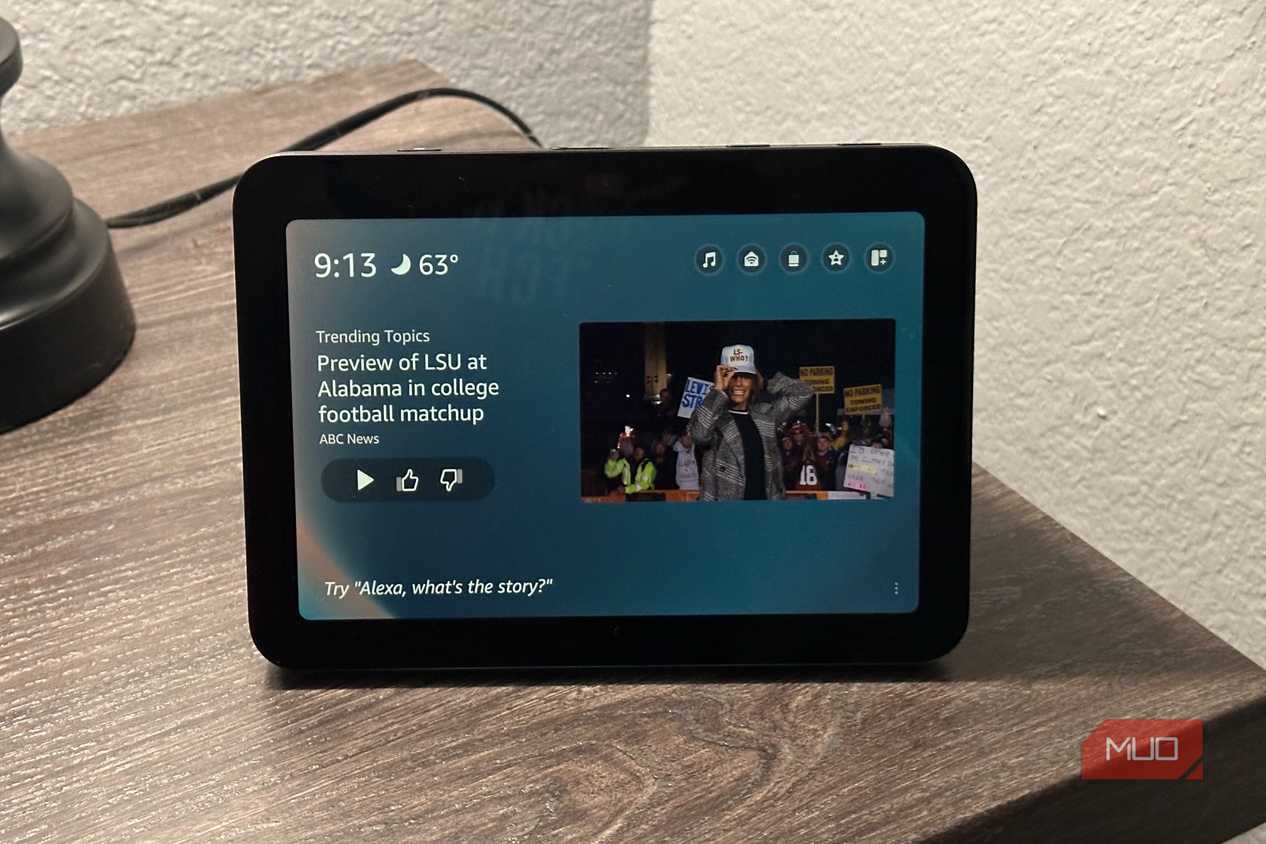
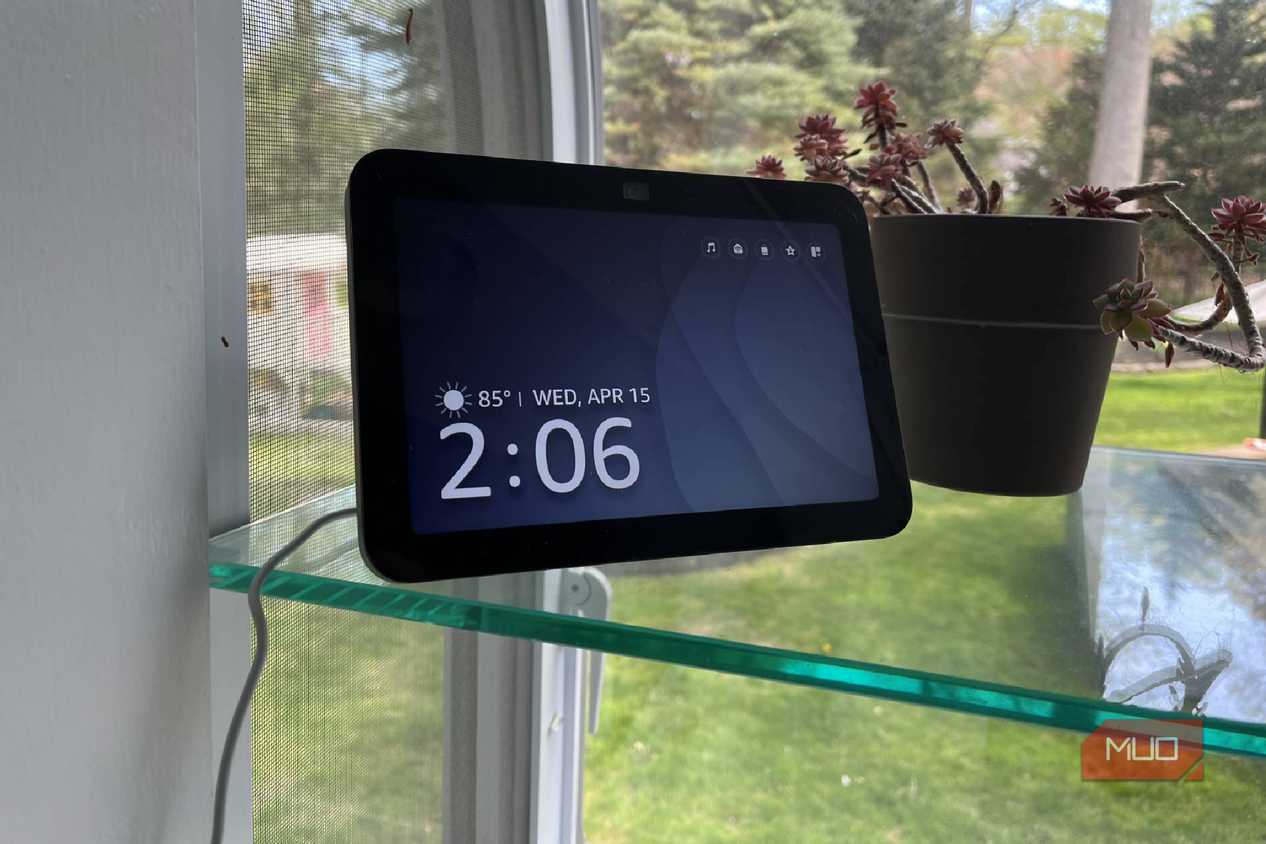
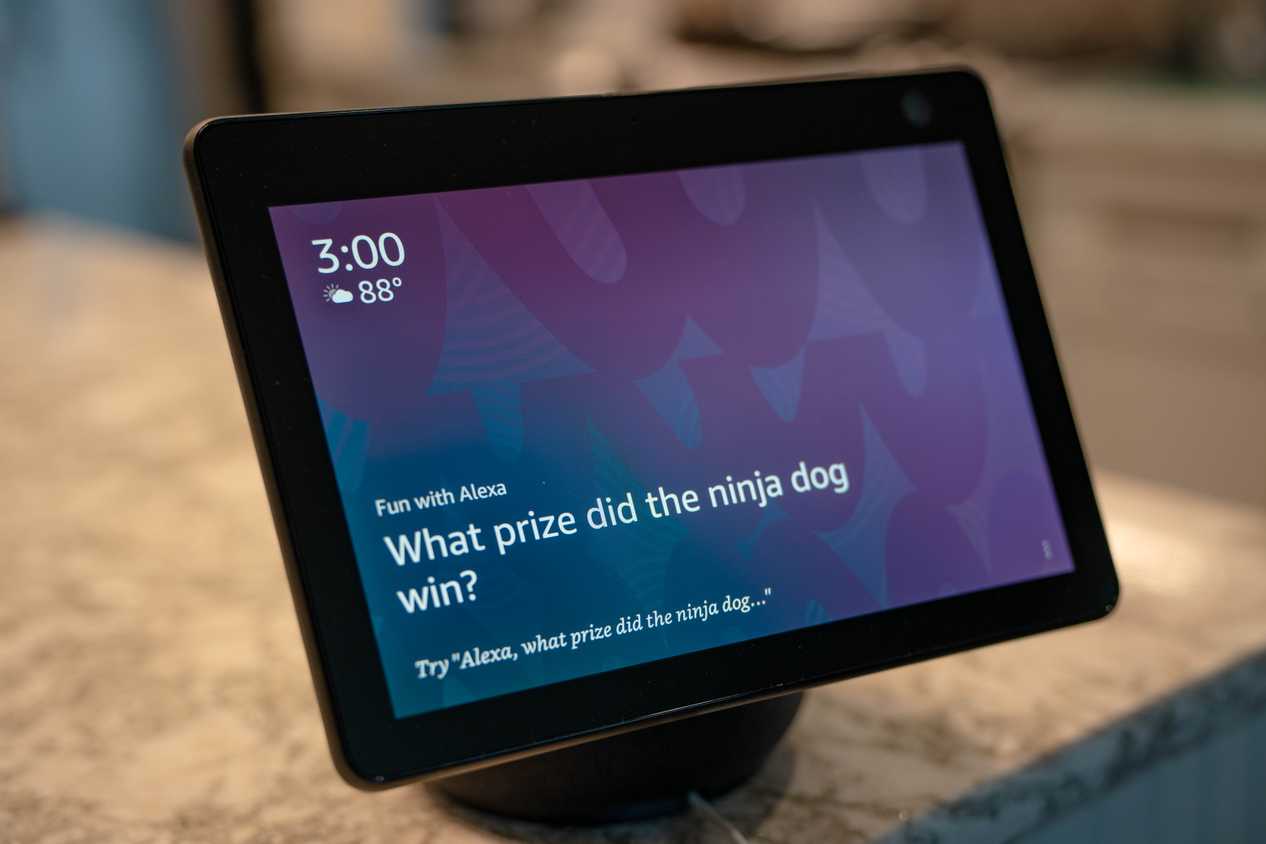
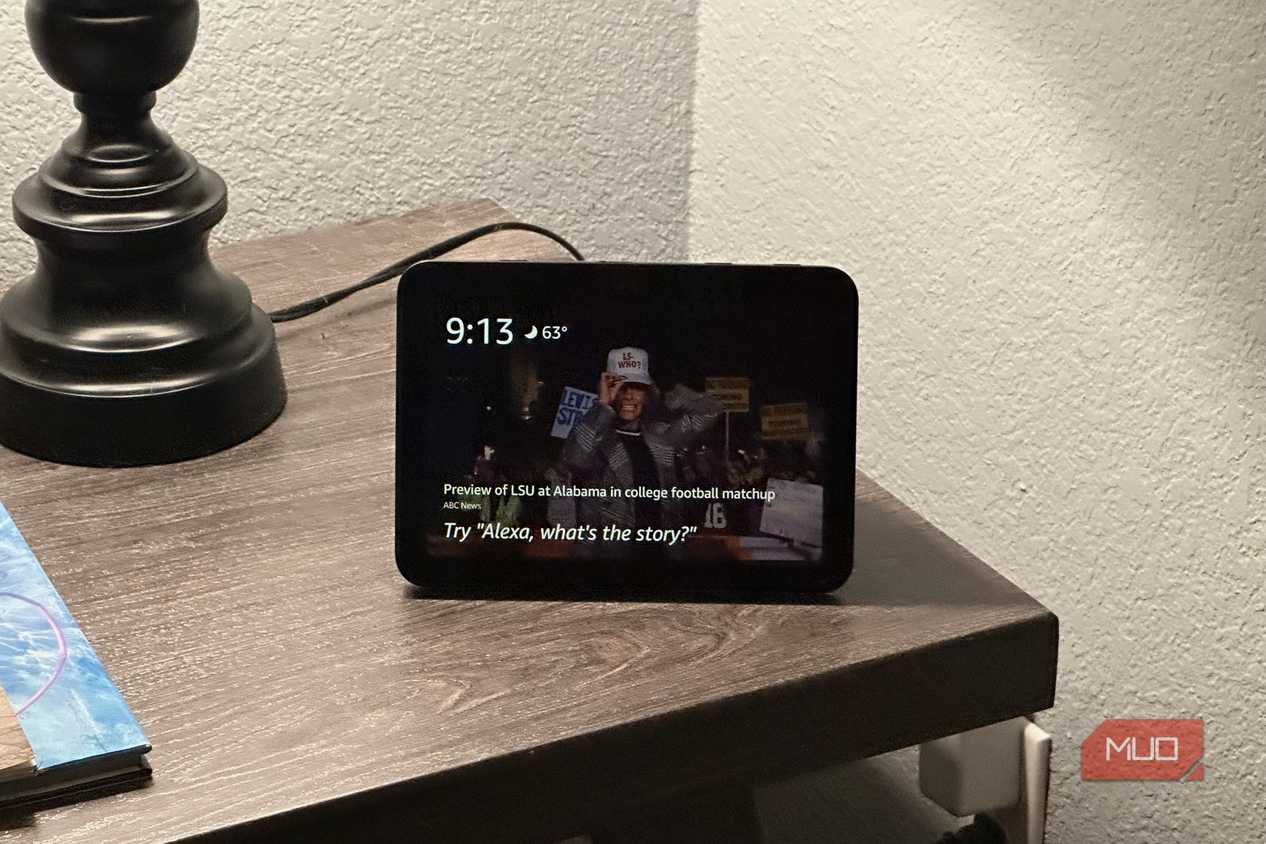


 Credit: Brent Dirks / MakeUseOf
 Credit: Chris Hachey / MakeUseOf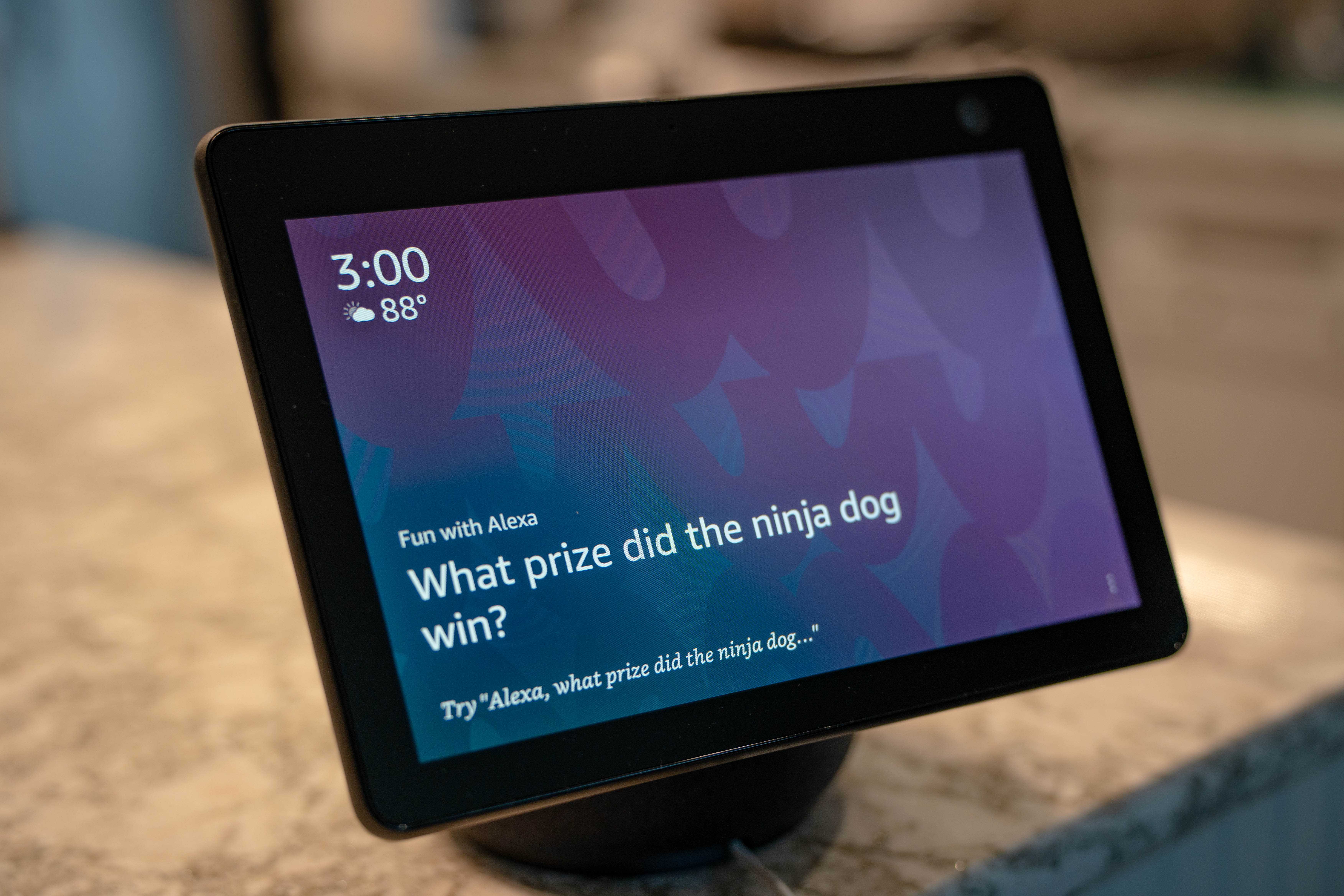
 Credit: Brent Dirks / MakeUseOf
 Credit: Brent Dirks / MakeUseOf


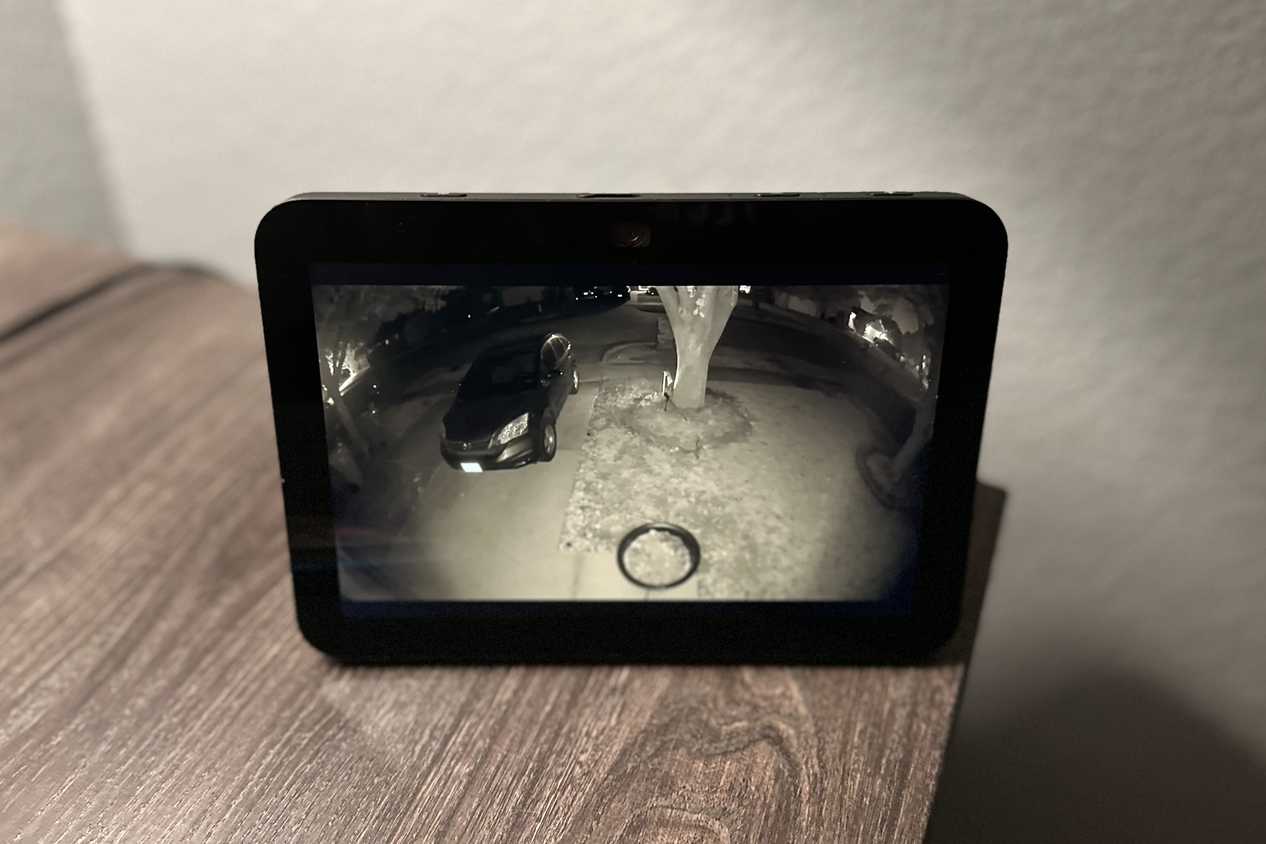
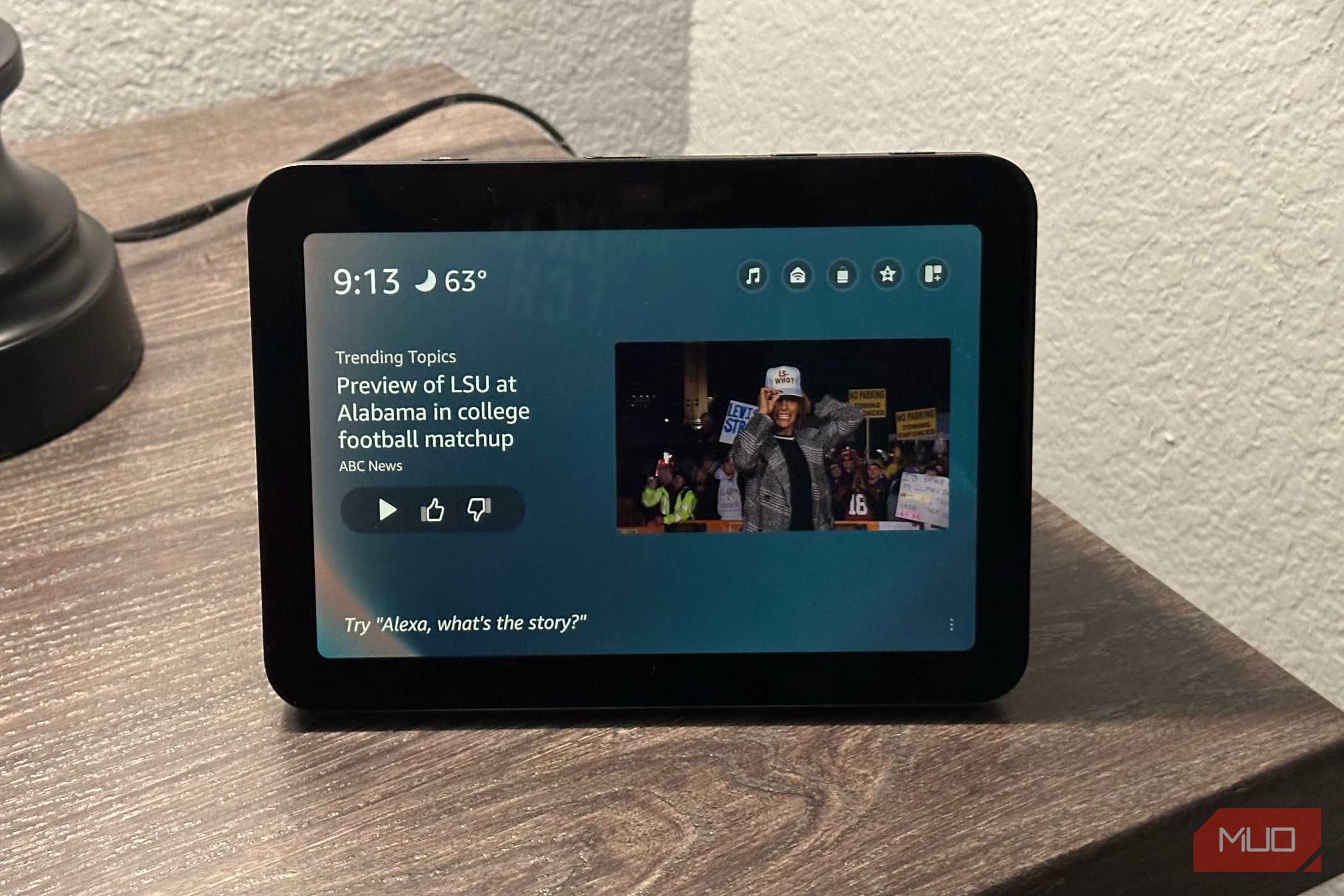
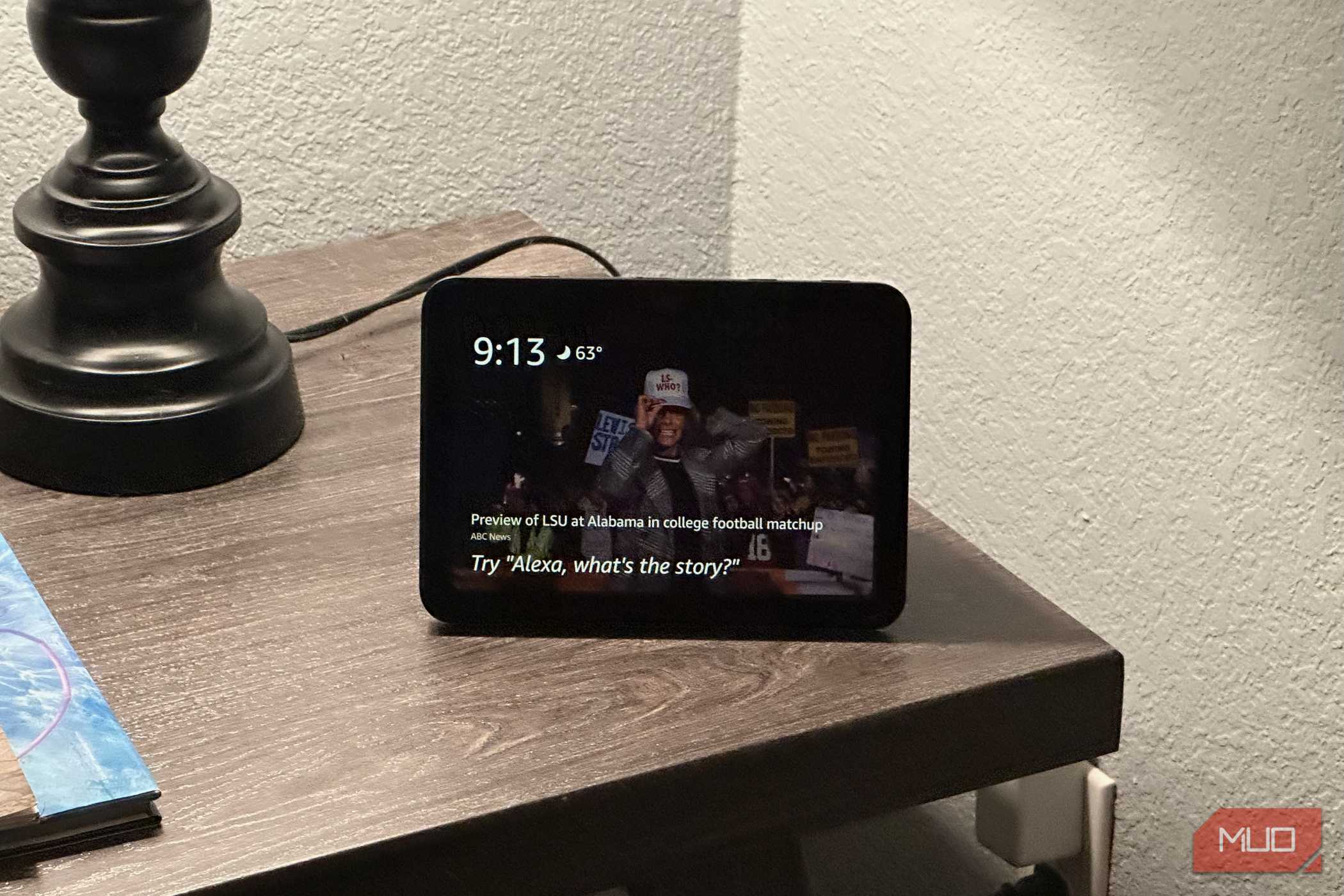
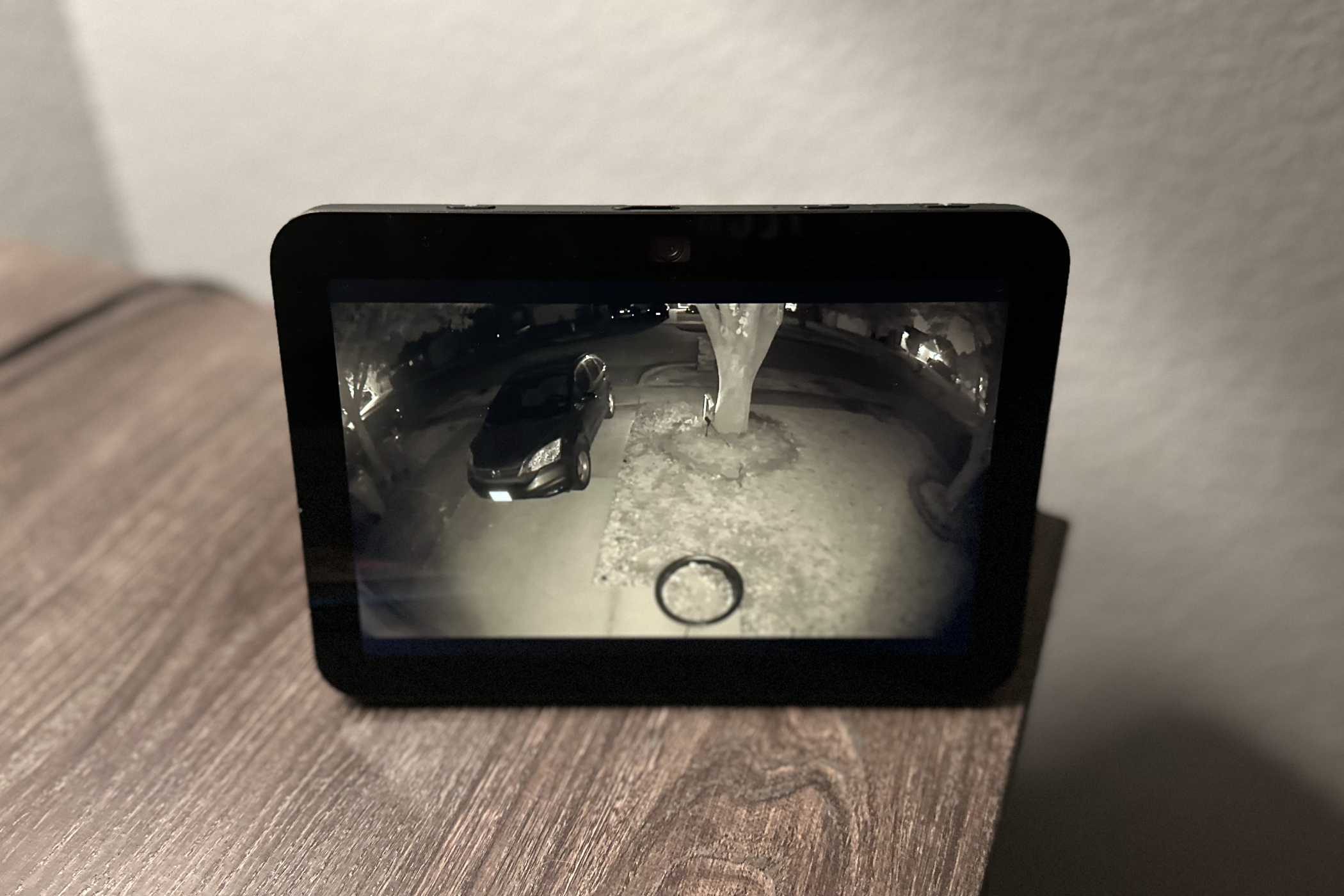
In order for those devices to connect to your home network and to non-Thread devices, you do need a specific type of device. It's called a Thread Border Router and it is any number of electronics that serve as a bridge.
What's great about Thread Border Routers, and Thread in general, is that you can use many different options for one. That's because there are a number of options to choose from or that you might already have.
Some of the most popular options include:
- Amazon Echo (4th Gen)
- Amazon Echo Show 8, 10, 15, 21
- Amazon Echo Hub
- Amazon Echo Studio
- Amazon Echo Plus
- Amazon Eero Beacon
- eero Pro, 6, 6+, Pro 6, Pro 6E, PoE 6, PoE Gateway, 7, Pro 7, Max 7, Outdoor 7
- Apple HomePod, HomePod mini
- Apple TV 4K
- Google TV Streamer 4K
- Nest Hub, Hub Max, Wi-Fi Pro, Wi-Fi
- Samsung SmartThings Hub, Station
- Aeotec Smart Home Hub
- Aqara Hub M3
- Homey Pro, Pro Mini
- Home Assistant Green, Yellow, Connect ZBT-1, Connect ZBT-2
- LG ThinQ ON Smart Speaker
- Harman Kardon Virtuo
Plus, there are many others. If you want to look to see if your device is a Thread device, you can look at the bottom right of the box for the logo.
It doesn't matter how many of these you have in your home. They can all connect and, if one goes down, another will pick it up. As you can see, there are a lot of choices and you might very well have one of these at home if you've set up a smart home.
This can lead to Matter over Thread
This can extend your smart home even further

Matter is an open-source protocol that lets devices from all kinds of smart home ecosystems connect to one another. You can have a Thread device without it being a Matter device. You'll find it hard to find a Matter device that doesn't also work with Thread.
Matter over Thread is when Matter devices connect over the Thread low-power mesh network. They need to be connected to a Thread Border Router in order for this to work. This makes Matter devices quite useful for smart homeowners.
This is ideal for items that are battery-powered and don't require a lot of power to join a network. It's why it's a great way to set up your smart home, because so many IoT devices fall into this category.
The Thread Border Router takes the Thread signal and turns it into standard IP traffic, making it work with your home network. This is how Matter devices are able to avoid needing to remain on Wi-Fi only.
It eliminates your need to clog up your network traffic and keeps your IoT devices separate. This also means you don't have to do something drastic like split your Wi-Fi network to keep your network running as well as it can.
Take a look at the list of Thread Border Routers
If you want to connect your smart home devices easily, focus on Thread and Thread Border Routers. It's an easy way to make your devices work together and not clog up your Wi-Fi network. Take a look around your home and see if any of the smart home devices you have are Thread Border Routers. You might be in for a treat.

Eero 6+
- Brand
- Eero
- Range
- 1500 sq.ft
- Ethernet Ports
- 2
- Mesh Network Compatible
- Yes
Eero 6+ router is a Thread Border Router. This and many of the Eero lineup fall into this category.