


Compatibility with your smart home is one of the first aspects you have to pay attention to when you're buying new devices. You want something that's going to fit in with your smart home ecosystem. Buying something that won't work with your home doesn't make much sense and is only going to frustrate you. You'll only make the mistake once if you don't pay attention to the logos on the box.
Every smart home device lists what ecosystems it works with. It usually highlights the most well-known ones, like Amazon Alexa, Samsung SmartThings, Google Home, or Apple HomeKit. Sometimes, the devices will work with all of those, so you don't have to worry about which ones you have. Other times, it'll only work with one. Looking for a few specific logos can show you how wide the compatibility really is.
Check out the bottom right of the box
This is where you'll find most of the logos

When purchasing a smart home device, whether it's a smart speaker, some smart blinds, or just a new smart plug, you should really examine the box. Not only will the box give you the details of what the device can do, as well as some marketing info to make the product look really good, but it will also provide you with important information on the specs as well as how to connect the device.
Many devices will force you to scan a QR code to get an instruction manual these days, where you'll get all the info you need on how to use it. But the box will also give you logos for the different ecosystems, and the more there are, the more you're likely to be able to use them with what you have.
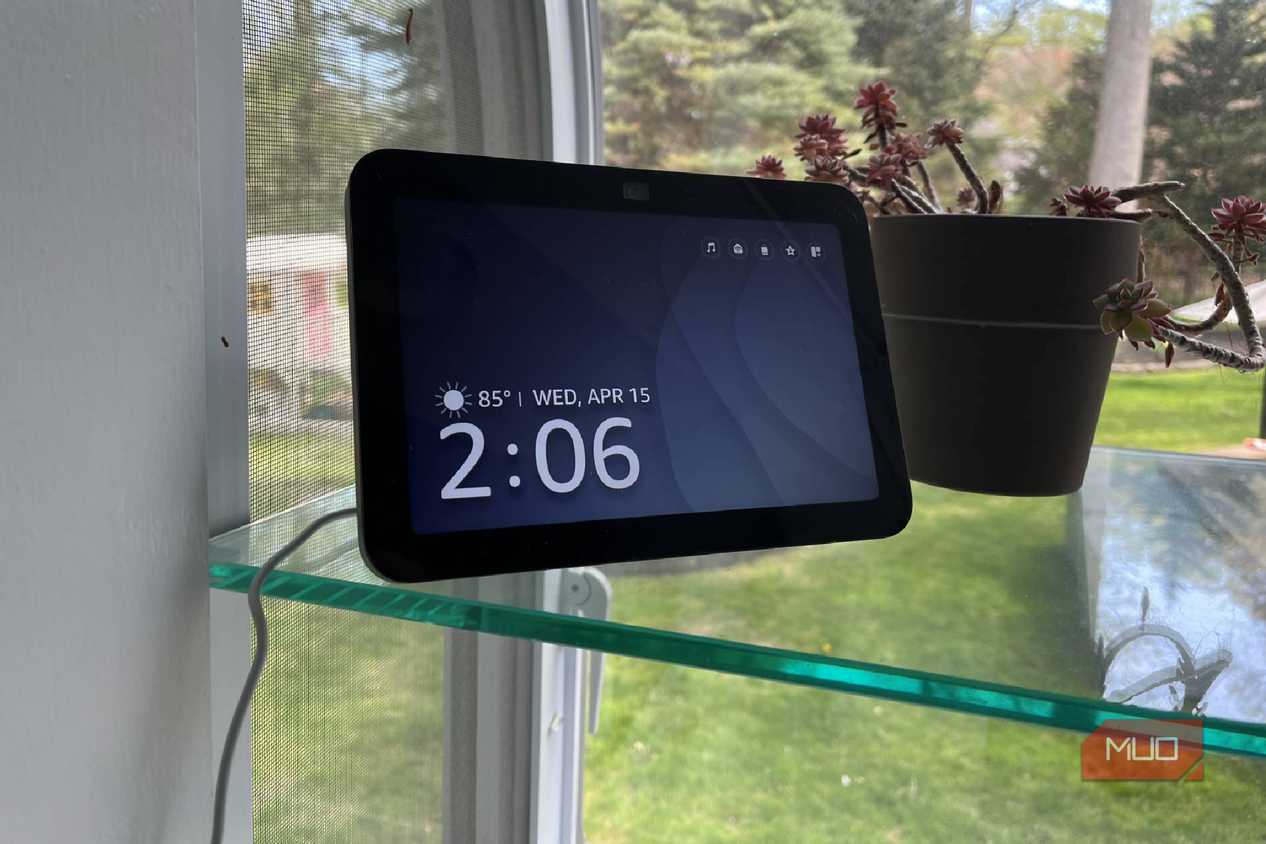
The more options you have, the more ways you can control your device. Let's say you have an Amazon Echo Show speaker and want to pair it with your Nest Thermostat. You can do that because Nest Thermostats work with Amazon Alexa. But they also work with Google Home or even Apple HomeKit. This gives you more options when you're building out your smart home. What you might want to do though is build a home with devices that connect to one another, regardless of their manufacturer.
Matter and Thread can go a long way
Look for these specific logos


 Credit: Brady Snyder / MakeUseOf
 Credit: Brady Snyder / MakeUseOf
 Credit: Brady Snyder / MakeUseOf
 Credit: Thread Group
 Credit: Chris Hachey / MakeUseOf
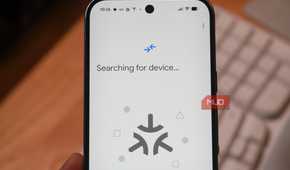
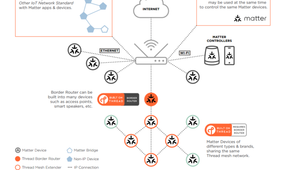
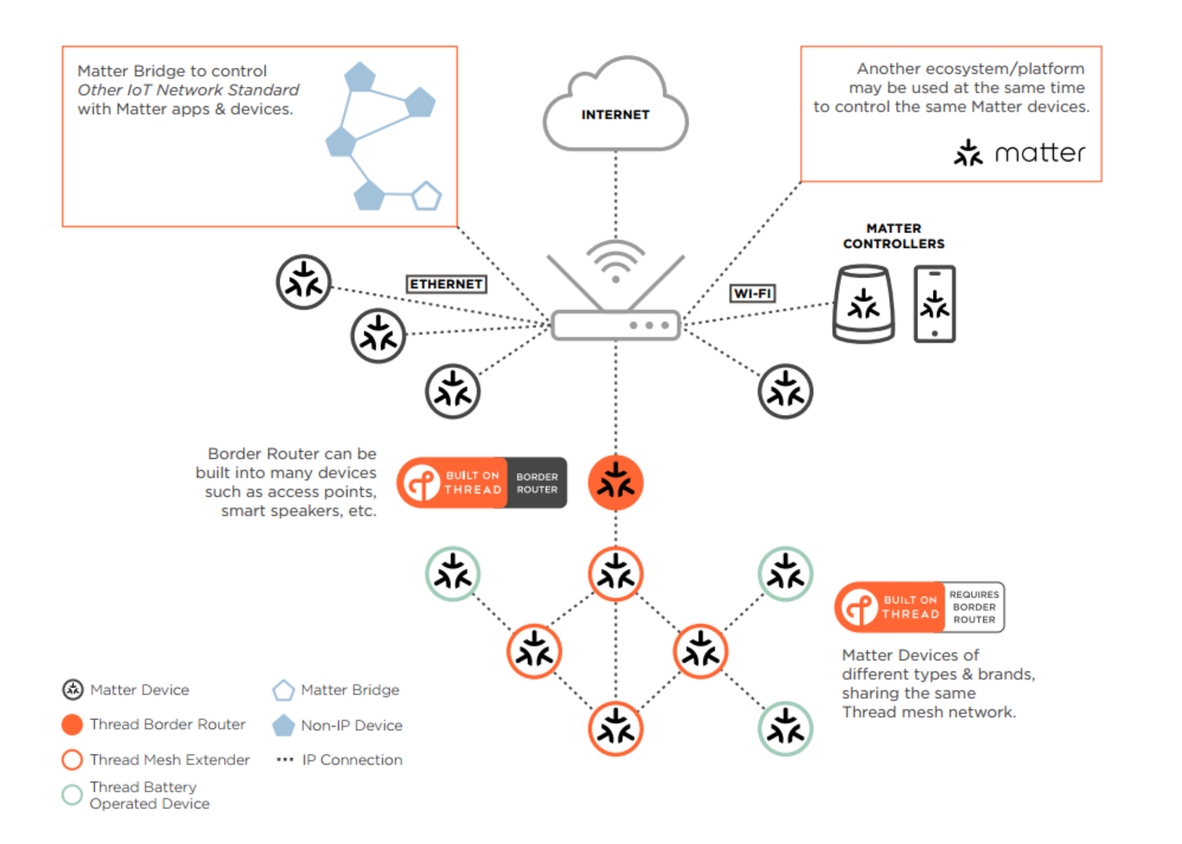
Matter and Thread technologies help your devices communicate with one another. Thread creates a network to connect devices that run without Wi-Fi. It's low power and mesh, so the devices will communicate with each other, even if you don't have Wi-Fi currently working in your home.
In order to use Thread, you need a Thread Border Router, which is a device that acts as a hub for the other devices. This doesn't have to be a designated hub, as there are plenty of devices that fall into this category. If you are searching for one, you need to look for the "Built on Thread" logo on a box.
Matter is a standard that is used to connect devices to one another. Matter eliminates the need for smart homeowners to use a specific brand of device. If a device is Matter-compatible, it can work with any ecosystem with other Matter-compatible devices.
Matter also works over Thread Border Routers, allowing you to combine the two technologies to build out your smart home with more devices drawing less power and communicating better. The Matter logo almost looks like an asterisk and is easy to spot on packaging.
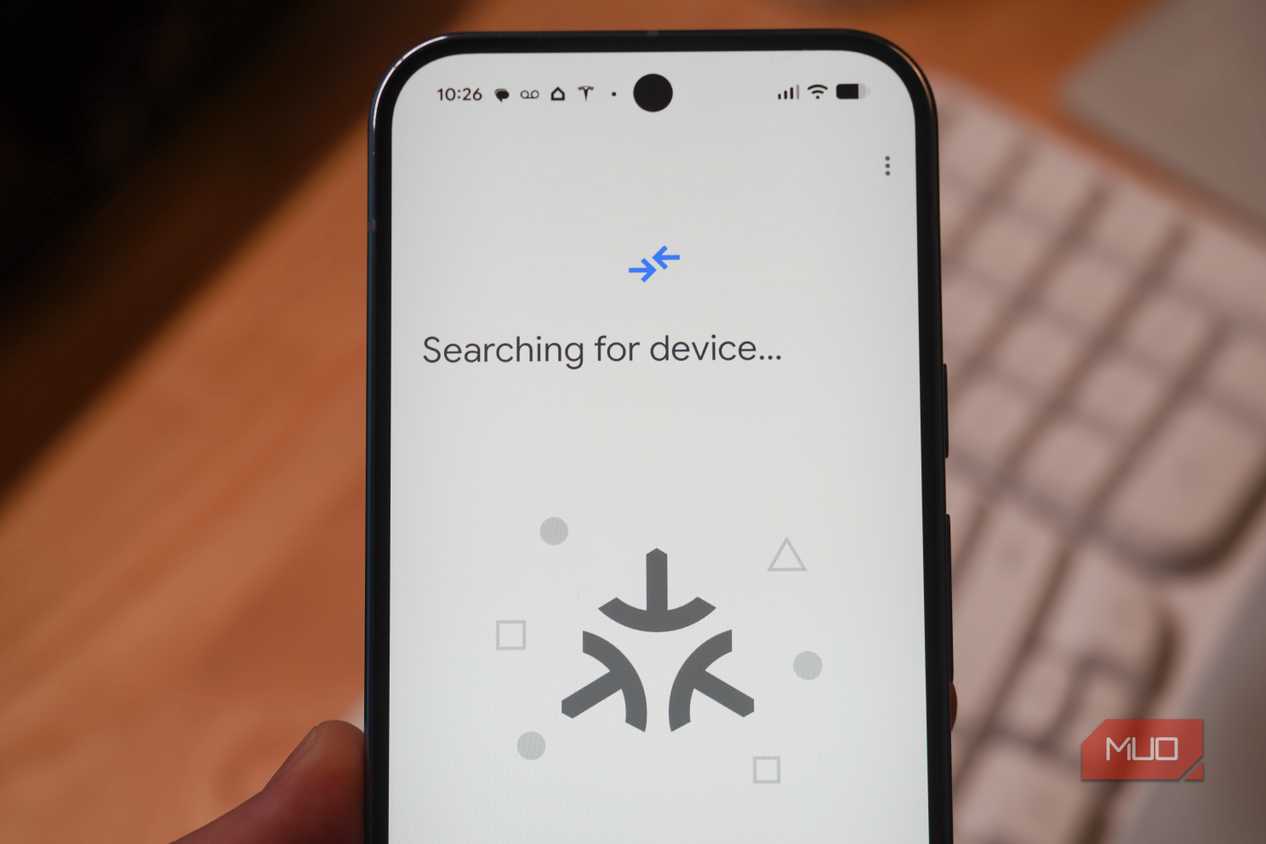
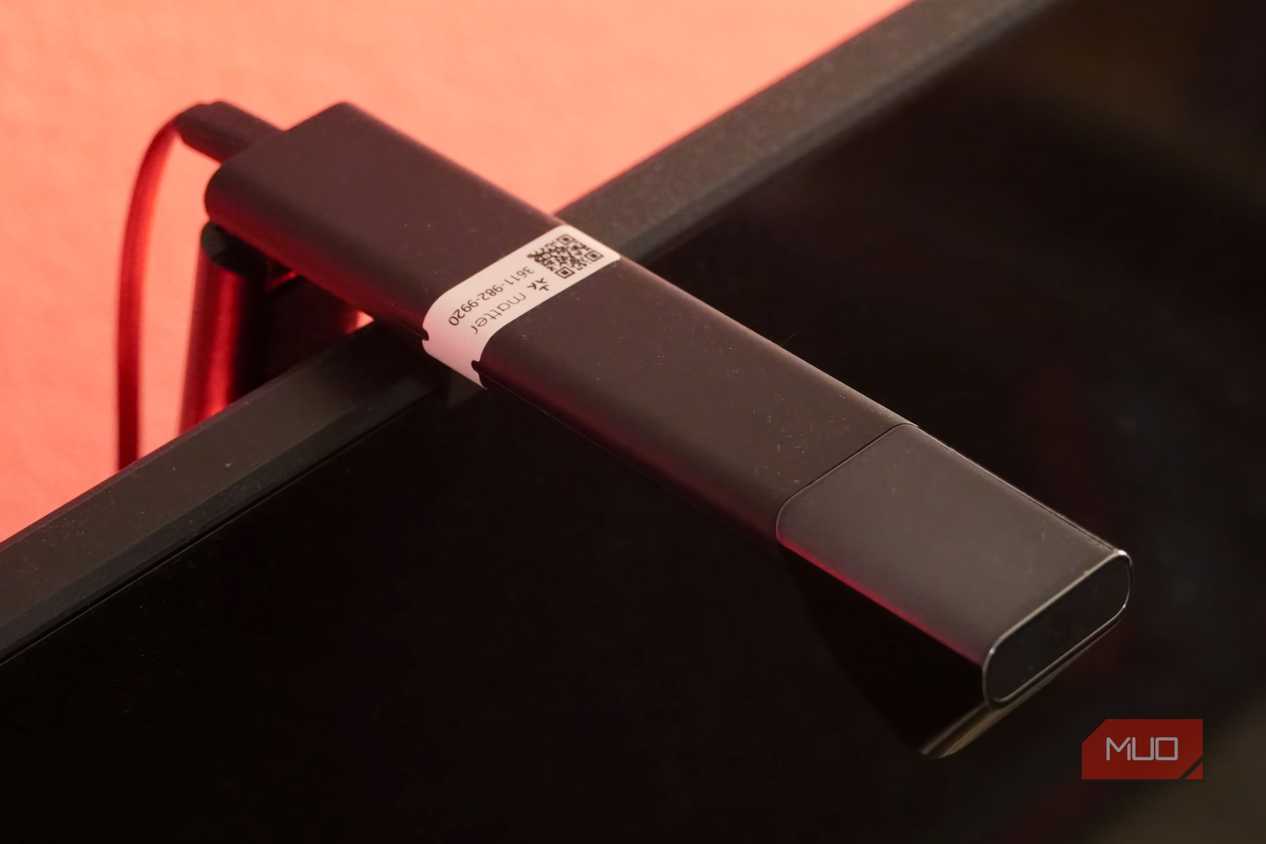
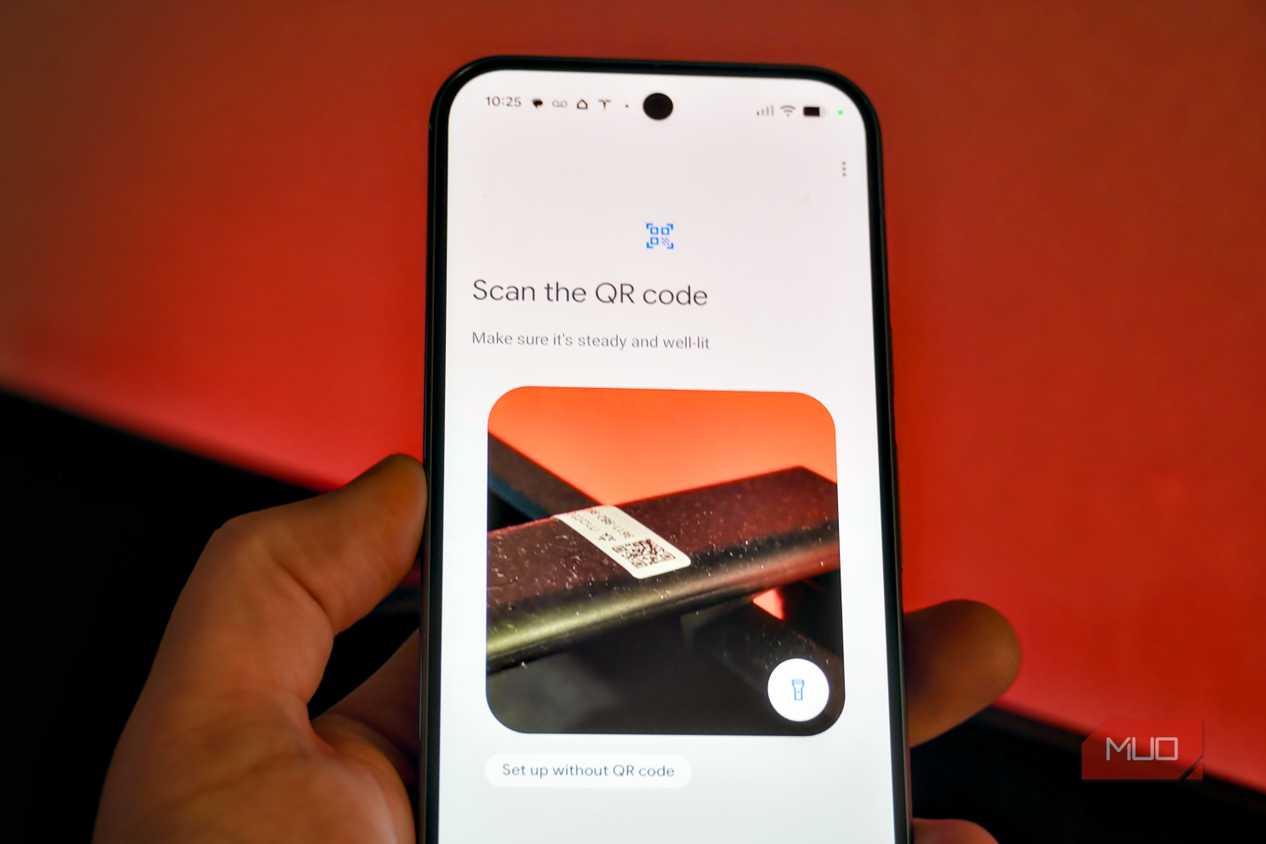
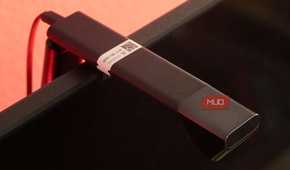
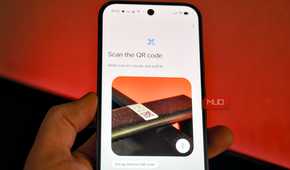
When you have a Matter device, keeping the box that it came in is vitally important. This is because the QR code that you need to scan to set up the device is on it. Without that code, it is challenging to set it up quickly.
Other technologies that you can use
Matter and Thread may be newer, but others are still prevalent

Options like Zigbee and Z-Wave are other protocols that your home can use. Zigbee and Z-Wave are still among the most used in homes and they act similarly to Thread by creating their own mesh network to connect your devices.
These help your devices extend the coverage of your smart home gadgets. These don't require the use of a central router, giving you flexibility in the devices that you choose.
Z-Wave and Zigbee can be more expensive than other options because they require a dedicated hub or a bridge to help you connect your devices. This is similar to a Thread Border Router, but a Thread Border Router doesn't have to only be a bridge or a hub.
Zigbee is a bit more brand-specific than the other options and Z-Wave options must carry the Z-Wave Alliance certification. These and Thread are similar enough that you can use them in your home with some of your older and more prestigious devices. The Zigbee logo spells out the word Zigbee with a sharp red design. Z-Wave's logo looks like it is the word with broadcast signals coming out of it.
Check out the box for smart home device compatibility
When setting up a smart home, getting devices that are compatible with one another is a must. You want your devices to talk to one another if you can, as it helps keep your home online, even when the power is out. Pay attention to the box of logos so you can see how flexible what you're buying is.

Nanoleaf Essentials Matter A19
Nanoleaf Essentials Matter A19 light bulbs show millions of colors. They work with most smart home ecosystems.