


If you used a Windows PC through the 2000s or 2010s, Java probably became one of those pieces of software you recognized long before you understood why it was there. Games asked for it, work programs depended on it, browsers nagged you about plugins, and every so often that little updater would surface in the system tray looking for attention.
Java eventually faded from everyday view, but the technology itself never followed as plenty of software still depends on it today. Modern applications have simply gotten much better at bringing along the Java components they need without making you manage them separately.
The JVM is a runtime layer between Java software and your PC
A middleman with an actual purpose

Java is a programming language, although the Java Virtual Machine, or JVM, is the part doing much of the work once a Java program starts running on your computer. Developers write Java source code and compile it into an intermediate form called bytecode. If source code, compilers, and executables still feel a little abstract, the basics of coding and programming are a good primer on how those pieces connect.
With Java, the resulting bytecode is usually stored in .class files that a JVM knows how to load and execute. Oracle's JVM specification describes the class-file format as a hardware- and operating-system-independent binary format. That became one of Java’s biggest advantages because developers could target the JVM instead of rebuilding the same application around every operating system and processor architecture they wanted to support. Give the software a compatible Java runtime on the other end and much of the same code could come along for the ride, which Sun Microsystems famously packaged into the phrase “write once, run anywhere.”
The JVM also does far more than shuttle bytecode toward the processor. It loads classes, manages memory, handles garbage collection, enforces parts of Java’s runtime behavior, and can turn frequently used bytecode into native machine instructions while the program is running. All of that gives Java applications a managed environment with a lot of the underlying housekeeping already taken care of.
A couple of old Java acronyms also explain why installing it used to feel needlessly confusing. The JRE traditionally gave you the pieces required to run Java applications, while the JDK added the compiler and other developer tools used to build them. Starting with JDK 11, Oracle stopped offering separate JRE and Server JRE downloads, while modern Java applications can instead ship with a runtime built around what that particular app needs. Oracle's jpackage tool, for example, can create self-contained applications that include their required Java runtime.
JavaScript, despite the name, is an entirely different programming language. The two have separate histories, runtimes, and common uses, and the resemblance becomes fairly superficial once you look at the differences between Java and JavaScript.
The Java you remember from the web is mostly extinct
The browser plugin era aged terribly


My strongest memories of Java have nothing to do with garbage collection or portable bytecode. I remember websites telling me to install a plugin before they would do anything remotely interesting.
Java applets let websites download and run small Java programs inside the browser. They appeared in games, educational software, business portals, and plenty of odd web utilities that needed capabilities browsers couldn't easily provide on their own at the time.
The problem was that applets depended on a browser plugin architecture that became increasingly awkward from both security and maintenance perspectives. Browsers gradually abandoned NPAPI, the plugin system Java relied on. Firefox removed general NPAPI plugin support with Firefox 52 in 2017, while Chrome and other major browsers had already moved away from the technology. Oracle later removed Java's plugin, Java Web Start, Java Control Panel, and related deployment technologies from JDK 11.

Installing Java on a current PC therefore won't persuade Chrome, Edge, or Firefox to resurrect a Java applet from an ancient website. The Java many people remember from the web belongs to a browser model that effectively no longer exists.
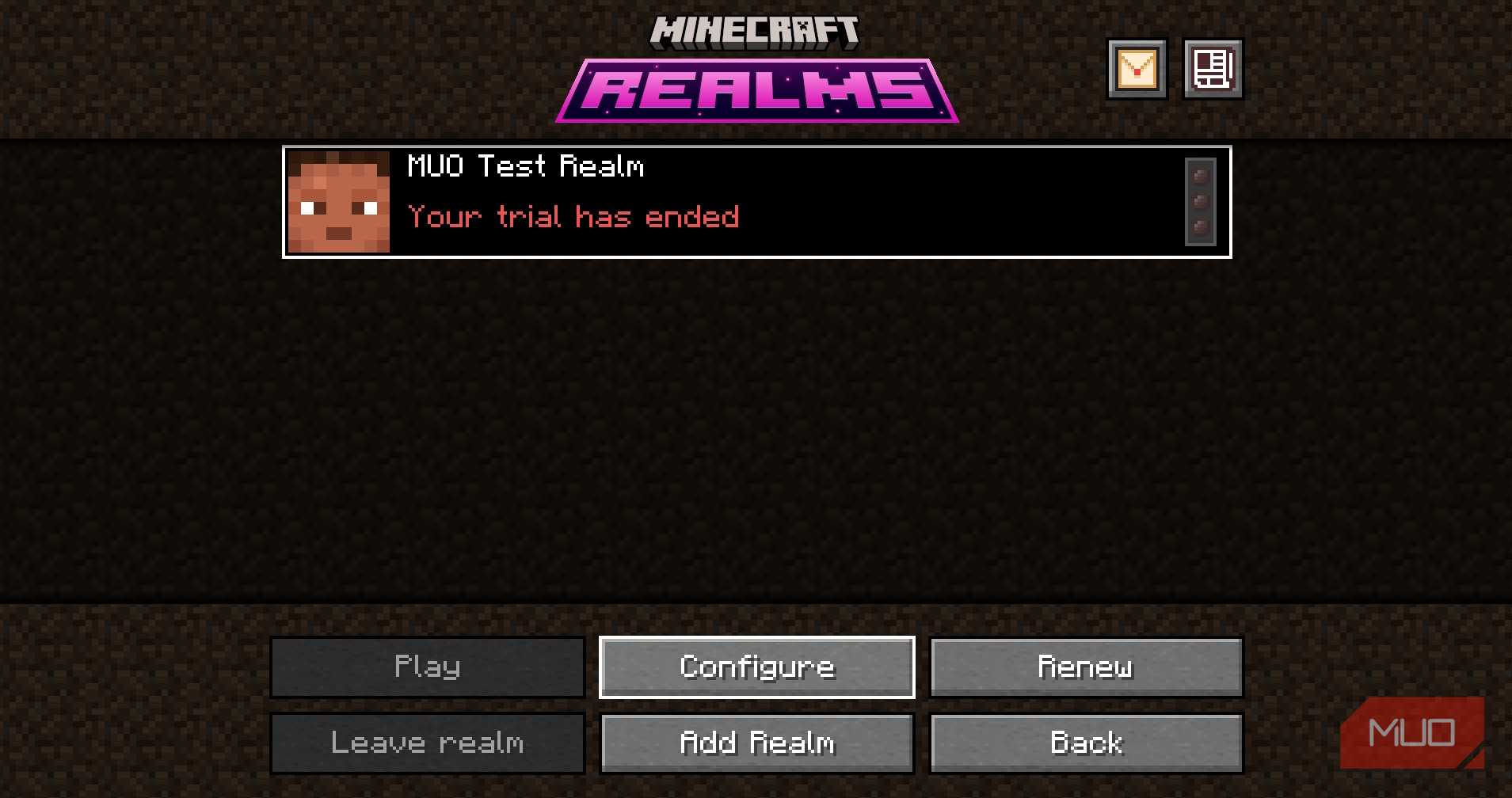
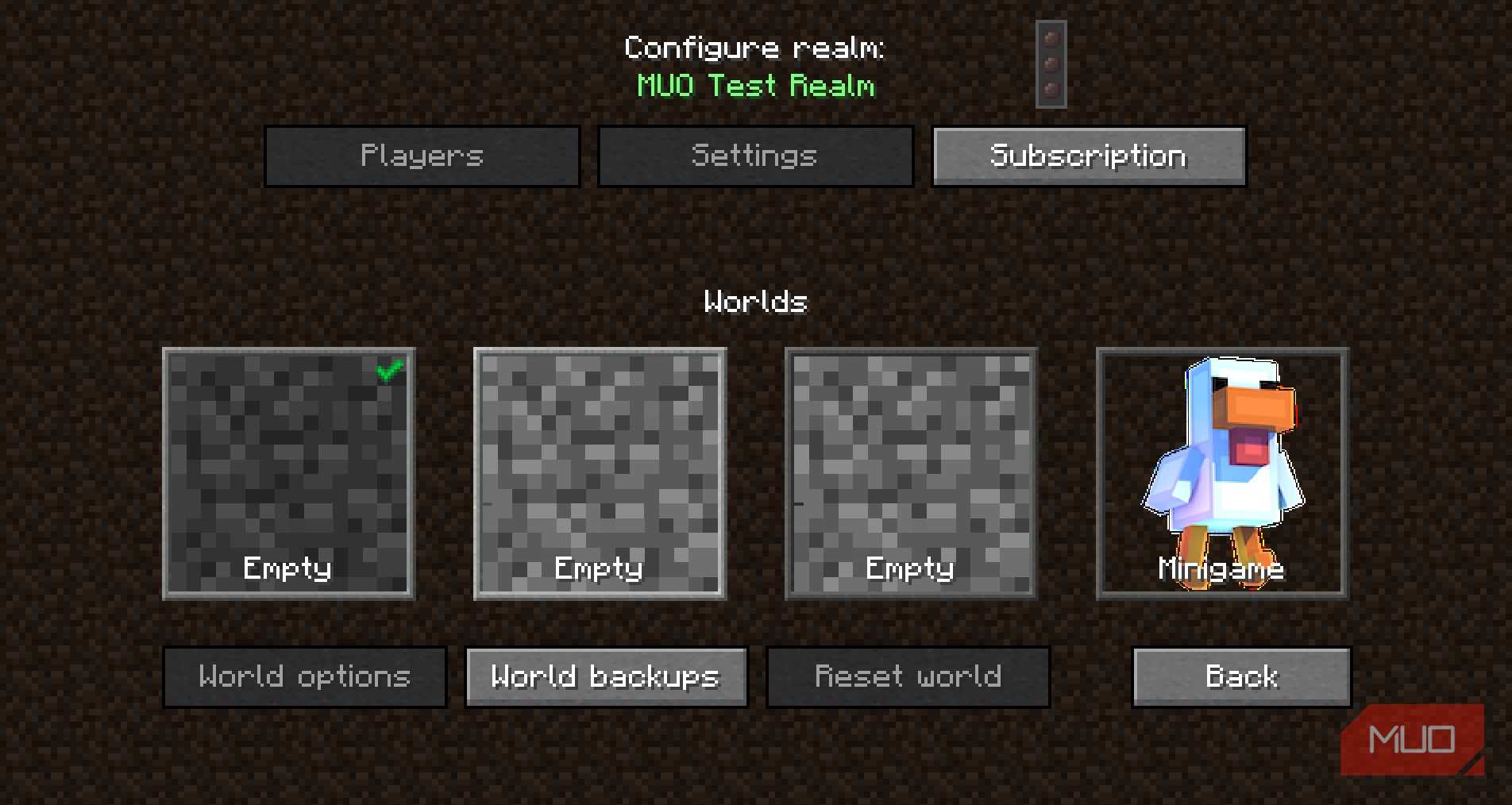
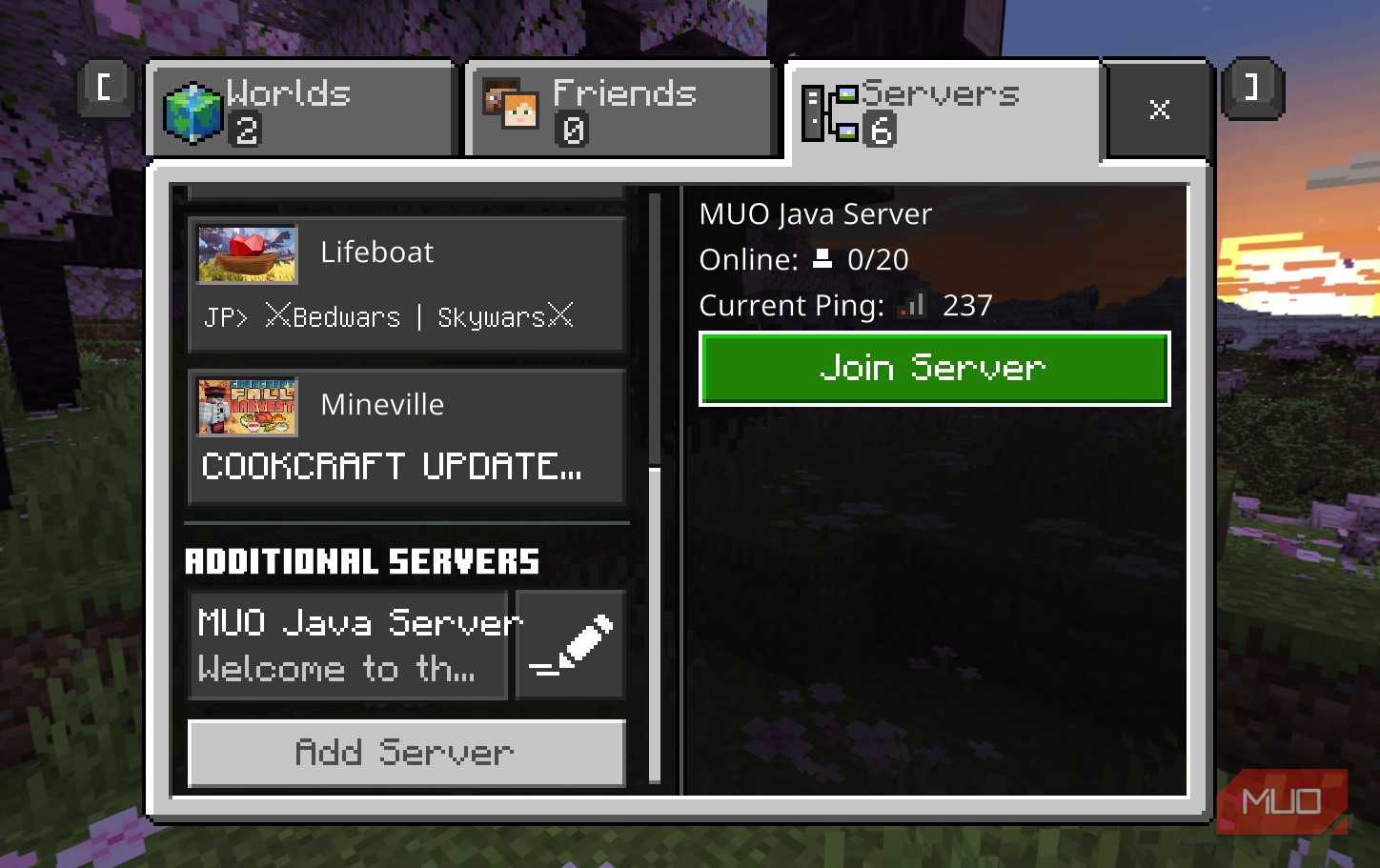
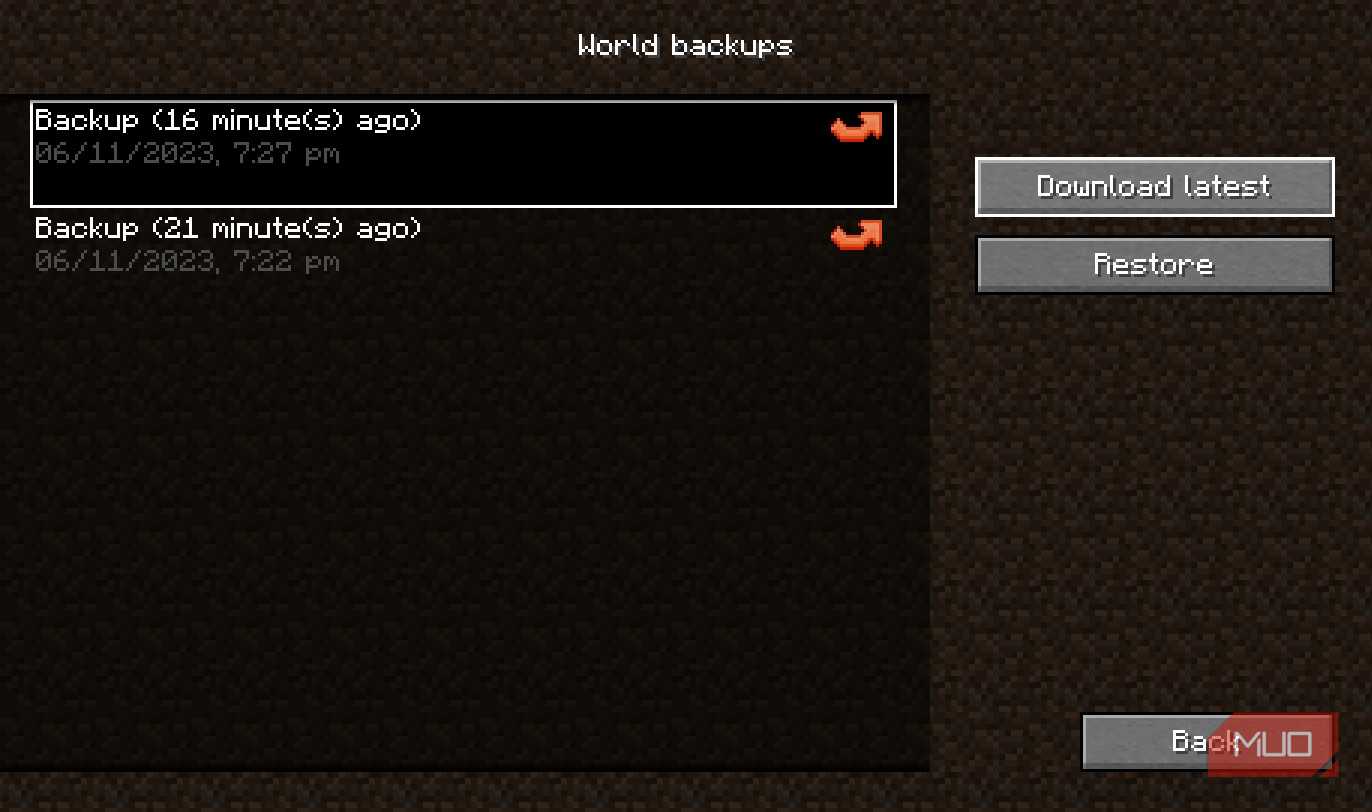
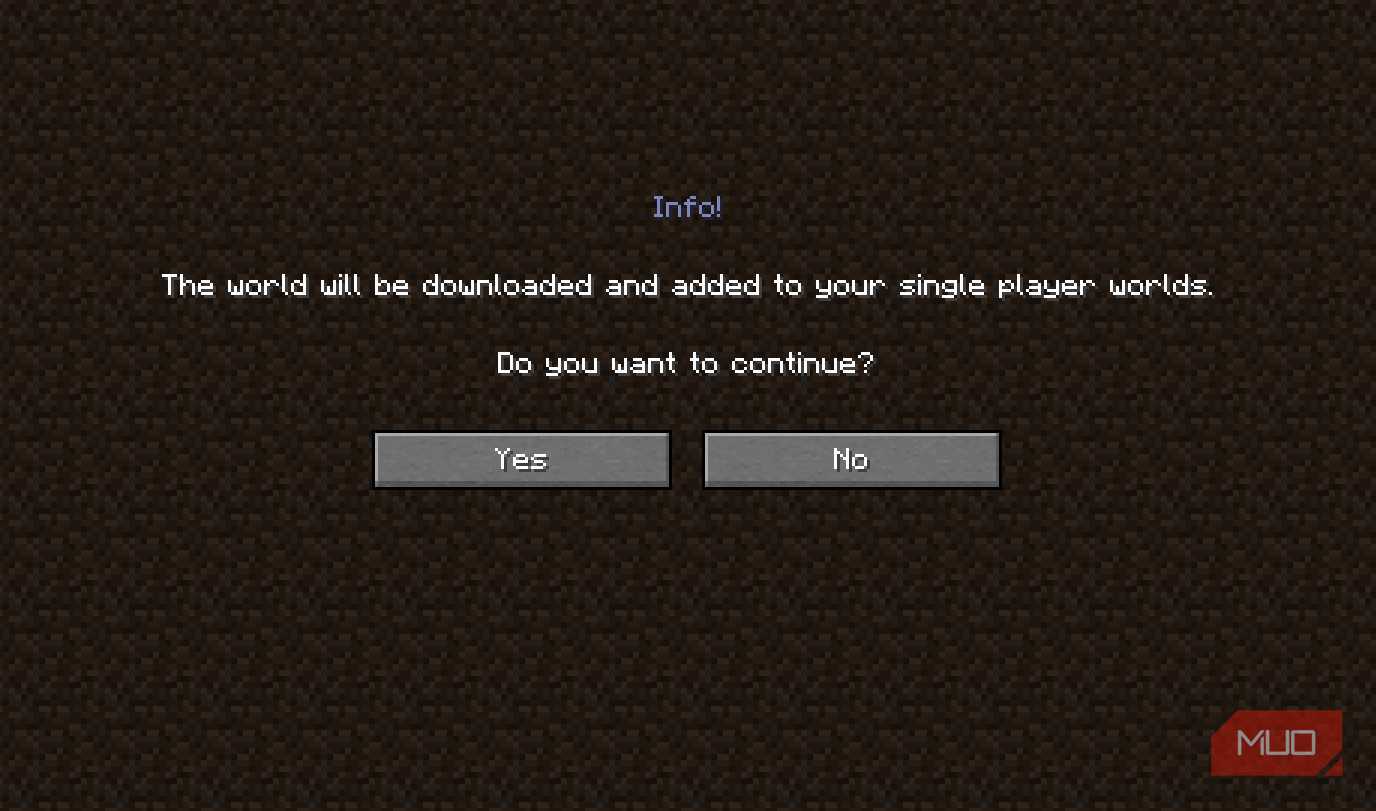
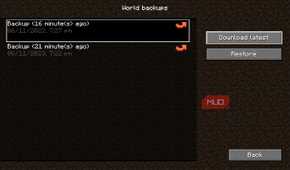
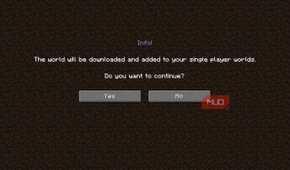
Java carried on perfectly well outside the browser. Minecraft: Java Edition is probably the most recognizable consumer example, while Java remains heavily used in backend services, business software, developer tooling, and server applications. You can still set up a Minecraft Java Edition server today.

Development software gives you another good example. IntelliJ IDEA is built on Java, yet JetBrains ships the IDE with its own OpenJDK-based runtime, so you can install the program and get to work without tracking down a separate system-wide Java installation first.
Android also belongs somewhere on Java’s family tree, although the relationship gets messy once you look under the hood. Android apps can use Java language features, while Android's build tools compile Java bytecode into DEX bytecode that runs under the Android Runtime, or ART, instead of the conventional JVM you’d find on a desktop.
Before uninstalling Java, find out who invited it
Java may have roommates

Does a typical Windows PC actually need Java installed system-wide in 2026? In plenty of cases, no. The important question is whether any of the software you use actually depends on it.
You can check what the command line currently knows about Java by opening Windows Terminal, PowerShell, or Command Prompt and running:
-
java -versionshows the version reported by the Java executable Windows currently resolves. -
where.exe javashows matching Java executables Windows can find in the current directory and directories listed in your PATH.
If java -version returns version information, Windows can resolve a Java executable through the normal command-search path. If the command isn’t recognized and where.exe java finds nothing, Java isn’t available through the current directory or PATH. That isn’t a problem by itself, and there’s no reason to install Java just to make these commands work if all of your software is running normally.
Finding java.exe somewhere else on your PC also isn’t a good reason to start deleting files manually. Standalone Java installations are better removed through Windows’ normal uninstall process, while files inside an application’s folder are best left for that application to manage.

Seeing several Java versions installed doesn’t automatically mean anything is wrong either. An older business application might still depend on Java 8 while another program expects a far newer release. As of October 2026, Java 27 is the current feature release and Java 25 is the latest long-term-support release, and grabbing the biggest version number available doesn’t guarantee that every Java application on your PC will be happy with it.
Older installations are still worth examining. Java’s browser-plugin years did a lot of damage to its security reputation because malicious web content could interact with vulnerable plugin code. Modern Java has moved away from that browser model, although an outdated or unsupported runtime can still contain known vulnerabilities and may no longer receive security fixes.
If an application needs Java, use the version its developer recommends and make sure that runtime is still supported. If nothing on your PC relies on the separate Java installation sitting in Windows, uninstalling it is a perfectly sensible cleanup move.
The best Java is the one you barely notice
Java is still humming along underneath plenty of applications and services, even as the browser plugins, tray icons, and updater nags that once made it impossible to ignore have mostly disappeared from everyday PC use.
These days, most people only need to think about Java when a particular app gives them a reason to. That's probably a better arrangement for everyone.