


Brave may be a popular beast among power users, but if you look at the overall market share, it’s still a tiny player. According to Statcounter, it only accounts for around 1.35% market share. But after using Brave for a couple of months, I can tell you that browser market share isn’t a good indicator of quality.
Brave feels like a complete package and doesn’t disappoint one bit when it comes to performance, privacy, user experience, or reliability. In fact, the more I’ve used it, the more I’ve found myself wondering why so few people actually give it a shot.
Brave’s biggest appeal is Shields
It blocks more than just ads


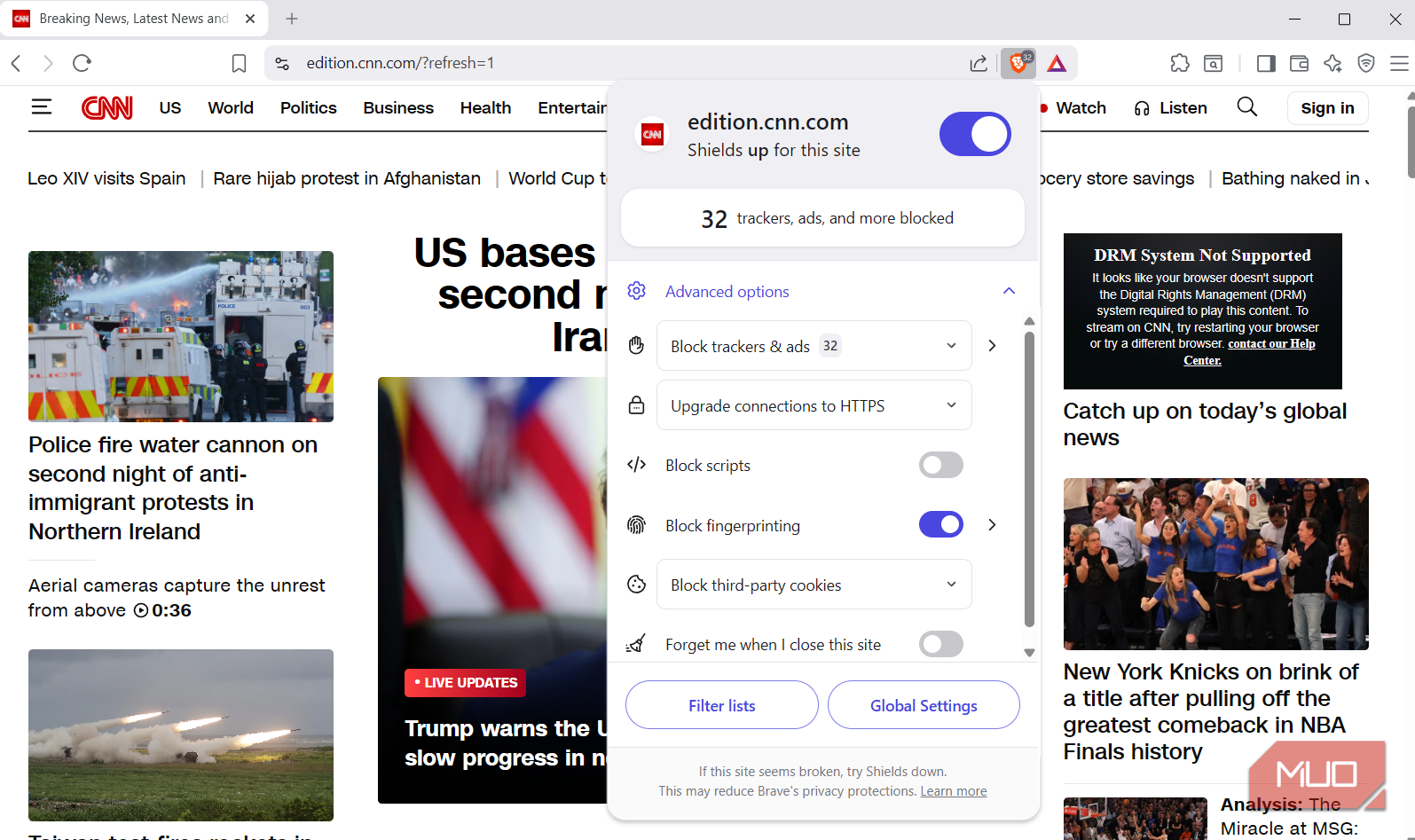
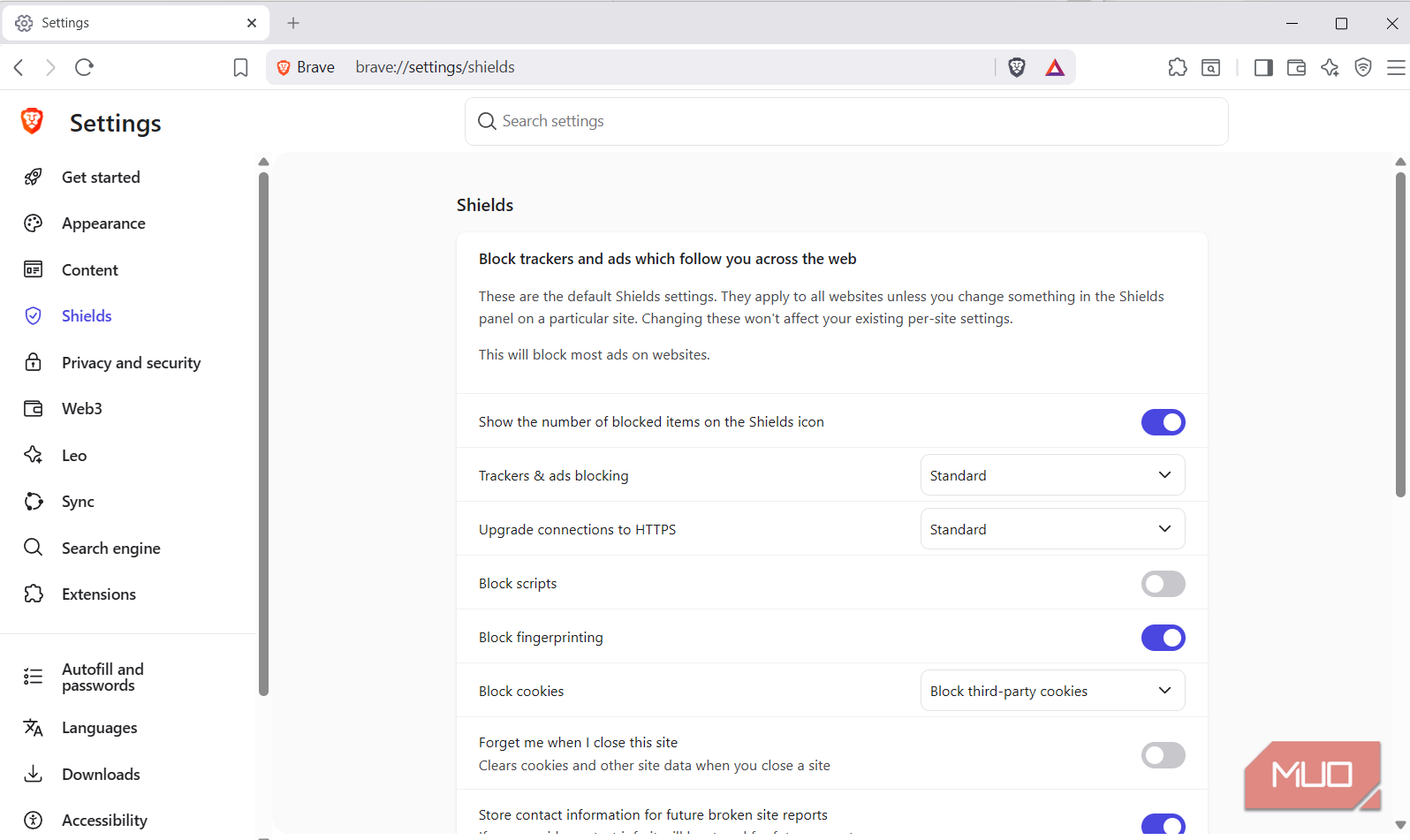
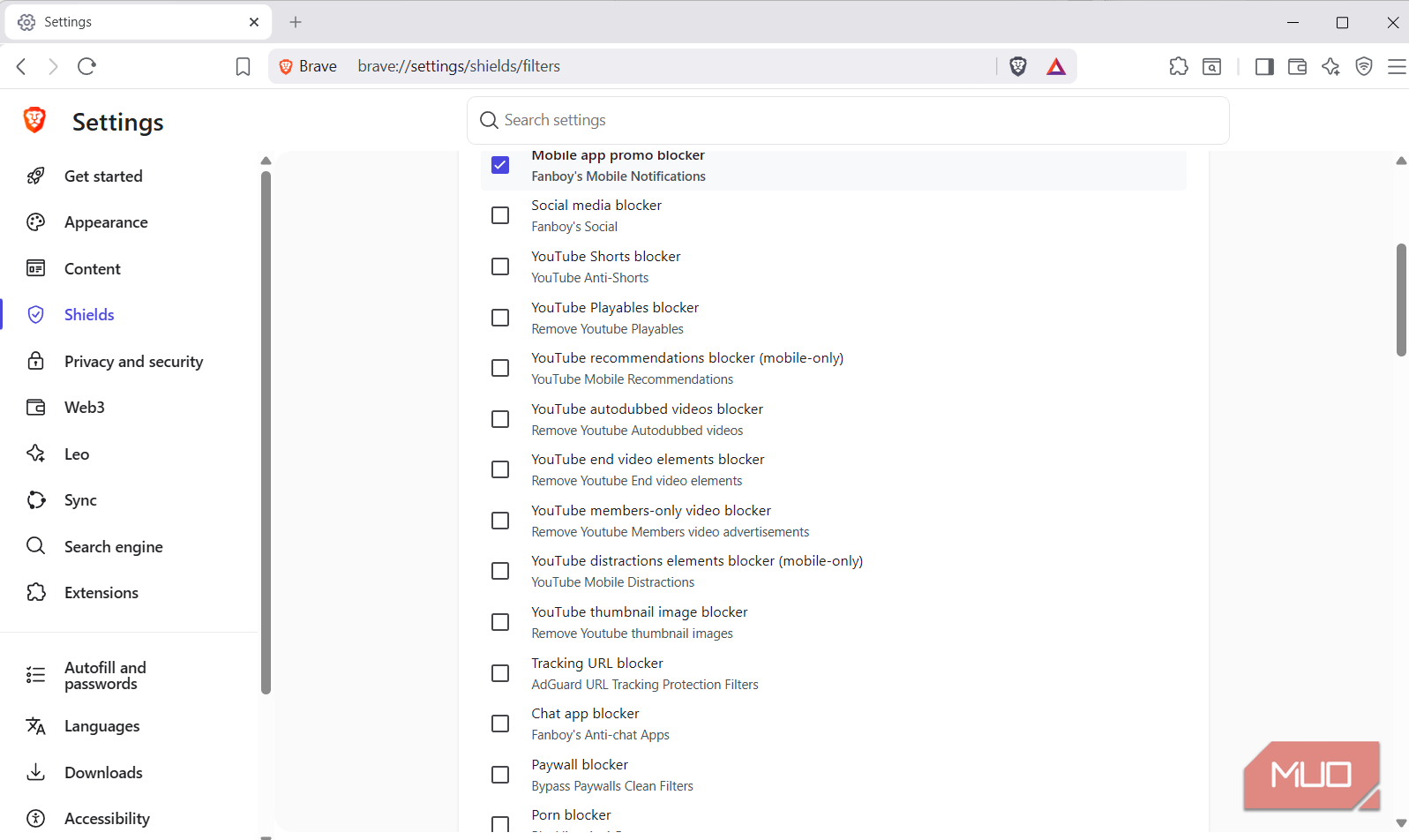
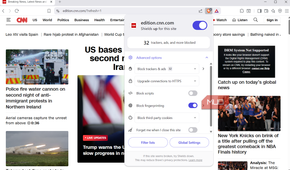
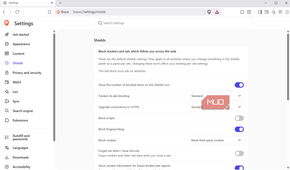
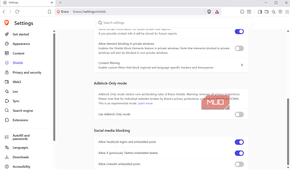
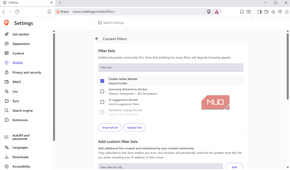
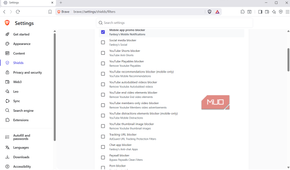
Brave has a lot going for it, but I want to start with one thing that made me try it in the first place: Shields. With most browsers, you have to rely on third-party extensions to block ads and trackers, but Brave has those protections built-in. It even blocks fingerprinting, which is a more sophisticated form of tracking that works even with cookies disabled. And the best part is, all these protections are enabled out of the box.
Any time you land on a site, you’ll see the Brave Shields icon right next to the URL bar. Click it, and it’ll tell you how many ads and trackers it blocked for you. Brave even includes an element blocker, so you can manually hide parts of a webpage you don’t want to see. All these things make web pages look cleaner and easier to navigate. More importantly, you don’t have to worry about any tracking scripts running in the background.
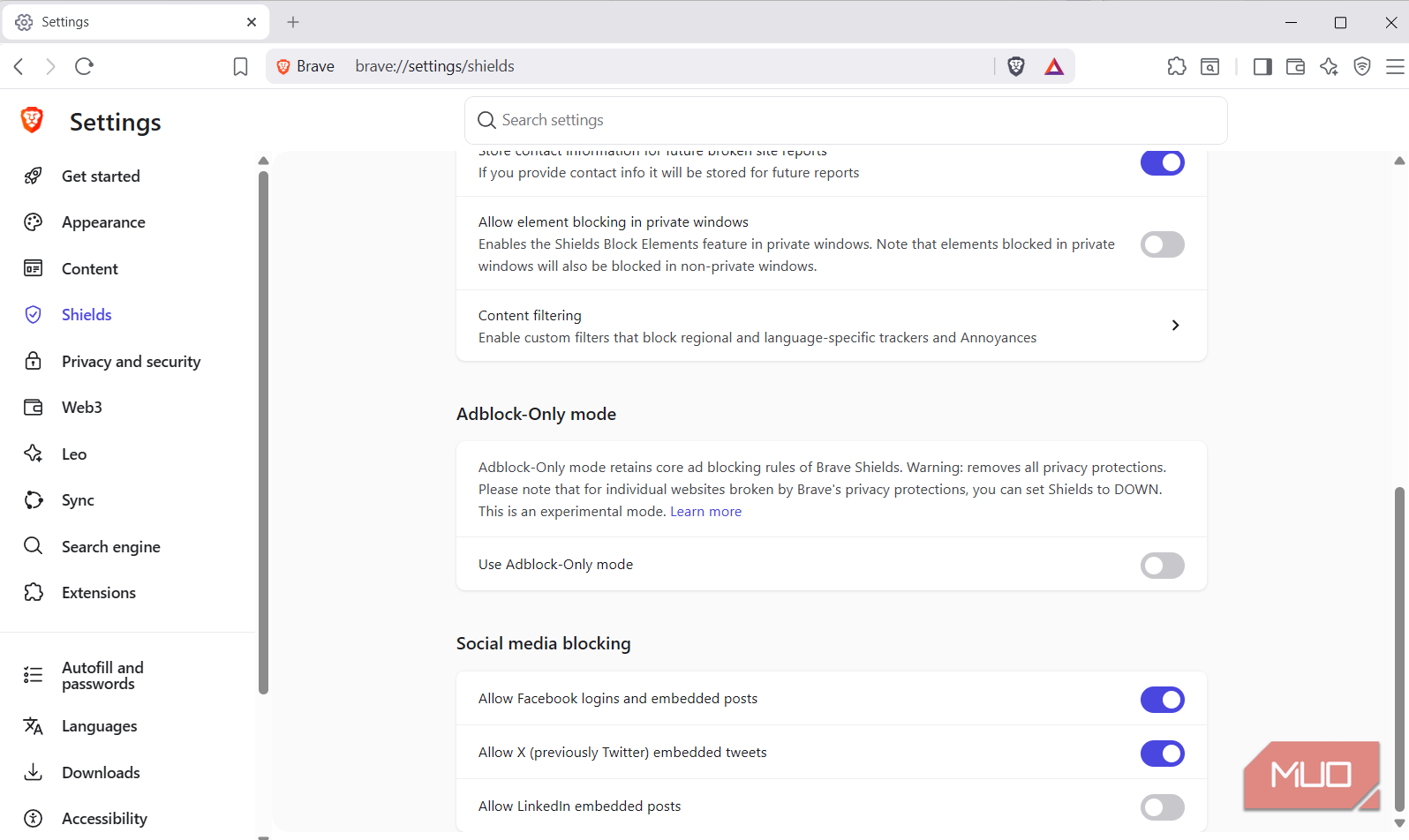
The real fun begins when you open the Shields tab in Brave’s settings. Again, default protections are already strong, but Brave gives you plenty of options to crank things up even further. For instance, you can enable element blocking in private browsing and block embedded social media posts from this menu.
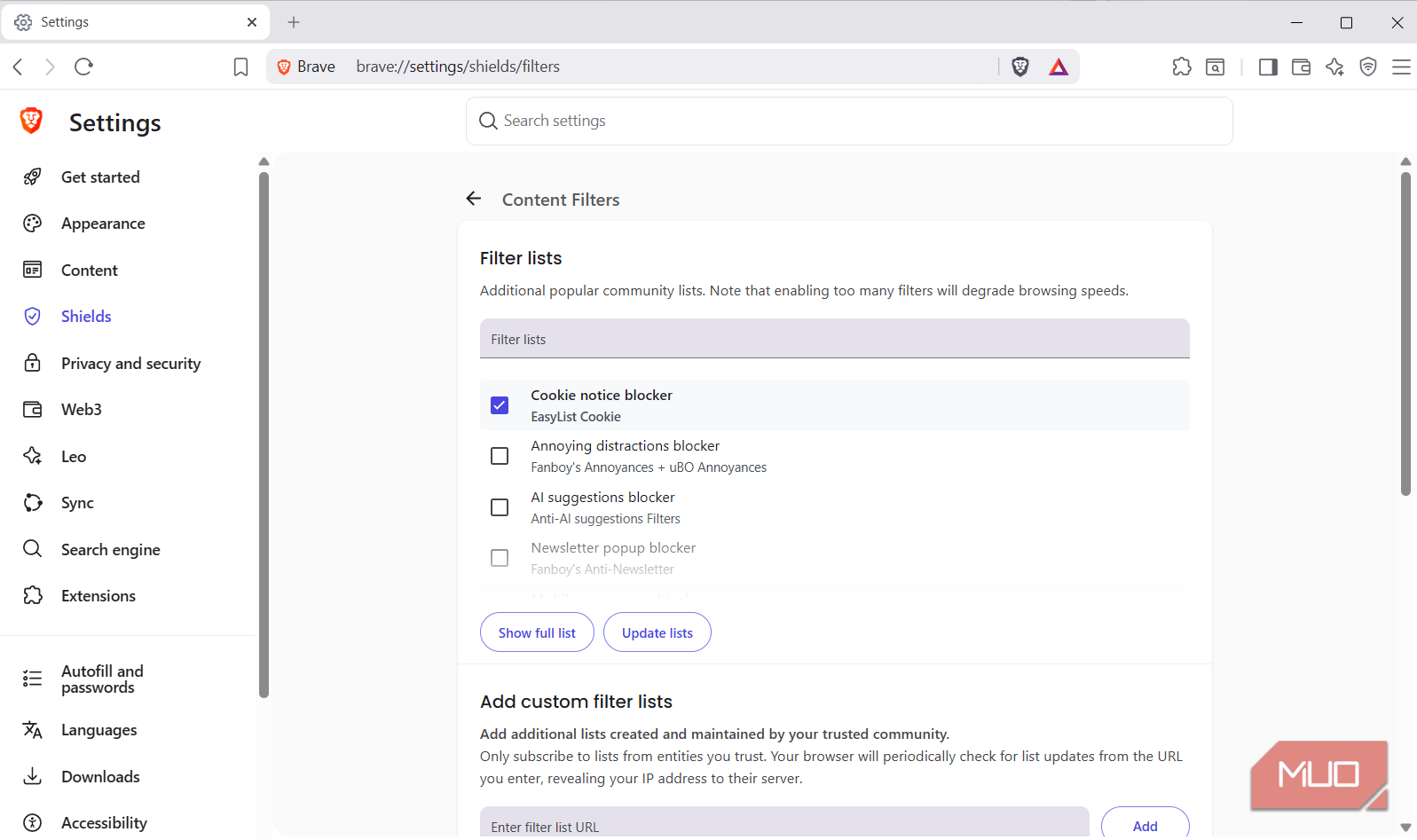
My favorite option is Content Filtering. It lets you enable dozens of additional filters to avoid specific annoyances like cookie consent banners, newsletter pop-ups, paywall blockers, and a lot more. Heck, there are even a bunch of filters specifically for YouTube. You can use these to hide Shorts, turn off autodubbed videos, remove member-only content recommendations, and cut down many other distractions.
Brave is all about privacy and performance
No need to choose between speed and privacy

Brave is great at protecting your privacy while you browse the web. But what makes it so easy to recommend is that Brave itself isn’t interested in collecting your data either. In fact, the first thing you’ll see when you visit Brave’s privacy policy page is that it doesn’t collect any of your browsing data. It only does this if you use features like Rewards and Sync, both of which require your participation. This is one of the reasons why Brave doesn’t even require you to create an account to get started.
Privacy is only half the story, though. Brave is also a performance beast. Recently, Gavin Phillips (my editor) compared Chrome, Edge, Firefox, and Brave by loading the same 10 tabs in each browser and measuring their resource usage. And guess what, Brave came out on top, using less RAM than all of its competitors.
This isn’t surprising, though. Because Brave blocks a lot of the unwanted content, it naturally has less work to do compared to a browser that loads everything. So yes, while Brave is popular for privacy, its performance is just as impressive.
I don’t use everything Brave tries to offer
It’s not perfect, and that’s okay

I enjoy using Brave on both my PC and phone, but I’m not a fan of everything it offers. For instance, Brave Rewards is an optional feature where you can agree to see privacy-focused ads in exchange for crypto rewards. You can then transfer the earnings to your wallet or use it to support your favorite creator. It sounds like a fair deal, but it’s not something I’ve ever been interested in.
The same goes for Leo AI. It’s Brave’s built-in AI assistant that you can use to summarize webpages and get answers. And like the browser itself, Leo AI is privacy-focused and doesn’t require an account. Again, it’s nice to have it, but I’ve rarely used it.
Brave also offers its own VPN service, aptly named Brave VPN. This isn’t free, though. It costs $9.99 a month or $99.99 for the whole year to use it. I haven’t tried it myself, so I can’t say much about it. But yes, it’s there if you need it.
What I do appreciate, though, is Brave’s mobile browser is every bit as good as its desktop counterpart. It sadly doesn’t support extensions like Edge or Firefox on Android, but I don’t mind that because Brave offers ad-blocking natively.

- OS
- Windows, macOS, Linux, Android, iOS
- Developer(s)
- Brave
- Price model
- Free
- iOS compatible
- Yes

Lenovo Yoga 9i
- Operating System
- Windows 11 Home
- CPU
- Intel Core i7 11th Gen i7-1195G7
- GPU
- Intel Iris Xe Graphics
- Storage
- 512GB