


Five years ago, Windows 11 landed as a free upgrade for millions of Windows PCs, just as Windows 10 was a free upgrade. However, there was a catch: Microsoft had made TPM 2.0 mandatory to install Windows 11. As a result, any attempt to upgrade a non-compatible system resulted in an error.
After some backlash, Microsoft expanded the eligibility, allowing 4- to 5-year-old devices without TPM 2.0 to be eligible for an upgrade. For even older devices, it was still possible to bypass the TPM 2.0 requirement. But regardless of whether you should upgrade an incompatible system or not, Microsoft did a poor job explaining why it made TPM mandatory.
And it's a lot more interesting than the "it's good for security" argument it gave.
TPM is not just a Windows 11 thing
It has been part of PC hardware for over a decade

TPM, or Trusted Platform Module, is a security standard maintained by the Trusted Computing Group. It is not something Microsoft invented for Windows 11. The Trusted Platform Module has been around since the early 2000s, and business laptops have shipped with TPM chips for years. In fact, since July 2016, Microsoft has required all new PCs shipping with Windows 10 to include TPM 2.0 support. So if you bought a computer after 2016, chances are it already has one, possibly just sitting disabled in the BIOS.
So why does TPM exist in the first place? On a regular PC, your encryption keys have to live somewhere the CPU and operating system can reach, usually RAM or disk. If the OS or bootloader gets compromised, say through a rootkit or a malicious boot from a USB drive, malware can read those keys directly. Your encryption becomes useless regardless of how strong the algorithm is.
TPM fixes this by being a separate, tiny computer on the motherboard with its own key material and a limited set of cryptographic functions. It can generate secure random numbers, store keys, and perform encryption, but it will not simply hand out its internal root keys. Each TPM has a unique storage root key, either burned in at manufacture or derived during setup, and that key is used to encrypt other keys you care about. Even if someone copies your entire disk, they can not get to the usable keys because the unwrapping capability is bound to that specific hardware chip.
It takes things a step further with what's called "sealing." When you seal a key, the TPM encrypts it using both its storage root key and a snapshot of the boot environment, stored in something called Platform Configuration Registers (PCRs). If someone boots a different OS, changes the BIOS, or alters the boot chain in any way, the PCRs change, and the TPM refuses to release the key. At this point, it is not just checking "is this the same hardware?" but "is this the exact software stack you trusted when you stored the key?"
Microsoft only made this clever solution for Windows 11 mandatory, but it has nothing to do with Windows 11 specifically.
TPM is where your security keys live
BitLocker, Windows Hello, and your passwords all depend on it

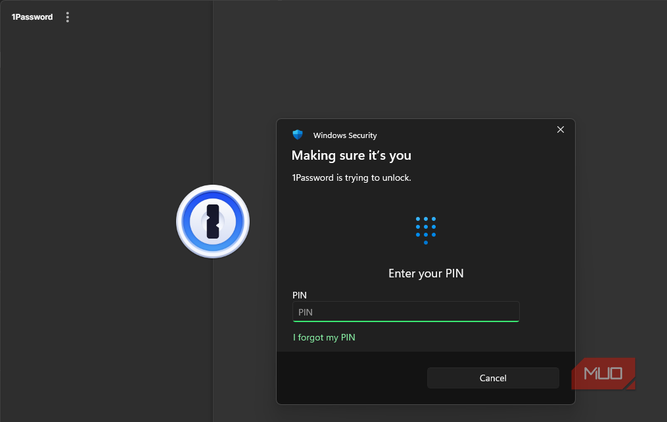
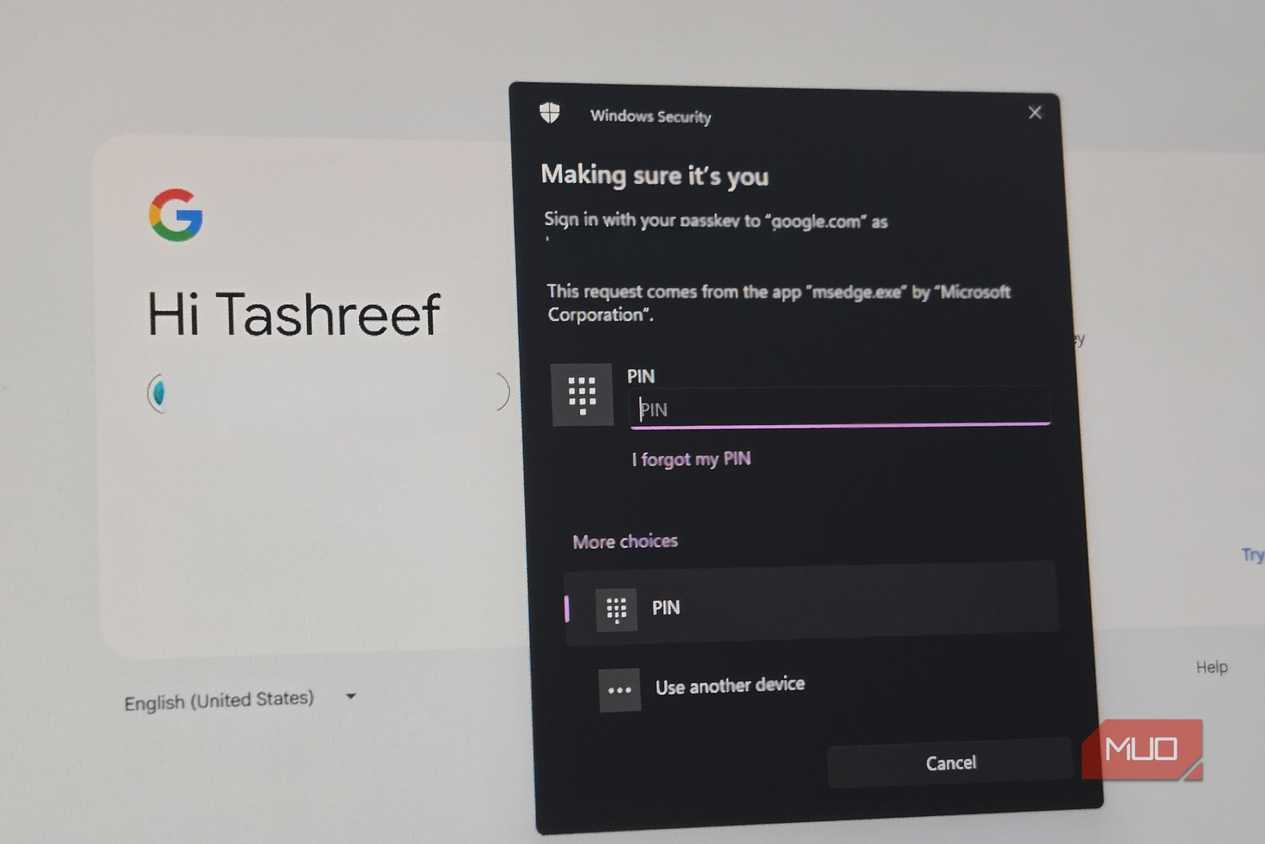
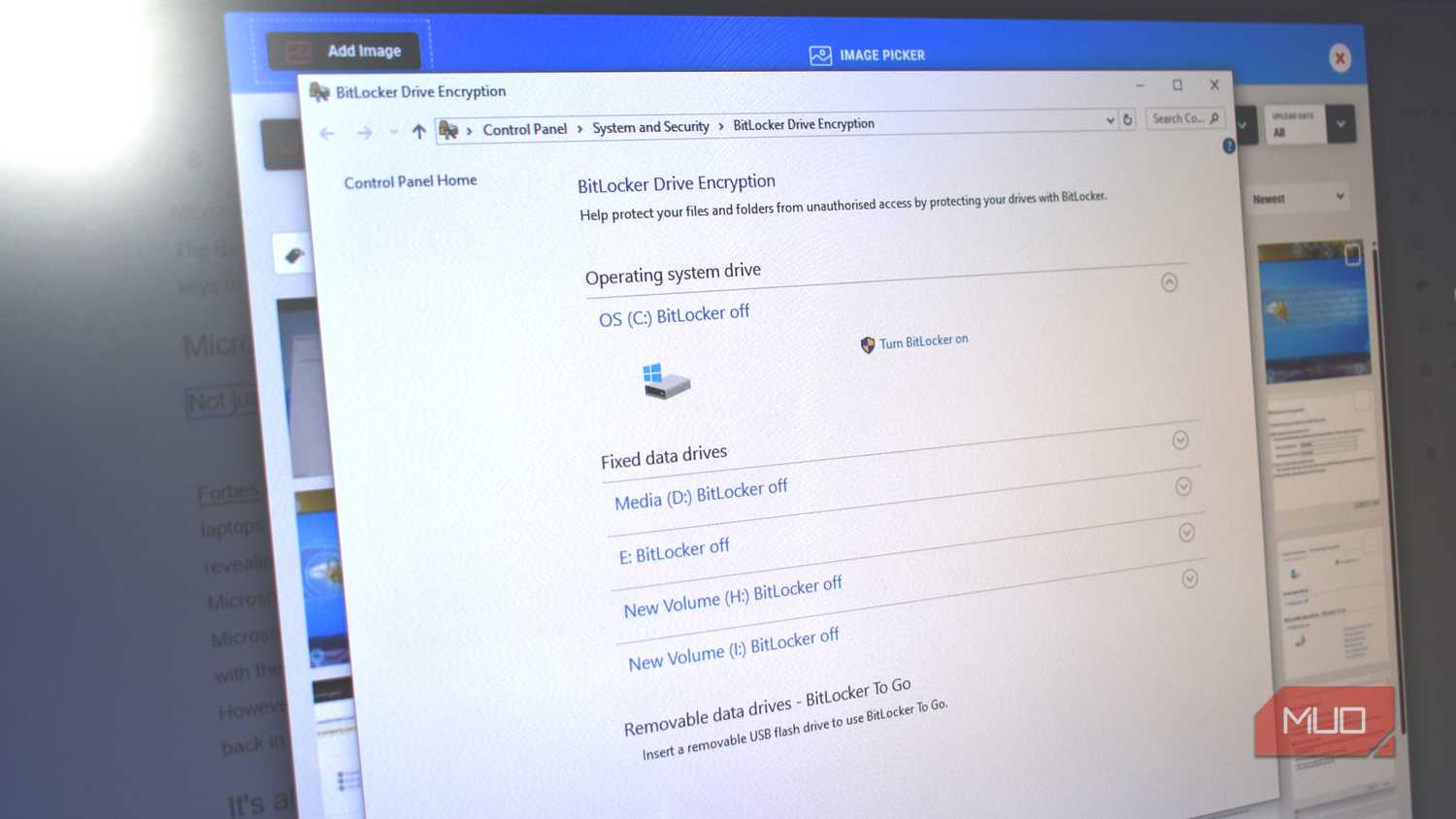
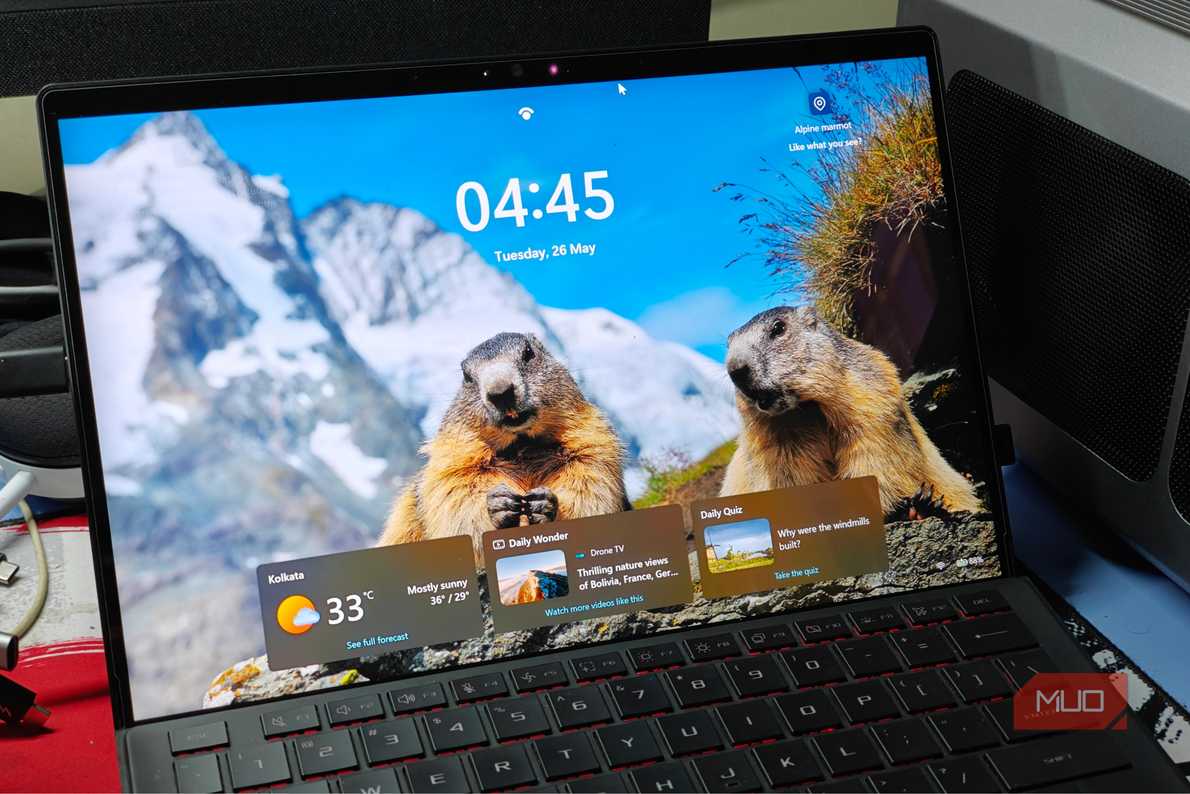


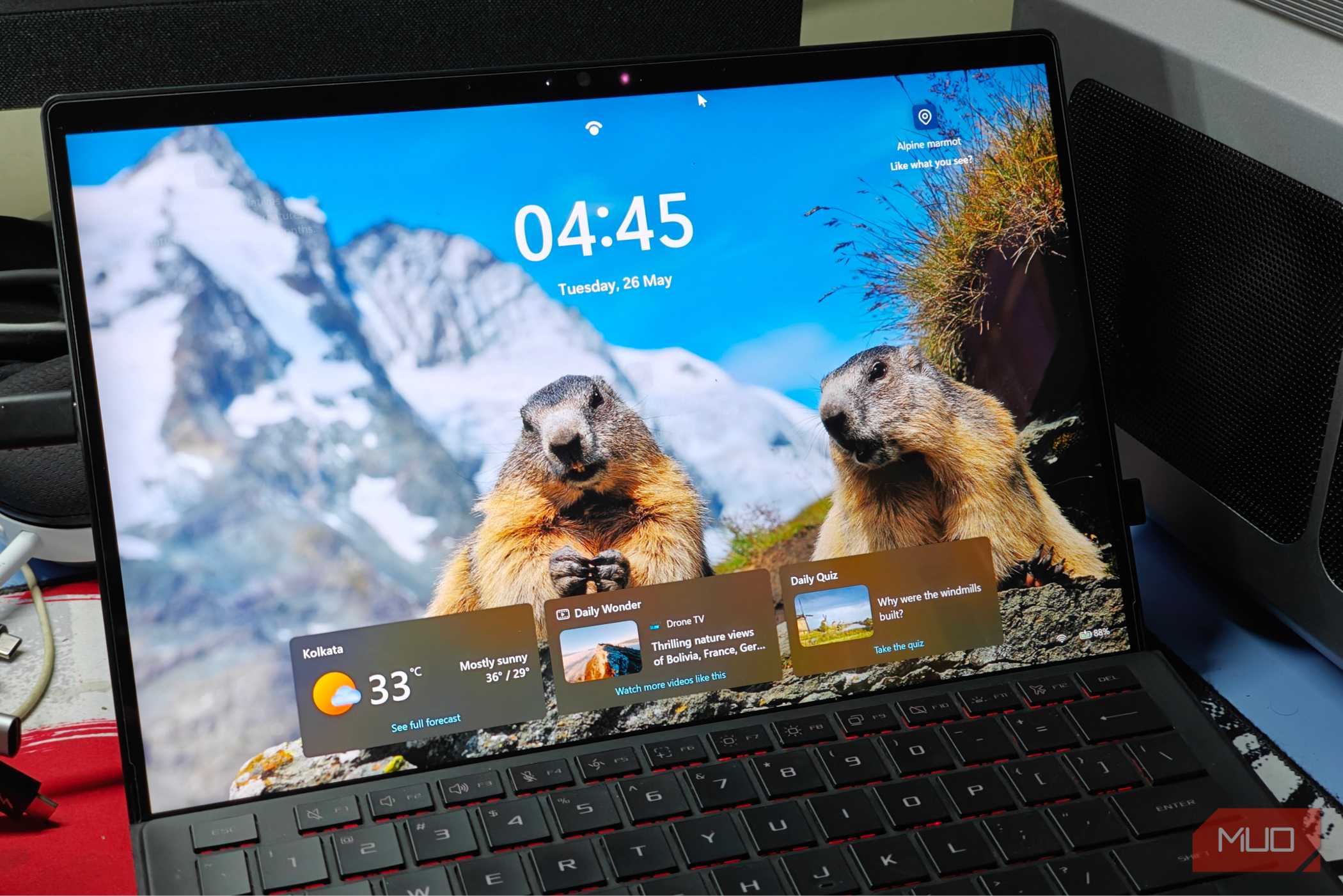

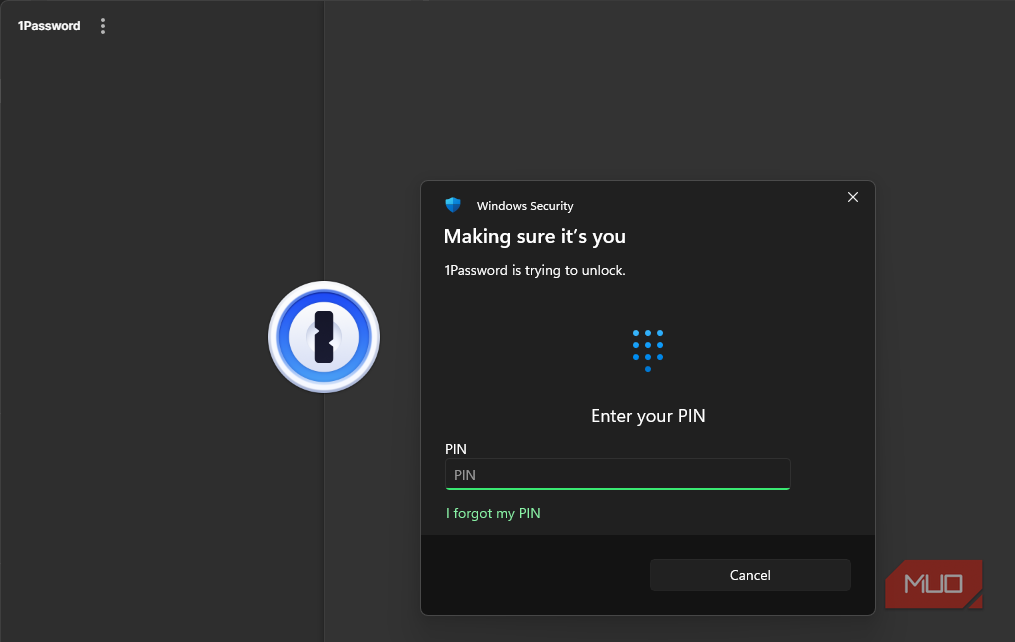
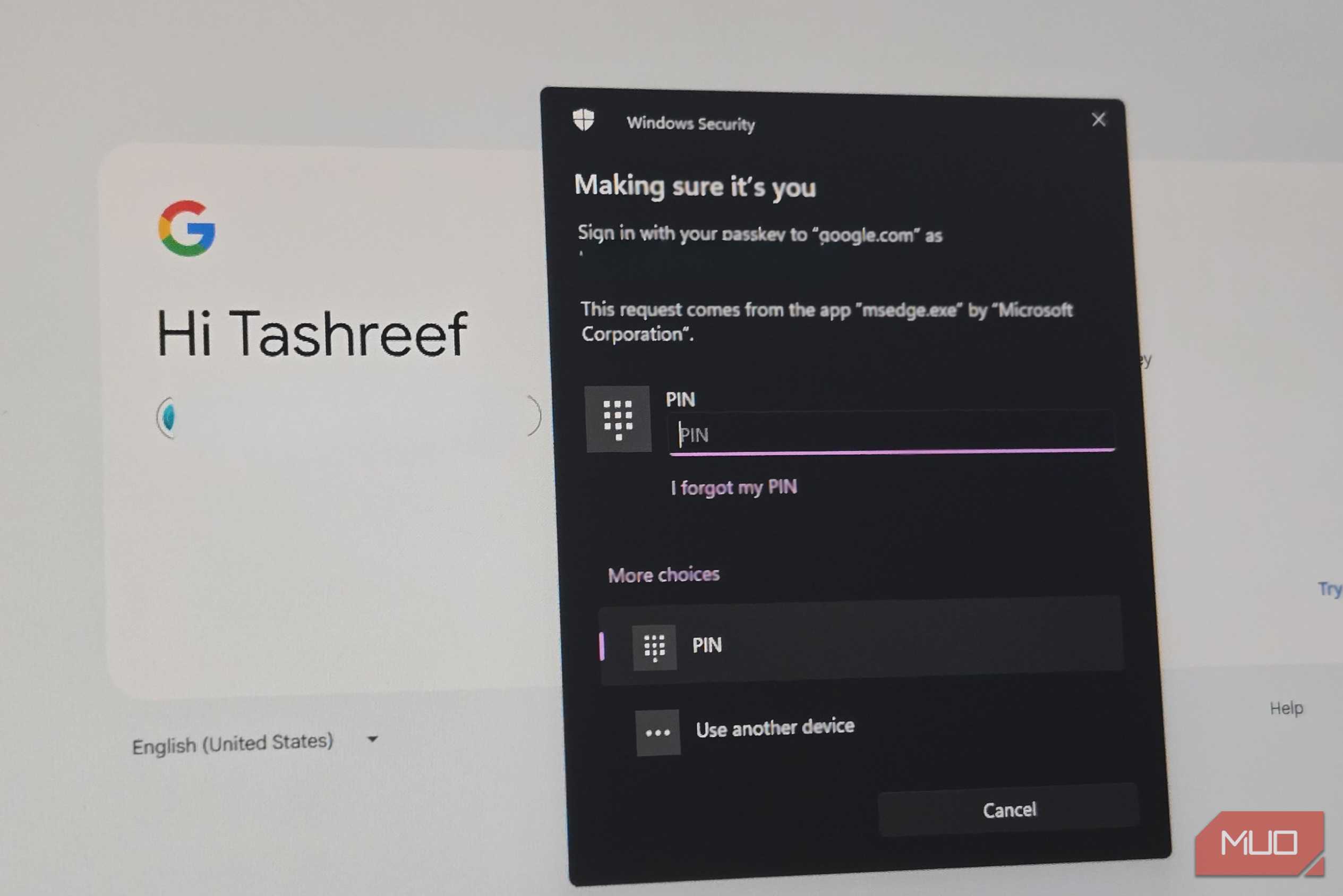 Credit: Tashreef Shareef / MakeUseOf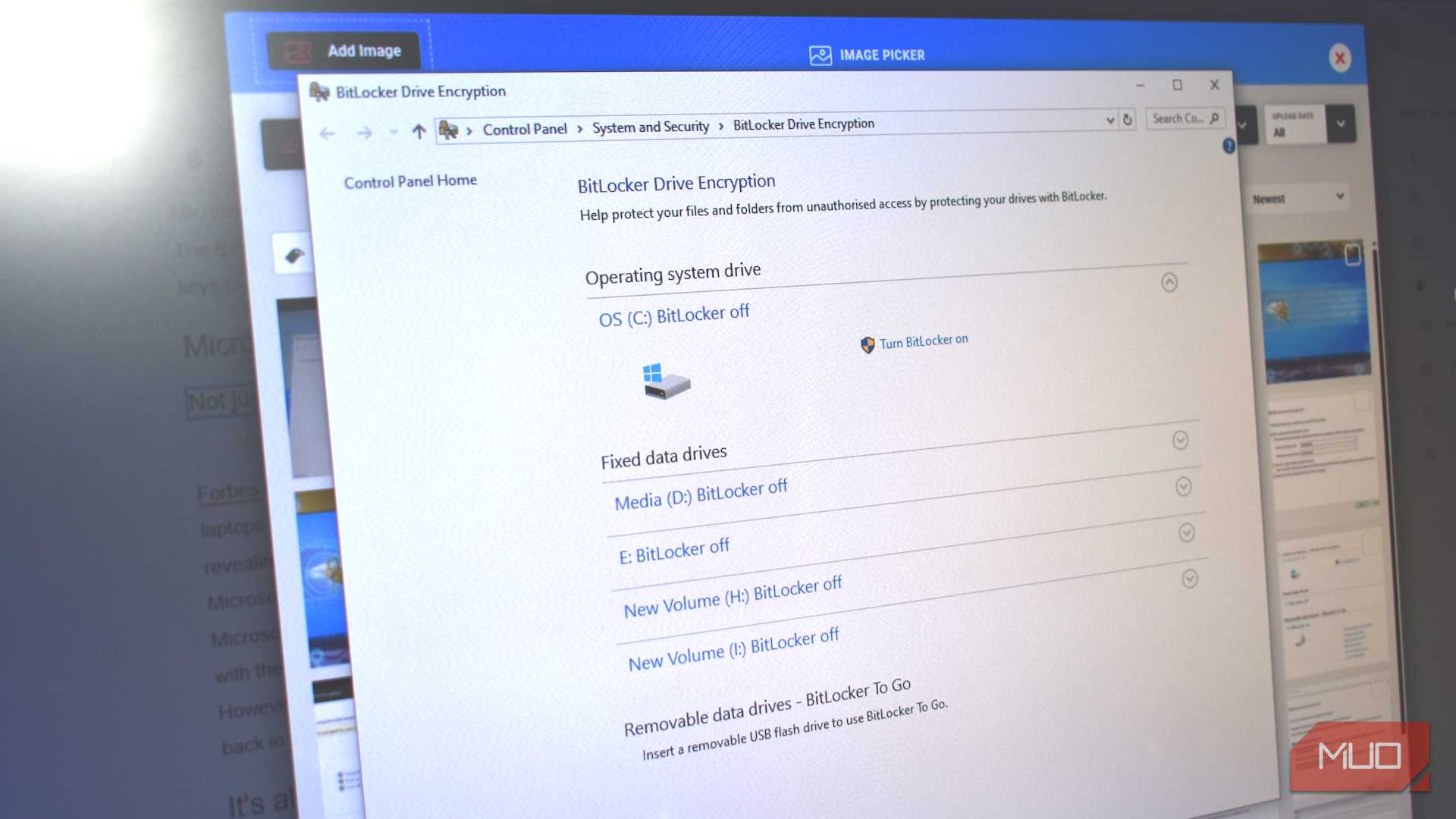

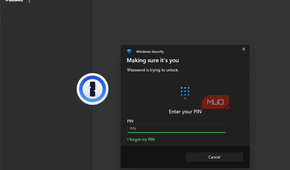
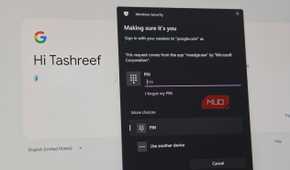
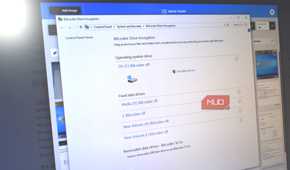
TPM is not just about protecting your PC during boot, though. It is the place where some of the most important security features in Windows store their keys.
Take BitLocker, for example. BitLocker can work without TPM, but when it does, it stores its encryption key in software, which means an attacker with physical access and enough skill could potentially extract it from memory. With TPM, BitLocker stores the key inside the chip itself, making extraction significantly harder.
Then there is Windows Hello. It's easy to dismiss Windows Hello thinking as just a convenience feature for faster logins. Turns out, the simple Windows Hello PIN is actually safer than a password precisely because of TPM. Your PIN is bound to the TPM chip on your specific device. Even if someone steals it, they can not use it on another machine. Your face recognition data, your fingerprint data, and your login credentials are all anchored to that chip, not floating around in regular system memory where they could be intercepted.
Microsoft, however, never bothered to explain any of this well. The company framed TPM 2.0 as a compliance checkbox, and most people treated it that way. But the TPM does a lot more than just gate your Windows 11 installation, and knowing what it protects makes the requirement far easier to accept.
You can still run Windows 11 without a TPM
But there's a catch

Microsoft eventually published a support page acknowledging that you can install Windows 11 on devices that do not meet the minimum system requirements, including those lacking TPM 2.0. This does not mean Windows 11 dropped the requirement, but it is more of an acknowledgment from Microsoft that workarounds exist and they are not going to actively block them.
Part of the reason is dealing with millions of PCs that just stopped receiving Windows updates. With Windows 10 reaching end of life, Microsoft needs people to move to Windows 11. Locking out every older PC that lacks TPM 2.0 would leave millions of users stranded on an unsupported operating system, which is a worse security outcome than letting them run Windows 11 without TPM. Tools like Rufus now include one-click options to bypass the TPM 2.0 check during installation, making the process simple.
If you are thinking, there must be a catch? You are not entirely wrong, and there's one. Windows 11 installed on incompatible hardware will not receive automatic feature updates. You will have to manually download each new ISO and run the setup yourself to get future releases. More importantly, you lose the security benefits that TPM 2.0 actually provides. BitLocker falls back to software-based key storage, Windows Hello lacks the hardware backing that makes it secure, and your system misses out on the measured boot protections that verify whether your boot chain has been tampered with.

- OS
- Windows
- Minimum CPU Specs
- 1Ghz/2 Cores
Windows 11 is Microsoft's latest operating system featuring a centered Start menu, Snap Layouts, virtual desktops, enhanced security with TPM 2.0, and deeper integration with Microsoft Teams and AI-powered Copilot.
TPM requirement is here to stay
For everyday PCs, TPM has become the local, verifiable anchor that ties your encryption keys, your login credentials, and your boot integrity to a specific piece of hardware. It lets the system verify that the software you expect is running before it allows key use, and that is a fundamentally sound security model. Microsoft is not the only one thinking this way, either. Apple achieves something similar with the Secure Enclave, Intel has TXT, and AMD builds comparable protections into its PSP. The entire industry is moving toward hardware-rooted trust.
That also means the TPM requirement is unlikely to get looser with future Windows releases. If anything, Microsoft will probably tie more features to TPM over time. But having spent time understanding what TPM does under the hood, I find that harder to argue against than I did five years ago.