


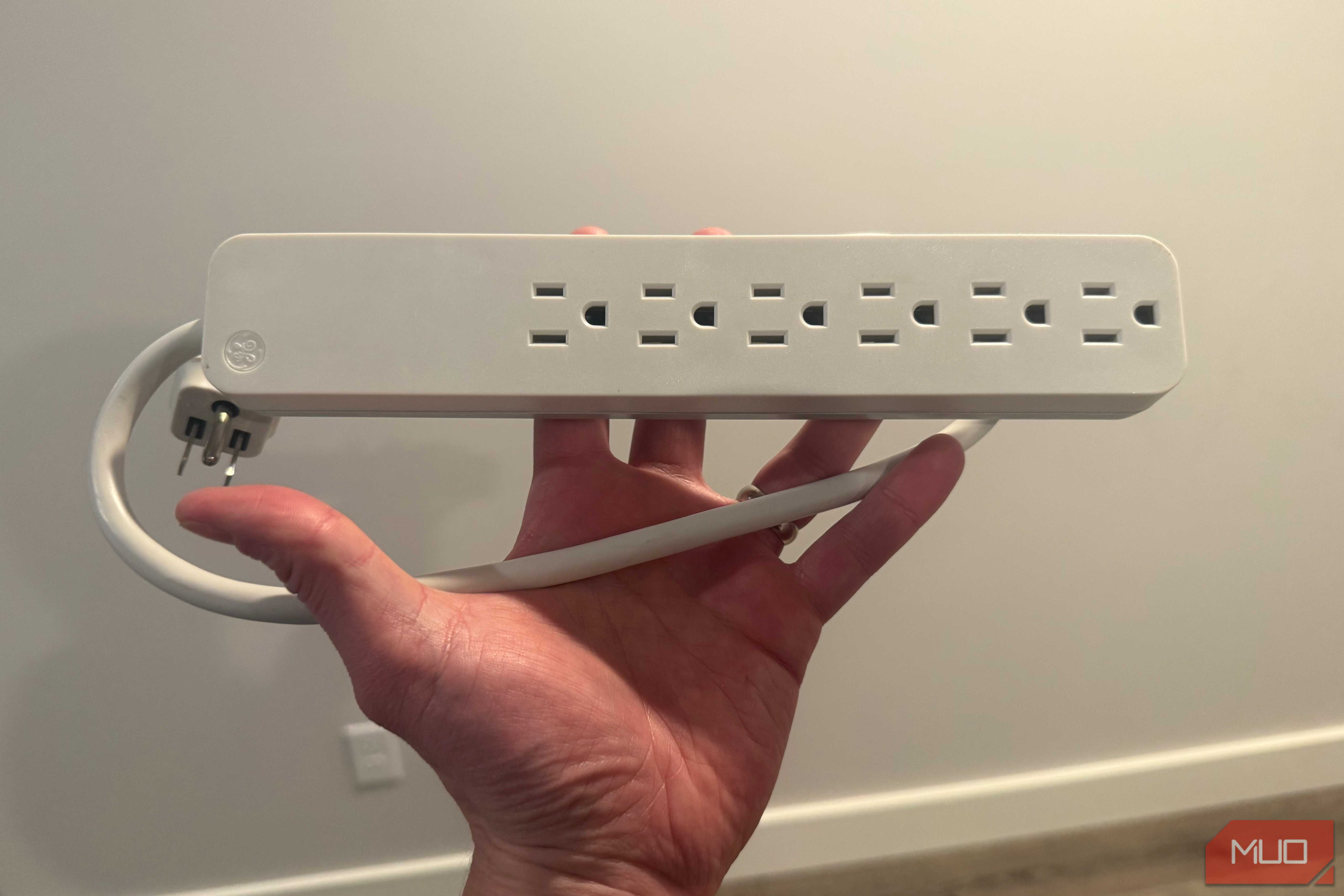
The average power strip does not look particularly complicated. It has several sockets, a power switch, perhaps a reset button, and enough printed warnings to appear reassuringly serious. However, none of those details tells you whether it can protect connected electronics from a voltage surge.
A basic strip may only distribute electricity, while a genuine surge protector contains additional components designed to limit brief voltage spikes. Confusing the two can leave several thousand dollars of equipment relying on protection that was never there.
The switch is not a force field
What actually protects your electronics from surges

A power strip primarily turns one wall outlet into several. It may also include a circuit breaker that trips when connected devices draw too much current. That breaker helps protect the strip and its cord from excessive current, while the breaker in your electrical panel protects the home's fixed wiring. Neither performs the same job as dedicated surge-suppression circuitry.
A surge is a brief rise in voltage that may damage sensitive electronics before an ordinary overload breaker has any reason to react. It is also only one of several types of power disturbances that can affect electronics. A surge protector adds components designed to limit those transients. Many consumer models use metal-oxide varistors, or MOVs. These components become conductive when the voltage exceeds a set threshold, limiting the voltage applied to connected equipment. That circuitry is the meaningful difference, not the number of outlets, the reset switch, or the glowing power light.

In the United States, look for a product listed by a recognized testing laboratory to UL 1449, the standard for surge protective devices. Ordinary cord-connected surge protectors generally fall under Type 3, while Types 1 and 2 are typically used for whole-home protection.
A basic power strip may instead be listed under UL 1363 as a relocatable power tap, but that certification does not mean it provides surge protection. "Overload protected" and "surge protected" describe two different things.
A joule rating indicates the protector's claimed energy-handling capacity, but it is not a precise indicator of failure, and a higher number (2,000 upwards) does not automatically indicate a better product. The voltage protection rating, or VPR, indicates the voltage measured on the protected side during standardized testing. Among otherwise similar UL-listed products designed for the same voltage, a lower VPR is generally better (typically between 330V and 400V for 120V systems).
The cost argument is where this gets uncomfortable. An OLED television, game console, AV receiver, speakers, streaming box, and network equipment can share one entertainment-center strip. Replace that collection at today's prices, without buying anything especially exotic, and you can quickly reach several thousand dollars. That risk becomes harder to dismiss when power surge damage may be excluded from a smart TV warranty.
The same logic applies under a desk. A desktop PC, two monitors, a router, and a NAS can easily share a single strip, and storage warrants special caution. Power problems are one of the ways hard drives fail, meaning a power-related event can threaten the data on a NAS as well as the hardware itself.
A surge does not need to wipe out every device on the strip before protection makes sense. Losing a TV and receiver, or a PC and storage drive, in the same event would already be painful enough. That said, a surge will not necessarily destroy every connected device, and no protector, however well-rated, can guarantee complete protection.
Surge protection can wear out silently
Your protector may have retired without telling you


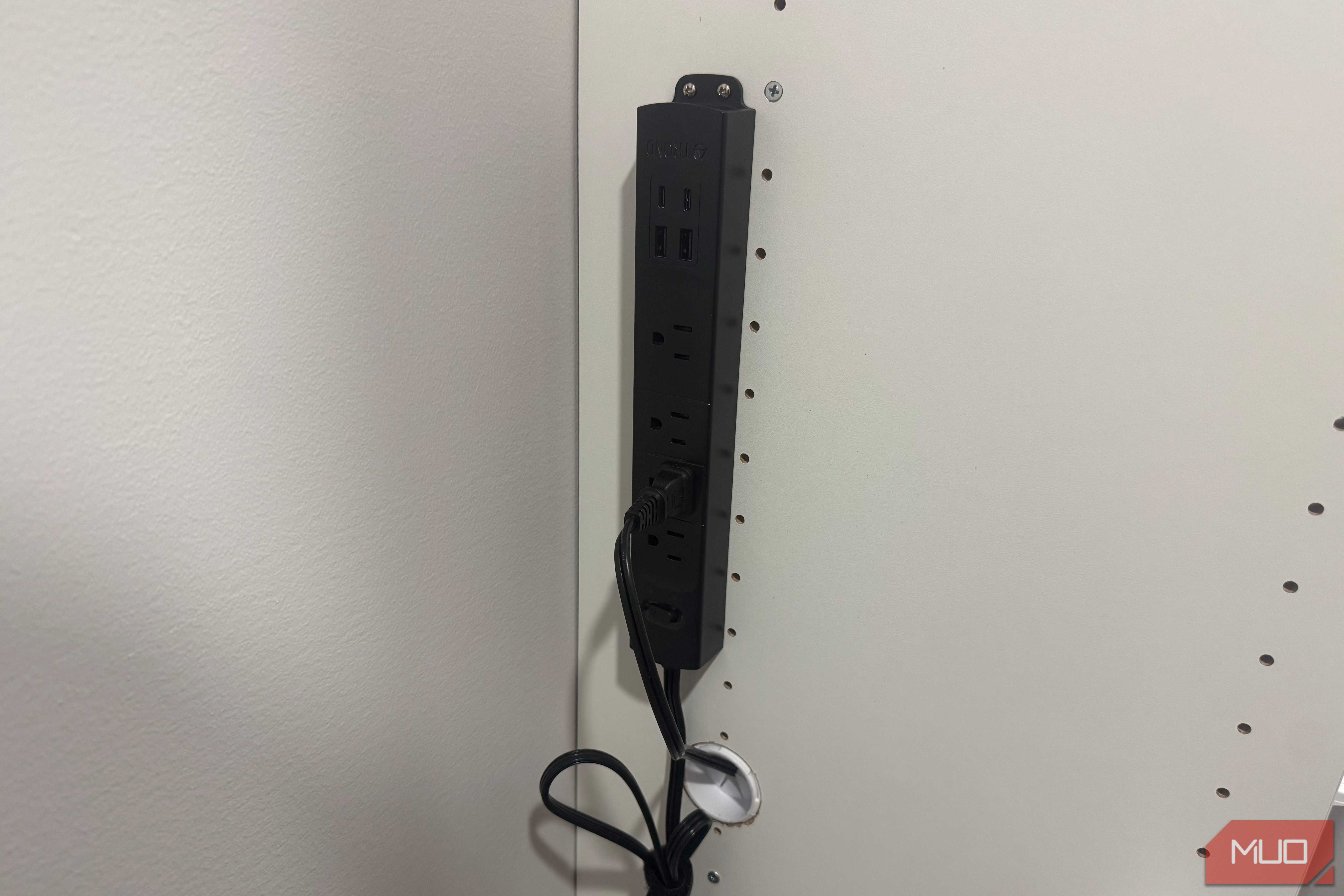
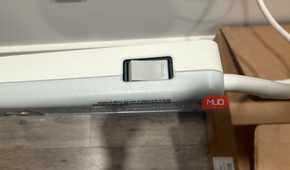
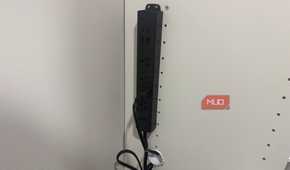
MOVs do not remain unchanged forever. Repeated electrical stress, or a single sufficiently severe event, can reduce their ability to suppress subsequent surges. A surge protector can stop protecting while its outlets continue working, effectively leaving you with an ordinary power strip that still looks functional.
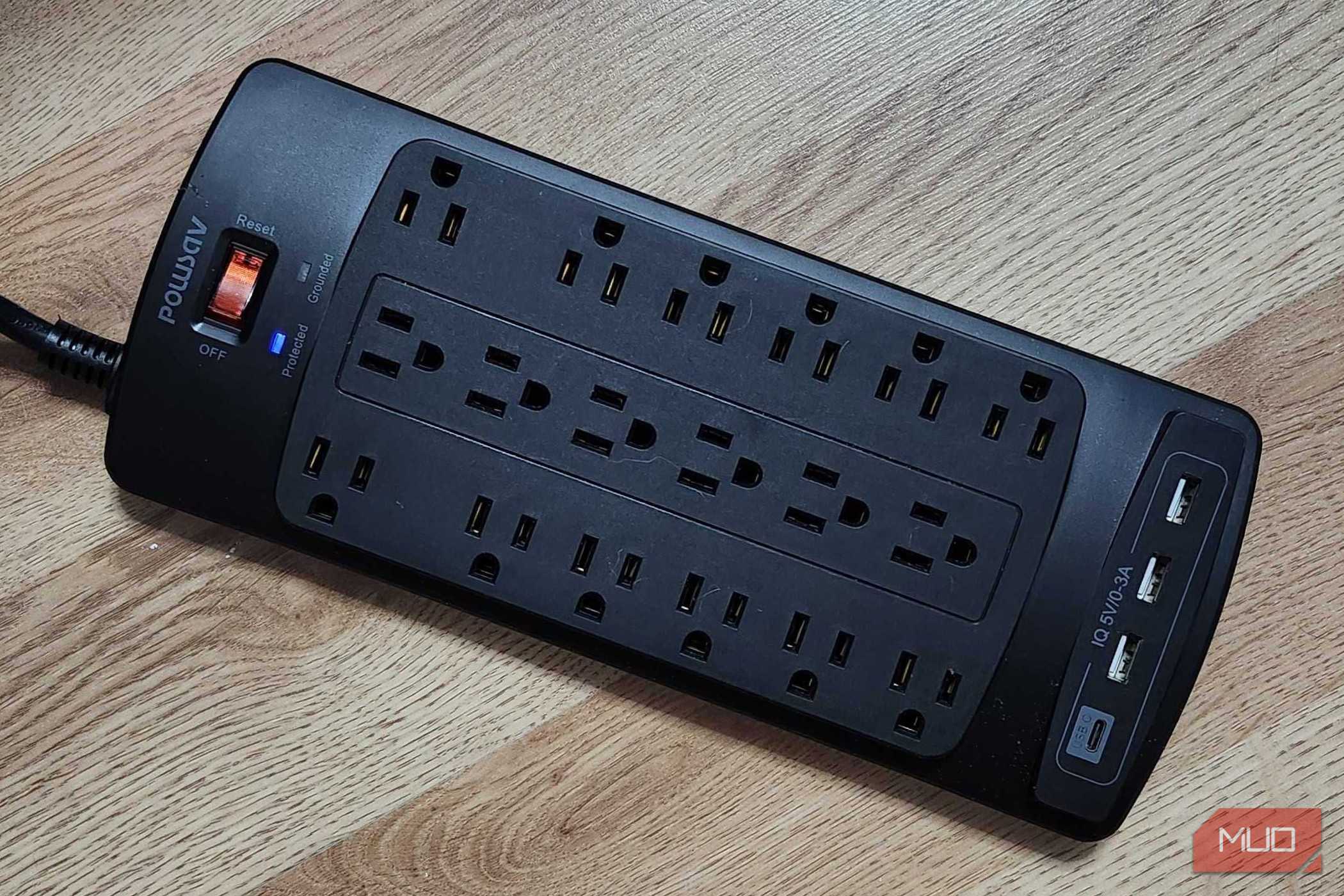
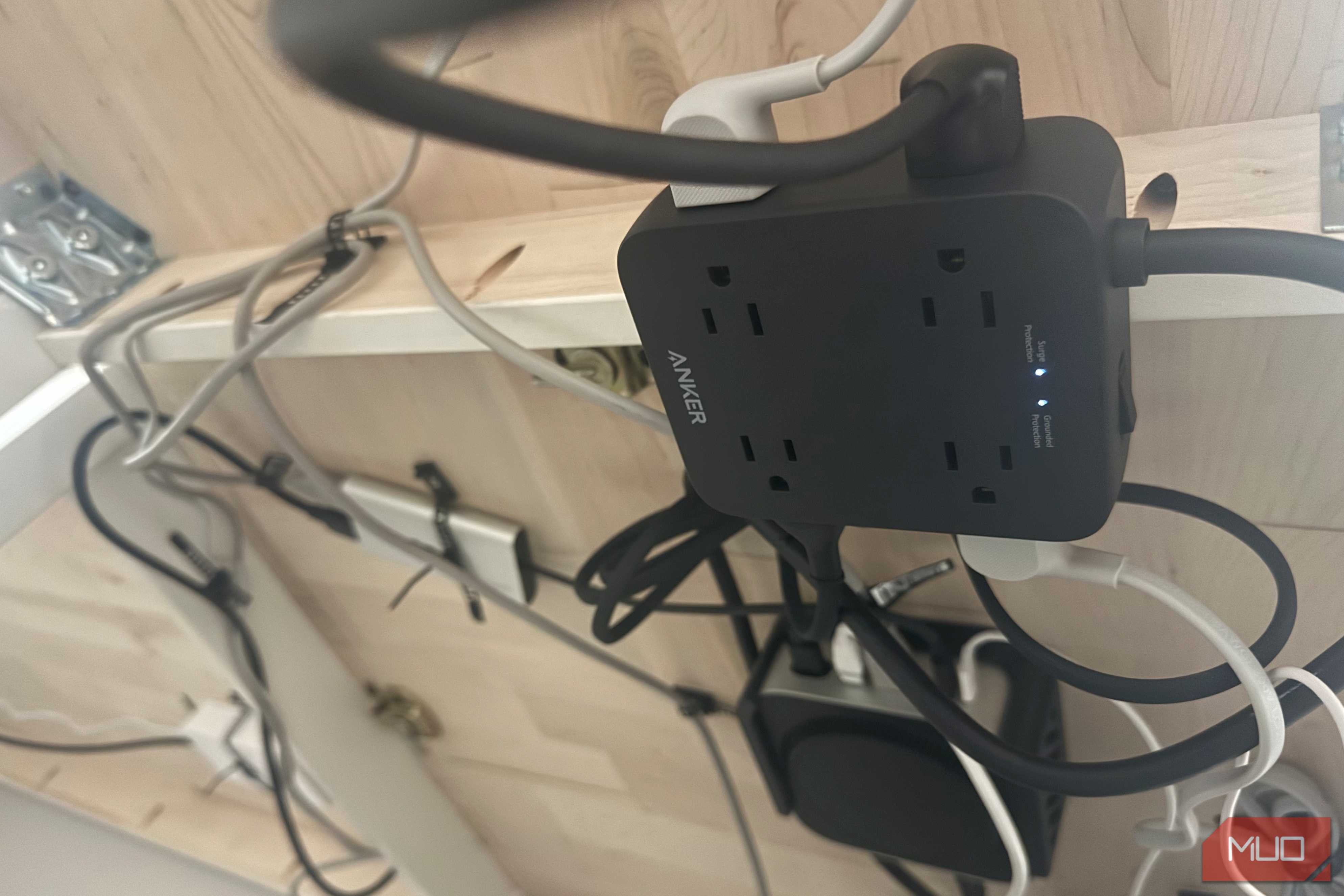
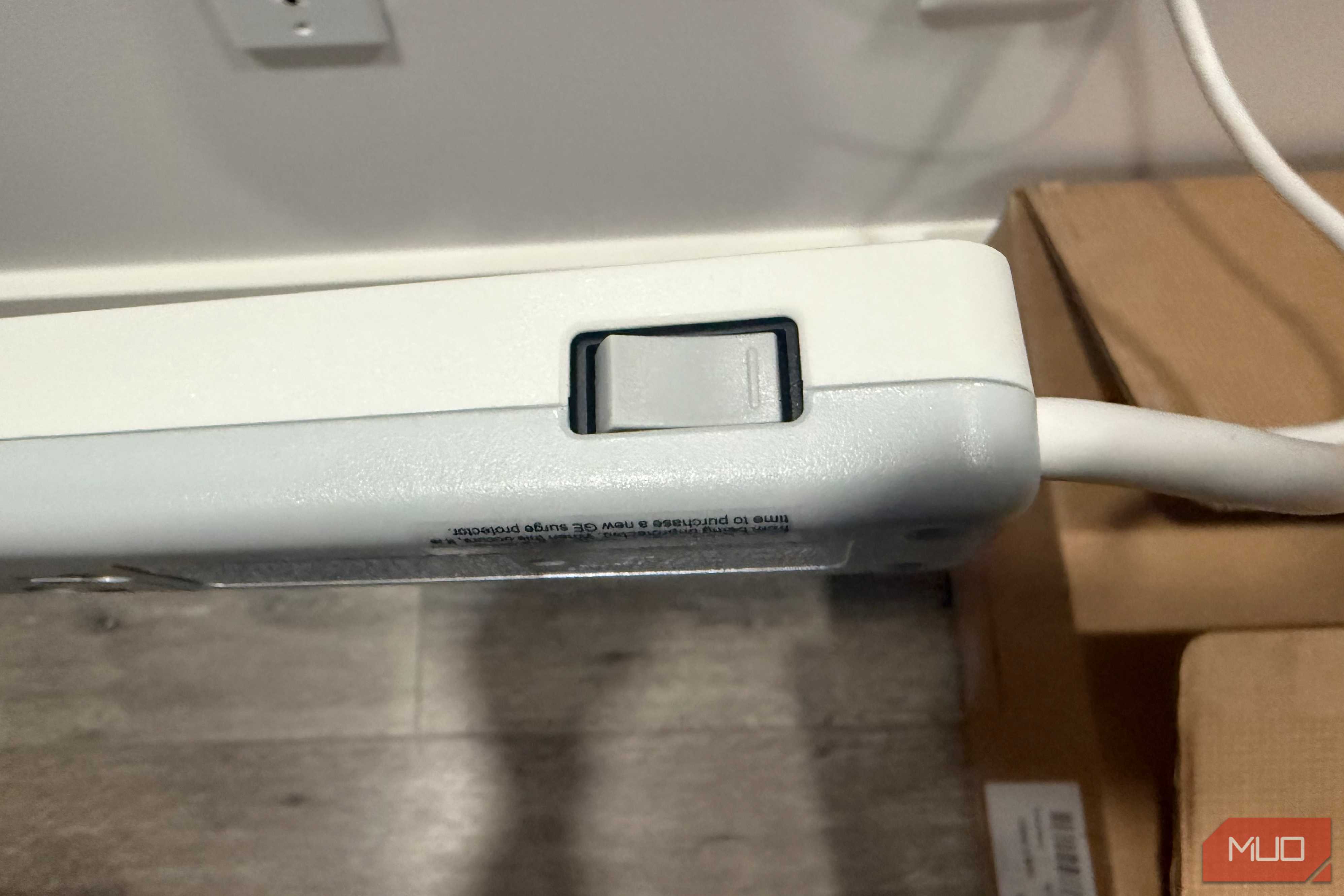
This is where the status light comes in. A light labeled "Protected," "Protection Present," or similar indicates the suppression circuit's condition. An illuminated power switch often confirms only that electricity is reaching the outlets. Indicator meanings vary between manufacturers, so the manual still wins. If the protection light goes out, the manufacturer recommends replacement, or if an automatic-shutoff model cuts power, replace the unit rather than continuing to use it as an ordinary strip.
You may have come across the idea that every surge protector needs to be replaced after three years, whether or not anything has gone wrong with it. That's not a reliable rule. Surge exposure varies too much for one schedule to fit every home. A protector in an electrically quiet location may experience a very different life from one exposed to frequent storms, grid switching, or unstable utility service.
Follow the manufacturer's guidance and replace the unit after a known major event when instructed. Retire any strip with scorching, melting, cracks, loose sockets, damaged insulation, buzzing, or unusual heat. Those symptoms indicate a safety problem regardless of whether the product includes surge circuitry.
A surge protector also cannot correct sustained overvoltage, brownouts, or outages. Those problems require dedicated voltage regulation or a suitable uninterruptible power supply with automatic voltage regulation (AVR) or an online double-conversion design.
One strip cannot defend the whole house
Lightning does not respect your desk setup

A plug-in surge protector protects only the equipment connected to it, and even a well-designed model has a finite capacity. Large events caused by nearby lightning, utility switching, or electrical faults can exceed what a portable device can safely handle. No plug-in protector can guarantee protection against a direct lightning strike.
Whole-home surge protective devices (SPDs) add an extra layer at or near the electrical panel. They limit incoming surges before those disturbances spread through the home's branch circuits. Beginning with its 2020 edition, the National Electrical Code requires surge protection for services supplying dwelling units, although the edition adopted and legally enforced varies by state and local jurisdiction. A qualified electrician should install the panel because the length, placement, bonding, and grounding of conductors can affect performance.
Whole-home and plug-in protection complement each other. The panel device limits the surge energy entering the house, while the point-of-use protector sits closer to sensitive electronics. Neither replaces sound wiring, proper grounding, circuit breakers, or proper electrical earthing and grounding.
Protection also needs to account for communication lines. A surge can reach connected equipment through Ethernet, telephone, antenna, or coaxial cables rather than through the electrical outlet alone, which is why some higher-end protectors include dedicated jacks for coax or Ethernet pass-through.
If your setup includes a modem, router, or antenna line running into the same equipment as your electronics, it's worth checking whether your protector covers those lines too, not just the power cord.

Powersav 18 Outlet Surge Protector
- Brand
- POWSAV
- Integrations
- 3 USB-A, 1 USB-C
- Plugs
- 18
The Powersav 18 Outlet Surge Protector packs 18 AC outlets and multiple USB ports into a single power strip, making it easy to organize an entire desk or entertainment setup. Its high surge protection rating and widely spaced outlets help keep numerous devices powered safely without cable clutter.
The expensive hardware depends on the boring parts
The least impressive device in an expensive setup may be the one every other device depends on. Power strips rarely receive the same scrutiny as the television, computer, console, or network equipment plugged into them, even though choosing the wrong one can undermine the entire arrangement.
Check your power setup whenever you upgrade your equipment. Confirm the certification, inspect the published ratings, understand what each indicator light means, and replace the unit when its protection status or physical condition becomes questionable.
The device hiding beneath the desk may never become the most exciting part of the setup, but it deserves to be chosen deliberately.