


Wi-Fi extenders look like an obvious fix for Wi-Fi dead zones. They promise to bring precious Wi-Fi into your darkest corners, and all you have to do is plug it in and watch the magic happen.
Except, it's rarely that simple, and for a lot of home setups, an extender simply doesn't do the job you want due to its underlying technology.
Your extender does what it promises for your Wi-Fi
But its promise doesn't solve your problems
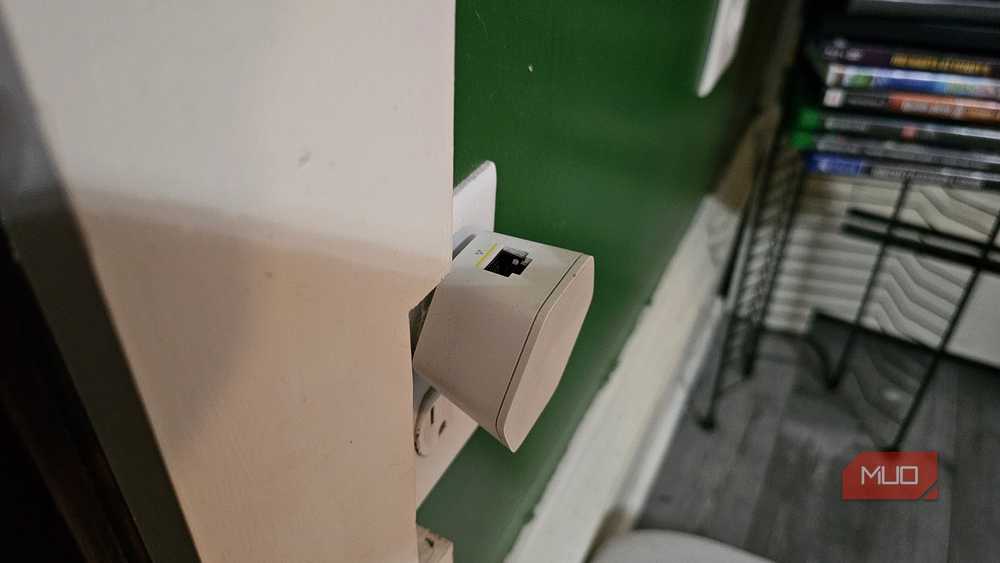
The biggest limitation facing many budget Wi-Fi extenders is that they use the same wireless link to communicate with both your router and your devices. Every packet has to be received first, then transmitted again over the same channel, effectively doubling the wireless airtime needed for every piece of data.
It effectively gives the data packets sent from your router a chance to broadcast twice, and is how Wi-Fi repeaters generally work. However, that's also where the problems with Wi-Fi repeaters begin, because every packet must be received and then rebroadcast. As you might expect, this adds significant overhead to your network.
So, while the Wi-Fi signal might extend into your dead zones, you're highly likely to experience huge speed decreases. Even with ideal conditions and the wind blowing in the right direction, your Wi-Fi extended is still likely to only give you half the bandwidth, and that's before you account for normal drop-outs, channel interference, maximum Wi-Fi band broadcast distance, signal degradation, and so on.
Wi-Fi extenders have to compete with other Wi-Fi signals
But they do it with one arm tied behind their back

Another major issue Wi-Fi extenders struggle to work around is the general overlapping of Wi-Fi channels in busy areas. Your Wi-Fi band (2.4GHz, 5GHz, or 6GHz) is divided into channels, and that's what your Wi-Fi specifically broadcasts on. The problem is that there are limited channels, especially on the older 2.4GHz band, and that causes interference.
However, Wi-Fi devices on overlapping channels don't relay each other's traffic. They take turns via a mechanism called CSMA/CA — every device waits for the channel to be quiet before transmitting, then backs off if it collides with someone else doing the same thing.
Because of how a Wi-Fi extender works, it waits even longer to receive, process, and rebroadcast the signal in busy areas, because it keeps bumping into other networks. In a detached house with fewer nearby networks, your Wi-Fi extender is less likely to encounter these problems. In an apartment building with dozens of overlapping Wi-Fi networks, that extra contention can easily outweigh the benefit of the additional coverage.
Smartphones, laptops, and other devices don't hop signals easily
They're surprisingly terrible at this
The other problem you're almost guaranteed to experience is that your devices don't like hopping between your main network and the Wi-Fi extender's network. Laptops, smartphones, tablets, and other portable devices really like sticking to the network they first connect to rather than roaming to something better, i.e., your Wi-Fi extender network.
Even when you use the same network name, your device will just refuse to shift to the Wi-Fi extender network, and if you use a different name, you'll often have to manually shift to the next network, even if you enable automatic network switching.
Standards like 802.11k, 802.11v, and 802.11r were designed to improve roaming by letting the network help guide devices toward the best connection, although support varies between routers, access points, and client devices. Many budget extenders either don't support these features or only implement part of the standard.
Bad Wi-Fi extender placement is also often to blame
It's a bit like placing your main router in many ways


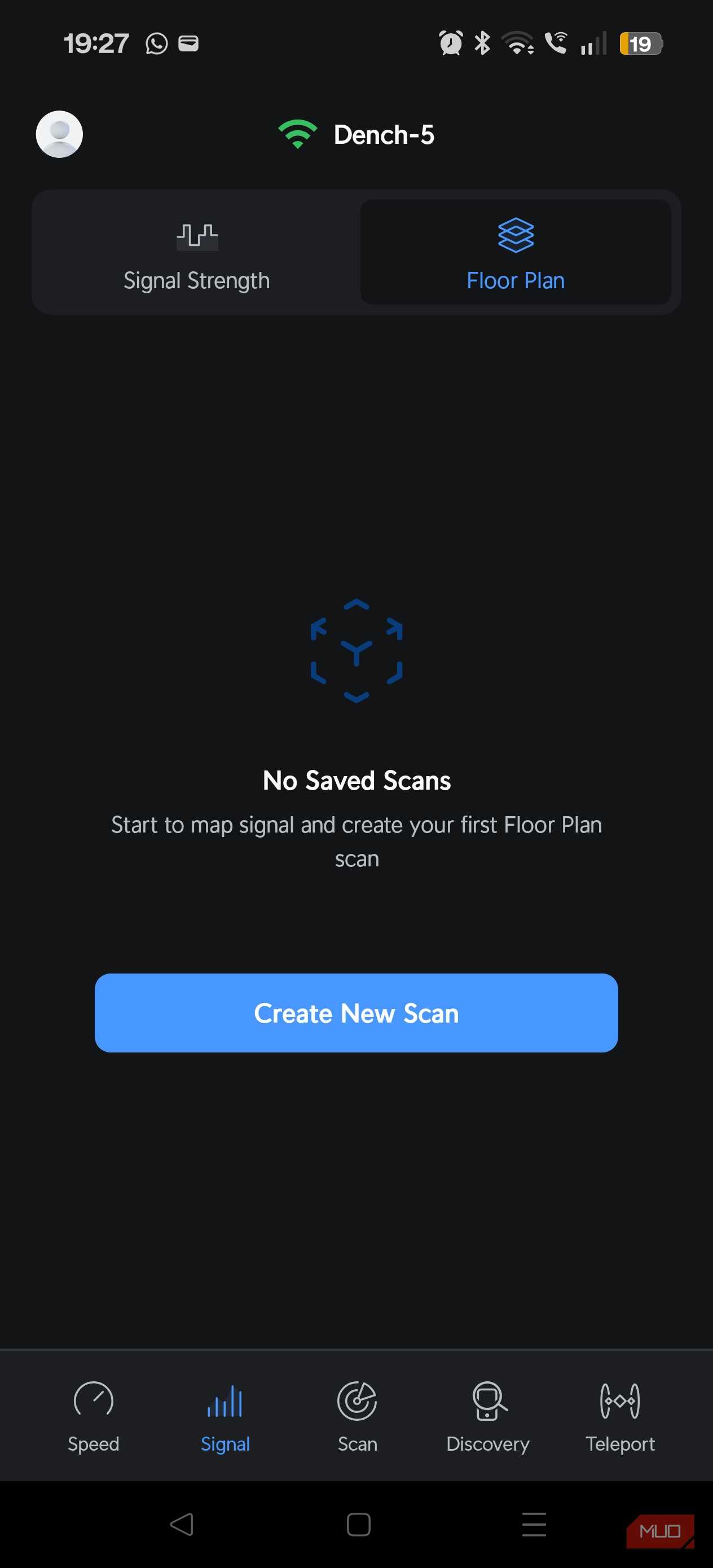
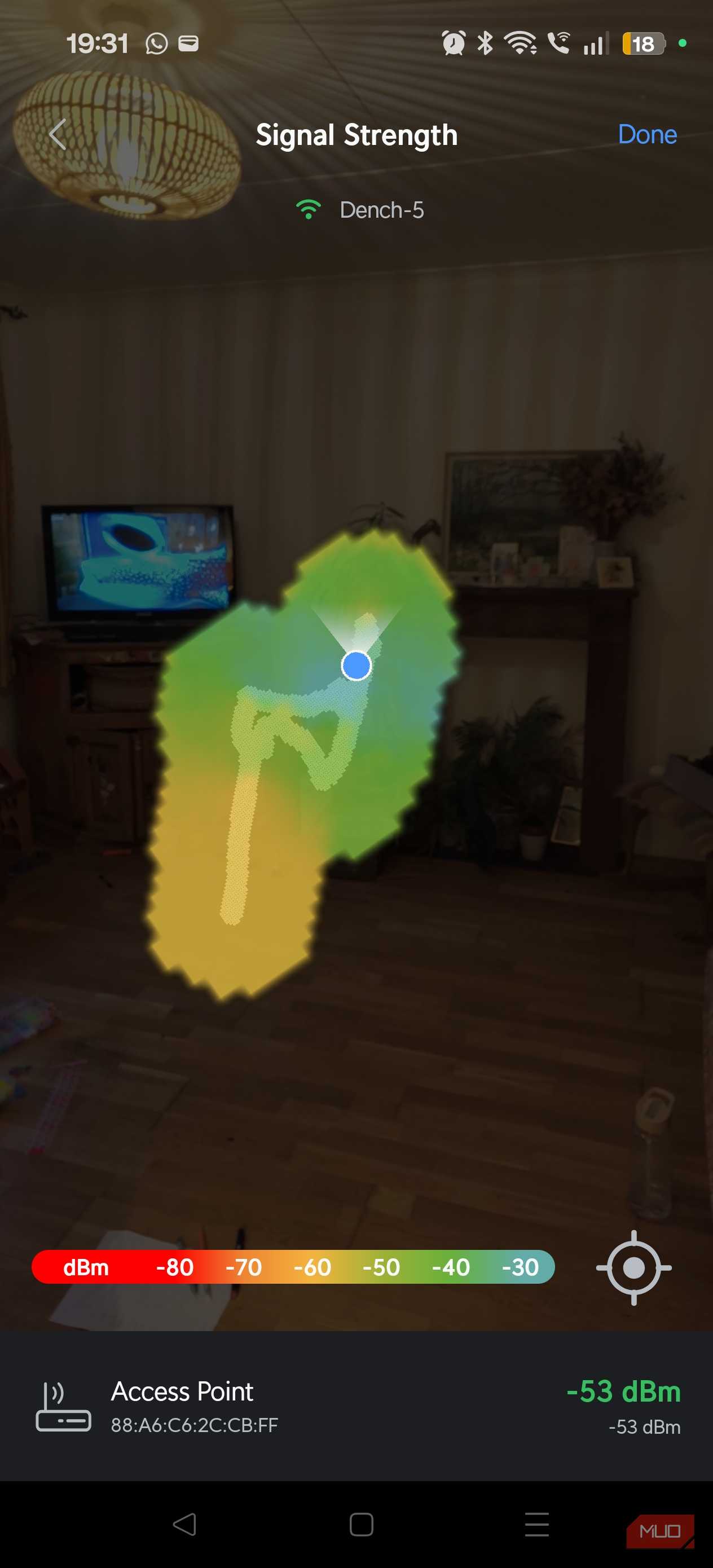
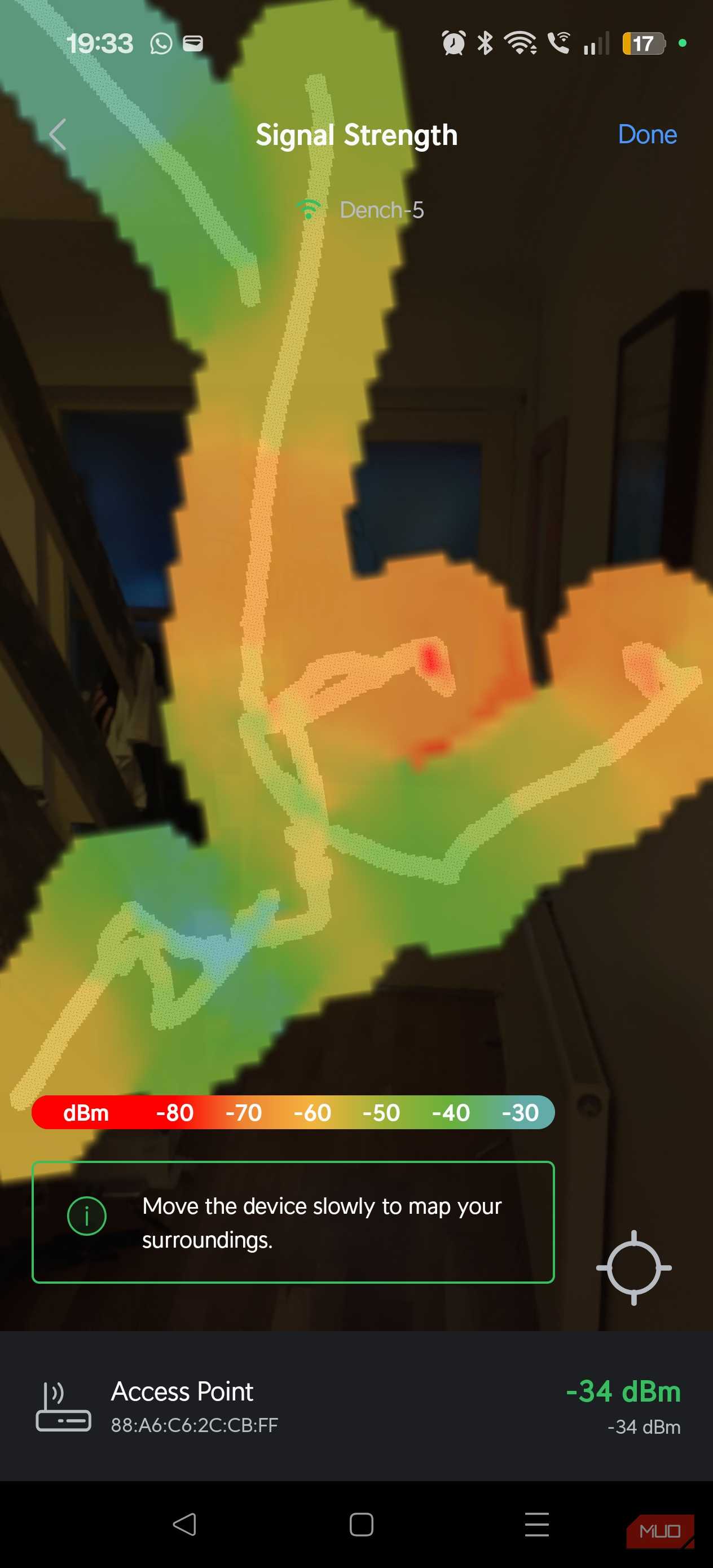
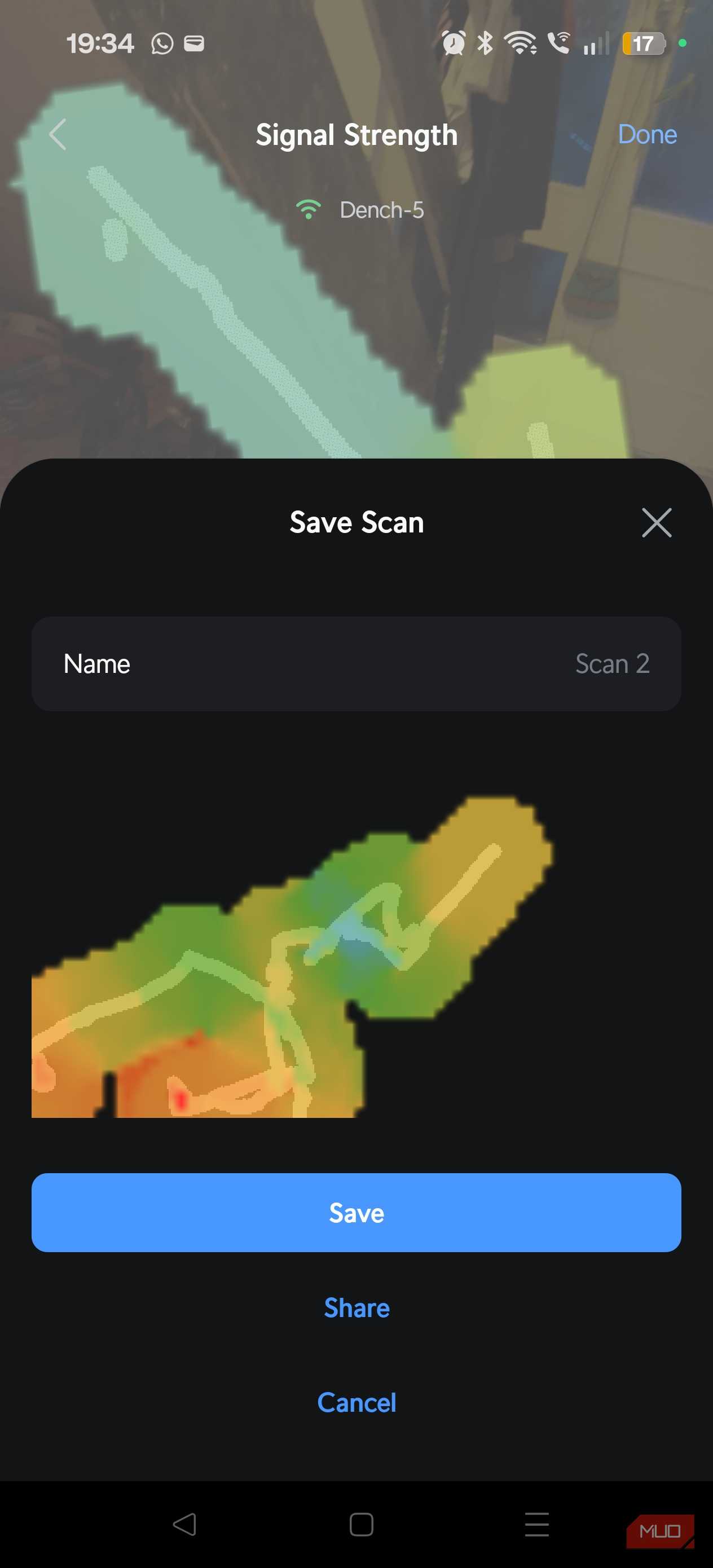
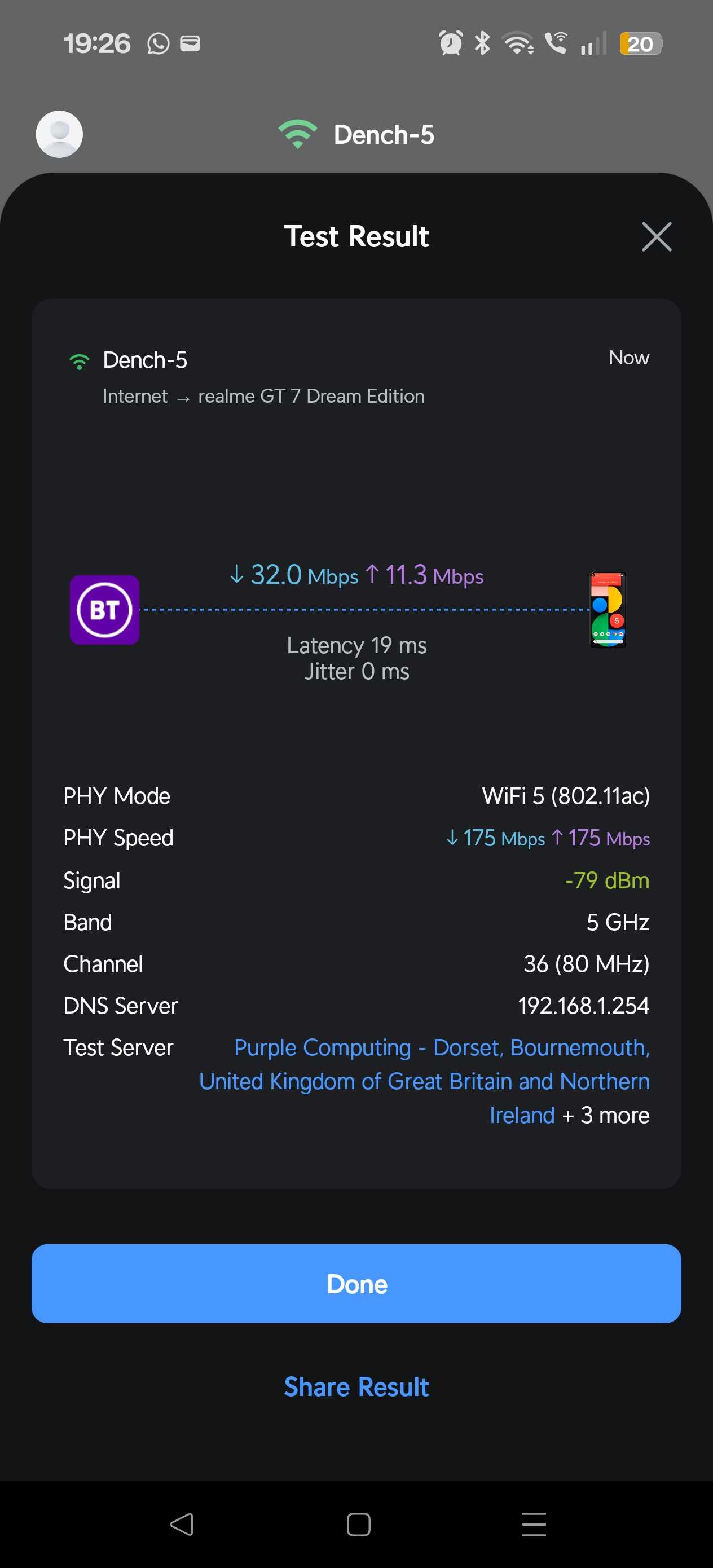
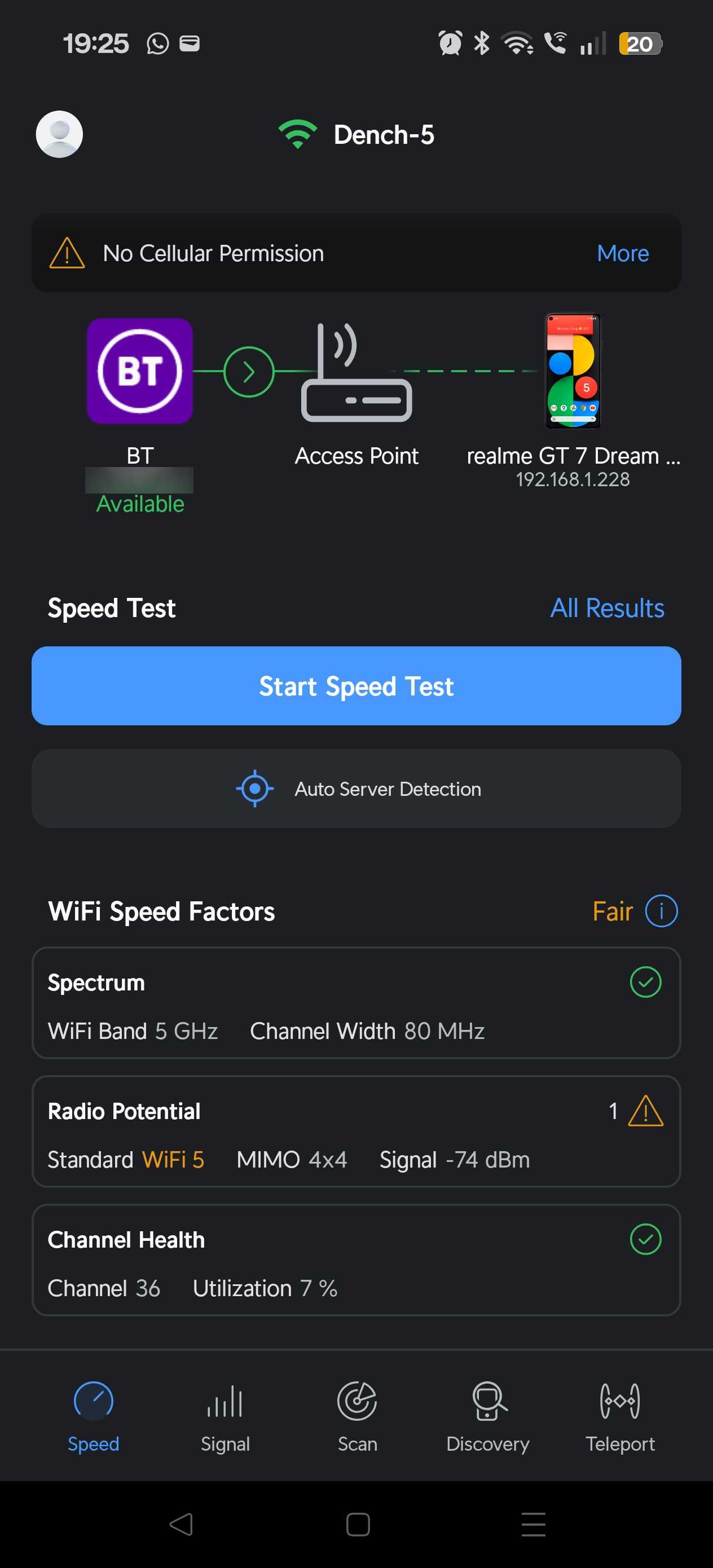
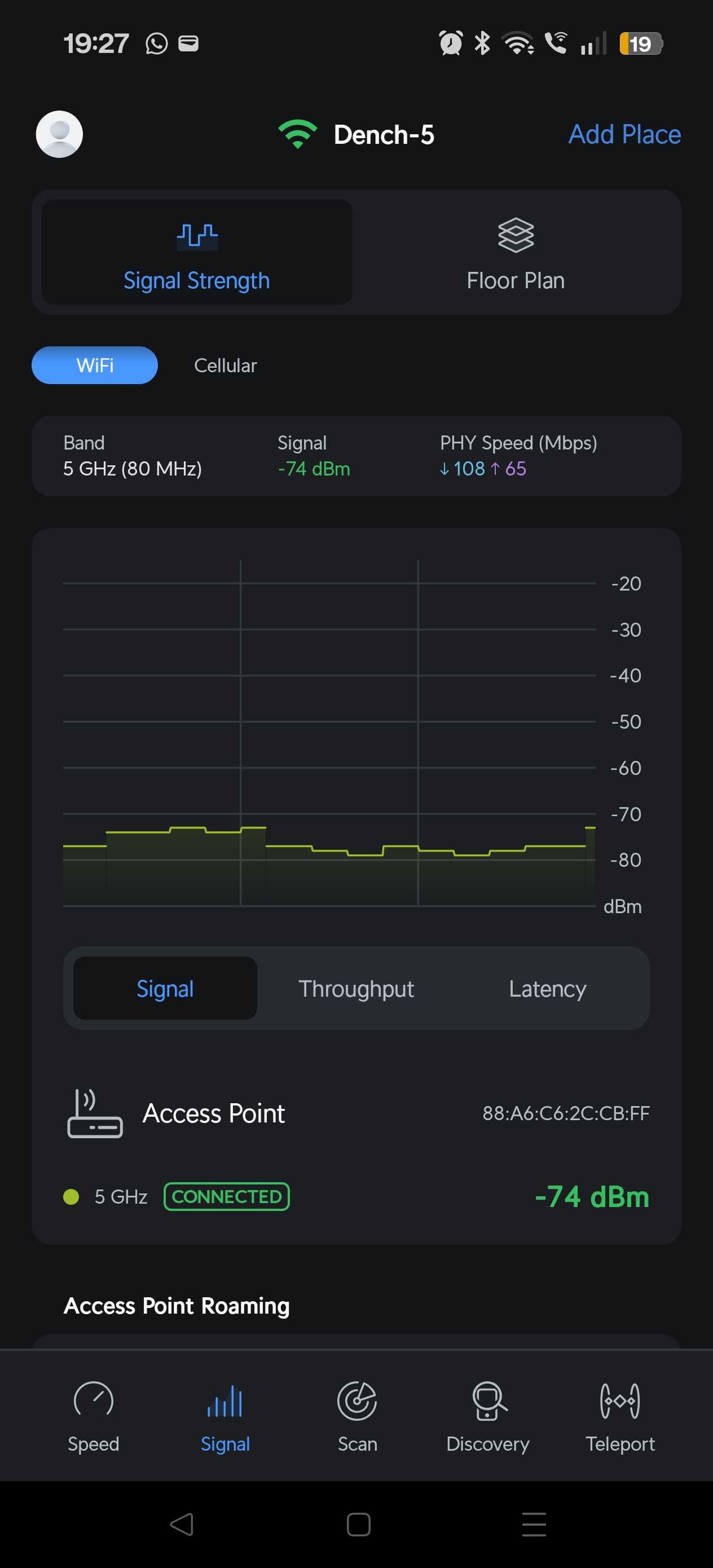
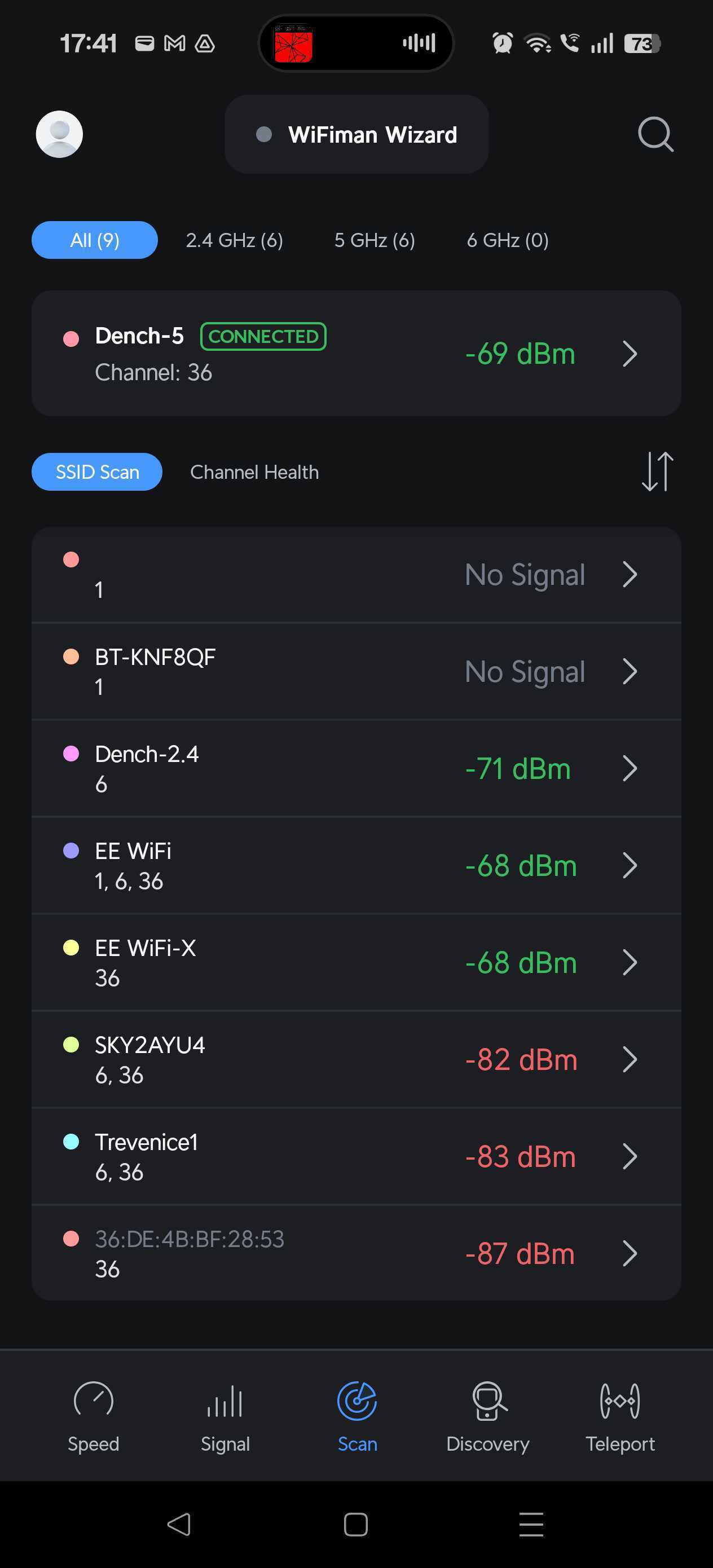

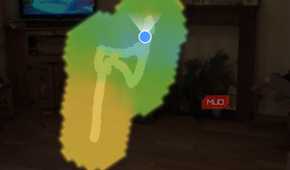


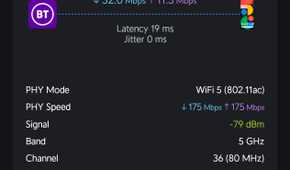
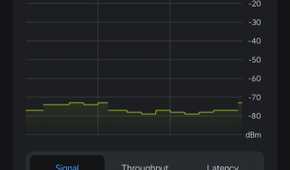
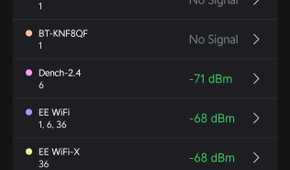
It's tempting to think of a Wi-Fi extender as something you can plug in wherever you want, and it'll do the job. Like most things in life, it's not that simple, though with the right tech and little patience, you'll find the sweet spot.
I've previously mapped my Wi-Fi signal to find the best signal in my home, and this is exactly what you need to do to find out where your dead zone begins. The Wi-Fi extender rule of thumb is that your repeater should be situated roughly halfway between the router and the dead zone, somewhere the signal is still strong, and not on the outer edge of your current reception limits.
It stands to reason. The Wi-Fi extender requires your Wi-Fi signal to operate, so giving a good signal to begin with will help it rebroadcast. Of course, that also means you may find the Wi-Fi extender signal limited depending on how far you can realistically place it from the main router.
Wi-Fi extenders don't have to be terrible, and mesh Wi-Fi is an option
Tri-band extenders could be the solution

As stated, a big problem with Wi-Fi extenders is that folks buy the cheapest, single radio option and hope for the best. I've done it myself, and wondered why my Wi-Fi extender wasn't really extending much other than my pain.
But these days, tri-band Wi-Fi extenders are on the market, and they address many of the issues with older extenders by dedicating one wireless band to communicating with the router while leaving the remaining bands free for your devices. That dramatically reduces the airtime penalty that affects traditional extenders.
A prime example is the TP-Link RE813XE, a Wi-Fi 6E-compatible extender that also broadcasts on the 6GHz band, covering up to 2,800 sq. ft. It's an enormous upgrade from the Wi-Fi extenders of yore that could only rebroadcast 2.4GHz at a push, and would struggle to do even that. Then, if you have a Wi-Fi 7-compatible router, you could pick up the TP-Link BE10000, a Wi-Fi 7-compatible extender with the 6GHz band, MLO, EasyMesh, and more.
"Oh, What's EasyMesh?" I hear you ask. Well, good job: EasyMesh is an integrated mesh Wi-Fi system that turns compatible devices into a mesh Wi-Fi network.
It's an open standard from the Wi-Fi Alliance that lets you link compatible devices, and it's featured on hardware from TP-Link, Netgear, Linksys, D-Link, and other networking manufacturers. So, rather than using a network of sort of connected Wi-Fi extenders, you can use EasyMesh to create a mesh network in your home, effectively turning these extenders into access points. Well, maybe not quite access points, but still a core part of an interconnected mesh network that will deliver better performance than a single Wi-Fi extender.
Modern Wi-Fi extenders with EasyMesh blur the lines between mesh Wi-Fi and extenders, making it much easier to expand your network, but also doing so more reliably than anything you've bought in the past. You just need to check the Wi-Fi extender box or specs before buying to make sure you can add it to your network; same-brand pairings are still preferred over a mix-and-match approach of different hardware, but it is possible to get it working smoothly.
Wi-Fi extenders aren't lying — they're living in the past
None of this makes your Wi-Fi extender defective. It's doing exactly what a single-radio relay device does — receiving, then rebroadcasting, then fighting for airtime on top of that, all while your devices refuse to roam properly and the placement rules get bent because the closest outlet was more convenient than the halfway point.
I would say that before you give up on Wi-Fi extenders completely, consider what you're using them for. If you have a tricky corner of the house that doesn't get Wi-Fi, but it's actually not a frequently used space, a basic Wi-Fi extender might do the job just fine. It might be that you don't need blazing-fast Wi-Fi in that specific area, and just a little top-up is actually enough, despite the limitations.
Otherwise, the time has come to ditch your old extenders and step into the modern tri-band mesh Wi-Fi extender era, with all of the glorious signal and connectivity that comes with it.