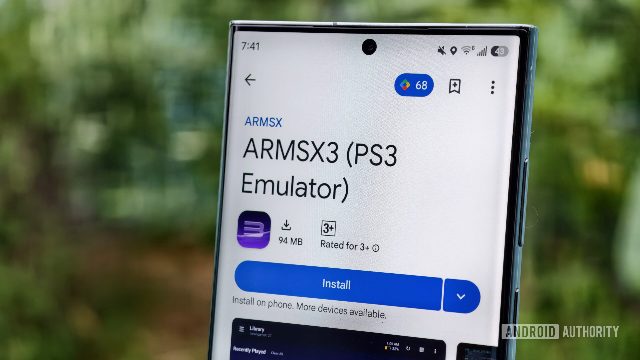
ARMSX3, the top PlayStation 3 emulator for Android, has just received a major update that allows you to play local multiplayer games with a friend over the same Wi-Fi network or online. This feature is a standout recommendation for anyone looking to enjoy the full experience of playing multiplayer games on the PS3. Here are some actionable tips to set up and enjoy this feature on ARMSX3 for Android. First, ensure that both players have the ARMSX3 app installed on their Android devices. Once both players have the app installed, they can start a multiplayer game by selecting the 'Multiplayer' option. Then, they can invite their friends to join the game by sharing their ARMSX3 app's link. It's important to note that the second player can either use their own controller or touch controls. The ARMSX3 app now supports remote local multiplayer functionality, meaning you can play as player two in a friend's multiplayer game streamed over the same Wi-Fi network or online. This feature doesn't require the second player to have their own copy of a game, making it a great way to enjoy multiplayer games with friends who might not have the same games. With ARMSX3 v1.2, you can now play as player two in a friend's multiplayer game, whether they're using their own controller or touch controls. This feature is a testament to the app's developers' commitment to enhancing the ARMSX3 experience. If you're looking to enjoy the full experience of playing multiplayer games on the PS3, ARMSX3 is a must-have app. It's a standout recommendation for anyone looking to play local multiplayer games on Android, and it's a great way to enjoy the PS3 experience with friends who might not have the same games.