
Chrome has hidden pages that reveal who's really in charge of your browser
No admin, no policies, but Google was still adjusting my Chrome.
Source: Dicas em Geral
Beginner
Category
Tips for profiles, cache, extensions and browser privacy.
106 tips in this category.
No admin, no policies, but Google was still adjusting my Chrome.

Microsoft Edge now automatically puts inactive tabs to sleep after 15 minutes, reclaiming RAM and CPU resources. Here’s how to make the most of this feature and why it’s worth considering if you’re a Chrome user.

Discover how to optimize your game performance by tweaking shader cache settings, a crucial yet often overlooked aspect of gaming. Learn to raise your shader cache limit to prevent stuttering and improve overall gameplay experience.
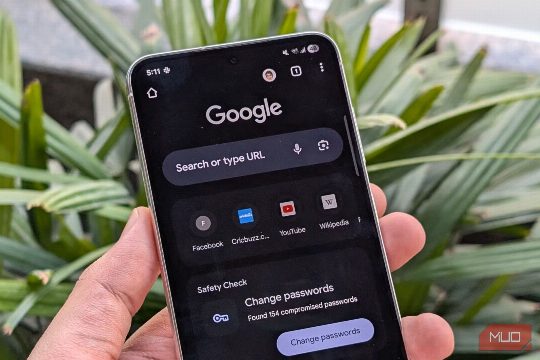
A copycat Chrome listing with six-figure downloads slipped past Google Play, matching icons and screenshots.
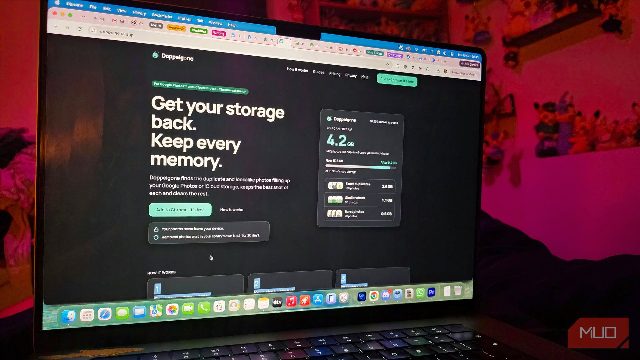
A Chrome app scans your Google or iCloud library locally, grouping exact matches, near‑duplicates and burst shots.
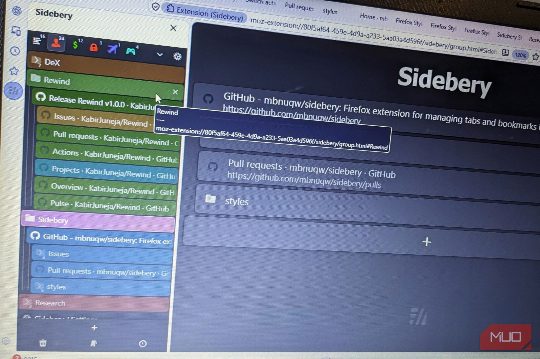
A flat row of tabs forgets how you got anywhere. Sidebery.
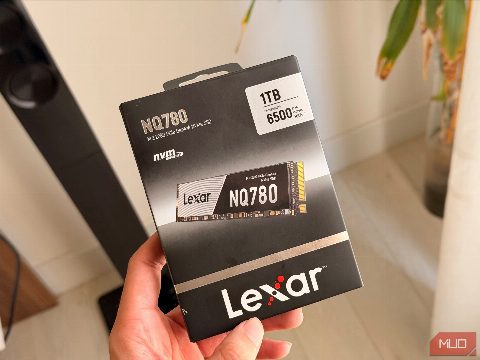
I bought a 6,000 MB/s SSD and learned how meaningless that number can.

Turning off one Chrome setting gave me a cleaner, calmer.

Brave browser offers built-in ad blocking, background video playback, and a paid VPN.
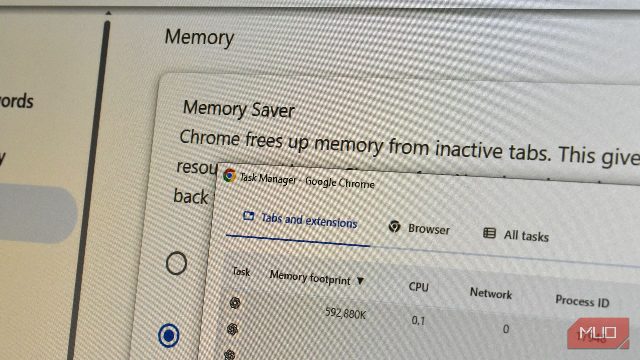
We all know that Chrome uses memory like no other browser, but this was.

When Google finally unveiled its Googlebooks last week, one lingering question we had was what would become of Chromebooks. A core difference between the new Googlebooks and Google’s Chromebook devices is the operating system.

I left Chrome for Arc earlier this year, but vertical tabs might pull me.